
.DOC
Word 97–2003
Binary archive file
- New Word can open it
- Compatibility Mode locks newer tools
- Phone and cloud previews often break layout
Quick answer: Open the .doc in Word or WPS Writer, then File → Save As → Word Document (*.docx). Renaming .doc to .docx does not convert the file. For contracts and resumes, convert offline with free WPS Writer—no watermark, no upload.
Official download · Windows, Mac, Linux, Android, iOS
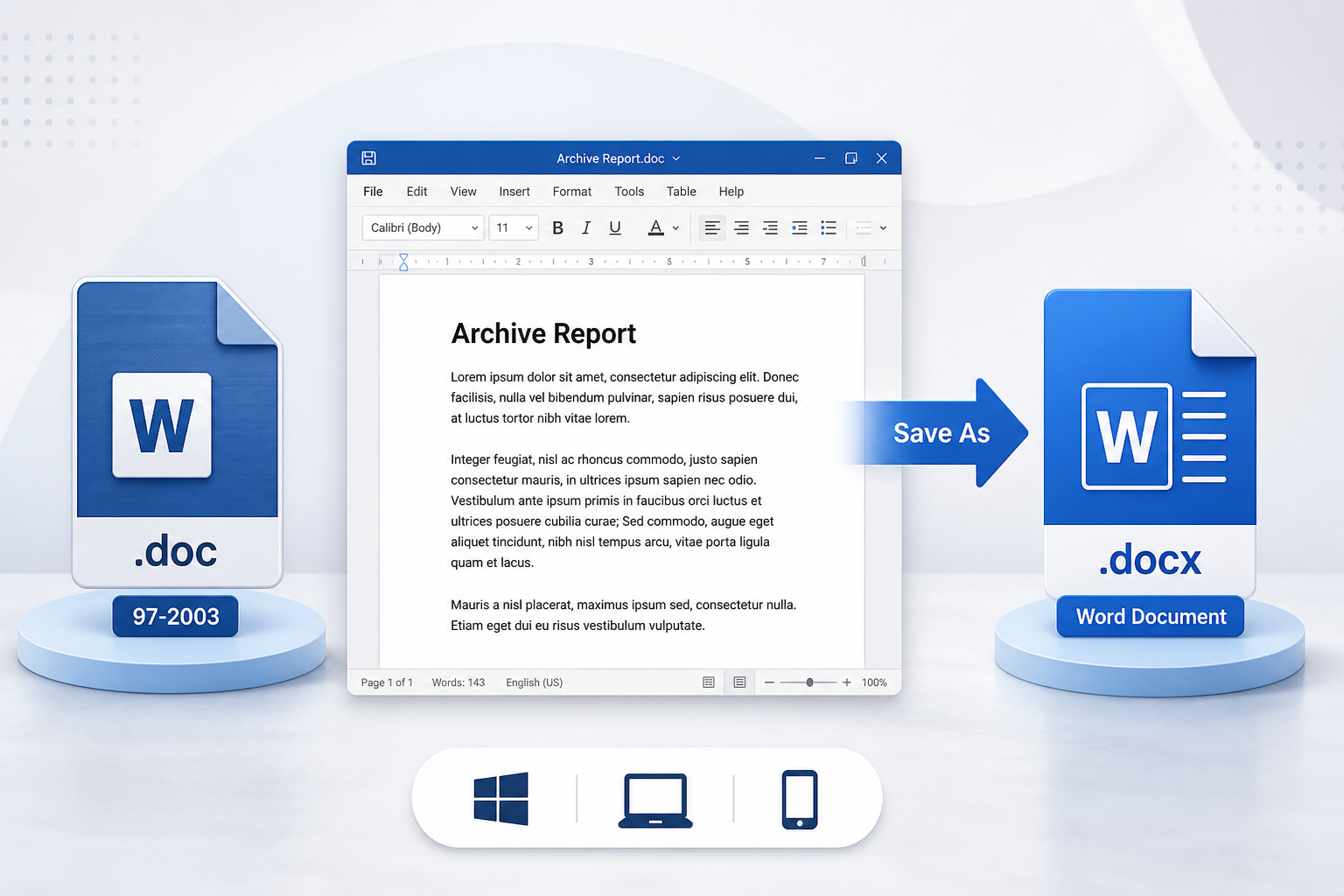
DOC file to Word conversion graphic
A .doc file is Word 97–2003 (binary). A .docx file is Word 2007+ (Office Open XML)—the format people mean by “a Word document” today. New Word can usually open .doc, but it often starts Compatibility Mode: you can read the file, while many newer editing tools stay locked until you convert.
Word 97–2003
Word Document
Four steps in Microsoft Word. Keep the original .doc, then reopen the .docx and check layout.
Open the old file in Word. Do not start from a copy you already renamed.
Windows
File → Save As
Mac
File → Save a Copy
Look for File Format, not only the name box.
Word will not batch this for you. If you convert folders of files, you do not have Word, or you need Mac and phone, use WPS Writer instead of a random website.
If Word is not installed or not activated, download WPS Office, open Writer, and Save As Word Document (*.docx). You can open a DOC file without Office and keep the file on your PC.
Upload sites are convenient until the file is a contract, resume, or ID scan. They also add watermarks, size caps, or a sign-up wall.
Desktop Save As stays local—no upload, no converter stamp on everyday saves, and no Microsoft 365 license required for core conversion.
On Mac, Word hides Save As behind File → Save a Copy. On iPhone or Android, Mail and Files often preview .doc but cannot reliably rewrite it as .docx.
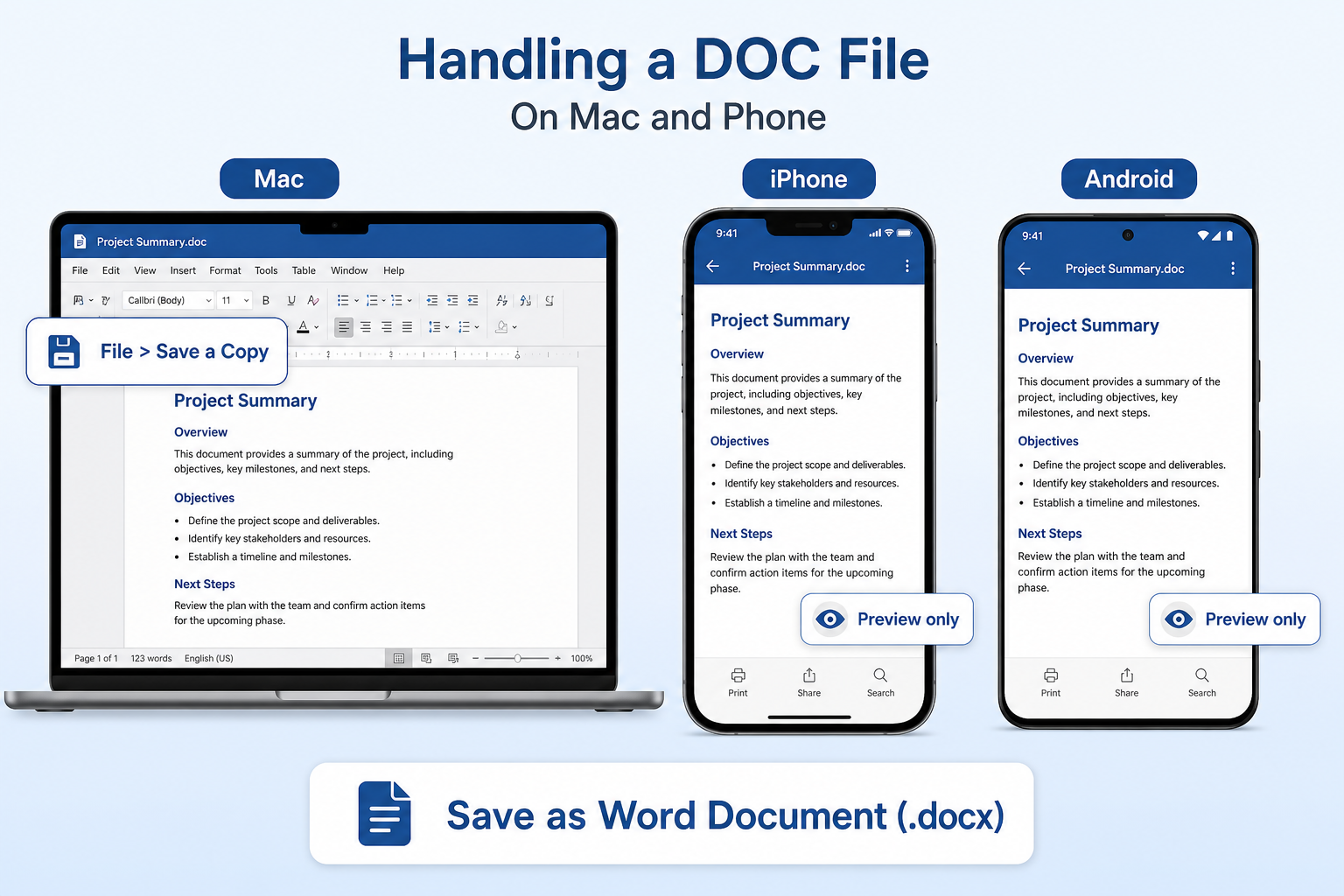
Use File → Save a Copy, then File Format → Word Document (.docx). Finder rename is not conversion.
Preview is fine for one file. Open in WPS Writer, then save as a Word document—Mail/Files rarely rewrite the format.
A folder of archives belongs on Windows or Mac WPS so conversion stays local. Phone is not the batch path.
No. Changing .doc to .docx only changes the filename. Inside it is still the old binary format.
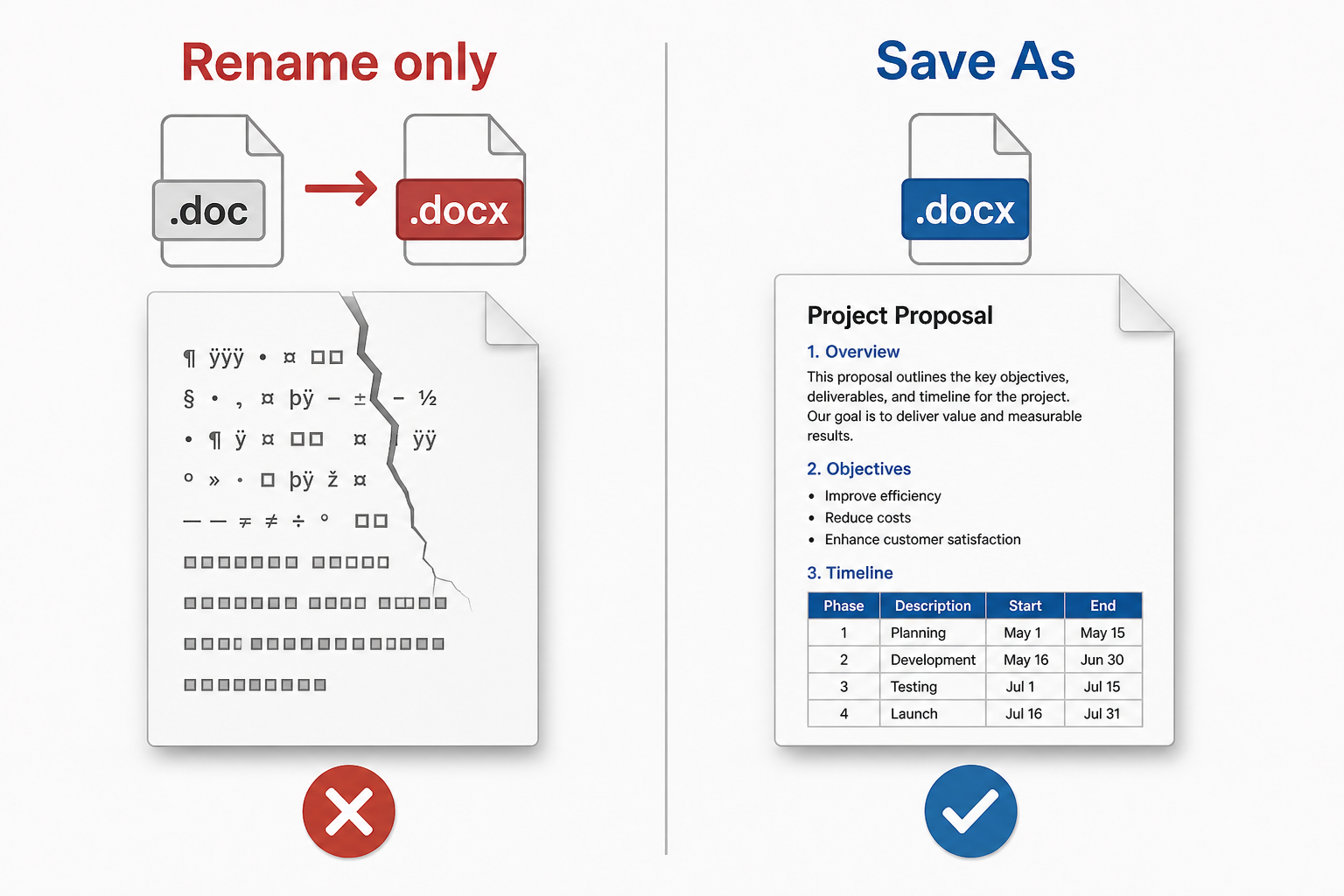
Don’t rename. Recipients often see a damaged file, garbled text, a blank page, or a format-mismatch prompt. Do not keep editing the fake .docx.
Do Save As in Word or WPS Writer. If a renamed file already looks broken, convert again from the original .doc.
Free DOC file to Word converter
Online sites cap file size, add watermarks, and upload resumes. WPS Writer converts on your PC, supports batch jobs, and keeps working when Microsoft Word is not activated.
Old binary files can shift pictures, split tables, or drop page numbers when you “upgrade” them. Always reopen and check page 1 and the last page.
Equations, older drawing objects, and nested tables are the usual missing pieces after conversion. If content vanishes, the copy is not a safe master.
Web converters store what you upload. HR packs and NDAs should stay on the device. Free web tools also watermark pages or block large files.
Word makes you Save As one file at a time. Folders of policies should not take an afternoon. A garbled or blank result is often a renamed fake .docx.
If Word is already installed, Save As to Word Document is enough for one file. Download WPS Writer when Compatibility Mode locks tools, you need batch conversion, there is no Microsoft license, or you want an offline path that does not upload the document.
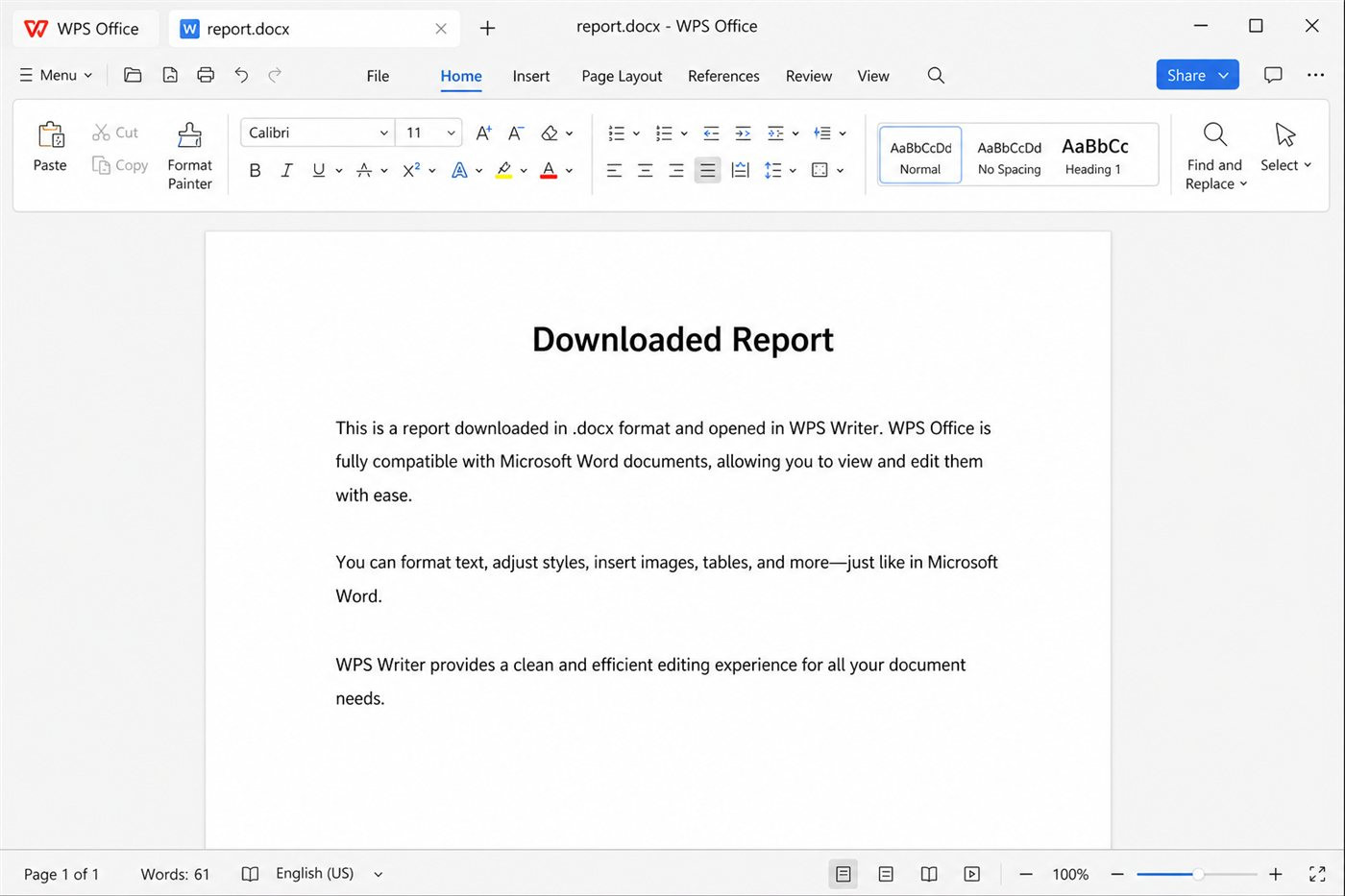
WPS Writer Word document on desktop
Open .doc, save .docx, or export PDF from the same Writer workspace—no extra converter sites.
Open and edit Word files, then save as .doc or .docx in Writer.
Learn moreNeed PDF as well as a Word document? Convert office files in the same suite.
Learn moreSave vs Save As in Word and WPS, including format choices.
Learn more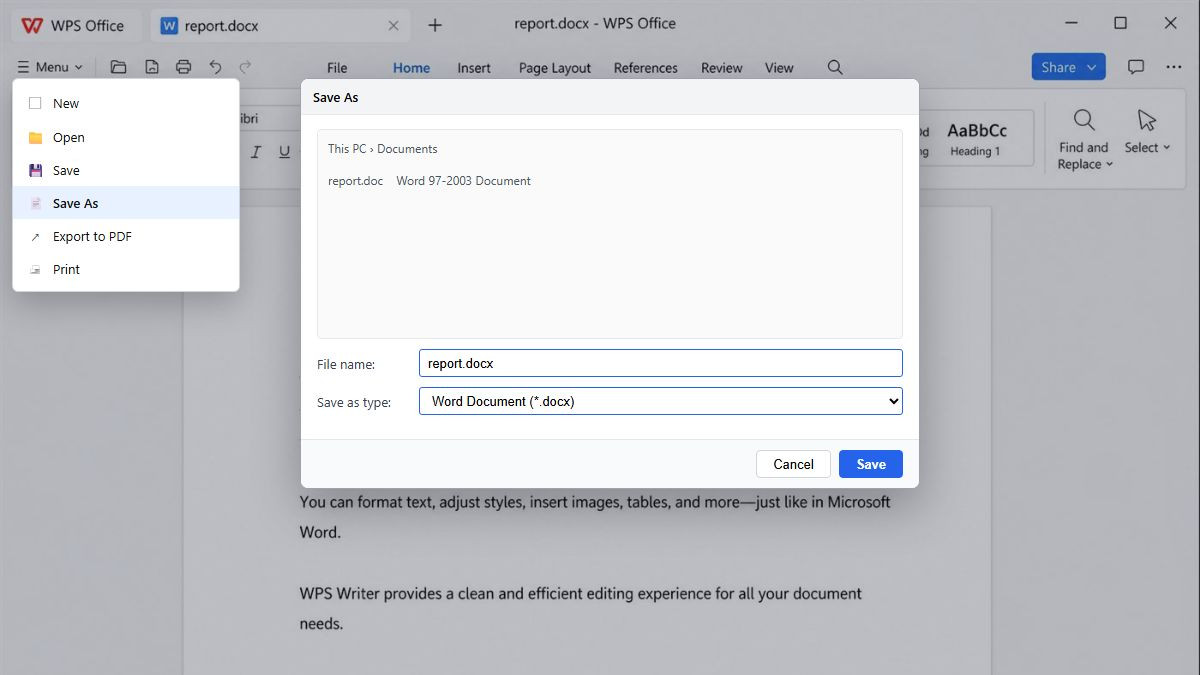
Save DOC as DOCX format list
Open the .doc, Save As .docx, check layout, then batch more files if you need a folder of Word documents.
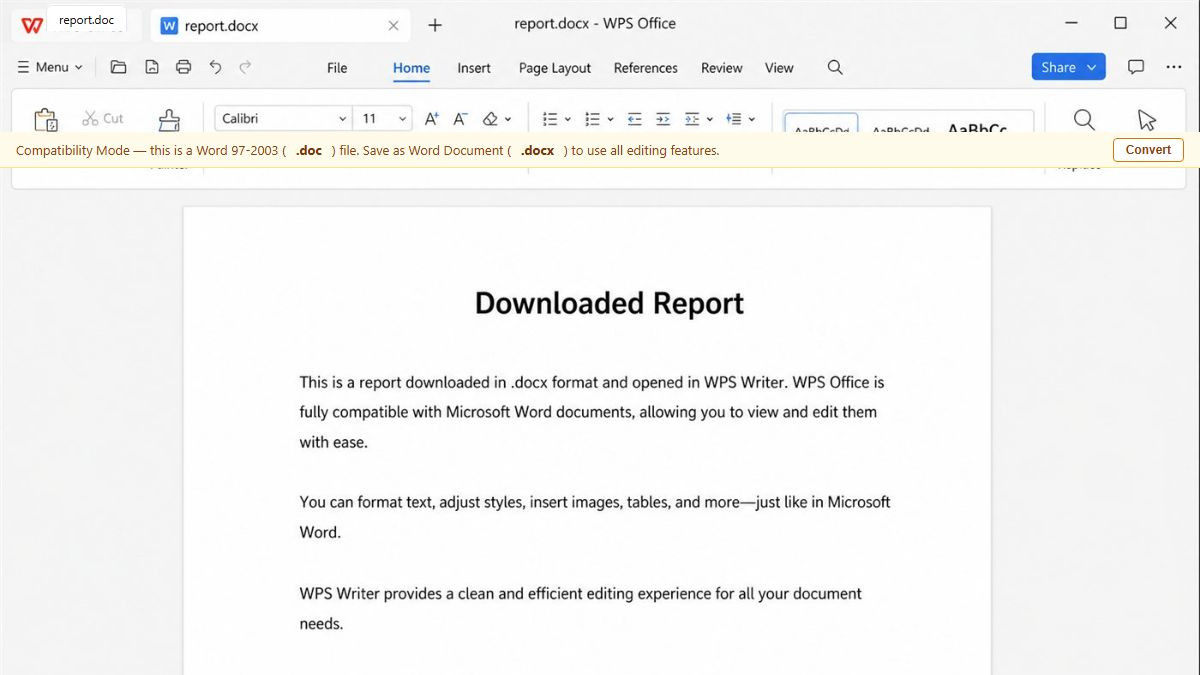
Download WPS Office, open Writer, and load your .doc. You do not need Microsoft Word. If you see Compatibility Mode, that is normal for old binary files.
Go to Menu → Save As and choose Word Document (*.docx). Do not only rename the file extension from .doc to .docx.
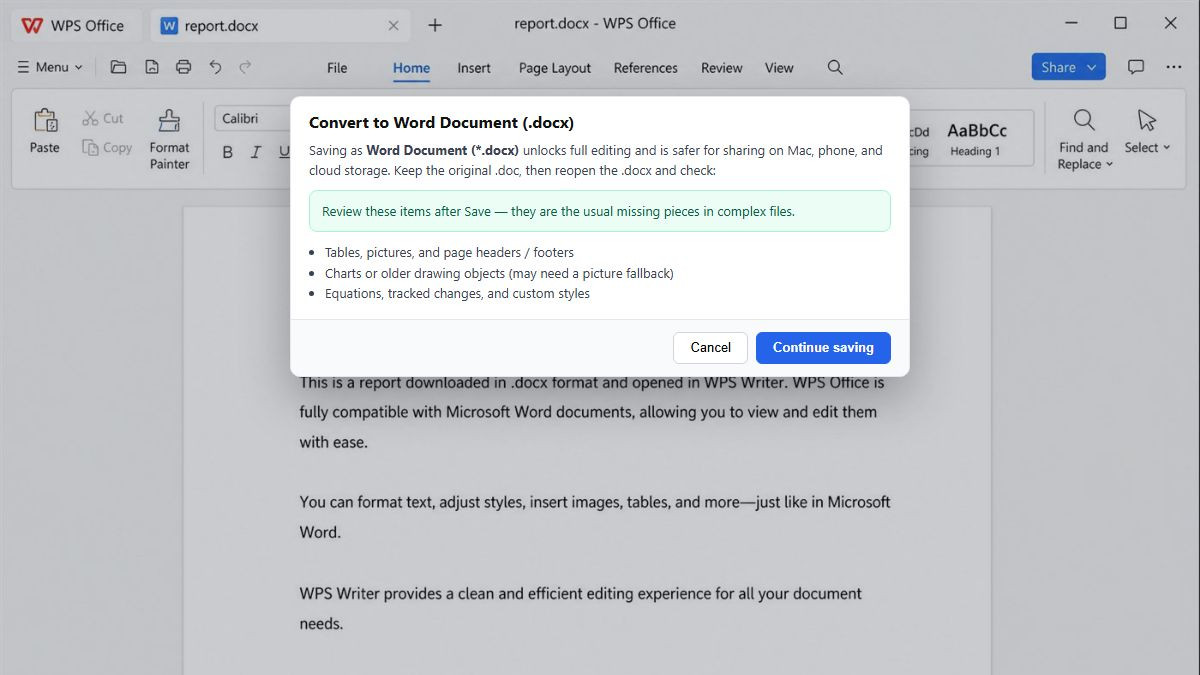
Keep the original .doc. Reopen the .docx and review charts, equations, headers, and signatures so nothing is missing before you share it.
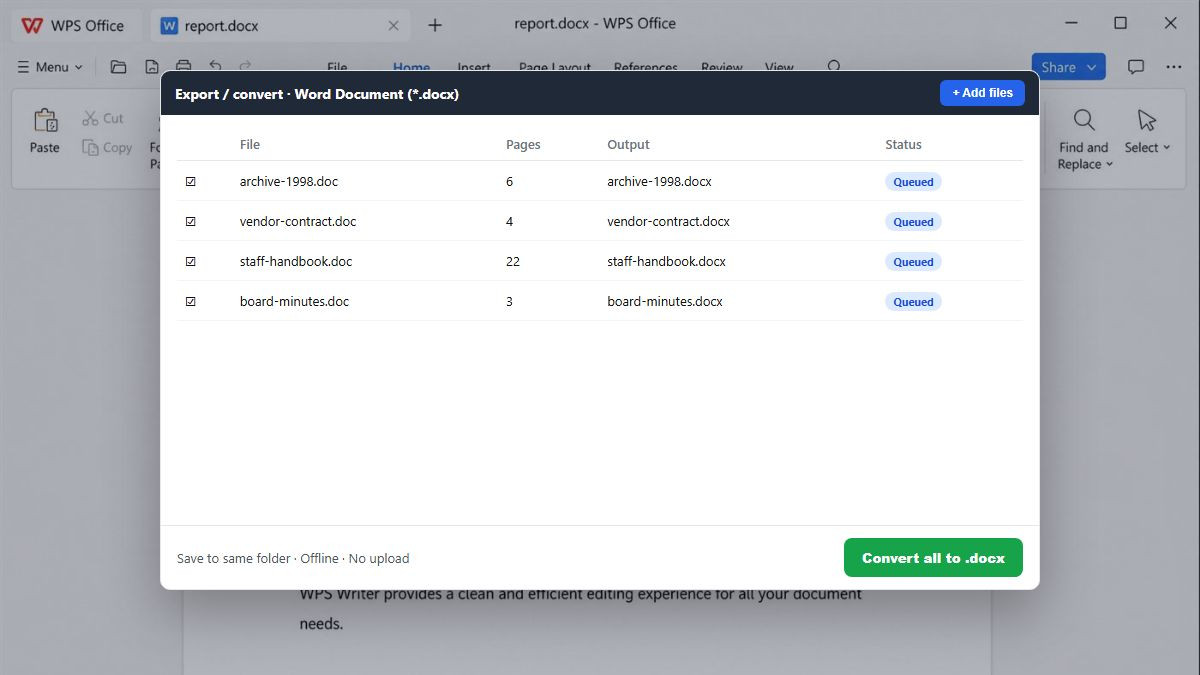
Add several archive documents and convert them together offline—faster than repeating Save As, with no upload.
What .doc means, Word Save As, renaming the extension, formatting, privacy, batch, Mac/phone, and free offline conversion.
Convert .doc to .docx offline, skip watermarks and sign-up walls, and keep contracts on your PC. Use Word Save As when you already have Word—download WPS when you need batch conversion or no Microsoft license.
Get started on Windows, Mac, Android, or iOS via the official WPS Office download page.
WPS Writer on desktop for Word files
REAL USERS · WPS OFFICE
Trusted when online converters feel risky
Teams turn archive .doc files into Word documents without watermarks, ads, or mystery uploads.
“Compatibility Mode locked half the ribbon. WPS Save As to .docx kept the table—renaming the extension had broken the last batch.”