WPS Writer

The free docx editor for Word files

Open, edit & save .docx with full Word compatibility — on desktop and mobile.

.docx .doc .docm .rtf .txt
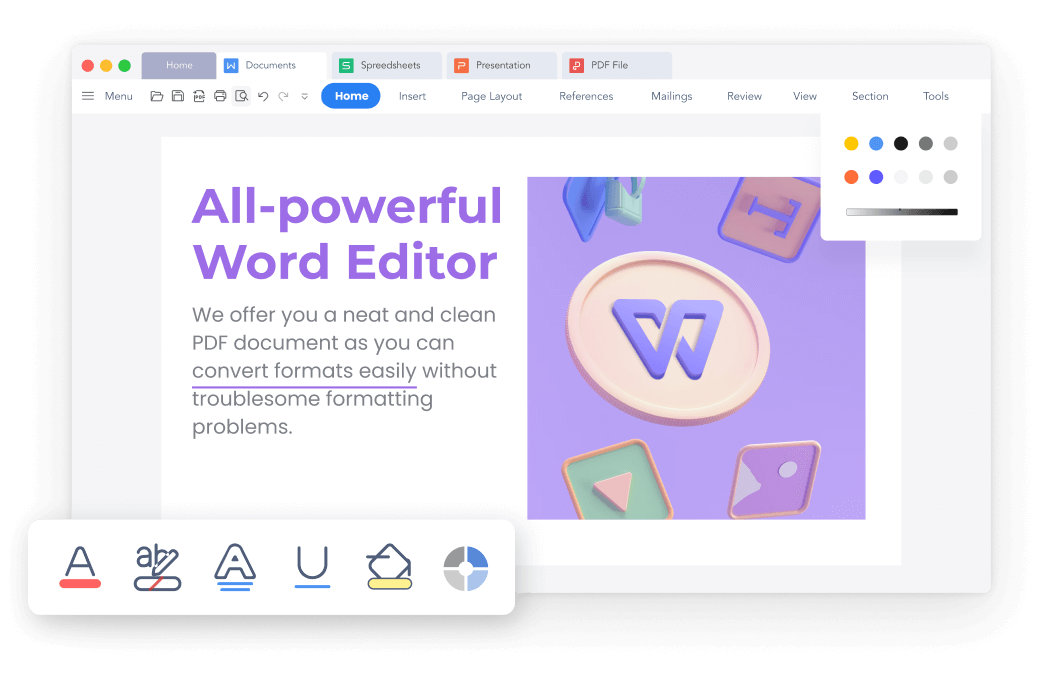
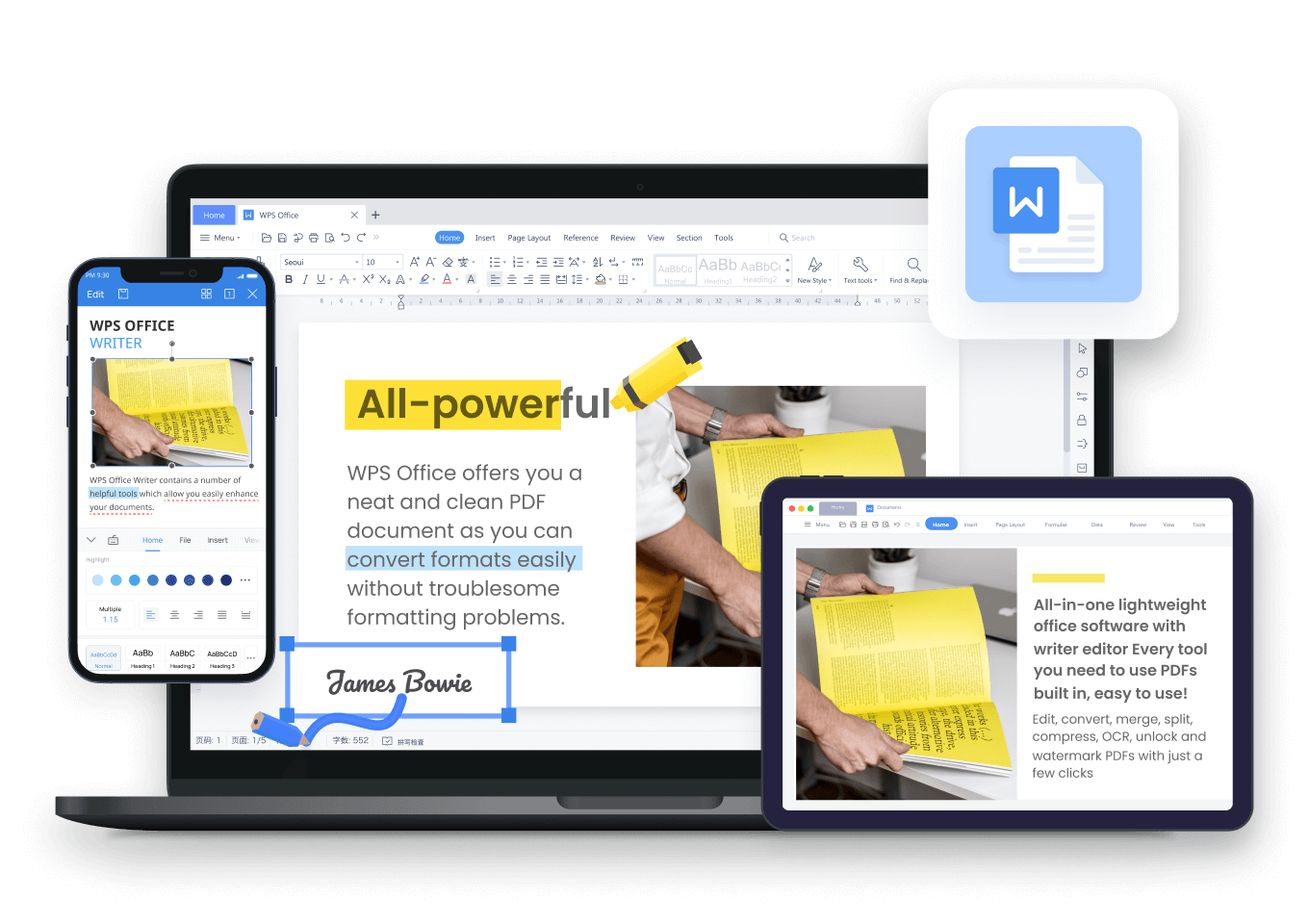
WPS Writer free docx editor — edit DOC and DOCX with full Word formatting and file compatibility
WPS Writer Features

See what WPS Writer can do as your docx editor

Open Word files, edit with AI, export to PDF — all in one free app. Click any image to zoom.

Feature 01

Open & Edit DOCX with Full Word Compatibility

WPS Writer is compatible with 15+ file formats, including .doc, .docx, .docm, .dotm, .txt, and .rtf. As a Microsoft Word–compatible docx editor, it preserves text, headings, colors, cell formats, layout, and every component — fully compatible with Word 365, 2021, 2019, 2016, and earlier versions.

  • Native .docx editing — no conversion needed
  • Maintain fonts, styles, tables & page layout
  • Save as .doc, .docx, or export to PDF
.docx .doc .docm .rtf
Download Free DOCX Editor
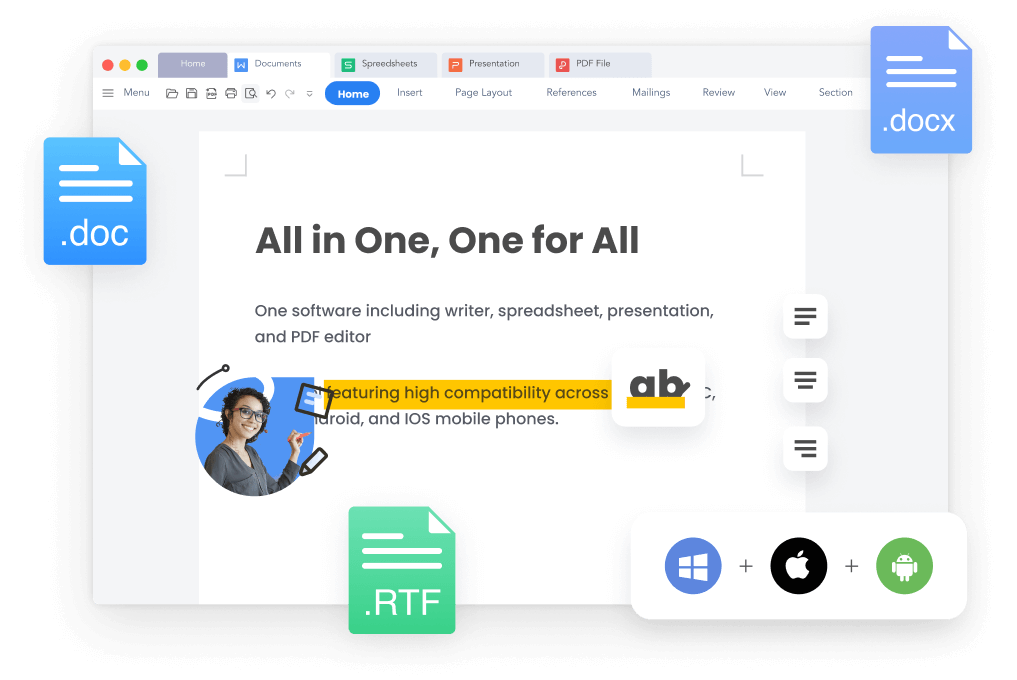
WPS docx editor — compatible with DOC and DOCX Microsoft Word files
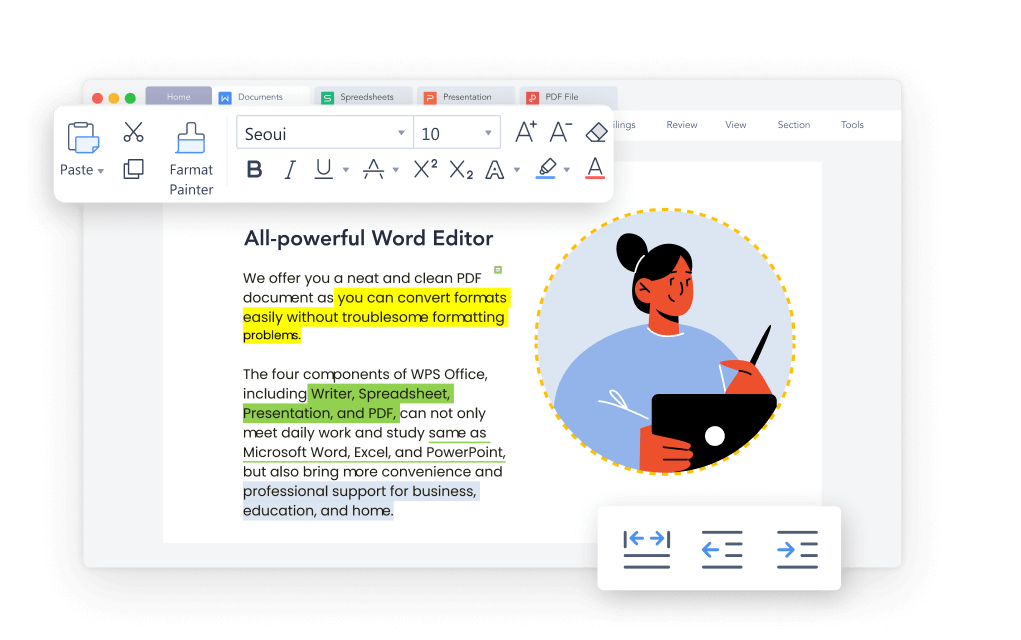
WPS Writer AI docx editor — smart writing for Word documents
Feature 02

Smart AI Writing Inside Your DOCX Editor

Beyond formatting, WPS Writer features an integrated AI writer that revolutionizes your docx workflow. Generate full articles, polish tone, summarize complex text, expand ideas, and refine content — all inside the same docx editor workspace, not a separate online tool.

  • AI drafting, rewriting & summarization
  • WPS AI Spell Check — accurate grammar suggestions
  • Professional results with minimal effort
Try AI DOCX Editor Free
Feature 03

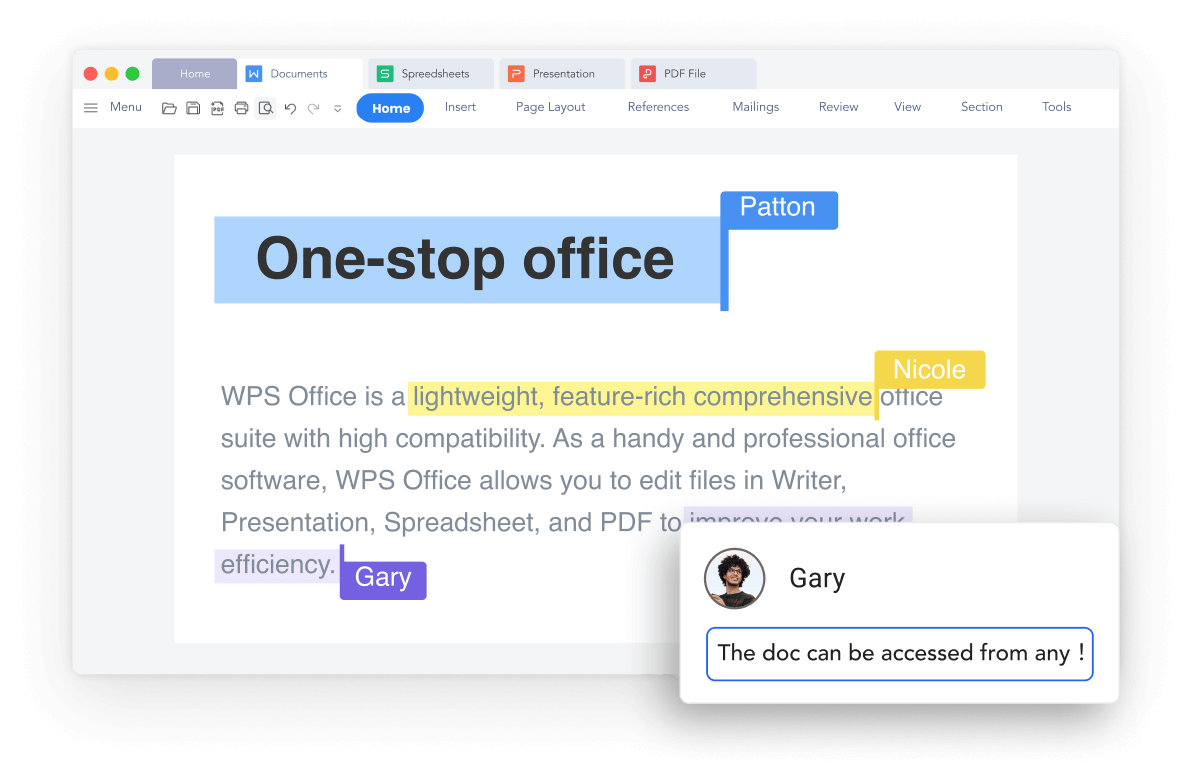
Familiar Ribbon Interface — Just Like MS Word

Transitioning from Microsoft Word? WPS Writer's intuitive ribbon layout, toolbars, and menu structure feel instantly familiar. No learning curve — this free Word doc editor is designed for anyone seeking a Microsoft Word alternative that looks and works like the original.

  • Ribbon tabs, toolbars & familiar menus
  • Easy to adapt — user-friendly for all skill levels
  • Free alternative to Microsoft Word
Get Free Word Editor
WPS Writer docx editor — familiar Word-like ribbon interface
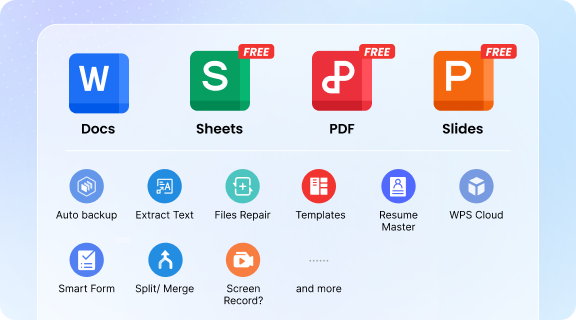
WPS docx editor cloud sync — edit Word documents across devices
Feature 04

Edit DOCX Anywhere — Sync, Share & Collaborate

Manage and share Word files from anywhere. WPS Writer syncs your docx documents across PC, Mac, Linux, Android, and iOS — with Google Drive integration, real-time co-editing, version history, and secure share links. Edit the same document simultaneously with teammates, classrooms, or remote colleagues.

  • Real-time collaboration & comments
  • Save to Google Drive, Dropbox & cloud
  • Version history & contributor tracking
Windows Mac Linux Android · iOS
Download Free DOCX Editor
Feature 05

100,000+ Free Word Templates to Jumpstart Creativity

Start with a blank docx or choose from professionally designed templates in .doc and .docx formats. Download free, editable templates for CVs, letters, reports, invitations, and more — no design skills needed. Your docx editor becomes a creative launchpad.

Browse Word Templates
WPS Writer free Word templates for docx editor
Step-by-Step Guide

How to edit DOCX files in WPS Writer

Get started with the free docx editor in minutes — no Microsoft Word subscription required.

1

Launch WPS Office

Download and install WPS Office on Windows, Mac, Linux, Android, or iOS — one free docx editor for every device.

2

Select Docs / Writer

Open the Writer module — your dedicated Word doc editor workspace for all .docx files.

3

Create or open a document

Click + Blank for a new docx, pick a free Word template, or use Open to load an existing .doc/.docx file from your computer.

4

Edit your DOCX file

Edit text, styles, tables, images, headers, and footnotes with the full range of Word-compatible tools in this docx file editor.

5

Polish with AI & Spell Check

Use WPS AI Writer to rewrite, summarize, or proofread — or run the built-in spell checker for error-free docx content.

6

Share or collaborate

Share secure online links, co-edit in real time, or save to Google Drive — collaborate on docx files from anywhere.

7

Save or export

Save as .docx, .doc, or export to PDF or images — formatting stays intact throughout.

Why Choose WPS

Why WPS Writer is the smarter docx editor

Lightweight & free

All-in-one office suite without installing multiple apps — edit docx files free forever on the core tier.

Cross-platform sync

One account across phone, tablet, and PC — your docx editor experience stays consistent everywhere.

AI-powered editing

Rewrite, summarize, and proofread docx content with WPS AI — built into your Word doc editor.

Word compatible

Open, edit, and save native Office formats with high fidelity — the docx editor that won't break your files.

0

M+ Users

0

Templates

0

Platforms

0

+ File Formats

Real users · DOCX editor

Trusted as a free Word doc editor worldwide

Based on 7,174+ reviews — hear why users choose WPS Writer over subscription Word and view-only docx apps.

★★★★★ 4.8 avg rating · G2 Leader · Editor's Choice
Download Free DOCX Editor

Reviews reflect common themes from G2 Crowd, CNET, Google Play & Trustpilot.

Works just like Microsoft Word

WPS Writer works seamlessly as a docx editor — all changes update instantly without issues. My .docx files open perfectly, and it's a great choice if you're looking for a reliable Microsoft Word free alternative.

Phillip United Kingdom · G2 Crowd

Best free docx editor — stable & accurate

WPS Office is easy to use, stable, and offers accurate grammar suggestions in the docx editor. It's the best option if you want a Word free download that doesn't crash and actually helps you write better documents.

Andrea Mexico · CNET

Office Word files converted smoothly

Very user-friendly! My Office Word and Excel files were easily opened in WPS Writer with no corruption at all. If you're searching for a free Word document editor or docx file editor, this is the perfect solution.

Ferdz Philippines · Google Play

Opens docx without breaking layout

I receive DOCX from clients daily. WPS opens them with proper formatting — tables, headers, fonts — better than other free docx editors I tried. For anyone who needs to edit Word documents professionally, WPS Writer delivers.

Sarah L. Project Coordinator · Canada

Free tier that actually edits docx

I'm a student on a budget. WPS free version handles my essays and reports in docx format without forcing paywalls on every file. Compared to view-only readers, this docx editor feels professional every day.

Emily T. University Student · Australia

Desktop + mobile docx editing

Most docx tools are mobile-only viewers. WPS runs on my Windows PC and Android phone with cloud sync. I draft in Writer on desktop, tweak docx files on the train — one account, one Word doc editor, every device.

Daniel R. Freelance Consultant · Germany
FAQs

DOCX editor — common questions

What is a docx editor?

A docx editor is software that opens, edits, and saves Microsoft Word .docx files. WPS Writer is a free docx file editor built into WPS Office — it handles daily Word document tasks without requiring a Microsoft 365 subscription.

Is WPS Writer a free docx editor?

Yes. WPS Writer's free edition covers most docx editing features — open, edit, save, spell check, and PDF export. Premium templates, advanced AI, and OCR are available via WPS Pro subscription.

Can WPS open and edit Microsoft Word .docx files?

Yes. WPS Writer is fully compatible with Word 365, 2021, 2019, 2016, and earlier versions. Open any .doc or .docx file and edit with fonts, styles, tables, and layouts preserved.

Will my DOCX formatting break in WPS Writer?

No — WPS Writer maintains original fonts, styles, layouts, tables, and number formats when opening or saving Word documents. Your docx files remain intact throughout the editing process.

How is WPS Writer different from Microsoft Word?

The main differences are cost and accessibility. Microsoft Word often requires a subscription; WPS Writer offers a high-quality docx editor free download. WPS also supports Linux, integrates with Google Drive, and includes built-in AI writing tools.

Can I edit docx on mobile with WPS?

Yes. WPS Writer on Android and iOS is a full docx editor — not view-only. Edit Word documents on your phone, sync via cloud, and continue on desktop with the same account.

Can I save docx files to Google Drive?

Yes. WPS Writer offers seamless Google Drive integration — save, sync, and access your Word documents from anywhere for efficient collaboration.

Free download · All platforms

Get WPS Writer — your free DOCX editor

Open, edit and save .docx files with full Word compatibility. Free to start on Windows, Mac, Linux, Android & iOS — plus Excel, PPT & PDF in the same office suite.

  • Native docx editing — not view-only
  • AI writing, templates & spell check built in
  • Trusted by 200M+ users worldwide
Download Free DOCX Editor

One installer · WPS Writer + Spreadsheet + Presentation & PDF