
.DOCX
Word 2007+
Office Open XML
- Default in new Word
- Better for Mac, phone, and cloud
- Older Word / some portals cannot open it
Quick answer: Use Word or WPS Writer File → Save As → Word 97-2003 Document (*.doc). Renaming .docx to .doc does not convert the file. For contracts and resumes, convert offline with free WPS Writer—no watermark, no upload.
Official download · Windows, Mac, Linux, Android, iOS
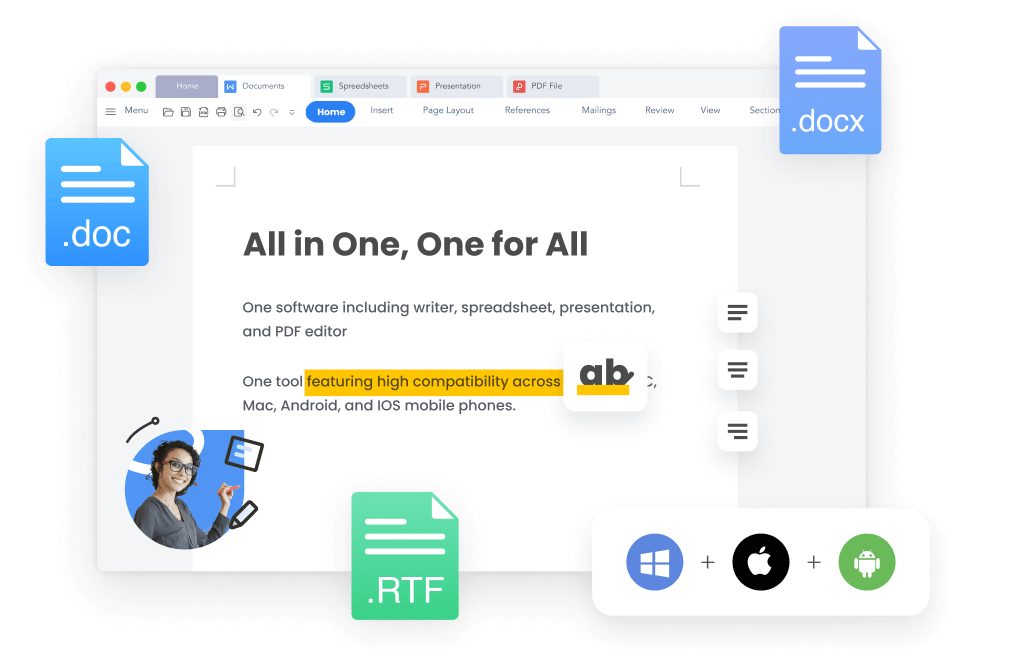
WPS all-in-one Word file formats
DOC is Word 97–2003 (binary). DOCX is Word 2007+ (Office Open XML). Newer Word defaults to .docx, so older Word, some archives, and a few portals still reject the file. That is why someone “can’t open” your attachment—not because the document is empty.
Word 2007+
Word 97–2003
Don’t rename .docx to .doc. The bytes stay XML. Recipients get a damaged or unreadable file.
Do Save As to Word 97-2003 Document (*.doc). The file must be rewritten.
Four clicks in Word. Keep the original .docx, then reopen the .doc and check layout.
Open the Word file in Microsoft Word. Do not start from a copy you already renamed.
Windows
File → Save As
Mac
File → Save a Copy
Look for File Format, not only the name box.
Word Document (*.docx) stays selected until you change it.
Keep the original .docx. Reopen the new .doc before you send it.
Word will not batch this for you. If you convert folders of files, or you do not have Word, use WPS Writer instead of a random website.
No. Changing .docx to .doc only changes the filename. Inside it is still XML. Recipients often see a damaged file, garbled text, or a prompt that the format does not match. Use Save As or WPS Writer. If a renamed file already looks broken, convert from the original .docx again—do not keep editing the fake .doc.
Free DOCX to DOC converter
Online sites cap file size, add watermarks, and upload resumes. WPS Writer converts on your PC, supports batch jobs, and exports PDF or TXT from the same app.
Complex files can drop SmartArt, charts, or equations when saved as old .doc. Always reopen and check page 1.
Web converters store what you upload. HR packs and NDAs should stay on the device.
Word’s Save As lives in different menus on Mac vs Windows. Phones cannot rely on desktop Word at all.
Word makes you Save As one file at a time. Folders of policies and invoices should not take an afternoon.
If Word is already installed, Save As to Word 97-2003 is enough for one file. Download a docx to doc converter when you need batch conversion, no Microsoft license, Mac/mobile, or an offline path that does not upload the document.
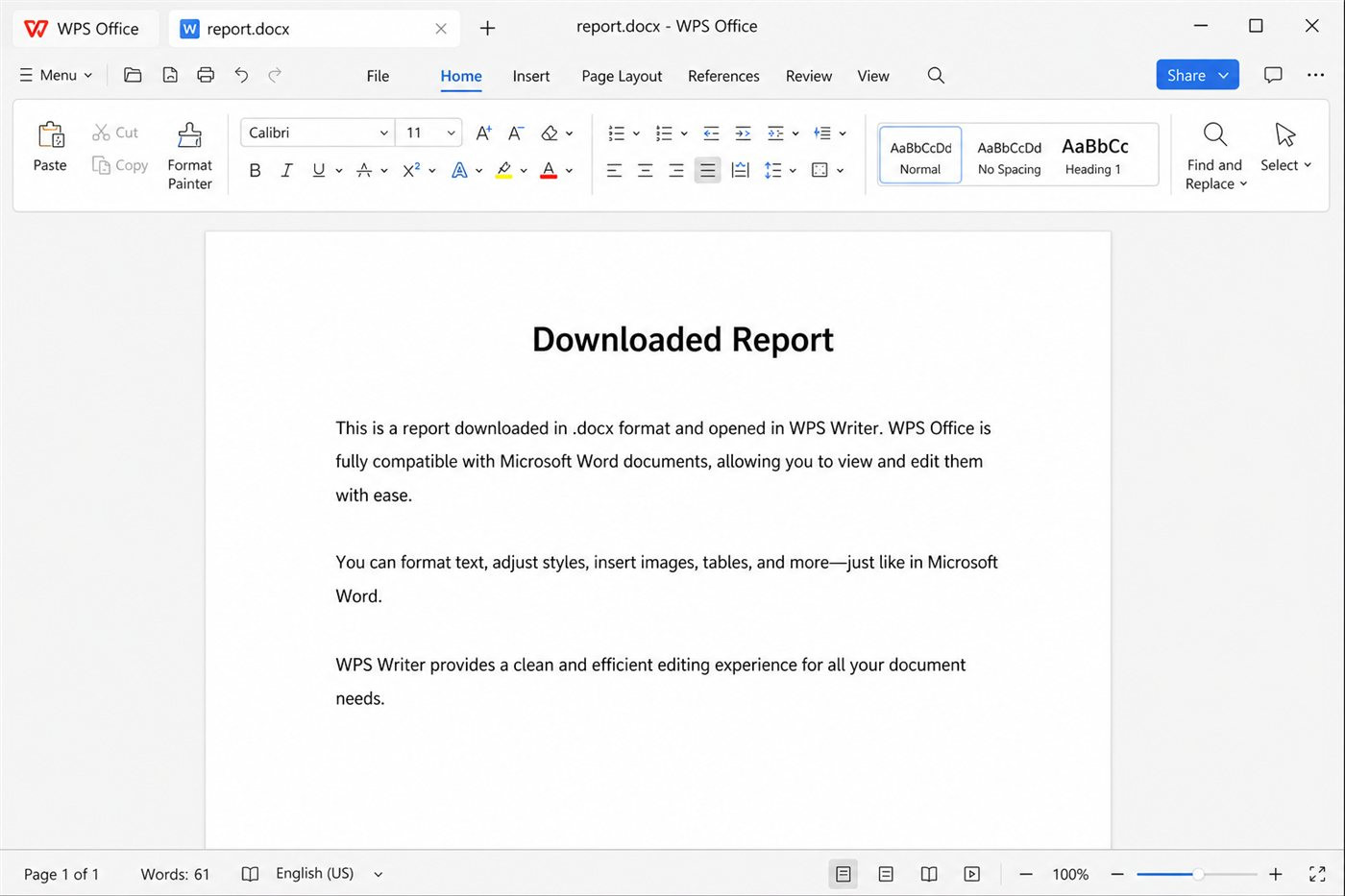
WPS Writer Word document on desktop
Edit .docx, save .doc, or export PDF and TXT without extra converter sites.
Open and edit Word files, then save as .doc or .docx in Writer.
Learn moreNeed PDF as well as .doc? Convert office files in the same suite.
Learn moreSave vs Save As in Word and WPS, including format choices.
Learn more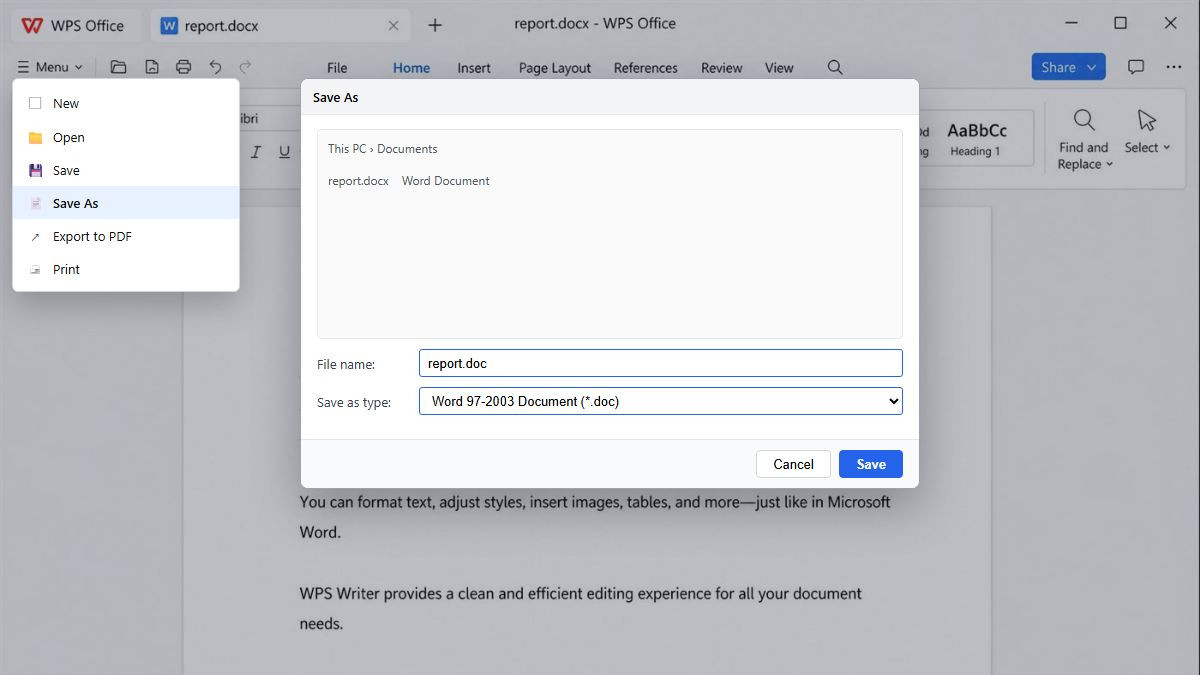
Save DOCX as DOC format list
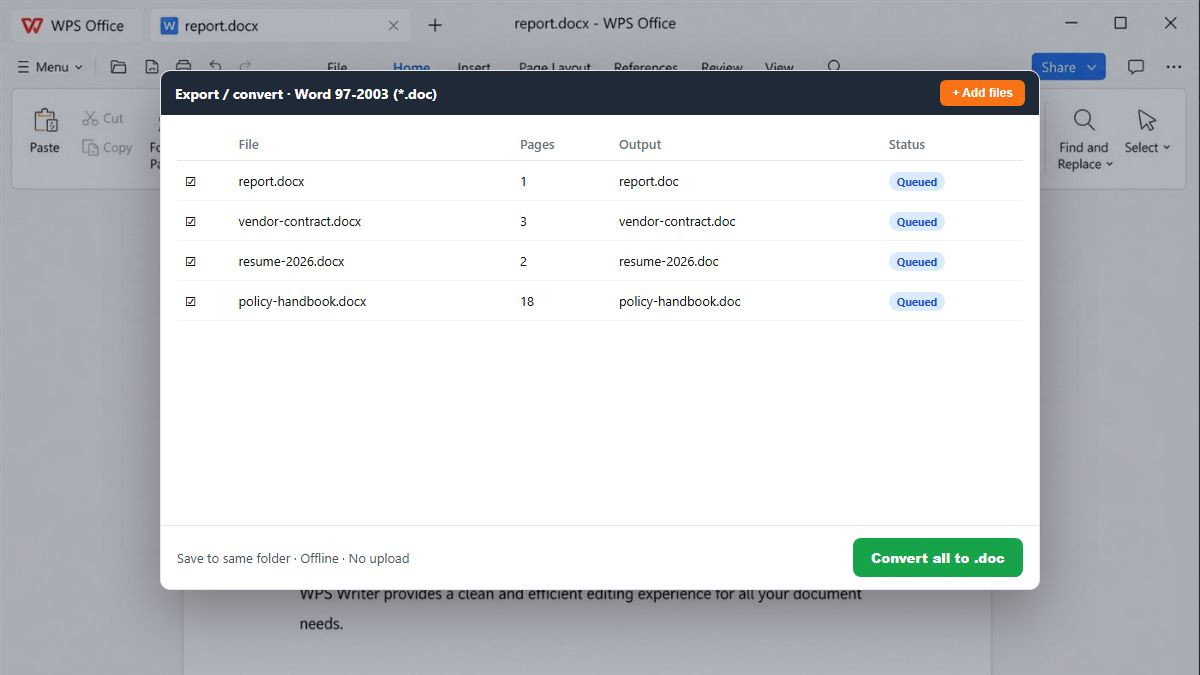
Open the Word file, Save As .doc, check layout, then batch more files if you need a folder of documents.
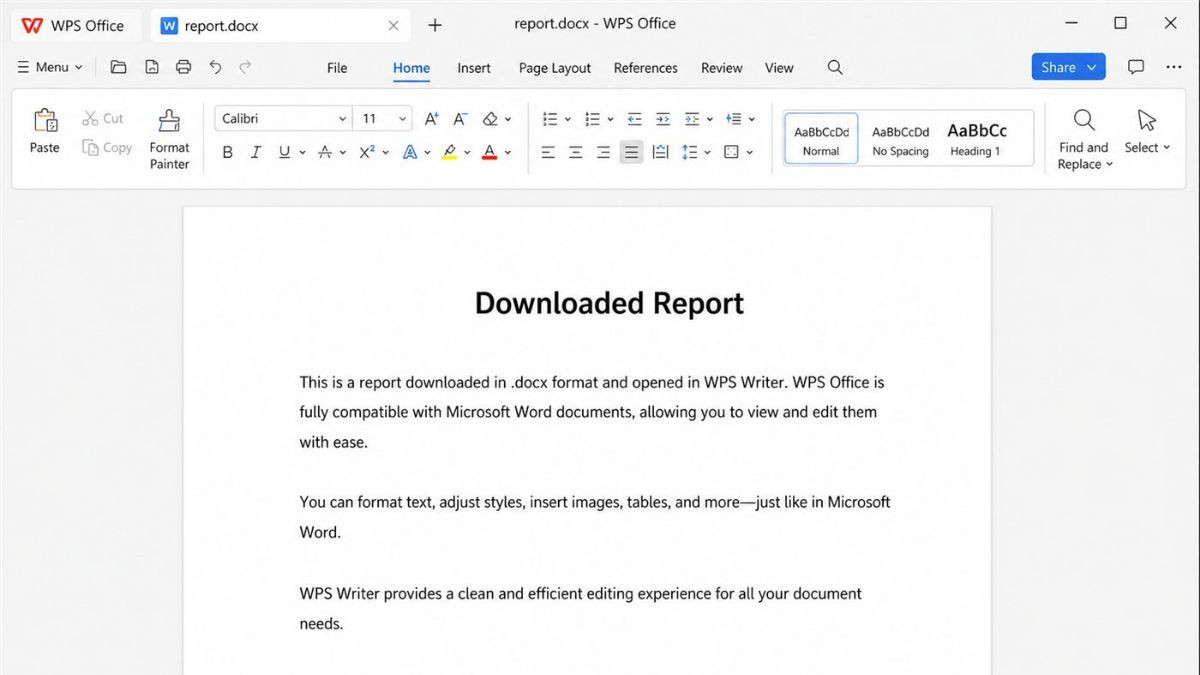
Download WPS Office, open Writer, and load your .docx. You do not need Microsoft Word installed to convert.
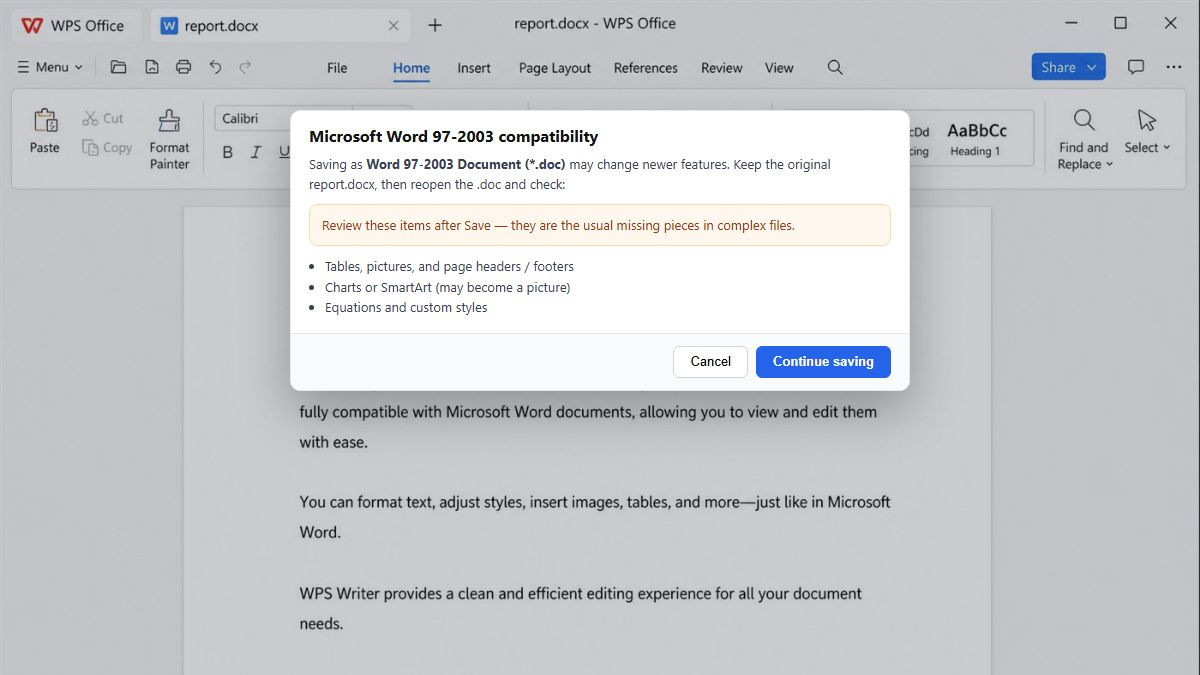
Go to File → Save As and choose Word 97-2003 Document (*.doc). Do not only rename the file extension.
Keep the original .docx. Reopen the .doc and review charts, headers, and signatures so nothing is missing.
Add several documents and convert them together offline—faster than repeating Save As, with no upload.
DOC vs DOCX, Word Save As, renaming the extension, formatting, privacy, batch, and free offline conversion.
Convert .docx to .doc offline, skip watermarks and sign-up walls, and keep contracts on your PC. Use Word Save As when you already have Word—download WPS when you need batch conversion or no Microsoft license.
Get started on Windows, Mac, Android, or iOS via the official WPS Office download page.
WPS Writer on desktop for Word files
REAL USERS · WPS OFFICE
Trusted when online converters feel risky
Teams convert contracts and resumes to .doc without watermarks, ads, or mystery uploads.
“Our archive still wants .doc. WPS Save As kept the table—renaming the extension had broken the last batch.”