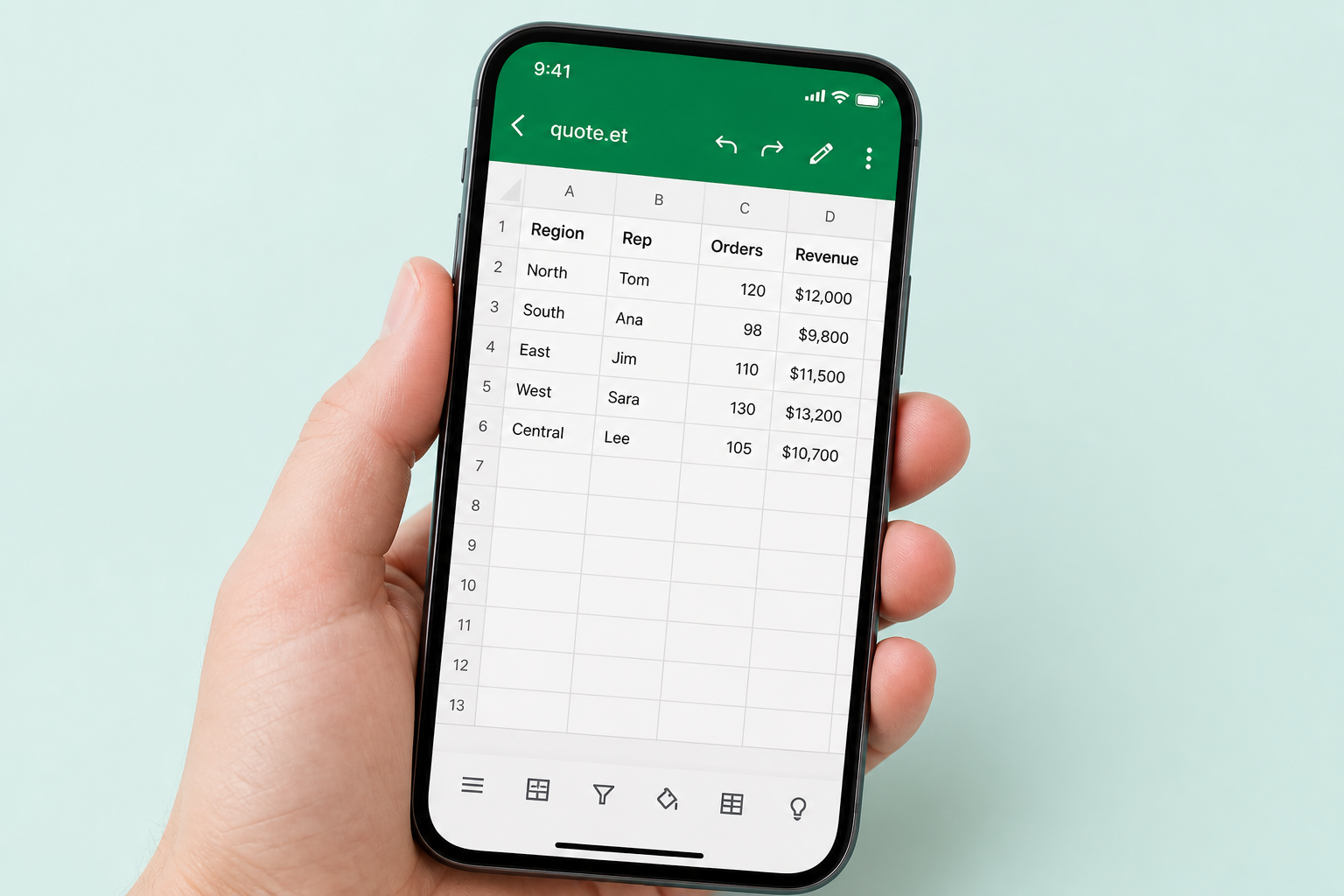
ET spreadsheet · save as Excel

Convert ET File to Excel (XLSX)

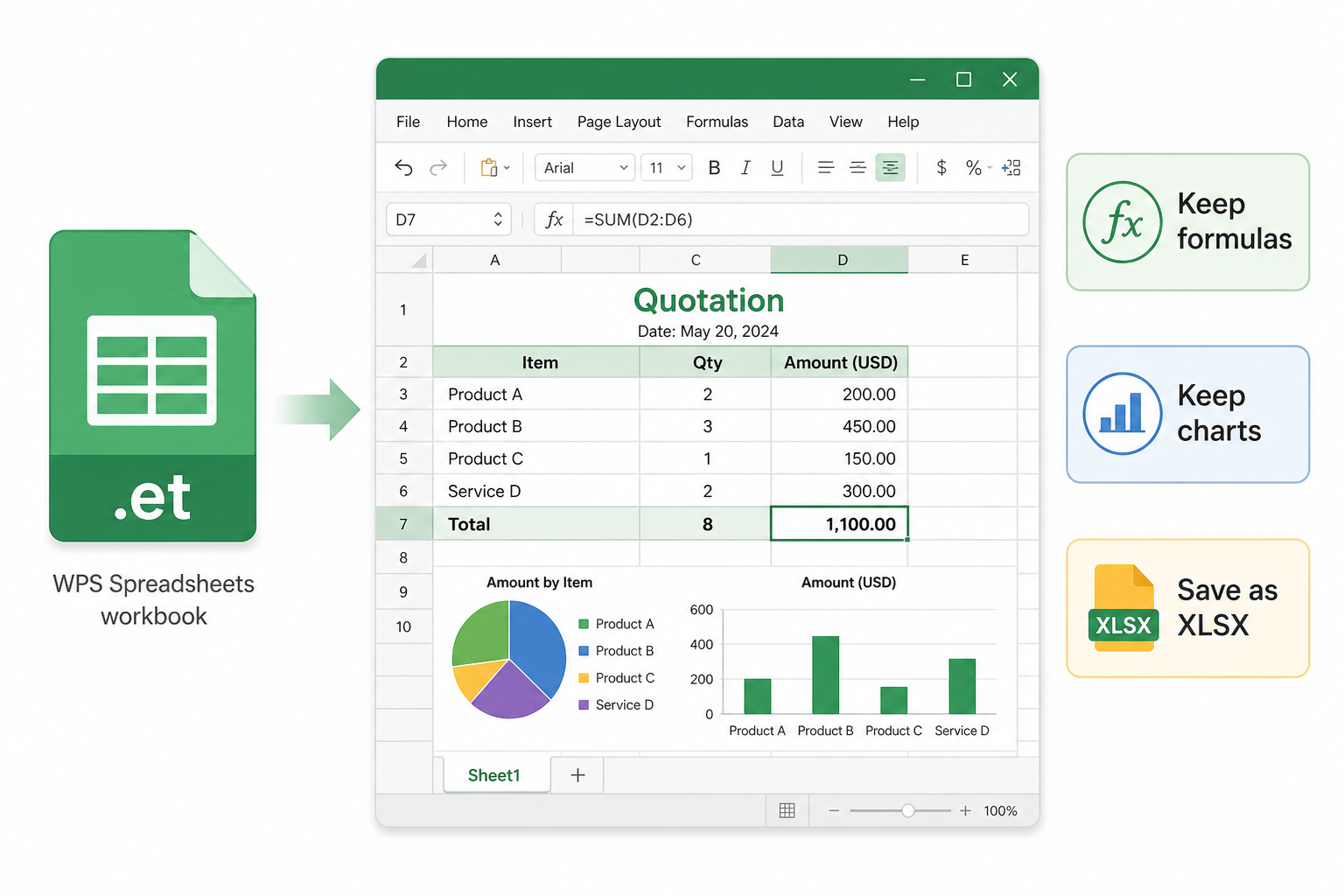
Can Excel open an ET file? Usually no. Open the .et workbook in WPS Spreadsheets, then Save As XLSX (or XLS)—keeping formulas, charts, and every sheet—so Excel opens a real workbook.

Renaming .et to .xlsx does not convert the file. Online converters often export static numbers only. WPS reads .et natively and creates a proper Excel copy.

Keep formulas & charts Windows · Mac Free to get started
Quote-Q3.et → Save As .xlsx
Open .et in WPS → Save As Excel Workbook—do not only rename the extension
fx =SUM(D2:D5)
ABCD
1ItemQtyUnitTotal
2License12$49$588
3Support12$19$228
4Training2$199$398
5Total$1,214
Quote Terms Excel copy

ET file to Excel workflow in WPS Spreadsheets

Quick context

What is an ET file?

An .et file is the native spreadsheet format of WPS Spreadsheets—worksheets, formulas, charts, and formatting in one workbook (like Excel’s .xlsx). Most “can I open et file in excel” searches hit a wall here: Excel cannot decode .et. The rest of this page focuses on ET → XLSX / XLS that keeps business logic intact.

Pain → Solution

Why ET files fail in Excel—and how to convert safely

Double-click errors, broken online converters, and risky uploads all start from the same fact: Excel has no native .et decoder.

Can Excel Open an ET File? Usually No

Microsoft Excel has no native decoder for .et. Double-click often shows an error or the file simply will not open.

  • WPS solution: Open .et natively, then Save As Excel Workbook (.xlsx) or Excel 97-2003 (.xls).
  • Import to Excel on Windows or Mac by opening the converted workbook—not the original .et.
  • Same suite also handles CSV and older XLS when sources mix.
Excel blockedSave As XLSXWindows / Mac
Excel · cannot open .et
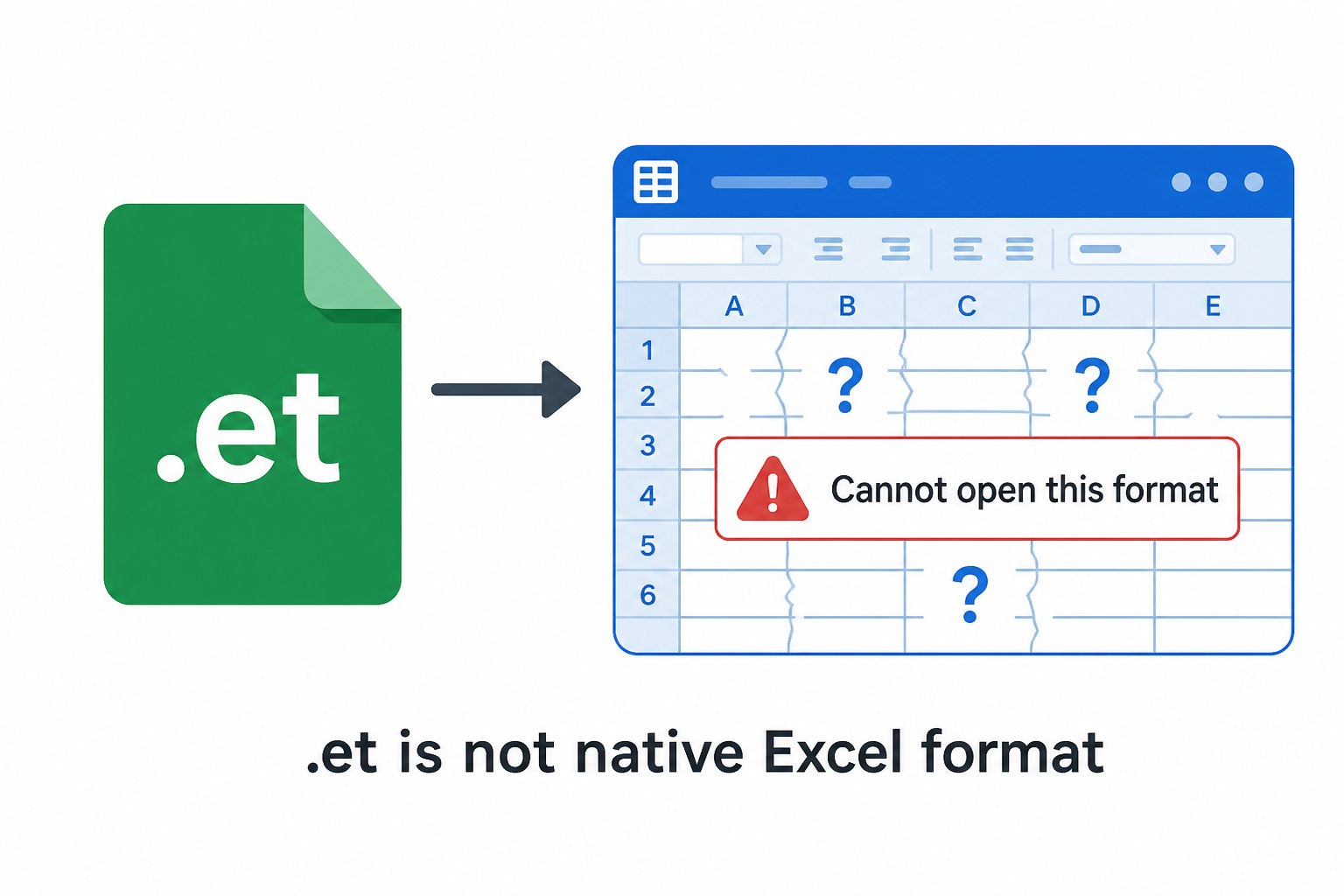
Excel cannot open ET spreadsheet file
Rename vs Save As

Renaming .et to .xlsx Does Not Convert

Changing the suffix only changes the label. Excel still cannot read the private .et structure—so “et file open in excel formatting messed up” is often a fake rename.

  • WPS solution: Use Save As inside Spreadsheets to write a real XLSX/XLS file.
  • Formulas stay formulas—not dead numbers pasted into cells.
  • Charts, merged cells, and sheet tabs survive a proper conversion.
No fake renameReal XLSXFormulas

Online ET to Excel Converters Drop Formulas

Most free online tools export static values, strip WPS-specific functions, and lose charts—business tables become unusable.

  • WPS solution: Local open + Save As keeps formulas, charts, conditional formatting, and multi-sheet structure.
  • Avoid size limits, watermarks, and forced registration walls.
  • Keep quotes and finance sheets off third-party upload sites.
FormulasChartsPrivacy
WPS · .et open intact
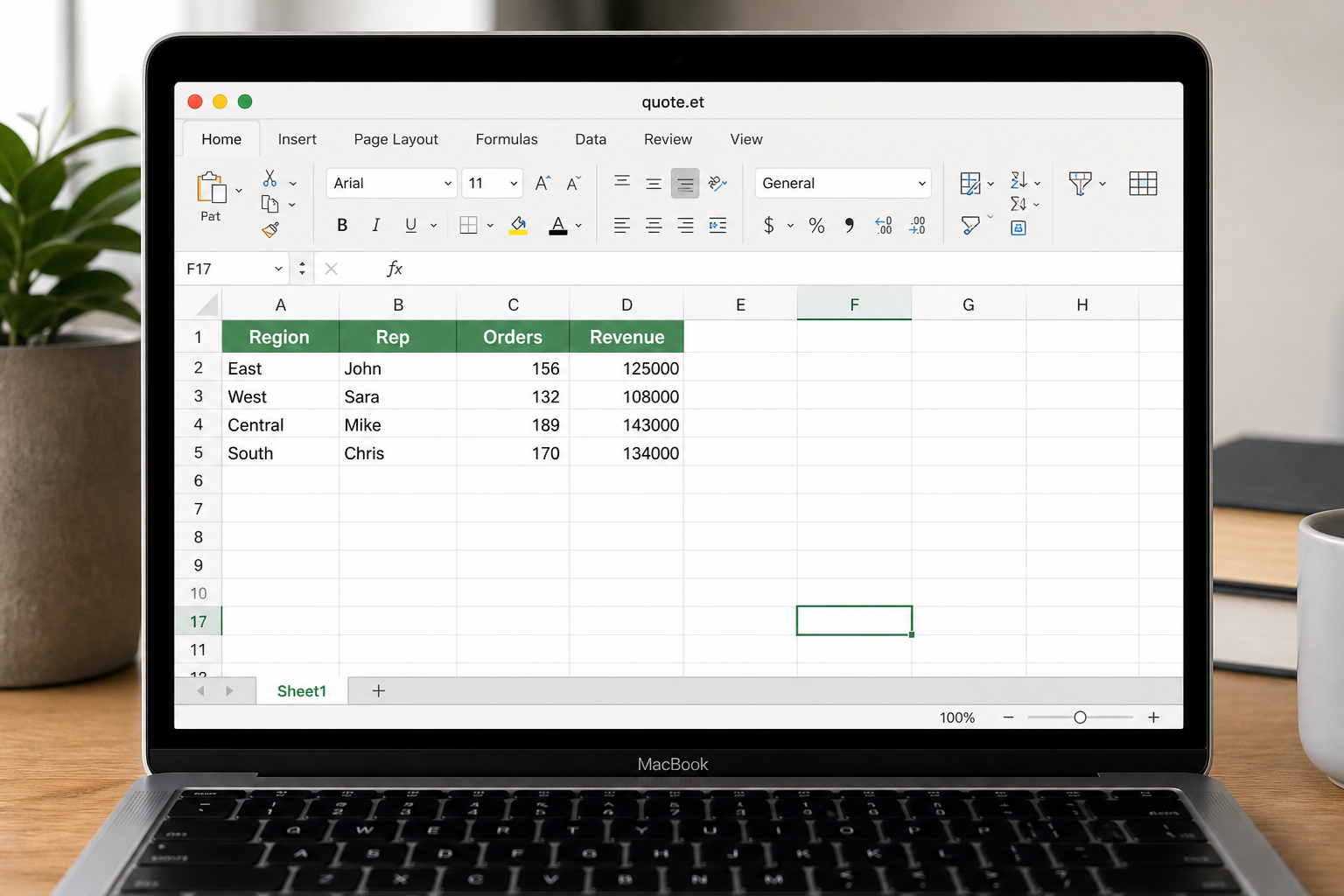
Open ET spreadsheet with formulas and charts in WPS
Cross-device .et ready
Open ET spreadsheet on Mac with WPS

LibreOffice Only Half-Works on Complex ET

Limited .et compatibility means conditional formatting, special functions, and multi-sheet workbooks often collapse when you export to Excel.

  • WPS solution: .et is a first-class format—open source sheets the way they were authored.
  • Windows and Mac share the same open → Save As Excel path.
  • Batch-friendly when teams receive many .et files from partners.
Multi-sheetMacBatch
Built into WPS Spreadsheet

Download a free ET file to Excel converter

Open .et, keep formulas and charts, Save As XLSX or XLS—then hand the Excel copy to anyone on Microsoft 365.

  • Convert ET file to XLSX / XLS
  • Preserve formulas, charts, multi-sheet
  • Also opens CSV and classic XLS
Convert ET File to Excel Now
Save ET file as XLSX in WPS Spreadsheets

Save ET file as XLSX in WPS Spreadsheets

Key Features for Faithful ET → Excel Conversion

Native .et open, real Save As XLSX, batch-friendly local workflows—and layout that does not collapse into #NAME? errors.

Keep Formulas, Charts & Multi-Sheet Layout

Online converters flatten values and drop charts. WPS opens the source .et so business logic survives the Excel copy.

  • Preserve formulas, merged cells, and conditional formatting.
  • Keep chart objects and every worksheet tab.
  • Fewer #NAME? / missing-chart surprises after conversion.
FormulasChartsSheets
Formulas & charts intact
ET spreadsheet formulas and charts preserved in WPS
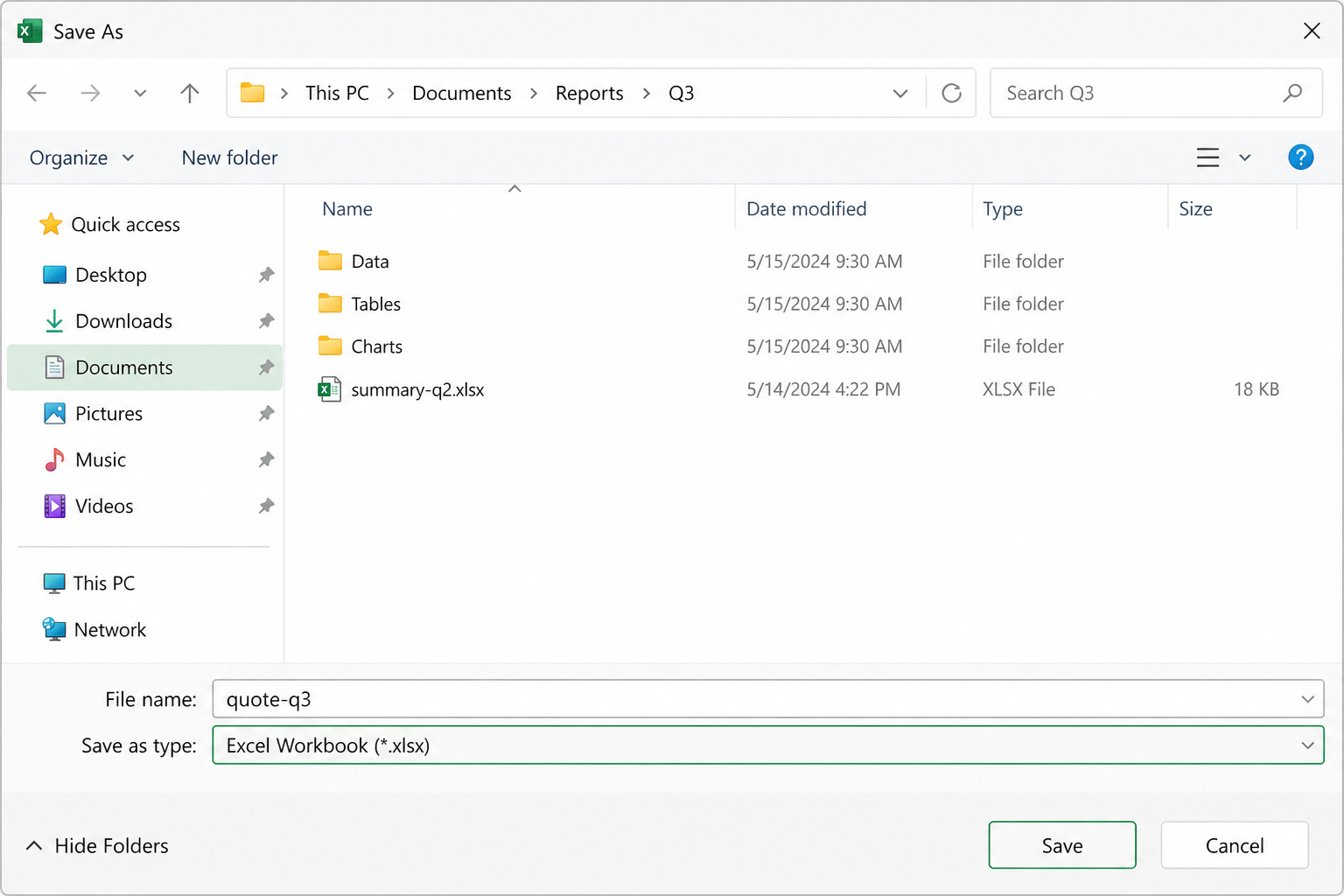
Save As · Excel Workbook
Save As Excel Workbook dialog in WPS

Save As XLSX or XLS—Real Excel Files

Create a workbook Excel can open on Windows or Mac. Pick modern XLSX or legacy XLS when partners need older Excel.

  • File → Save As → Excel Workbook (*.xlsx).
  • Optional Excel 97-2003 (*.xls) for older environments.
  • Never rely on extension-only renames.
XLSXXLSSave As

Batch Convert ET Files to Excel

When partners send a folder of .et quotes, convert locally: open each file and Save As XLSX—safer than mass upload.

  • Set WPS as the default .et opener to speed the loop.
  • Ideal for trade / admin teams handling many domestic tables.
  • Mix .et with .xlsx / .csv in the same suite.
BatchFolderLocal
Folder of .et · Save As Excel
Manage multiple spreadsheet files in WPS
Windows · Mac · mobile
Open ET spreadsheet on phone with WPS

Windows & Mac: Import ET into Excel Workflow

Finish convert et spreadsheet to excel wherever the attachment lands, then share the XLSX with Excel-only teammates.

  • Same open → Save As path on Windows and Mac.
  • Review sheets on mobile when you need a quick check.
  • Free basic open + export—no Microsoft 365 seat required to create the Excel copy.
WindowsmacOSMobile

Step-by-step

How to Convert ET File to XLSX / XLS

Follow the WPS Spreadsheets UI—open, Save As Excel, then open the new file in Microsoft Excel.

1

Open the .et file in WPS Spreadsheets

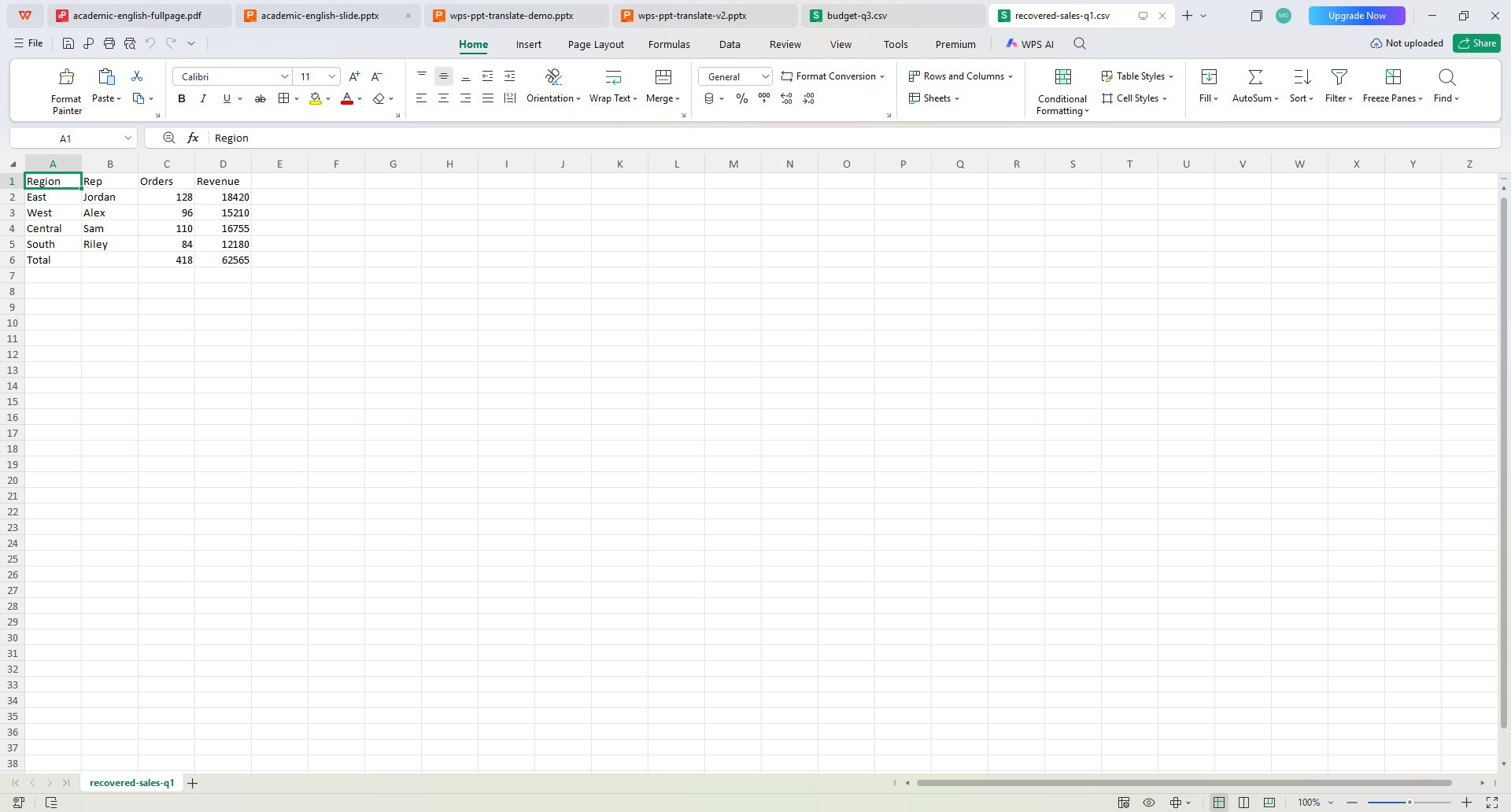
Install WPS Office free. Launch Spreadsheets and open your .et workbook. Confirm formulas, charts, and sheet tabs look correct before you convert.

  • Native .et open—Excel not required yet
  • Check every sheet tab first
WPS Spreadsheets · open .et
Open ET workbook in WPS Spreadsheets
2

Save As Excel Workbook (.xlsx or .xls)

Go to File → Save As. Choose Excel Workbook (*.xlsx) or Excel 97-2003 (*.xls), pick a folder, and save. This writes a real Excel file—not a renamed extension.

  • Prefer .xlsx for modern Excel
  • Use .xls only when partners need legacy Excel
Save As · Excel Workbook (*.xlsx)
Save ET as XLSX workbook in WPS
3

Open the new file in Microsoft Excel

Send the .xlsx / .xls to Excel users on Windows or Mac. If a formula shows #NAME?, re-open the .et in WPS, check WPS-specific functions, and Save As again—or replace those cells with Excel-compatible formulas.

  • Excel opens the converted workbook
  • Re-convert if charts or sheets look wrong
.et → .xlsx · ready for Excel
ET to Excel handoff checklist

ET File to Excel FAQ

Excel errors, rename myths, online risks, batch convert, and LibreOffice limits.

Free download · all platforms

Convert ET file to Excel without losing the sheet

Native .et open, real Save As XLSX/XLS, and a free path that does not require a Microsoft 365 seat just to create the Excel copy.

  • ET → XLSX / XLS
  • Formulas & charts intact
  • Windows · Mac · Mobile
Convert ET File to Excel Now
.et → WPS → .xlsx
1Open Quote.et in WPS Spreadsheets
2Save As Excel Workbook (.xlsx)
3Open in Excel—done

ET file to Excel concept