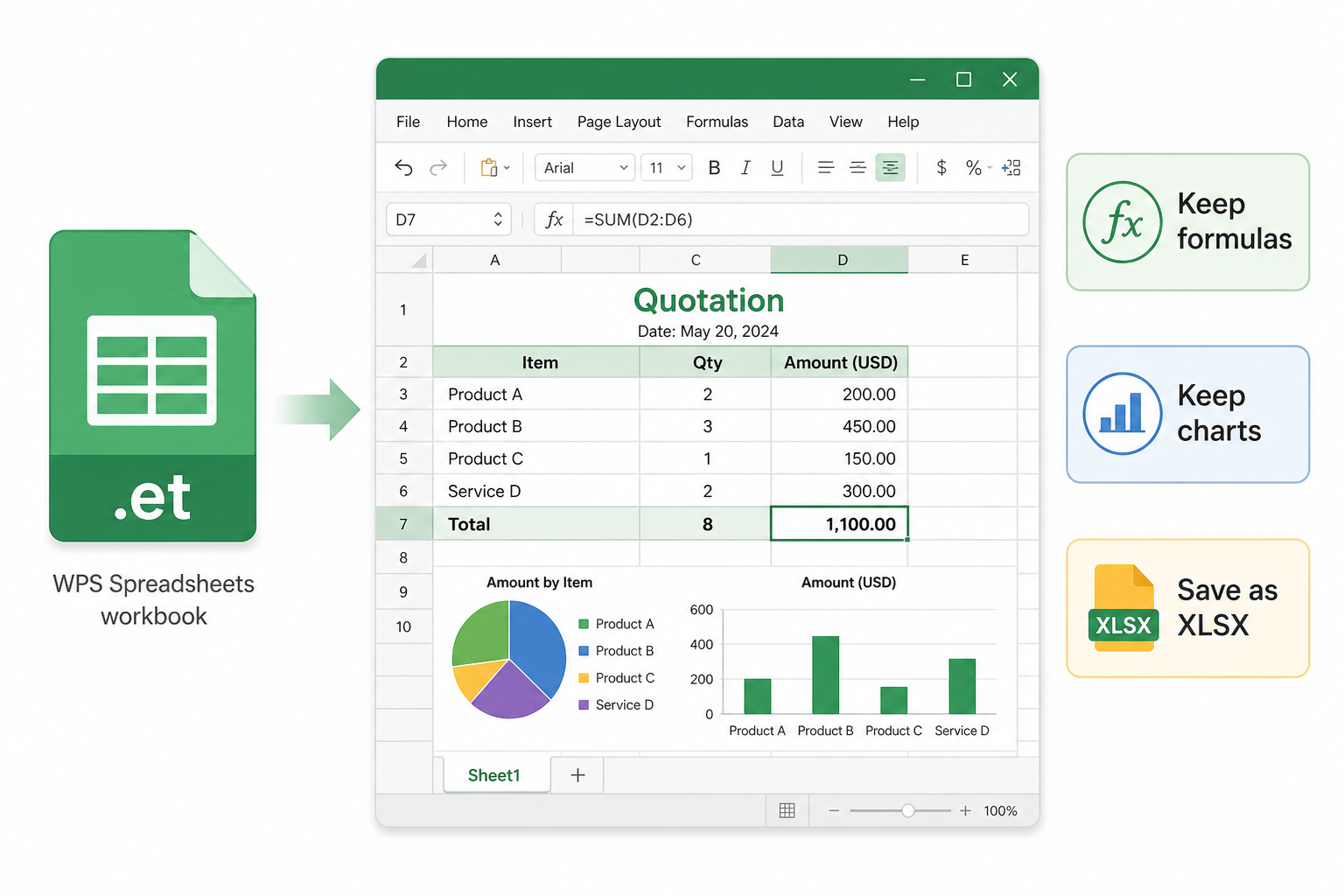
Quick answer: An ET file is a WPS Spreadsheets workbook (the .et format). Microsoft Excel cannot open it. Use WPS to open, edit, and Save As .xlsx on your PC—renaming the suffix does not convert the file.
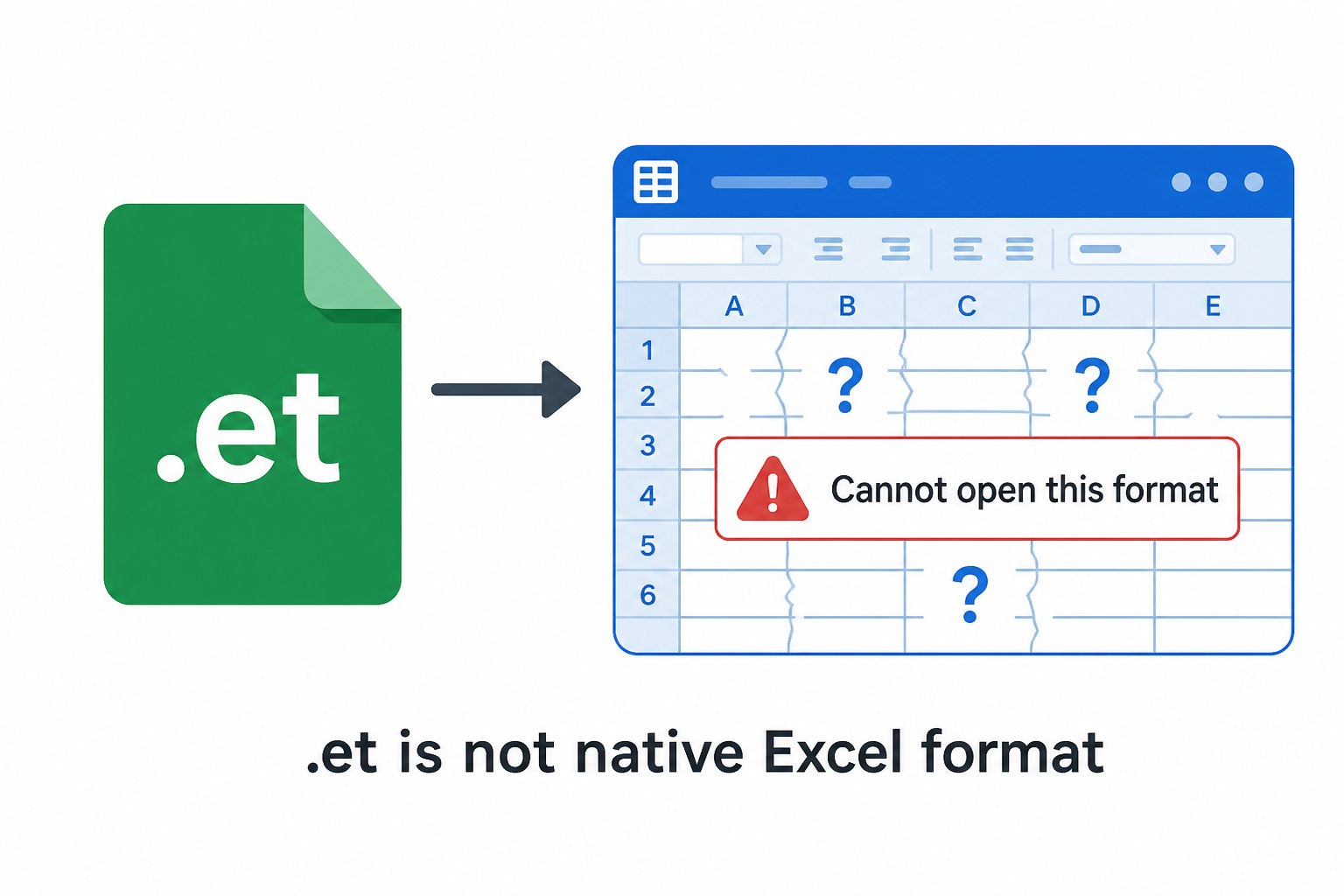
Microsoft Excel has no built-in ET decoder. If you File → Open a .et workbook, Excel typically errors, shows garbage, or treats the file as corrupt. Formulas and WPS-only functions do not “translate themselves” inside Excel.
That is the Microsoft-ecosystem gap: great for XLSX, silent on ET. Searching “open et file in excel” does not unlock a hidden Excel button. The reliable path is open in WPS, then export a real Excel file.
Excel cannot open ET spreadsheet format
If Excel already “opened” something after you renamed the suffix, treat that sheet as untrusted until you reopen the original .et in WPS Spreadsheets. Garbled headers and #REF! rows are common after a fake extension change.
The workflow is the same everywhere: use WPS Spreadsheets to open the original .et file, then edit or export it as Excel when needed.
1Windows
Open, edit, and convert ET on Windows
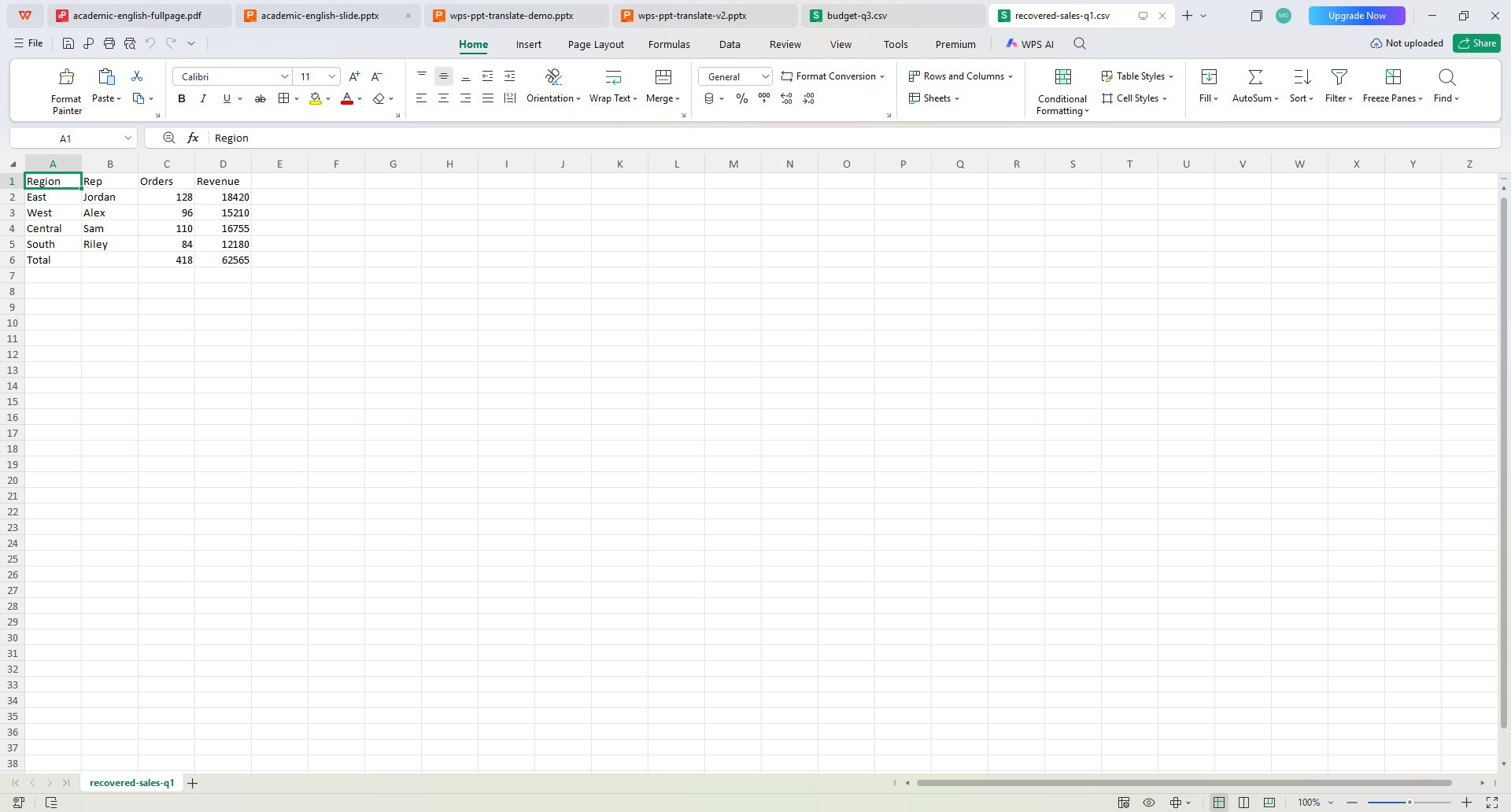
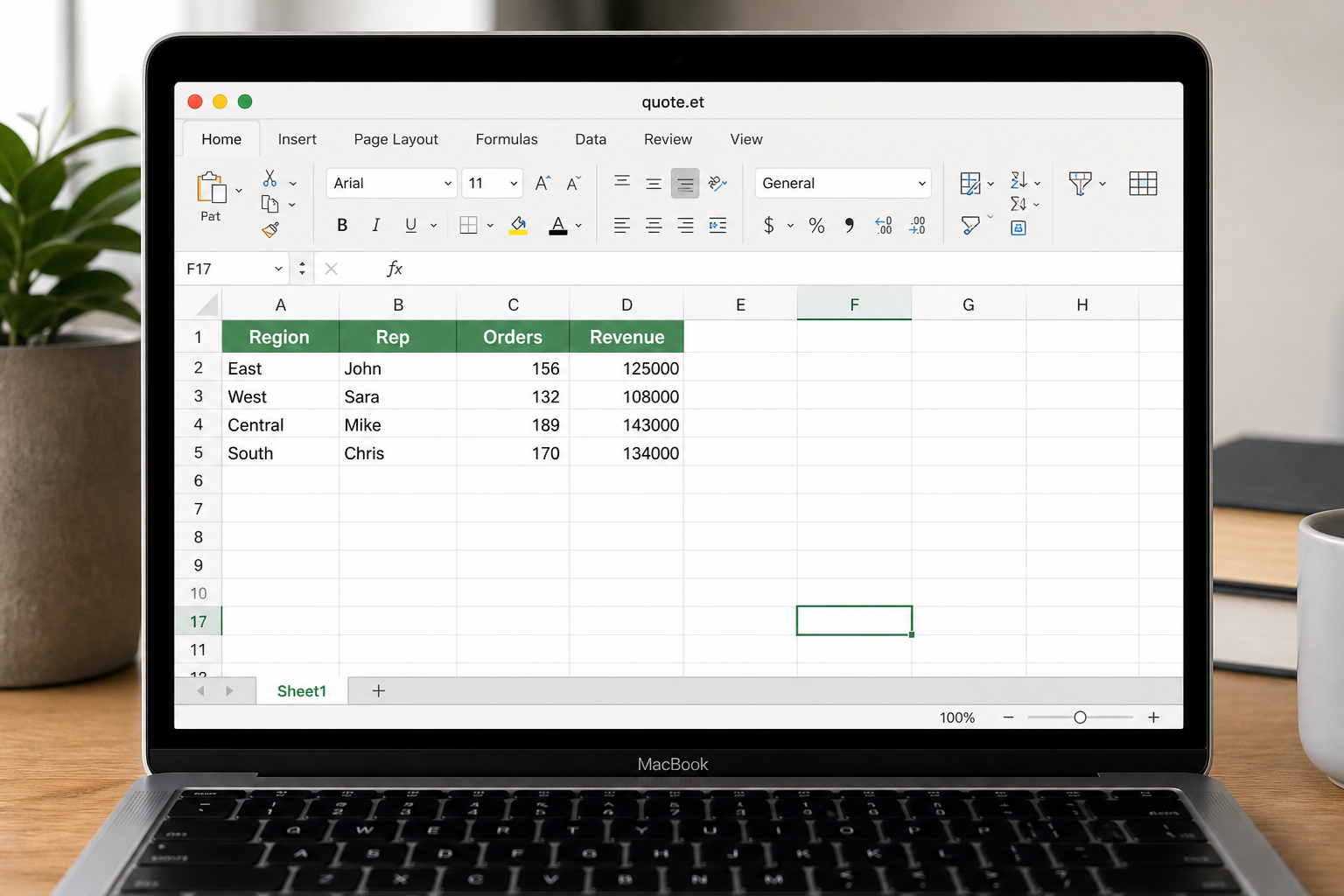
Install WPS Office, open Spreadsheets, then go to File → Open and pick the .et workbook. If double-click still launches Excel, set WPS as the default app for ET files.
Best path for desktop editing and Save As .xlsx
Useful when the workbook has formulas, charts, or formatting to keep
2Mac
Open ET workbooks on Mac without Excel support
Install WPS for Mac and open the file in Spreadsheets. Excel for Mac still does not natively decode ET, so the reliable workflow is to open the original workbook in WPS first, then export an Excel copy if needed.
Better than renaming the suffix or trying to force-open in Excel
Use the original file when moving it by AirDrop or email
3Phone
Read ET attachments on mobile
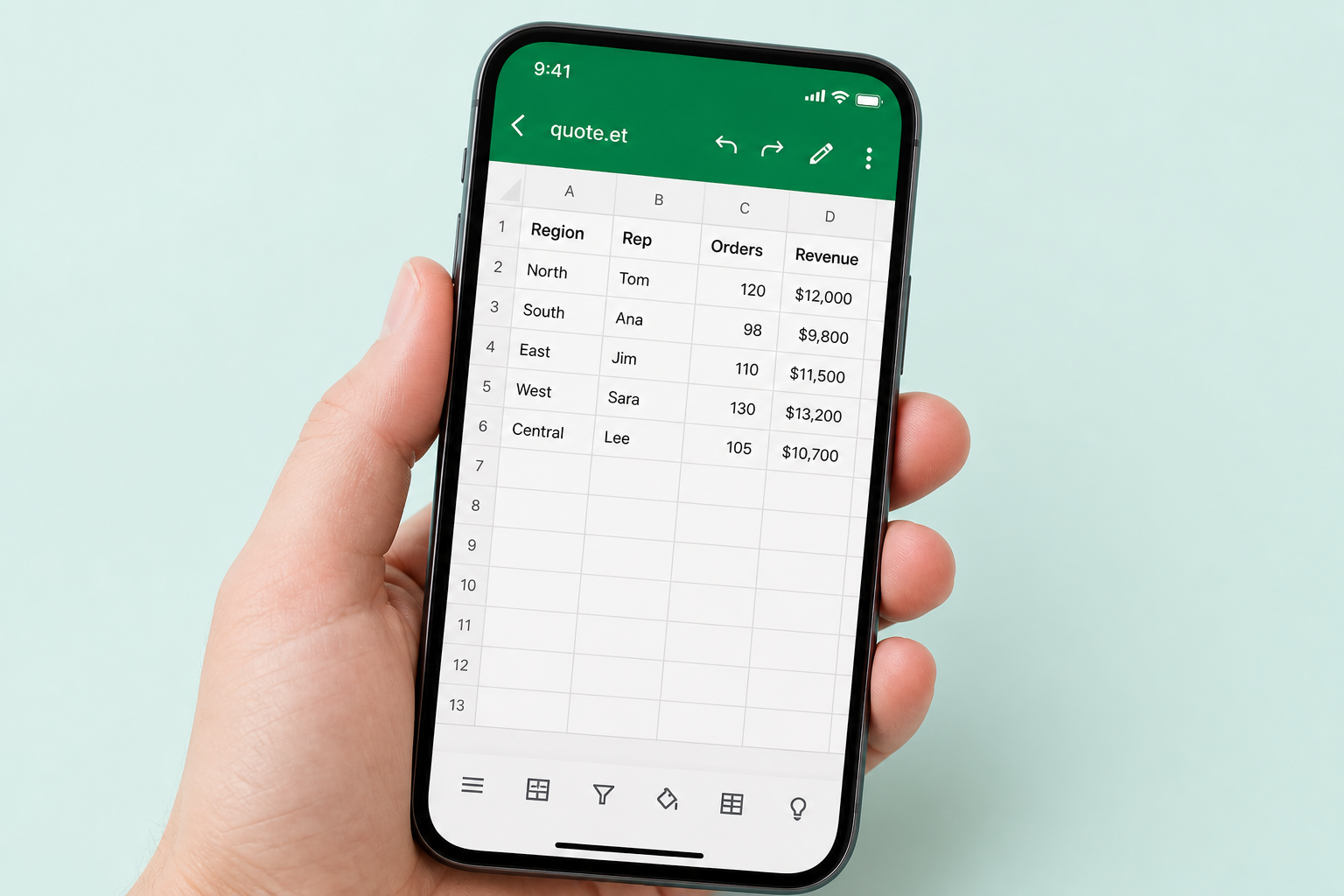
Install the WPS app on Android or iPhone, then open the attachment from email, WeChat, or WhatsApp inside WPS. This is the easiest way to check a quote or spreadsheet on the go when a generic Excel viewer refuses the format.
Good for quick review and basic edits away from desktop
Keeps the same ET workflow across desktop and mobile
Need the native ET opener? Download WPS Spreadsheets to open .et and export Excel locally.
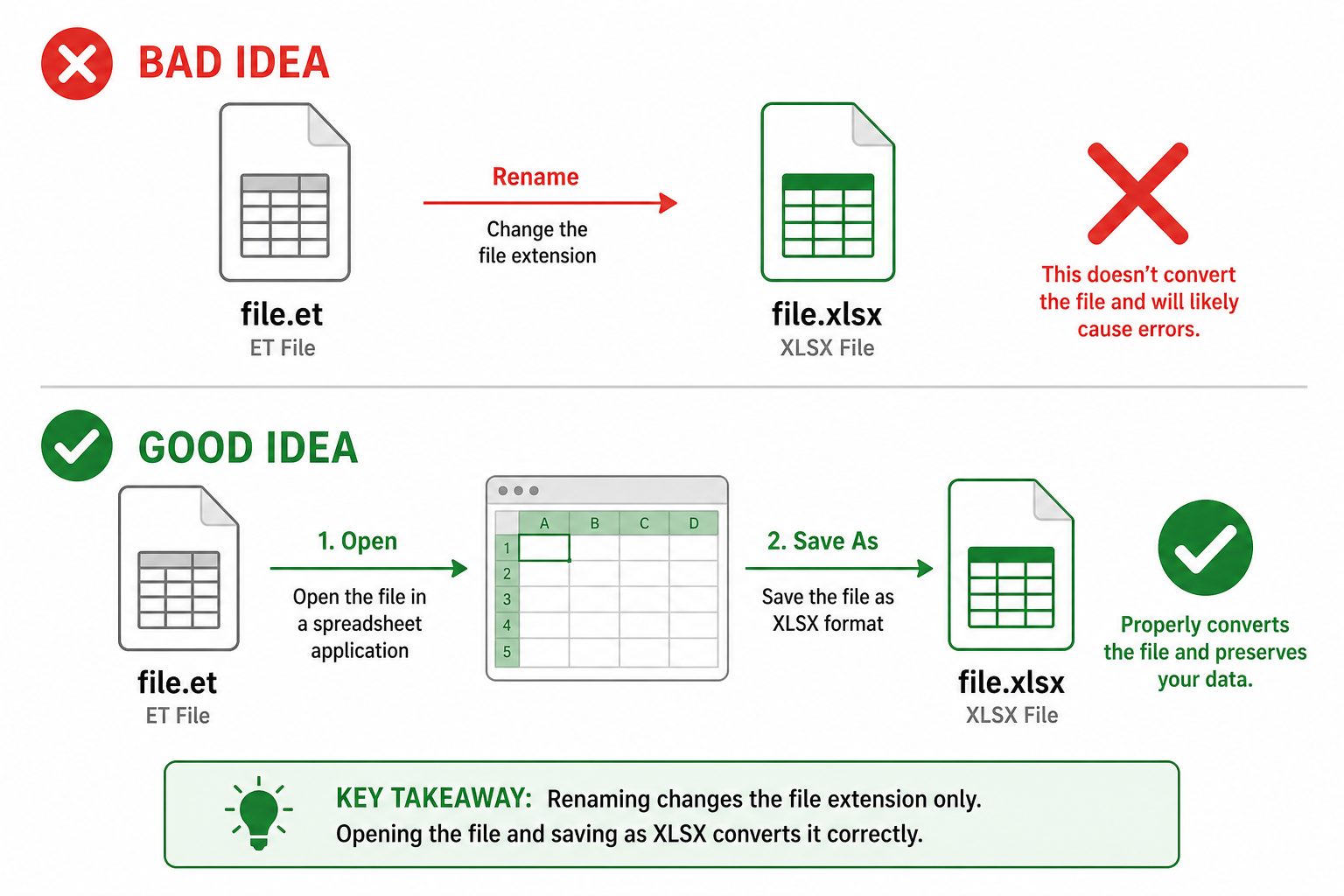
This is the most common beginner trap. Changing quote.et to quote.xlsx only changes the label. The bytes inside are still a WPS workbook. Excel then reports a corrupt file—the search phrase “et file corrupted when open in excel” is often this rename, not a damaged disk.
Do not rename ET to XLSX without converting
Real conversion is Save As (or export) from an app that can read ET. Keep a copy of the original .et until the new XLSX opens cleanly in Excel.
FAQ
Straight answers to the searches around an ET file.
An ET file is a spreadsheet workbook saved by WPS Spreadsheets. The .et extension is WPS’s native table format—similar in role to Excel’s .xlsx, but not the same file. Microsoft Excel has no built-in decoder for .et, so double-clicking in Excel often errors or garbles the sheet.
Excel only understands its own spreadsheet families (XLS, XLSX, XLSM, CSV, and a few others). An ET file is a WPS workbook. There is no Excel add-in that “unlocks” .et. Open it in WPS Spreadsheets, then Save As .xlsx if the recipient must use Microsoft Excel.
WPS Office (Spreadsheets) opens .et on Windows, Mac, and mobile. LibreOffice may open simple ET sheets with mixed results on charts and WPS-only functions. Random “ET viewers” and most web converters are weak on this format. WPS is the native app for a complete workbook.
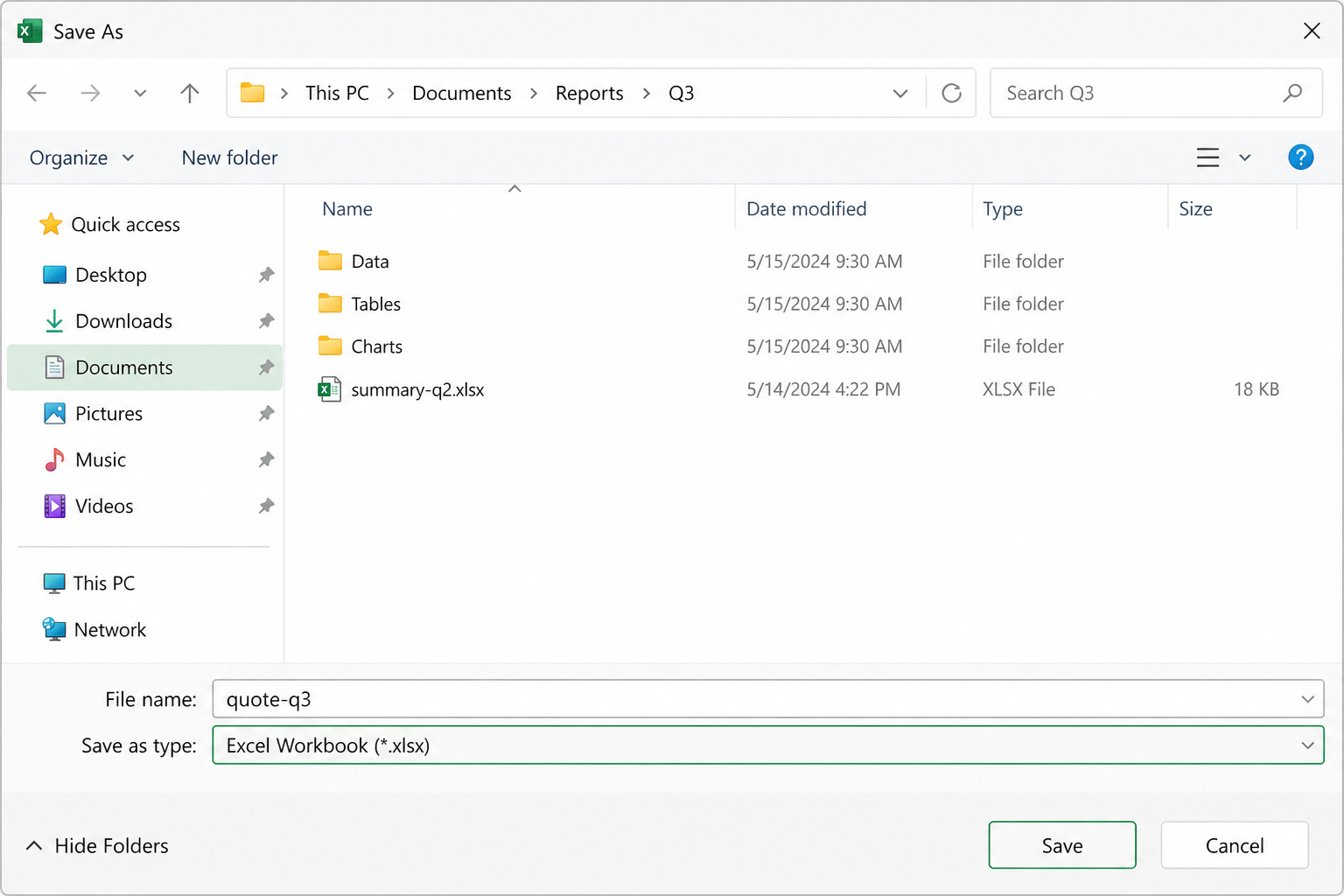
No. Changing the letters after the dot does not convert the file. Excel still sees WPS’s internal structure and typically reports a corrupt or unreadable workbook. Convert by opening in WPS Spreadsheets and using Save As → Excel Workbook (.xlsx).
Open the .et in WPS Spreadsheets, check formulas, charts, and cell formats, then File → Save As → .xlsx (or .xls for older Excel). Stay on the desktop so the file is not uploaded. Recheck WPS-only functions after export—those may need a standard Excel equivalent.
WPS → Save As XLSX is the path that preserves the most: number formats, column widths, standard formulas, and most charts. What web converters drop first are charts, merged headers, and WPS-specific functions. After export, open the XLSX in Excel once and scan: totals, print area, and any named ranges. If a WPS-only function blanked out, replace it with an Excel equivalent while you still have the original ET.
Trade and ops teams often get a folder of domestic quotes as .et. In WPS you can open each workbook and Save As XLSX, or use the suite’s batch/export tools when you have many files with the same target format. That beats twenty uploads to a website that may not even parse ET. Keep originals until a sample XLSX opens in Excel with formulas intact. Do not mix renamed fakes into the same folder as real conversions.
Without WPS, options shrink: LibreOffice for a rough look, or a website if the sheet is public and simple. There is no high-quality Excel-native opener. “How to open et file without WPS” usually still ends in installing a spreadsheet app that understands ET—or asking the sender for XLSX. Online converters that advertise every extension often fail on ET or strip charts. If you must use one, strip personal columns first and expect a watermark or size cap on the free tier. For a priced quote, offline WPS is the safer default.
Unknown hosts can store uploads. Customer prices and SKUs should stay on your PC. WPS Save As never needs that upload.
Usually the wrong app or a renamed suffix. Reopen the original .et in WPS. If the ET itself is damaged, try WPS’s repair/open options and a backup copy from the sender.
Website free tiers often stamp pages or reject large workbooks. WPS everyday open/edit/Save As does not put a converter watermark on your XLSX.
You still need the password. Open in WPS, unlock, then Save As XLSX. A converter site cannot bypass encryption—and you should not paste the password into a random form.