Free · Online · .xls + .xlsx

Online XLS Reader for Legacy Excel Files

Need a safe xls reader without adware? Open Excel 97-2003 .xls files online in your browser—or download WPS when you need offline and mobile access.

  • Official free alternative to discontinued Microsoft Excel Viewer
  • Online XLS viewer + desktop/mobile apps in one suite
  • Full support for classic .xls and modern .xlsx / CSV
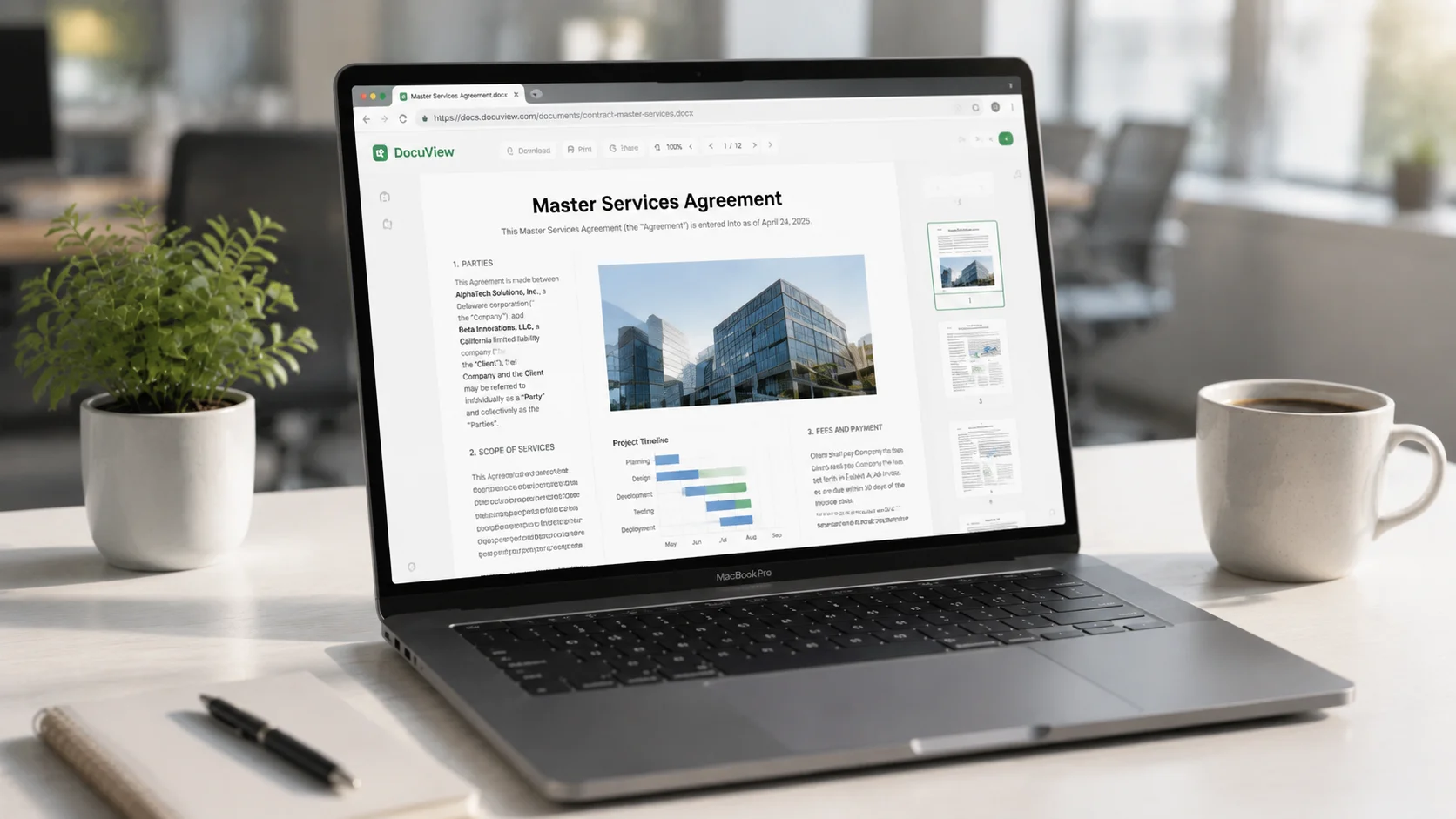
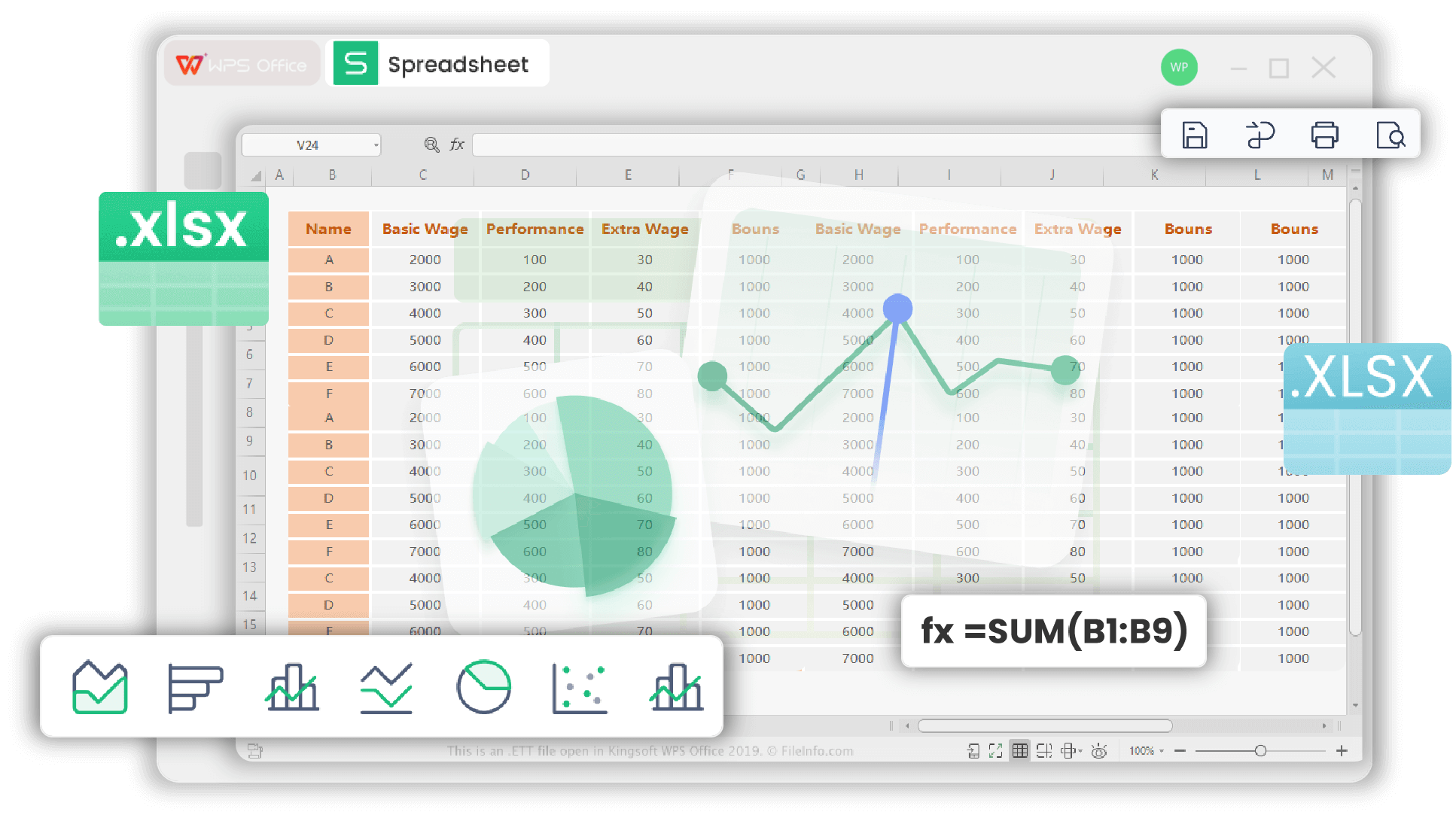
Online XLS reader spreadsheet view

Online XLS reader spreadsheet view

Built around how you work

An XLS Reader That Helps You Open Sheets Faster

Stay safe when you install, preview .xls online without setup, open chat attachments on your phone, and keep classic .xls working alongside modern .xlsx—so spreadsheet work stays friction-free.

Safe free XLS reader (no adware)

Skip adware-packed downloads and open sheets with a clean, trusted app.

WPS Solution: Get a free, official suite that opens .xls without full-screen ads for core reading—replacing retired Microsoft Excel Viewer with a maintained product.
Free download No adware Excel Viewer alternative

Online XLS viewer (no install)

Preview a workbook in your browser when you don’t want another install.

WPS Solution: Open spreadsheets in WPS Online—an online XLS reader for quick previews when privacy and speed both matter.
Browser open No install Privacy-aware

Open .xls on phone without garble

Open WeChat or DingTalk .xls attachments without broken layout on mobile.

WPS Solution: Lightweight WPS mobile apps render tables, formulas, and charts so legacy Excel attachments stay readable on iOS and Android.
iOS / Android Layout fidelity Free core view

.xls vs .xlsx compatibility

Keep legacy Excel 97-2003 .xls readable even when teammates use .xlsx.

WPS Solution: One XLS reader for Excel 97-2003 .xls and modern .xlsx/CSV—so formulas don’t mysteriously “vanish” when you only need to read.
Excel 97-2003 .xlsx ready CSV too

Why Teams Trust WPS as Their Free XLS Reader

Microsoft retired Excel Viewer. Download sites filled the gap with risky “pure” readers. WPS gives you a maintained Spreadsheet app—online, desktop, and mobile—so opening .xls stays boringly reliable.

  • Familiar Excel-like UI with zero learning curve
  • Cross-platform: Windows, Mac, Linux, Android, iOS, web
  • Same suite for Writer, Presentation, and PDF when the sheet isn’t enough
Free Download
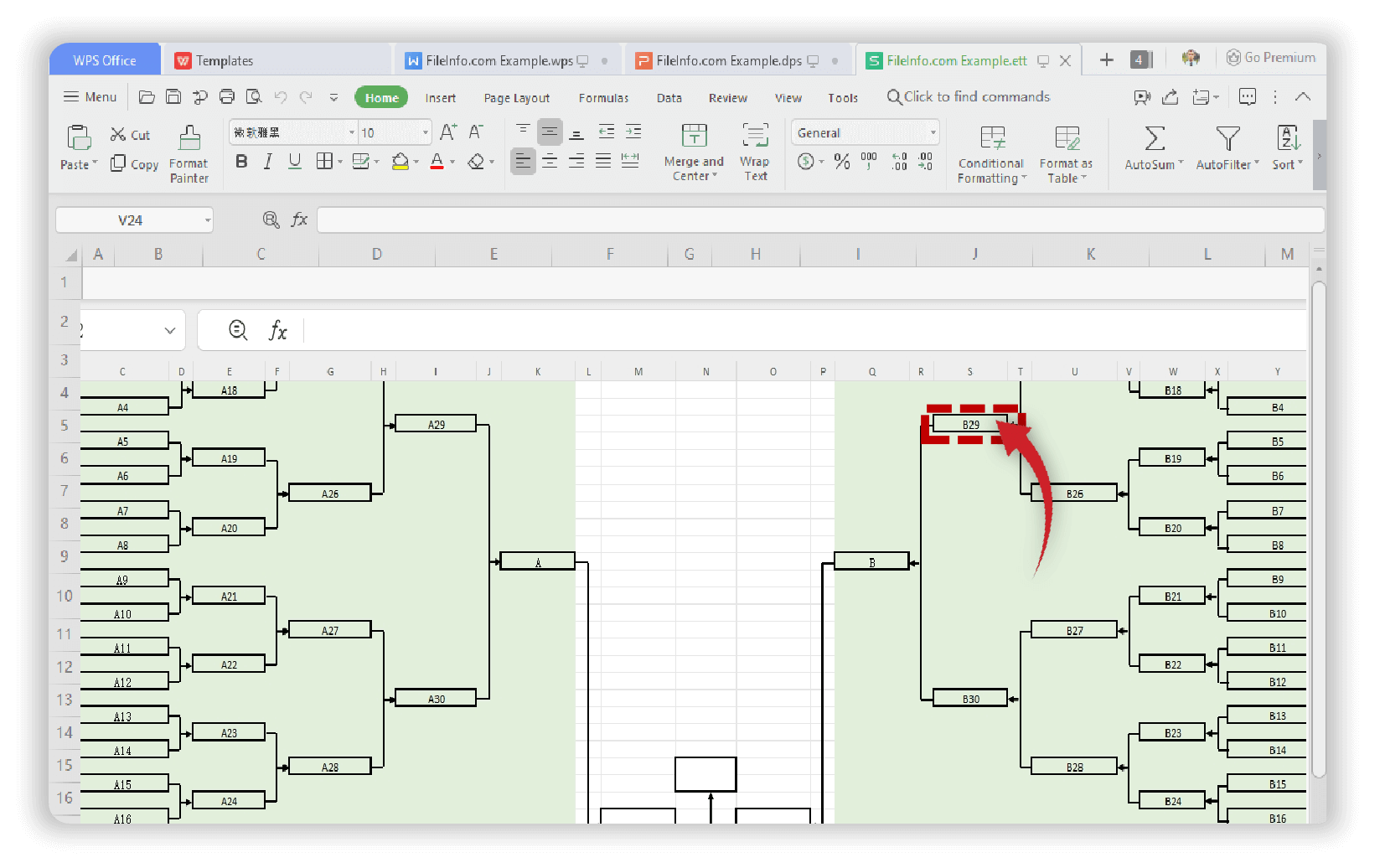
WPS spreadsheet XLS file open

WPS spreadsheet XLS file open

REAL USERS · WPS OFFICE

Trusted for Opening Legacy Spreadsheets Worldwide

From finance handoffs to field reports, people open legacy .xls without hunting shady “viewer.exe” installs—online first, desktop when offline matters.

500M+ users .xls + .xlsx Online & offline
Free Download

Windows · Mac · Linux · Android · iOS

★★★★★

“I stopped downloading random ‘xls reader’ tools after one adware scare. WPS opens old finance sheets online and on my phone.”

Maya R.
Operations analyst
4 Steps

How to Open XLS Files Online with WPS

Open a legacy workbook in WPS, review the sheets, then save or share in the format you need.

  1. 1

    Open your .xls online or in WPS Spreadsheets

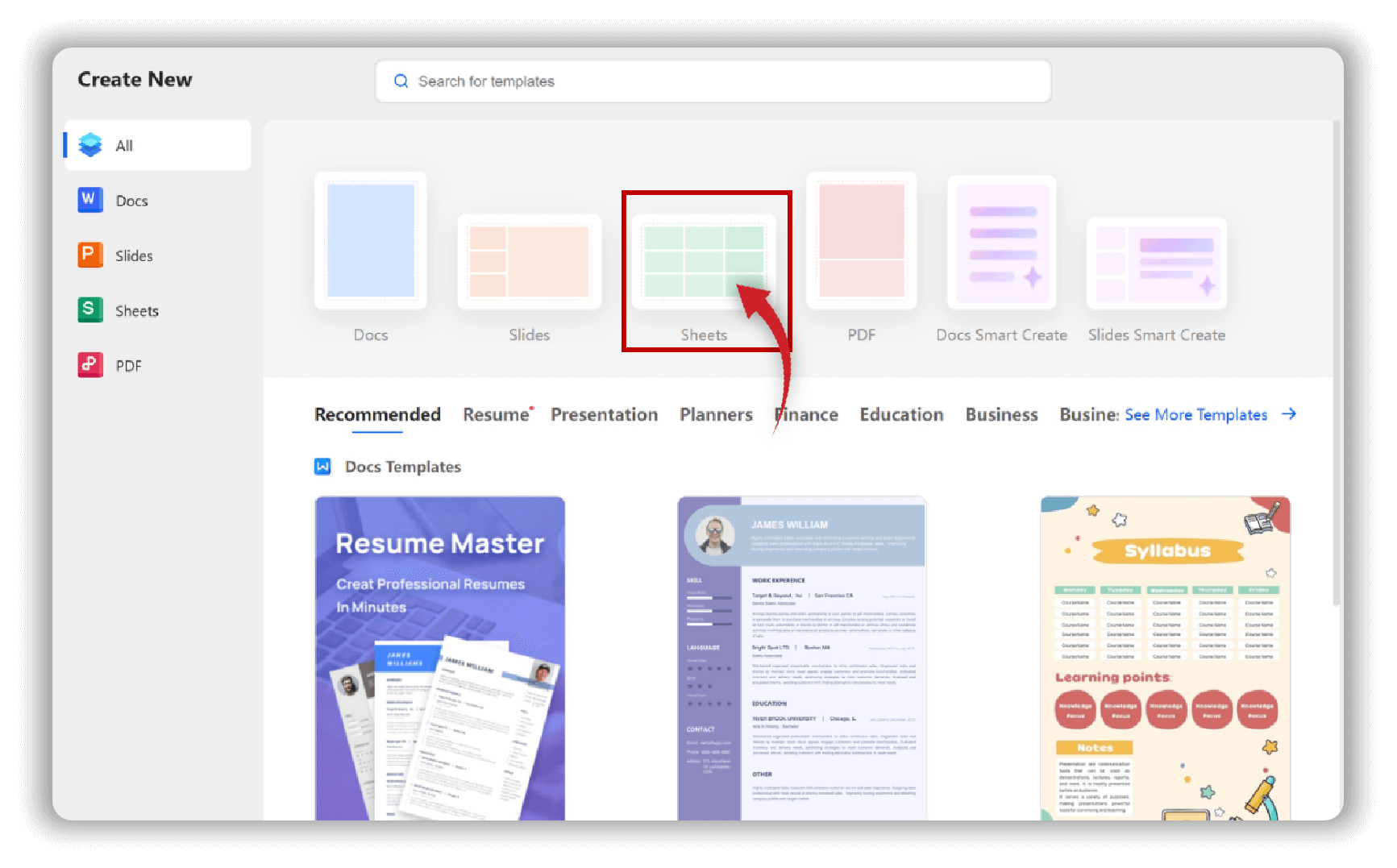
    Open WPS Office, choose Sheets, then open your .xls workbook—or use WPS Online / WPS 365 to preview the same file in your browser.

    Open Sheets in WPS Office create new
    Open Sheets in WPS Office create new
  2. 2

    Review sheets, formulas, and charts

    Switch worksheets, scroll large tables, and check that layout, formulas, and charts from Excel 97-2003 files display correctly in WPS Spreadsheets.

    WPS Spreadsheet formulas charts preview
    WPS Spreadsheet formulas charts preview
  3. 3

    Edit lightly or keep read-only

    Stay in viewer mode for a clean read, or edit cells with the familiar WPS ribbon—without installing Microsoft Excel.

    Edit cells in WPS Spreadsheet ribbon
    Edit cells in WPS Spreadsheet ribbon
  4. 4

    Save as .xls or .xlsx and share

    Save in .xls for legacy partners or .xlsx/.csv for modern tools, then open the same workbook on phone or desktop with WPS.

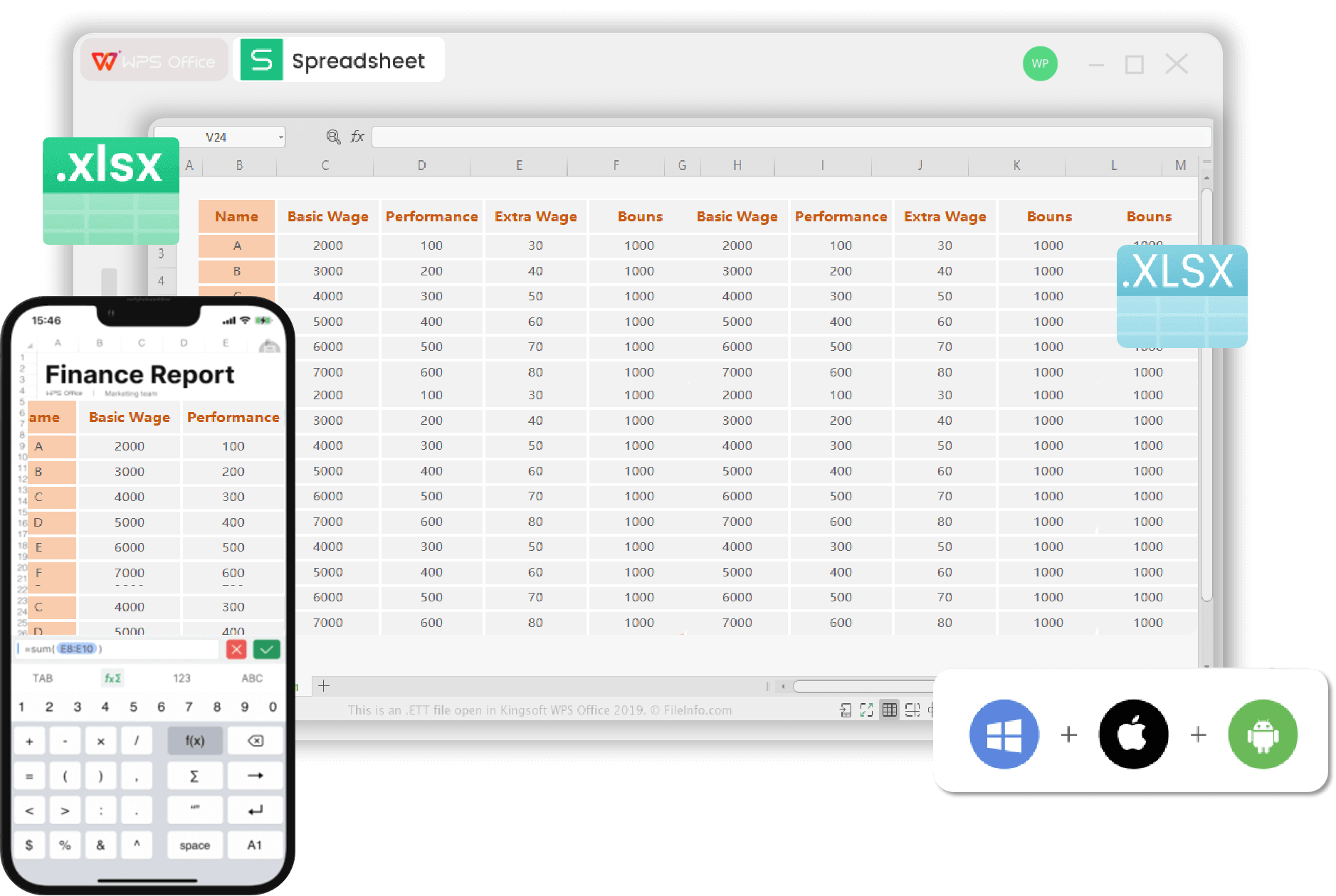
    WPS Spreadsheet desktop and mobile share
    WPS Spreadsheet desktop and mobile share

XLS Reader FAQ

Clear answers for opening, viewing, and sharing legacy Excel files.

Free download · All platforms

Get Your Free XLS Reader—Online First, Desktop When You Need It

Open .xls in the browser today. Download WPS for offline sheets, phone attachments, and a safer alternative to abandoned Excel Viewer installs.

  • One installer for Spreadsheet + Writer + PDF
  • Legacy .xls and modern .xlsx in the same app
  • Mobile apps for messy chat attachments
Free Download

One installer · Windows, Mac, Linux, Android, iOS

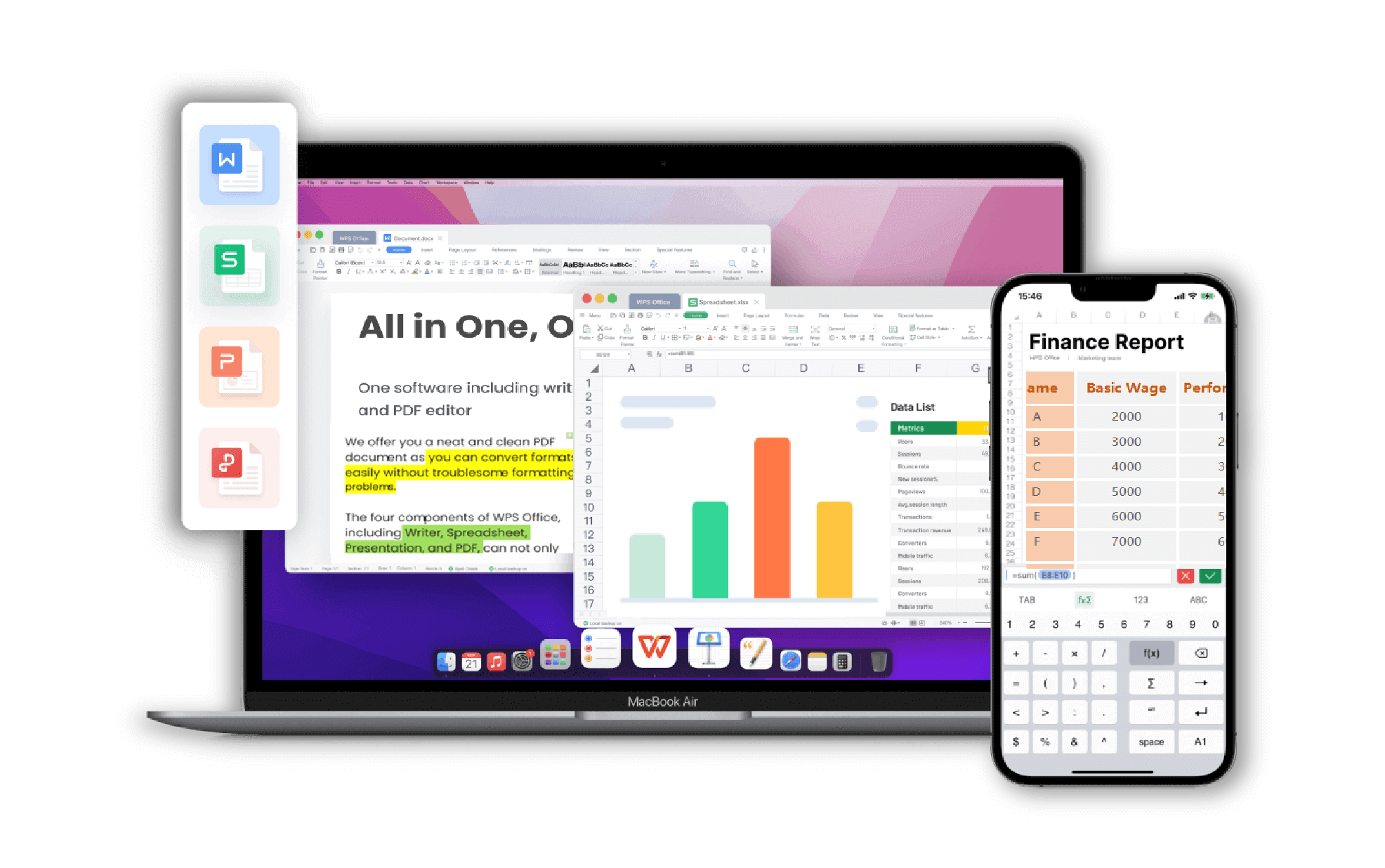
WPS Spreadsheet on laptop and phone

WPS Spreadsheet on laptop and phone