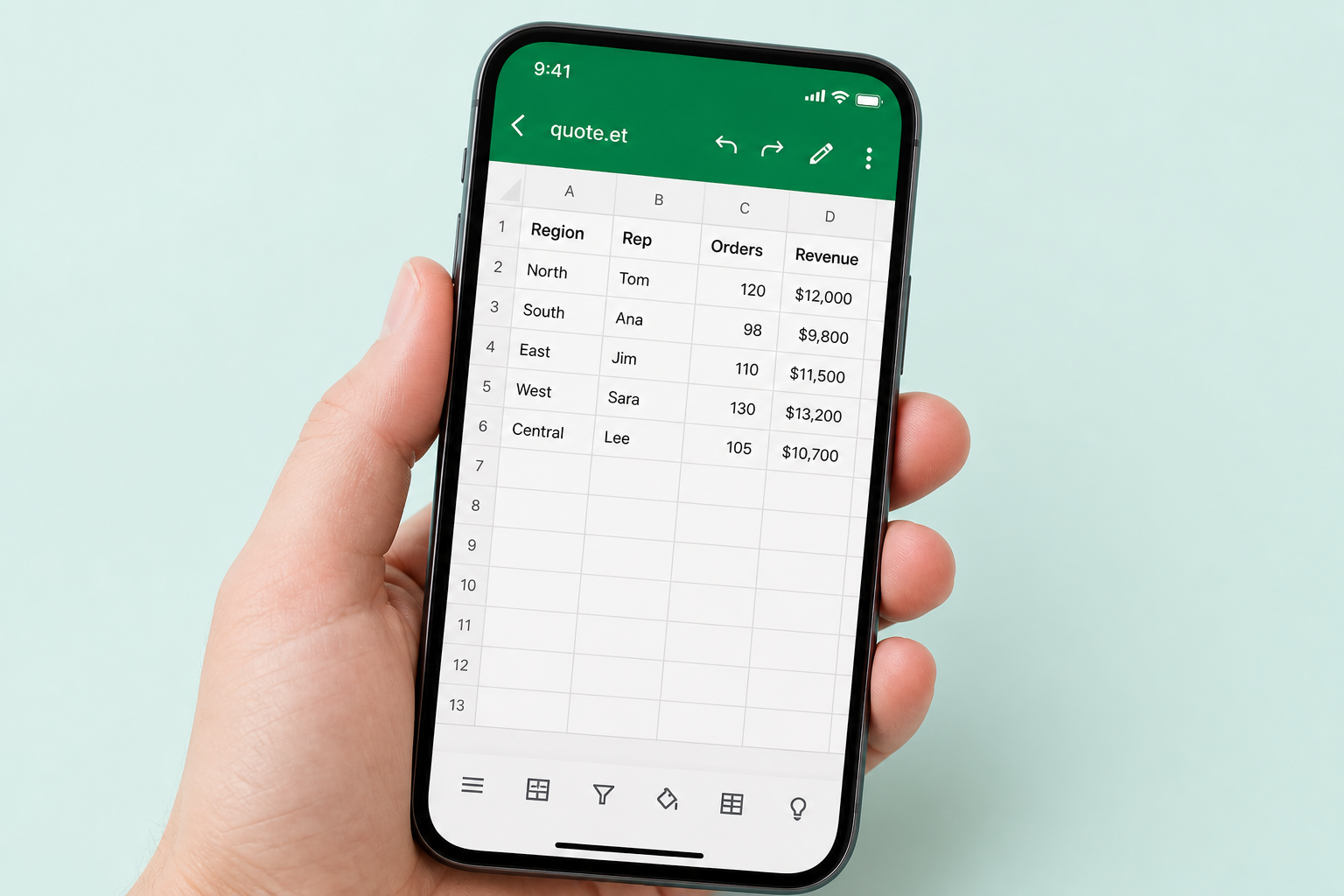
Why Excel Cannot Convert ET to PDF
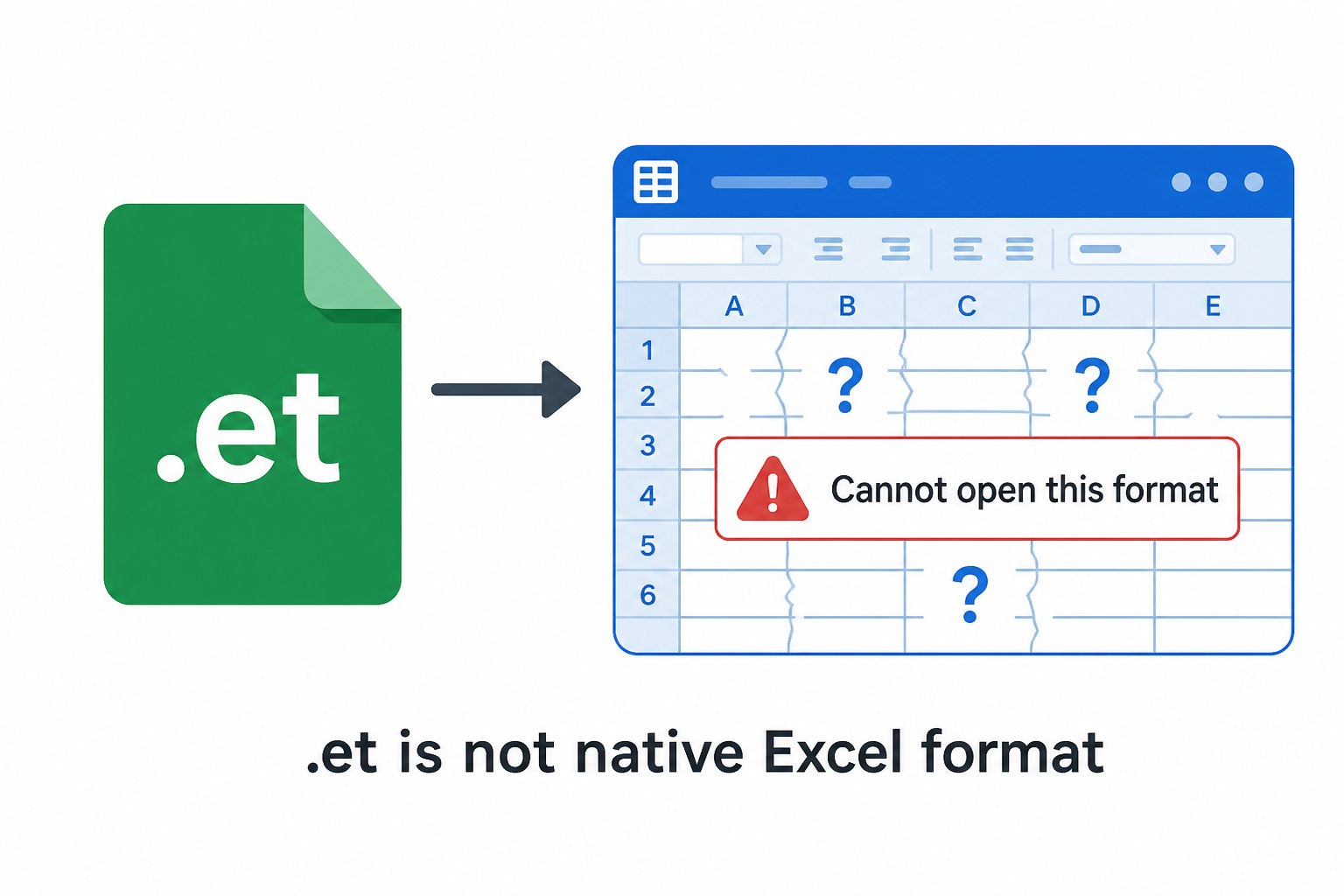
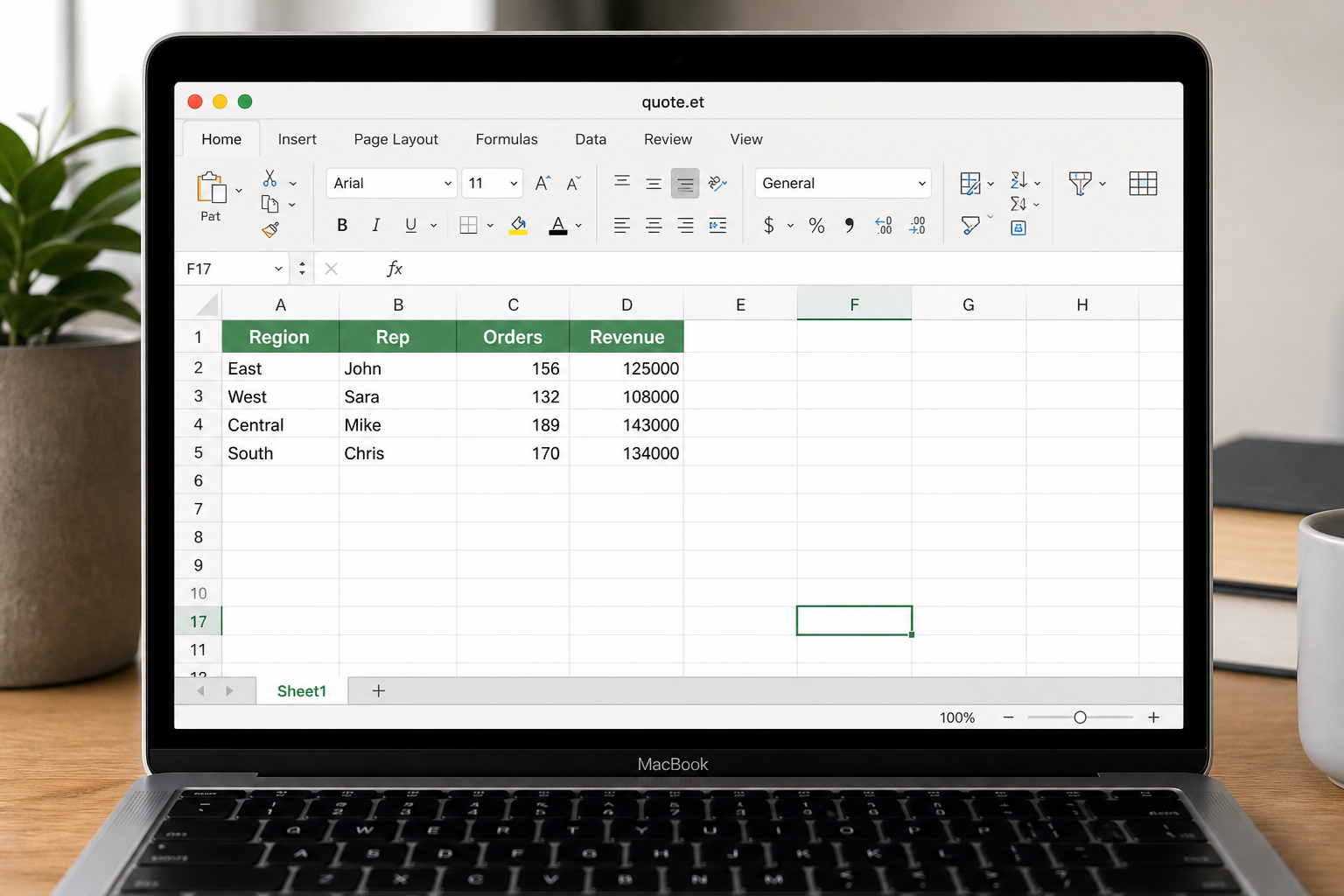
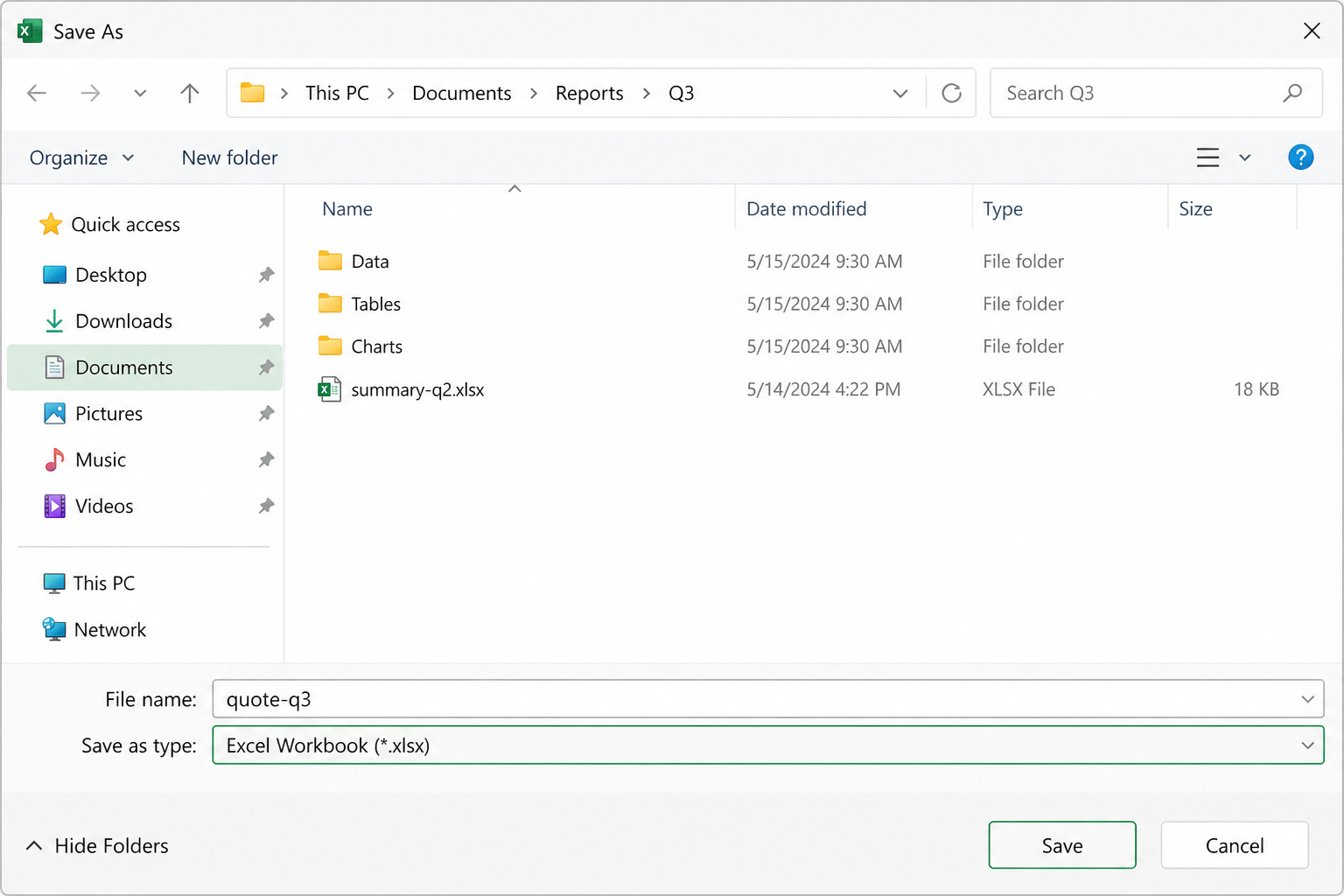
Microsoft Excel does not recognize the .et suffix, so there is no Open → Export to PDF path at all.
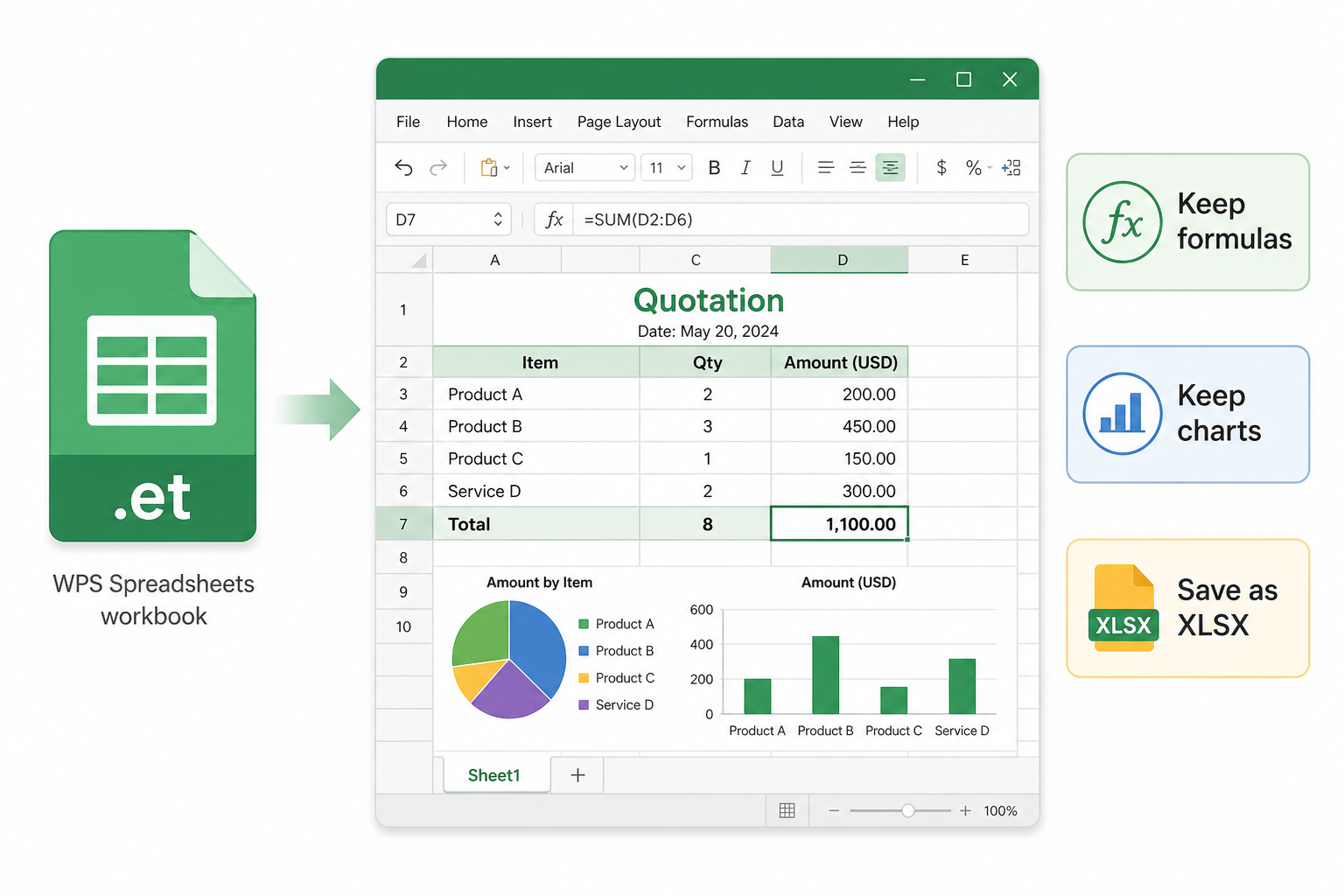
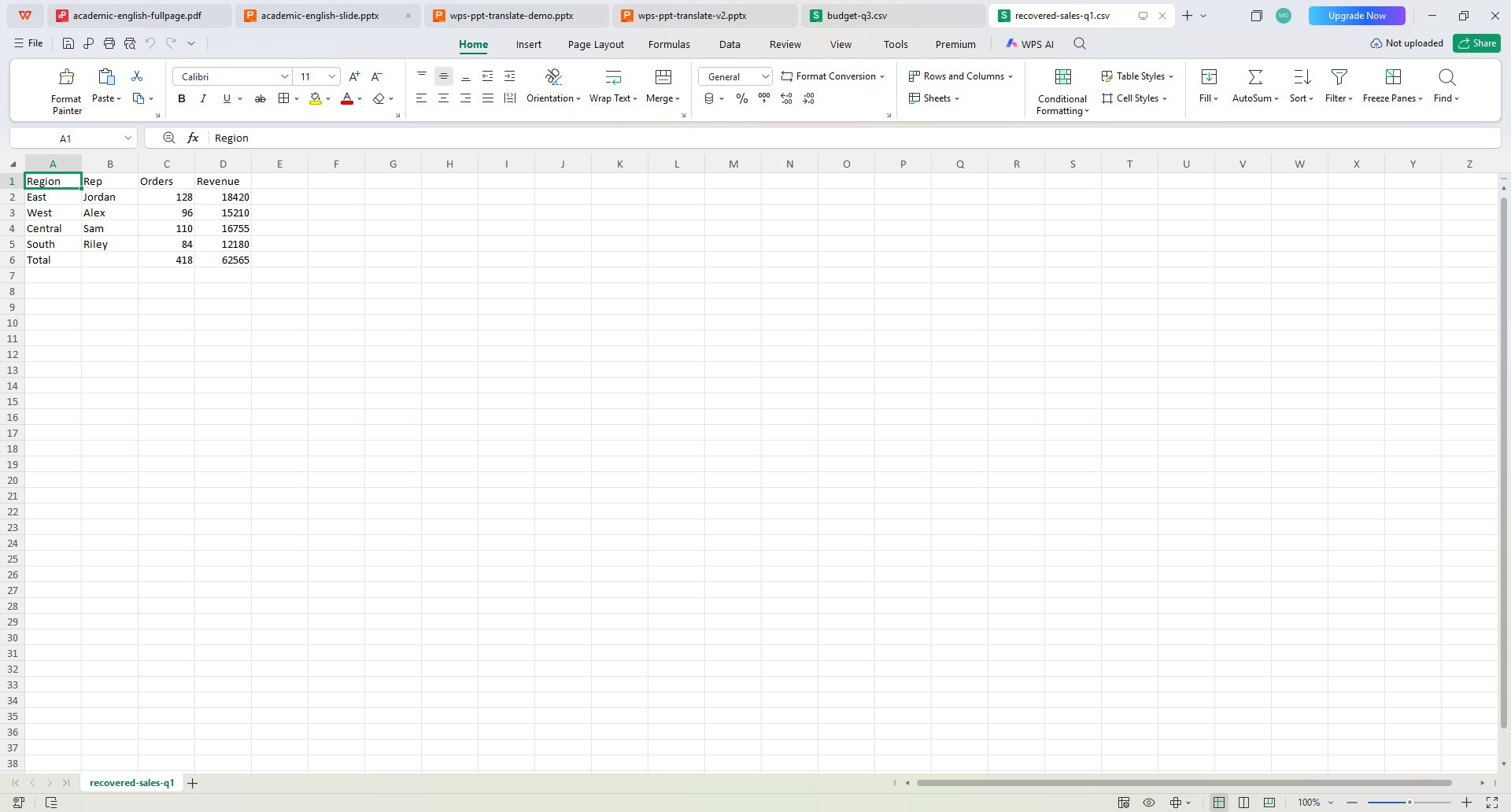
- WPS solution: Open .et natively in WPS Spreadsheets, then Export to PDF in one app.
- No need to “force rename” .et to .xlsx before you can share a PDF.
- Same installer also handles XLSX, XLS, and CSV when teammates send mixed formats.
Excel blockedNative .etExport PDF
Excel · cannot open .et