WPS Spreadsheet · Native Mac app

Excel free on mac

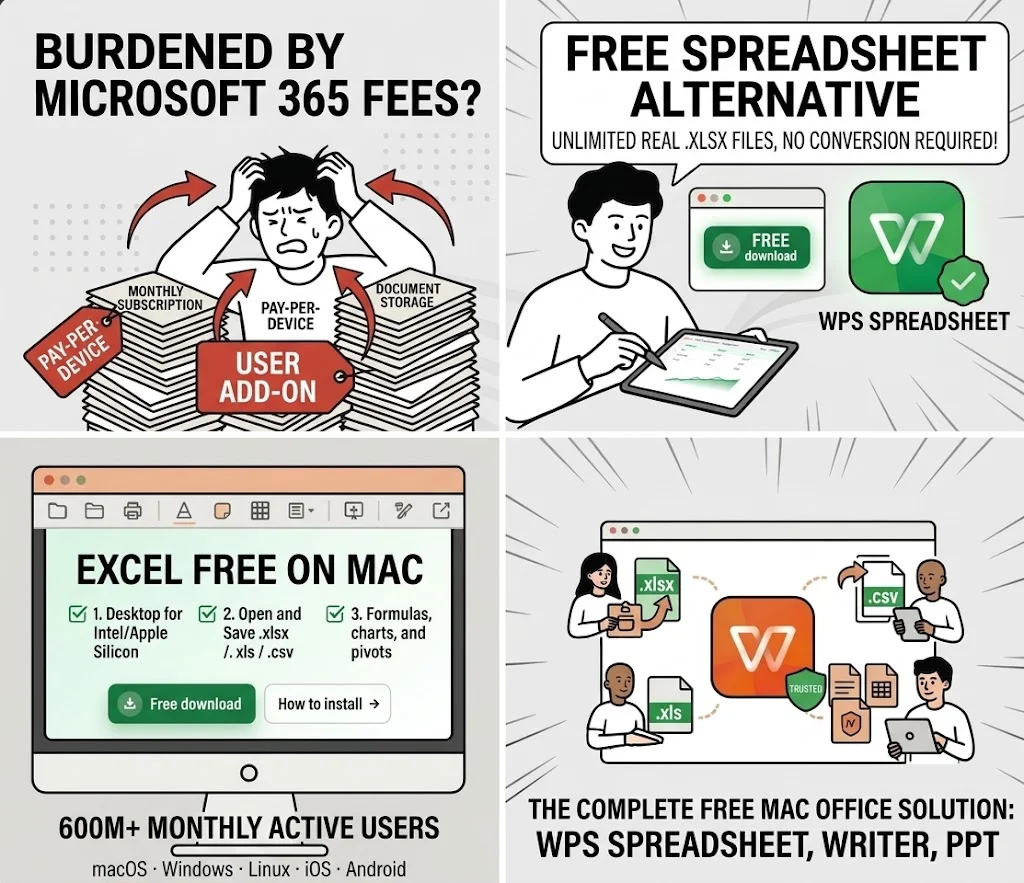
A free excel for mac that opens real .xlsx files—no Microsoft 365 required

  • Desktop Spreadsheet for Intel and Apple Silicon Macs
  • Open and save .xlsx / .xls / .csv without a Numbers conversion
  • Formulas, charts, and pivots plus Writer, PPT, and PDF in one install

macOS · Windows · Linux · iOS · Android

0 monthly active users

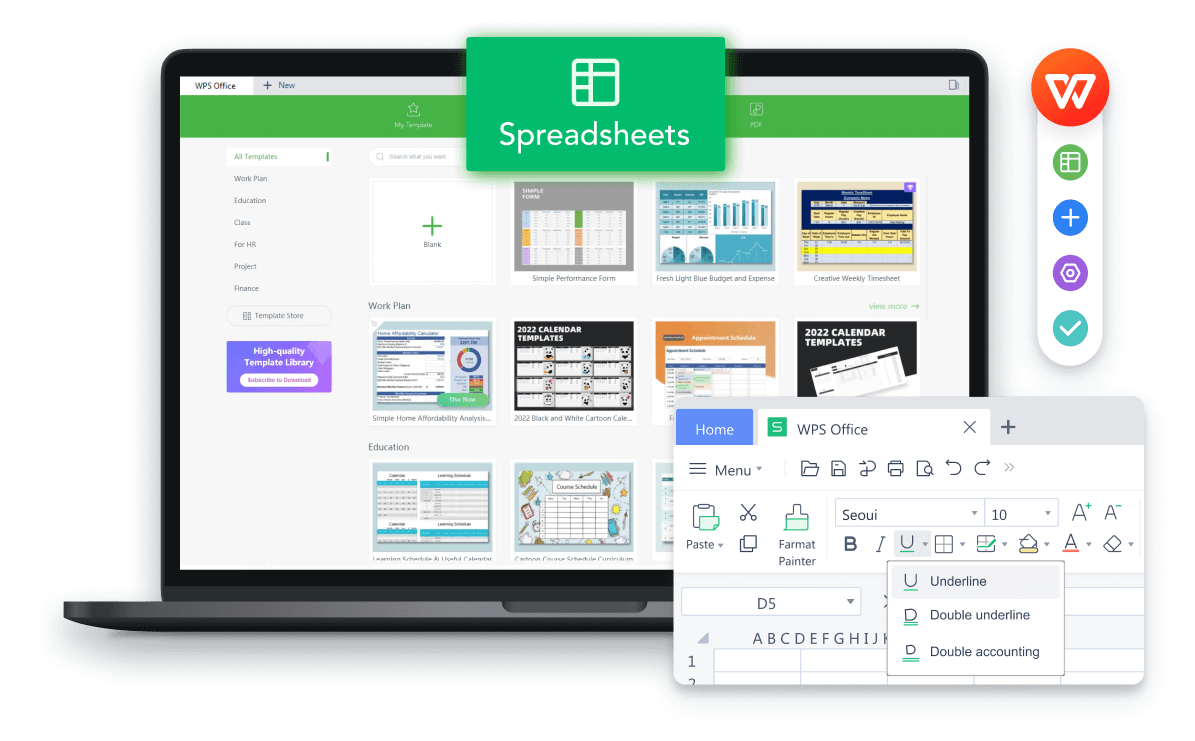
WPS Spreadsheet on Mac preview

WPS Spreadsheet on Mac preview

Pain → Solution

Why Switch to WPS Office for Excel Free on Mac

Microsoft Excel for Mac desktop needs a 365 subscription. Numbers is free, but sharing .xlsx with Windows teammates often breaks layout. WPS Spreadsheet is the free excel for mac that keeps Excel files on your Mac.

365 paywall on Mac

✕ Pain: The Excel Mac app is listed as free, then asks for a Microsoft 365 subscription to actually edit.

WPS solution: Download excel free on mac with WPS Spreadsheet—core editing does not require that subscription.

Free · Desktop · No 365
Numbers vs Excel files

✕ Pain: Apple Numbers looks native, then .xlsx exports shift columns when a Windows teammate opens them.

WPS solution: Work in Excel formats from the start so budgets and gradebooks round-trip more cleanly.

XLSX · Share · Layout

Web-only Excel

✕ Pain: Excel for the web is free, but you need a Microsoft account, a tab, and a connection.

WPS solution: A local Mac app for offline sheets, then cloud only when you choose to sync.

Offline · Local · Private

Heavy or dated suites

✕ Pain: Some free suites feel slow on a MacBook or look nothing like the Excel ribbon you already know.

WPS solution: Lightweight installer, Apple Silicon support, and a familiar spreadsheet workspace.

M-series · Fast · Familiar

Download WPS Office to Use Excel Free on Mac

Install a free excel for mac that lives on your desktop—open workbooks, skip the 365 checkout, keep files on the Mac.

  • Native Mac Spreadsheet for Intel and Apple Silicon
  • Full .xlsx workflow with charts, filters, and formulas
  • One installer for Spreadsheet + Writer + PPT + PDF
Free Download WPS App
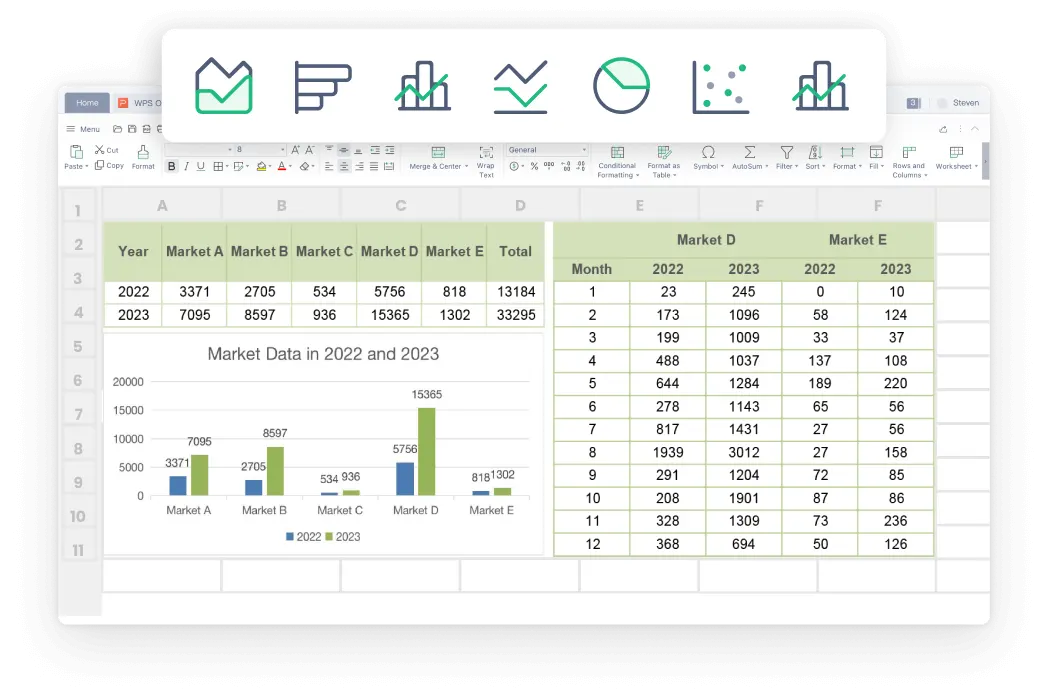
WPS Spreadsheet charts preview

WPS Spreadsheet charts preview

Why Choose WPS Office Excel Free on Mac

Microsoft Excel on a Mac is not actually free. Numbers breaks .xlsx, the web app needs a login, and Copilot sits behind another paywall. Here is how WPS fixes those Mac-only headaches.

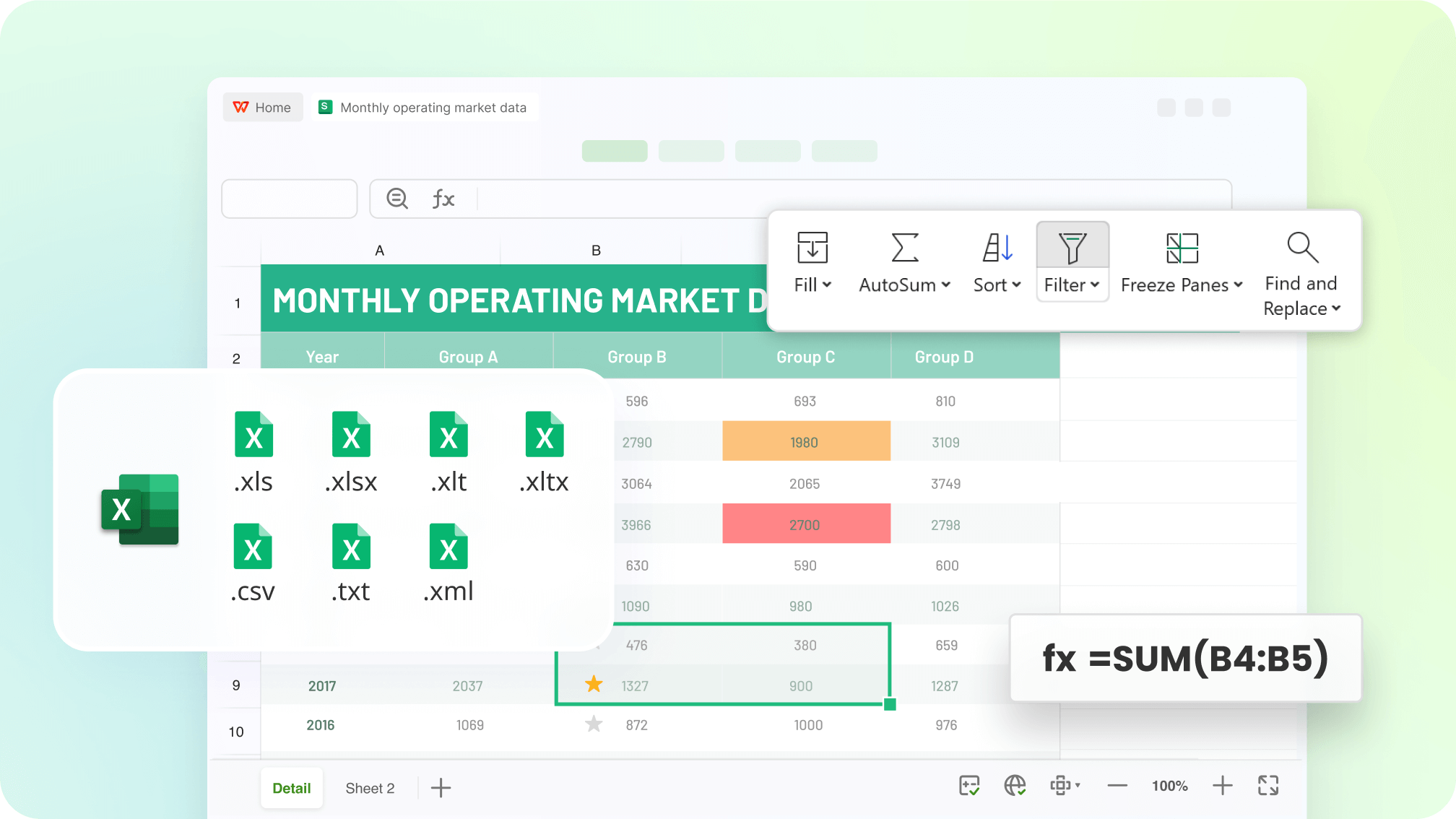
Open real Excel files on Mac—without a 365 license

  • The Excel Mac app looks free, then blocks editing until you subscribe. WPS is excel free on mac for everyday .xlsx work.
  • Skip the Numbers detour. Open, edit, and save .xlsx, .xls, and .csv so Windows colleagues still see the same layout.
  • Keep SUM, IF, lookups, filters, and freeze panes on a local Mac file—no forced Microsoft account.
No 365XLSXNot Numbers
Open · Sales-Report.xlsx
WPS Excel file compatibility graphic

WPS Excel file compatibility graphic

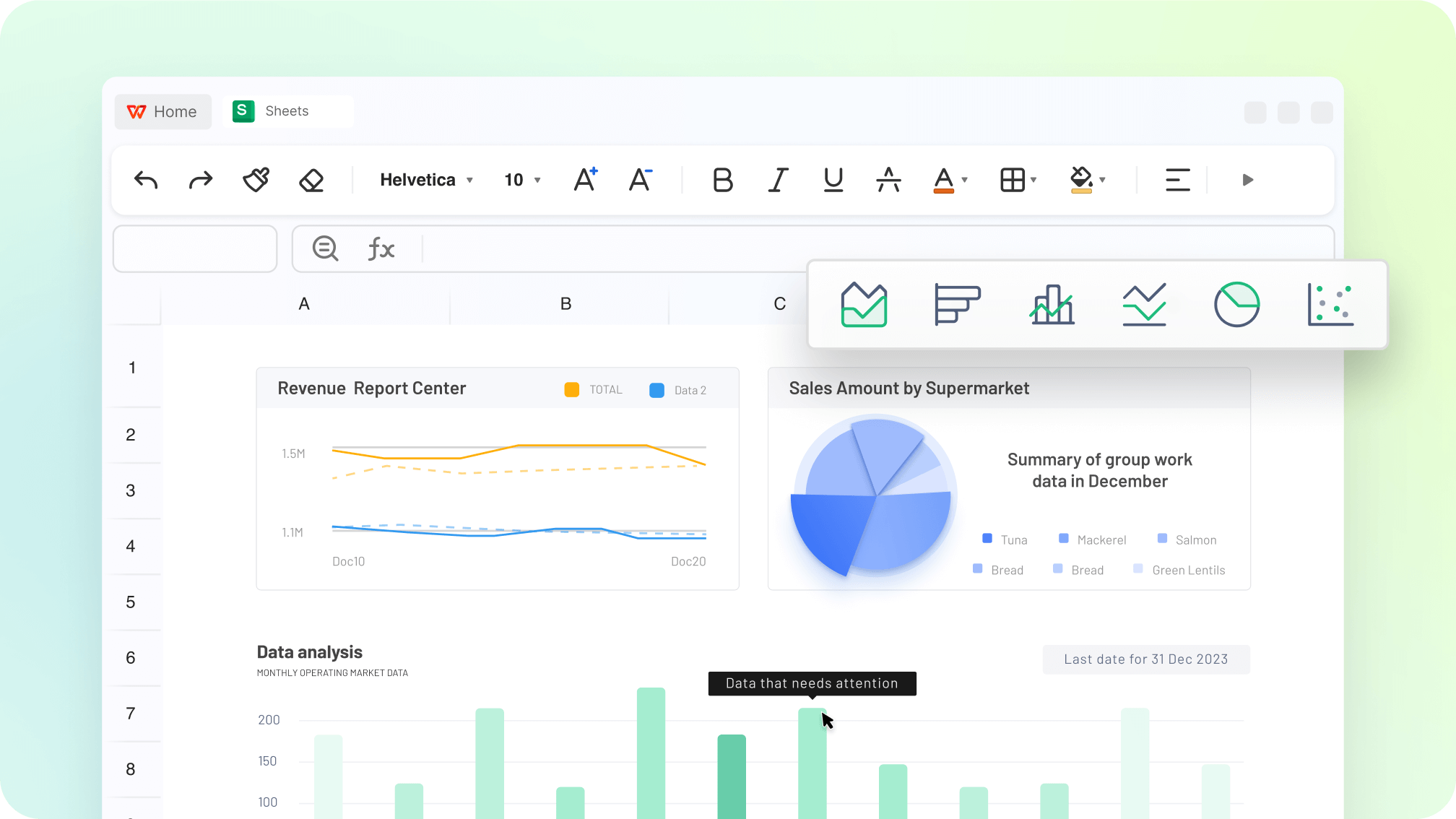
Charts · Pivot · Highlight
WPS Spreadsheet charts visualization graphic

WPS Spreadsheet charts visualization graphic

Charts and pivots that still look like Excel

  • Numbers charts often redraw when you export to Excel. Build line, pie, and column charts in a free excel for mac that Windows PCs can open as-is.
  • Excel for the web is free, but pivots on a MacBook tab feel slow and need a connection. Run filters and pivot tables in the desktop app.
  • Highlight rows, freeze panes, and keep conditional formats so a large gradebook or budget stays readable on a laptop screen.
Mac desktopPivotsOffline

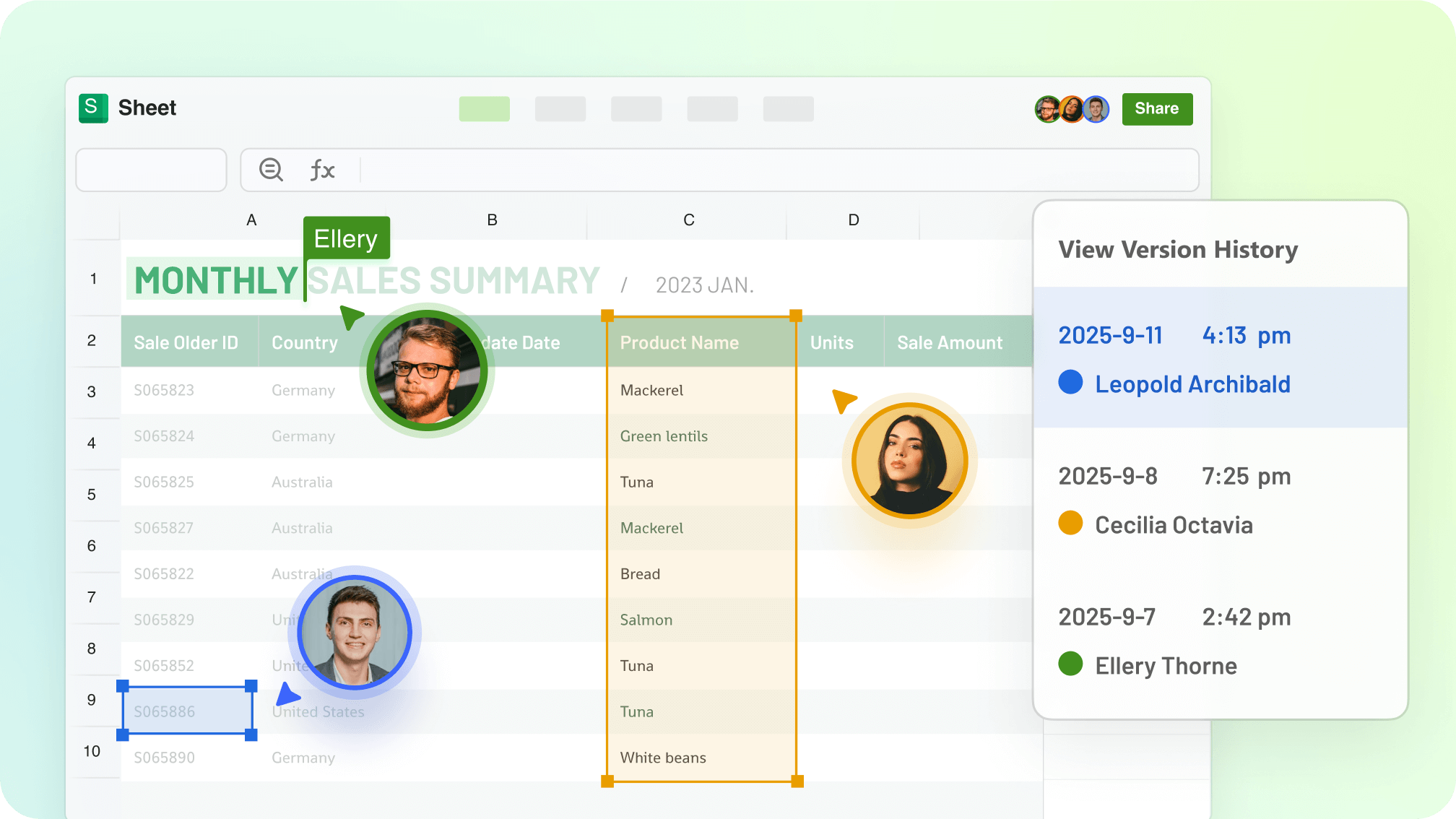
Co-edit from a Mac without Microsoft 365

  • Excel co-authoring on Mac usually means paying for 365. WPS lets you co-edit spreadsheets in real time across documents from the Mac app.
  • Stop emailing “final_v7.xlsx” or dumping the sheet into Google just so a Windows teammate can type in a cell.
  • Pick up the same workbook on iPhone or Windows with one account, and set view or edit access when you share.
Real-timeMac + WindowsNo 365
Mac · iPhone · Windows
WPS real-time spreadsheet collaboration graphic

WPS real-time spreadsheet collaboration graphic

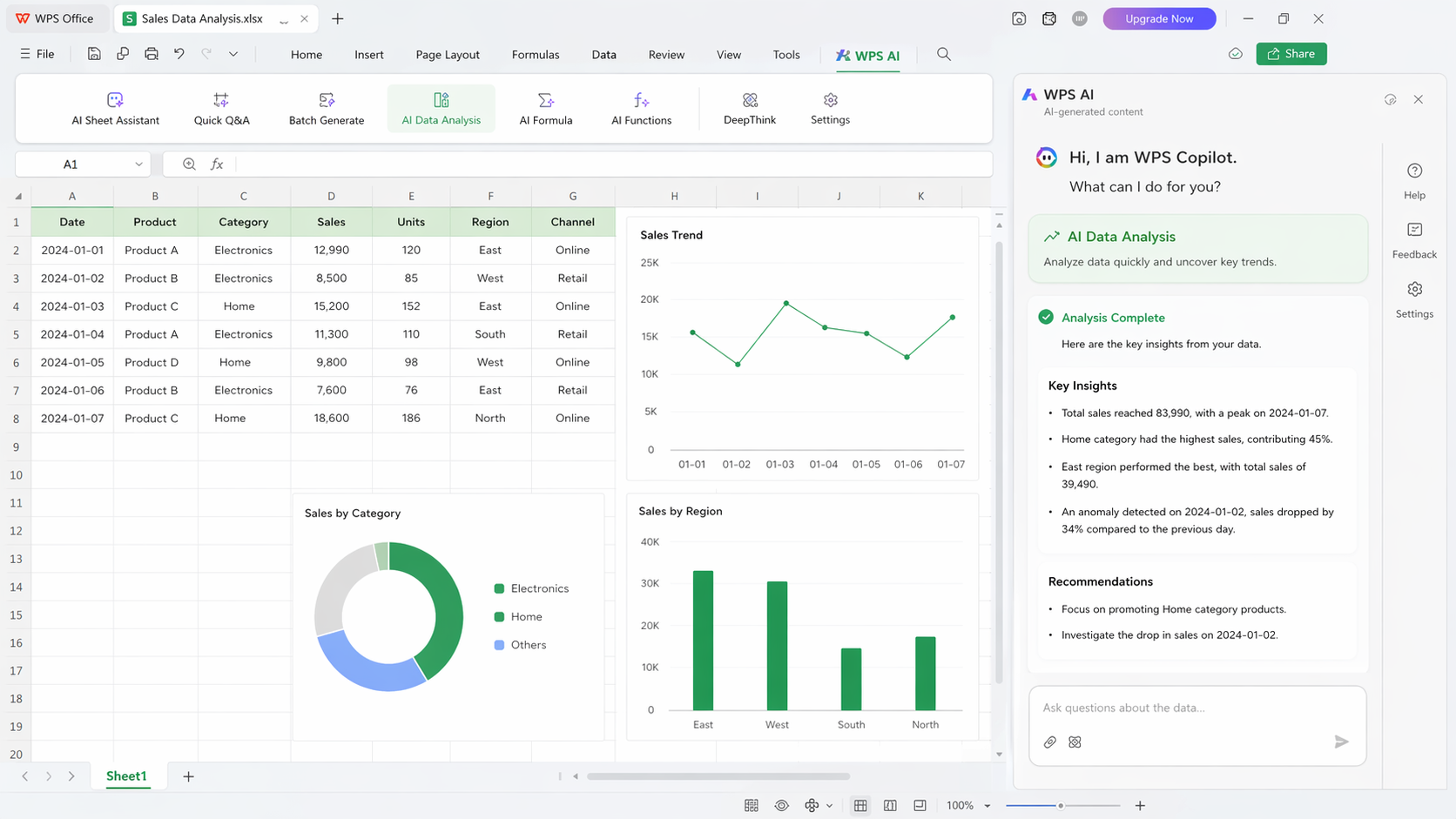
WPS AI · Formula & analysis
WPS AI spreadsheet analysis graphic

WPS AI spreadsheet analysis graphic

Create spreadsheets faster with WPS AI

  • Microsoft Copilot on Mac sits on a paid Excel plan. Numbers will not write a nested IF for you. Ask WPS AI inside the same Mac workbook.
  • Describe the result in plain language and get a formula, a cleaned table, or a short summary—then keep editing the .xlsx yourself.
  • Use it on class data, a household budget, or a client sheet without switching to a browser chatbot and pasting cells back in.
WPS AIMac workbookNo Copilot tax

REAL USERS · WPS OFFICE

Trusted by Mac Users Who Need Excel Free on Mac

Students, side-hustle owners, and analysts use WPS Spreadsheet as excel free on mac when Numbers is not enough and Microsoft wants a subscription.

0

Monthly users

5

Platforms

Free

Core suite

Free Download

macOS · Windows · Linux · iOS · Android

“I needed excel free on mac for client workbooks. WPS opens the same .xlsx files my Windows teammates send—without a 365 seat.”

JL

Jordan L.

Freelance bookkeeper

3 STEPS

How to Use WPS Office for Excel Free on Mac in 3 Steps

  1. 1

    Download WPS Office for Mac

    Install the free suite on macOS. Spreadsheet is included—this is your excel free on mac, without a Microsoft 365 checkout.

  2. 2

    Open Spreadsheet or an Excel file

    Start blank, pick a template, or open .xlsx / .xls / .csv from Finder. Formulas stay on the Mac—no upload to a random site.

  3. 3

    Edit, chart, and save

    Add charts or filters, ask WPS AI for a formula if you want, then save as Excel or export PDF for classmates and clients.

Questions About Excel Free on Mac

FREE DOWNLOAD · ALL PLATFORMS

Start Working with WPS Office Excel Free on Mac

Skip the Microsoft 365 checkout. Keep a free excel for mac on your desktop for budgets, class data, and client workbooks.

  • Excel free on mac with charts, pivots, and AI help
  • Open and save .xlsx without a Numbers conversion
  • One installer · Writer, Spreadsheet, Presentation, PDF
Free Download

One installer · Mac, Windows, Linux, iOS, Android

WPS Spreadsheet product preview

WPS Spreadsheet product preview