WPS Spreadsheet · Free desktop sheets

Google Sheet Alternative

Offline spreadsheets with Excel power—no browser tab required

  • Work fully offline when Google Sheets needs a connection
  • Open and save .xlsx / .xls / .csv with layout fidelity
  • Charts, pivots, formulas + Writer, PPT, and PDF in one suite

Windows · macOS · Linux · iOS · Android

0 monthly active users

WPS Spreadsheet · Q3-Sales.xlsx Offline · Ready
1
Channel
Leads
Revenue
2
Organic
214
$28,410
3
Paid
167
$41,220
4
Partners
89
$19,870

WPS Spreadsheet offline workbook preview

Pain → Solution

Why teams look for a Google Sheet alternative—and how WPS Office helps

Browser sheets are great for live co-editing. Day-to-day budgets, exports, and Excel handoffs often need a desktop Google Sheet alternative that stays reliable offline.

Always-online friction

✕ Pain: Flaky Wi‑Fi freezes edits, and offline mode feels limited for heavy sheets.

WPS solution: Edit locally in WPS Spreadsheet—your Google Sheet alternative that works without a tab refresh.

Offline · Desktop · Stable

Excel handoff gaps

✕ Pain: Downloaded Sheets files lose charts, filters, or print layout for Excel users.

WPS solution: Open and save .xlsx with stronger fidelity so finance and ops stay aligned.

XLSX · Layout · Formulas

Browser-only limits

✕ Pain: Large pivots and dense formatting feel slower stuck inside a browser tab.

WPS solution: Use a lightweight desktop app built for spreadsheets, charts, and multi-sheet workbooks.

Pivots · Charts · Speed

Tool sprawl

✕ Pain: Sheets for numbers, then separate apps for docs, slides, and PDF markup.

WPS solution: One free installer—Spreadsheet plus Writer, Presentation, and PDF.

All-in-one · Free · Cross-platform

Download a free Google Sheet alternative in WPS Office

  • Offline desktop spreadsheets—no forced browser login
  • Full .xlsx workflow with charts, pivots, and filters
  • One installer for Spreadsheet + Writer + PPT + PDF
Free Download WPS App
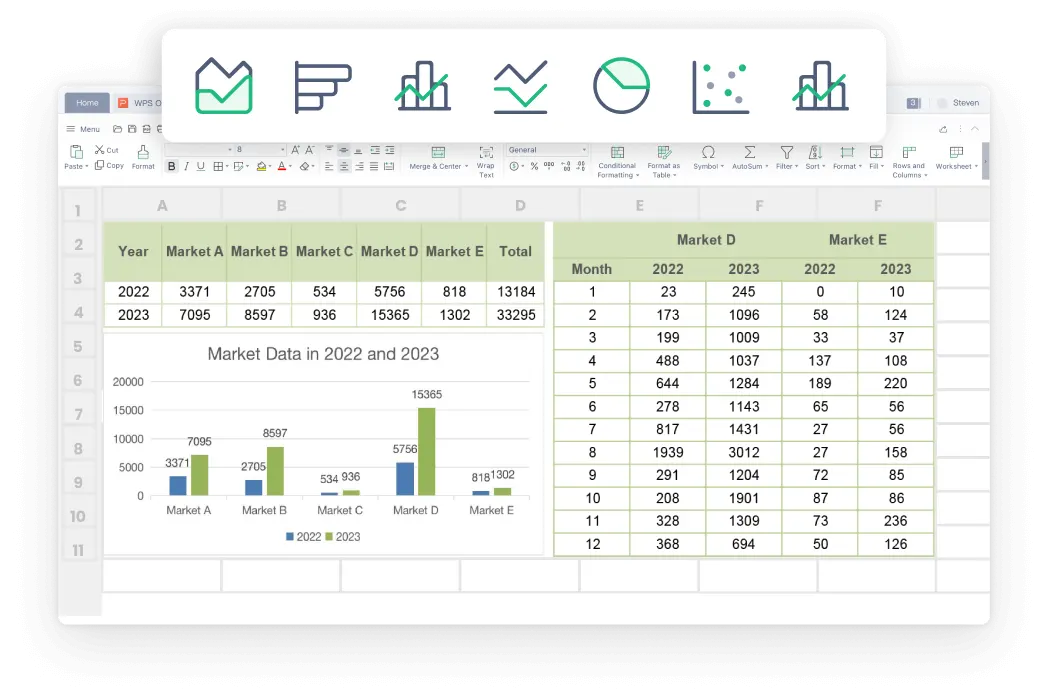
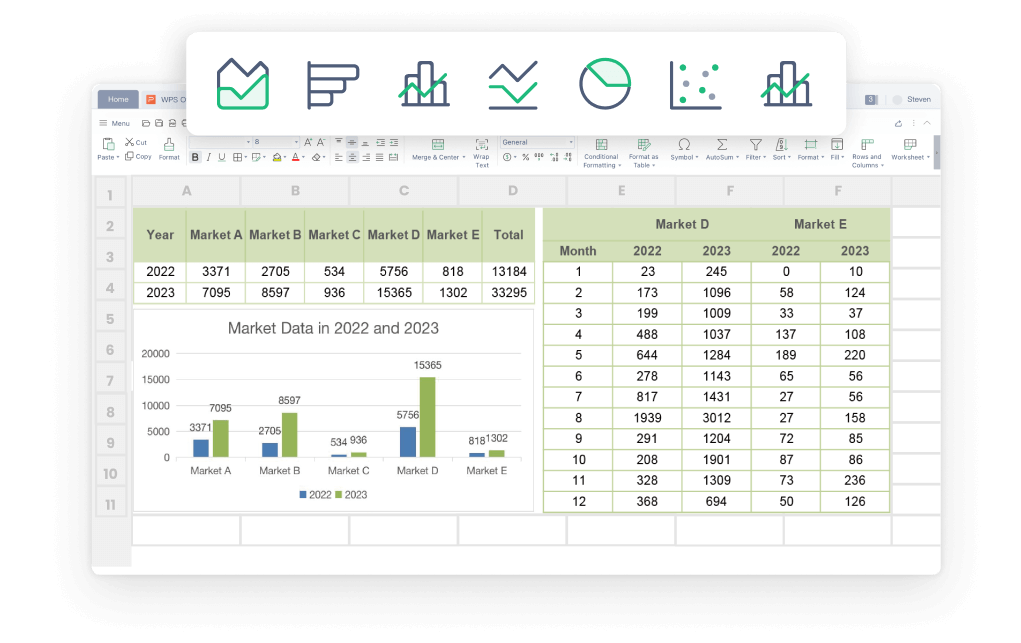
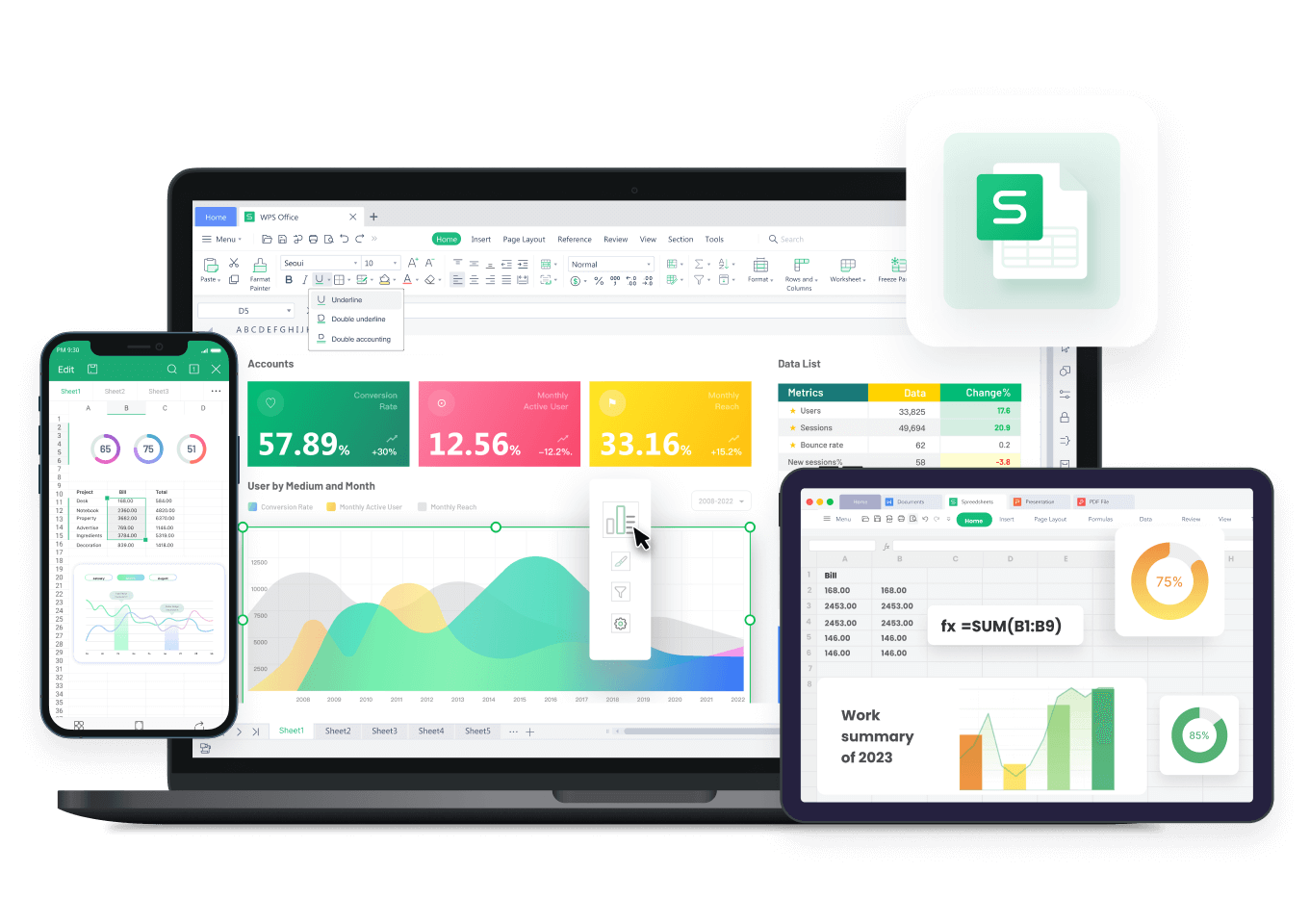
WPS Spreadsheet charts preview

WPS Spreadsheet charts preview

Why Choose WPS Office as Your Google Sheet Alternative

Everything you need to leave browser-only sheets behind—inside WPS Office Google Sheet Alternative.

True offline spreadsheet power

  • Create and edit workbooks without waiting on a connection.
  • Keep sensitive budgets on your device until you choose to share.
  • Sync later with cloud when collaboration is the next step.
OfflineDesktopPrivate
Offline · Budget-2026.xlsx
WPS offline spreadsheet editing

WPS offline spreadsheet editing

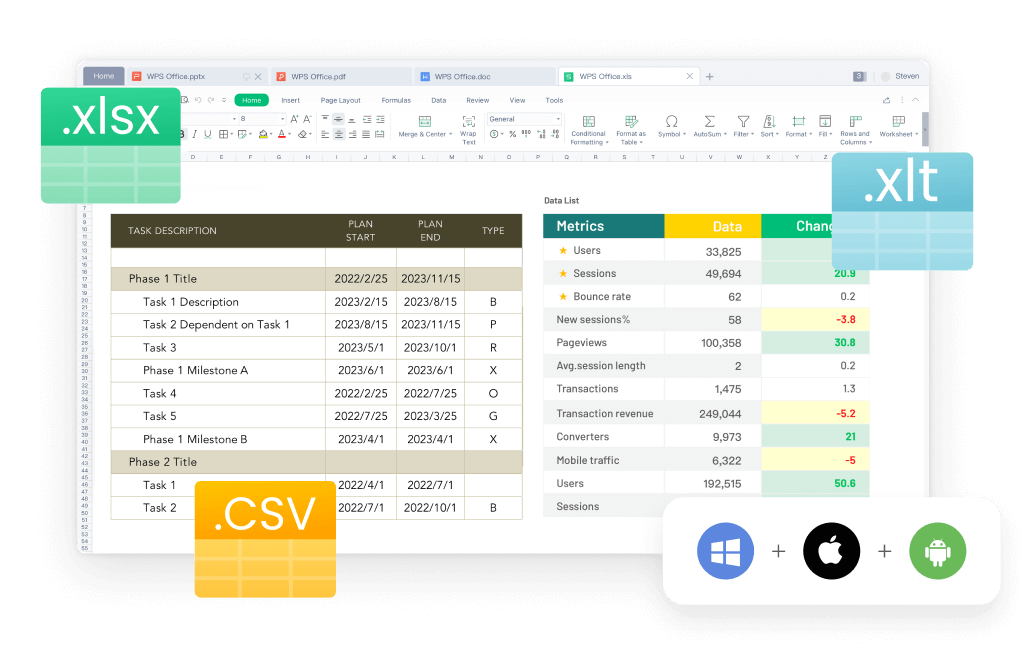
Open · Sales-Report.xlsx
WPS Excel file compatibility

WPS Excel file compatibility

Excel-ready files, not watered-down exports

  • Open .xlsx, .xls, and .csv without fighting broken layouts.
  • Keep formulas, number formats, and sheet structure readable.
  • Send files partners open in Excel without a conversion maze.
XLSXCompatibilityShare

Charts, pivots, and AI for everyday analysis

  • Build charts and pivot tables for sales, class, or household data.
  • Use hundreds of formulas you already know from Excel-style sheets.
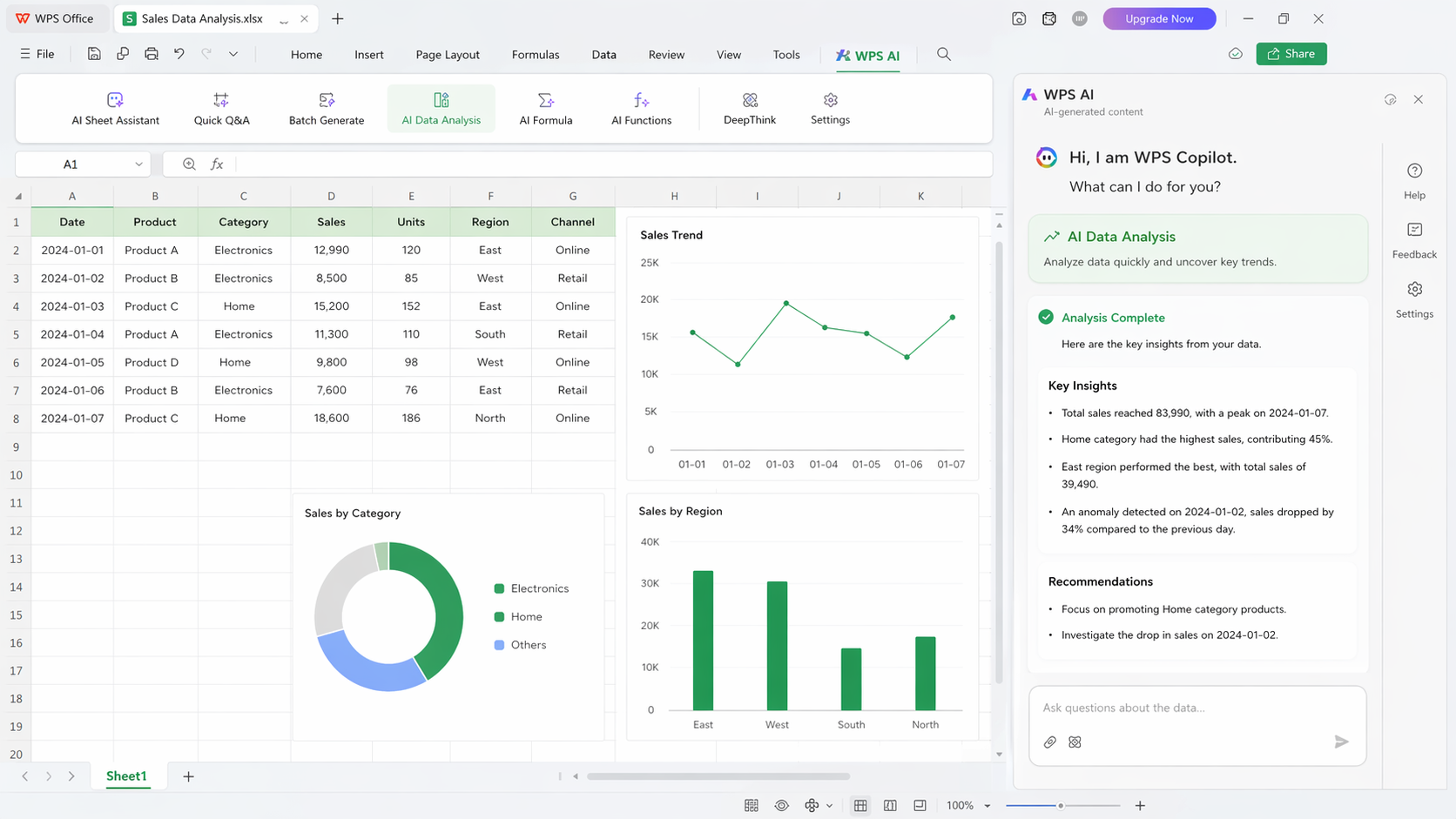
  • Ask WPS AI to draft formulas or summarize columns faster.
ChartsPivotsWPS AI
Charts · Pivot · AI assist
WPS charts and AI analysis

WPS charts and AI analysis

Windows · Mac · Mobile
WPS Office multi device suite

WPS Office multi device suite

One suite across every device

  • Move from laptop to phone without leaving the WPS ecosystem.
  • Turn sheet numbers into a Word report or PDF without switching vendors.
  • Stay productive on Windows, Mac, Linux, iOS, and Android.
Cross-platformAll-in-oneMobile

REAL USERS · WPS OFFICE

Teams keep Sheets for chat—and WPS for the real workbook.

When offline deadlines and Excel handoffs matter, WPS Spreadsheet is the Google Sheet alternative that feels like a proper desktop tool.

0

Monthly users

5

Platforms

Free

Core suite

Free Download

Windows · macOS · Linux · iOS · Android

“Google Sheets is fine for quick lists. For monthly close files, WPS is the Google Sheet alternative that opens our Excel workbooks cleanly offline.”

NL

Nina L.

Finance analyst

3 STEPS

How to Use WPS Office Google Sheet Alternative in 3 Steps

  1. 1

    Download and install WPS Office

    Install the free suite, then open Spreadsheet from the home screen—your Google Sheet alternative is ready on the desktop.

  2. 2

    Create a blank sheet or open Excel files

    Start blank, pick a template, or open .xlsx / .xls / .csv. Formulas and formatting stay local—no upload to a random site.

  3. 3

    Analyze, chart, and share

    Add charts or pivots, ask WPS AI for formula help, then save, export PDF, or sync when you need collaborators.

Google Sheet Alternative FAQ

FREE DOWNLOAD · ALL PLATFORMS

Unlock offline sheets with the WPS Office Google Sheet Alternative

Keep the collaboration wins when you need them—and switch to a desktop Google Sheet alternative for deadlines, Excel files, and private workbooks.

  • Offline Spreadsheet with charts, pivots, and AI help
  • Open and save .xlsx without browser-only limits
  • One installer · Writer, Spreadsheet, Presentation, PDF
Free Download

One installer · Windows, Mac, Linux, iOS, Android

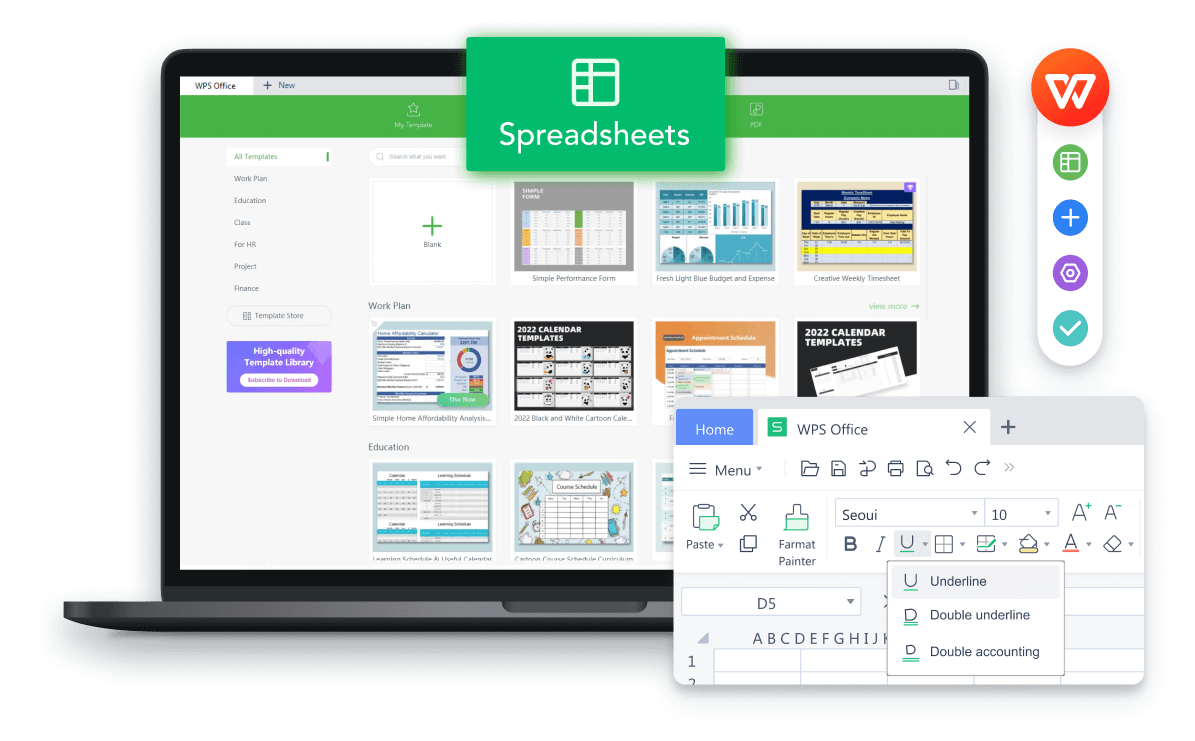
WPS Spreadsheet product preview

WPS Spreadsheet product preview