
Excel Courses Online
Unlock Your Data Potential
- Master essential formulas, functions, and data visualization techniques.
- Learn at your own pace with free, self-guided courses for all skill levels.
- Build practical skills with hands-on projects and real-world examples.
- Access expert-led training directly within WPS Office Spreadsheet.

Why Choose Our Free Excel Training?
Our online Excel courses are designed to transform you into a confident spreadsheet user, ready for any data challenge.
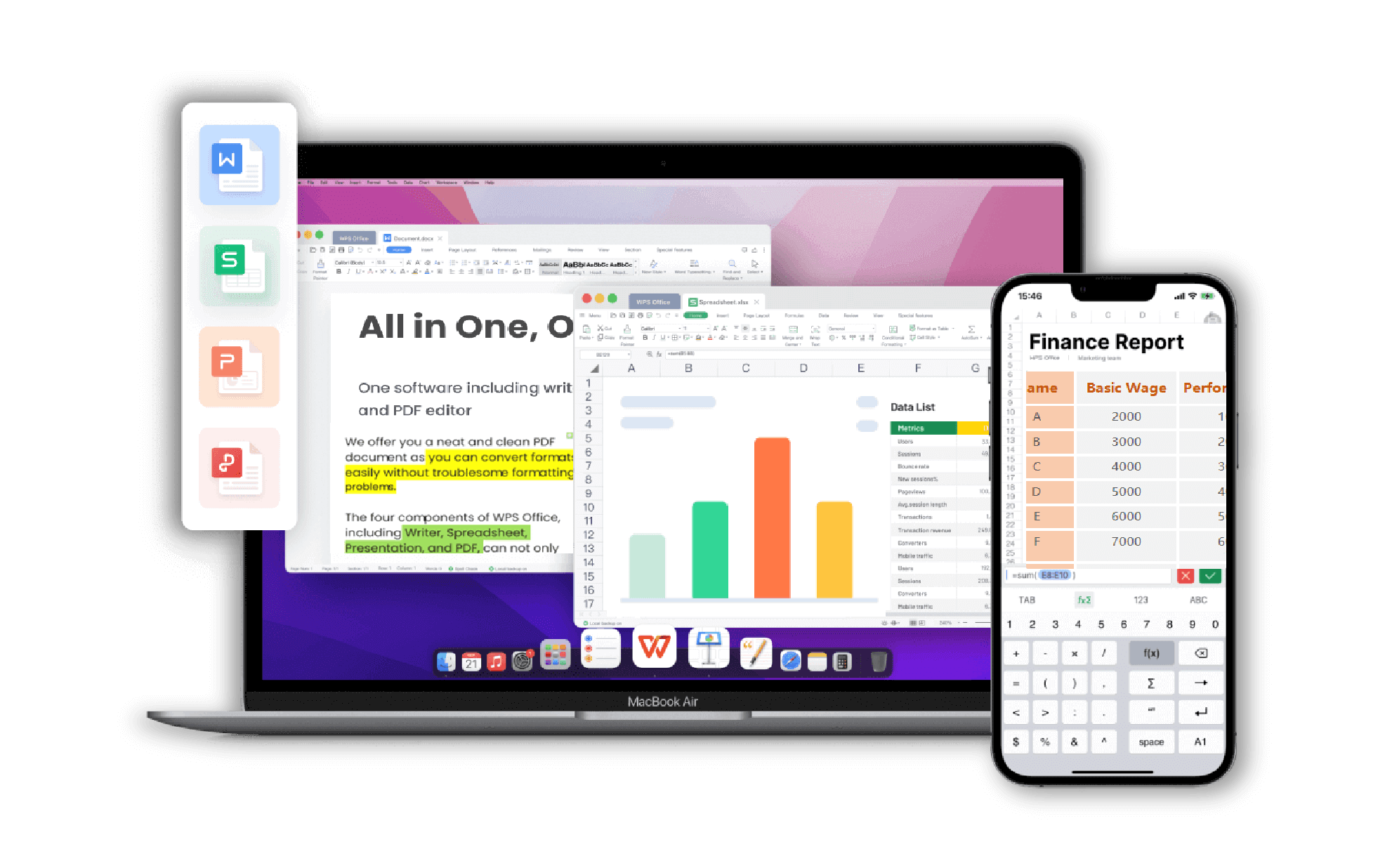
Comprehensive Learning Path
- Start with the basics in our 'Excel for Beginners' course.
- Progress to advanced topics like PivotTables, VLOOKUP, and macros.
- Specialized modules on data analysis, financial modeling, and dashboard creation.
- All courses are structured for logical and easy-to-follow progression.
Hands-On, Practical Projects
- Apply what you learn immediately with interactive exercises.
- Work with real-world datasets to solve common business problems.
- Build a portfolio of projects, from personal budgets to complex business dashboards.
- Gain the confidence to use Excel effectively in your job.
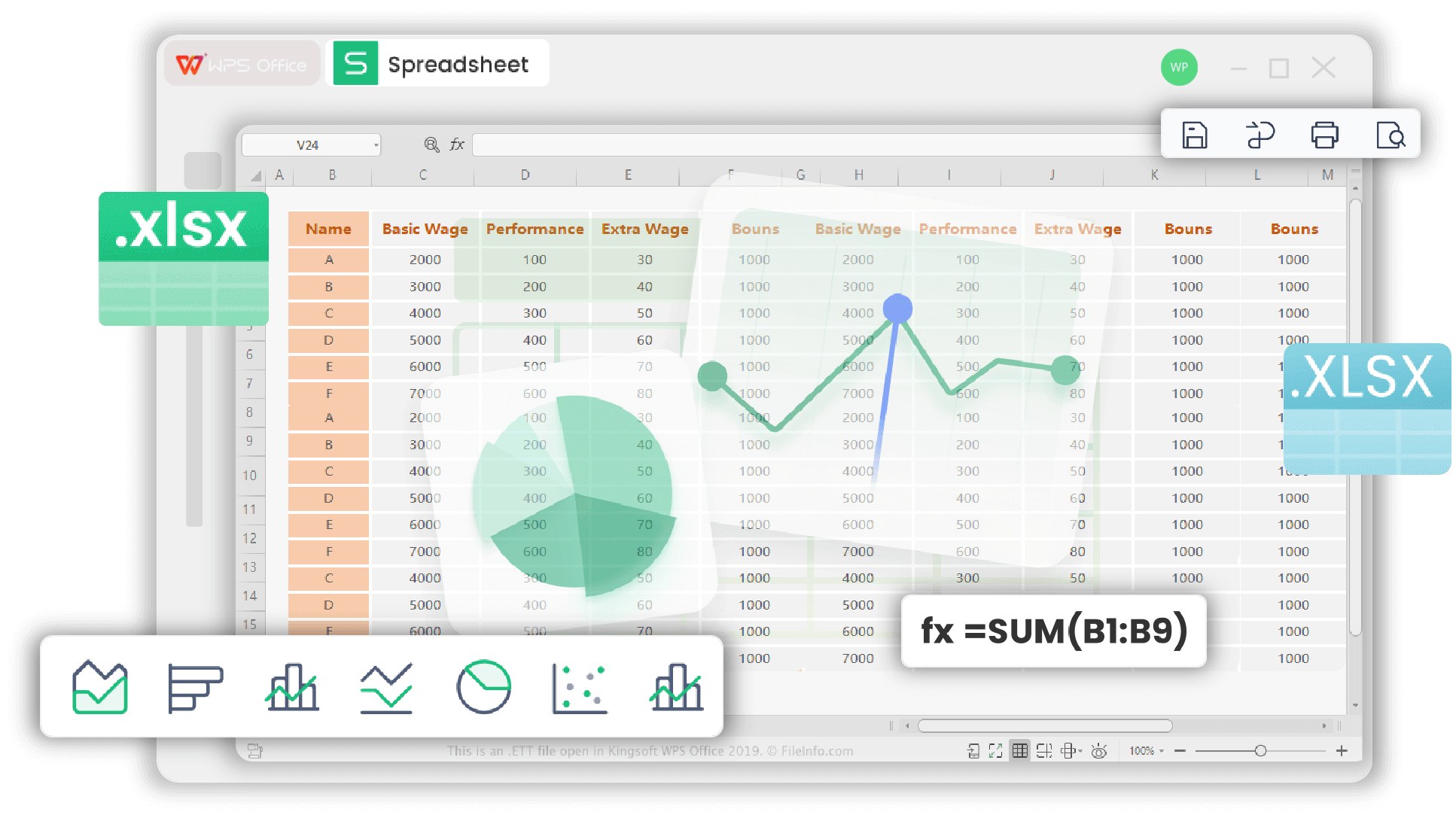
Expert-Led and Accessible
- Learn from industry professionals with years of experience.
- Courses are integrated into WPS Academy for a seamless learning experience.
- Clear, concise video lessons and detailed written tutorials.
- Access free excel training on any device, anytime, anywhere.
Learn On Any Device
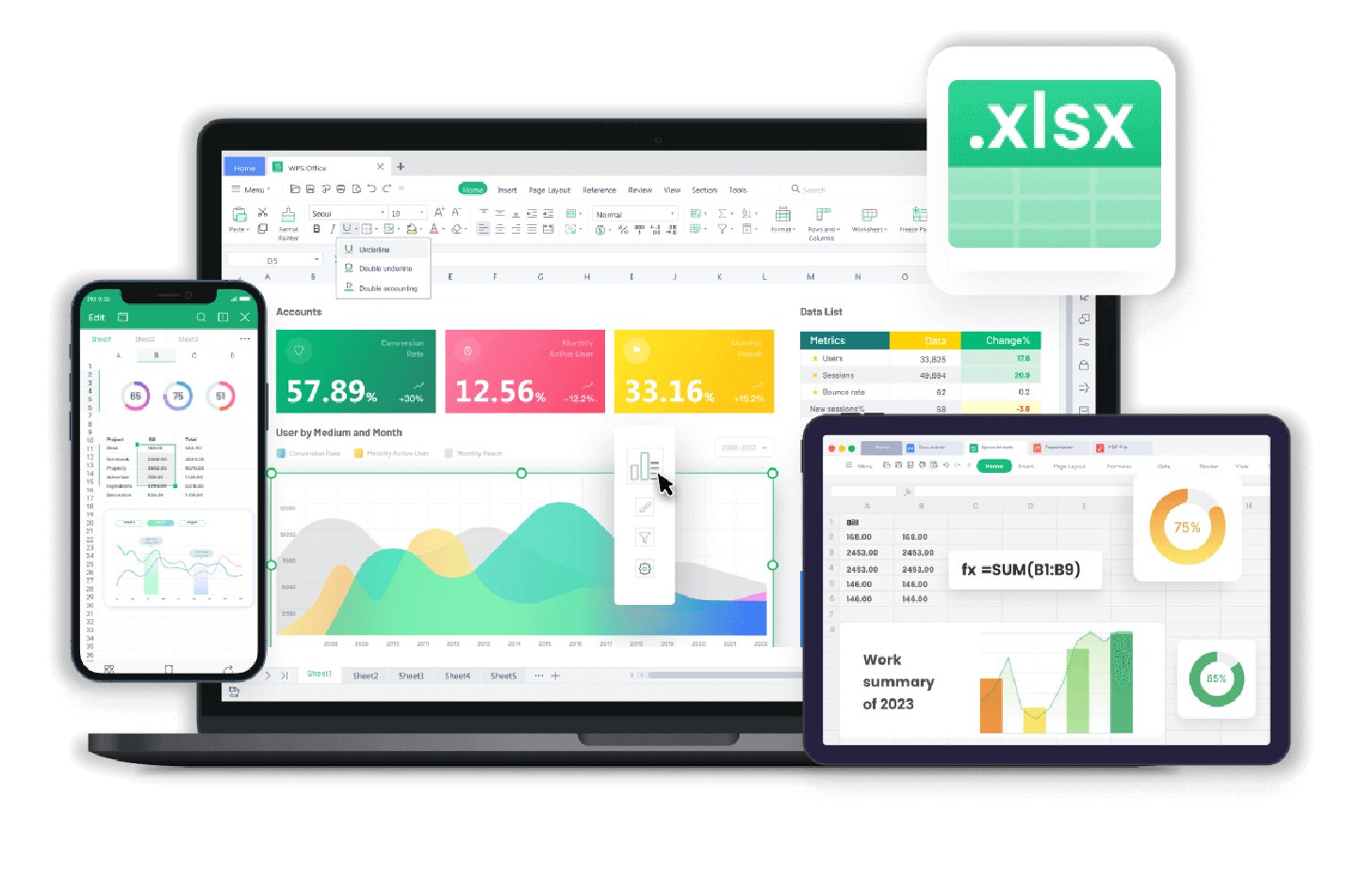
Access your Excel courses online via desktop, tablet, or mobile through WPS Office.
Career-Focused Skills
Acquire the in-demand spreadsheet skills that employers are looking for.
Completely Free
Get high-quality Excel education without any subscription fees or hidden costs.
Exclusive WPS Spreadsheet Features That Supercharge Your Productivity
WPS Spreadsheet goes beyond traditional tools — with built-in smart utilities and AI-powered assistance, you can accomplish in seconds what used to take hours.
Smart Toolbox
The Pain Point
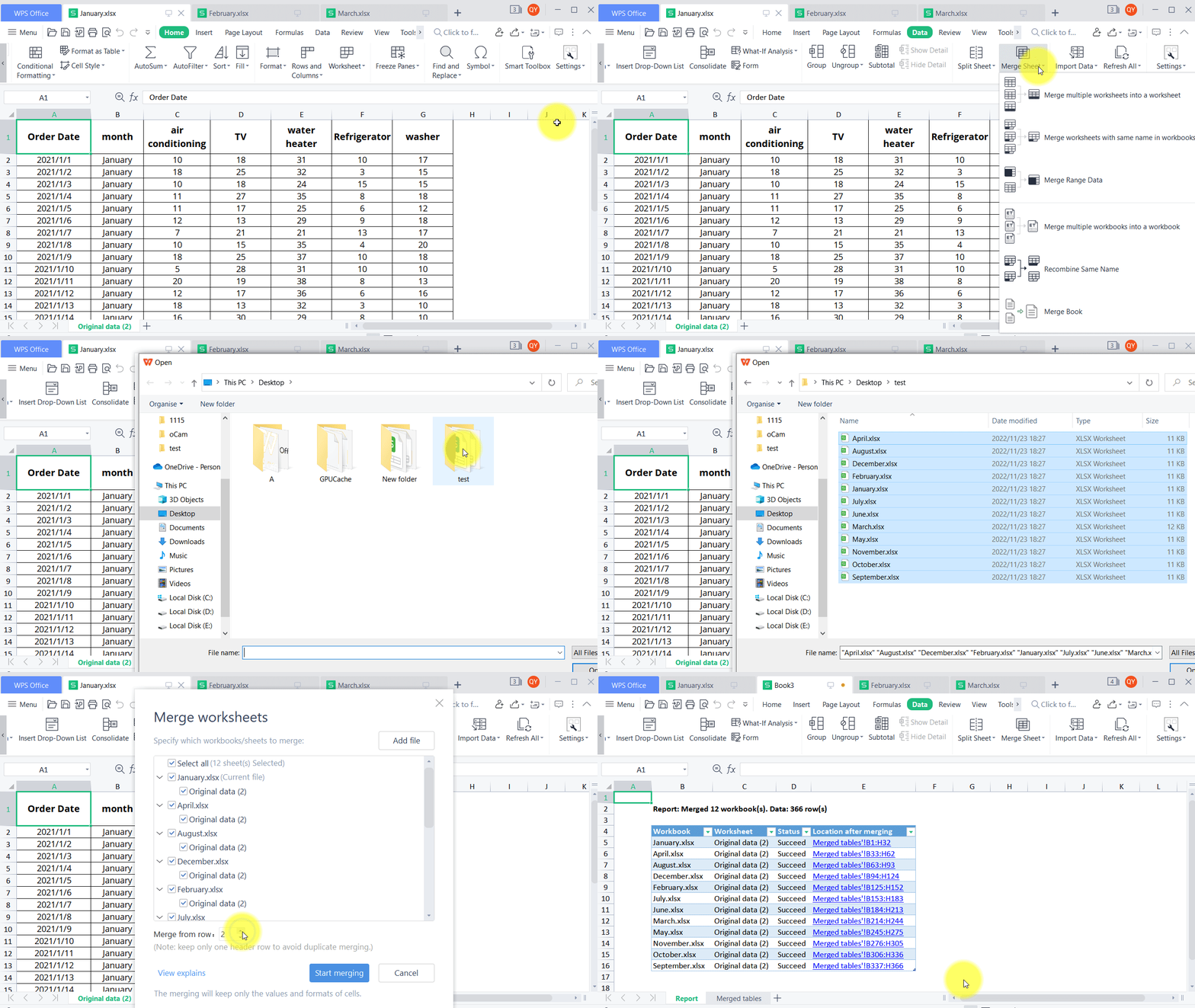
Repetitive tasks like merging sheets or batch-renaming files are time-consuming and error-prone in traditional spreadsheets.
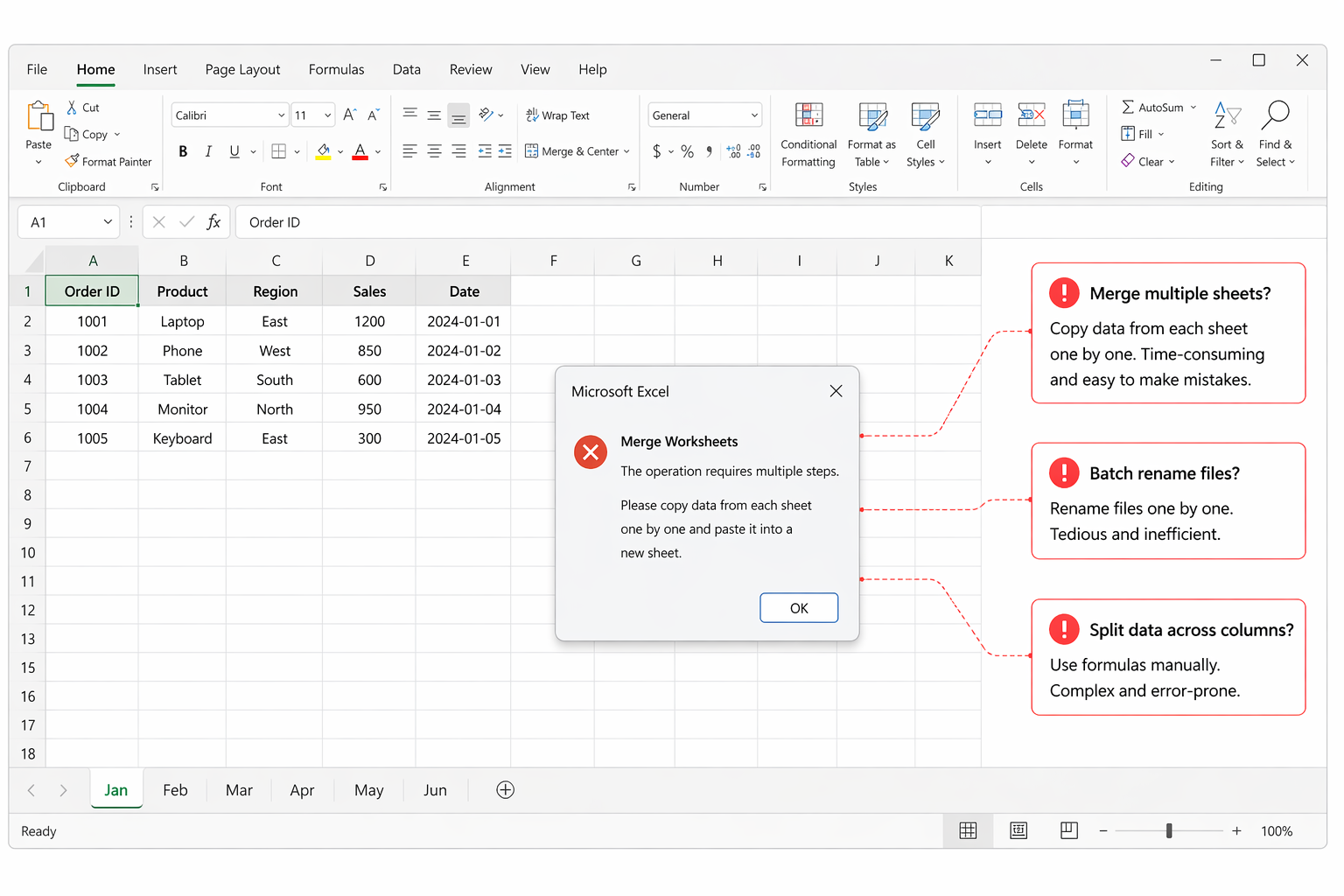
The WPS Solution
Smart Toolbox offers one-click merge/split sheets, batch processing, and dozens of built-in automation tools — no add-ons required.
WPS AI Integration
The Pain Point
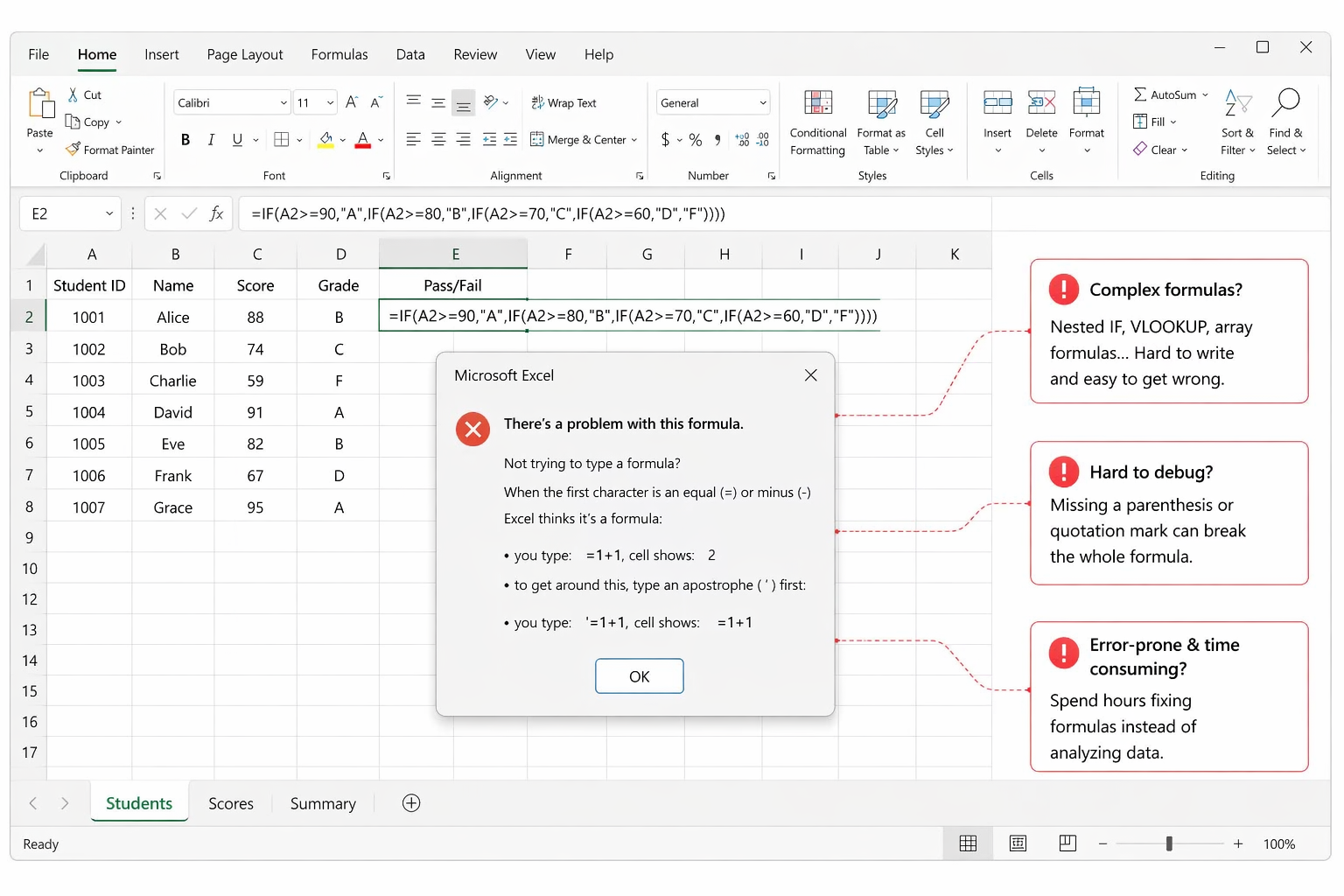
Complex formulas like nested IF or VLOOKUP are intimidating — even experienced users waste time searching for the right syntax.
The WPS Solution
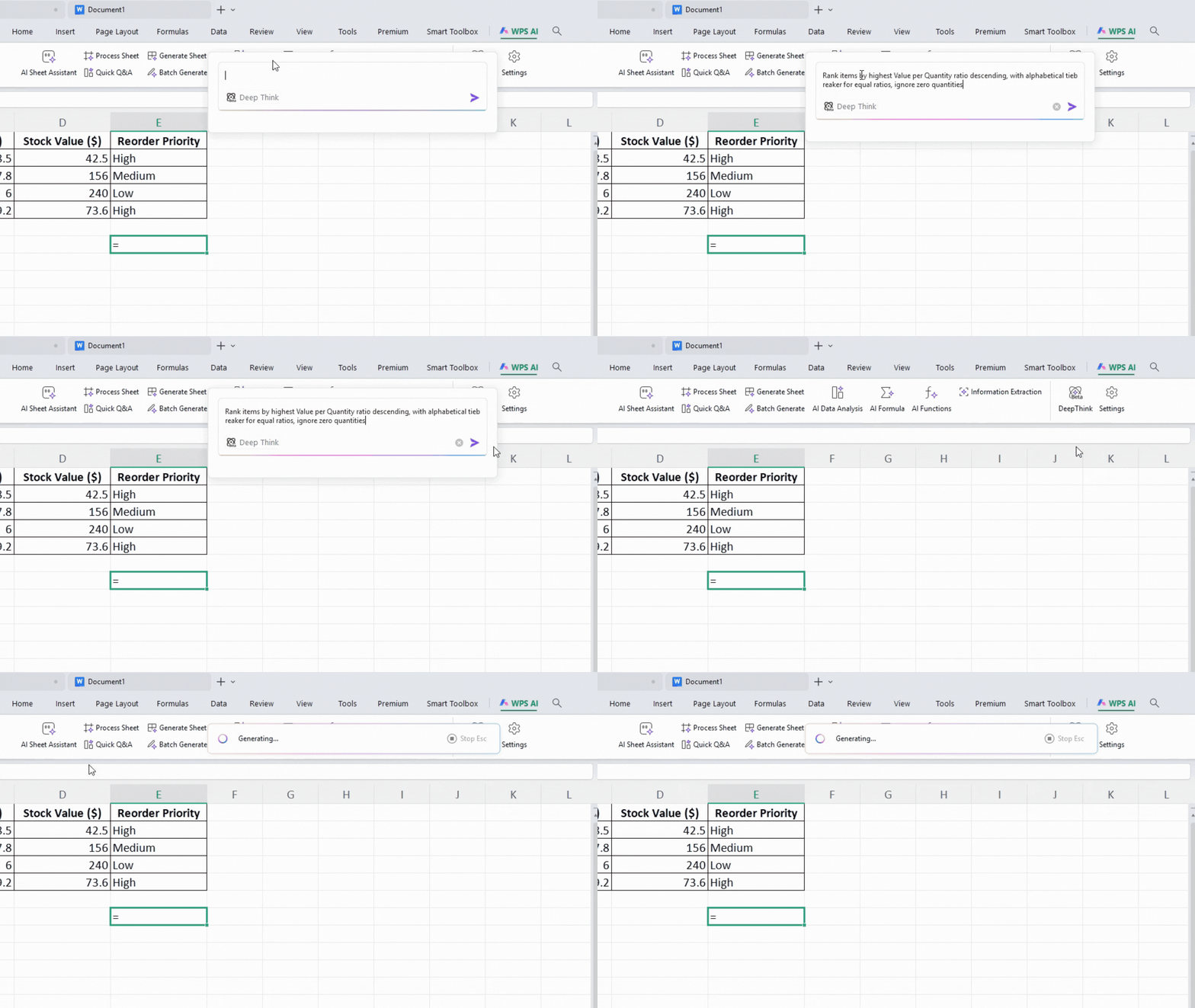
Describe what you need in plain language and WPS AI instantly generates the exact formula and inserts it into your cell.
WPS Spreadsheet vs. Microsoft Excel: Which Is Right for You?
Both are powerful spreadsheet tools, but WPS Spreadsheet offers unique advantages that make it the smarter choice for most users.
| Feature |
WPS Spreadsheet
|
Microsoft Excel |
|---|---|---|
| Cost | Free for core features; affordable premium plans | Requires Microsoft 365 subscription (~$6.99/mo) |
| Learning | Built-in WPS Academy with in-app tutorials | Relies on external resources (YouTube, third-party sites) |
| Compatibility | Full .xlsx compatibility — formulas, charts & formatting preserved | Native .xlsx support, locked to Microsoft ecosystem |
| AI & Tools | Built-in AI + Smart Toolbox for one-click automation | Advanced tasks often require VBA macros or add-ins |
Success Stories from Our Learners
See how students and professionals are using our online Excel courses to achieve their goals.

Sarah J.
Marketing Analyst
"The advanced Excel course helped me automate my monthly reports, saving me hours of work. The lessons on PivotTables were a game-changer!"

Michael B.
Small Business Owner
"As someone with no background in finance, the 'Excel for Beginners' course was perfect. I can now confidently manage my business's budget and track expenses."

Chloe T.
University Student
"I needed to learn Excel for a data analysis project. The free online courses on WPS Academy were incredibly helpful and easy to follow. I aced my project!"
Start Learning in 3 Simple Steps
Begin your journey to Excel mastery with our easy-to-follow process.

Explore More Learning Resources
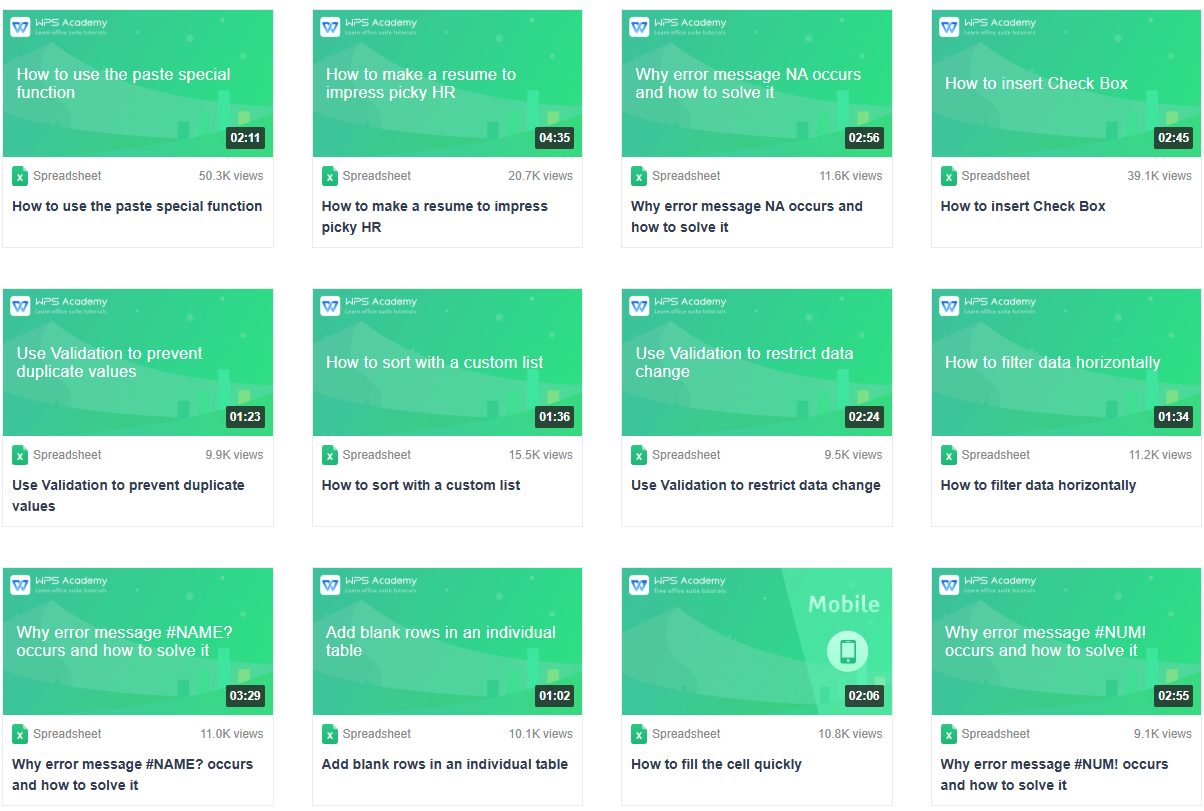
Expand your skill set beyond spreadsheets with other free courses available in WPS Academy.
Insert Equations in WPS Spreadsheet
Learn how to insert and format equations in WPS Spreadsheet for mathematical and scientific work.
Learn more
Use Pivot Chart to Create a Dynamic Chart
Master pivot charts to create interactive, dynamic visualizations from your spreadsheet data.
Learn more
How to Use the VLOOKUP Function
Understand the VLOOKUP function to quickly find and retrieve data across your spreadsheets.
Learn more
Simple Lottery with RANDBETWEEN
Learn how to make a simple lottery using the RANDBETWEEN function for random number generation.
Learn moreFrequently Asked Questions
Find answers to common questions about our online Excel courses.
Ready to Become an Excel Pro?
Download WPS Office now to access our complete library of free excel courses online. Start building valuable skills today!
All Skill Levels
Courses from beginner to expert.
100% Free Training
No cost, just pure learning.
Boost Your Career
Gain skills for top jobs.