Free Tool · Online DOCX File Reader

Free Online DOCX File Reader for Word Documents

By WPS Office · Updated August 10, 2026 · 4.8★ · 600M+ users · Official product page

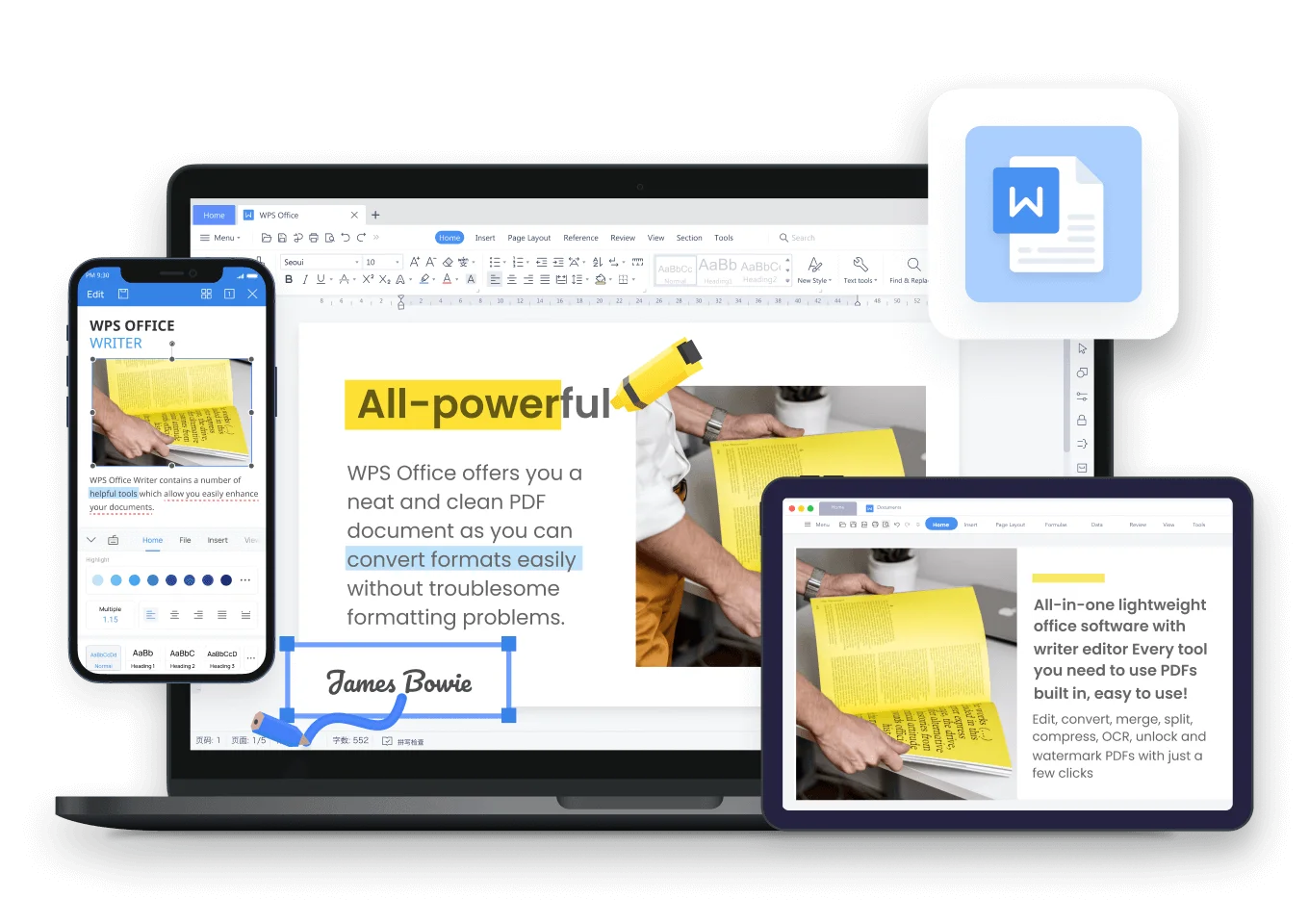
Use WPS as your fast, secure online docx file reader to open, view, and read .docx or .doc files directly in any browser — on your PC, Mac, iPhone, Android, or tablet. No software installation needed. Download WPS Office anytime for advanced offline editing.

  • 📱 Any Device Browser
  • ⚡ Online DOCX Reader
  • 📄 .docx & .doc
  • ☁️ Instant Access
Compatible with: Windows Mac Chrome iOS Android
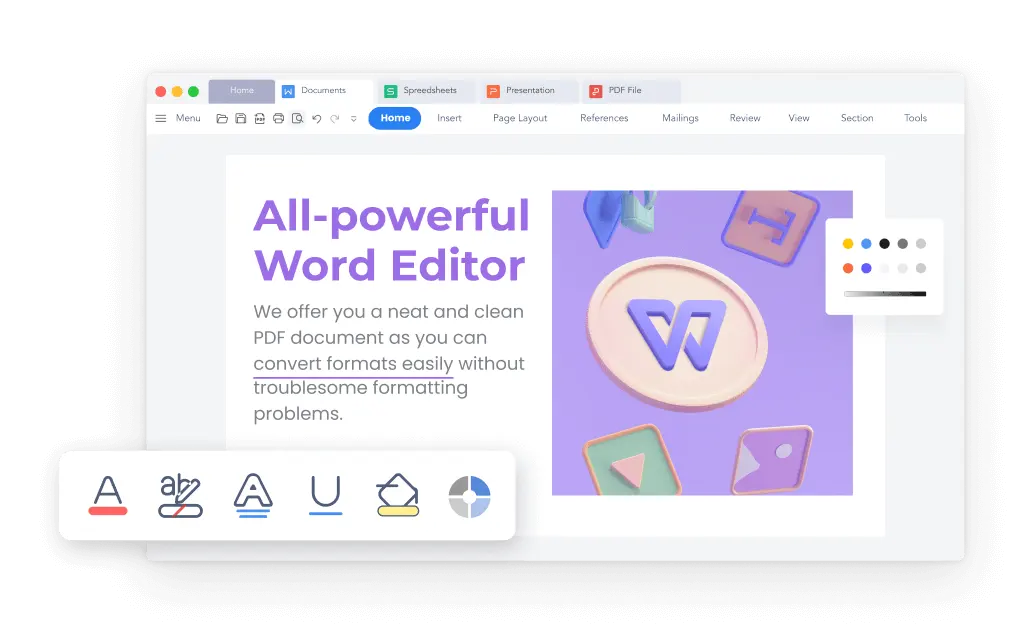
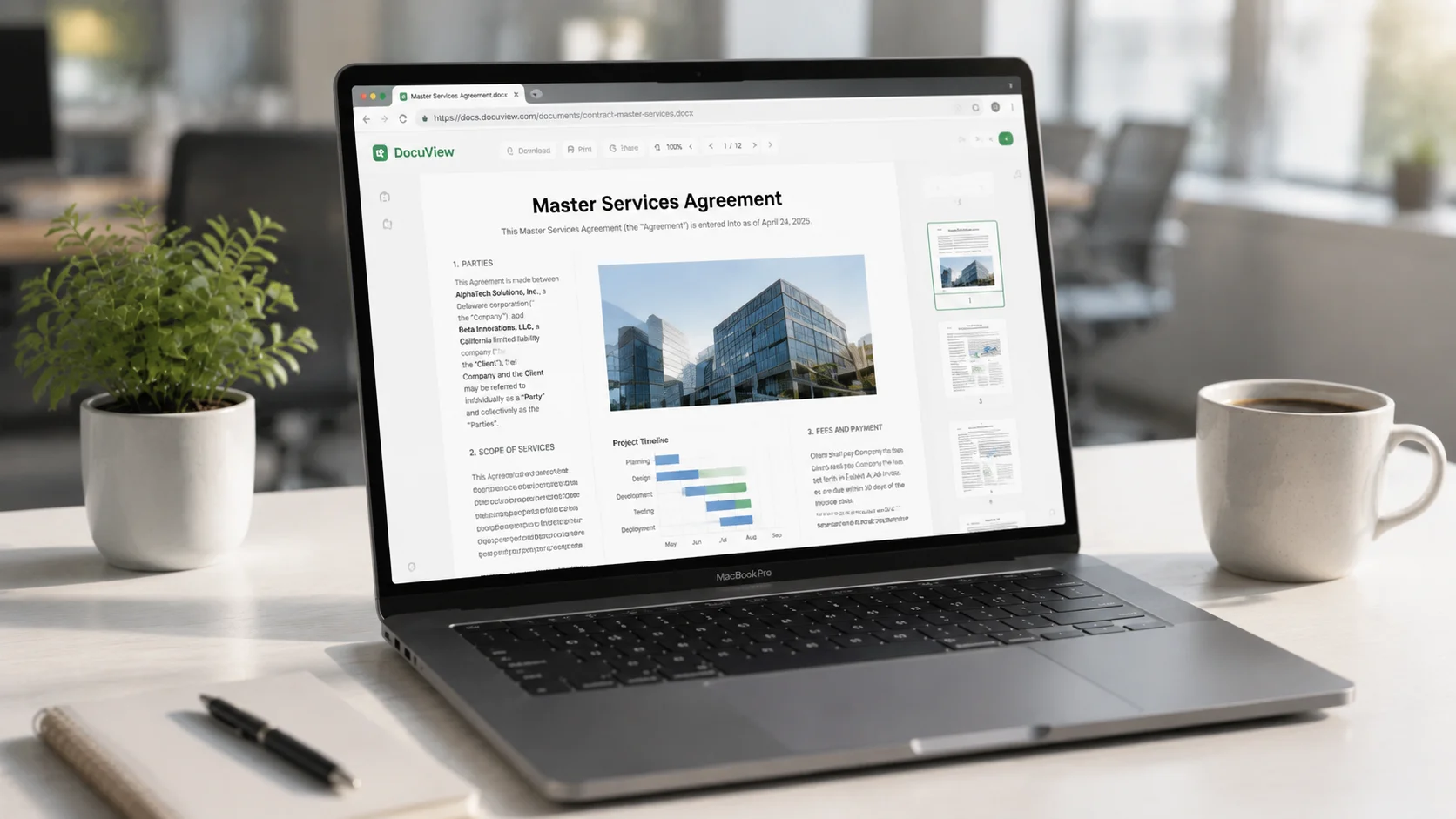
WPS online DOCX file reader — open and view Word documents in your browser
Feature Highlights & Use Cases

Everything You Need in an Online DOCX File Reader

High-fidelity rendering, smart AI insights, and effortless editing — all in your browser.

Read Anywhere on Mobile, Tablet & Desktop

Access your documents seamlessly on the go. Whether you're on Safari (iOS), Chrome (Android/PC), or Edge, WPS renders your DOCX perfectly without forcing an app download.

Use Case Mobile, Tablet & Desktop Browsers
Pixel-Perfect Layout

Preserves fonts, complex tables, and image alignments with 100% precision.

Use Case Contracts, Thesis & Legal Docs

WPS AI Assistant

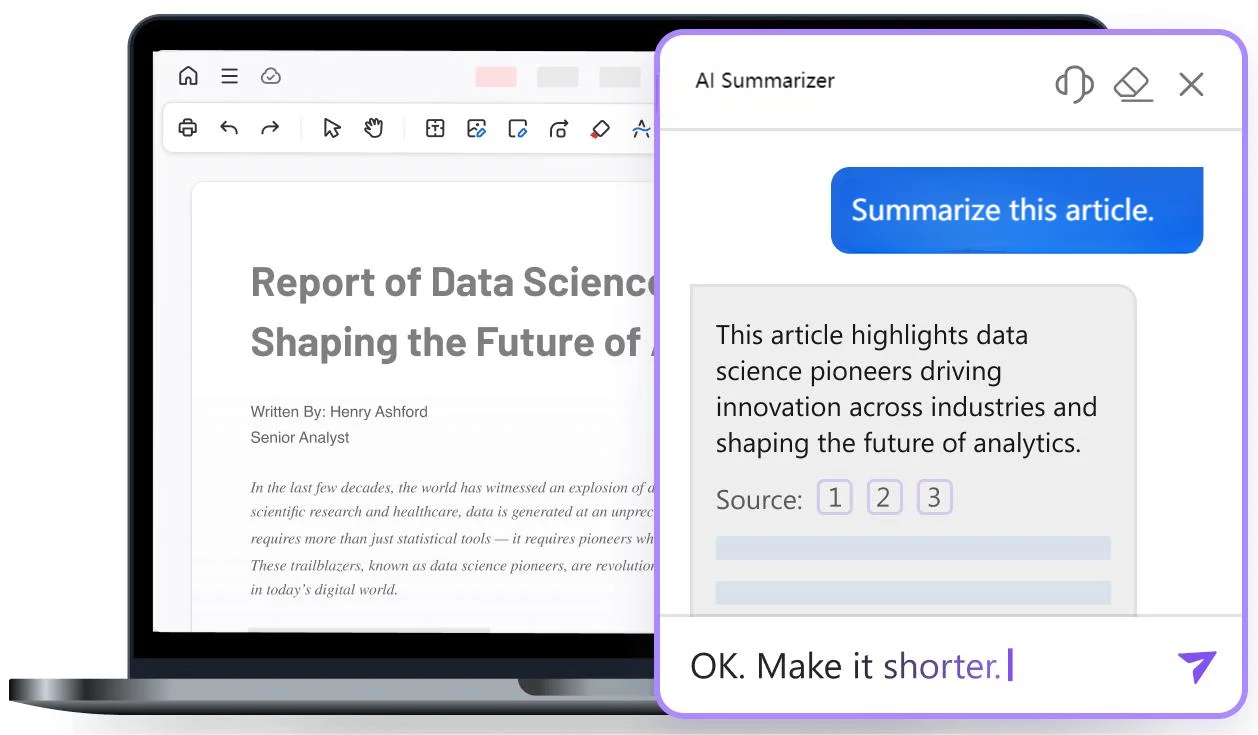
Summarize 50+ page reports and extract key insights in seconds with context-aware AI.

Use Case Long Reports & Skimming

One-Click to Edit

Switch seamlessly from read-only preview to full online editing or PDF export.

Use Case Team Handoff & Revision

Need Offline Access?

Prefer Desktop Convenience? Open DOCX Offline with WPS

Prefer a desktop free DOCX reader for large files? Open .docx instantly without browser lag, internet dependency, or file size limits — 100% private on your local device.

Word Excel PowerPoint PDF
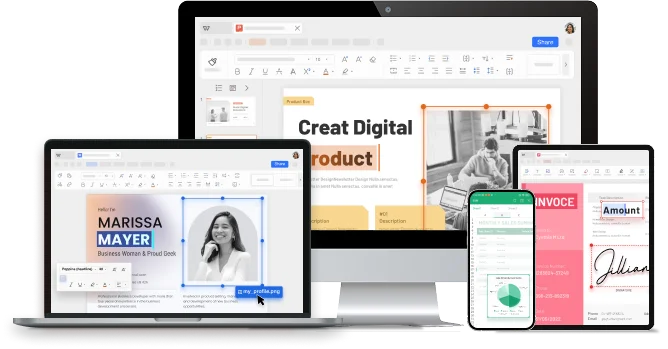
WPS Office desktop apps for Word, Excel, PowerPoint and PDF

Discover Why WPS Is More Than Just a Reader ↓

Beyond a Basic Reader

More Than a Free DOCX Reader — A Complete Smart Document Hub

Most online readers just display text. Our free DOCX reader gives you high-fidelity rendering, AI summarization, and seamless transition to full document editing.

High-fidelity DOCX rendering comparison — WPS vs generic viewer

100% Free & Secure • Compatible with Windows, Mac, Android & iOS

Why Choose WPS

Why Teams Trust WPS for Everyday Documents

Security, focus, and a full office suite — so opening a Word file is the start of productive work, not a dead end.

Bank-Grade Data Security

Encrypted transfer and enterprise privacy practices. Your DOCX content is not used to train public models.

Ad-Free Reading Focus

A clean viewer experience without pop-up spam — stay focused on the document, not the distractions.

Complete Office Ecosystem

Start in the free DOCX reader, then edit Writer docs, sheets, slides, and PDFs in one WPS workspace.

Capability Generic Online Viewer WPS Online DOCX File Reader
Layout fidelityOften brokenHigh-fidelity keep
Ads & distractionsCommonClean reading focus
AI summarizationRare / separate tabNative WPS AI
Edit after viewLimited / export hassleOne-click Writer edit

Real Users · WPS Office

Already Replacing Multiple Document Tools Across the World

0M+
Global MAU
100%
Layout Keep
4-in-1
Suite
Download WPS Office Free
Built-In Word Tools

Built-In Tools Beyond Basic DOCX Viewing

Everything top browser Word viewers promise — reading modes, export, templates — plus real editing and collaboration after you open files in this free DOCX reader.

Immersive Reading Mode

Read DOCX files fullscreen with dark mode, page flip effects, and adjustable font zoom — just like a native desktop reader.

Cloud Sync & Backup

Save viewed documents directly to WPS Cloud Drive — access your files anytime on desktop, mobile, or web browsers.

DOCX to PDF / Image

Export DOCX directly to PDF, PNG, or long image formats after viewing — layout preserved, no extra tools needed.

Real-Time Co-Editing

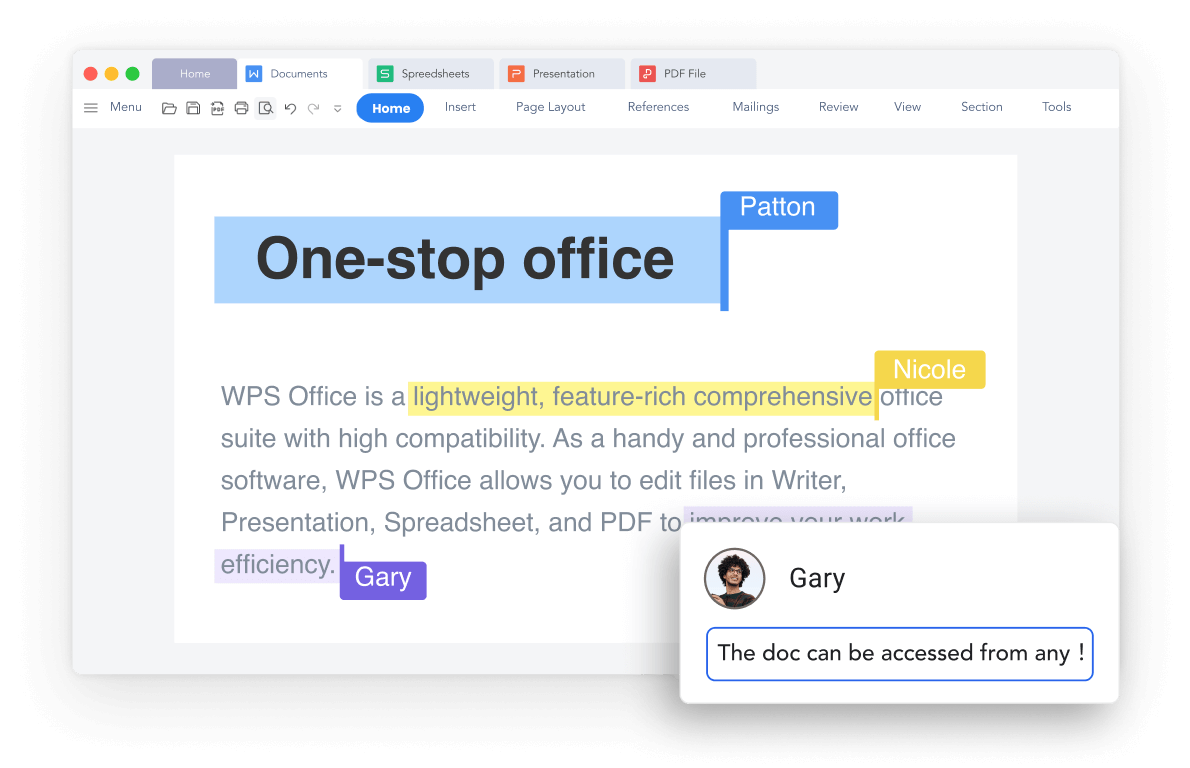
Share one link — teammates can view, annotate, and edit the same Word document simultaneously with auto-save.

WPS AI Assistant

Summarize 50+ page DOCX files, extract key action items, and translate text instantly while reading.

Online Word Templates

Vast library of professionally designed templates for resumes, contracts, business reports, and letters.

Built-In Icons & Images

Insert illustrations, charts, and smart shapes directly into your DOCX files to extend beyond read-only limits.

Track Changes & Comments

Review edits, accept or reject markup revisions, and leave threaded comments directly on key paragraphs.

STEP-BY-STEP GUIDE

How to Open and Edit DOCX Files Online with WPS

Follow this 5-step guide — use the online DOCX file reader to view .docx files in your browser in seconds, leverage AI summarization, or download WPS Office for offline editing. No Microsoft Office required.

  1. Upload Your .docx or Open via WPS 365

    Drag and drop your .docx or .doc file into the reader, or sign in to WPS 365 to preview directly from your browser without installing software.

  2. View & Navigate with High-Fidelity Rendering

    Scroll through pages smoothly. Enjoy 100% pixel-perfect display — headers, footers, tables, and complex formatting remain completely intact.

  3. Summarize & Extract Key Points with WPS AI (Optional)

    Handling long reports? Use built-in WPS AI to generate instant document summaries, translate sections, or ask questions about the text.

  4. Edit, Reformat, or Modify Text Online

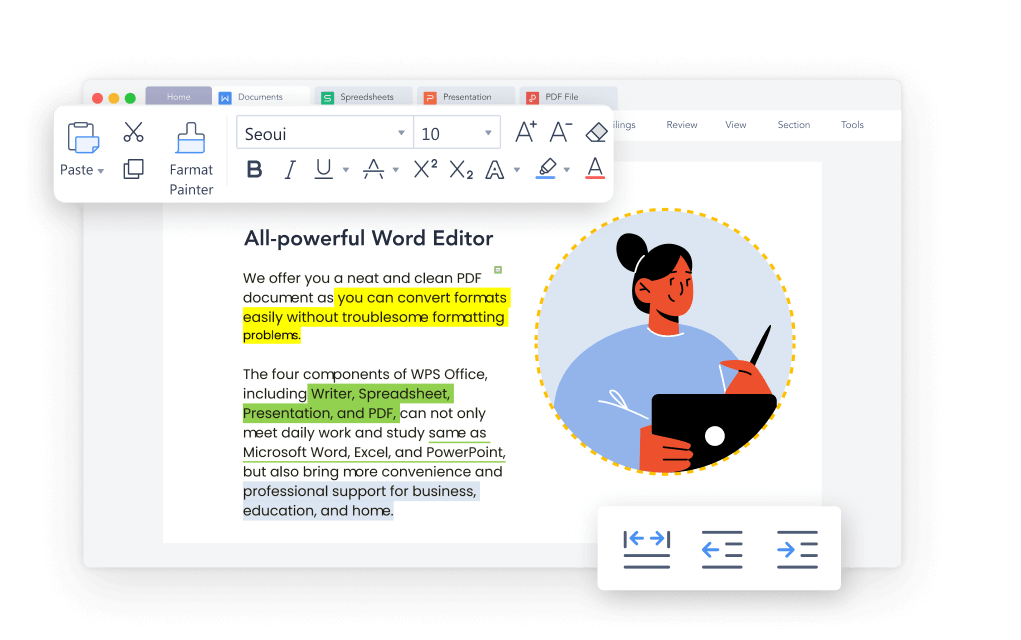
    Need more than view-only? Click to switch to editing mode to fix typos, tweak formatting, or add comments without opening Microsoft Word.

  5. Export to PDF or Share with One Click

    Download your updated file as .DOCX or .PDF, or generate a secure sharing link for real-time team collaboration.

FAQ

Frequently Asked Questions

Answers about our free DOCX reader, security, and editing workflow.

Yes. You can open and view .docx files with this free DOCX reader at no cost and without a credit card for core reading. Optional WPS Pro plans unlock higher AI limits and advanced premium tools.
FREE DOWNLOAD · ALL PLATFORMS

Download WPS — Free Online DOCX Viewer + Offline Power

Start with the online DOCX file reader in your browser, or download WPS Office for offline reading, AI summarization & full editing tools on every device.

  • View DOCX & DOC online — no Microsoft Word required
  • AI summary, layout keep, animations & co-editing online
  • Trusted by 600M+ users worldwide
Free Download WPS Office

One installer • Writer + Spreadsheet + Presentation + PDF

WPS Office apps — Docs, Sheets, Slides, PDF and more tools