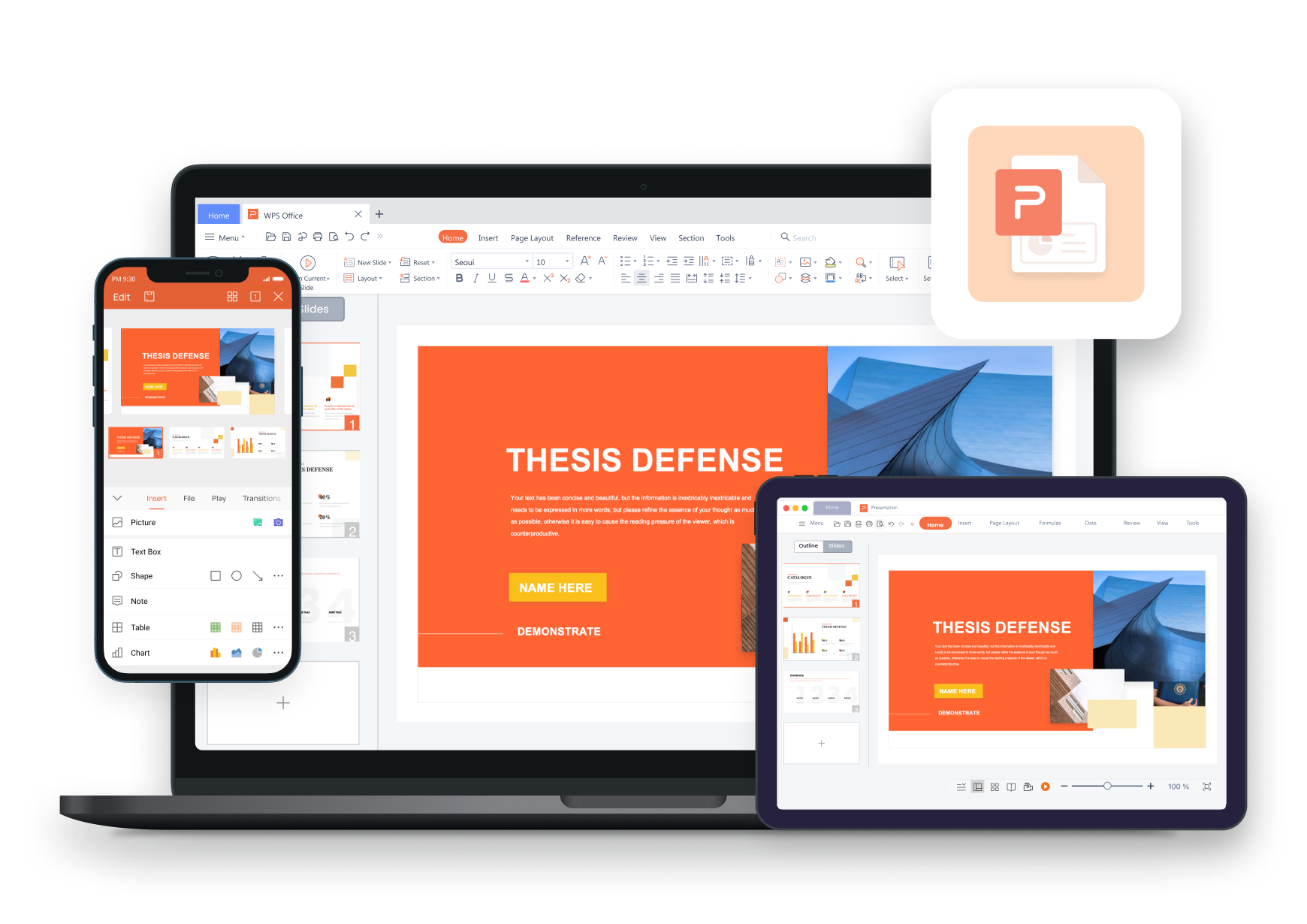
Mac
Intel & Apple Silicon · Built-in PDF signer
WPS PDF · Free PDF Signer Download
Get WPS Office — the trusted pdf signer download to Sign PDF with legally binding e-signatures on every platform.
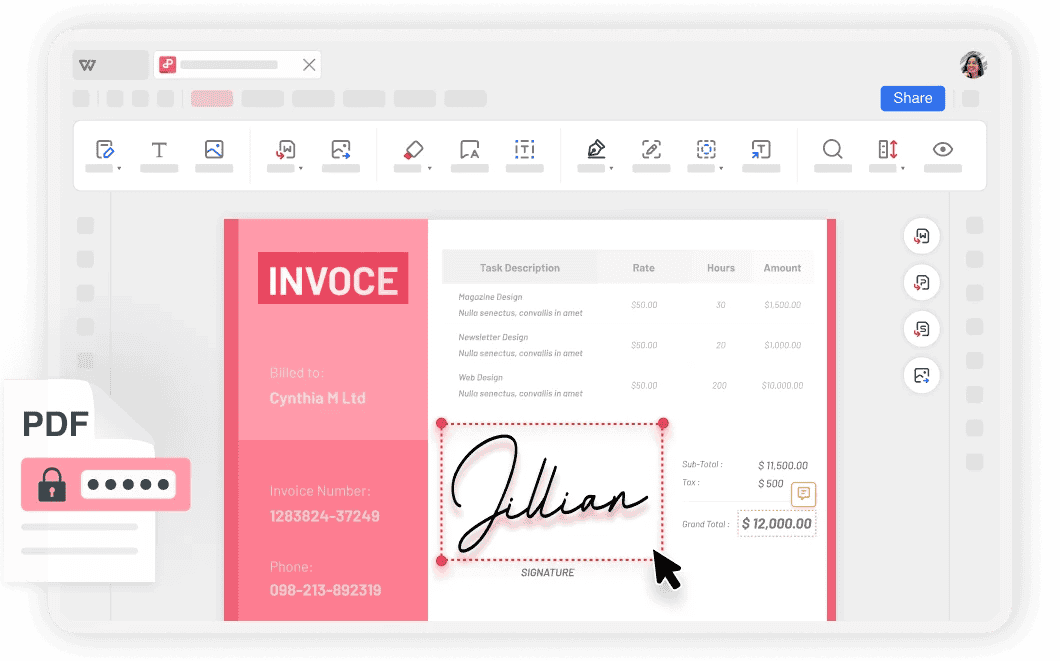
Intel & Apple Silicon · Built-in PDF signer
Lightweight desktop · Sign any PDF free
Sign on the go · WPS Cloud sync
iPhone & iPad · E-sign anywhere
Deb & RPM · Professional signing
Three simple steps to add your legally binding signature — scroll through each step below. Download WPS Office free to get started.
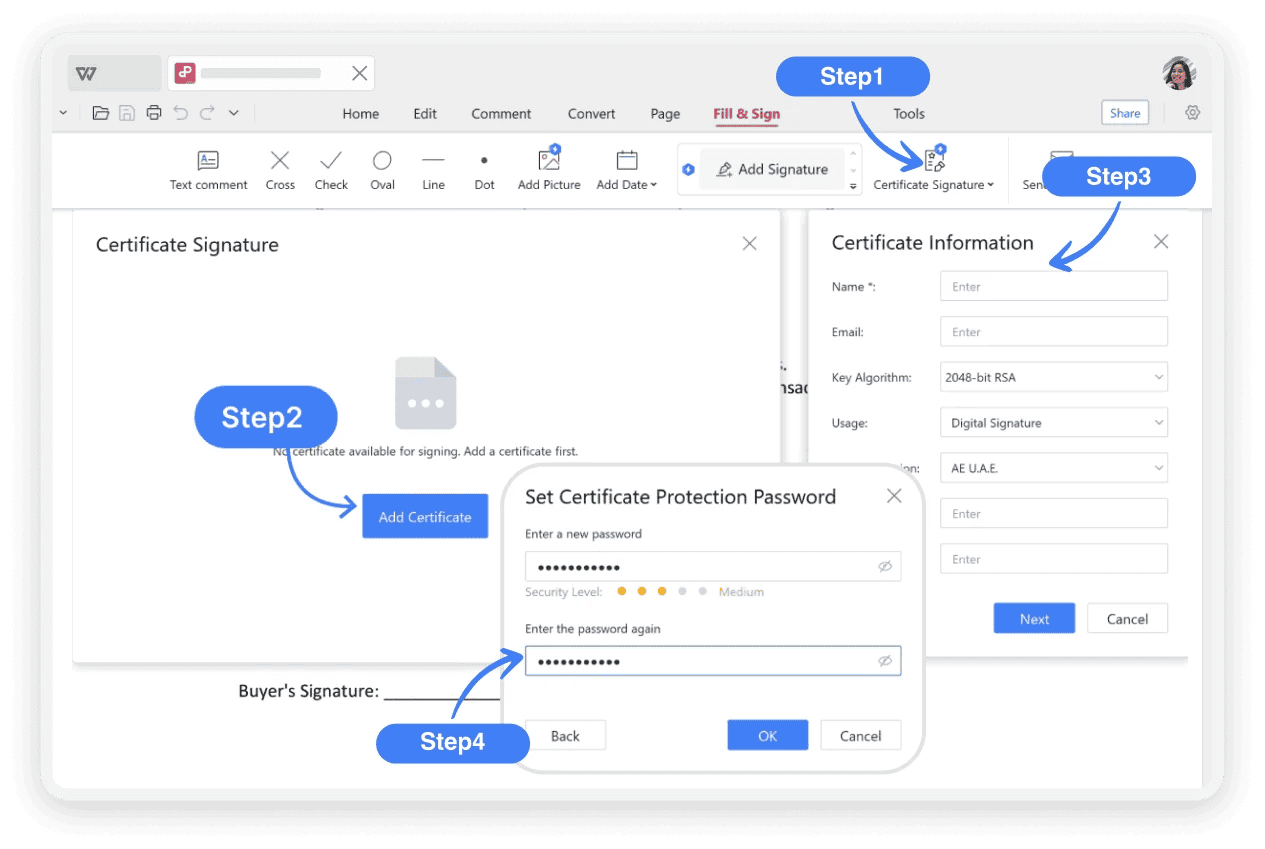
Launch WPS Office, open your PDF, then go to Home > Signature or the Fill & Sign tab. Draw by hand, type your name, or upload an image of your signature.

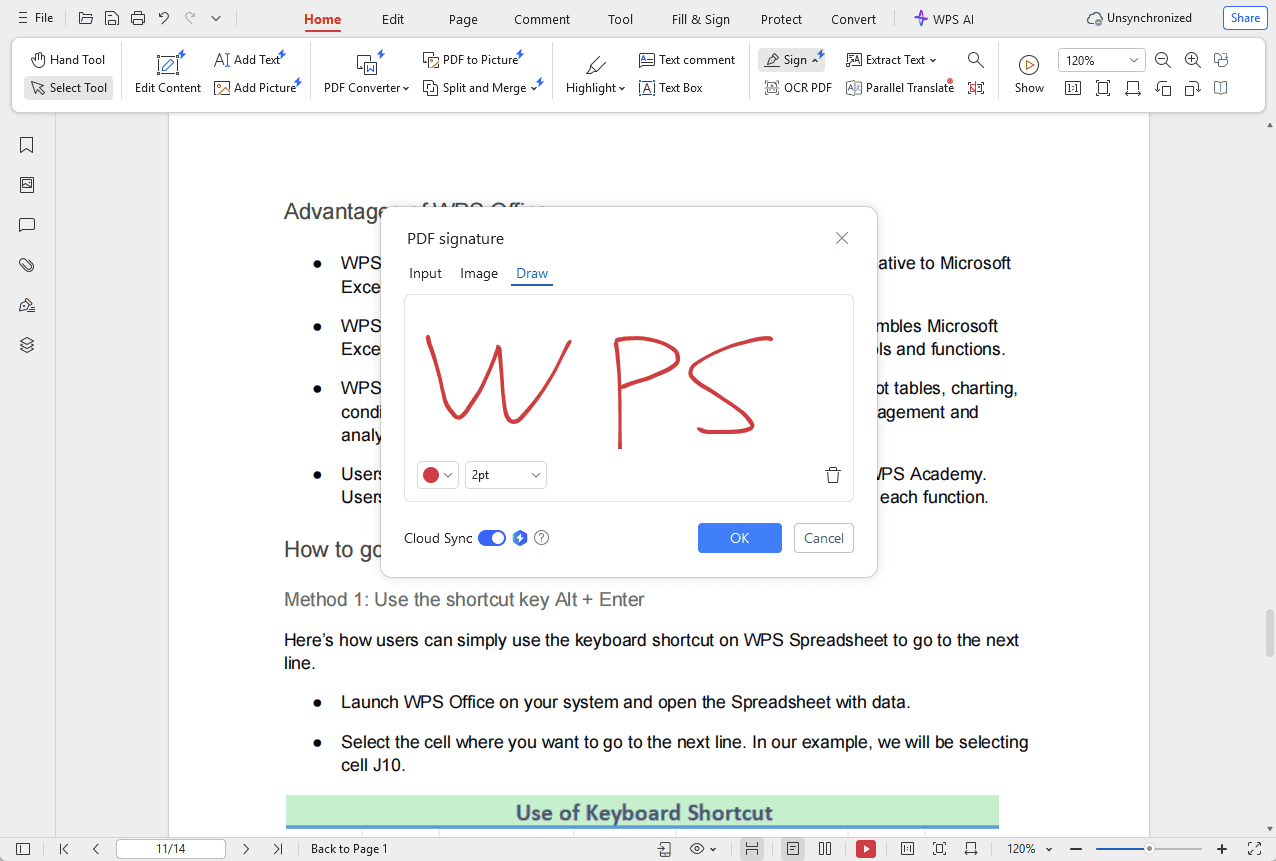
Choose your signature method, click OK to confirm, then click anywhere in the document to place your digital signature. Drag to reposition and resize as needed.
Move and resize your signature for perfect placement. Optionally encrypt the signed PDF for extra protection. Your saved signature can be reused on any future document.
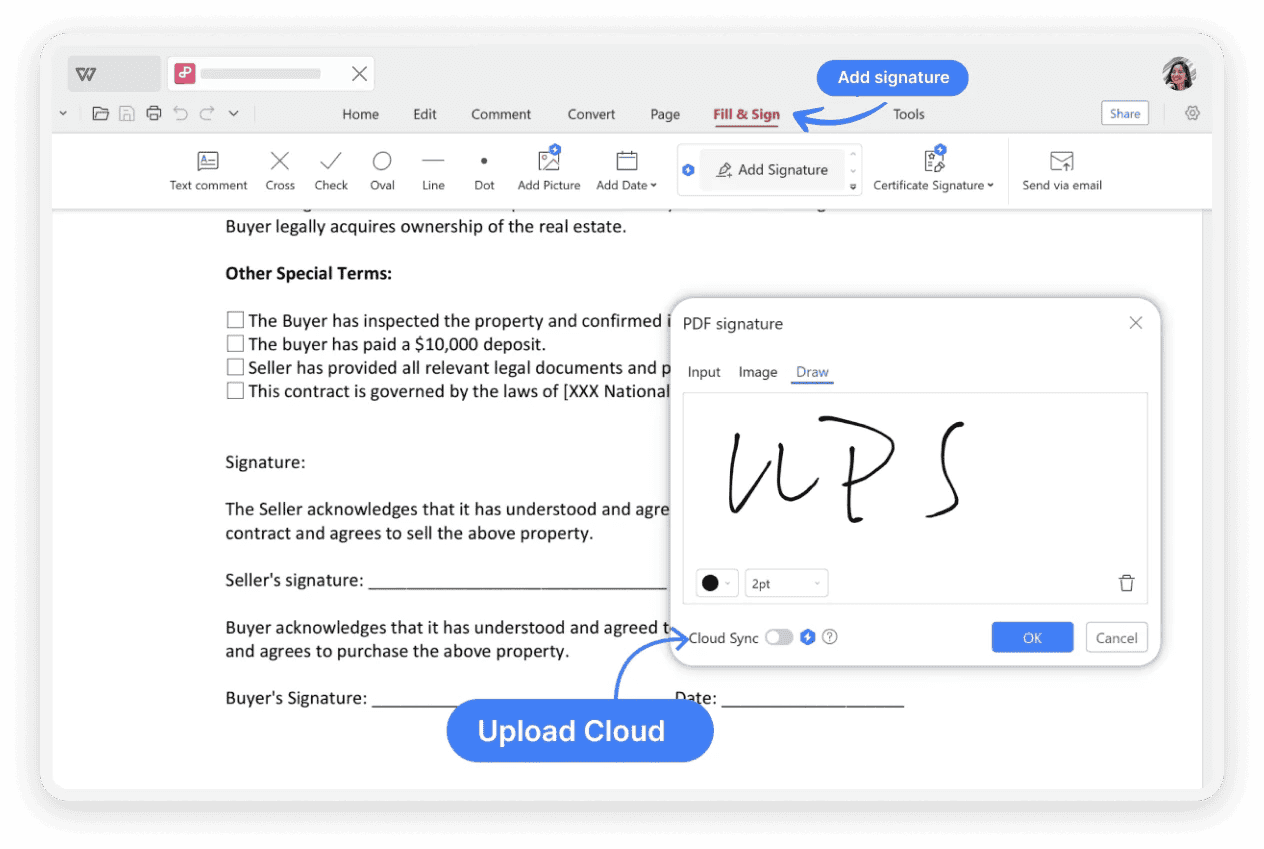
Create legally binding e-signatures, request signatures from others, and manage signed documents — all in one free PDF signer app. Click any image to zoom.
Written by the WPS PDF product team. WPS PDF Signer is ESIGN Act compliant, completely free for unlimited signing, and trusted by 200M+ users worldwide. Read our full PDF signature tutorial.
Unlike basic markup tools, WPS PDF Signer creates legally binding electronic signatures compliant with global e-signature laws like the ESIGN Act. Every signed PDF includes a comprehensive audit trail, encryption protection, and document integrity verification.
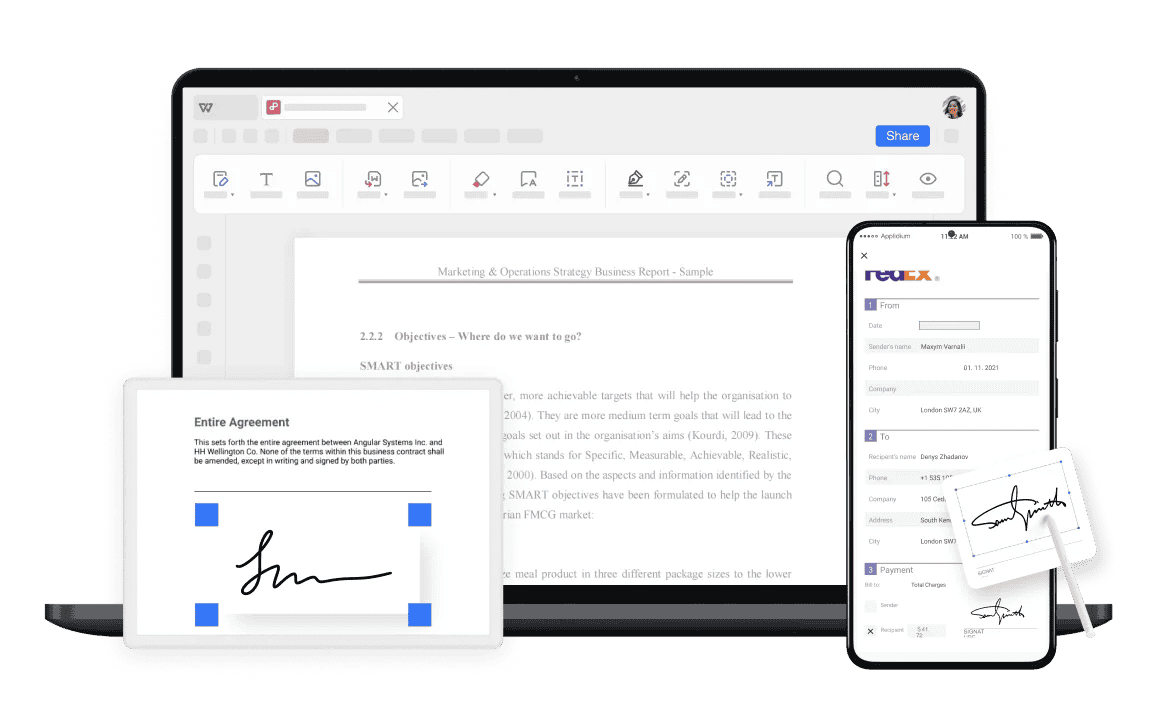
Your pdf signer download works on every device. Sign on your PC, access on your phone. Send documents to multiple recipients for signature and track their progress in real time — all synced through WPS Cloud.
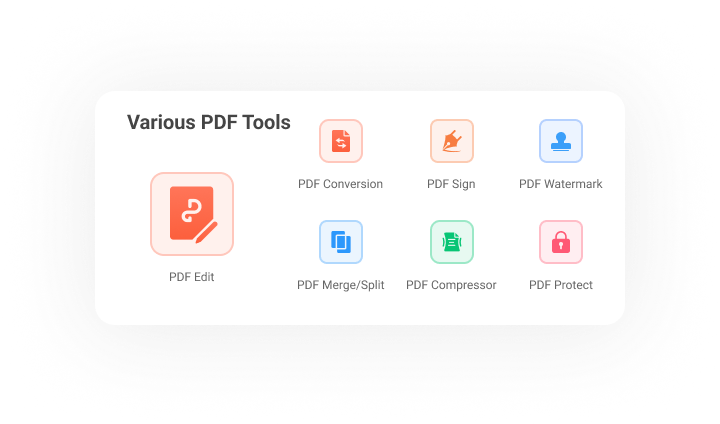
One pdf signer download gives you a complete PDF toolkit — not just signing. Edit text and images, convert PDF to Word/Excel/PPT, merge & split files, compress PDFs, run OCR, and more — all free in WPS Office.
PDF Signer Download
One installer includes WPS PDF Signer — draw, type, or upload signatures with legally binding e-signatures. Trusted by 200M+ users worldwide.
WPS PDF Signer for
Lightweight, low memory usage — built-in PDF signer with draw, type & upload signature methods.
WPS PDF Signer for
Support Intel and Apple chips — professional PDF signing on macOS.
WPS PDF Signer for
One of the best office suites for Linux — Deb & RPM packages available.
WPS PDF Signer for
Sign PDFs on the go — sync with WPS Cloud across all your devices.
WPS PDF Signer for
iPhone & iPad — e-sign contracts and forms with one free app.
Real users · PDF signer
Real feedback from freelancers, HR managers, and real estate agents who sign PDF documents with WPS — when they need a free, secure pdf signer download that just works.
Reviews reflect common themes from G2 Crowd, CNET, Google Play & Trustpilot.
WPS PDF Signer is a lifesaver for my contracts. I can put signature to PDF and send them back to clients in minutes. It's so professional and easy — and completely free!
We use WPS for all our new hire paperwork. The ability to request and track signatures has streamlined our onboarding process significantly. Best free pdf signer we've tried.
Closing deals requires a lot of paperwork. Being able to securely esign PDFs on the go from my phone has been a game-changer for me as a real estate agent.
Adobe Acrobat is expensive and bloated. WPS PDF Signer does everything I need — draw, type, upload signatures — and the pdf signer download is completely free. No brainer.
I created my signature once and now I apply it to any PDF in two clicks. No need to redraw every time — the saved signature feature alone makes this the best pdf signer download.
Our legal team approved WPS e-signatures for internal contracts. ESIGN Act compliant, encrypted, with audit trails — enterprise-grade security in a free pdf signer app.
Click Free Download on this page to get WPS Office. The built-in PDF signer works on Windows, Mac, Android, iOS, and Linux — unlimited document signing at no cost, with no trial or hidden fees. This is the easiest pdf signer download available today.
Open your PDF in WPS Office, go to the Sign or Fill & Sign tab, create your signature by drawing, typing, or uploading an image, then place it anywhere in the document. Click OK to confirm and Save to finalize.
A digital signature can be created within WPS PDF Signer. Use your mouse or trackpad to draw it, type your name and select a font, or upload a pre-made signature image. WPS creates a secure and verifiable electronic signature compliant with global e-sign laws.
Yes. Electronic signatures created with compliant software like WPS Office are legally binding in many countries, including under the ESIGN Act in the United States. They carry the same legal weight as a handwritten signature for most agreements.
Most secure PDF tools don't allow simple copy-paste to maintain document integrity. Instead, WPS lets you save your created signature and apply it to any future PDF with a few clicks. To copy an existing signature from a PDF, use Edit > Edit PDF > Show Text Boundary, then right-click and Copy.
No. With WPS Office's built-in PDF signer, you add your signature directly to the PDF file itself. This preserves the document's original formatting and is much faster than converting to Word or another format first.
Open the PDF in WPS Office, choose Fill & Sign, select the signature you want to delete, right-click and choose Delete, then go to Menu > Save or Save As to save the changes.
The legality depends on the circumstances. If you have clear permission or are replicating your own signature, it is typically permitted. However, duplicating someone else's signature without their permission may violate their rights and result in legal troubles.
WPS PDF Signer is completely free with unlimited signing on all platforms. Adobe Acrobat requires a paid subscription, takes up significant disk space, and includes many features you may not need. For most users seeking a pdf signer download, WPS offers the better value.
Yes. After your pdf signer download on Android or iOS, open any PDF and use the Fill & Sign feature to draw or upload your signature on the go — perfect for contracts, forms, and agreements outside the office.
Get the best free pdf signer download — sign documents with legally binding e-signatures, plus edit, convert, merge & protect PDFs on every device.
One installer · PDF Signer + Writer + Spreadsheet & Presentation