
PDF to Excel Converter
Your Reliable PDF to Excel Solution
- Accurately convert PDF tables into editable Excel sheets.
- Preserve original formatting, layout, and data integrity.
- Utilize OCR to turn scanned PDFs into analyzable data.
- Free, fast, and secure conversion directly on your desktop.
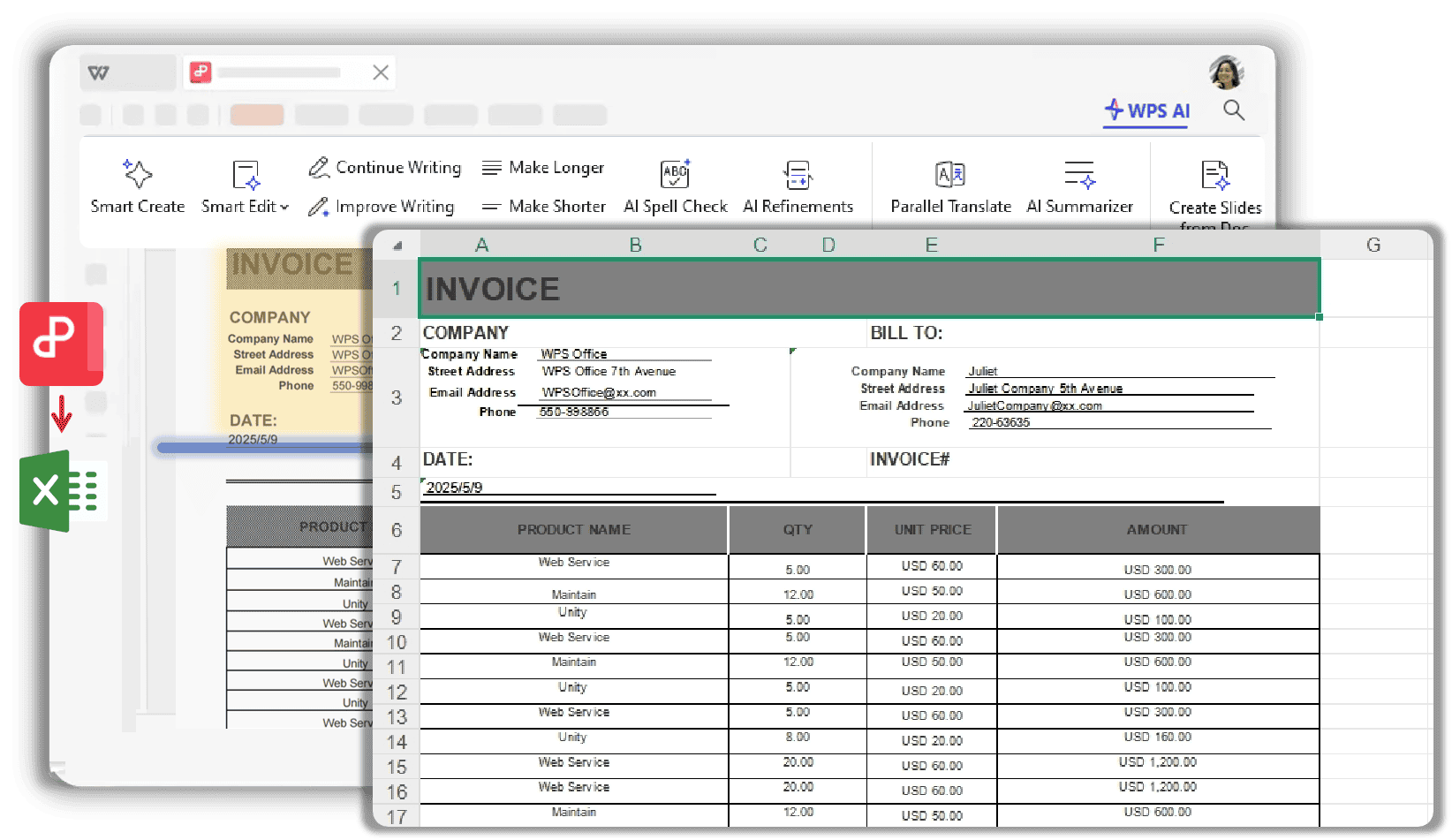
Convert PDF to Excel with Precision and Ease
Unlock powerful features designed for seamless and accurate data extraction from PDF to Excel.
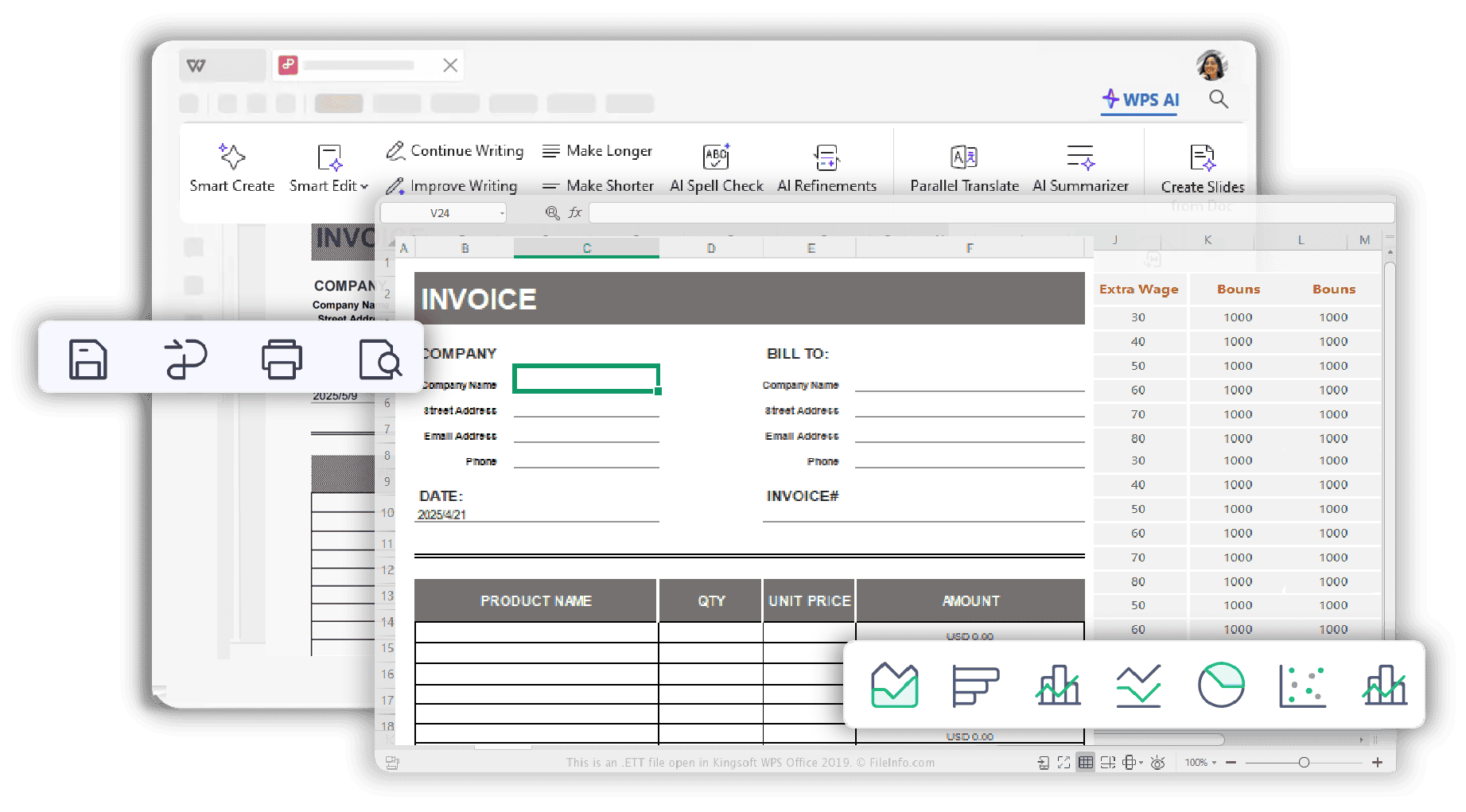
Intelligent PDF to XLSX Tool
- Correctly extracts data into structured rows and columns.
- Handles complex, merged and multi-page tables.
- Minimizes manual data entry and correction, saving time.
- Converts financial reports and invoices with high precision.
Advanced PDF to Excel Converter
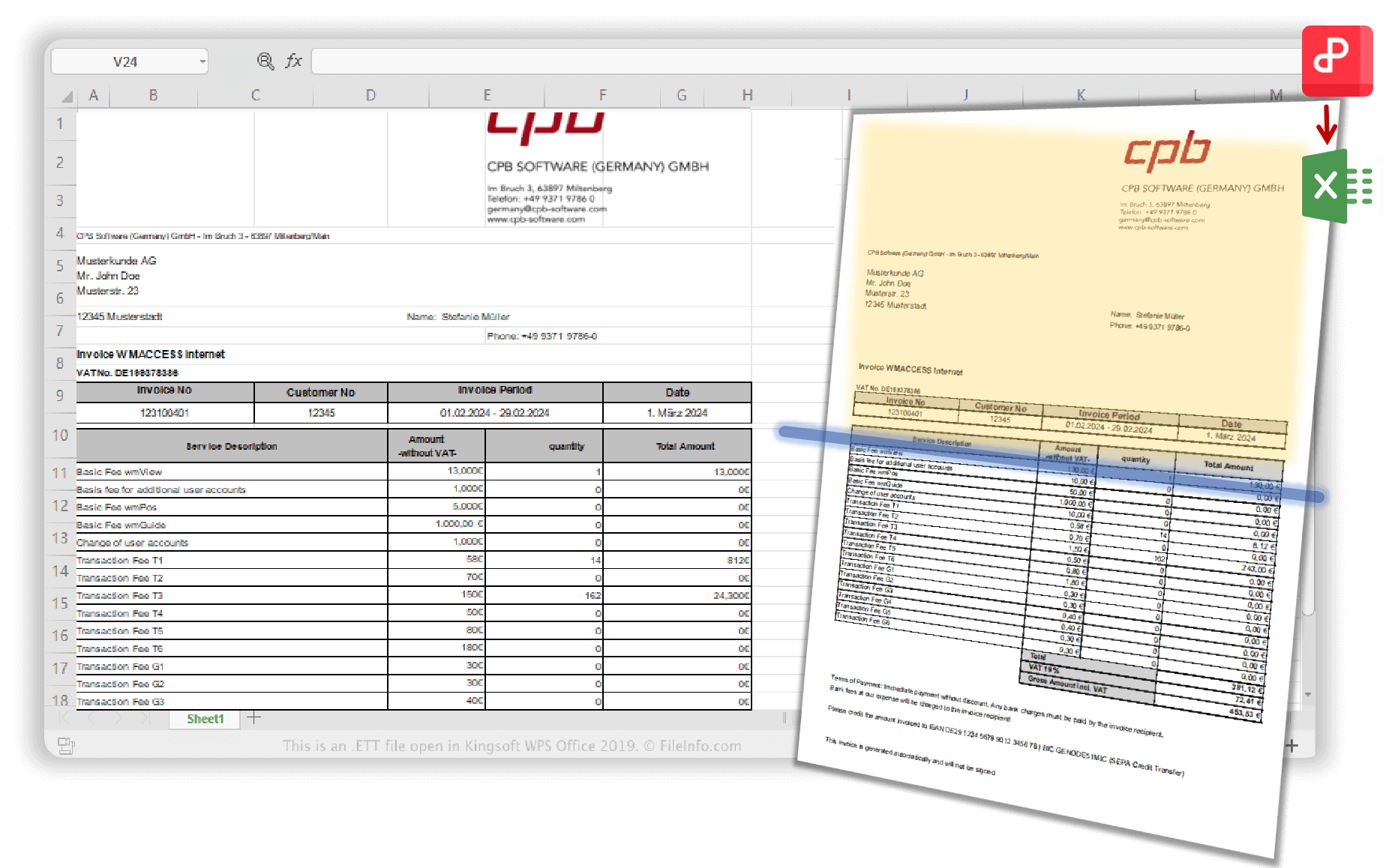
- Turn scanned documents and images into editable Excel files.
- Advanced OCR ensures accurate text extraction.
- Smart image recognition preserves images and layout.
- Supports multiple languages for versatile document conversion.
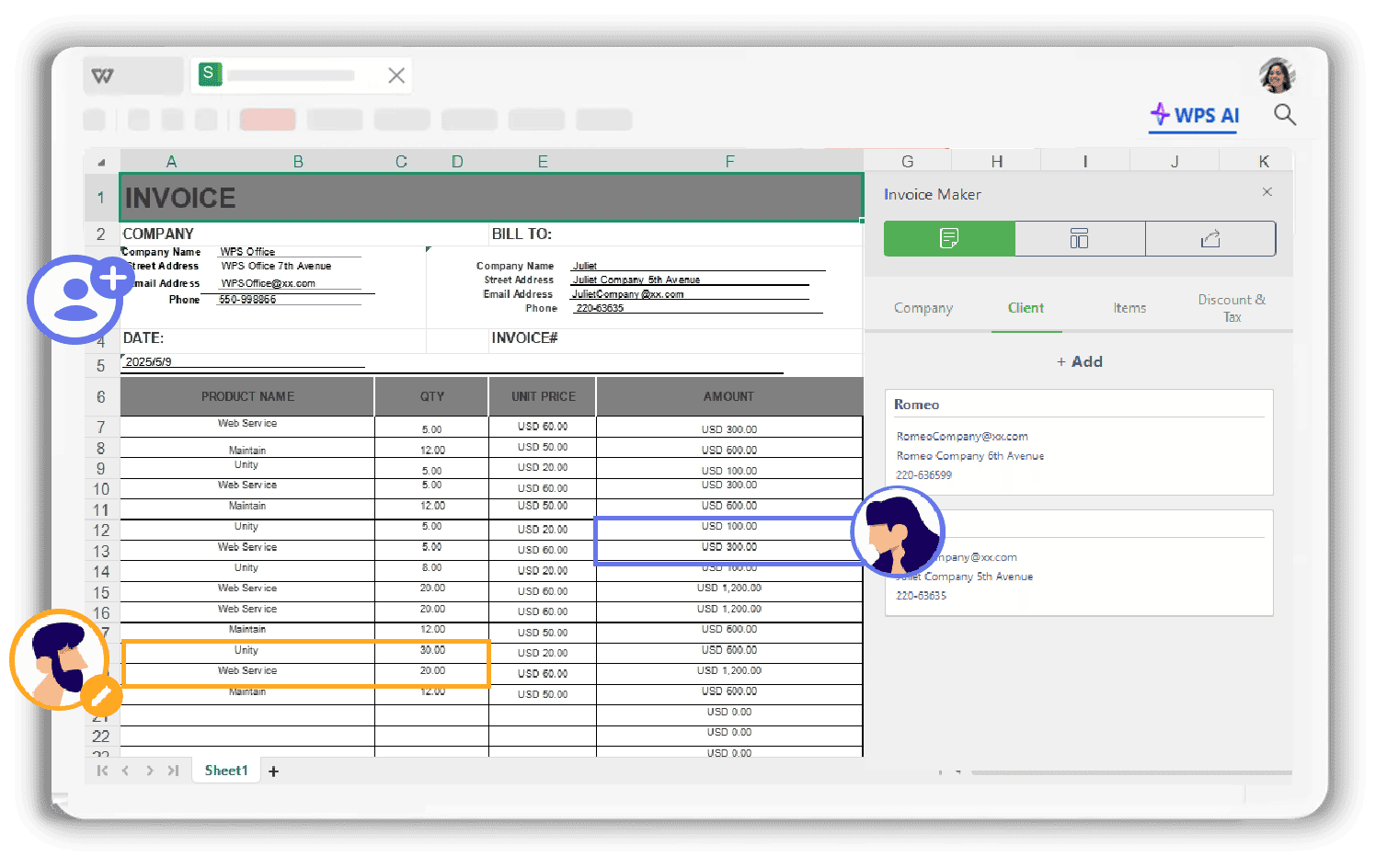
Team-Friendly PDF to Excel Conversion
- Convert multiple PDFs to Excel simultaneously with one click.
- Flexible conversion: full PDFs, selected pages or custom map.
- Adjust conversion range and sheet mapping for complex report.
- Real-time collaboration across devices for team editing.
Secure Offline Conversion
Convert your sensitive documents securely on your desktop. No uploads required.
Retain Formatting
Your Excel file will look just like the original PDF, preserving layouts, fonts, and colors.
High-Quality Output
Get clean, well-structured, and accurate Excel spreadsheets every time you convert.
How Users Enjoy Our Free PDF to Excel Converter
See how our tool empowers financial analysts, researchers, and administrators to work smarter.

Sarah J.
Financial Analyst
"Converting quarterly reports from PDF to Excel used to be a nightmare. WPS Office does it in seconds with perfect accuracy. It's an essential tool for my data analysis work."

Mark T.
Academic Researcher
"I handle a lot of data tables from research papers in PDF format. This converter, especially the OCR feature, has drastically cut down my data extraction time. Highly recommended."

David K.
Small Business Owner
"From vendor invoices to bank statements, I convert PDFs to Excel daily for bookkeeping. The batch conversion feature is a lifesaver. It's simple, fast, and reliable."
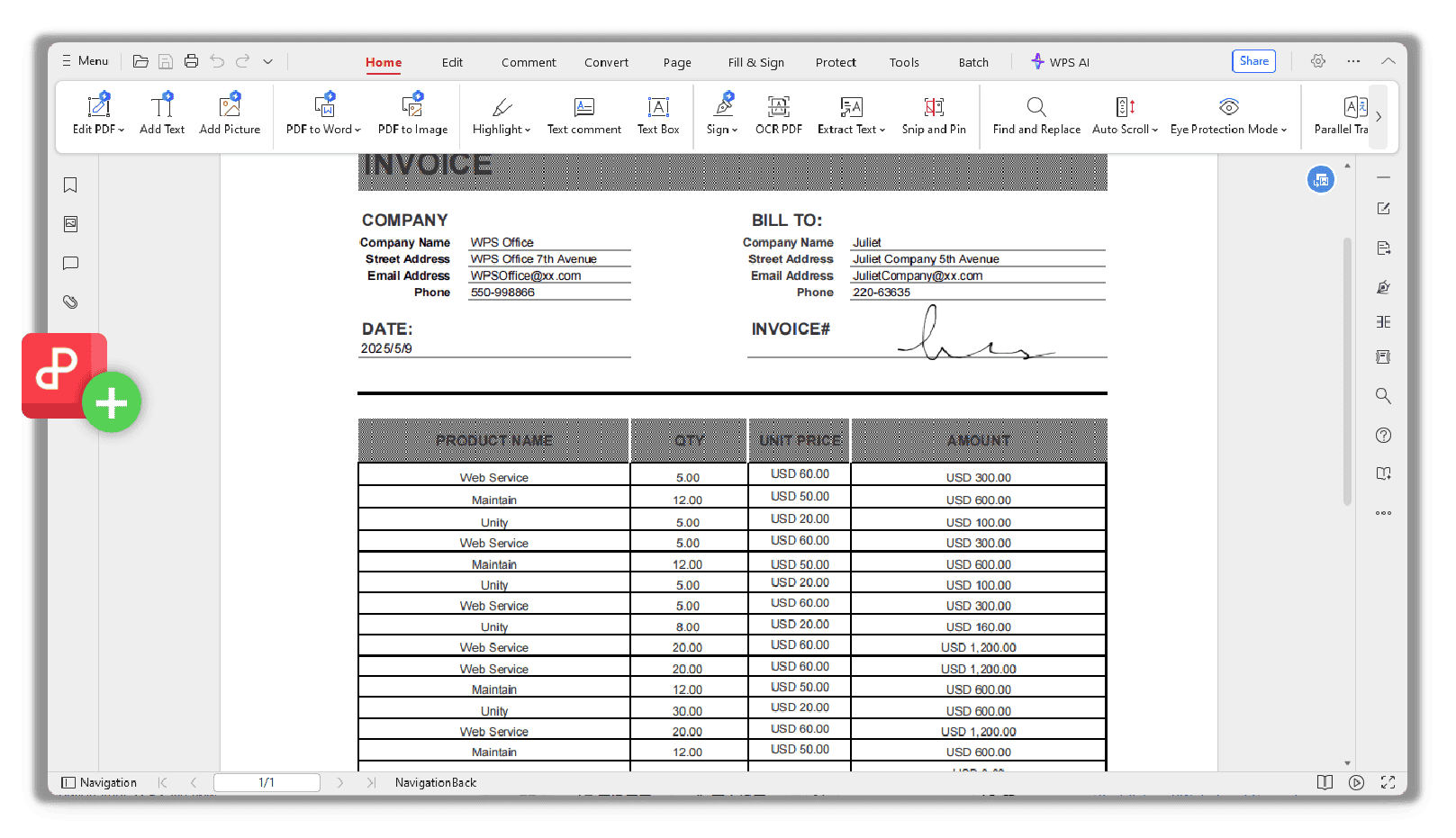
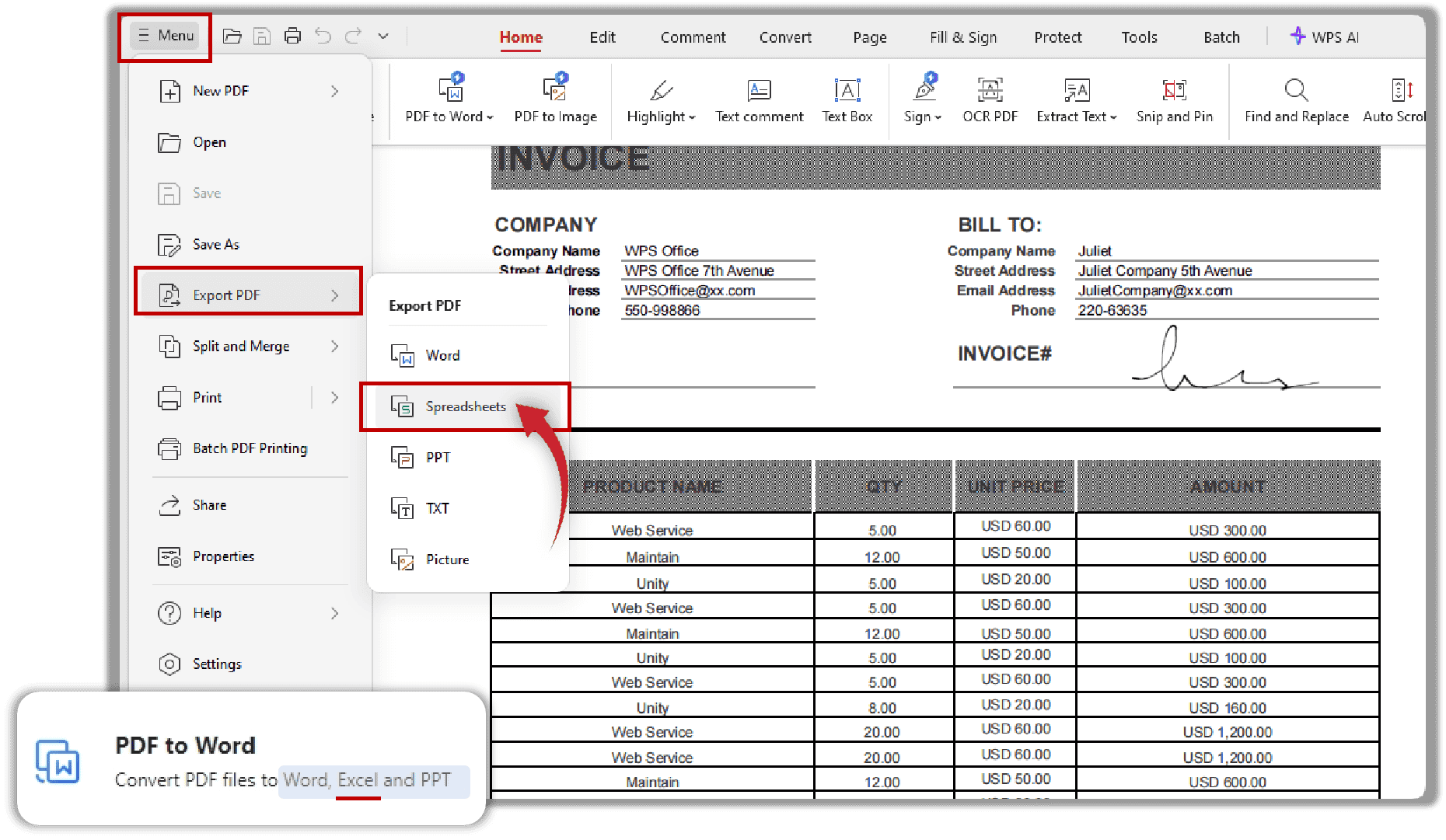
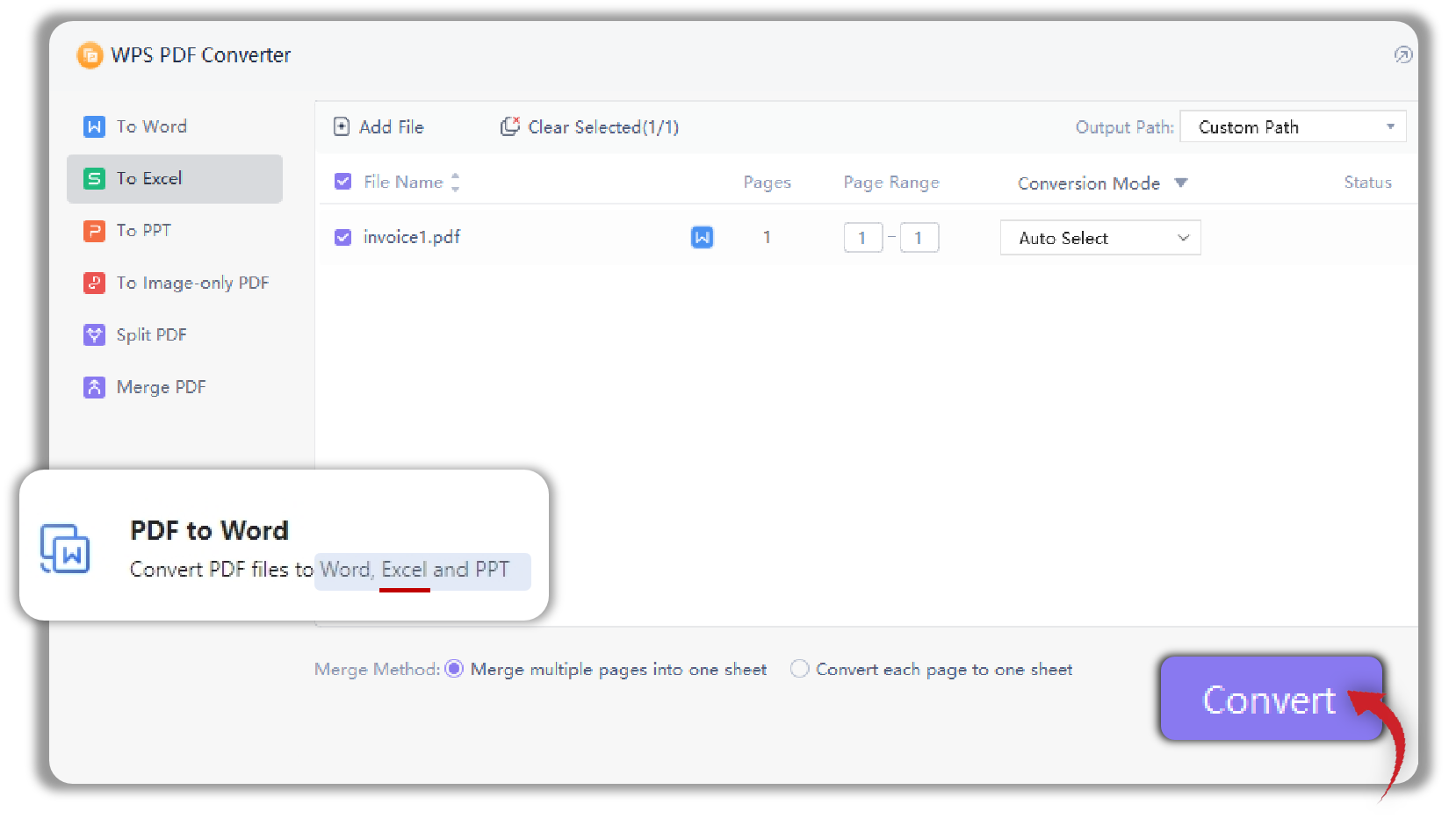
How to Convert PDF to Excel
Get your editable Excel spreadsheet in seconds with our intuitive converter.
More Tools for File Conversion
Explore a full suite of conversion tools to manage your documents with ease, all in one place.
FAQs on Conversion of PDF to Excel
Find answers to common questions about our PDF to Excel converter.
Get Started: Convert PDF to Excel for Free
Download WPS Office now to unlock the best PDF to Excel converter. Get accurate, fast, and secure conversions for free.
High-Fidelity Conversion
Maintains layout and data integrity perfectly.
100% Secure & Offline
Your files are processed locally, never uploaded.
Boost Productivity
Automate data entry and save hours of work.