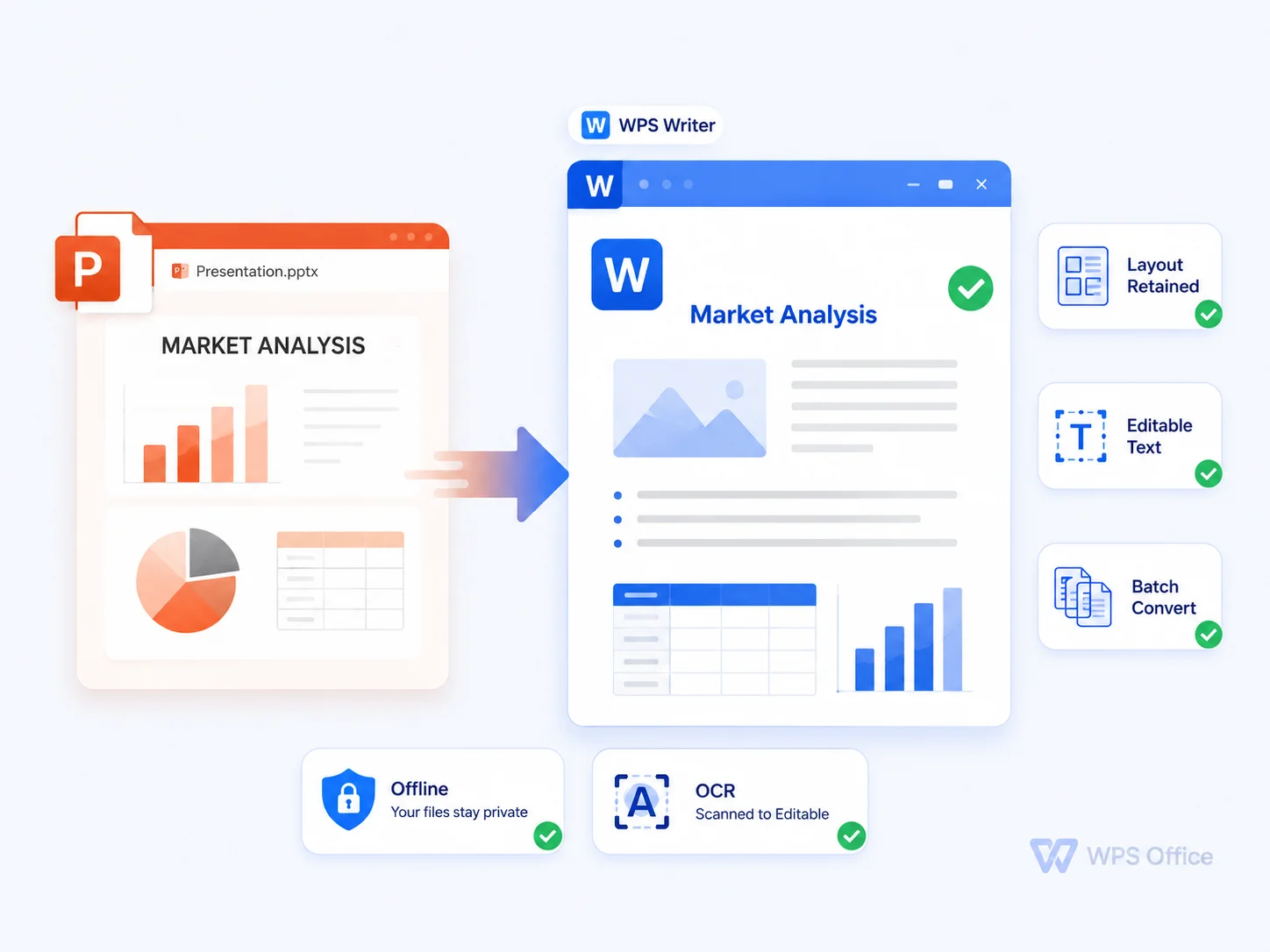
Slide-Only Decks
Pain
Shared decks stay stuck in slides you can’t reuse—titles, bullets, and notes stay trapped in slides.
WPS Solution
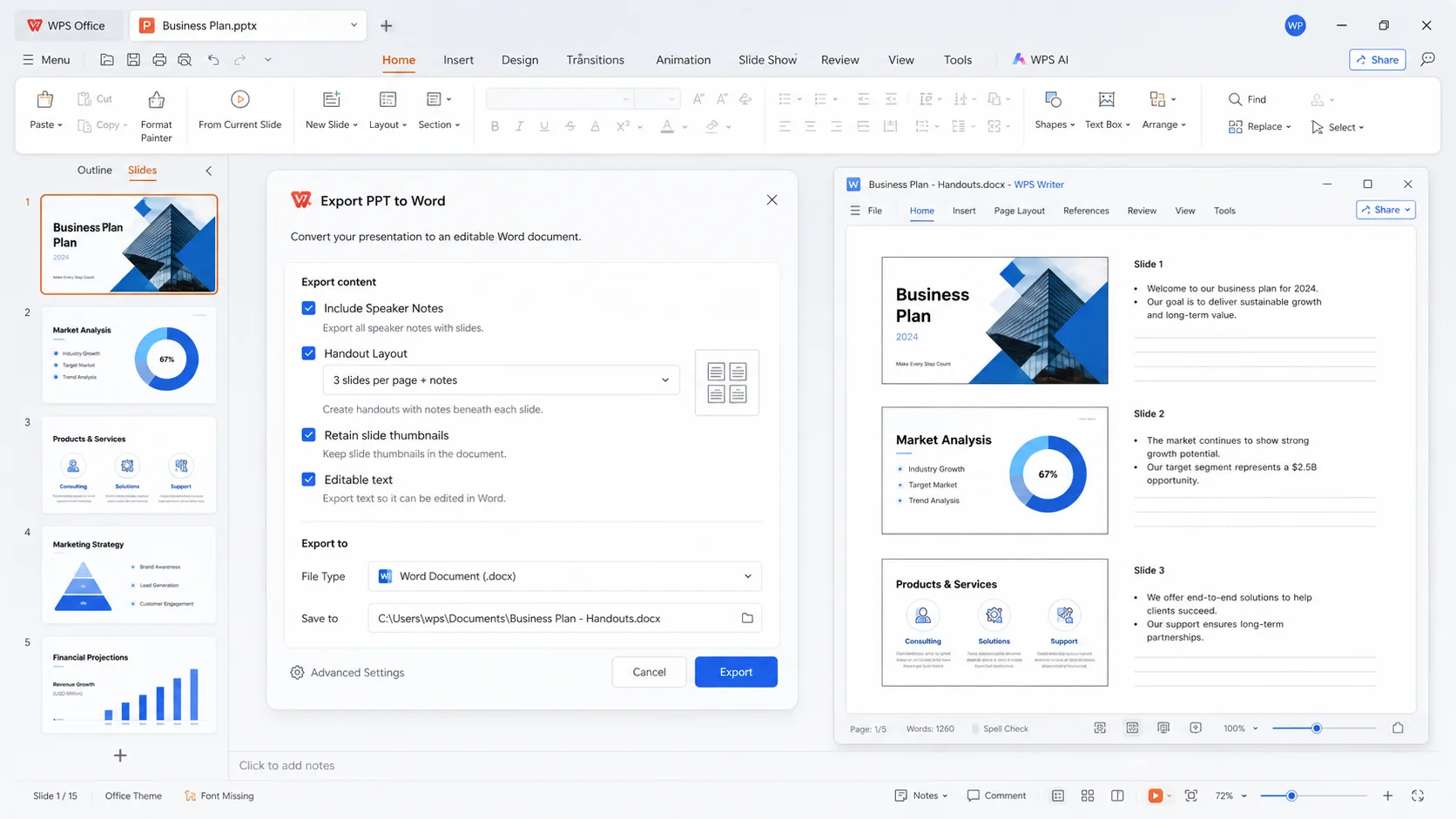
PPT to Word converter — export editable DOCX you can reshape instantly.
Turn slide decks into editable documents with the WPS Office ppt to word converter—local conversion, notes-friendly export, and a power point to word converter free download for Windows, Mac, and mobile.
Convert this slide into an editable handout. Keep the same structure as paragraphs in Word.
Speaker notes: Expand each bullet into full sentences for your audience handout.
Stop copying slides by hand—convert locally with WPS and keep editing handouts in Word-ready DOCX.
Pain
Shared decks stay stuck in slides you can’t reuse—titles, bullets, and notes stay trapped in slides.
WPS Solution
PPT to Word converter — export editable DOCX you can reshape instantly.
Pain
Web converters ask you to upload investor decks and training packs to unknown servers.
WPS Solution
100% local convert — convert presentations offline on your device with WPS Presentation.
Pain
You recreate every handout by hand—hours lost and notes never quite match.
WPS Solution
Layout retention — keep titles, body text, and speaker notes when exporting DOCX.
Pain
Convert in one app, then bounce to another suite just to finish the handout.
WPS Solution
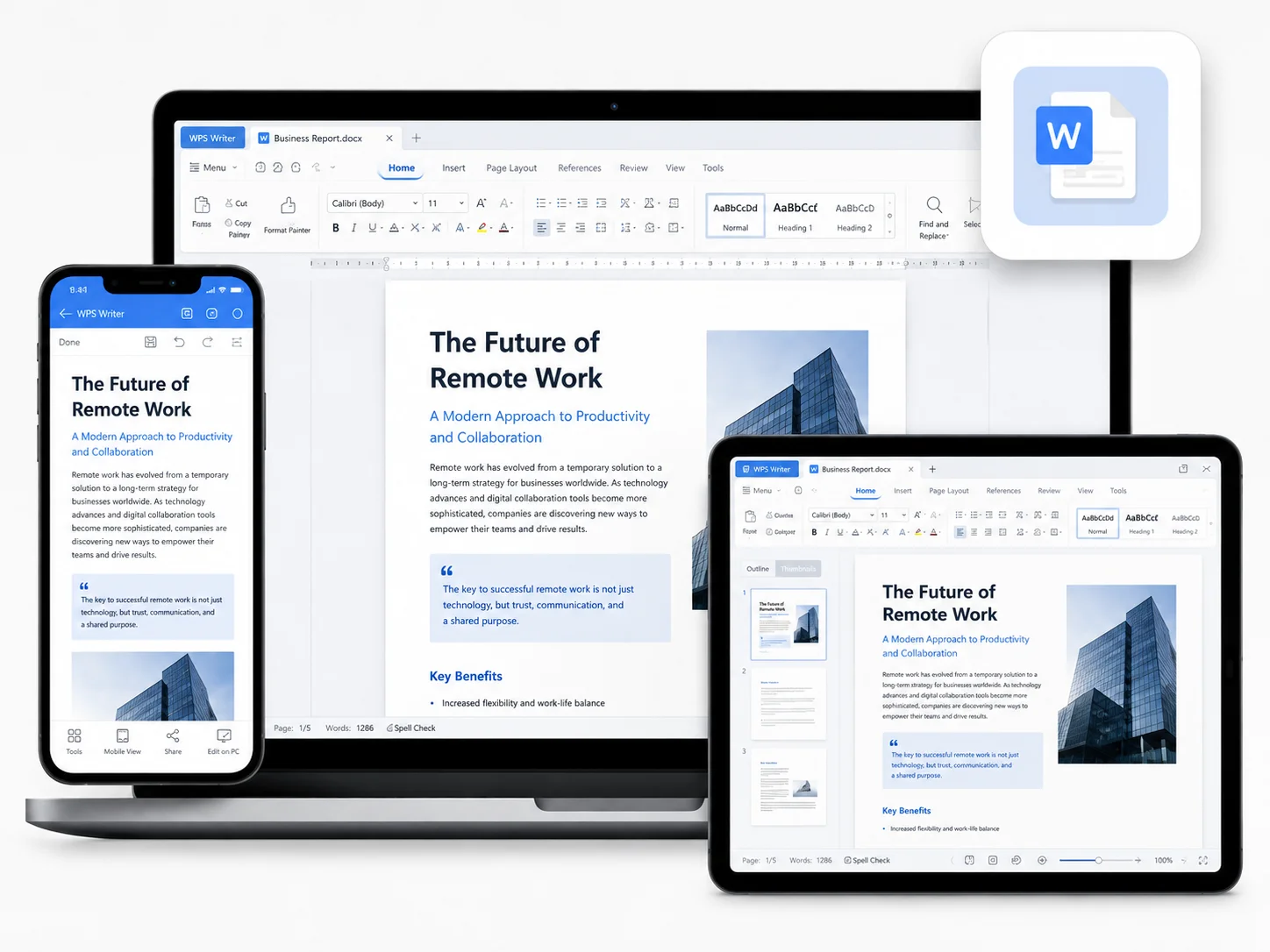
All-in-one suite — convert, edit in Writer, and polish handouts inside WPS.
Built Into WPS Presentation
Convert decks with the WPS ppt to word converter—export handouts, keep text editable, and open DOCX in Writer. A local power point to word converter free download in one lightweight installer.
Lightweight Installer (< 50MB) · 100% Safe & Secure
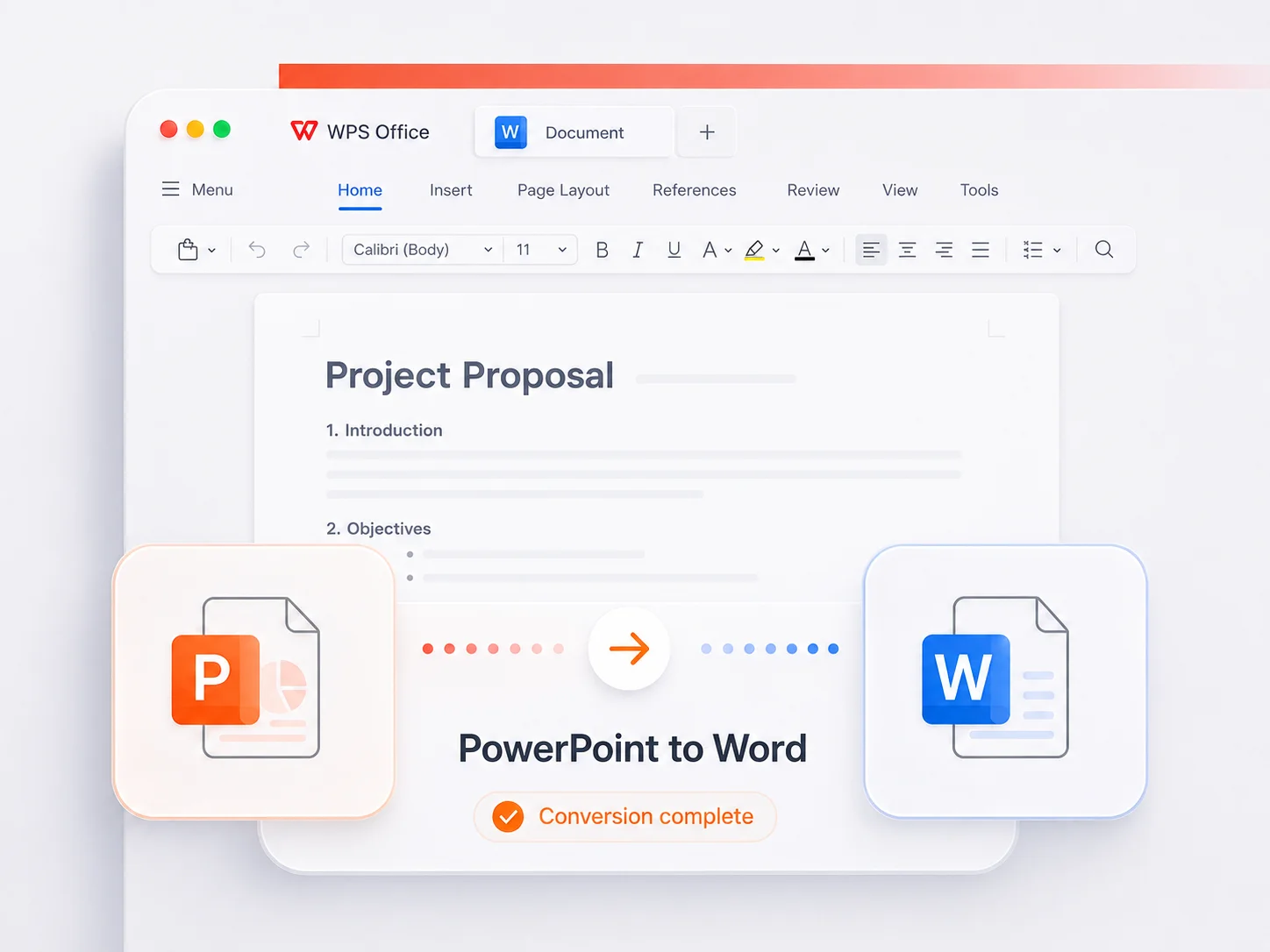
PPT → DOCX · Editable docs inside WPS
Everything you need to turn PowerPoint into editable Word—locally, accurately, and ready for Microsoft Word.
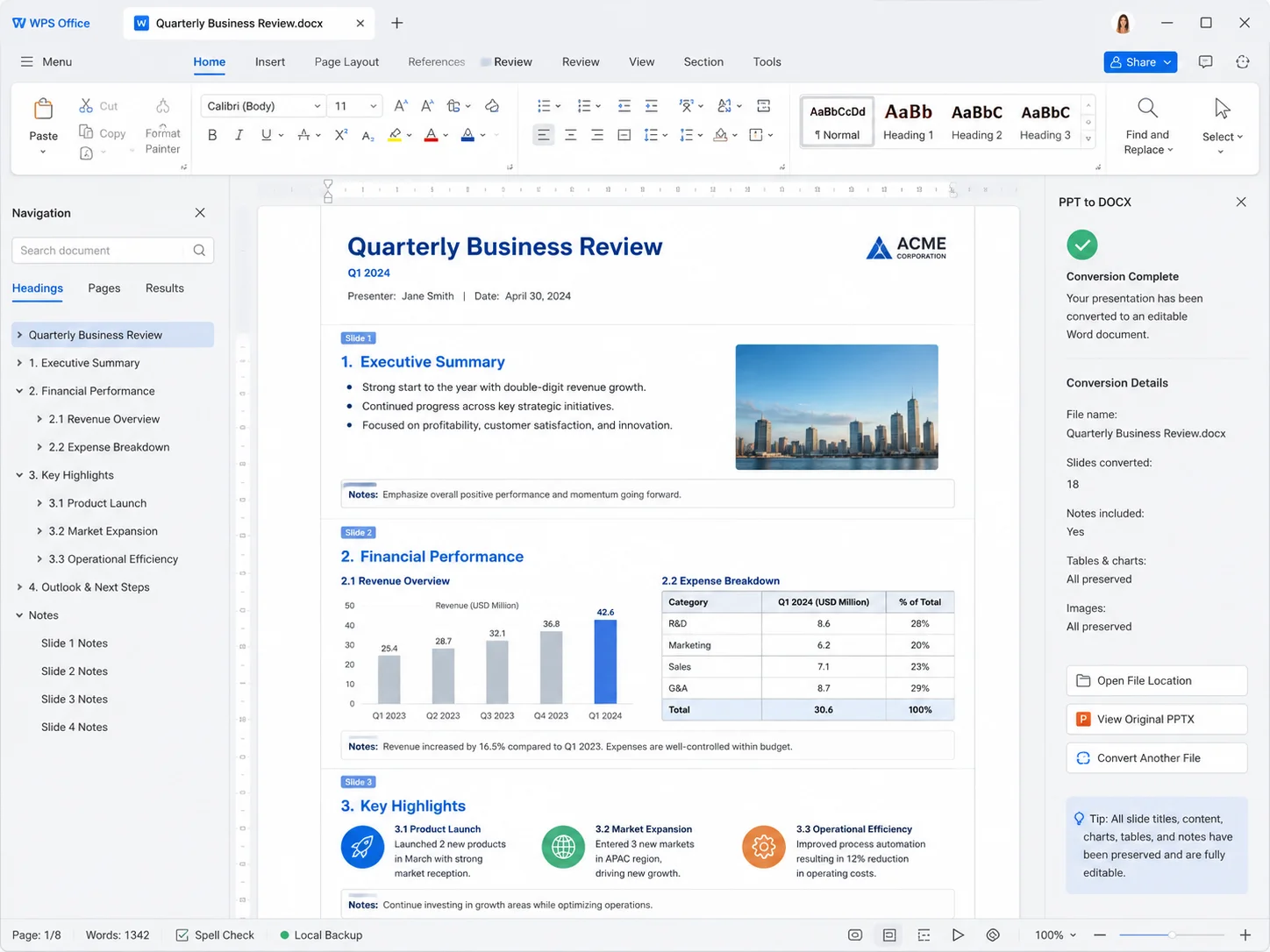
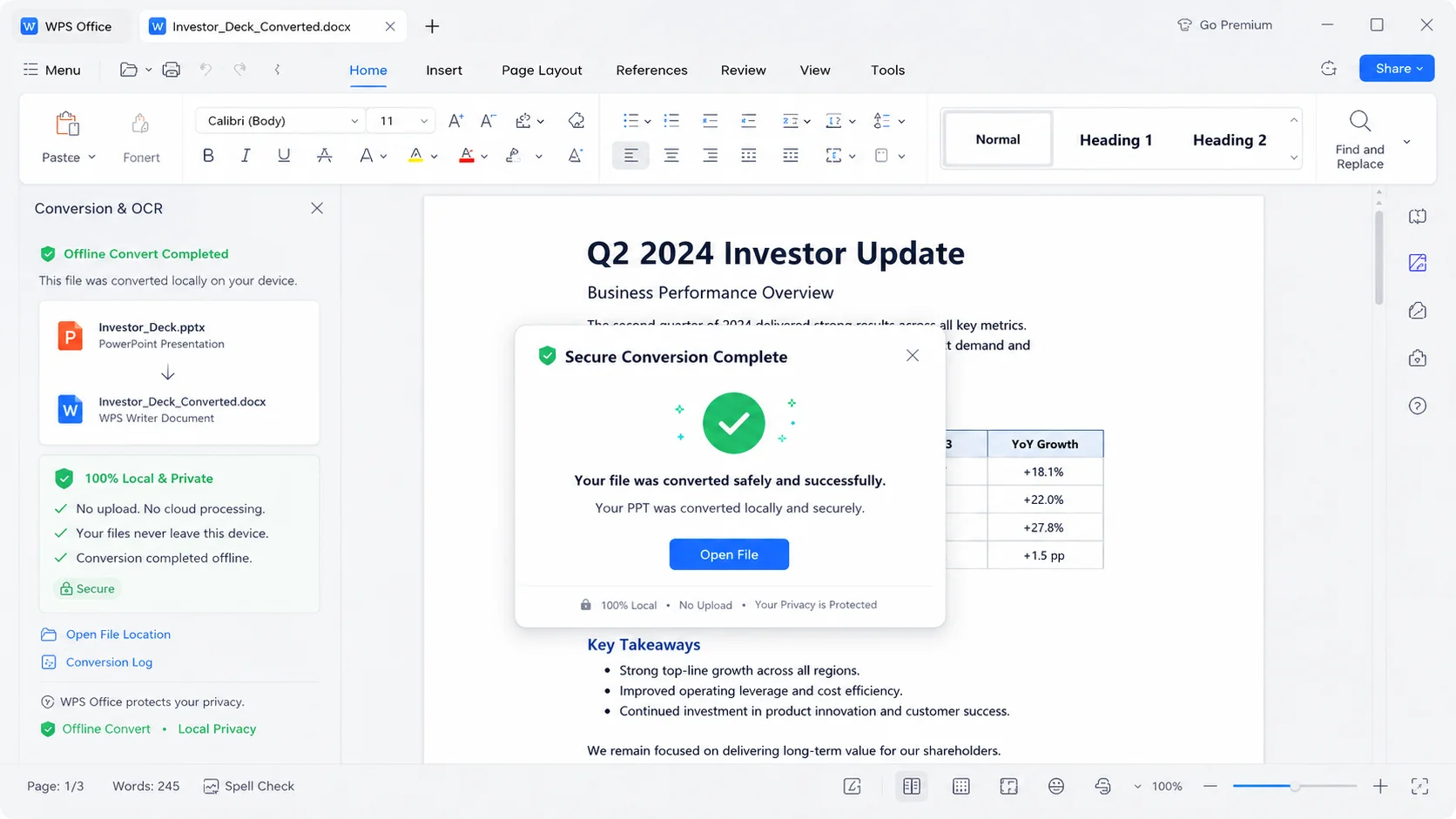
REAL USERS · WPS OFFICE
Install WPS Office and convert PowerPoint into editable DOCX in minutes—local processing, notes-friendly export, Microsoft Word compatible.
0
Global MAU
Local
PPT → Word
4-in-1
Office Suite
Free to start · Compatible with Windows, Mac, iOS, Android & Linux
"Client decks always arrived as PPT files. With the WPS ppt to word converter I convert them locally and polish handouts before every pitch."
Jordan L.
Sales Manager
From install to editable DOCX — a simple path to use WPS Office PPT to Word Converter like a pro.
Install the lightweight WPS Office package on Windows, Mac, iOS, or Android, then open WPS Presentation.
Open the PPT or PPTX presentation you want to turn into a handout or report.
Use Convert to Word (or export handouts), then save an editable DOCX ready for WPS Writer or Microsoft Word.
Download WPS Office free and convert PowerPoint into editable DOCX locally—then finish handouts in Writer with templates and AI polish.
One installer · Writer + Spreadsheet + Presentation + PDF tools