Create a professional, ATS-friendly resume in minutes — choose a template, fill in your details, and export to PDF. No sign-up required.

Free Word editor, PDF converter & 1000+ resume templates — lightweight, no subscription needed.
Whether you're a recent graduate or a seasoned professional, find the perfect design to showcase your skills. Our free CV templates are available in various styles—modern, creative, minimalist, and professional.
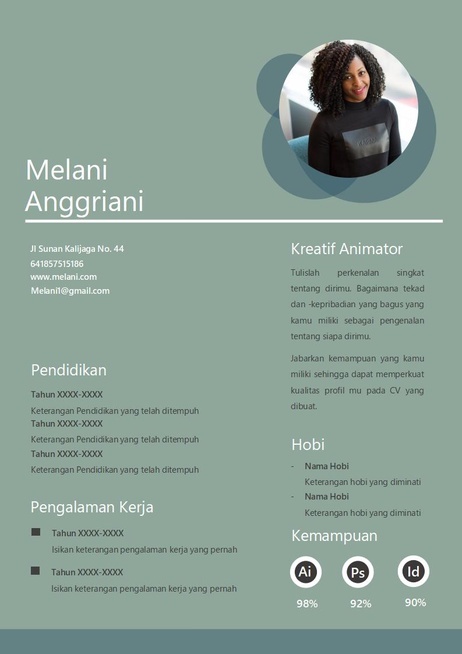
Word Template
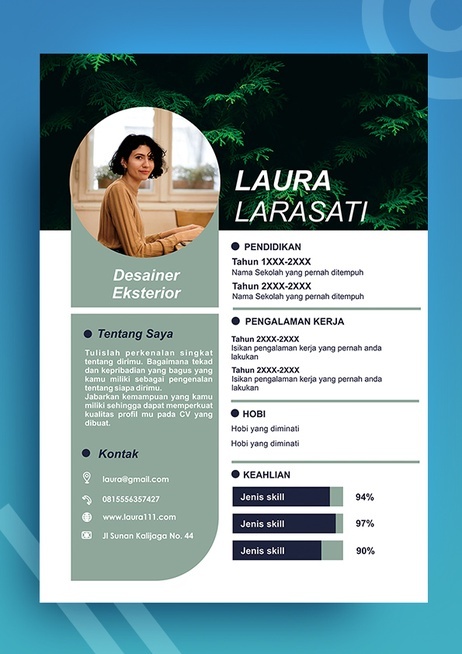
Word Template
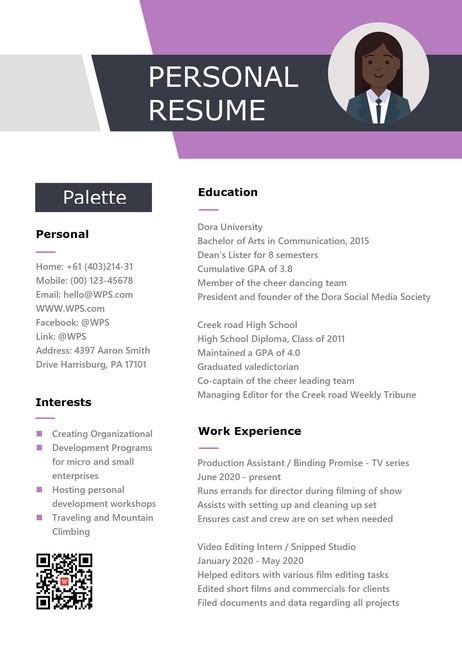
Word Template
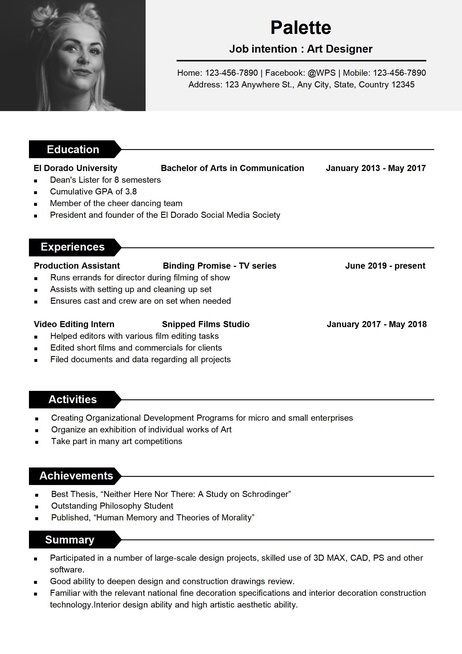
Word Template
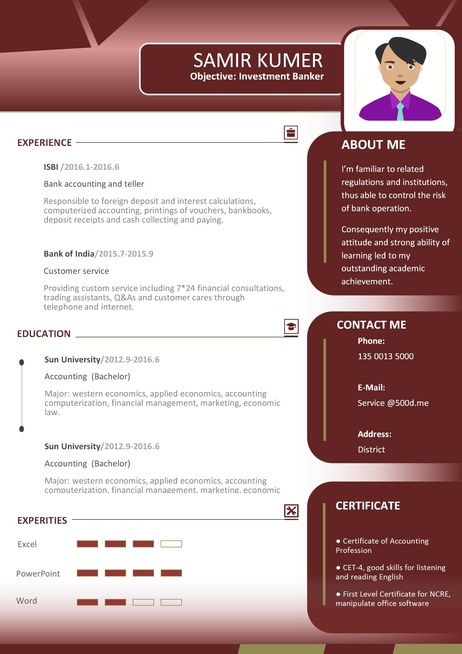
Word Template
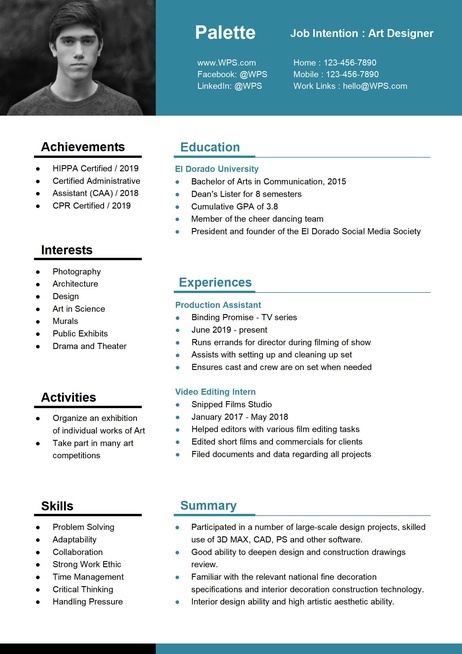
Word Template
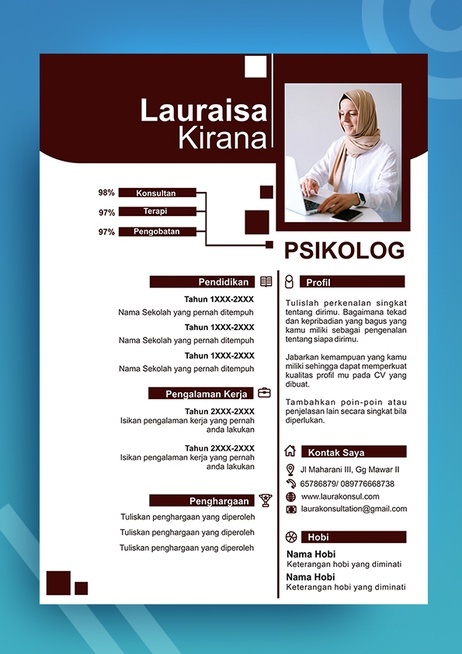
Word Template
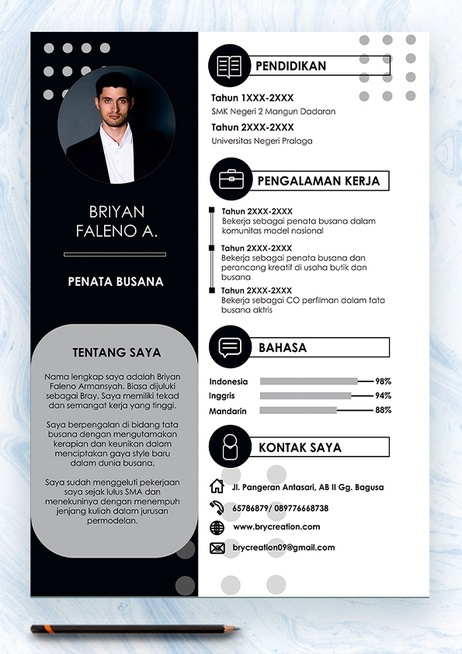
Word Template

Word Template

Word Template

Word Template

Word Template

Word Template

Word Template

Word Template

Word Template
Hiring managers spend an average of 7.4 seconds on initial screening. Using a professional online Resume Maker is what separates resumes that land interviews from those that get discarded.
Your name, title, and key qualifications should be instantly scannable. A modern Resume Builder App ensures you use consistent headings, proper spacing, and strategic bold text to guide the reader's eye.
Every bullet point should demonstrate impact. When building your online profile with a CV Builder, remember that "increased revenue by 35% through targeted campaigns" beats "responsible for sales" every time.
98% of Fortune 500 companies use Applicant Tracking Systems. Utilizing an AI Resume Builder or a Free Resume Builder ensures clean formatting and standard section headers, which are essential to pass screening.
Mirror the language from job descriptions within your online resume builder. If the posting says "project management," use that exact phrase naturally — don't just write "managed projects."
Whether you're a recent graduate or a seasoned executive, mastering these core resume sections is the foundation of a successful job application.
Include your full name, professional email, and LinkedIn URL. Your header is the first thing recruiters see — many CV Builder templates ensure this section is clean, prominent, and formatted correctly for international markets.
A 2–3 sentence elevator pitch at the top. An AI Resume Builder can help you highlight your years of experience and core expertise. Tailor this for each application — it's your most-read section after your name.
List positions in reverse chronological order. A robust resume builder allows you to easily quantify achievements. Use the STAR method: Situation, Task, Action, Result to demonstrate impact within each entry.
Include degree, institution, and graduation date. If you are a student, a Free Resume Builder can provide specific layouts for relevant coursework and academic projects to fill space effectively.
Organize skills into categories. Most online Resume Maker tools allow you to match skill keywords directly to the job description, which is crucial since ATS systems scan this section heavily.
Consider adding: Certifications, Publications, or Volunteer Work. Using a Resume Builder App makes it easy to toggle these sections on or off to create a well-rounded professional profile.
Begin each bullet with a dynamic verb. A professional Resume Maker often provides a library of action verbs like: Led, Developed, or Optimized. Avoid passive phrases like "Was responsible for."
Numbers make your achievements concrete. Most modern resume builder tools emphasize fields for revenue generated or percentage improvements. "Increased sales by 40%" is far more powerful than "Improved performance."
Provide the "so what." In your online CV Builder, explain the scale or significance, such as "Managed a $2M annual budget," to tell a recruiter more than just a list of tasks.
Analyze the job posting for keywords. Reorder your bullets so the most relevant achievements appear first, ensuring your resume is optimized for ATS compatibility.
"Responsible for managing social media accounts and creating content for the marketing team."
"Grew social media engagement by 150% across 4 platforms through data-driven strategy." Using a Free Resume Builder can help you visualize this impact through clean, structured layouts.
Use the XYZ Formula: Use the XYZ Formula. Whether you use a desktop site or a Resume Builder App, this structure naturally produces quantified, action-oriented points that recruiters love.
Your resume strategy should evolve as your career grows. Here's expert guidance for each stage of your professional journey using a powerful online Resume Builder.
With limited work experience, you need to strategically showcase your potential. Focus on education, internships, projects, and transferable skills.
You have substantial achievements to showcase. Utilize a professional CV Builder to lead with a strong summary. If you're updating your profile on the go, a Resume Builder App is perfect for quickly quantifying achievements with metrics and KPIs.
Directors, VPs & C-Suite Leaders Executive resumes tell a leadership story of strategic impact. An AI Resume Builder can help synthesize 20+ years of experience into a two-page online document that highlights P&L responsibility and organizational transformation.
As a career coach who has reviewed over 10,000 resumes, these are the most common mistakes I see — and how to fix them immediately.
Each job application needs a tailored profile. An AI Resume Builder can help you customize your summary, skills, and bullet points to match the specific job description, preventing your application from being filtered out by ATS systems.
"Managed a team" tells the recruiter nothing. Use a resume builder to structure your impact: "Led a cross-functional team of 12 to deliver a $3M product launch" tells them everything.
Leave out hobbies or outdated skills. Every line on your resume should earn its place.
Mixed fonts and uneven spacing signal carelessness. Using an online Resume Maker ensures you use a professional template for visual consistency throughout.
"Seeking a challenging position..." is outdated. Replace it with a professional summary within your online profile that highlights the value you bring to the employer.
58% of recruiters will reject an application with typos. Proofread multiple times; even when using a Resume Maker, every word matters.
One page for entry-level, two pages for experienced professionals. A Free Resume Builder often includes space-saving layouts to help you keep your content concise.
coolguy2003@email.com won't get you taken seriously. Use firstname.lastname@gmail.com or a professional domain. This is a simple fix with massive impact.
ATS software scans for exact matches. A professional CV Builder helps you identify and include phrases like "agile methodology" directly from the job posting.
Whether you are editing via a desktop or a Resume Builder App, always include a customized LinkedIn URL in your contact section to show you're digitally savvy.
FREE
Download WPS Office for advanced formatting, AI-powered proofreading, and seamless PDF management. Create polished, professional documents with the complete office suite.
Expert answers to the most common resume questions job seekers ask.
Put these expert strategies into practice with our free resume builder. No sign-up, no watermarks — just a professional resume in minutes.