
Web Converters See Your Docs
Pain
Online Word to PDF tools ask you to upload contracts and HR letters to a third-party site before you get a download link.
WPS Solution
Local Export — convert Word to PDF on your PC or Mac. No upload required.
DOC / DOCX · Word → PDF
Convert Word documents to polished, shareable PDFs in WPS Writer
Windows · macOS · Linux · iOS · Android
0 monthly active users
Word document becomes polished PDF
Contracts, proposals, and resumes need a fixed PDF—not a site that asks you to upload the file. WPS Writer converts Word to PDF locally so layout stays intact and files never leave your device.
Pain
Online Word to PDF tools ask you to upload contracts and HR letters to a third-party site before you get a download link.
WPS Solution
Local Export — convert Word to PDF on your PC or Mac. No upload required.
Pain
Cheap converters flatten tables, shift images, and swap fonts—so the PDF no longer matches the Word you approved.
WPS Solution
Layout retention — Word to PDF keeps headings, tables, and embedded images close to the source.
Pain
Teams without a Microsoft 365 seat still need to turn DOC/DOCX into PDF for clients and portals.
WPS Solution
Open & export in Writer — Word to PDF without buying Microsoft Word.
Pain
Exporting a folder of proposals means opening each file, waiting, and saving—again and again.
WPS Solution
Batch Word to PDF — convert multiple DOC/DOCX files in one pass when you need volume.
Built Into WPS Writer
Stop hunting for a one-off converter. Open the DOC or DOCX, choose Export to PDF, and keep the finished file on your device.
One installer · Writer + Spreadsheet + Presentation + PDF
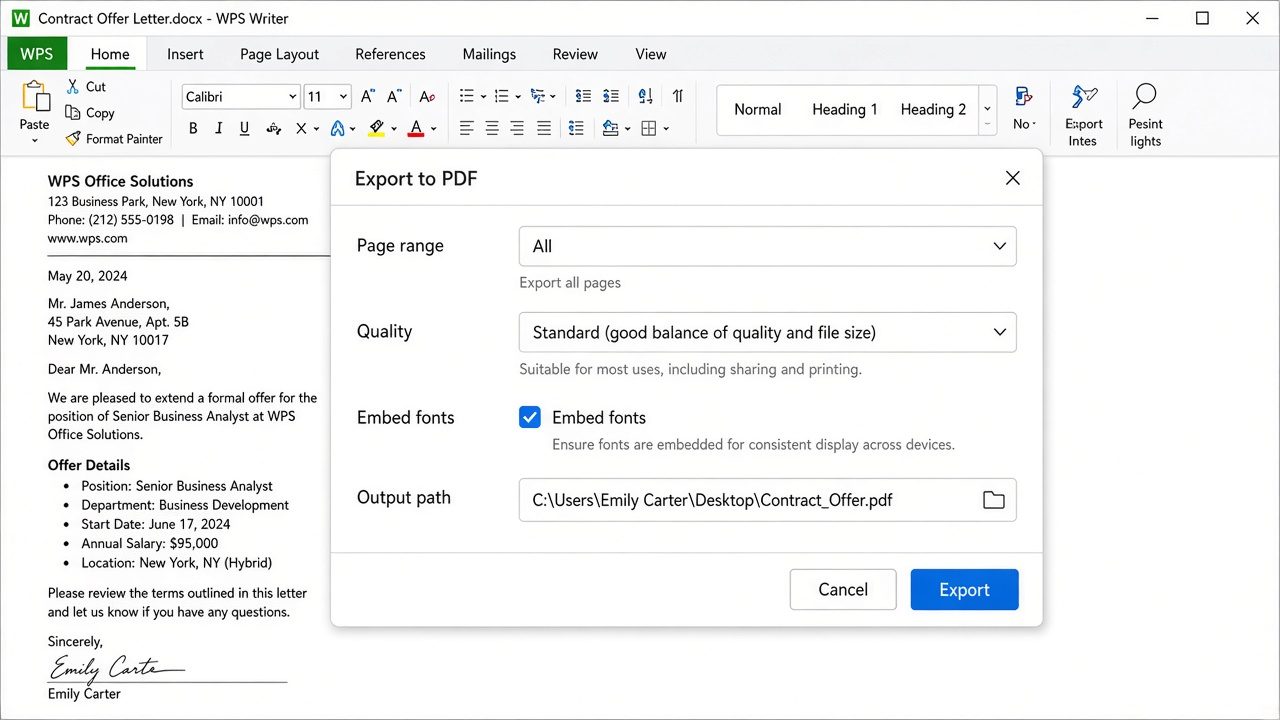
WPS Export to PDF dialog
Everything you need to convert Word to PDF inside WPS Writer—open DOC/DOCX, Export to PDF, and keep the file local.
No extra converter. Open the document and Export to PDF—don’t rely on a printer driver workaround.
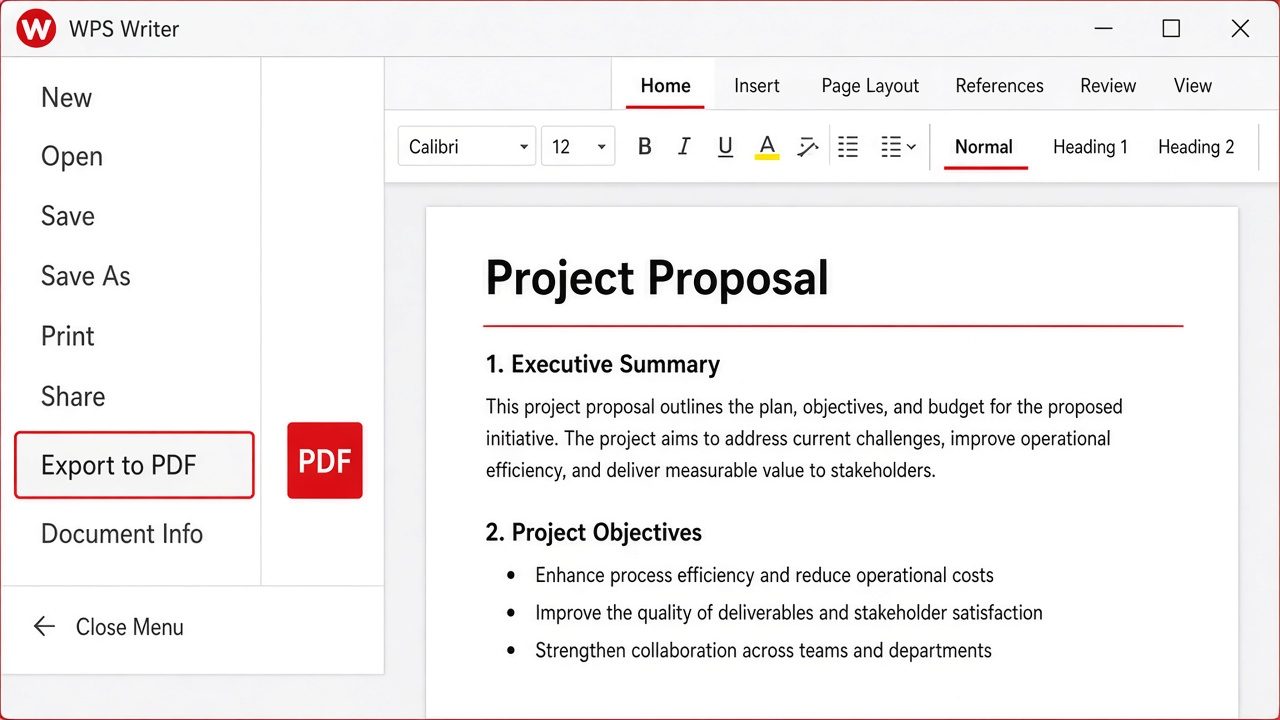
File menu Export to PDF
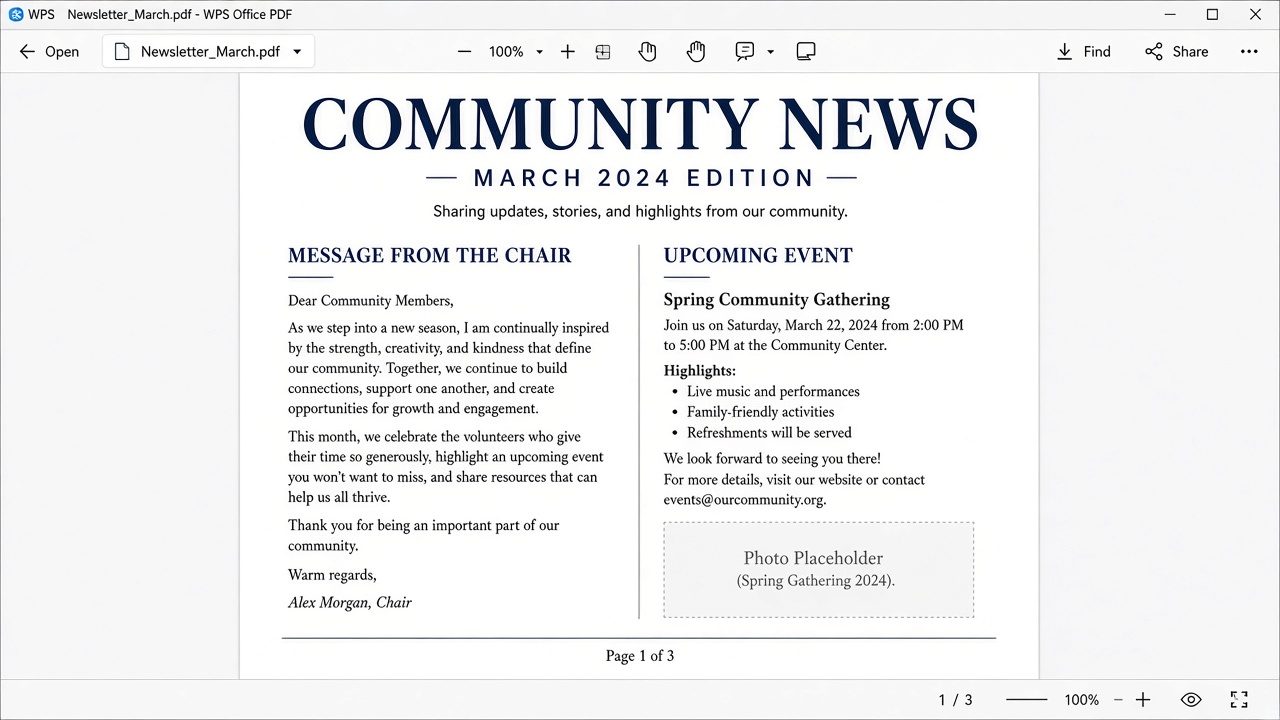
PDF keeps original Word layout
Word to PDF should look like the document you approved—not a scrambled printout.
When a folder of proposals needs PDF, Word to PDF batch tools beat opening every file by hand.
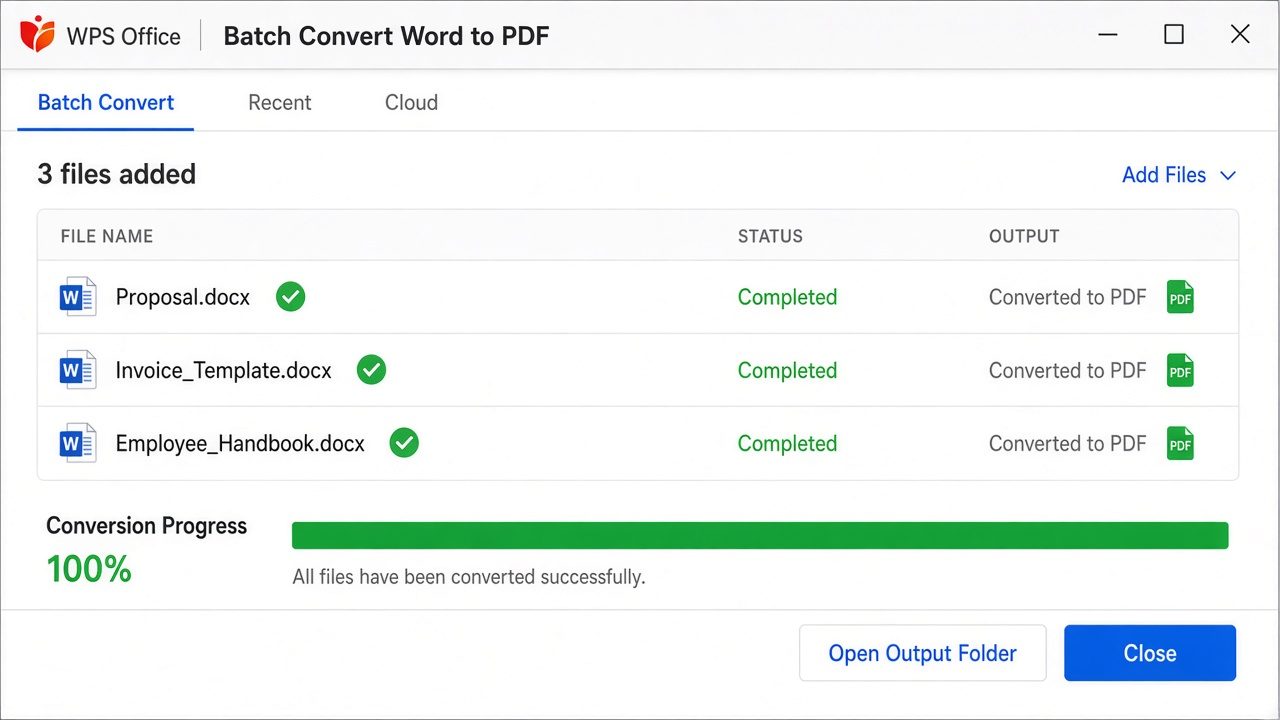
Batch Word to PDF panel
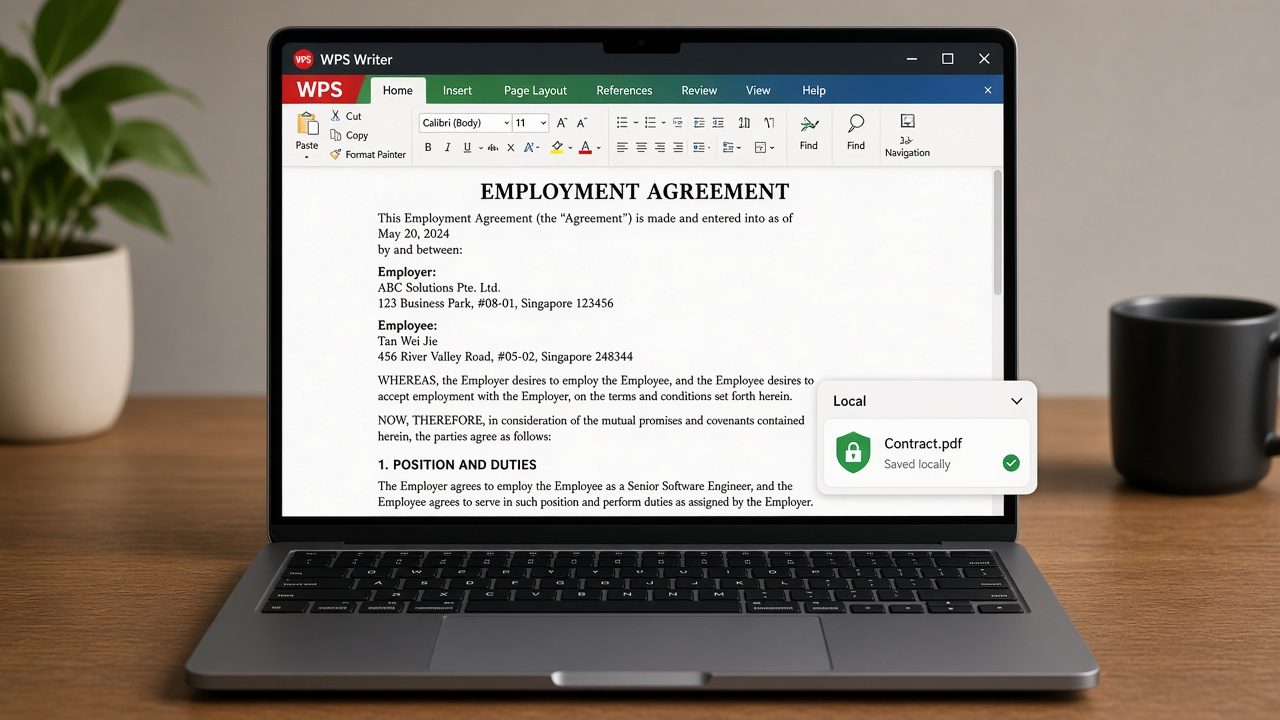
Local private Word to PDF
Online converters upload your contracts. WPS converts Word to PDF on this computer.
REAL USERS · WPS OFFICE
Writers and ops turn DOC/DOCX into client-ready PDFs in WPS Writer—locally, with layout retention and no website upload.
0
Users
5
Platforms
Word→PDF
Export
Windows · Mac · Linux · Android · iOS
"We used to upload proposals to random Word to PDF sites. WPS Export to PDF keeps layout and the files never leave this laptop."
Jordan K.
Operations Analyst
Install the free suite on Windows, Mac, Linux, iOS, or Android. Word to PDF conversion lives in WPS Writer—no extra converter.
Choose File → Open and select the .doc or .docx file. Review headings, tables, and images before you export.
Choose File → Export to PDF, set page range and quality, then save the .pdf. Open it in WPS PDF to confirm the layout looks right.
Download WPS Office free and convert Word to PDF locally—Export DOC/DOCX without a Microsoft Word license.
One installer · Writer + Spreadsheet + Presentation + PDF
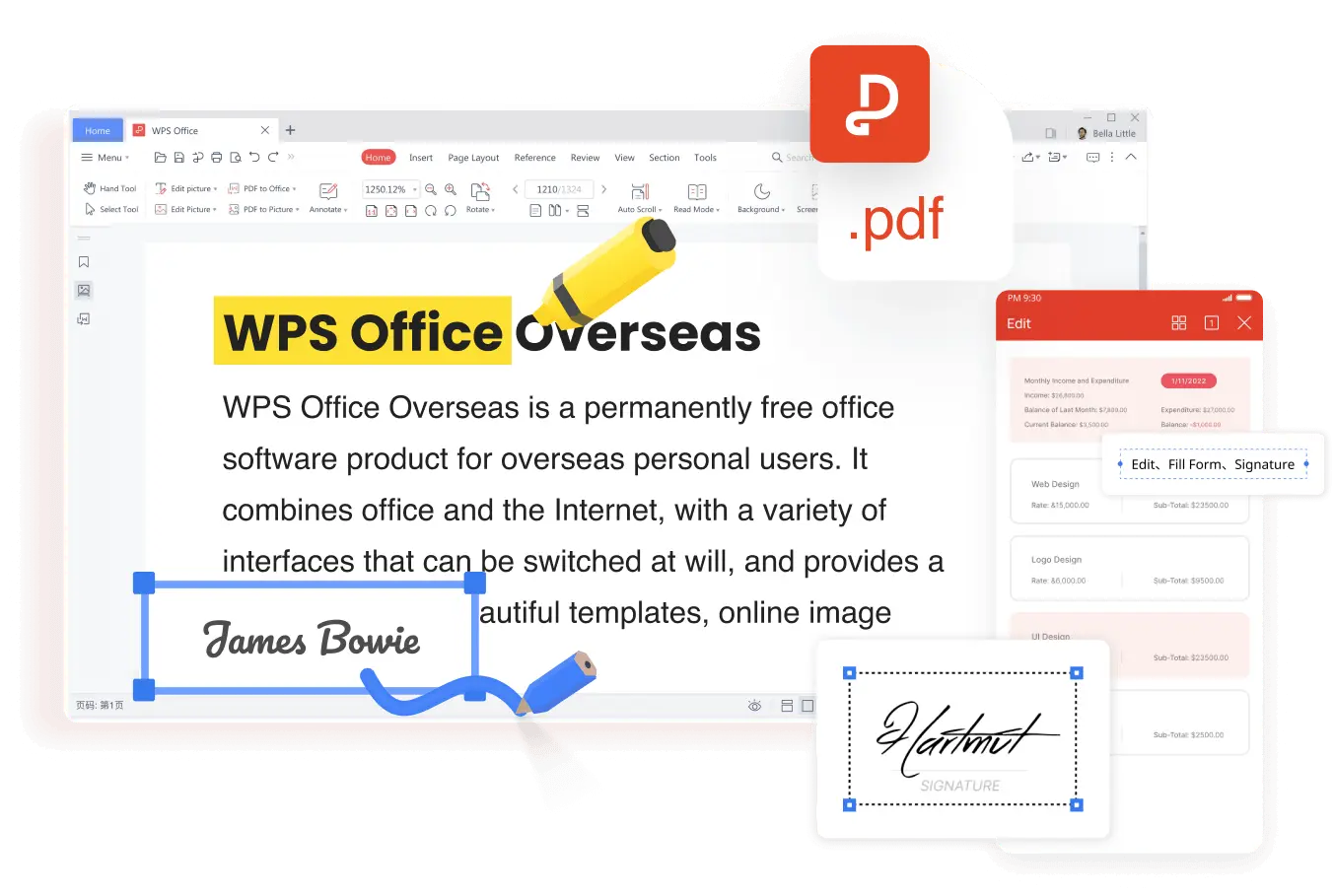
PDF open across WPS devices