WPS PDF

Download PDF to Word Converter for Free

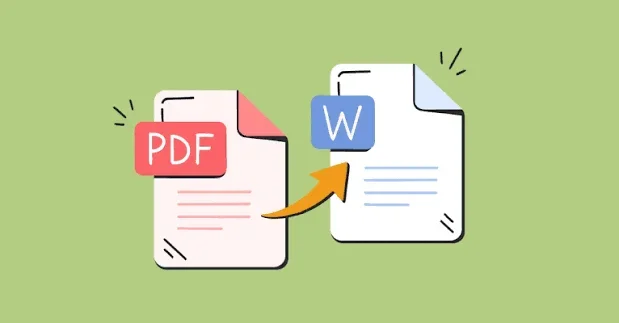
Convert your PDF files into fully editable Word documents (.doc/.docx) seamlessly. Looking for a powerful pdf to word converter freeware? WPS Office delivers fast, lossless conversions.

  • Preserve original layouts, fonts, tables, and images
  • OCR for scanned PDFs — convert offline on your device
  • Compatible with Microsoft Word .docx / .doc formats

100% Safe & Secure | No Credit Card Required

Frustrated with Broken Layouts and Limits?

Basic web converters often fail when files get complex, large, or confidential. Here is how WPS fixes each pain point.

Layout Chaos vs. WPS Precision Engine

✕ Pain

Online tools scramble columns, split tables, and shift images — leaving Word files that need hours of cleanup.

✓ WPS Solution

Precision Engine — Retain fonts, spacing, and multi-column layouts for editable Word output.

Layout Fidelity
File Size Limits vs. Desktop Unlimited Processing

✕ Pain

Free web converters cap uploads at a few MB, forcing you to split reports or pay for larger files.

✓ WPS Solution

Desktop Processing — Convert large PDFs locally without arbitrary browser upload caps.

No Upload Cap

Online Privacy Risks vs. 100% Local Device Conversion

✕ Pain

Uploading contracts or HR PDFs to unknown websites creates data leakage and compliance risks.

✓ WPS Solution

100% Local — Convert confidential files on your device — no third-party upload required.

Offline Privacy

⚡ FAST, SECURE & LIGHTWEIGHT

Download PDF to Word Converter Freeware for PC & Mobile

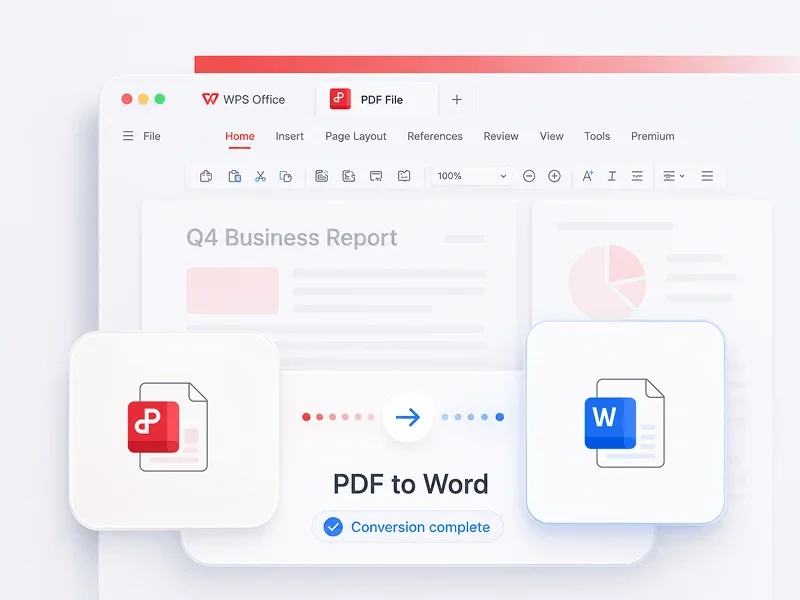
Need a high-precision pdf to word converter freeware? Download PDF to word converter by WPS to transform complex PDFs into fully editable Word files (.docx) instantly without layout loss.

⚡ < 50MB Package 🔒 100% Offline Privacy 💳 No Credit Card Needed
Download Free Version Now
WPS PDF to Word converter

Why Download PDF to Word Converter by WPS?

Four powerful conversion capabilities engineered into WPS PDF — edit faster without fighting broken layouts.

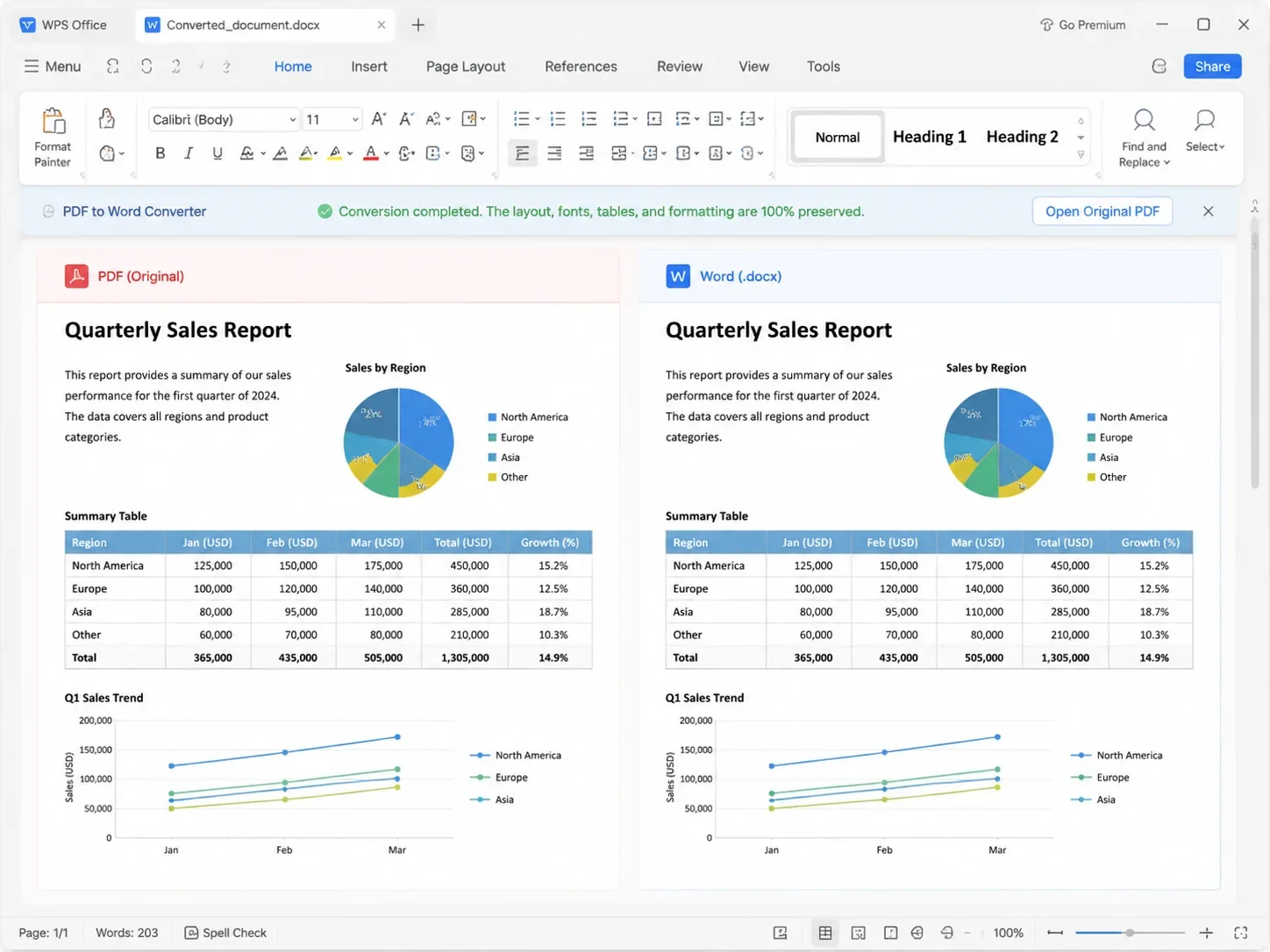
Preserve Original Layouts & Fonts

Keep headings, columns, complex tables, and fonts perfectly aligned. Your converted .docx stays 100% faithful to the original PDF with zero broken layouts.

Layout Fidelity Fonts Intact Table Precision
PDF to Word layout preserved

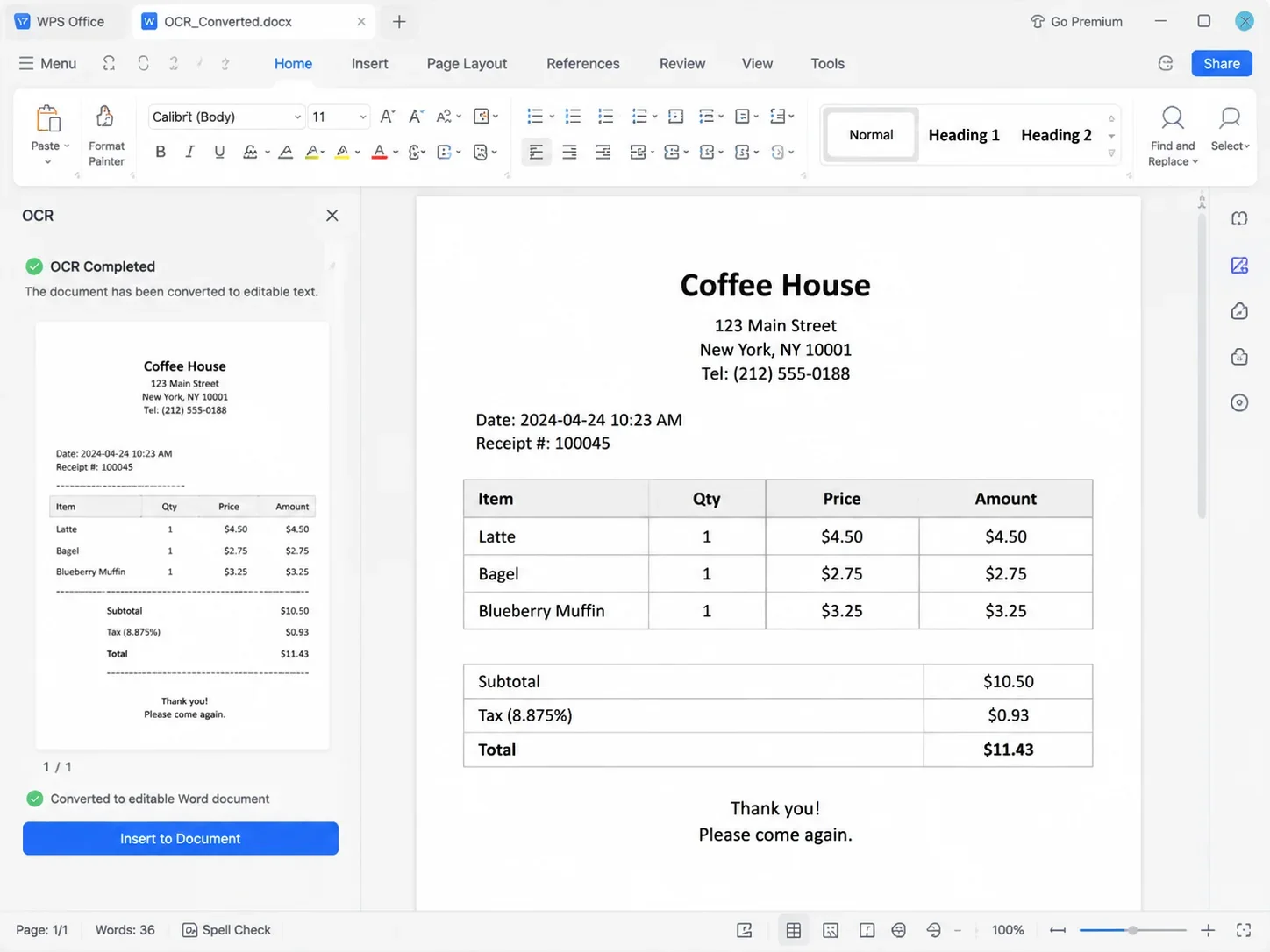
High-Precision OCR Engine

Optical Character Recognition automatically turns scanned PDFs, receipts, or image-based documents into searchable, editable Word text in seconds.

Scanned PDFs Editable Text Searchable
OCR converts scanned PDF text

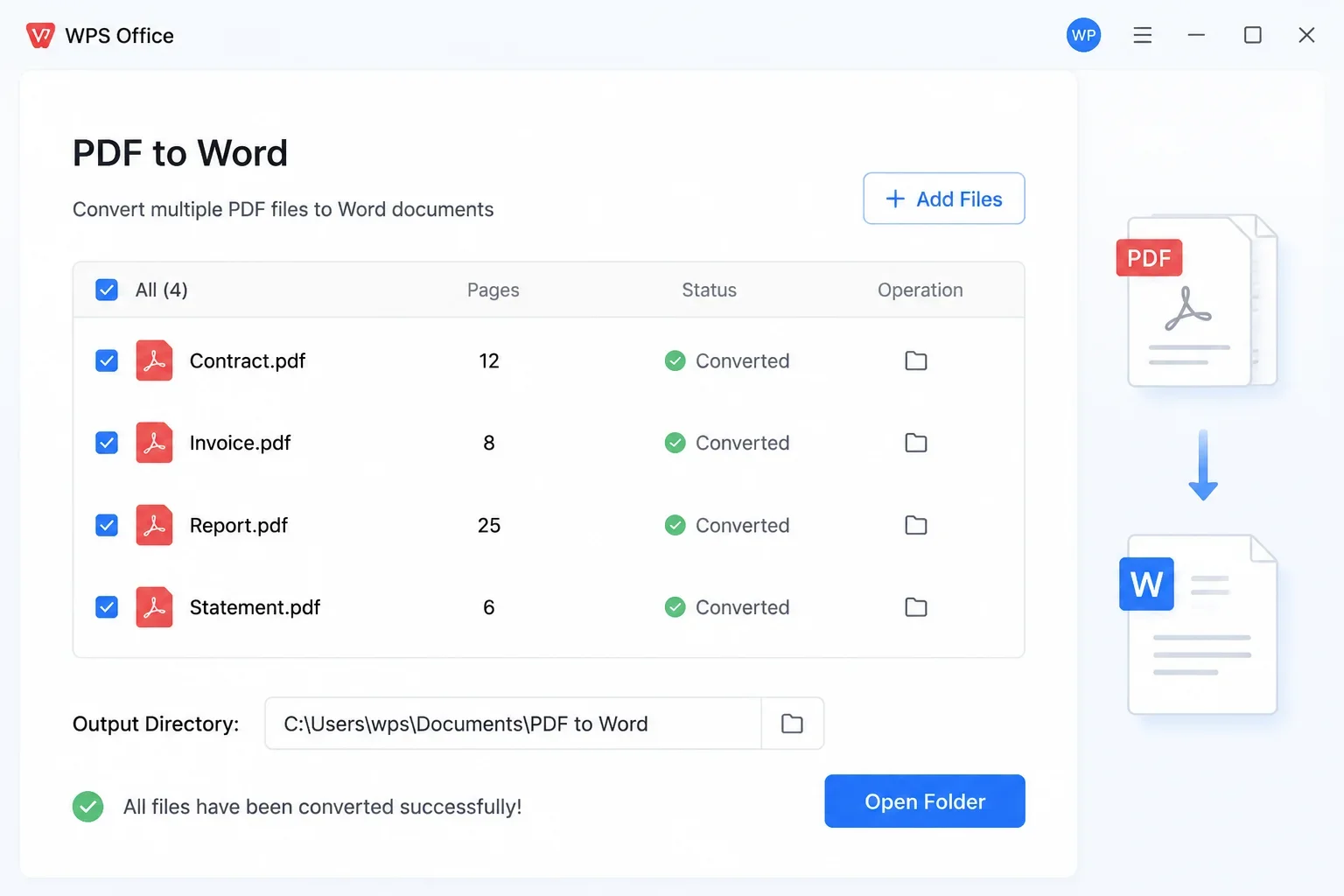
Fast Batch PDF Conversion

Convert multiple PDF files into Word documents simultaneously in one pass — perfect for handling monthly reports, financial statements, and research packs.

Multi-file Queue One-click Export
Batch convert multiple PDF files

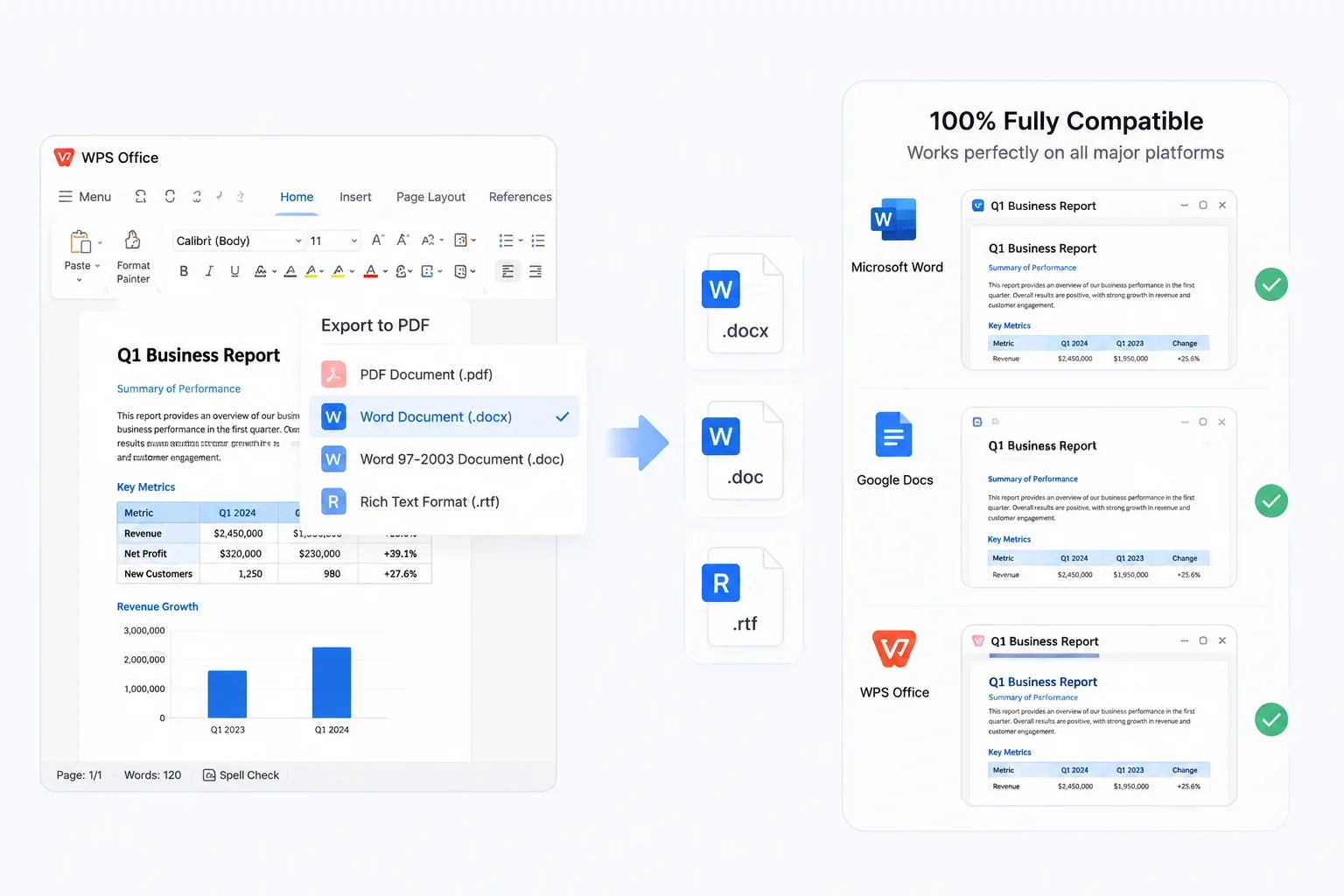
Multi-Format Compatibility (.docx, .doc, .rtf)

Export smoothly to modern .docx, legacy .doc, or .rtf files for 100% full compatibility across Microsoft Word, Google Docs, and WPS Office.

MS Word Google Docs WPS Writer
Export Word docx doc rtf

Why Choose WPS PDF to Word Converter?

Engineered for flawless formatting, OCR accuracy, and total data privacy—edit your converted Word files without compromise.

PDF
DOCX
100% Format Kept

Pixel-Perfect Layout Retention

Preserve complex margins, exact typography, multi-column tables, and images without layout scrambling or manual reformatting.

OCR Scan

“Contract terms are now editable…”

Smart OCR Engine

Precision OCR Technology

Advanced optical character recognition turns scanned contracts, paper documents, and image-based PDFs into fully editable Word text.

W
W
W
Lightning Fast

High-Speed Batch Conversion

Convert dozens of heavy PDF documents or multi-page financial reports into Word files simultaneously in seconds.

Local Convert No Cloud Upload
Bank-Grade Safe

100% Local & Private Conversion

All file conversions happen locally on your desktop. Your confidential contracts and data never touch external cloud servers.

REAL USERS · WPS OFFICE

Download PDF to Word Converter & Start Editing

Trusted by over 500 million users worldwide. Instant install (< 50MB), 100% clean software, and MS Office–compatible .docx export — all with local privacy.

0

Global Users

0

User Rating

0

Local Convert

Free Download for Windows

One installer · Writer + Spreadsheet + Presentation + PDF · No credit card required

★★★★★

"Conversion accuracy is excellent — tables and headings from our client PDFs come through cleanly. I finally stopped re-formatting every export."

SK

Sarah K.

Operations Manager

STEP-BY-STEP GUIDE

How to Use This PDF to Word Converter Freeware in 3 Steps

From install to editable .docx — a simple path anyone can follow.

  1. 1

    Download and install WPS Office

    Get the free installer, run setup, and launch WPS Office on your Windows PC.

  2. 2

    Open your PDF file in WPS PDF

    Open the PDF directly in WPS PDF — no need to upload files to a website.

  3. 3

    Convert and export

    Click 'PDF to Word' under Tools and export your editable Word file.

FAQ

Frequently Asked Questions

FREE DOWNLOAD · ALL PLATFORMS

Download PDF to Word Converter Offline with Full Power

Convert PDFs into editable Word files locally with WPS PDF — preserve layouts, run OCR on scanned docs, and keep confidential files off the cloud.

  • Convert PDF to Word with layout fidelity — no Microsoft Word required
  • Batch conversion, OCR for scanned PDFs & multi-format .docx / .doc export
  • Trusted by 500M+ users worldwide · 100% local & private
Free Download WPS Office

One installer · Writer + Spreadsheet + Presentation + PDF

WPS PDF to Word on devices