No Microsoft Excel
Pain
A coworker sends .xlsm, but you don’t have a Microsoft 365 seat—and the file won’t open.
WPS Solution
Free xlsm viewer — open macro-enabled workbooks in WPS Spreadsheet.
Open .xlsm files without Microsoft Excel. The WPS Office xlsm viewer loads sheets, formulas, and charts locally so you can review data, edit values, and export XLSX, CSV, or PDF.
=SUMIF(B2:B6,"Closed",C2:C6)
| A | B | C | D | |
|---|---|---|---|---|
| 1 | Region | Status | Revenue | Owner |
| 2 | APAC | Closed | $48,200 | Maya |
| 3 | EMEA | Pipeline | $31,750 | Omar |
| 4 | NA | Closed | $62,410 | Lia |
| 5 | LATAM | Closed | $19,080 | Diego |
WPS Spreadsheet XLSM grid preview
Browser viewers skip macros. Paid Excel is overkill for a quick look. WPS gives you a free xlsm viewer that actually opens the workbook.
Pain
A coworker sends .xlsm, but you don’t have a Microsoft 365 seat—and the file won’t open.
WPS Solution
Free xlsm viewer — open macro-enabled workbooks in WPS Spreadsheet.
Pain
Google Sheets and Excel for the web show cells but drop VBA and warn that macros aren’t supported.
WPS Solution
Desktop open — view data offline; enable macros only when you trust the file.
Pain
Unsolicited XLSM attachments are a common malware vector if you click Enable Content blindly.
WPS Solution
Review first — inspect sheets with macros off, then enable only trusted code.
Pain
You need the numbers on Mac, Linux, or a phone—not only a Windows Excel install.
WPS Solution
Cross-platform suite — one installer for Windows, Mac, Linux, Android, and iOS.
Built Into WPS Spreadsheet
Stop hunting for a single-purpose viewer. WPS Spreadsheet opens .xlsm locally, lets you edit cells, and exports clean copies when you need to share.
One installer · Writer + Spreadsheet + Presentation + PDF
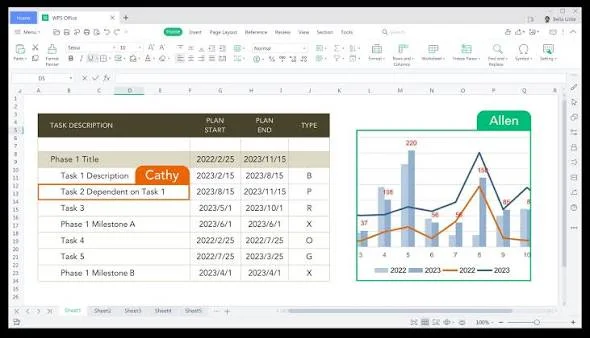
Open complex .xlsm workbooks without paid Excel—keep formulas intact, load large files fast, and review macros locally on every device.
Free and online viewers often drop formulas, scramble layouts, or damage the macro structure.
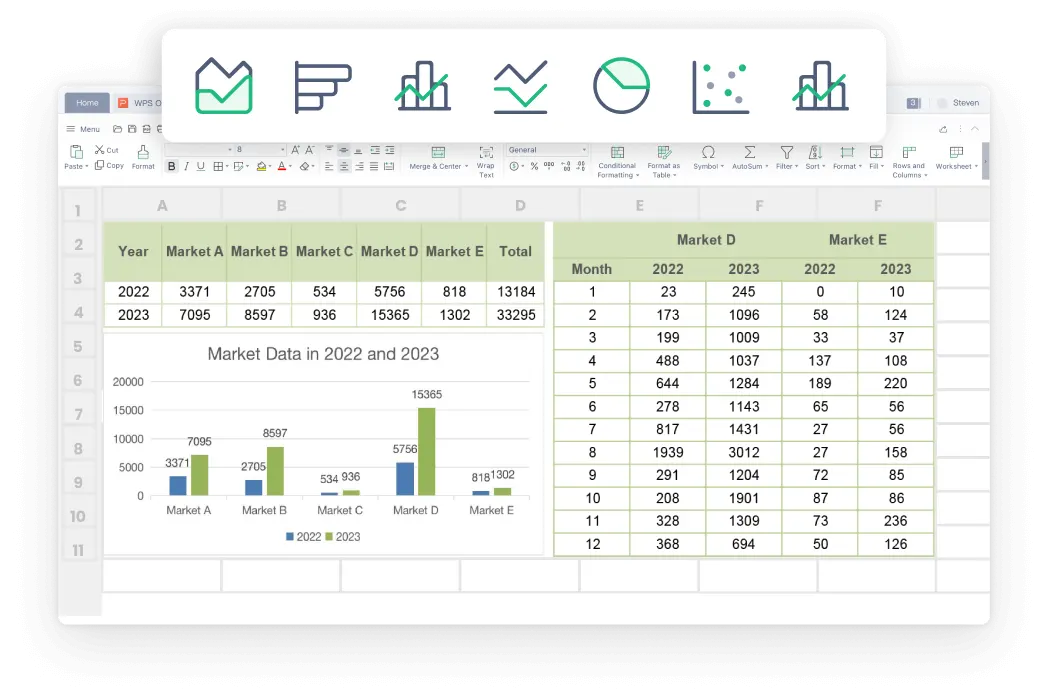
Heavy VBA and huge datasets make .xlsm files freeze, hang, or take forever to load.
Mac, Linux, and phone users rarely get a native tool that opens .xlsm cleanly.
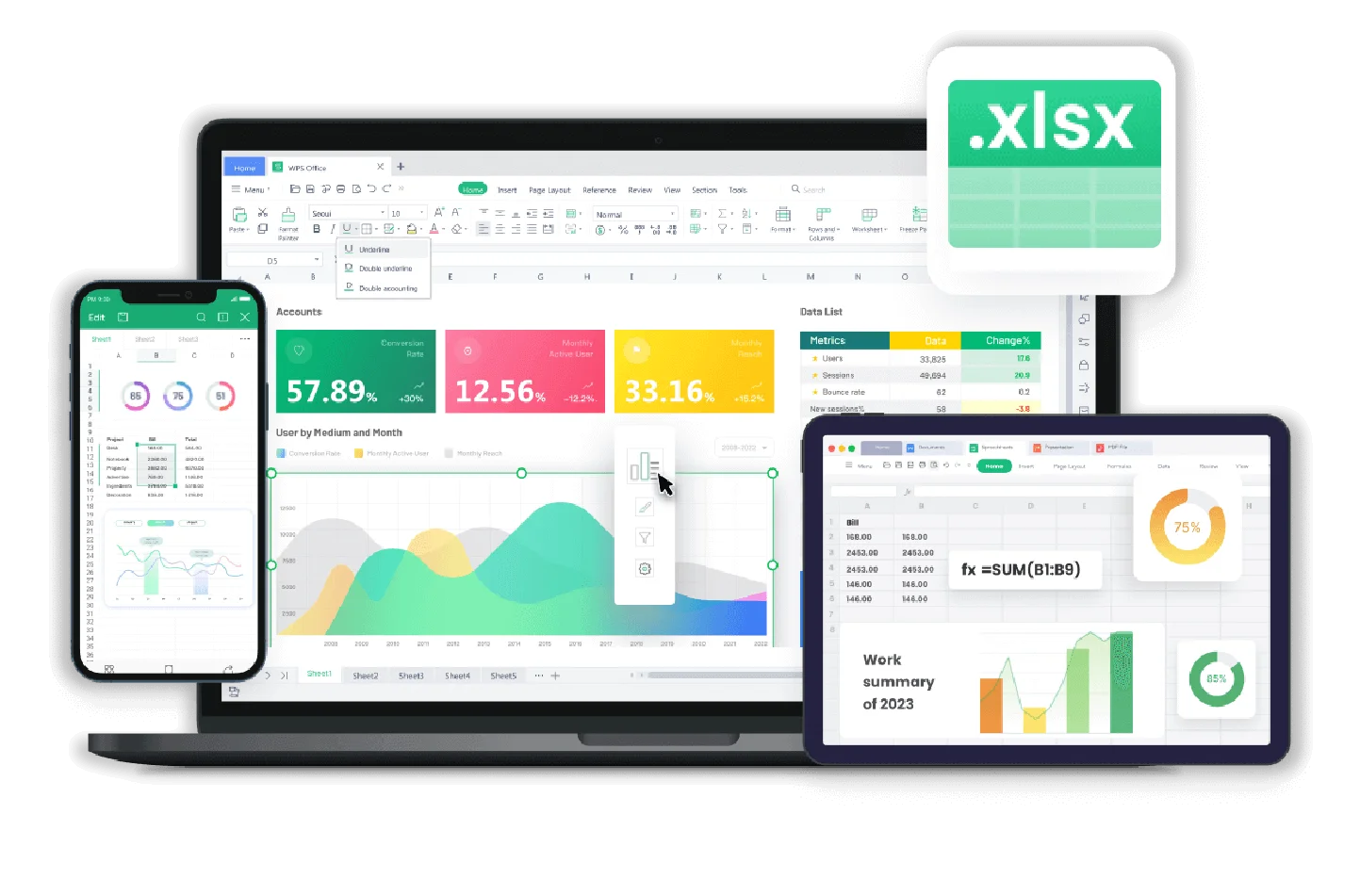

Online viewers demand uploads, and unknown .xlsm files can hide malicious VBA.
Start from real WPS Excel templates—budgets, invoices, inventory, and schedules—then keep working in the same Spreadsheet app that opened your .xlsm file.
Need more than a viewer? Open templates and .xlsm files in the same free suite.
Free DownloadREAL USERS · WPS OFFICE
Finance, ops, and students use the WPS Office xlsm viewer to read macro workbooks, then keep editing in Spreadsheet.
0
Users
5
Platforms
.xlsm
Supported
Windows · Mac · Linux · Android · iOS
"I needed an xlsm viewer for a vendor workbook. WPS opened every sheet and I exported CSV without buying Excel."
Jordan K.
Operations Analyst
Install the free suite on Windows, Mac, Linux, iOS, or Android. The xlsm viewer is WPS Spreadsheet—no extra plugin for viewing data.
Choose File → Open and select the Excel Macro-Enabled Workbook. Sheets, formulas, and charts load locally. Leave macros off until you trust the source.
Search cells, fix values, then keep .xlsm or Save As XLSX, CSV, or PDF. On Windows, enable macros only if you need automation and the file is trusted.
Download WPS Office free and open .xlsm files locally—then edit, convert, or share without a Microsoft Excel license.
One installer · Writer + Spreadsheet + Presentation + PDF