Excel template · .xlt → PDF

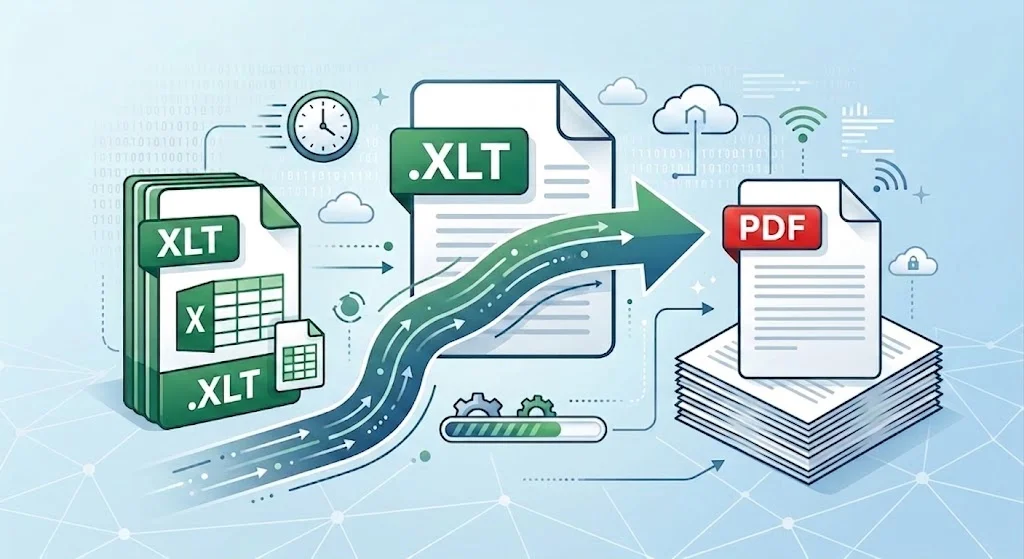
XLT to PDF

Convert Excel 97–2003 templates to a locked, shareable PDF

  • Open .xlt files without Microsoft Excel
  • Keep tables, charts, and print layout when you convert XLT to PDF
  • Export locally—no upload to a random converter site

Windows · macOS · Linux · iOS · Android

0 monthly active users

WPS Spreadsheets · Sales-Report-Template.xlt Export to PDF
1
Region
Orders
Revenue
2
East
128
$19,633
3
West
95
$14,339
4
Central
112
$16,880

WPS spreadsheet with XLT template preview

Pain → Solution

Why XLT to PDF is messy—and how WPS Office helps

Old Excel templates are still in inboxes. The job is not renaming the extension. It is opening the template, checking layout, then exporting a PDF others can open anywhere.

No Excel installed

✕ Pain: The file arrives as .xlt and Microsoft Excel is not on this PC or phone.

WPS solution: Open XLT in WPS Spreadsheets, then export PDF on desktop or mobile.

XLT · Desktop · Mobile

Upload-only converters

✕ Pain: Online XLT to PDF sites ask you to upload payroll or invoice templates.

WPS solution: Convert locally in the suite. Sensitive sheets stay on the device.

Local · Private · Free

Broken print layout

✕ Pain: Columns split across pages and charts lose their scale in the PDF.

WPS solution: Set Fit to Page, orientation, and print titles before Export to PDF.

Layout · Charts · Fit to page

Template vs final copy

✕ Pain: Recipients keep editing the template instead of reading a fixed report.

WPS solution: Keep the .xlt, Save As XLSX for work, then convert XLT to PDF for sharing.

XLT · XLSX · PDF

Download a free XLT to PDF converter in WPS Office

  • Open Excel 97–2003 templates locally
  • Export to PDF with page setup intact
  • One installer for Spreadsheet + Writer + PDF
Free Download WPS App
WPS export XLT to PDF

WPS export XLT to PDF

Key Features of WPS Office XLT to PDF

Everything you need to open old Excel templates and export a clean PDF inside WPS Office XLT to PDF.
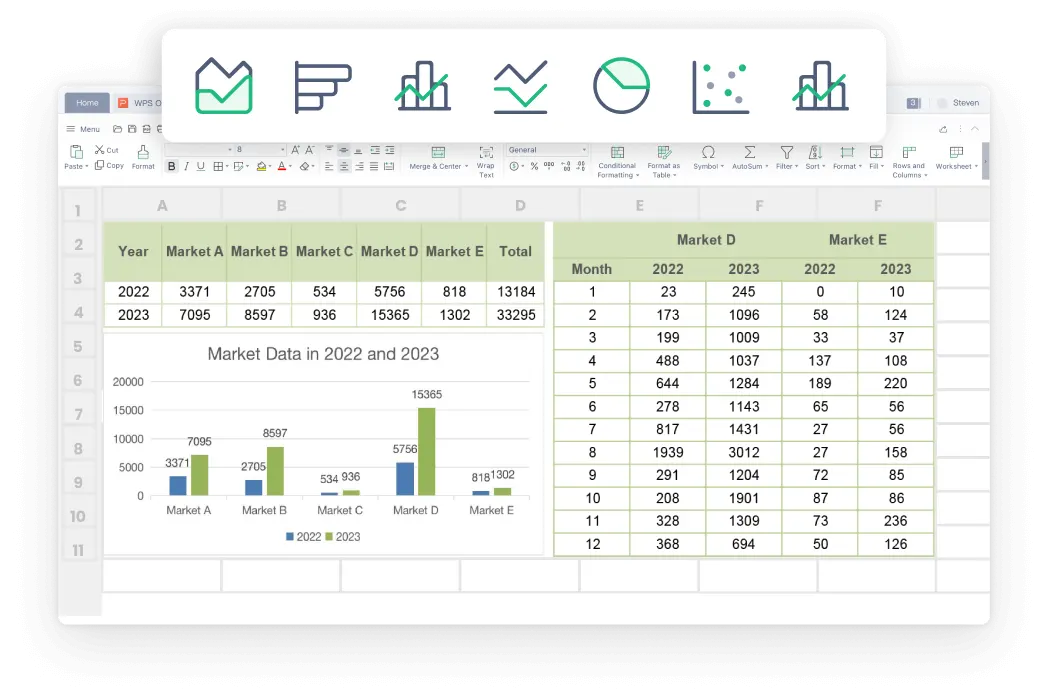
Open XLT templates without paid Excel

  • Keep starter formulas, merged headers, and number formats readable.
  • Open .xlt on Windows, Mac, Linux, or mobile in one suite.
  • Do not rename .xlt to .xlsx—open first, then save or export.
TemplatesCompatibilityLocal open
Open · Invoice-Template.xlt
WPS Spreadsheet open XLT template

WPS Spreadsheet open XLT template

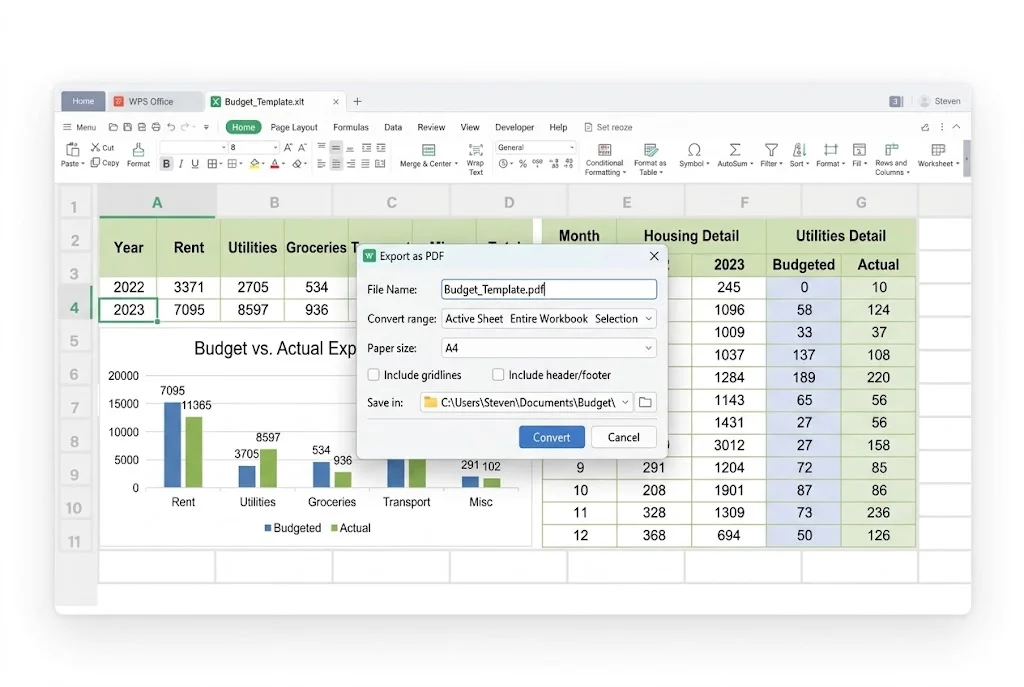
Export to PDF · Fit Sheet on One Page
WPS export XLT layout to PDF

WPS export XLT layout to PDF

Export XLT to PDF with layout control

  • Choose active sheet or the whole workbook.
  • Keep charts, cell colors, and header rows for print.
  • Add an open password when the template holds private numbers.
Export to PDFPrint layoutPassword

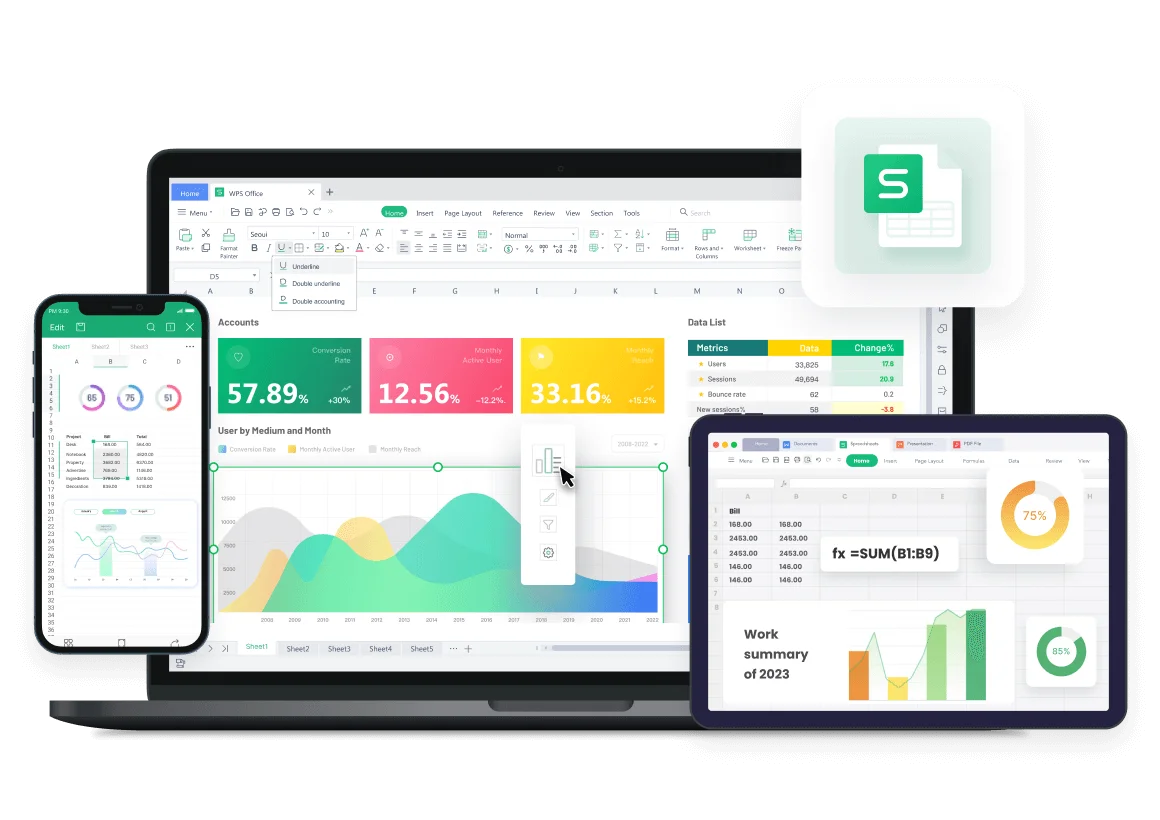
Same XLT to PDF workflow on every device

  • Review a template on a laptop, then send the PDF from your phone.
  • Stay in one suite if the next step is Word, PPT, or PDF markup.
  • Need an editable copy? Save As XLSX first, then export PDF.
WindowsmacOSMobile
Windows · Mac · Mobile
WPS Office multi device preview

WPS Office multi device preview

REAL USERS · WPS OFFICE

Teams still use XLT templates. WPS turns them into PDFs they can send.

Finance, schools, and small shops keep Excel 97–2003 templates. Convert XLT to PDF in the same app that already opens the sheet.

0

Monthly users

5

Platforms

Local

No forced upload

Free Download

Windows · macOS · Linux · iOS · Android

“We still get .xlt invoice templates from vendors. WPS opens them and Export to PDF keeps the totals aligned—no extra Excel license.”

AR

Alex R.

Accounts payable

3 STEPS

How to Use WPS Office XLT to PDF in 3 Steps

  1. 1

    Open the XLT template

    Install WPS Office, launch Spreadsheets, and open the .xlt file. Review the starter sheet before you type over placeholders.

  2. 2

    Check layout, formulas, and page setup

    Confirm totals, charts, and Page Layout (orientation, margins, Fit to Page). Wide templates usually need landscape before you convert XLT to PDF.

  3. 3

    Export to PDF

    Go to File → Export to PDF, pick sheets, optionally set a password, then Export. Keep the original template; send the PDF as the locked copy.

XLT to PDF FAQ

FREE DOWNLOAD · ALL PLATFORMS

Unlock shareable reports with the WPS Office XLT to PDF

Open the old template, keep the layout, and send a PDF anyone can open—without buying Excel or uploading files to a converter site.

  • Open .xlt locally in WPS Spreadsheets
  • Export to PDF with Fit to Page and passwords
  • One installer · Writer, Spreadsheet, Presentation, PDF
Free Download

One installer · Windows, Mac, Linux, iOS, Android
WPS XLT to PDF preview

WPS XLT to PDF preview