Template vs Workbook Mix-up
Pain
People email the .xlt file itself. Recipients open a template, not a filled workbook they can edit and return.
WPS Solution
XLT to XLS — open the template, then Save As Excel 97-2003 Workbook for a real working copy.
Excel template · .xlt → XLS
Convert Excel 97–2003 templates to a real, editable XLS workbook
Windows · macOS · Linux · iOS · Android
0 monthly active users
=SUM(C2:C5)| A | B | C | D | |
|---|---|---|---|---|
| 1 | Region | Rep | Orders | Revenue |
| 2 | East | Jordan | 128 | $19,633 |
| 3 | West | Miller | 95 | $14,339 |
| 4 | Central | Patel | 112 | $16,880 |
| 5 | South | Reed | 87 | $12,410 |
WPS Spreadsheet XLT to XLS preview
A .xlt file is a template, not the workbook you send. WPS Spreadsheet converts XLT to XLS locally so you get a real Excel 97-2003 workbook—without uploading the file or buying Excel.
Pain
People email the .xlt file itself. Recipients open a template, not a filled workbook they can edit and return.
WPS Solution
XLT to XLS — open the template, then Save As Excel 97-2003 Workbook for a real working copy.
Pain
Changing .xlt to .xls in Explorer only relabels the file. Coworkers then hit open errors or a broken template.
WPS Solution
Use Save As — XLT to XLS inside Spreadsheet writes a true .xls structure, not a fake extension.
Pain
An ERP, older Excel build, or partner portal rejects .xlsx and expects a classic Excel 97-2003 workbook.
WPS Solution
Pick *.xls — convert XLT to XLS when the destination still requires the legacy workbook format.
Pain
Web upload tools ask you to send payroll or sales templates to a third-party site—and they often flatten formulas.
WPS Solution
Local Save As — convert XLT to XLS on your PC or Mac. No upload, no Excel license.
Built Into WPS Spreadsheet
Stop hunting for a one-off converter. Open the .xlt template, choose Save As Excel 97-2003 Workbook, and keep the file on your device.
One installer · Writer + Spreadsheet + Presentation + PDF

Everything you need to convert XLT to XLS inside WPS Spreadsheet—open the template, Save As a real .xls workbook, and keep the file local.
No extra converter. Open the .xlt template and Save As .xls—don’t just rename the extension in Explorer.
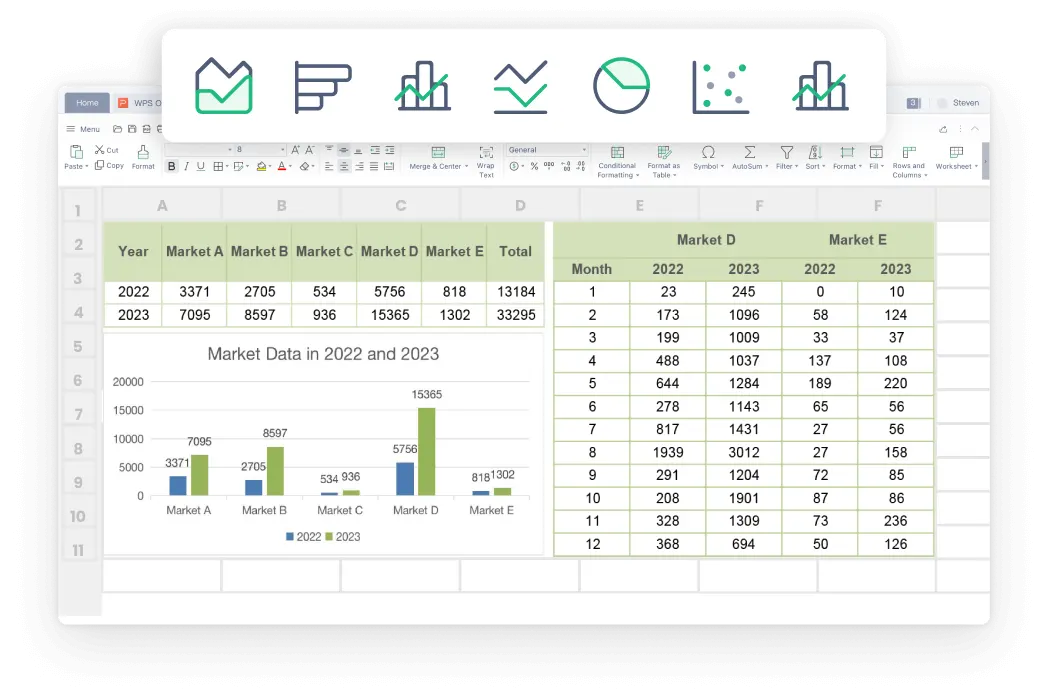
An XLT file is a starter layout. XLT to XLS creates the editable workbook copy teammates expect.
Some systems still only accept Excel 97-2003 workbooks. XLT to XLS gives them the .xls file they already know.
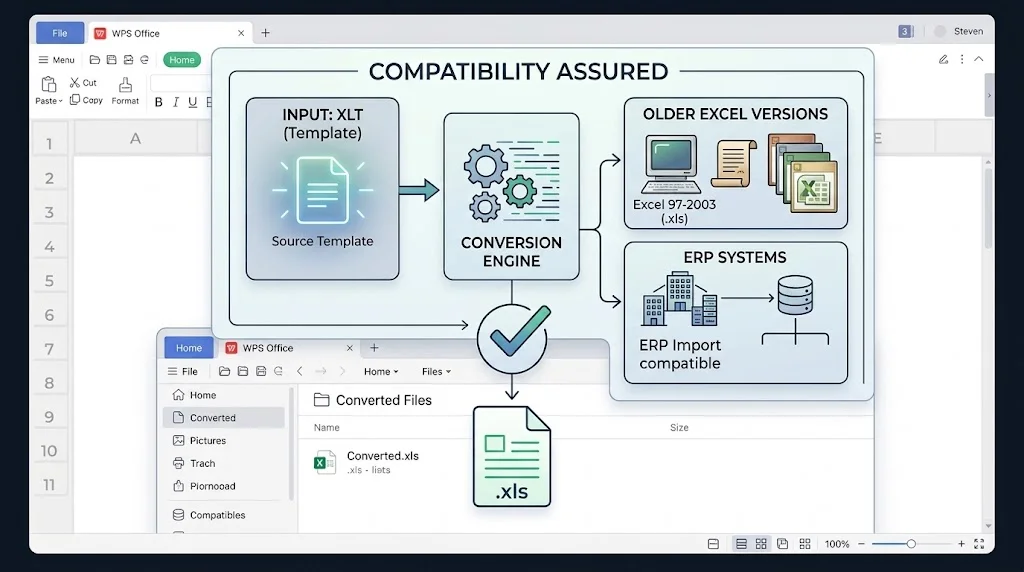

Online converters upload your spreadsheet. WPS converts locally, so payroll and finance templates never leave this computer.
REAL USERS · WPS OFFICE
Ops and finance turn Excel templates into .xls workbooks in WPS Spreadsheet—locally, for older systems that still reject .xlsx.
0
Users
5
Platforms
XLT→XLS
Save As
Windows · Mac · Linux · Android · iOS
"Our ERP still wants .xls. Renaming the template broke the file. WPS XLT to XLS Save As gave us a real workbook without buying Excel."
Jordan K.
Operations Analyst
Install the free suite on Windows, Mac, Linux, iOS, or Android. XLT to XLS conversion lives in WPS Spreadsheet—no extra converter.
Choose File → Open and select the Excel 97-2003 template. Review layout, starter formulas, and placeholders before you type over them.
Choose File → Save As, pick Excel 97-2003 Workbook (*.xls), and save under a new name. Do not only rename the extension. If the recipient can open modern Excel, use .xlsx instead.
Download WPS Office free and convert XLT to XLS locally—Save As Excel 97-2003 Workbook without a Microsoft Excel license.
One installer · Writer + Spreadsheet + Presentation + PDF