
Free Attendance Sheet Templates for Easy Tracking
Effortlessly track employee, student, or event attendance with our professionally designed, free attendance sheet templates. Download and customize in Excel or Word, and simplify your record-keeping today with WPS Office.
From millions of happy users
Explore a Variety of Attendance Sheet Designs
From daily employee sign-ins to weekly student tracking and special event rosters, find the perfect attendance sheet template to stay organized. All templates are fully editable and free to download.
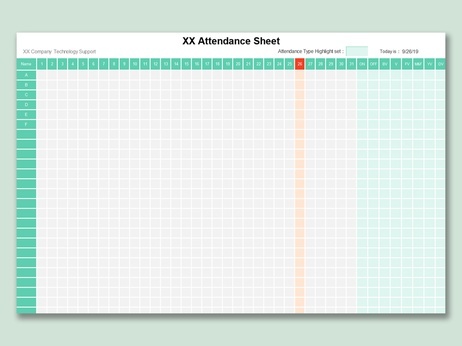
Highlight Supported Attendance Sheet.xlsx
Excel Template
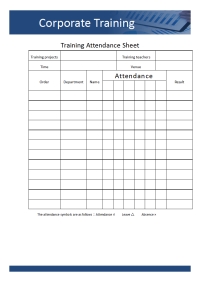
Training Attendance Form.docx
Word Template
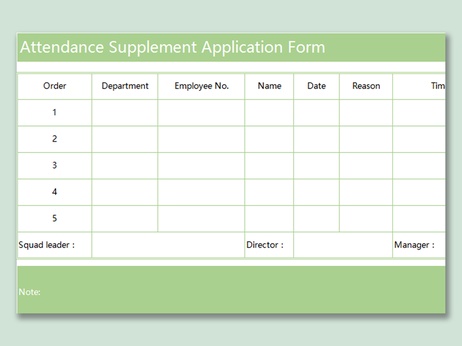
Attendance Supplement Application Form.xlsx
Excel Template
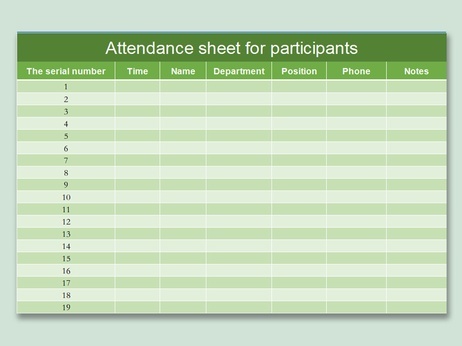
Attendance Sheet for Participants.xlsx.xlsx
Excel Template
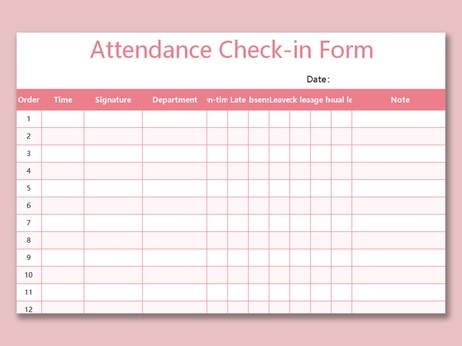
Attendance Check-in Form.xlsx
Excel Template
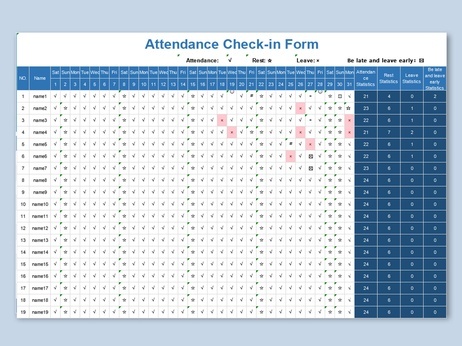
Attendance Chick-in Sheet.xlsx
Excel Template
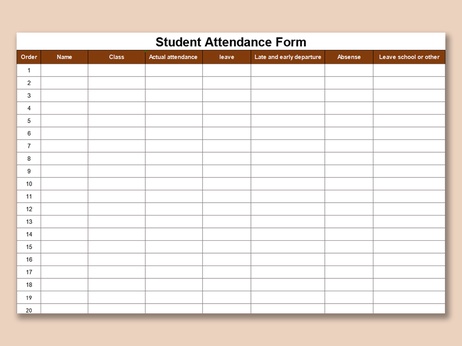
Student Attendance Form.xlsx
Excel Template
Employee Attendance Record.docx
Word Template
How to Use Our Free Attendance Sheet Templates
Get your attendance tracking system up and running in three simple steps.
Choose a Template
Browse our collection and choose an attendance sheet template that fits your requirements (e.g., daily, weekly, for students, or for employees).
Download and Open
Download the template for free and open it in WPS Office (Spreadsheet or Writer). Our templates are compatible with Microsoft Office as well.
Customize and Use
Customize the fields, add names, and start tracking. Use built-in formulas in Excel templates for automatic calculations.
Your Questions About Attendance Sheets, Answered
Get clear answers to common questions about using and customizing our attendance tracker templates.
Yes, all attendance sheet templates available on this page are completely free to download and use for both personal and commercial purposes.
Our templates are designed for WPS Office, which includes Writer (compatible with MS Word) and Spreadsheet (compatible with MS Excel). You can easily edit them in these programs or other compatible office suites.
Absolutely. All elements in the templates are fully editable. You can change columns, add your company or school logo, adjust colors, and modify formulas to fit your specific tracking needs.
Yes, our collection includes a variety of templates designed for daily, weekly, and monthly attendance tracking, as well as templates for specific events or training sessions.