
Free Content Calendar Templates for Excel
Streamline your content workflow with our professionally designed content calendar templates for Excel. Easily plan, schedule, and manage your posts for blogs, social media, and marketing campaigns. Download a template and take control of your content strategy today.
From 10,000+ happy users
Find the Perfect Excel Template for Your Content Strategy
Browse our collection of free, customizable content calendar templates. Whether you're a social media manager, blogger, or marketer, these Excel spreadsheets will help you stay organized and consistent.
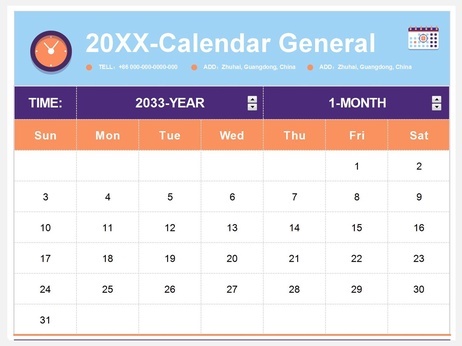
Calendar template1.xlsx
Excel Template
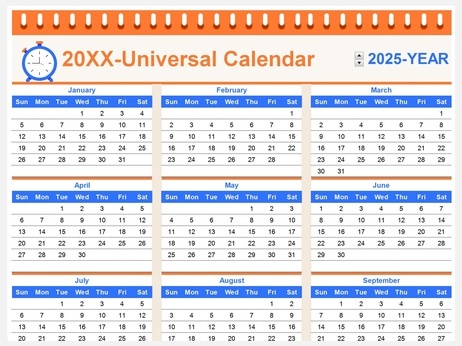
Calendar template2.xlsx
Excel Template
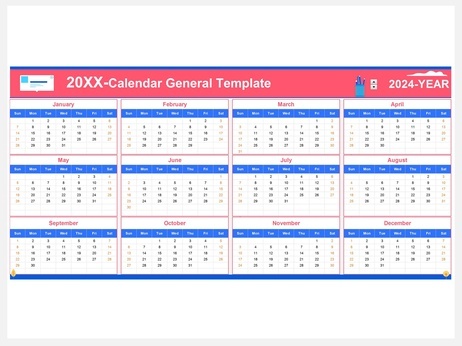
Calendar template3.xlsx
Excel Template
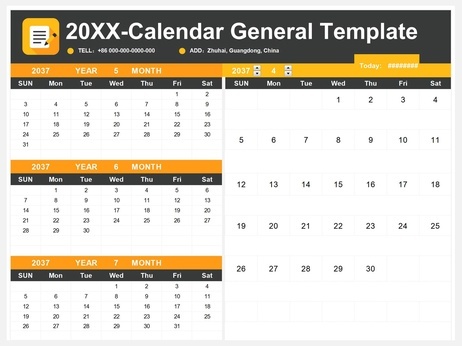
Calendar template4.xlsx
Excel Template
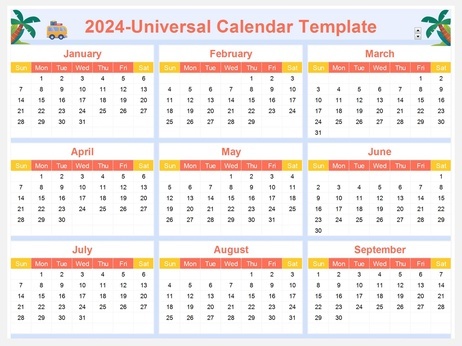
Calendar template5.xlsx
Excel Template

Course calendar template.xlsx
Excel Template

Calendar template.xlsx
Excel Template

Calendar template4.xlsx
Excel Template
How to Use Our Excel Content Calendar Templates
Get started in three simple steps. Transform your content planning from chaotic to clear with a powerful Excel template.
Choose Your Template
Browse our selection and find the content calendar layout that best suits your needs.
Download and Open
Download the template for free and open it directly in WPS Spreadsheets or Microsoft Excel.
Customize & Plan
Edit the fields, add your content ideas, set deadlines, and start organizing your publishing schedule.
Your Questions Answered
Everything you need to know about our free Excel content calendar templates.
A content calendar template is a pre-formatted spreadsheet designed to help you organize your content publishing schedule. It typically includes columns for content topic, author, due date, publish date, platform, status, and notes, allowing for a clear overview of all content activities.
Excel (or WPS Spreadsheets) provides a flexible and universally accessible platform. Using a template saves you time on setup, allows for easy customization (adding or removing columns), enables filtering and sorting, and makes collaboration simple by sharing the file.
Yes. While they are designed as .xlsx files for Microsoft Excel and WPS Spreadsheets, you can easily upload and convert them for use in Google Sheets. Most formatting and functionality will be preserved.
Simply open the downloaded .xlsx file and edit it like any other spreadsheet. You can change colors, add your brand logo, rename columns, add new sheets for different months or platforms, and modify formulas to fit your specific workflow.