
Free Daily Sales Report Template for Excel & Word
Download a free daily sales report template, fill in your revenue and product data in WPS Spreadsheet or Excel, and track business performance automatically—no formulas to write from scratch.
Top Daily Sales Report Templates for Excel & Word
Browse free daily sales report templates for retail, wholesale, services, and field sales teams. Every template opens in WPS Spreadsheet or Microsoft Excel and downloads in one click.
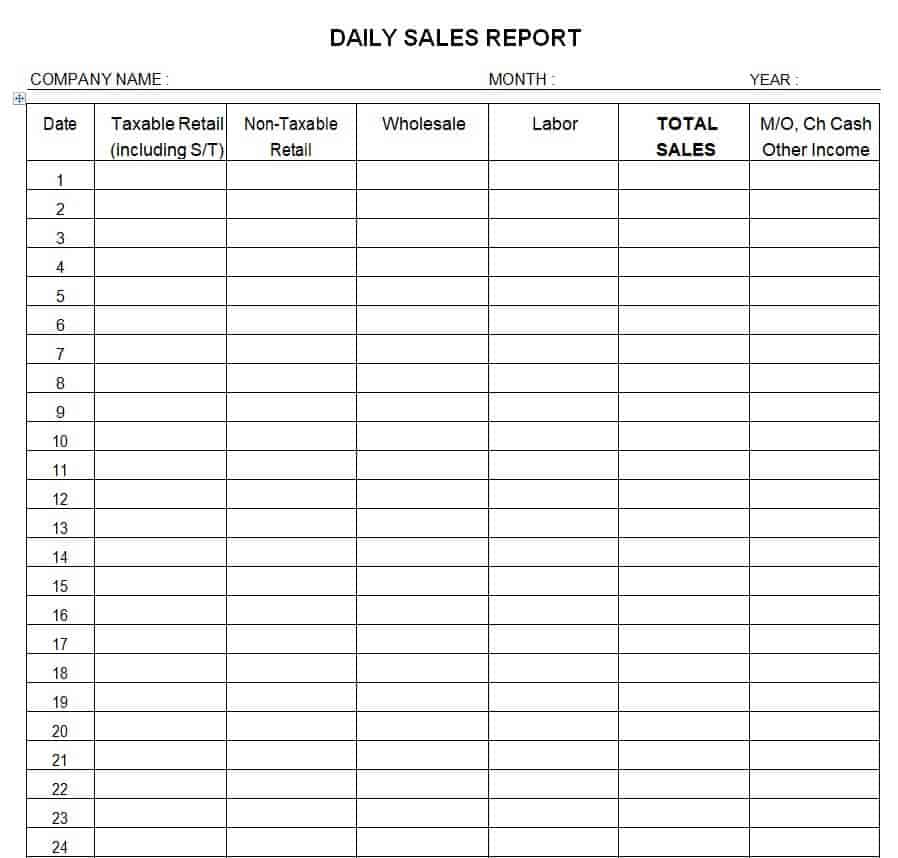
Daily Sales Report 01
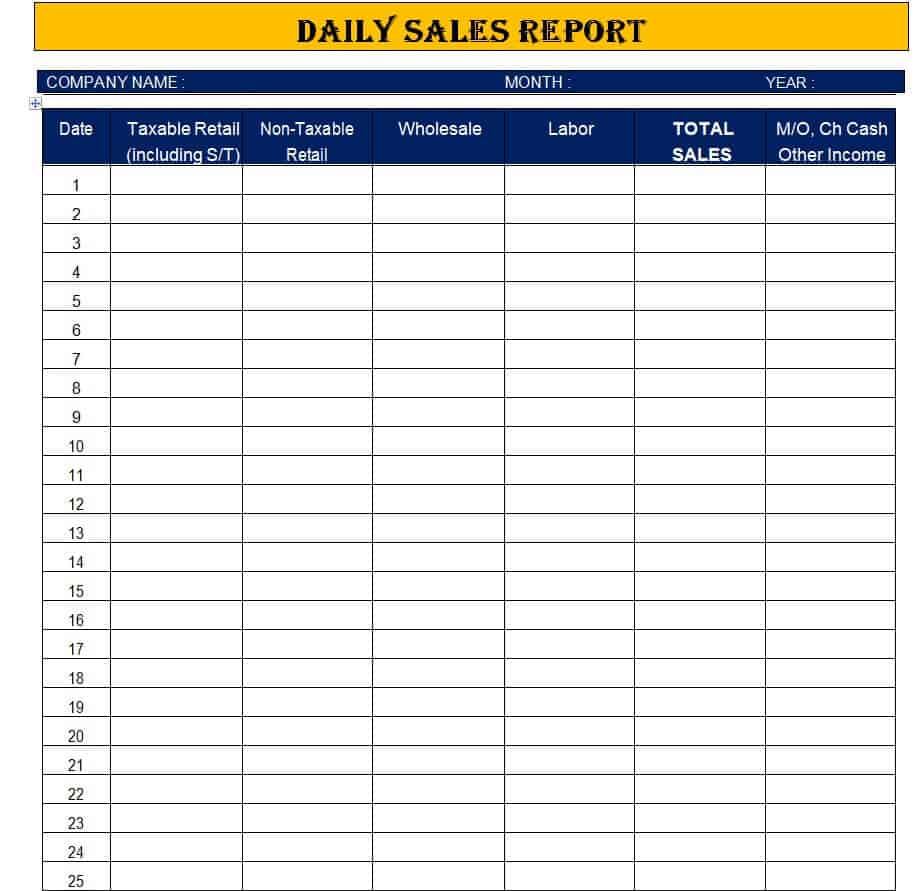
Daily Sales Report 02
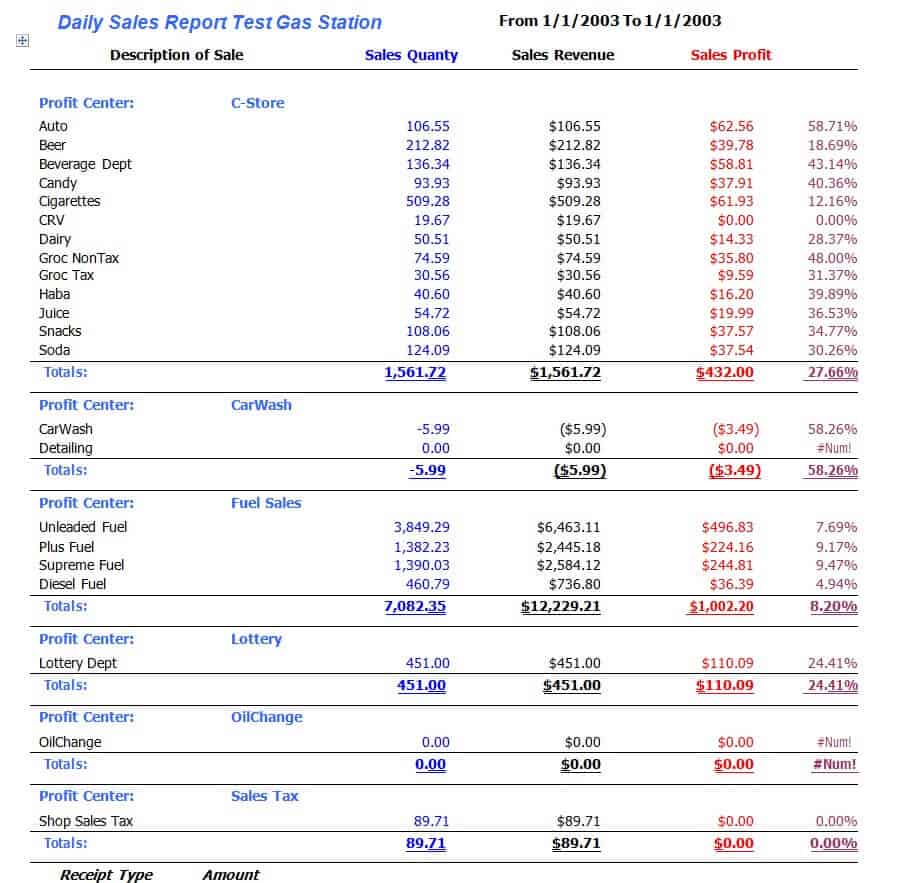
Daily Sales Report 03
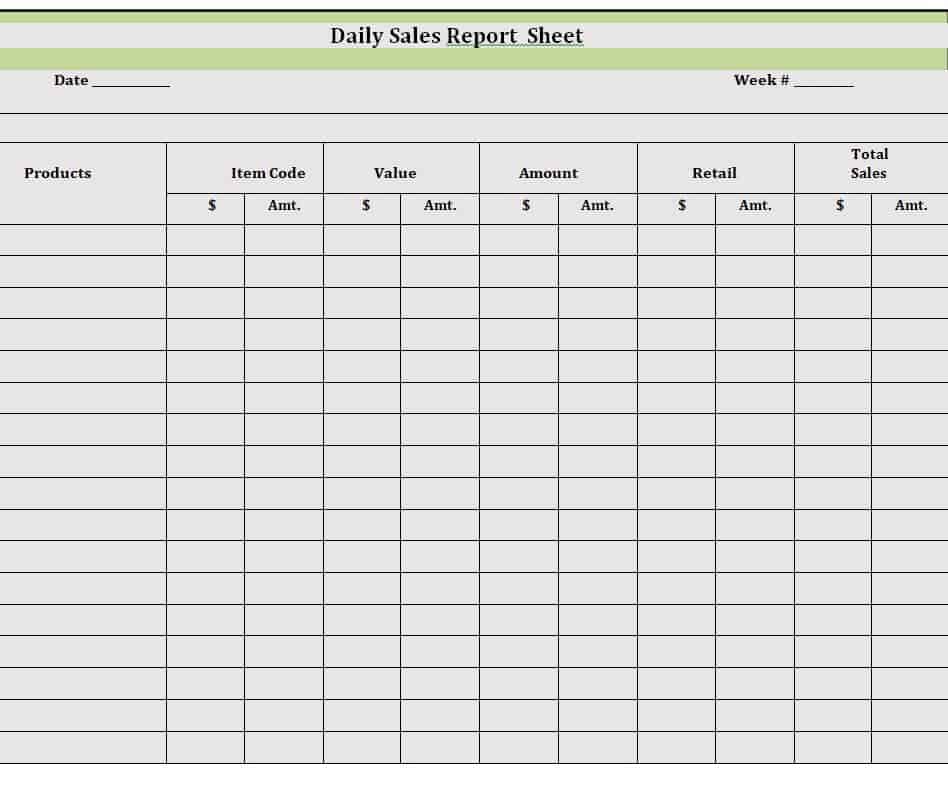
Daily Sales Report 04
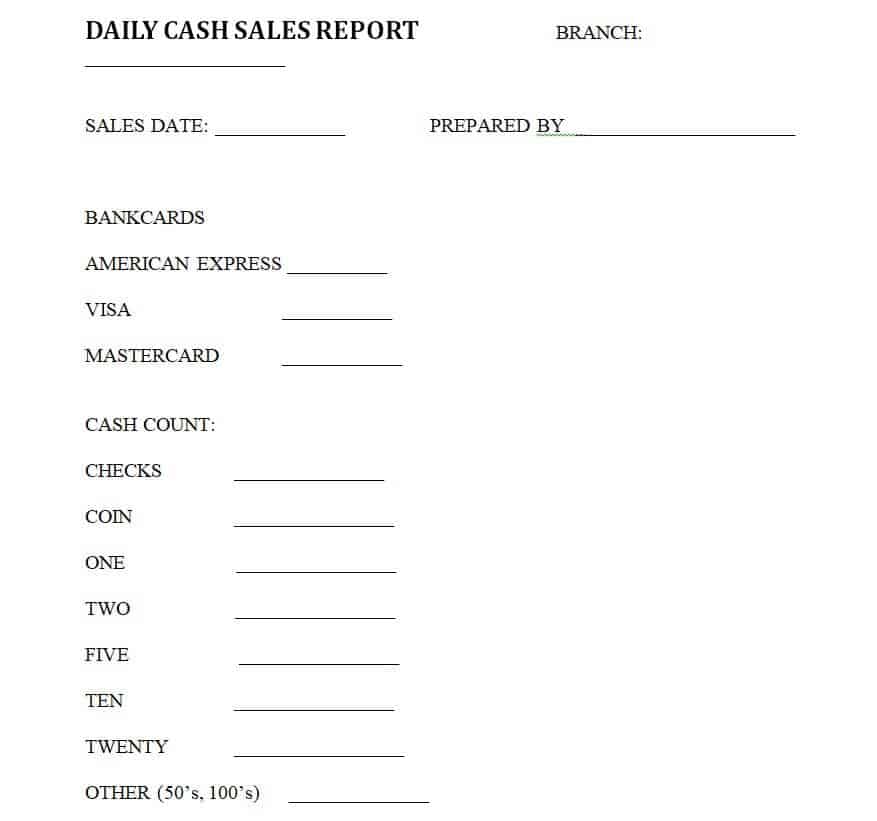
Daily Sales Report 05
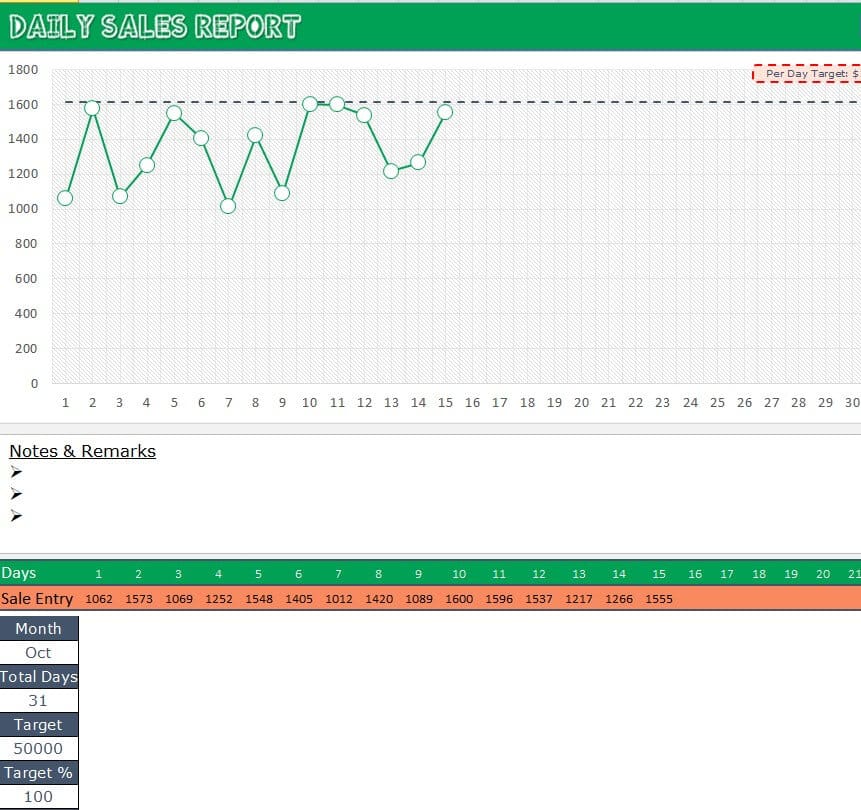
Daily Sales Report 06
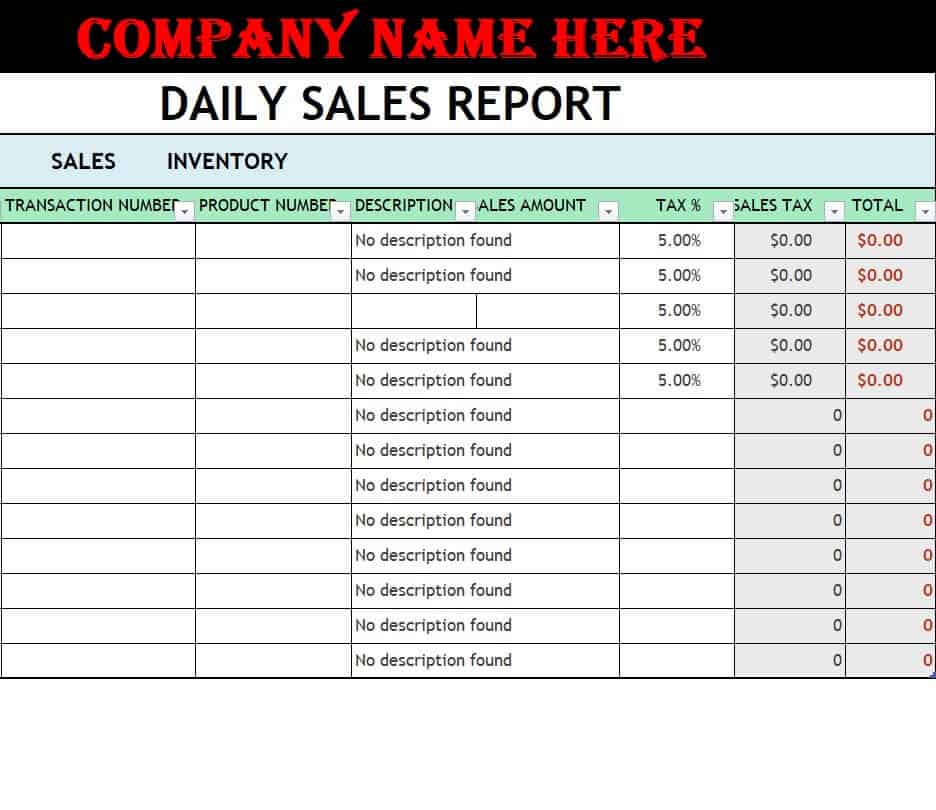
Daily Sales Report 07
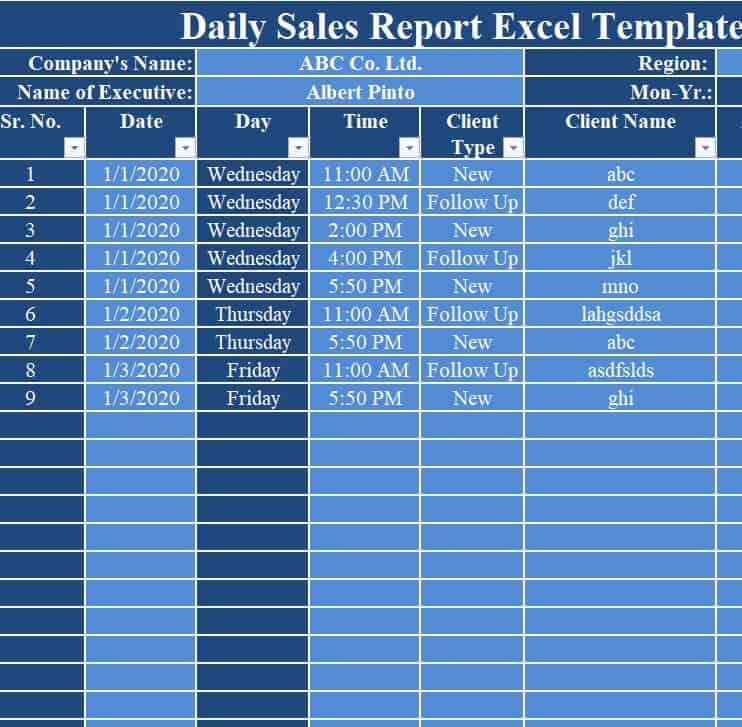
Daily Sales Report 08
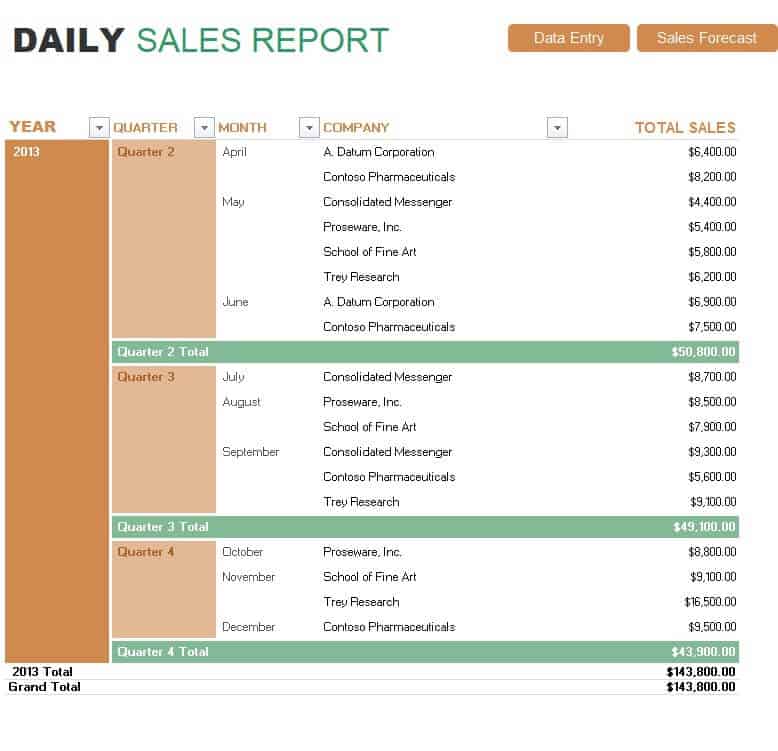
Daily Sales Report 09
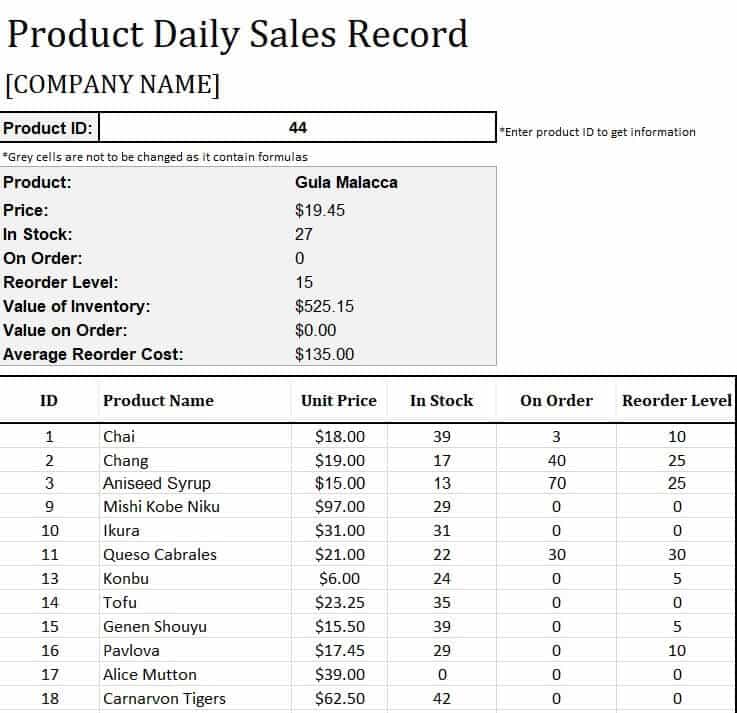
Daily Sales Report 10
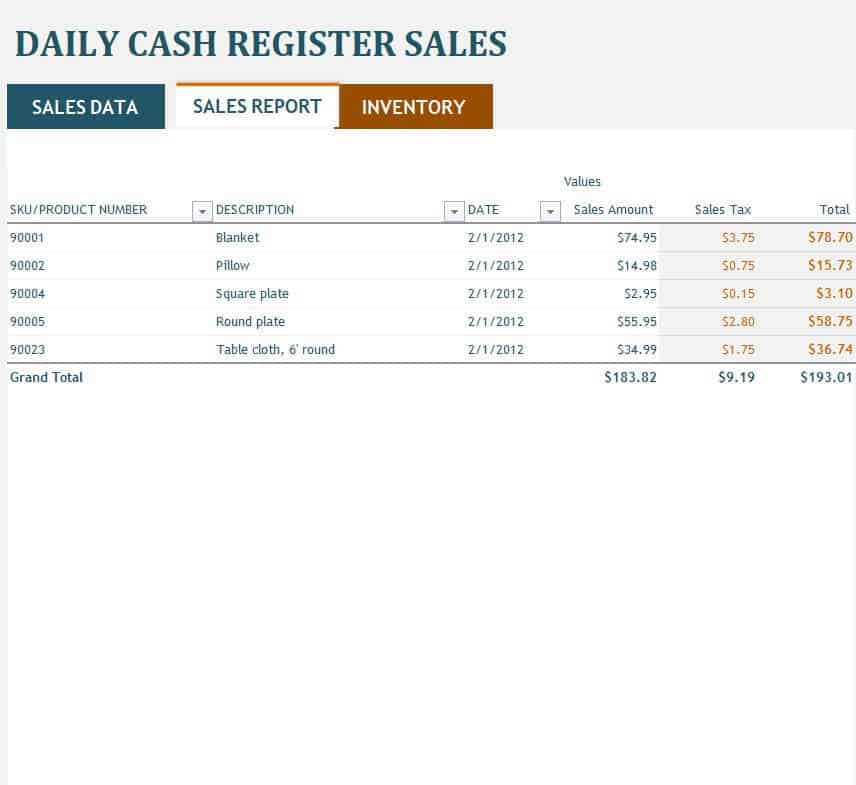
Daily Sales Report 11
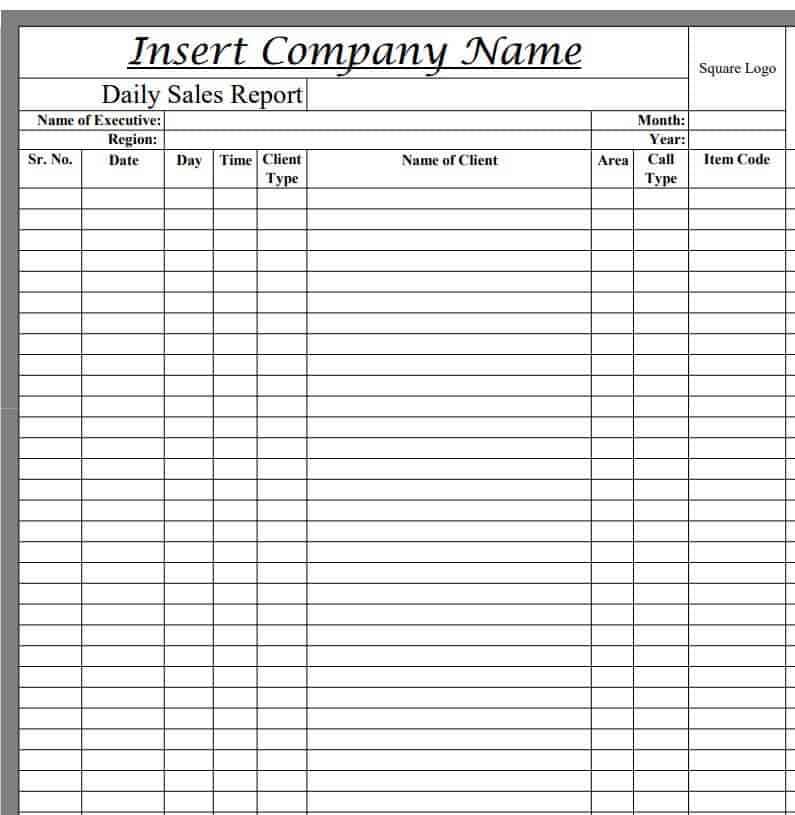
Daily Sales Report 12
Why Use Our Daily Sales Report Templates?
Every free daily sales report template includes built-in formulas, clear data fields, and professional layouts—ready to use in WPS Spreadsheet or Microsoft Excel with zero setup.
Auto-Calculated Totals
Built-in Excel formulas compute daily revenue, tax, and profit automatically as you enter data—no manual math required.
Fully Editable Layout
Customize column headers, add product rows, adjust formulas, and insert your company logo in WPS Spreadsheet or Excel.
Sales Rep Tracking
Monitor individual rep performance, compare targets vs. actuals, and give data-driven feedback to your sales team daily.
Instant Free Download
Download any daily sales report template in one click—no sign-up, no watermarks, and no subscription needed.
PDF Export Ready
Export your daily sales report to PDF with one click for sharing with management or archiving for audit purposes.
Visual Charts Included
Selected templates include bar and pie charts that update automatically as you enter daily sales figures.
Quick daily sales report template comparison
Pick the right daily sales report format for your business type and reporting need.
| Template type | Best for | Key feature |
|---|---|---|
| Basic daily sales log | Small retail and solo sellers | Simple rows for date, item, and amount |
| Sales rep performance sheet | Teams with multiple salespeople | Per-rep breakdown and target vs. actual |
| Product-wise daily report | Multi-product retail and wholesale | Product columns with unit and total revenue |
| Chart-based daily dashboard | Managers and executives | Auto-updating bar and pie charts |
How to Use a Daily Sales Report Template
WPS Spreadsheet makes daily sales tracking simple. Download a template, enter your data, and let built-in formulas handle the rest.
Browse the gallery above and choose a daily sales report template that fits your business model. Click Download to save the Excel file to your device.

Install WPS Office free at wps.com and open your daily sales report template in WPS Spreadsheet.
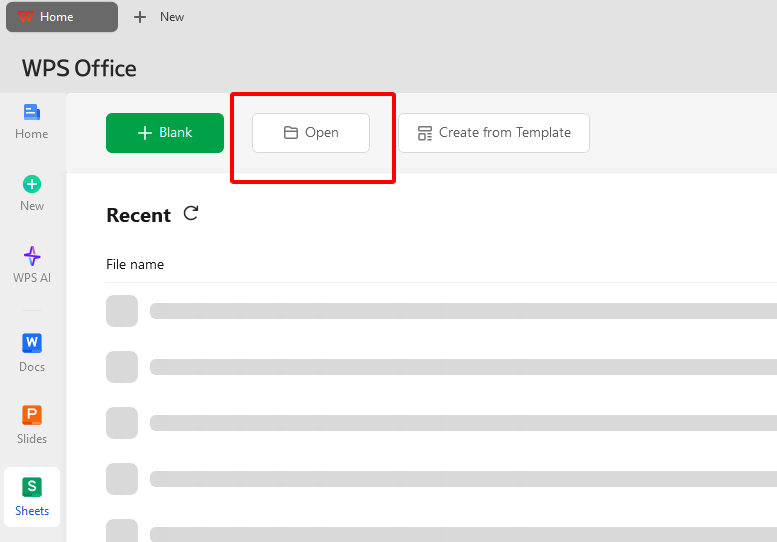
Fill in product names, quantities sold, unit prices, transaction times, and sales rep names in the designated cells. Add or remove rows to match your product list.
The built-in formulas automatically calculate daily revenue, taxes, discounts, and profit margins. Charts update in real time if included in your template.
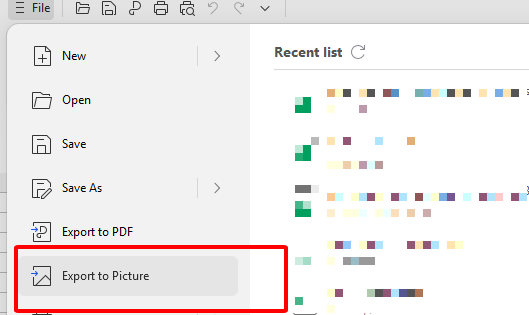
Go to File > Export to PDF to create a print-ready daily sales report. Email the PDF to your manager or save it with the date as the filename for easy archiving.
A Free Office Suite for Every Daily Sales Report Template
WPS Office gives sales teams a lightweight way to edit Excel templates, auto-calculate revenue, export PDF reports, and store records—without paying for extra software.
Free forever
Edit any daily sales report template in WPS Spreadsheet with no subscription fees.
Excel compatibility
Open, edit, and save .xls and .xlsx daily sales report files without broken formulas.
Built-in PDF export
Export your daily sales report to PDF for management review without extra tools.
Template library
Access hundreds of sales, finance, and business report templates directly in WPS.
Cloud backup
Sync daily sales report files to the cloud for access from desktop or mobile.
Light and stable
Runs smoothly on Windows, Mac, Linux, Android, and iOS—no heavy install.
Pricing at a glance
Everything you need to edit a daily sales report template in Excel—no extra PDF or office software required.
| Plan | Cost | What you get |
|---|---|---|
| WPS Office Free | Free forever | WPS Spreadsheet, daily sales report templates, Excel editing, and PDF export |
| No extra software needed | $0 | PDF export is built-in—no need to purchase a separate converter or reporting app |
Frequently Asked Questions
Common questions about using a daily sales report template in Excel, customization, and PDF export.
A daily sales report template is a pre-built Excel or Word spreadsheet that helps businesses record daily revenue, product sales, and sales rep performance. Built-in formulas calculate totals automatically so you can focus on analysis, not arithmetic.
Yes. Every daily sales report template on this page is completely free to download—no sign-up or credit card required. Open them in WPS Spreadsheet or Microsoft Excel and start entering data immediately.
Absolutely. Open the daily sales report template in WPS Spreadsheet or Excel, then edit column headers, add product rows, adjust formulas, change colors, and insert your company logo to match your brand.
Yes. In WPS Spreadsheet, go to File > Export to PDF to generate a print-ready version of your daily sales report. PDF format is ideal for sharing with management or archiving end-of-day records.
Start Tracking Sales with a Free Template Today
Download WPS Office free to open, edit, and export any daily sales report template in Excel—no extra software or subscription required.