
Professional Payslip Templates for Excel
From 50,000+ happy users
Find the Perfect Payslip Template for Your Needs
Browse our curated selection of Excel payslip templates. From simple salary slips to detailed statements with automatic calculations, find the right fit for your business.
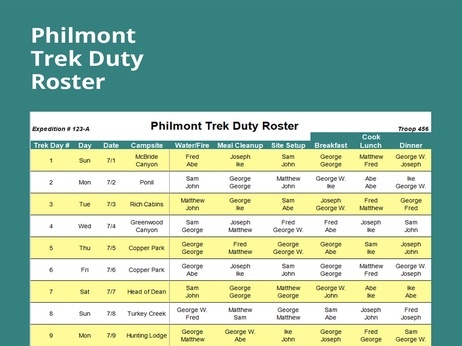
Duty Roster Excel Template.xls
Excel Template
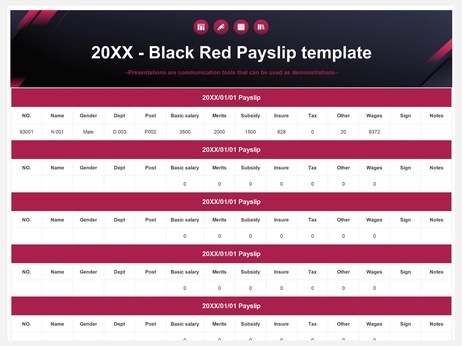
Payslip template1.xlsx
Excel Template
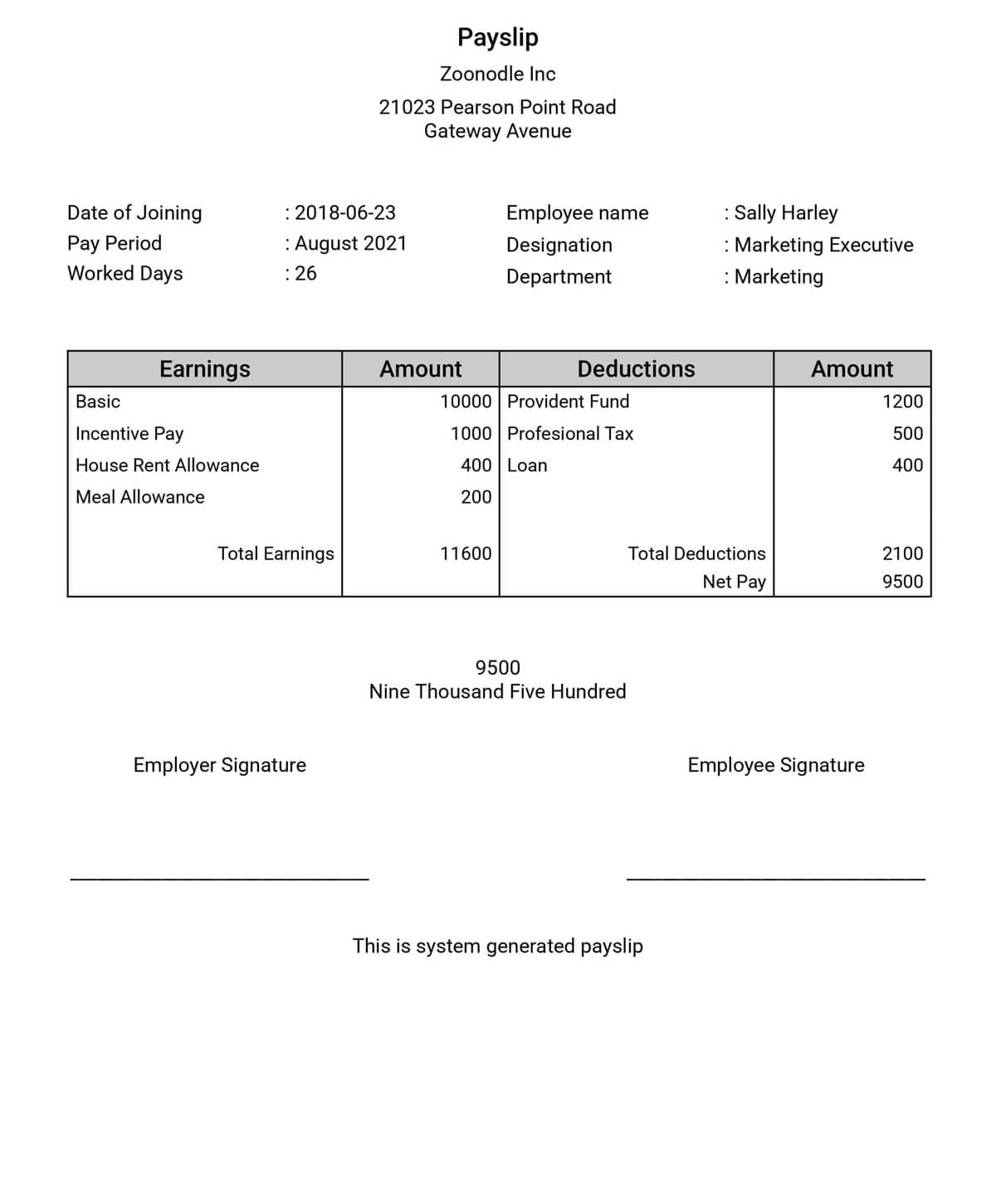
Green Modern Payslip Template.xlsx
Excel Template
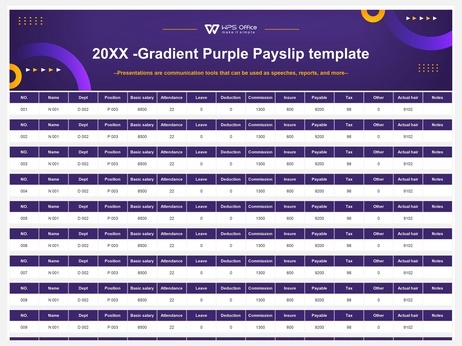
Payslip template.xlsx
Excel Template
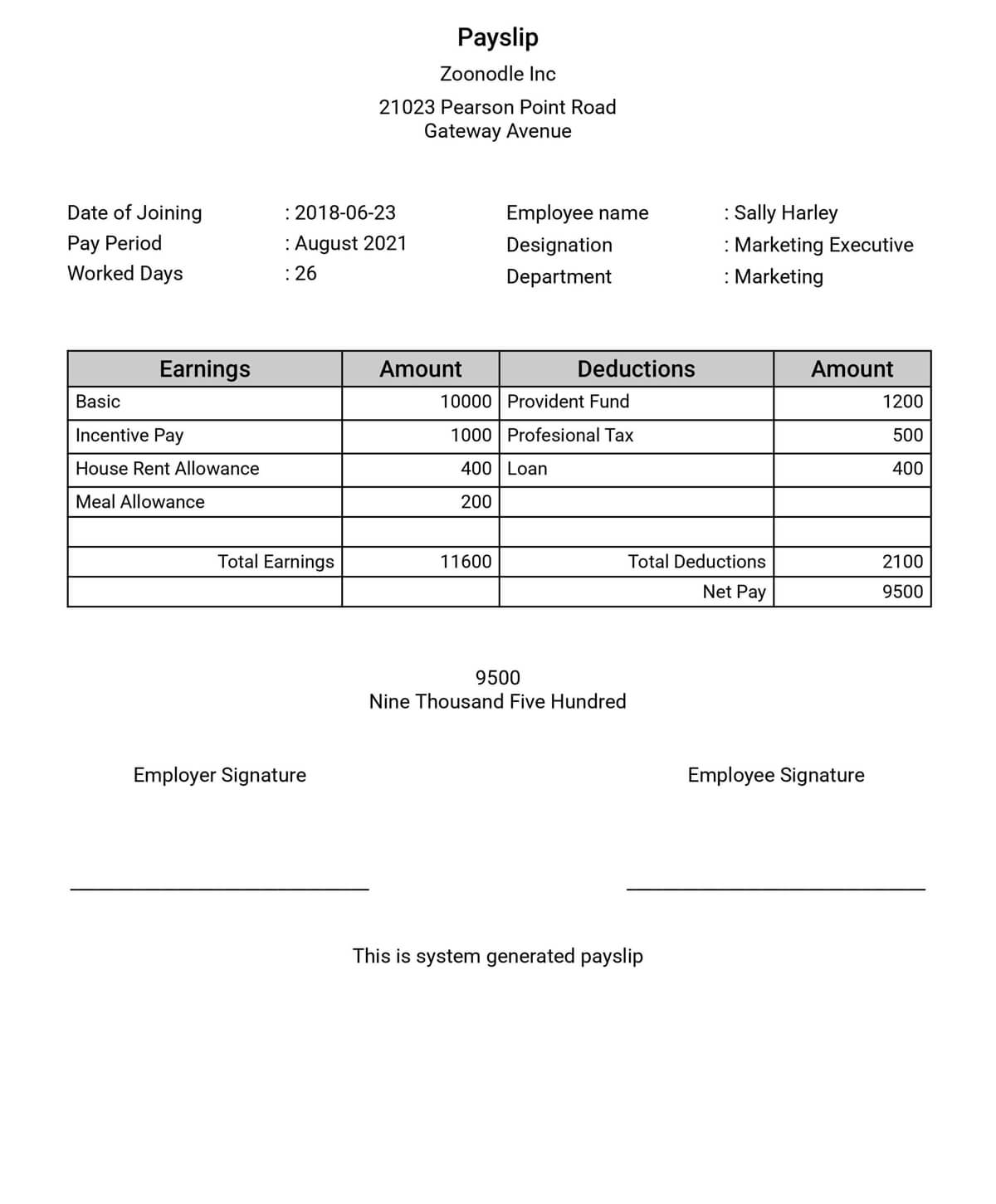
Detailed Payslip Statement Template.xlsx
Excel Template
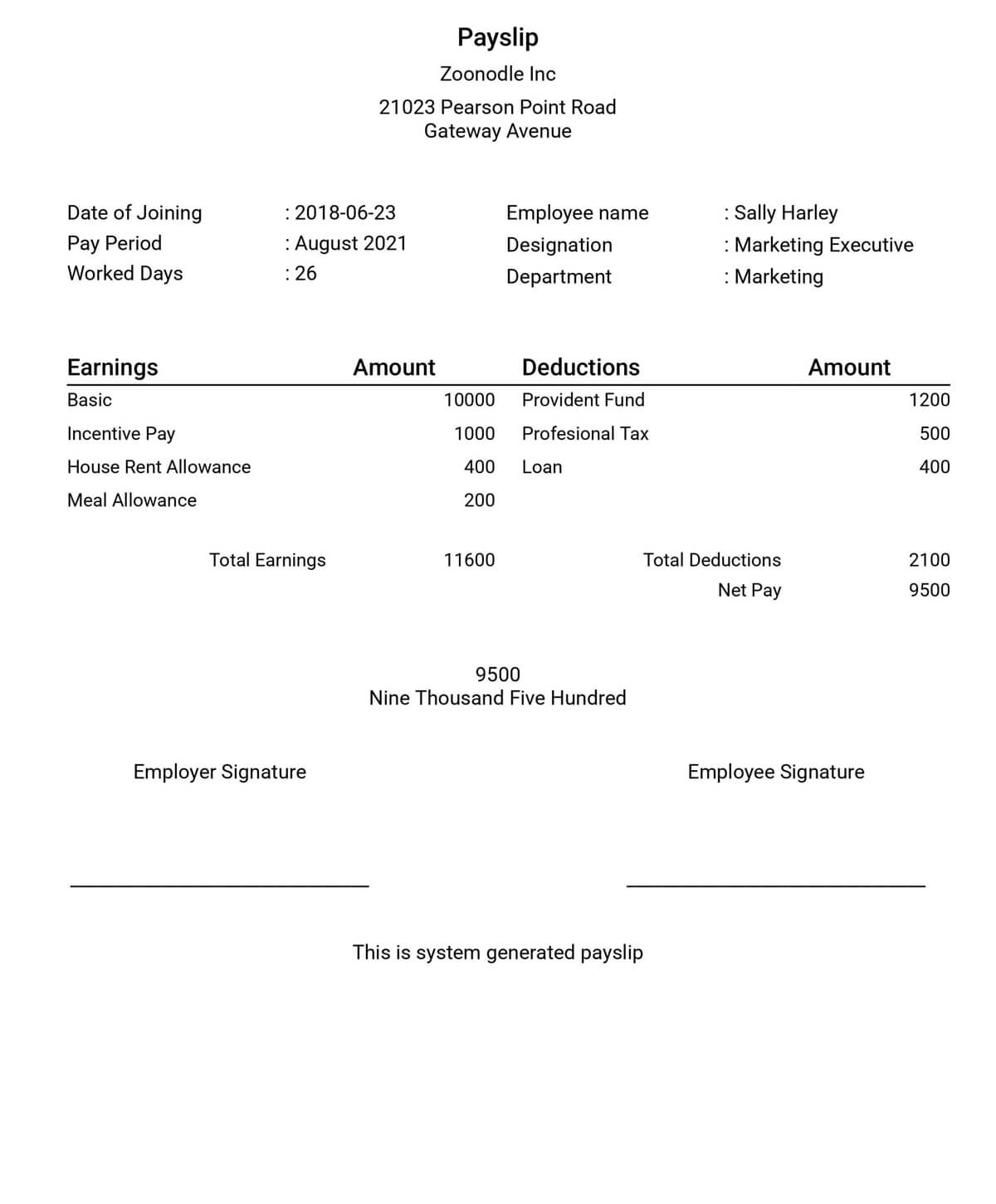
Simple Payslip with Auto-Calculations.xlsx
Excel Template
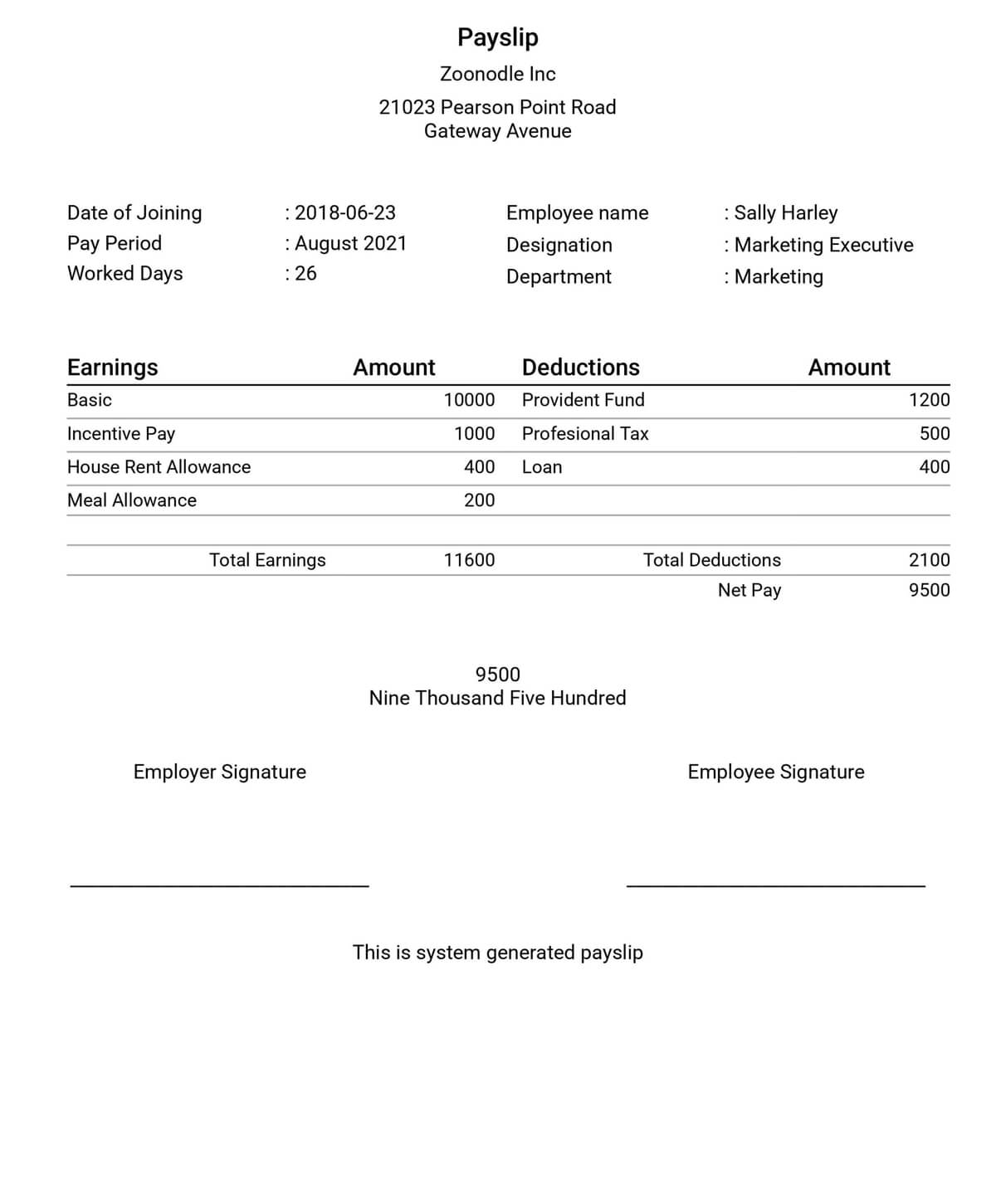
Blue Professional Payslip Form.xlsx
Excel Template
Payslip template1.xlsx
Excel Template
How to Create a Payslip in 3 Simple Steps
Creating professional payslips is quick and easy with our Excel templates. Follow these simple steps to get started.
Select & Download a Template
Browse our collection and download the payslip template that best suits your requirements.
Enter Payroll Information
Open the template in WPS Spreadsheet or Excel. Input employee details, salary, allowances, and deductions.
Generate & Share
Your professional payslip is ready. Save it as a PDF, print it, or share it digitally with your employees.
Frequently Asked Questions
Get answers to common questions about using our free Excel payslip templates.
A payslip Excel template is a pre-designed spreadsheet that helps you create professional salary slips. It includes formatted fields for employee details, earnings, deductions, and net pay, often with built-in formulas to automate calculations.
Yes, all the payslip templates available on this page are completely free for both personal and commercial use. You can download and start using them immediately without any cost.
Absolutely. Our templates are fully editable in WPS Spreadsheet or Microsoft Excel. You can easily add your company logo, change colors, and modify fields or formulas to fit your specific payroll needs.
Yes, our templates are provided in .xlsx format, making them fully compatible with Microsoft Excel, WPS Spreadsheet, and Google Sheets. You can use them on your preferred platform.