
Free ID Card Word Templates
Create professional ID cards in minutes. Browse our collection of free, editable ID card templates for Microsoft Word. Perfect for businesses, schools, and events.
From over 100,000+ users
Discover ID Card Templates for Every Need
Browse a curated collection of free ID card templates for Word. Find professional, modern, and creative designs ready for your organization.
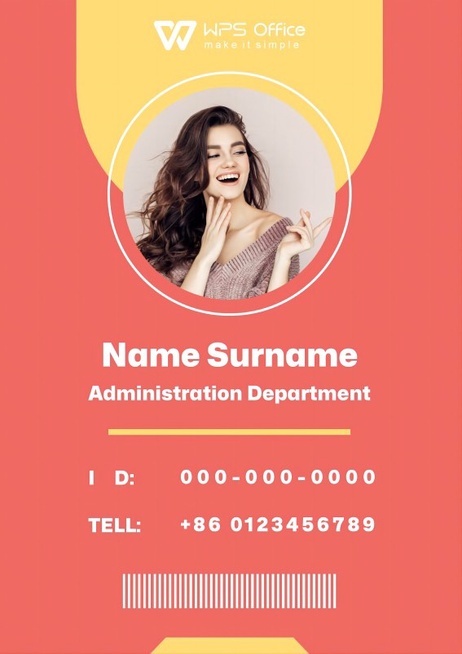
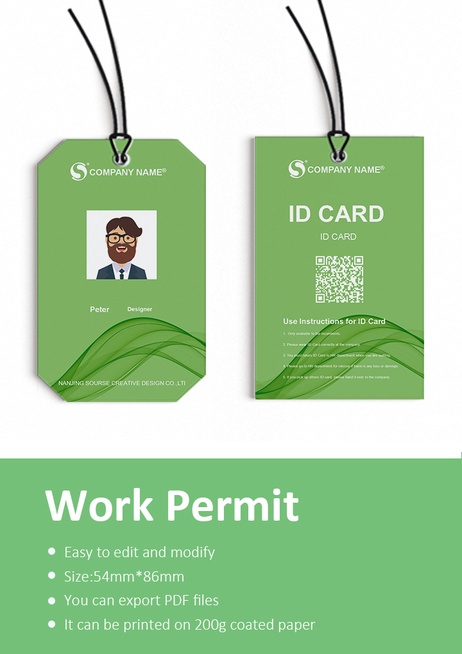
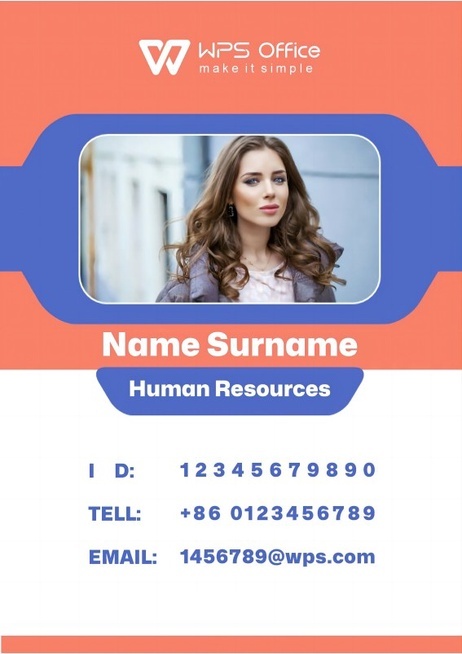

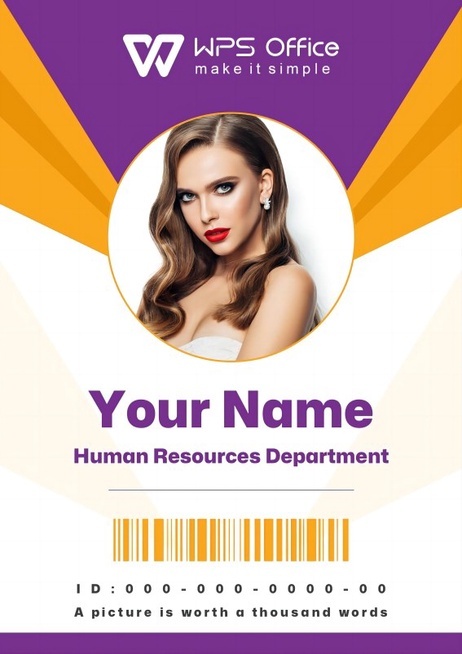
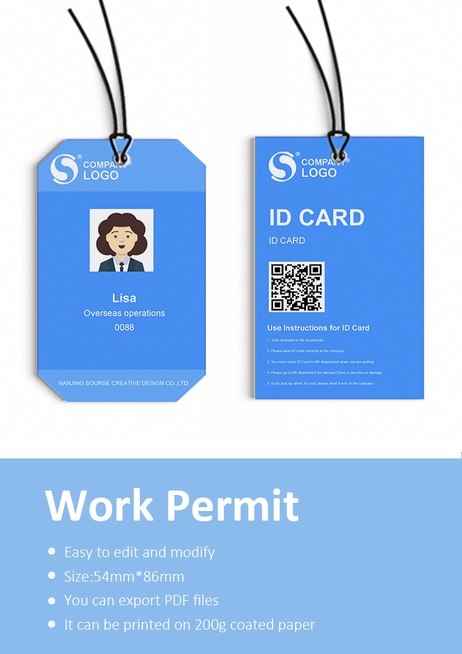
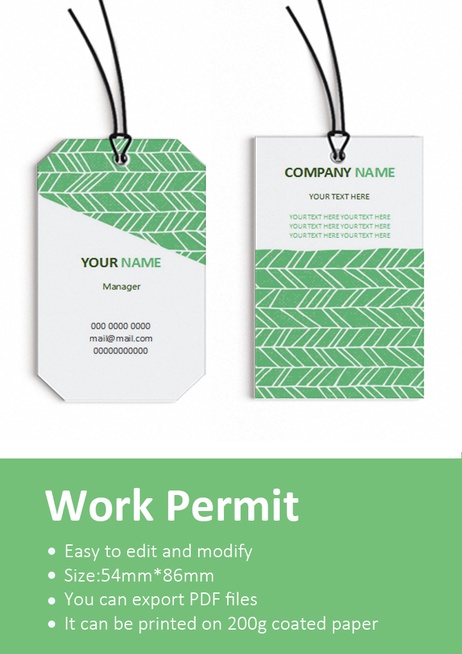
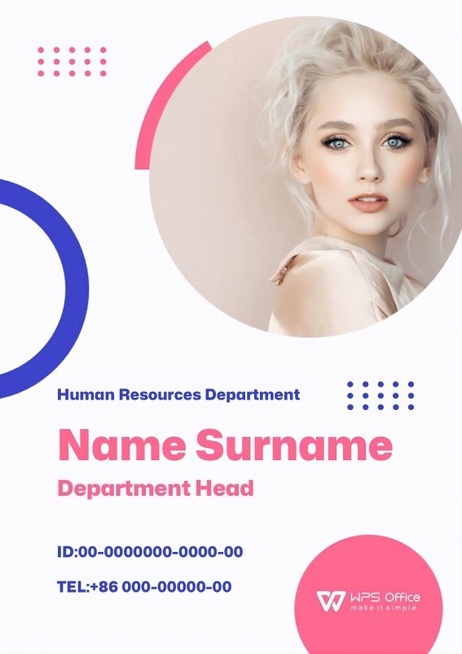
What Makes a Good ID Card Template?
Professional Design
Clear, professional layouts with readable fonts and space for photos and essential information.
Brand Consistency
Maintain a consistent brand identity across all employee and staff cards.
Effortless Customization
Easily change logos, colors, text, and photos to fit your organization's needs in Microsoft Word.
Security Features
Incorporate elements like QR codes, barcodes, or designated signature areas for enhanced security.
Purpose-Driven Design
Templates designed for specific roles: staff, students, visitors, event attendees, and more.
High-Quality & Printable
High-resolution designs that are ready for printing, ensuring a crisp and professional look.
How to Create Your ID Card in 3 Steps
Our editable Word templates make it simple to produce professional ID cards. Focus on what matters, not the formatting.
Choose an ID Card Template
Browse our collection and download a Word template that matches your organization's style.
Customize in Word
Open the template in WPS Writer or MS Word. Easily add your logo, change text, and insert employee photos.
Print & Use
Save your customized design. Print on standard card stock or send to a professional printer.
FAQs for ID Card Templates
Ready to Create Your Professional ID Cards?
Download WPS Office for free to access these ID card templates and a full suite of powerful office tools to streamline your work.