
Free PPT Timeline Templates
Visually map your project milestones, historical events, or company roadmap with our stunning, customizable timeline templates. Create a clear and impactful presentation in minutes with AI-powered tools.
From over 50,000+ presenters
Discover Timeline Templates for Every Project
Browse a curated collection of free timeline presentation templates. Find modern, creative, and professional designs ready to visualize your data and stories.
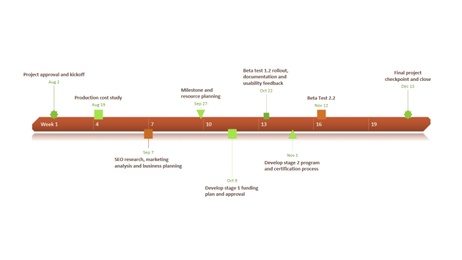

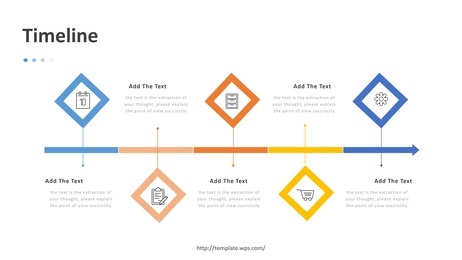
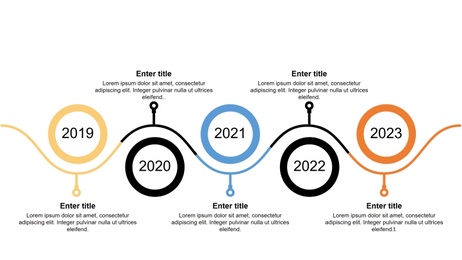
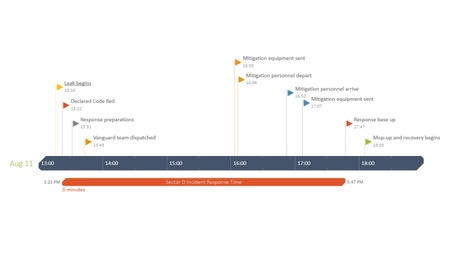
Key Features of Our Timeline Template
Professional Design
Sleek, modern layouts with cohesive typography and color palettes that elevate your message in any setting.
Responsive Across Devices
Optimized for seamless viewing on desktops, tablets, and mobile devices—your presentation looks sharp everywhere.
Effortless Customization
Easily adjust colors, fonts, and layouts to align with your brand or personal preferences—no design skills required.
Data Visualization
Integrated charts, graphs, and infographics help transform complex data into clear, compelling visuals.
Purpose-Driven Design
Templates tailored for specific scenarios—whether it’s a business pitch, educational lecture, or marketing proposal.
AI-Powered
Leverage WPS AI to auto-generate text and layout suggestions, accelerating your workflow with professional results.
How to Create a Timeline in PowerPoint Quickly
Our editable timeline templates work with AI to auto-generate professional content—so you focus on the story, not the formatting.
Pick a Timeline Template
Explore our library of timeline designs. Choose one that fits your topic and visual style.
Use AI to Add Milestones
Open the template in WPS Presentation. Use AI to auto-fill content or fine-tune your message.
Customize & Present Your Timeline
Edit text, images, and layouts as needed. Your stunning timeline is ready to present or share.
FAQs for Timeline PowerPoint Templates
Access Thousands of Timeline Templates Now
Create professional timelines quickly with WPS Office, using AI-powered presentation tools and ready-to-use PPT templates.