
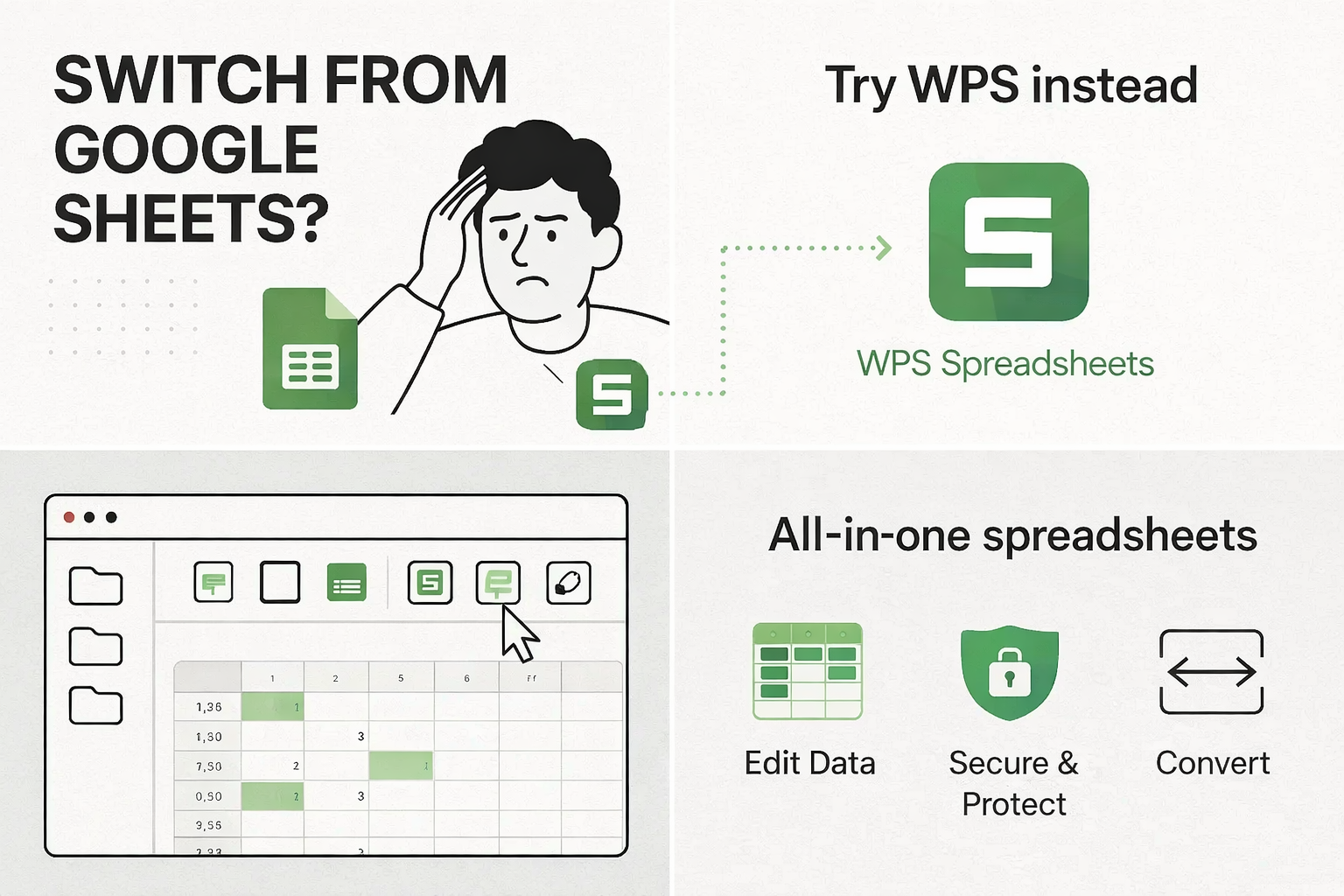
The Powerful & Free Google Forms Alternative
Create beautiful, intelligent forms and surveys with ease. WPS Forms offers advanced features, powerful customization, and seamless data analysis, all for free within the WPS Office suite.
The smarter way to collect and analyze data
Form Templates
Start instantly with a huge library of templates for surveys, registrations, quizzes, and feedback forms.
Spreadsheet Export
Seamlessly export your form data to WPS Spreadsheet for powerful, in-depth analysis and reporting.
Subscription Cost
Enjoy a complete form-building solution with advanced features entirely for free, no hidden fees or trials.
More Than Just a Google Forms Alternative
Intuitive Form Builder
Create any type of form with a simple drag-and-drop interface. Add multiple-choice questions, short answers, dropdowns, file uploads, and more. No coding skills required to build professional-looking forms.
Advanced Customization
Go beyond basic designs. Add your company logo, custom background images, and brand colors to make your forms an extension of your website. Stand out from the generic look of Google Forms.
Conditional Logic
Build smarter, more interactive forms. Show or hide questions based on a user's previous answers. Create personalized paths through your survey to gather more relevant data and improve completion rates.
Real-time Data Analysis
Visualize your responses as they come in with automatically generated charts and graphs. Get a quick overview of your data or dive deep into individual responses, all from one dashboard.
Easy Sharing & Embedding
Share your form with a simple link, send it via email, or embed it directly into your website or blog with a simple copy-paste code. Collect responses from anywhere, on any device.
Seamless Spreadsheet Sync
The killer feature. With one click, send all your form data to WPS Spreadsheet. Leverage powerful desktop-grade tools for sorting, filtering, creating pivot tables, and complex data modeling that goes beyond online sheets.
WPS Forms vs. Google Forms
| Feature | WPS Forms | Google Forms | SurveyMonkey | Microsoft Forms |
|---|---|---|---|---|
| Cost (Free Plan) | Truly Free | Free | Limited (10 Qs) | Free (with M365) |
| Advanced Customization | ★★★★★ | ★★☆☆☆ | ★★★☆☆ | ★★★☆☆ |
| Conditional Logic (Free) | Yes | Yes (Basic) | No (Paid) | Yes |
| Offline Desktop App | Yes (Full Suite) | No | No | No |
| Template Library | 100,000+ | Limited | Limited (Free) | Limited |
Build Beautiful, Custom Forms in Minutes
Stop using generic forms. With WPS, you can easily add your brand's logo, colors, and imagery. Our drag-and-drop editor and extensive template library make you look professional without the effort.
Start Customizing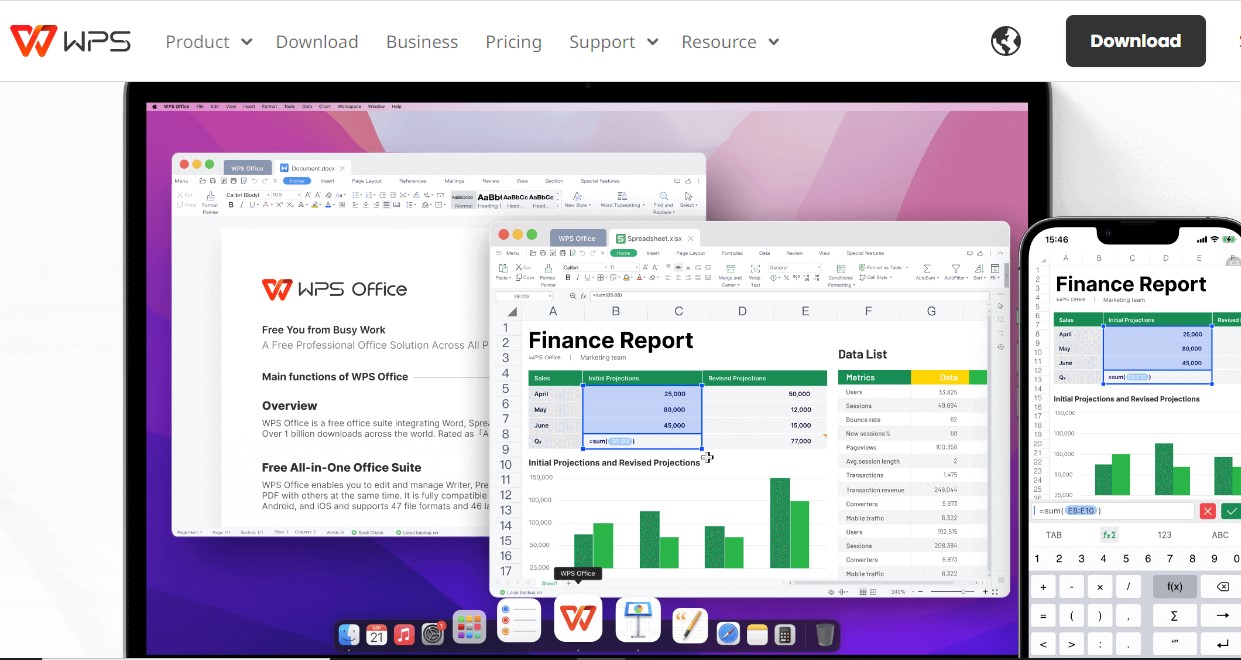
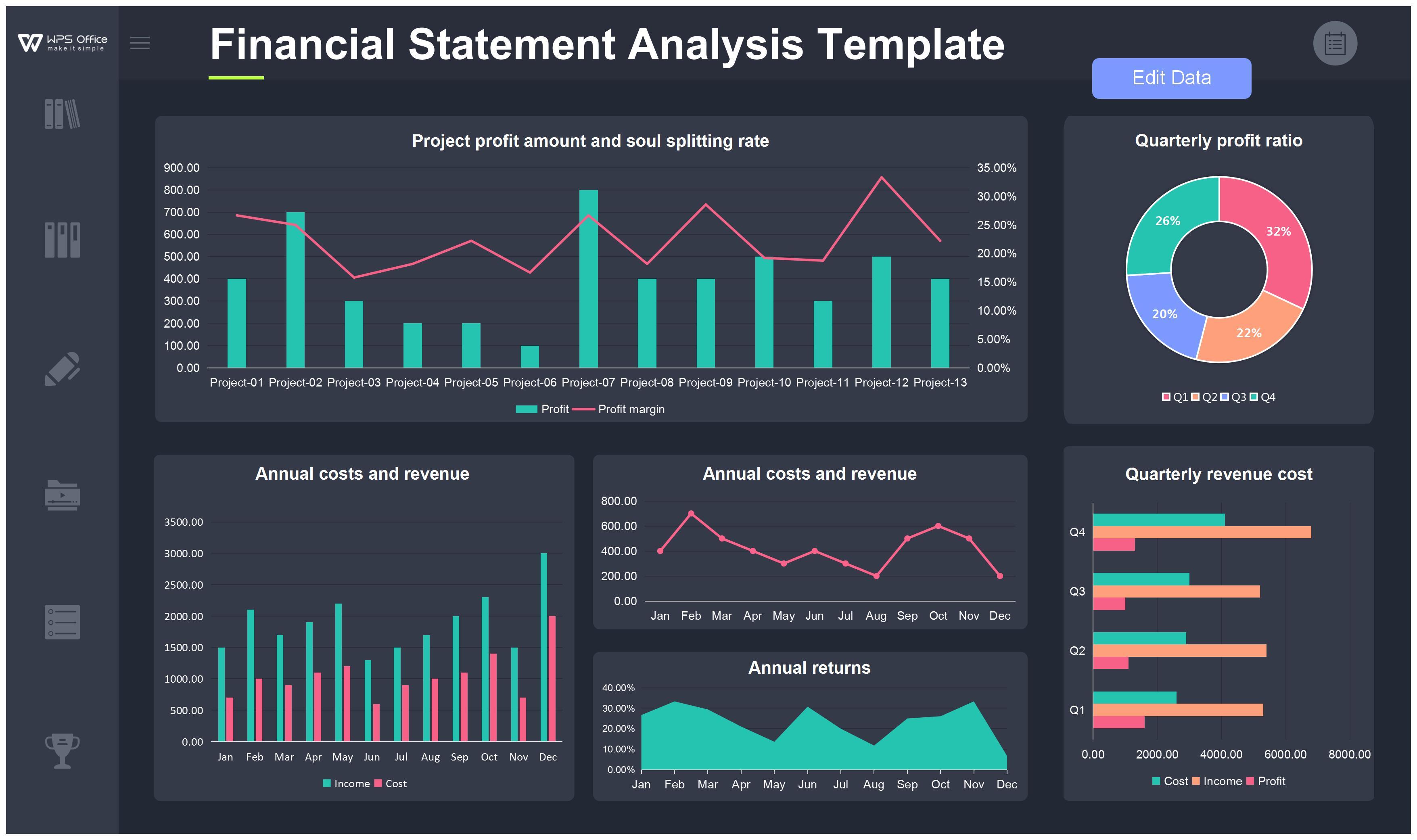
Turn Responses into Actionable Insights
Don't just collect data; understand it. Our real-time analytics dashboard gives you a clear picture of your results. For deeper analysis, export to WPS Spreadsheet with a single click and unlock professional-grade data tools.
Explore Analytics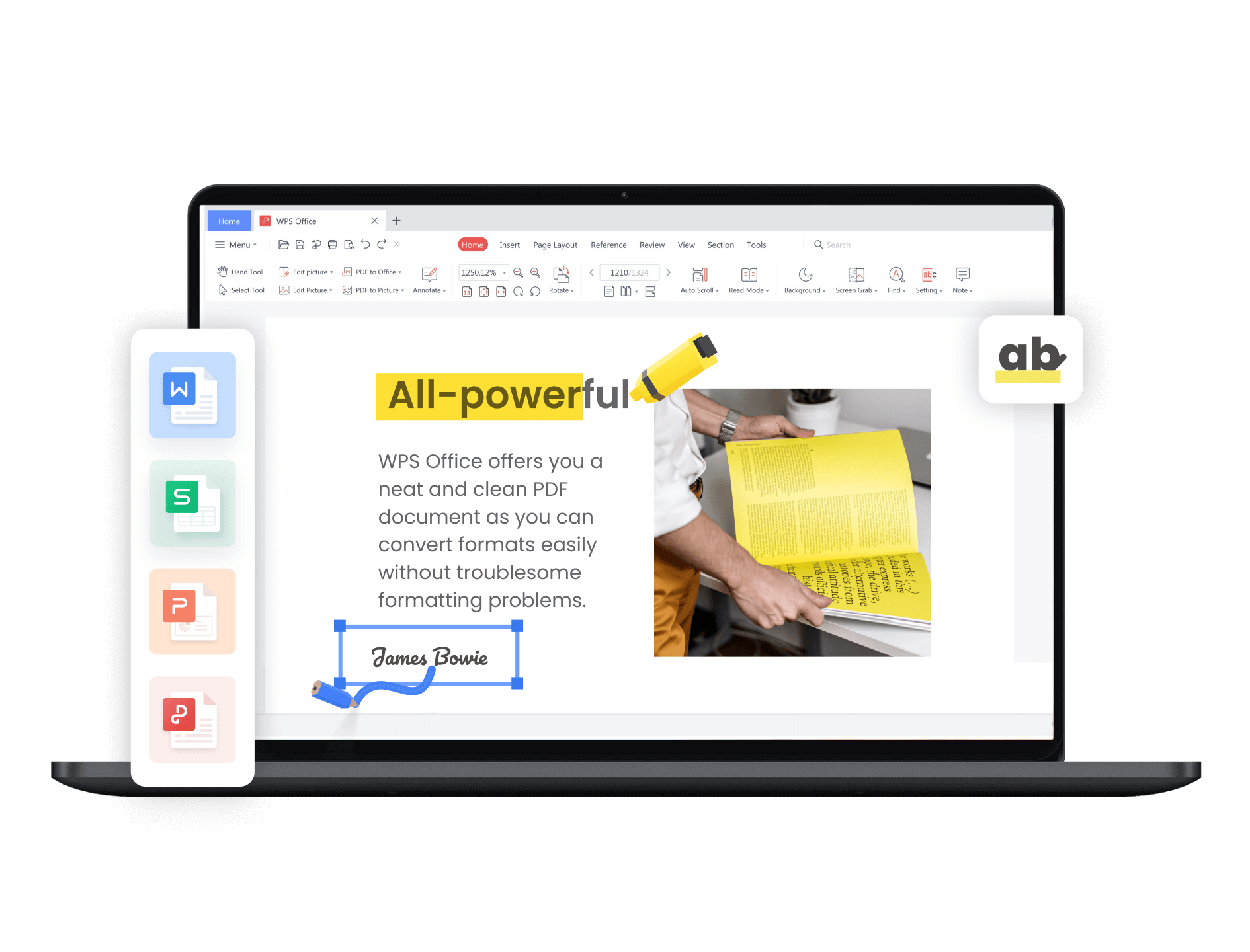
Get started in 3 simple steps
Download & Install
Get the free WPS Office suite. The Form tool is included, ready to go in under two minutes.
Create Your Form
Choose a template or start from scratch. Drag and drop questions, and customize the design to match your brand.
Share & Analyze
Share a link to your form and watch the responses roll in. Analyze data instantly or export to WPS Spreadsheet.
Why users prefer WPS over Google Forms
As a small business owner, I needed a professional-looking form for customer feedback. WPS Forms was the perfect free Google Forms alternative. The customization options are fantastic.

Isabella Martinez
Cafe OwnerI switched for the WPS Spreadsheet integration. Analyzing survey data from Google Forms in Sheets was clumsy. With WPS, it's one click to get my data into a powerful, familiar spreadsheet environment.

Dr.Alex Chen
Market ResearcherI organize community events, and WPS Forms is a lifesaver for registrations. It's free, easy to use, and having the data sync across my phone and laptop is incredibly helpful. Much better than I expected.

Daisy Lee
Event CoordinatorFrequently Asked Questions
Is WPS Forms really a free alternative to Google Forms?
Yes. The core form-building, data collection, and analysis features within WPS Office are completely free. You can create unlimited forms and collect responses without a subscription, making it a cost-effective Google Forms alternative.
Can I customize the design of my forms?
Absolutely. WPS Forms offers extensive customization options. You can add your logo, change colors, and select from various themes to match your brand identity, offering more design freedom than the standard Google Forms interface.
How does data analysis in WPS Forms compare to Google Forms?
WPS Forms provides real-time analytics with charts and graphs, similar to Google Forms. However, its key advantage is the seamless, one-click integration with WPS Spreadsheet, a powerful desktop and cloud-based application for in-depth data manipulation, pivot tables, and advanced analysis beyond what Google Sheets offers online.
Is there a limit on the number of questions or responses?
The free version of WPS Forms is very generous and suitable for most personal, educational, and small business needs. While there might be high-volume limits, they are comparable to or exceed what is typically needed for standard surveys and registration forms.
Can I collaborate with my team on a form?
Yes, WPS Forms is built for collaboration. Part of the WPS 365 suite, it allows multiple users to co-edit a form in real-time, leave comments, and manage responses together, just like in Google Workspace.
Ready to Build Smarter Forms?
Ditch the limitations. Download WPS Office and start creating powerful forms for free.
Download Free NowFree Forever • No Credit Card Required