

Microsoft Word 365 Free Download
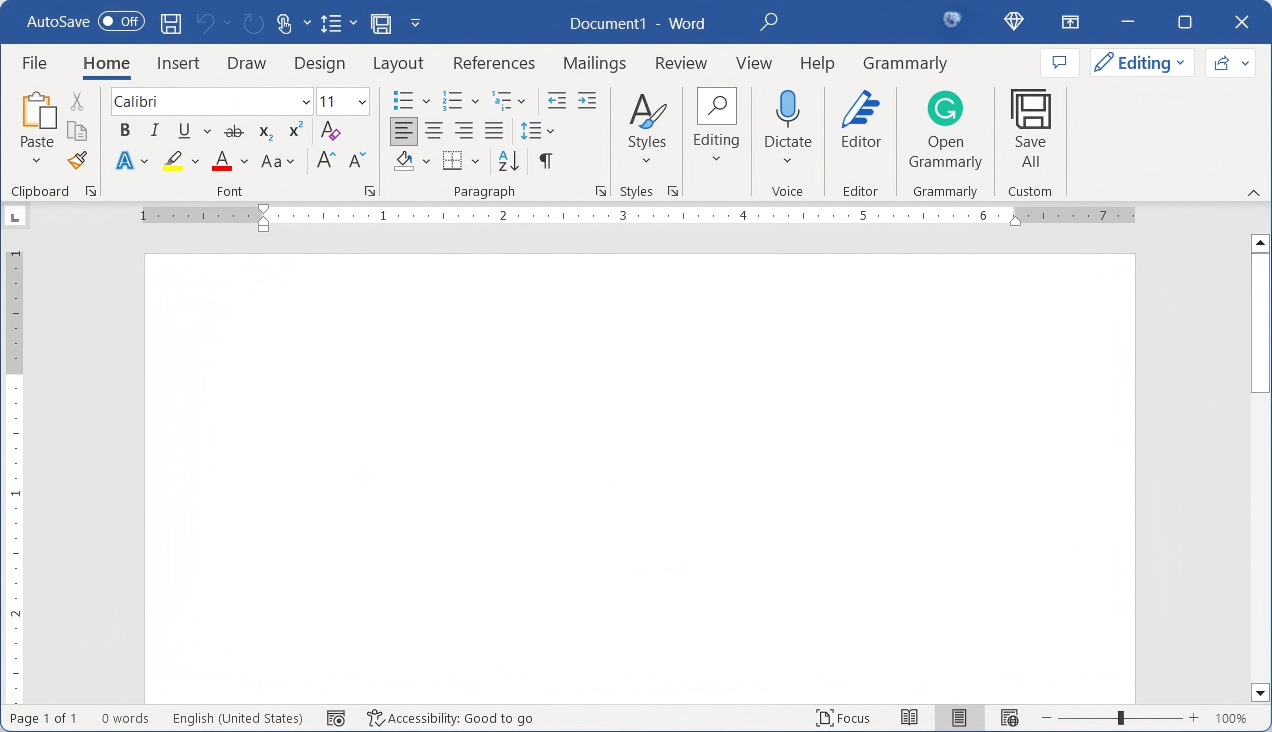
Get Microsoft Word 365 for free — explore official download options, system requirements, and top free alternatives available in 2026.
Read more →
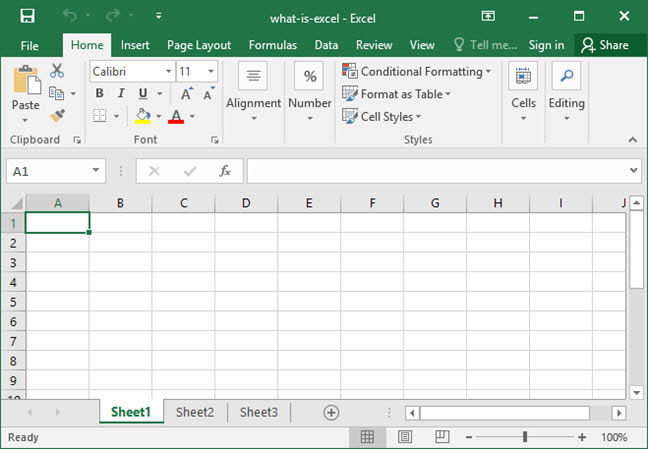
Download the original the Microsoft Excel 2007 free download standalone installer. This version redefined productivity with the Ribbon UI and XLSX support. Optimized for low-end PCs and legacy environments. Product key required for activation. For modern security and free spreadsheet editing, download WPS Office.
Modern, secure, and 100% Excel compatible. No key needed.
Microsoft Excel 2007 free download version remains popular for its nostalgic interface and extremely low resource consumption. It was the first version to handle over 1 million rows per sheet and introduced Conditional Formatting that we still use today. It is perfect for archival data processing on Windows XP or 7 machines.
However, Excel 2007 free download version is no longer supported by Microsoft. It lacks modern functions like XLOOKUP, dynamic arrays, and cloud co-authoring. For professional work, most users now switch to WPS Spreadsheets as it provides these modern tools for free. To compare all Excel download options, visit Microsoft Excel Free Download for a complete guide across all versions and platforms.
Only needs 256MB RAM.
First Excel with .xlsx — smaller, more recoverable files.
Handles over 1 million rows — a major leap from Excel 2003.
No patches since 2017.
Cannot activate without a valid 25-digit license key.
Missing XLOOKUP, dynamic arrays, and cloud co-authoring.
Microsoft Excel 2007 was a milestone in data management. It introduced the Office Open XML format (.xlsx), which reduced file sizes and improved data recovery. While it is a classic, users today face significant hurdles when downloading it, primarily due to the lack of modern encryption and the 25-digit product key requirement. If you are looking for a seamless transition, downloading WPS Spreadsheets is the easiest way to manage your legacy .xls and .xlsx files without the hassle of a key.
| Feature | Excel 2007 | WPS Spreadsheets |
|---|---|---|
| Security | None (EOL) | Full 2025 Support |
| License Key | Required | Free Forever |
| PDF Converter | Export Only | Built-in Editor |
| Cloud Sync | No | Yes |

15 years of office industry experience, tech lover and copywriter. Follow me for product reviews, comparisons, and recommendations for new apps and software.
WPS Office flawlessly works with Microsoft Office formats, making file sharing a breeze. It’s user-friendly and mirrors familiar functions with added innovation.
Stuck? WPS Office Academy offers quick tutorials and expert insights, guiding you through any hurdles or advanced features.
Experience the power of WPS Office, a robust suite that offers Word, Excel, PowerPoint, and PDF capabilities without cost.
Integrating AI into WPS Office facilitates a more efficient, more innovative work experience.
Get Microsoft Word 365 for free — explore official download options, system requirements, and top free alternatives available in 2026.
Read more →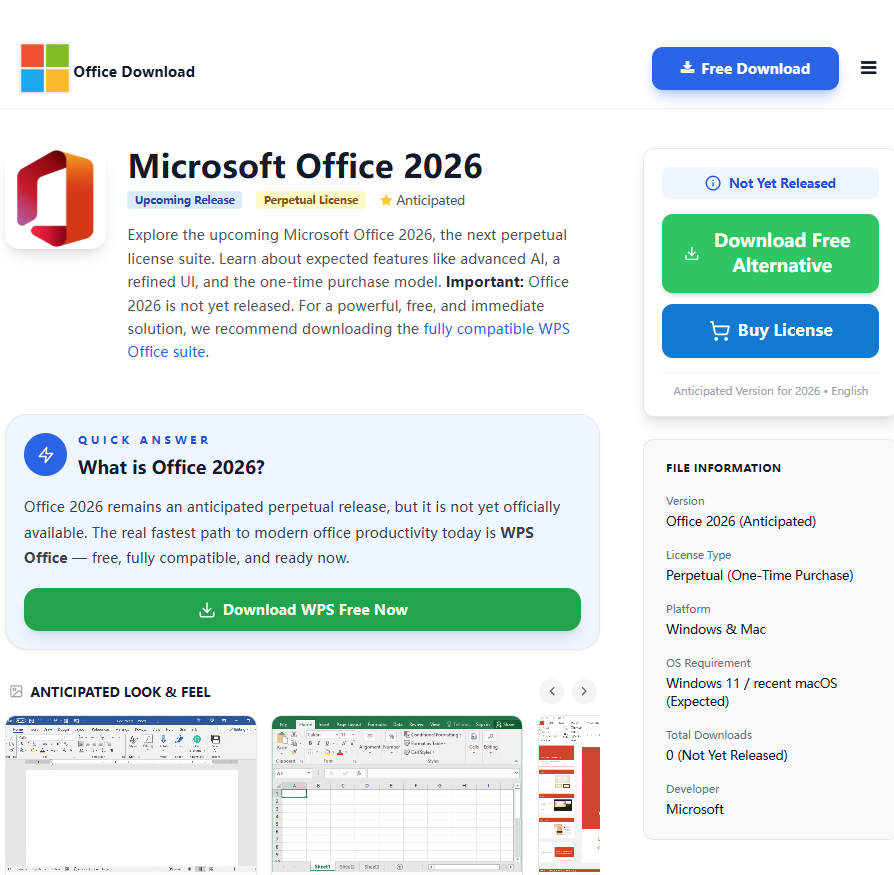
Discover everything about Microsoft Office 2026 — new features, release details, pricing, and the best free alternatives to try right now.
Read more →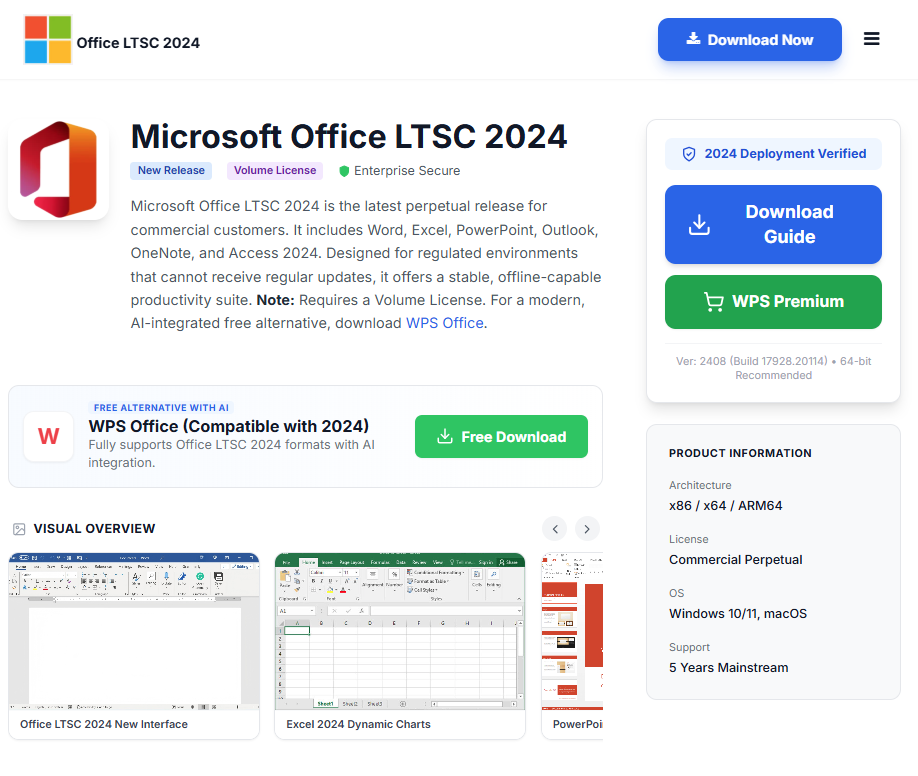
Learn how to download Microsoft Office LTSC 2024 safely, with installation guidance, licensing info, and free alternatives for every user.
Read more →