PowerPoint 2021 Icon

Microsoft PowerPoint 2021 Free Download

PowerPoint 2021 Windows & Mac 4.9/5 Rating
Reviewed by Algirdas Jasaitis 2025-10-04

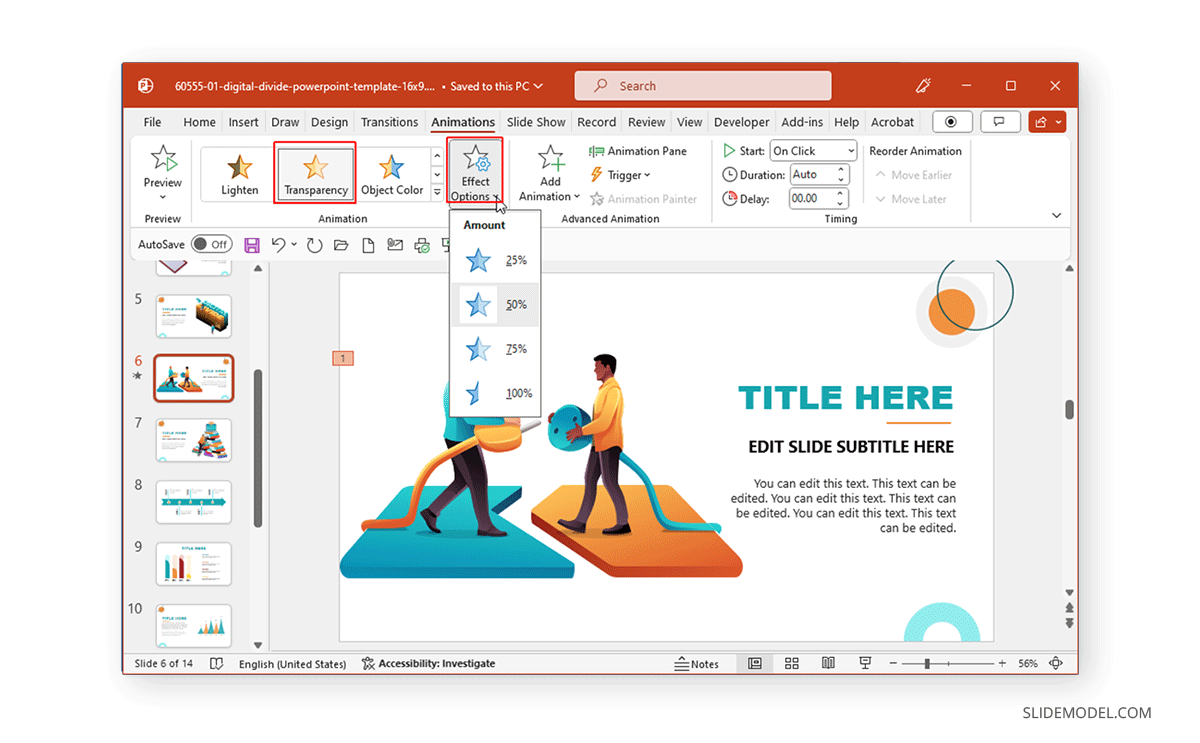
the Microsoft PowerPoint 2021 free download is the ultimate presentation tool for visual storytelling. Download PowerPoint 2021 for professional slide decks, or choose WPS Presentation as a free PowerPoint 2021 alternative with full .pptx compatibility and no license fee. With new features like Co-authoring, Motion Graphics, and SVG support, it helps you create impactful presentations in minutes. If you are looking for a completely free suite with 100% compatibility, WPS Office Presentation is the perfect modern alternative.

P
Top Rated Alternative

WPS Presentation (Free)

Edit .pptx files securely without a product key.

App Screenshots

Mastering Microsoft PowerPoint 2021 for Professionals

Microsoft PowerPoint 2021 remains the industry standard for presentations, offering advanced features like Morph transitions and Zoom for PowerPoint that allow you to create cinematic effects between slides. For businesses and students, the 2021 version is a cost-effective one-time purchase compared to subscription models.

However, many PowerPoint 2021 users today prioritize accessibility and cost. A free PowerPoint 2021 alternative like WPS Presentation delivers the same .pptx editing power without the $150+ license. Free alternatives like WPS Office have bridged the gap, offering identical .pptx compatibility, a smaller installation footprint, and built-in PDF editing tools that PowerPoint 2021 lacks. Whether you're designing a pitch deck or a classroom lecture, choosing a tool that supports modern collaboration is key. To compare all PowerPoint download options, visit Microsoft PowerPoint Free Download for a complete guide across all versions and platforms.

100% Virus Free
Purchase License
PowerPoint 2021 | Compatible with Win 10/11 & macOS

System Requirements

Processor1.6 GHz Duo Core
Memory4 GB RAM
OSWin 11, 10, Mac
Storage4 GB Free Space

Comparison: PowerPoint 2021 vs. Free Alternatives

Microsoft PowerPoint 2021 delivers professional slide design with a one-time license. This PowerPoint 2021 comparison helps you decide between the paid perpetual version and free tools like WPS Presentation that offer full .pptx compatibility.

PowerPoint 2021 at a Glance

Microsoft PowerPoint 2021 is the perpetual-license version of the world's leading presentation software. Unlike the subscription-based Microsoft 365, PowerPoint 2021 requires a single upfront payment and includes co-authoring, Morph transitions, and Ink Replay. For users who cannot justify the PowerPoint 2021 retail price, WPS Presentation delivers identical .pptx editing with zero cost — making it the most popular PowerPoint 2021 alternative in 2026.

PowerPoint 2021 Pros

  • One-time purchase license
  • PowerPoint 2021 real-time co-authoring tools
  • Refreshed visual experience
  • PowerPoint 2021 Morph and Zoom animations

Why Consider WPS Office?

  • Completely free PowerPoint 2021 alternative
  • Native .pptx / .ppt compatibility
  • Built-in PDF to PowerPoint 2021 converter
  • Ultra-lightweight install size
FeaturePowerPoint 2021WPS Presentation
Pricing$150+ (Retail)Free Download
PDF EditingLimitedAdvanced Built-in
CompatibilityNative100% Full Support
Cloud SyncOneDriveMulti-Cloud Support

How to Install Microsoft PowerPoint 2021

Follow these step-by-step instructions to install Microsoft PowerPoint 2021 on Windows or Mac. This PowerPoint 2021 install guide covers activation, setup, and the free WPS alternative.

Step 01

Download the PowerPoint 2021 Installer

Purchase Microsoft Office 2021 or download the official setup file. PowerPoint 2021 is included in Office Home and Student 2021 packages.

Step 02

Run Setup as Administrator

Double-click setup.exe on Windows or the .pkg installer on Mac. The PowerPoint 2021 installation wizard guides you through setup.

Step 03

Enter Your 25-Digit Product Key

Input your legitimate Microsoft product key to activate PowerPoint 2021. Without a valid key, PowerPoint 2021 runs in reduced functionality mode.

Step 04

Complete PowerPoint 2021 Installation

Select PowerPoint 2021 from the component list and wait for installation to finish. Launch PowerPoint 2021 from the Start menu or Applications folder.

Step 05

Recommended: Use WPS Presentation Free

No PowerPoint 2021 license? Download WPS Presentation. It opens all .pptx files with full PowerPoint 2021 compatibility, no product key required.

Frequently Asked Questions About PowerPoint 2021

Common questions about PowerPoint 2021 download, licensing, and free alternatives.

Algirdas Jasaitis - WPS Blog Author
Algirdas Jasaitis WPS Author

15 years of office industry experience, tech lover and copywriter. Follow me for product reviews, comparisons, and recommendations for new apps and software.

Popular Downloads

Explore top-rated office tools related to PowerPoint 2021 — from free presentation software to PDF converters that work seamlessly with PowerPoint 2021 slide files.

WPS Presentation

Free PowerPoint 2021 alternative with AI templates and full .pptx support.

Word 2021

Pair with PowerPoint 2021 for complete Office 2021 document workflows.

WPS PDF Editor

Convert PDF to PowerPoint 2021 slides or export PowerPoint 2021 decks to PDF instantly.

PowerPoint 2021 Guides and Resources

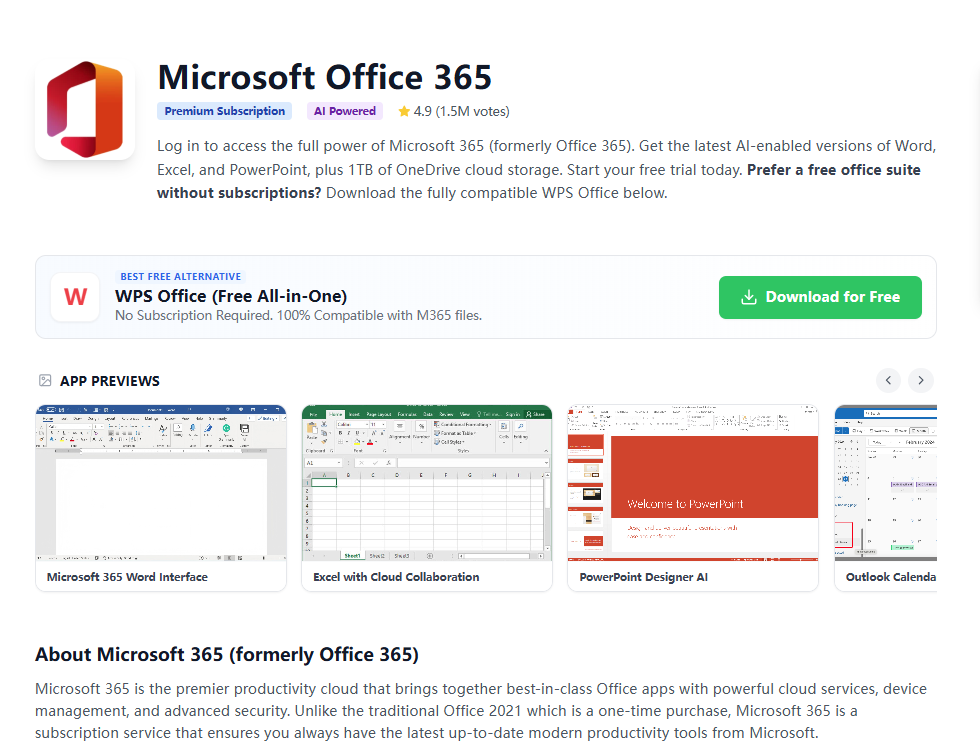
Explore in-depth guides related to PowerPoint 2021, Microsoft Office 365, and free PowerPoint 2021 alternatives to help you create better presentations.

Get a Free PowerPoint 2021 Alternative Today

Skip the the PowerPoint 2021 free download license fee. WPS Presentation opens every .pptx file with full PowerPoint 2021 compatibility — animations, transitions, and templates included. Download free for Windows, Mac, and mobile.

PowerPoint 2021 .pptx compatible · No product key · Windows 11 ready