
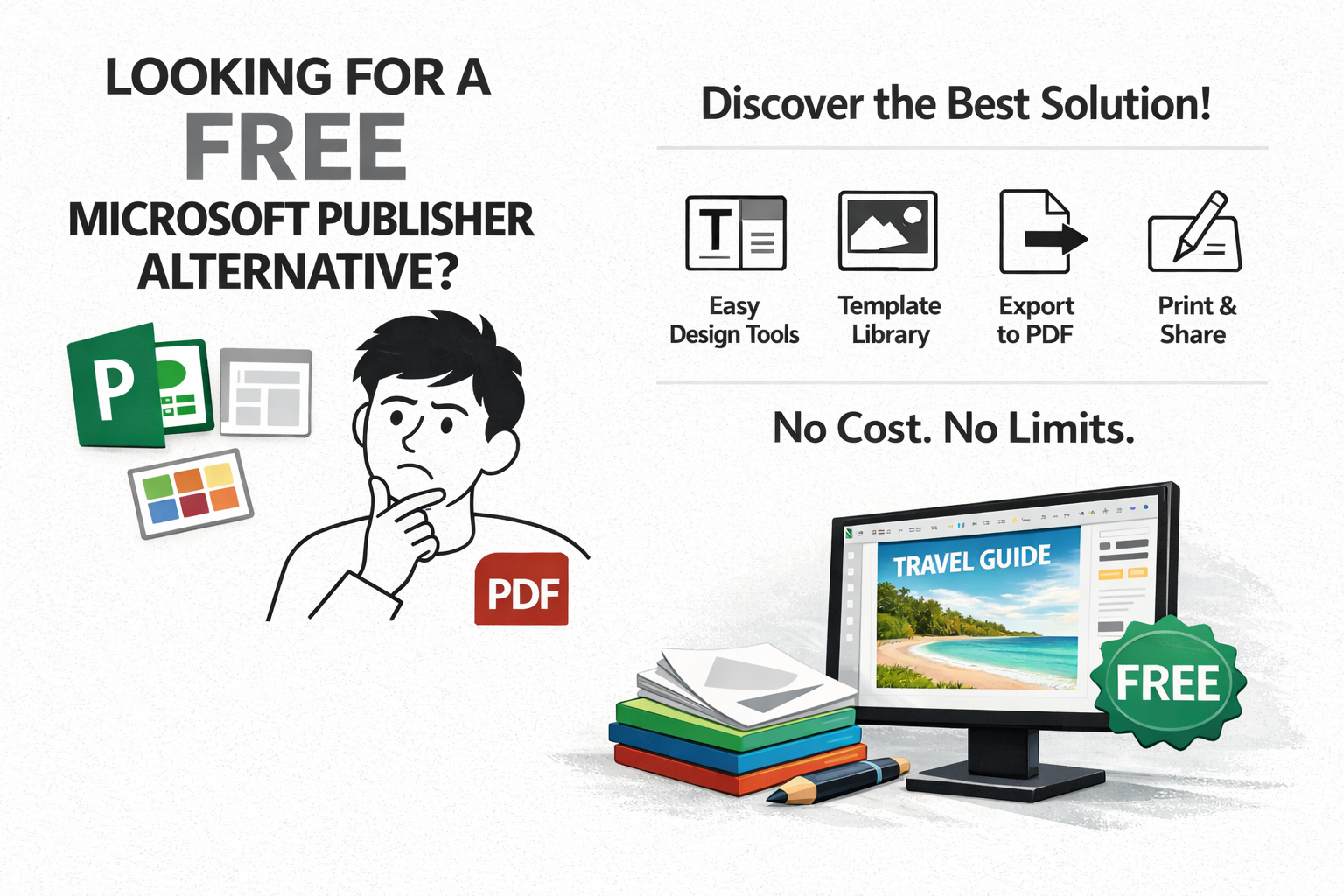
The Best Free Microsoft Publisher Alternative
Tired of expensive, complex desktop publishing software? Discover how WPS Office provides a powerful, intuitive, and completely free alternative to Microsoft Publisher for creating stunning flyers, brochures, newsletters, and more.
The smarter way to design and publish documents
Design Templates
Kickstart your project with a massive library of templates for brochures, flyers, resumes, and newsletters.
PDF Export
Easily convert your documents into high-quality, print-ready PDFs, the industry standard for publishing.
Cost to Use
Access powerful desktop publishing features without subscriptions or hidden fees. It's completely free.
WPS Office vs. Microsoft Publisher & Others
| Feature | WPS Office | MS Publisher | Canva | Adobe InDesign |
|---|---|---|---|---|
| Cost | Truly Free | Paid (Part of M365) | Freemium | Paid (Subscription) |
| Ease of Use | ⭐⭐⭐⭐⭐ | ⭐⭐⭐⭐ | ⭐⭐⭐⭐⭐ | ⭐⭐ |
| Template Library | ⭐⭐⭐⭐⭐ | ⭐⭐⭐ | ⭐⭐⭐⭐ | ⭐⭐ |
| Platform Availability | All Major OS | Windows Only | Web-based | Windows & Mac |
| Integrated Suite | Yes (Full Suite) | Yes (Office Suite) | No | Yes (Creative Cloud) |
More Than Just a Microsoft Publisher Alternative
Advanced Page Layout Control
Arrange text, images, and graphics with precision. Use text boxes, columns, and object alignment tools to create complex, professional layouts just like in Publisher.
Rich Design & Typography
Go beyond basic documents. Access a wide range of fonts, apply artistic effects to text and images, and use a library of shapes to make your designs pop.
Vast Template Library
Why start from scratch? Choose from thousands of professionally designed templates for any project—brochures, menus, certificates, and more. A major advantage over starting with a blank page.
High-Quality PDF Export
Your final document needs to look perfect. WPS Office allows you to export directly to PDF with options to control quality, ensuring your files are print-ready and viewable on any device.
Cross-Platform Availability
Work seamlessly across all your devices. Unlike the Windows-only Microsoft Publisher, WPS Office is available for Windows, macOS, Linux, Android, and iOS.
Fully Integrated Office Suite
Need to add a chart or table to your brochure? Easily create one in WPS Spreadsheet and embed it directly into your WPS Writer document. A seamless workflow.
From Blank Page to Beautiful Brochure in Minutes
Don't be intimidated by design. Our intuitive drag-and-drop interface and vast template library empower you to create professional-looking marketing materials, even if you're not a designer.
Browse Templates
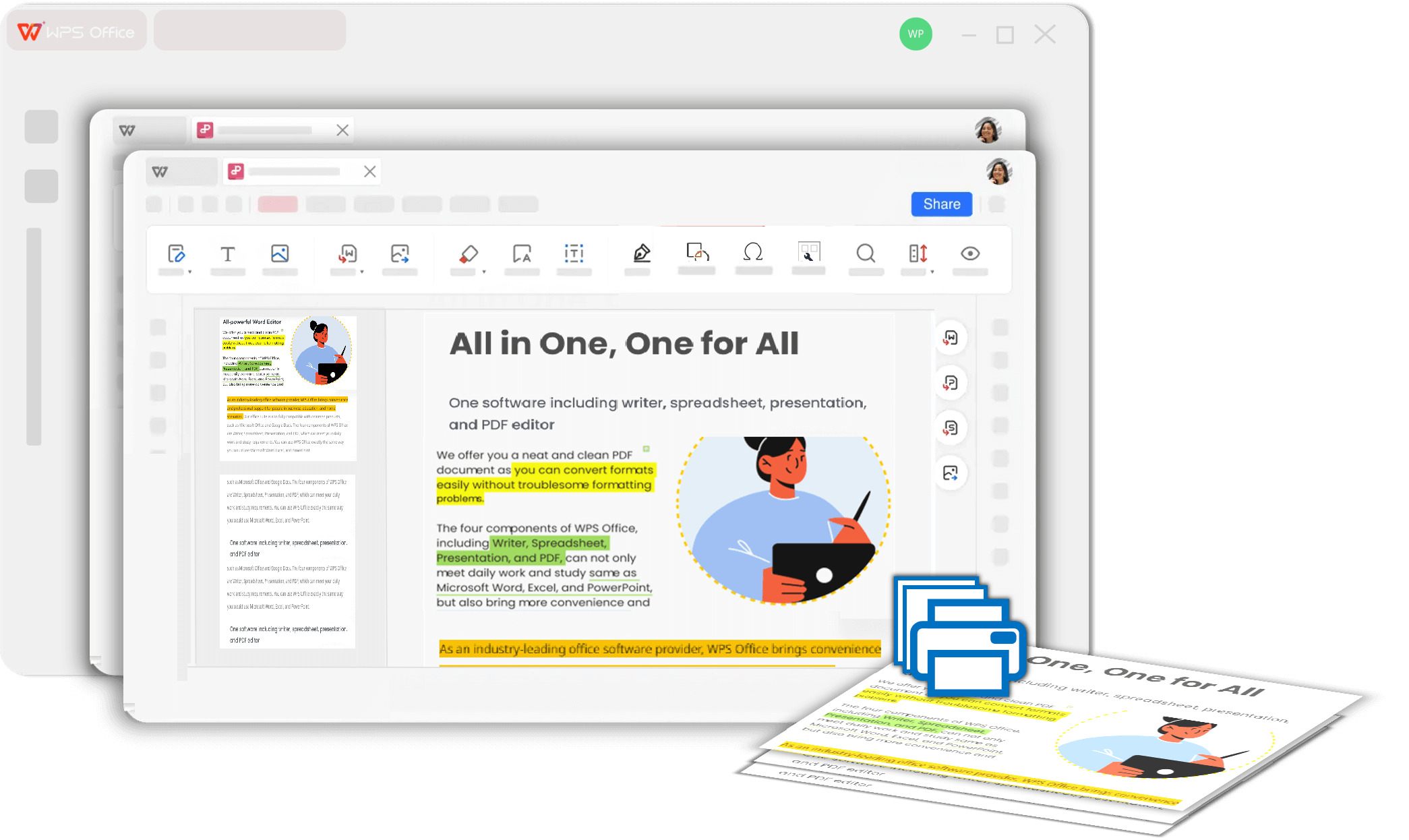
Publish with Confidence, Anywhere
Whether you're printing professionally or sharing digitally, WPS has you covered. Export your work to a pixel-perfect PDF, ensuring your design looks exactly as you intended on paper and on screen.
Learn About PDF Tools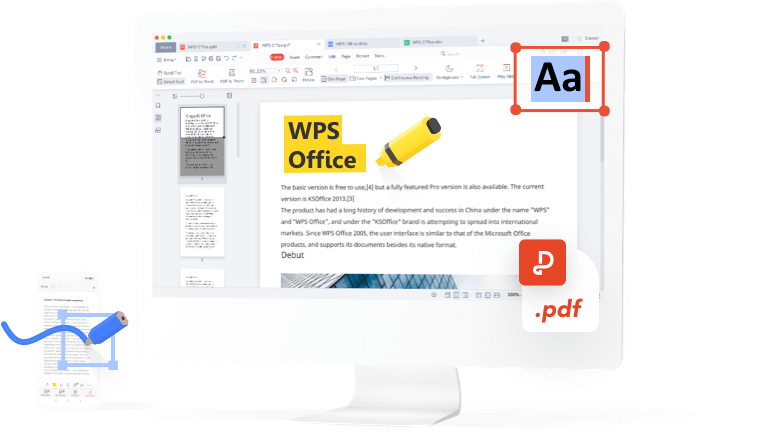
Get Started with Your First Design in 3 Steps
Download & Install
Get the all-in-one WPS Office suite for free. All the design tools you need are included.
Choose a Template
Launch WPS Writer and browse the extensive template library to find the perfect starting point for your brochure, flyer, or newsletter.
Customize & Publish
Add your own text and images. When you're done, export your masterpiece as a high-quality PDF with just one click.
Why users prefer WPS as a Publisher Alternative
I needed to create menus for my new cafe but couldn't afford a designer or expensive software. I found WPS Office and it was a lifesaver. It's the perfect free Microsoft Publisher alternative for a small business owner like me.

Isabella Martinez
Cafe OwnerAs a student, I have to create posters and reports that look professional. Publisher was too clunky. WPS Writer has all the layout tools I need, it's easy to use, and the templates save me so much time.

Alex Chen
University StudentOur non-profit sends out a quarterly newsletter. We switched from Publisher to WPS Office because it's free and works on our team's Mac and Windows computers. Collaboration is so much easier now.

Daisy Lee
Non-Profit CoordinatorFrequently Asked Questions
Is WPS Office a true replacement for Microsoft Publisher?
For the vast majority of desktop publishing tasks like creating flyers, brochures, newsletters, and business cards, WPS Writer offers all the necessary tools and templates, making it an excellent and powerful free alternative.
Can I create print-ready documents with WPS Office?
Absolutely. WPS Writer allows you to export your documents to high-resolution PDFs, the universal standard for professional printing. You can ensure your colors and layouts are preserved perfectly.
Does WPS Office have publishing templates like Publisher?
Yes, and it's one of its biggest strengths. WPS Office includes a massive online library with thousands of professionally designed templates for brochures, flyers, resumes, newsletters, and more, which you can use for free.
Is it difficult to learn if I'm used to Publisher?
Not at all. WPS Office has a very intuitive and familiar interface. If you've used any office software before, you'll feel right at home. Many users find it even easier and more streamlined than Publisher.
Can I use my own fonts and images?
Yes. You can use any font installed on your system and easily import your own photos, logos, and graphics into your WPS documents to create a fully customized design.
Ready to Start Designing?
Stop paying for software you barely use. Download WPS Office and start creating professional documents for free.
Download Free NowFree Forever • No Credit Card Required