


6 min read
Feb 15, 2024
PowerPoint 2016 Free Download & Product Key Guide (2025)Explore the requirements for activating PowerPoint 2016 and why a free alternative like WPS Presentation might be a better choice.
Read more
Find information on the PowerPoint 2016 free download standalone installer. This version is a perpetual license but requires a product key for activation. Note: Mainstream support has ended, and extended support ends in 2025. For a modern, secure, and free experience, we recommend downloading the free WPS Presentation alternative.
Opens .pptx files perfectly. Best for Windows 10/11.
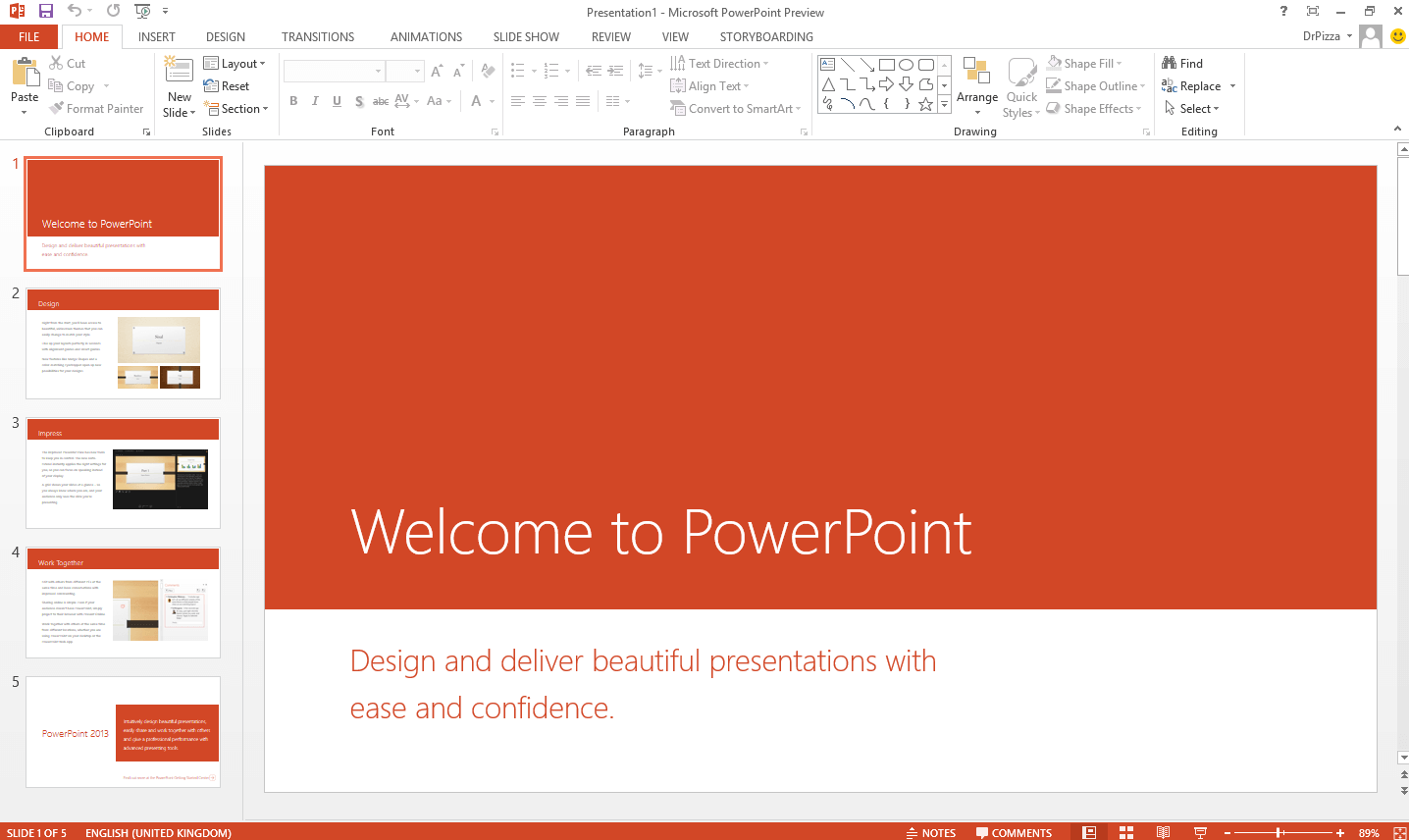
Microsoft PowerPoint 2016 free download version is a powerful presentation tool from the Office 2016 suite, known for introducing features like Morph Transition and Designer. It offers a stable, familiar interface for users who prefer a one-time purchase over a subscription model.
While still functional and compatible with Windows 11, its mainstream support ended in 2020. It now only receives security updates until October 14, 2025. After this date, it will be vulnerable. For continued security and access to modern features like AI and real-time collaboration, we strongly recommend the free WPS Presentation. To compare all PowerPoint download options, visit Microsoft PowerPoint Free Download for a complete guide across all versions and platforms.
No recurring subscription fees. Own the software forever.
No security updates after October 2025.
A classic, powerful interface that many users know and prefer.
Requires a paid 25-digit key for full activation.
PowerPoint 2016 remains a popular choice for users who prefer a one-time purchase. It was the last version before Microsoft's major push towards the subscription-based Microsoft 365. It's a solid, reliable program that runs well on both older and newer systems, including Windows 11.
Important Consideration: While PowerPoint 2016 is still receiving security updates, this support will cease after October 14, 2025. This means no new patches for any discovered vulnerabilities, making it a potential risk. Furthermore, it lacks modern collaborative and AI-driven features. For these reasons, a free, modern tool like WPS Presentation is a smarter, safer choice for the future.
| Feature | PowerPoint 2016 | WPS Presentation (Free) |
|---|---|---|
| Security Updates | Ends Oct 2025 | Yes, Continuous |
| Product Key | Required (Paid) | Not Required |
| AI Features | No | Yes (Built-in) |
| Platform Availability | Windows, Mac | Win, Mac, Linux, Mobile |
| Cloud & Collaboration | Limited | Yes, Integrated |
Verdict: the PowerPoint 2016 free download is a capable but aging tool. For a secure, feature-rich, and future-proof experience, download WPS Office for free.
PowerPoint 2016 is paid software and requires a product key. It cannot be legally downloaded for free. For a free and powerful alternative, we recommend WPS Presentation.
It is safe until October 14, 2025. After that date, it will stop receiving security updates and will become vulnerable. A modern, updated suite like WPS Office is a safer long-term choice.
Yes, Office 2016 is fully compatible with Windows 11. It runs without major issues but lacks the deeper integration of newer software like Microsoft 365.
WPS Presentation is the best free alternative. It is highly compatible with .pptx files, has a similar user interface, and adds modern features like free templates, cloud sync, and AI tools.
Don't risk your security. Use WPS Office for free. It's fully compatible, modern, and safe.
The classic presentation software. (Legacy)
The full suite including Word, Excel, & PowerPoint 2016.
The modern, subscription-based PowerPoint.
Best free, secure, and modern alternative to PowerPoint.
A free, web-based presentation tool from Google.
A powerful and free tool to read, edit, and convert PDFs.
Explore the requirements for activating PowerPoint 2016 and why a free alternative like WPS Presentation might be a better choice.
Read more
A step-by-step guide to mastering the Morph transition to create stunning, cinematic animations in your presentations.
Read more
A detailed comparison between the perpetual license of 2016 and the subscription model of 365. We break down cost, features, and security.
Read moreWhy use aging, insecure software? Get a complete, modern office suite that's fully compatible with all Microsoft formats for free. Experience a lightweight, powerful, and secure solution.
* Basic components (Writer, Spreadsheet, Presentation) are permanently free.
Open, edit, and save Word, Excel, and PowerPoint files seamlessly.