
Top 5 Free Office 365 Alternatives
Tired of recurring subscription fees? Discover a world of powerful, professional, and completely free office suites that can boost your productivity without the cost.
Why Ditch the Subscription?
Productivity shouldn't come with a monthly bill.
Escape the Subscription Trap
Why rent your software forever? Annual fees for Microsoft 365 add up. Free alternatives offer robust features without the constant drain on your wallet, giving you permanent access to essential tools.
Lightweight & Fast Performance
Modern office suites can be resource-intensive. Many free alternatives are lighter, run faster on older computers, and provide a snappier, more responsive experience for everyday tasks.
A Note on Advanced Macros
The Top 5 At a Glance
Here are the best free office suites on the market. Click any option to jump directly to its detailed review.
WPS Office
The most compatible and feature-rich free alternative.
WPS Office consistently ranks as the top free alternative to Microsoft 365, and for good reason. It delivers a complete office suite—Writer, Spreadsheets, Presentation, and a full-featured PDF editor—within a single, lightweight application. Its most lauded feature is its interface, which is so similar to Microsoft's ribbon UI that the transition is virtually seamless, eliminating any learning curve.
Best For
Anyone looking for a true "drop-in" replacement for Microsoft Office. It's perfect for students, professionals, and small businesses who need powerful features, high compatibility, and a familiar environment without the price tag.
Key Features
- Superior Compatibility: Flawlessly opens, edits, and saves documents in all Microsoft Office formats (.docx, .xlsx, .pptx) while preserving complex formatting.
- All-in-One Application: Manages all your documents, spreadsheets, presentations, and PDFs in a convenient, tabbed interface—no more juggling multiple windows.
- Integrated PDF Toolkit: Go beyond viewing. Edit text and images, convert to Word, sign documents, and fill forms directly within the suite.
- Cross-Platform Cloud Sync: Start working on your PC and seamlessly continue on your Mac, Android, or iOS device with integrated cloud storage.
Platform Availability
Pros
- Interface is nearly identical to MS Office
- Powerful built-in PDF editor
- All-in-one tabbed viewing for multiple file types
- Excellent cross-platform support with cloud sync
Cons
- The free version displays unobtrusive ads
- Some advanced features and templates require a premium subscription
LibreOffice
The community-driven champion of free software.
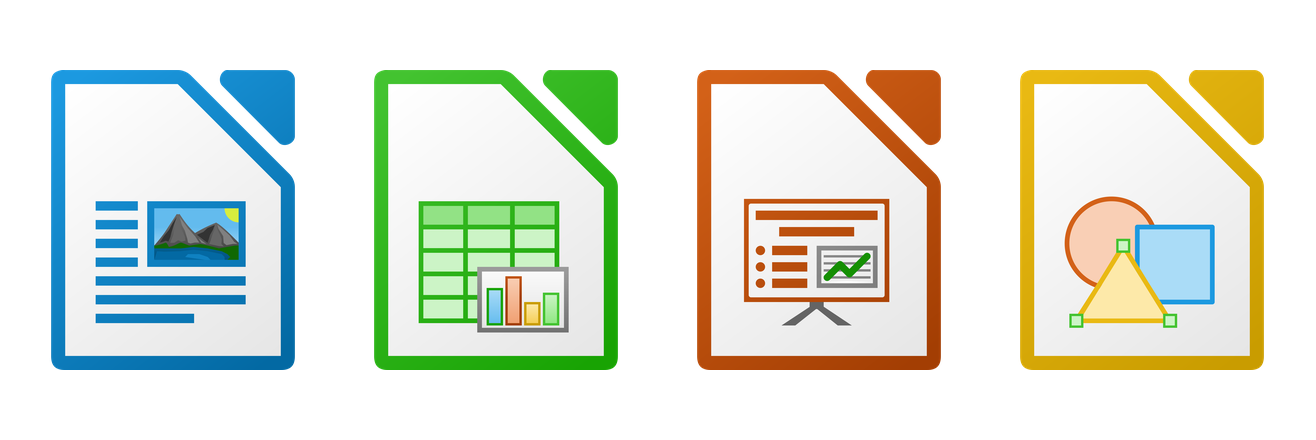
As the spiritual successor to OpenOffice, LibreOffice is a powerful, completely free, and open-source office suite developed by a passionate global community. It's a testament to what collaborative development can achieve, offering a full set of applications: Writer (word processing), Calc (spreadsheets), Impress (presentations), Draw (vector graphics), Base (databases), and Math (formula editor).
Best For
Linux users, privacy advocates, non-profits, and anyone who believes in the open-source philosophy. It's also great for running on older hardware due to its efficiency.
Key Features
- Truly Free: 100% free with no ads, no data tracking, and no hidden costs. Ever.
- Comprehensive Suite: Offers six feature-rich applications that cover every productivity need, including database management and drawing.
- Extensive Customization: The interface and functionality can be heavily customized with a vast library of free extensions.
Pros
- Completely free and open-source
- No advertisements or privacy concerns
- Excellent support for a wide range of file formats
Cons
- User interface can feel dated compared to modern rivals
- Lacks built-in cloud integration and real-time collaboration features
Google Docs, Sheets & Slides
The undisputed king of real-time collaboration.
Part of the Google Workspace ecosystem, Google's suite of Docs, Sheets, and Slides pioneered real-time, web-based document editing. It requires no installation and lives entirely in your browser. Its core strength is collaboration, allowing multiple people to seamlessly edit, comment on, and chat within the same document simultaneously.
Best For
Teams, students, and anyone who prioritizes collaborative work over complex desktop features. It is the default choice for remote teams and academic group projects.
Key Features
- Unmatched Real-Time Collaboration: See edits as they happen, use an intelligent comment and suggestion system, and see a full version history of all changes.
- Cloud-Native: Everything is saved automatically to your Google Drive. Access and edit your files from any device with an internet connection.
- Deep Ecosystem Integration: Works perfectly with Gmail, Google Calendar, and Google Meet, creating a unified productivity hub.
Pros
- Industry-leading real-time collaboration
- No installation required; works on any browser
- Automatic saving and robust version history
Cons
- Requires a constant internet connection for best performance
- Fewer advanced formatting and data analysis tools than desktop suites
- Formatting can break when exporting to Microsoft Office formats
Polaris Office
A strong contender for seamless mobile-to-desktop work.
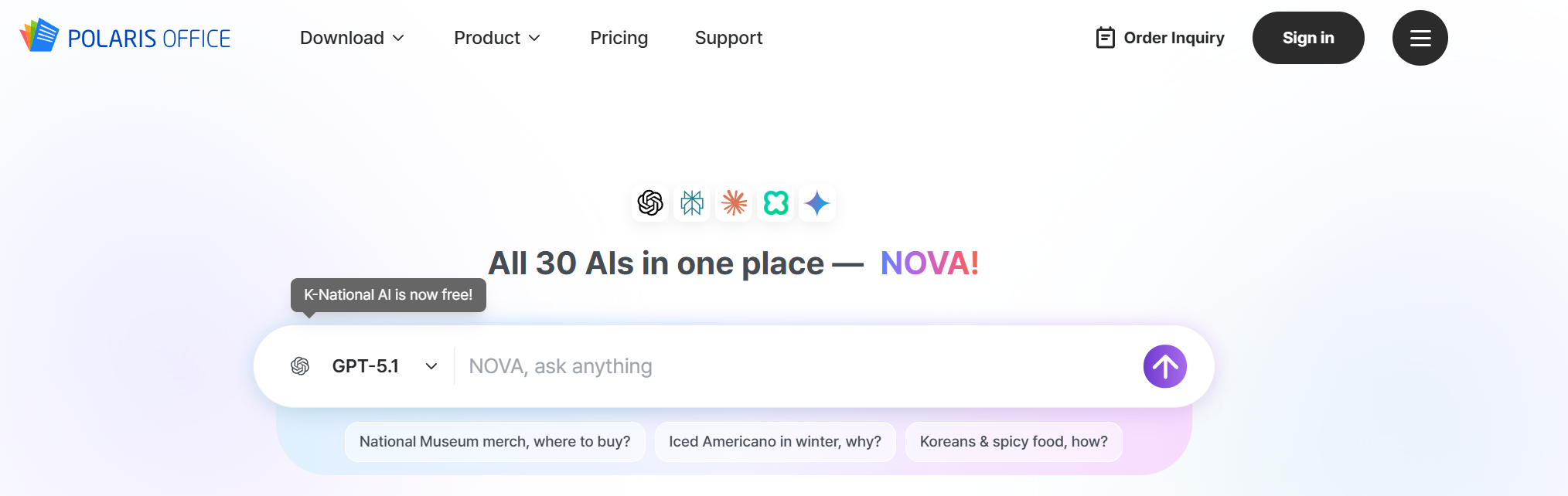
Polaris Office has carved out a niche as a powerful, cross-platform office suite with a strong focus on mobile productivity. It's an all-in-one solution that allows you to view, edit, and manage various document formats, including MS Office, PDF, and HWP, across all your devices.
Best For
Users who frequently work on their smartphones and tablets and need a consistent experience when they transition back to their desktop.
Key Features
- Broad Format Support: Handles DOCX, XLSX, PPTX, PDF, TXT, and HWP (Hangul) files with ease.
- Multi-Cloud Connectivity: Natively connects to Google Drive, Dropbox, Box, OneDrive, and more, consolidating your files in one place.
- Document Conversion: The suite allows you to convert and export documents to different formats, including PDF.
Pros
- Excellent mobile application experience
- Strong compatibility across many file types
- Clean, modern user interface
Cons
- Free version has limitations on editing and saving
- Contains ads in the free tier
OnlyOffice Docs
The choice for perfect document consistency.
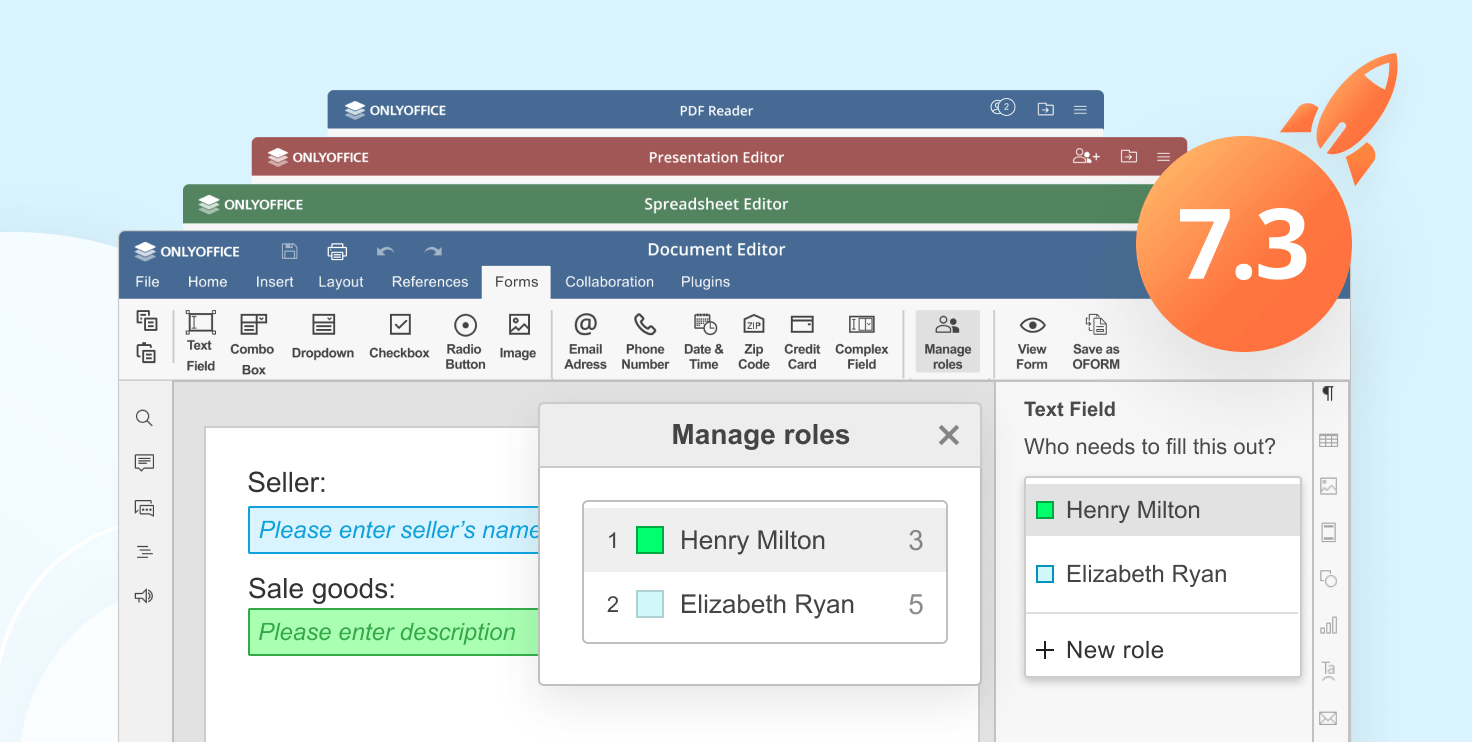
OnlyOffice Docs is an open-source suite renowned for its exceptional fidelity with Microsoft Office formats. It uses OOXML (the format used by Microsoft) as its native format, which ensures that documents, spreadsheets, and presentations look exactly as intended, minimizing compatibility issues. It's offered as both a cloud service and a self-hosted solution.
Best For
Businesses and individuals who prioritize perfect document fidelity and security. Its self-hosting option is a major draw for organizations wanting full control over their data.
Key Features
- Native OOXML Format: Unrivaled compatibility with DOCX, XLSX, and PPTX files.
- Advanced Collaboration: Features real-time co-editing, reviewing, commenting, and version history.
- Security Focused: Offers options for on-premises deployment, giving you complete control over your data.
Pros
- Highest compatibility with MS Office formats
- Clean, modern, and ad-free interface
- Self-hosting options available for enhanced privacy
Cons
- Fewer overall features than WPS Office or LibreOffice
- Free desktop version has a limit on simultaneous connections
Side-by-Side Feature Comparison
| Feature | WPS Office | LibreOffice | Google Suite | Polaris Office | OnlyOffice |
|---|---|---|---|---|---|
| Cost (Free Tier) | Freemium | 100% Free | Free | Freemium | Freemium |
| Desktop App | |||||
| Web Version | |||||
| Mobile App | |||||
| Real-time Collaboration | Good | Excellent | Good | Good | |
| Built-in PDF Editor | Excellent | Basic | Basic | ||
| Free Cloud Storage | 1 GB | — | 15 GB | 1 GB | — |
| MS Office Compatibility | Excellent | Good | Fair | Good | Excellent |
Frequently Asked Questions
Most of the alternatives listed, such as WPS Office, operate on a 'freemium' model. This means their core functionalities are completely free to use, but they offer optional paid upgrades for advanced features. LibreOffice is the exception, being a completely free and open-source project without any paywalls.
Yes, for the vast majority of files. All listed alternatives provide excellent compatibility with Microsoft Office formats. Simple documents and spreadsheets will open perfectly. For files with highly complex formatting or advanced VBA macros, you might notice minor discrepancies. WPS Office is often cited as having one of the highest fidelities with original MS Office layouts.
Google Docs is the undisputed leader for real-time, web-based collaboration, allowing multiple users to edit a document simultaneously. For those who prefer a desktop application with strong cloud capabilities, WPS Office also offers robust collaborative features through its cloud integration and document sharing.
The Final Verdict: What's the Best Choice?
After a thorough review, it's clear that you don't need to pay for a premium office suite. Each free alternative has its own strengths, but one stands out for its incredible balance of features, compatibility, and ease of use.
How to Choose:
- For the Best All-Around Experience: Choose WPS Office. Its familiar interface, superior Microsoft Office compatibility, and built-in PDF tools make it the most seamless and powerful replacement.
- For Real-Time Teamwork: Choose Google Docs. If your work is heavily collaborative and web-based, its real-time co-editing capabilities are unmatched.
- For a 100% Free & Open-Source Solution: Choose LibreOffice. If you prioritize privacy and want a full-featured suite with no ads or subscriptions, this is your champion.
For the majority of users making the switch from Microsoft 365, we confidently recommend starting with WPS Office. It minimizes the learning curve and maximizes your productivity right out of the box.