

'%3e%3cpath%20d='M8%200C12.4183%200%2016%203.58172%2016%208C16%2012.4183%2012.4183%2016%208%2016C3.58172%2016%200%2012.4183%200%208C0%203.58172%203.58172%200%208%200ZM11.6162%204.38379C11.2257%203.99337%2010.5927%203.99338%2010.2021%204.38379L8%206.58594L5.79785%204.38379C5.40732%203.99334%204.77429%203.99329%204.38379%204.38379C3.99331%204.77429%203.99335%205.40733%204.38379%205.79785L6.58594%208L4.38379%2010.2021C3.99348%2010.5927%203.99341%2011.2257%204.38379%2011.6162C4.77426%2012.0066%205.40734%2012.0065%205.79785%2011.6162L8%209.41406L10.2021%2011.6162C10.5927%2012.0066%2011.2257%2012.0067%2011.6162%2011.6162C12.0067%2011.2257%2012.0066%2010.5927%2011.6162%2010.2021L9.41406%208L11.6162%205.79785C12.0066%205.40735%2012.0066%204.77429%2011.6162%204.38379Z'%20fill='%23080E17'%20fill-opacity='0.46'/%3e%3c/g%3e%3cdefs%3e%3cclipPath%20id='clip0_3761_713'%3e%3crect%20width='16'%20height='16'%20fill='white'/%3e%3c/clipPath%3e%3c/defs%3e%3c/svg%3e)




'%3e%3cpath%20fill-rule='evenodd'%20clip-rule='evenodd'%20d='M21.4999%2010.9993C21.4999%205.20009%2016.7986%200.498901%2010.9993%200.498901C5.19994%200.498901%200.498657%205.20009%200.498657%2010.9993C0.498657%2016.2404%204.33858%2020.5844%209.35855%2021.3722V14.0346H6.69238V10.9993H9.35855V8.68594C9.35855%206.05427%2010.9262%204.60062%2013.3248%204.60062C14.4736%204.60062%2015.6753%204.80571%2015.6753%204.80571V7.38979H14.3512C13.0468%207.38979%2012.64%208.19921%2012.64%209.0296V10.9993H15.5523L15.0867%2014.0346H12.64V21.3722C17.66%2020.5844%2021.4999%2016.2404%2021.4999%2010.9993Z'%20fill='%231568EA'/%3e%3c/g%3e%3c/svg%3e)


'%3e%3cpath%20d='M2.42045%2022.1876H6.31818V12.7217L0.75%208.54553V20.5171C0.75%2021.4414%201.49892%2022.1876%202.42045%2022.1876Z'%20fill='%234285F4'/%3e%3cpath%20d='M19.682%2022.1876H23.5797C24.5041%2022.1876%2025.2502%2021.4387%2025.2502%2020.5171V8.54553L19.682%2012.7217'%20fill='%2334A853'/%3e%3cpath%20d='M19.682%205.48293V12.7216L25.2502%208.54543V6.31816C25.2502%204.25236%2022.8921%203.07469%2021.2411%204.31361'%20fill='%23FBBC04'/%3e%3cpath%20d='M6.31824%2012.7217V5.48303L13.0001%2010.4944L19.6819%205.48303V12.7217L13.0001%2017.733'%20fill='%23EA4335'/%3e%3cpath%20d='M0.75%206.31816V8.54543L6.31818%2012.7216V5.48293L4.75909%204.31361C3.10534%203.07469%200.75%204.25236%200.75%206.31816Z'%20fill='%23C5221F'/%3e%3c/g%3e%3cdefs%3e%3cclipPath%20id='clip0_2954_7305'%3e%3crect%20width='24.5'%20height='18.375'%20fill='white'%20transform='translate(0.75%203.8125)'/%3e%3c/clipPath%3e%3c/defs%3e%3c/svg%3e)


Writing a thesis, a novel, or a 300-page technical report is a different job from drafting a two-page memo. Long documents demand reliable heading styles, automatic tables of contents, stable page numbering, cross-references, and the discipline to reorganize hundreds of pages without breaking the file. Microsoft Word can do all of this, but it is no longer the only tool that can. Depending on your budget, platform, and workflow, several alternatives now handle very large documents as well as—or better than—Word.
This guide compares the strongest options in 2026: WPS Writer, Google Docs, LibreOffice Writer, Scrivener, and ONLYOFFICE Docs, with a practical decision framework at the end.
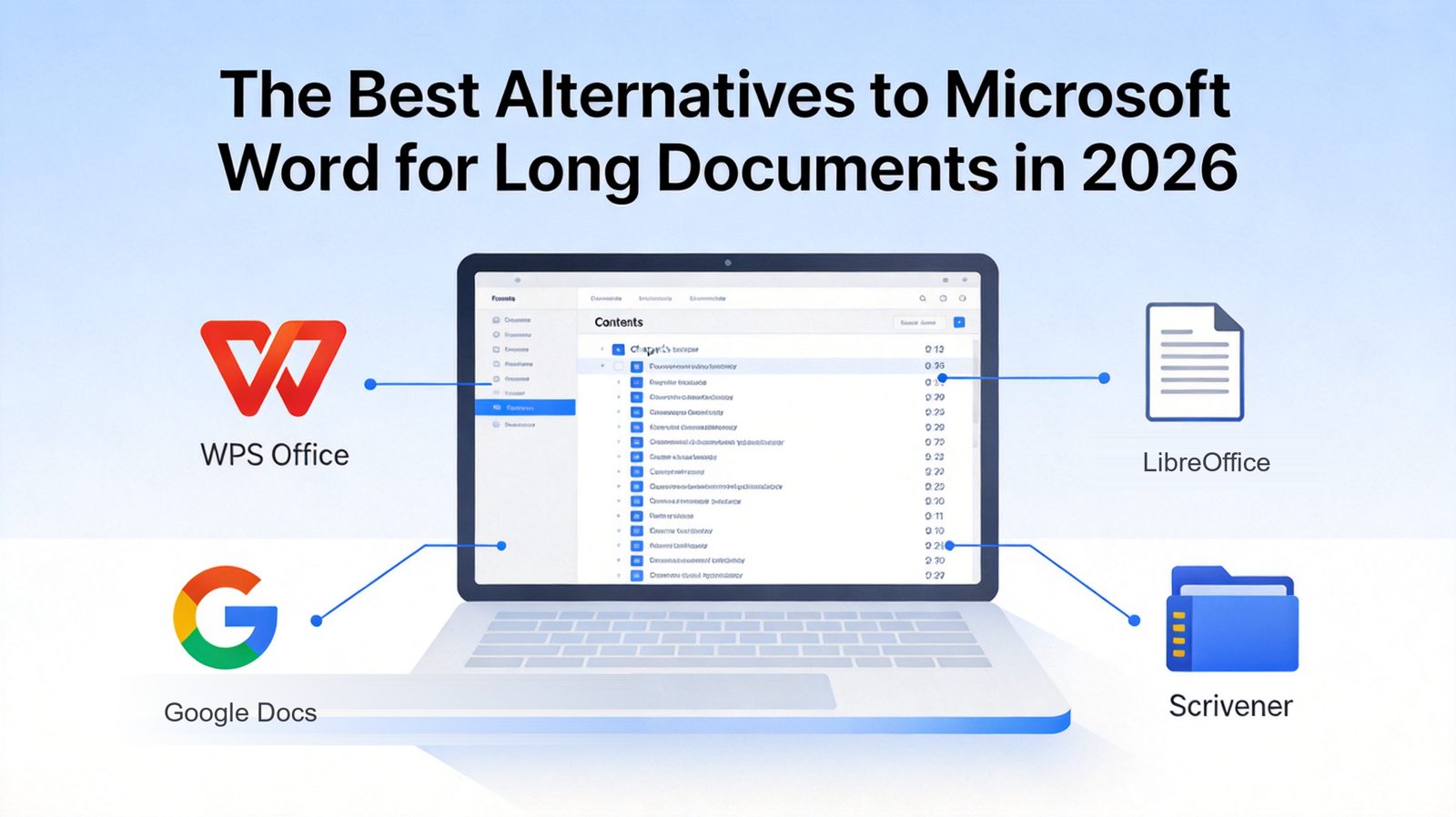
The Best Alternatives to Microsoft Word for Long Documents in 2026
TL;DR
The best alternatives to Microsoft Word for long documents in 2026 are WPS Writer (free, Word-compatible desktop suite with tabbed multi-document editing), Google Docs (real-time collaboration), LibreOffice Writer (open-source master documents), Scrivener (books and theses), and ONLYOFFICE Docs (DOCX fidelity for teams). For most writers, WPS Writer offers the best balance of cost, compatibility, and long-document features.
What Makes a Good Word Alternative for Long Documents
Before comparing tools, it helps to define what "good at long documents" actually means. A 40-page report and a 400-page manuscript stress a word processor in the same places:
Heading styles and navigation — you need to jump between chapters instantly, not scroll for minutes.
Automatic table of contents — the TOC must update itself when chapters move.
Stable pagination — page numbers, footnotes, and cross-references must survive heavy edits.
Master or split documents — very large projects are easier to manage as chapters that compile into one file.
Performance — the app should not lag or corrupt the file as it grows past 100+ pages.
Word processors that fail these tests turn long-form writing into formatting repair work. The tools below pass them in different ways.
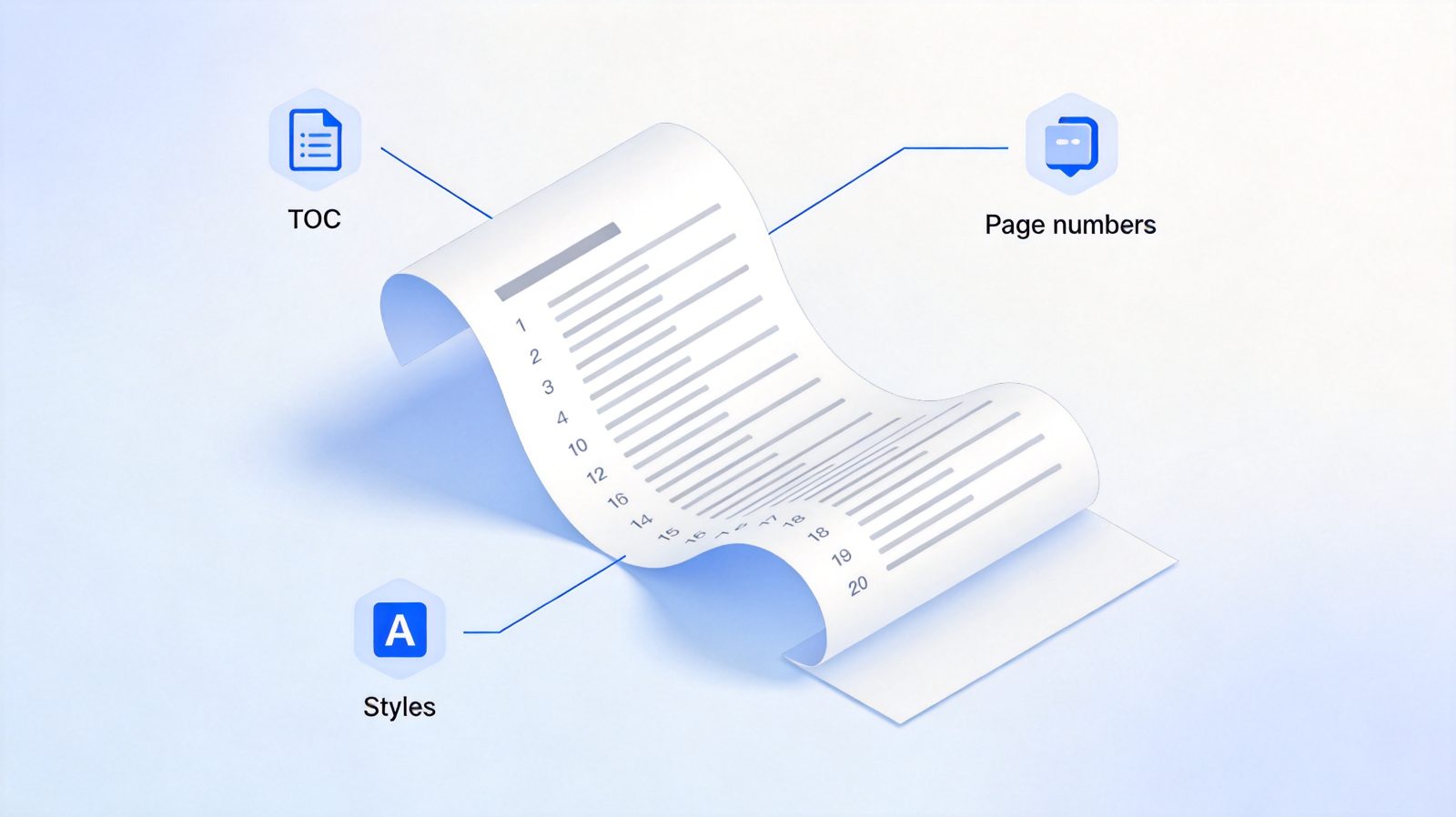
Long document structure with TOC and page numbers


Quick Comparison: Word Alternatives for Long Documents
| Tool | Best for | Long-document strengths | Pricing |
|---|---|---|---|
| WPS Writer | Free desktop-grade editing with full DOCX support | TOC, heading styles, tabbed multi-doc editing, PDF export | Free tier; Pro from ~$29/year |
| Google Docs | Team collaboration and shared drafts | Live co-editing, comments, version history | Free; Workspace from ~$6/user/month |
| LibreOffice Writer | Open-source, offline, zero cost | Master documents, indexes, full offline control | Free |
| Scrivener | Books, theses, and research-heavy manuscripts | Binder, corkboard, research notes, compile system | ~$49 one-time |
| ONLYOFFICE Docs | DOCX fidelity plus team deployment | High OOXML compatibility, collaboration, self-hosting | Free desktop; cloud from ~$8/user/month |
1. WPS Writer: Best Free Word Alternative for Desktop Users
WPS Writer is the closest free experience to desktop Word, and for long documents that matters: it runs natively on Windows, macOS, and Linux, opens 500-page DOCX files without choking, and keeps the familiar ribbon workflow.
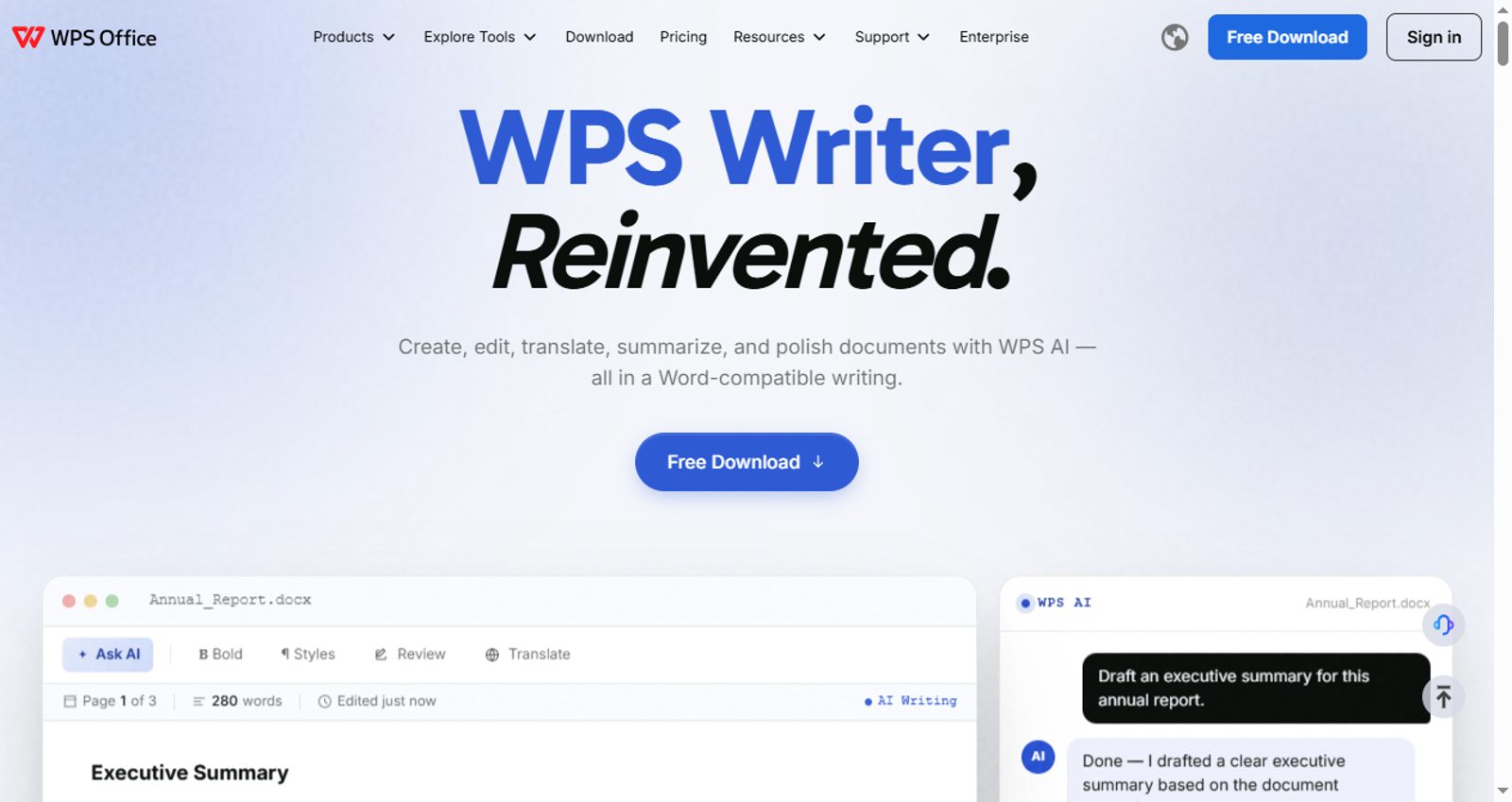
WPS Writer official website homepage
Key capabilities:
Heading styles with an automatic, updatable table of contents (References → TOC Level → Insert TOC)
Tabs let you keep chapters, reference files, and drafts open in one window
Built-in PDF export and conversion for final delivery
Full DOCX round-trip, so files you send to Word users keep their formatting
WPS AI for summarizing, rewriting, and generating outline content
Best for: students, academics, and professionals who want Word-class long-document features without a subscription.
Pricing: free tier with ads; WPS Pro removes ads and unlocks AI and premium templates.
Trade-offs: the free version shows ads; cloud collaboration is lighter than Google Docs.
WPS Writer also has a long-document advantage that most competitors lack: its tabbed interface opens multiple documents of different types—Writer, Spreadsheet, and Presentation files—in the same window. While drafting a long report or thesis, you can keep your data tables, reference decks, and outline notes open in parallel tabs and switch between them instantly, without losing your place in the manuscript. That seamless switching keeps you focused on writing instead of hunting through windows, an experience that Word's window-juggling or Google Docs' one-doc-per-tab browser workflow simply does not match.
2. Google Docs: Best Collaborative Alternative to Word
Google Docs remains the default choice when several people write one long document together. Reports, grant proposals, and co-authored papers benefit from its frictionless sharing and commenting.
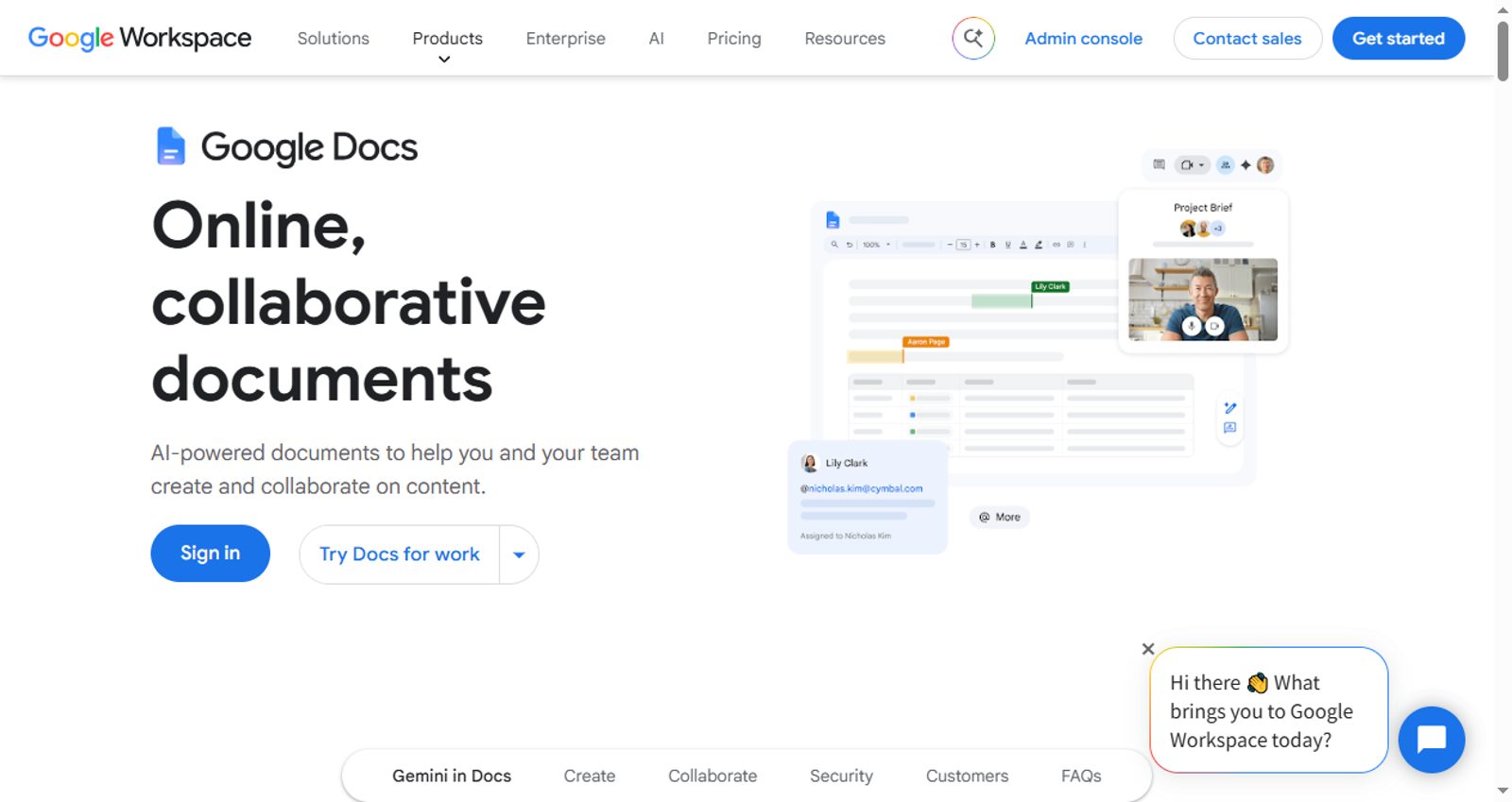
Google Docs official product page
Key capabilities:
Real-time co-editing with colored cursors and presence
Comments, suggestions, and full version history
Outline sidebar generated from headings for fast navigation
Pageless mode for drafts, paged mode for print-ready output
Best for: teams, classrooms, and co-authored projects.
Pricing: free with a Google account; Workspace plans add storage and admin controls.
Trade-offs: documents cap at 1.02 million characters; very large files can slow the browser, and advanced print typography (complex footnotes, styles) is weaker than desktop apps.
3. LibreOffice Writer: Best Open-Source Word Alternative
LibreOffice Writer is the most complete free desktop word processor. Its master-document system is built exactly for book-scale projects: each chapter lives as a subdocument, and the master file compiles them with a unified index and TOC.
LibreOffice official website homepage
Key capabilities:
Master documents with subdocuments for chapter-level management
Bibliography database and Zotero integration for academic citations
Full offline operation and open ODF format
Deep style and index control comparable to Word
Best for: writers who want zero cost, offline privacy, and don't mind a utilitarian interface.
Pricing: completely free, forever.
Trade-offs: dated UI; DOCX round-trip is good but not perfect on complex layouts; no built-in collaboration.
4. Scrivener: Best Word Alternative for Books and Theses
Scrivener is not a Word clone—it is a writing studio. Instead of one giant file, your project is a binder of chapters, scenes, and research cards you can drag, reorder, and annotate. When the draft is done, the Compile system outputs a formatted manuscript, ebook, or PDF.

Scrivener official website homepage
Key capabilities:
Binder and corkboard for restructuring hundreds of sections
Research folder keeps PDFs, images, and web clippings beside the draft
Compile engine produces DOCX, EPUB, and print-ready PDF
Word-count targets and session statistics for long projects
Best for: novelists, screenwriters, dissertation writers, and nonfiction authors.
Pricing: ~$49 one-time license per platform, free trial available.
Trade-offs: learning curve; not designed for live team editing; you still need a word processor for final formatting tweaks.
5. ONLYOFFICE Docs: Best Word Alternative for DOCX Fidelity
ONLYOFFICE Docs offers the strongest OOXML compatibility among online suites, which makes it a safe home for long Word documents that must not lose formatting. Teams can self-host it, and the desktop editors are free.
ONLYOFFICE official website homepage
Key capabilities:
Near-native DOCX rendering, including styles, TOC, and footnotes
Real-time collaboration with two co-editing modes
AI assistant for summarize, translate, and rewrite
Self-hosted deployment for data control
Best for: organizations that live in DOCX but want collaboration and self-hosting.
Pricing: free desktop and mobile editors; cloud from ~$8/user/month; enterprise self-hosted licenses higher.
Trade-offs: pricing tiers are complex; smaller template and add-on ecosystem.
How to Choose the Right Word Alternative for Your Long Document
Match the tool to the project, not the other way around:
Writing a thesis, book, or screenplay? Scrivener for structure, then export to DOCX for final formatting.
Co-writing a report with a team? Google Docs for live collaboration, or ONLYOFFICE if DOCX fidelity is critical.
Need free, offline, professional output? WPS Writer for the most Word-like experience, LibreOffice Writer for maximum control.
Exchanging files constantly with Word users? WPS Writer or ONLYOFFICE, both of which preserve DOCX layouts reliably.
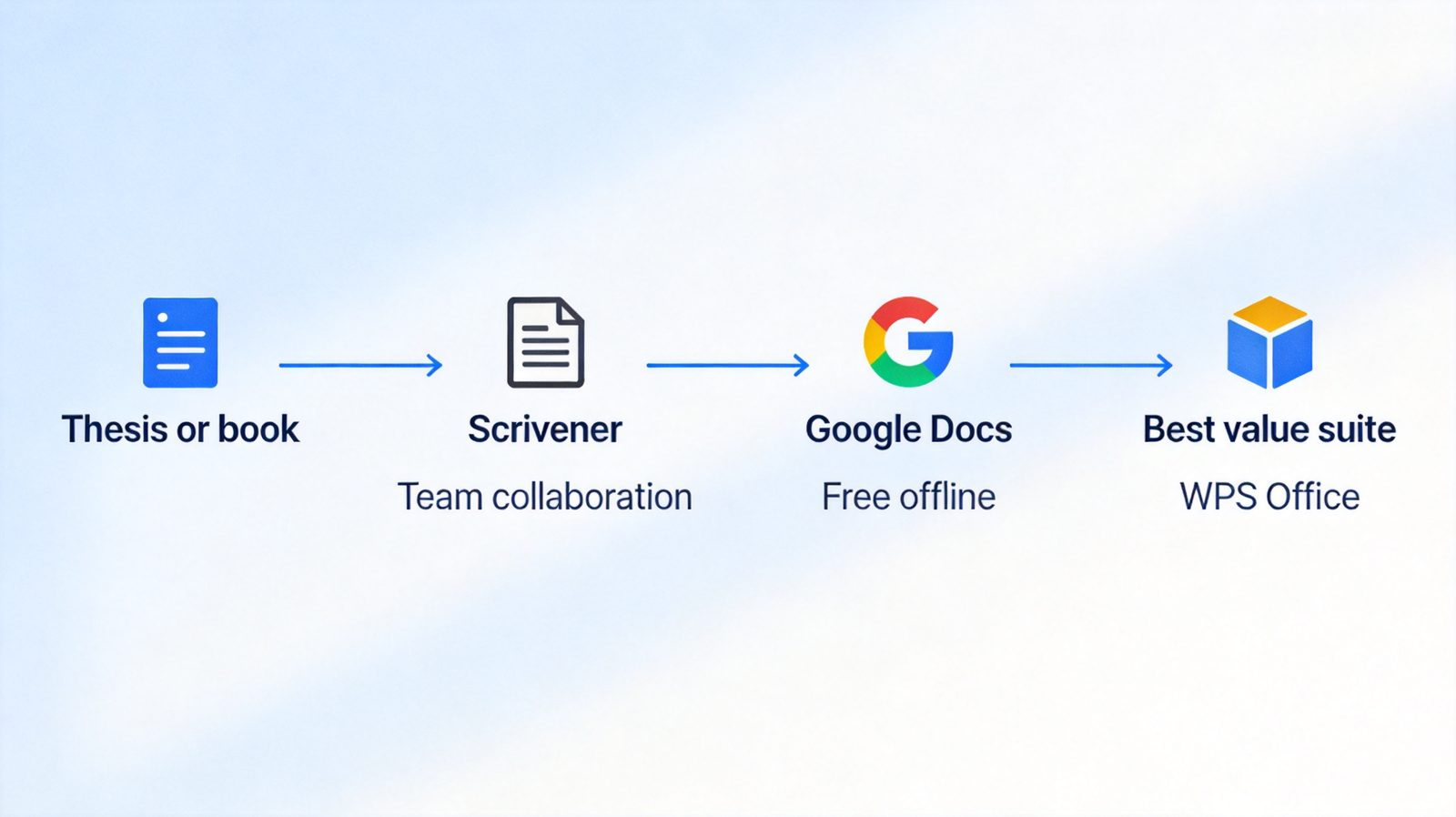
Decision flow for choosing a long document tool
The Best Free Word Alternative: WPS Office
Across these scenarios, WPS Office stands out as the best all-round free replacement for Word when long documents are the main workload. It combines desktop performance, a familiar interface, reliable DOCX handling, and an AI assistant—without the subscription.
Getting started with WPS Writer for a long document:
Download and install WPS Office from the official site for Windows, macOS, or Linux.
Open Writer and create your document, or import an existing DOCX manuscript.
Apply heading styles (Home → Styles → Heading 1/2/3) to every chapter and section title.
Insert the table of contents via References → TOC Level, then Insert TOC—it updates automatically as you restructure.
Keep chapters in tabs in one window for fast cross-referencing while you write.
Export to PDF when the draft is final, or save as DOCX to continue in Word elsewhere.
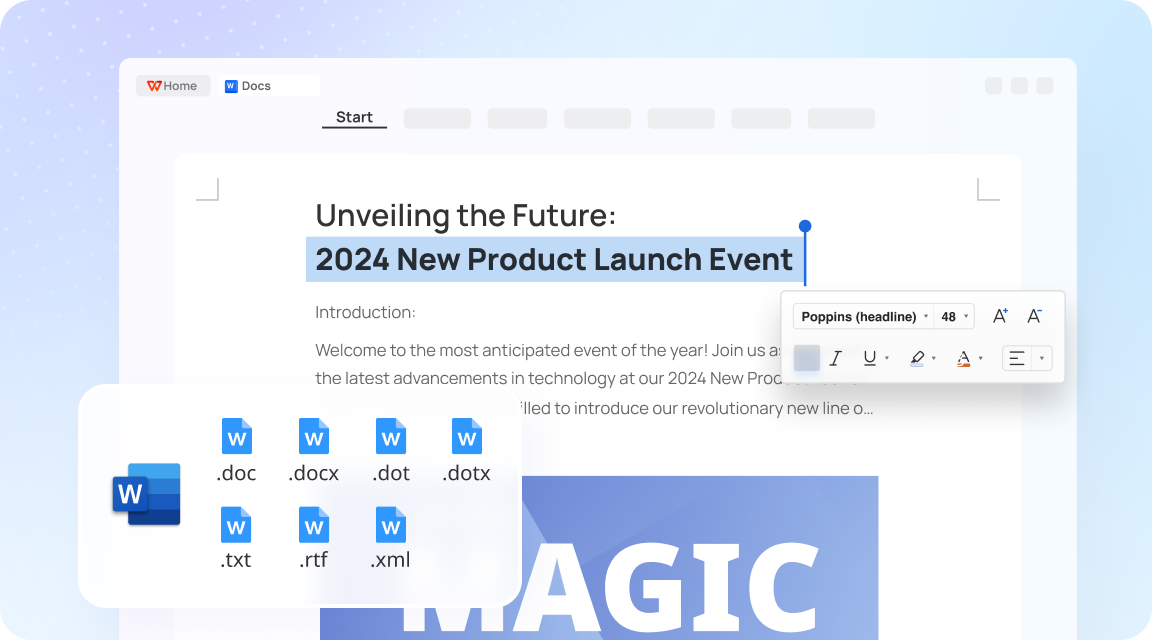
Insert TOC in WPS Writer step by step
FAQs
1. Can free alternatives really handle a 300+ page document?
Yes. WPS Writer and LibreOffice Writer handle multi-hundred-page DOCX and ODF files natively, and Scrivener is built for projects of that scale. Google Docs can hold very long text but may slow down in the browser.
2. Will my formatting survive moving from Word to these tools?
WPS Writer and ONLYOFFICE offer the strongest DOCX round-trip fidelity. LibreOffice is close behind. Scrivener is a drafting environment—compile to DOCX at the end rather than round-tripping repeatedly.
3. Which alternative is best for academic citations?
LibreOffice Writer with Zotero, or Scrivener with a citation workflow (Scrivener + Zotero + Pandoc is a common academic stack). Google Docs also supports citation add-ons.
4. Do any of these work offline?
WPS Writer, LibreOffice Writer, Scrivener, and ONLYOFFICE desktop editors all work fully offline. Google Docs requires connectivity (or a configured offline mode in Chrome).
5. Is Scrivener better than Word for writing a book?
For drafting and organizing a book, most authors find Scrivener significantly better. Word is still useful for the final formatting and submission stage, which Scrivener's compile feature largely automates.

'%3e%3cpath%20d='M19.9911%204.11386V6.471H18.5894C18.0775%206.471%2017.7322%206.57814%2017.5536%206.79243C17.3751%207.00671%2017.2858%207.32814%2017.2858%207.75671V9.44421H19.9019L19.5536%2012.0871H17.2858V18.8639H14.5536V12.0871H12.2769V9.44421H14.5536V7.49779C14.5536%206.39064%2014.8632%205.53201%2015.4822%204.92189C16.1013%204.31177%2016.9257%204.00671%2017.9554%204.00671C18.8304%204.00671%2019.509%204.04243%2019.9911%204.11386Z'%20fill='%23333333'/%3e%3c/g%3e%3cdefs%3e%3cclipPath%20id='clip0_2938_8199'%3e%3crect%20width='16'%20height='16'%20fill='white'%20transform='translate(8%204.00671)'/%3e%3c/clipPath%3e%3c/defs%3e%3c/svg%3e)
'%3e%3cpath%20d='M17.5237%2010.7813L23.4811%204H22.0699L16.8949%209.88693L12.7648%204H8L14.2469%2012.9029L8%2020.0133H9.4112L14.8725%2013.7952L19.2352%2020.0133H24M9.92053%205.04213H12.0885L22.0688%2019.0224H19.9003'%20fill='%23333333'/%3e%3c/g%3e%3cdefs%3e%3cclipPath%20id='clip0_2938_8200'%3e%3crect%20width='16'%20height='16.0134'%20fill='white'%20transform='translate(8%204)'/%3e%3c/clipPath%3e%3c/defs%3e%3c/svg%3e)


