



'%3e%3cpath%20fill-rule='evenodd'%20clip-rule='evenodd'%20d='M21.4999%2010.9993C21.4999%205.20009%2016.7986%200.498901%2010.9993%200.498901C5.19994%200.498901%200.498657%205.20009%200.498657%2010.9993C0.498657%2016.2404%204.33858%2020.5844%209.35855%2021.3722V14.0346H6.69238V10.9993H9.35855V8.68594C9.35855%206.05427%2010.9262%204.60062%2013.3248%204.60062C14.4736%204.60062%2015.6753%204.80571%2015.6753%204.80571V7.38979H14.3512C13.0468%207.38979%2012.64%208.19921%2012.64%209.0296V10.9993H15.5523L15.0867%2014.0346H12.64V21.3722C17.66%2020.5844%2021.4999%2016.2404%2021.4999%2010.9993Z'%20fill='%231568EA'/%3e%3c/g%3e%3c/svg%3e)


'%3e%3cpath%20d='M2.42045%2022.1876H6.31818V12.7217L0.75%208.54553V20.5171C0.75%2021.4414%201.49892%2022.1876%202.42045%2022.1876Z'%20fill='%234285F4'/%3e%3cpath%20d='M19.682%2022.1876H23.5797C24.5041%2022.1876%2025.2502%2021.4387%2025.2502%2020.5171V8.54553L19.682%2012.7217'%20fill='%2334A853'/%3e%3cpath%20d='M19.682%205.48293V12.7216L25.2502%208.54543V6.31816C25.2502%204.25236%2022.8921%203.07469%2021.2411%204.31361'%20fill='%23FBBC04'/%3e%3cpath%20d='M6.31824%2012.7217V5.48303L13.0001%2010.4944L19.6819%205.48303V12.7217L13.0001%2017.733'%20fill='%23EA4335'/%3e%3cpath%20d='M0.75%206.31816V8.54543L6.31818%2012.7216V5.48293L4.75909%204.31361C3.10534%203.07469%200.75%204.25236%200.75%206.31816Z'%20fill='%23C5221F'/%3e%3c/g%3e%3cdefs%3e%3cclipPath%20id='clip0_2954_7305'%3e%3crect%20width='24.5'%20height='18.375'%20fill='white'%20transform='translate(0.75%203.8125)'/%3e%3c/clipPath%3e%3c/defs%3e%3c/svg%3e)


A birthday is a perfect moment to say how much someone means to you, and a few warm words can make it unforgettable. Finding the right happy birthday wishes, however, can be harder than it looks. The perfect message balances warmth, personality, and just the right tone for the person you are celebrating.
This guide collects heartfelt happy birthday wishes you can copy straight into a card, a text, or a post, sorted by style. You will also find a simple way to edit happy birthday wishes into a ready-made birthday card with WPS Office, so your message looks as thoughtful as it sounds.
Heartfelt Happy Birthday Wishes for a Greeting Card
These happy birthday wishes work beautifully inside a physical greeting card. They are warm, personal, and long enough to fill a card without feeling forced.
Happy birthday! You make every ordinary day feel special just by being in it. I hope your day is as wonderful as you are.
Wishing you a birthday filled with laughter, good friends, and all the little joys you share with others all year long.
Another year of watching you light up every room you enter. Happy birthday to someone who truly deserves the very best.
May your birthday be a gentle reminder of how much you are loved and how much light you bring to the people around you.
Happy birthday! I hope this new year brings you as much happiness as you have given me over the years.
You are an inspiration to everyone who knows you. On your special day, may every wish you hold in your heart come true.


Happy Birthday Wishes to Send as Messages
When a text or a quick message is the better fit, these happy birthday wishes are short, bright, and easy to personalize. They land well on a phone screen or in a chat.
Happy birthday! Count your blessings, not your candles. Here is to a year of new adventures and old friends.
Sending you warm birthday wishes and a big hug from across the miles. Have the best day ever!
Happy birthday to my favorite person! May today be the start of your best year yet.
Cheers to you on your special day! May your smile be bright and your cake even brighter. Happy birthday!
Happy birthday! Thank you for being my constant. I am so grateful for every year we get to celebrate together.
Wishing you good health, good friends, and good memories this year. Happy birthday!

Inspiring Happy Birthday Wishes and Quotes
If you want to encourage and uplift the birthday person, these inspiring happy birthday wishes and quotes add a thoughtful, motivating touch to any note.
The future belongs to those who believe in the beauty of their dreams. Happy birthday, and may you never stop believing in yours.
Every year is a fresh start, a new opportunity to create the life you have always wanted. Happy birthday!
You are not getting older, you are becoming a classic. Happy birthday to a true original.
Do not count the candles; enjoy the glow. May the year ahead shine brighter than ever. Happy birthday!
Believe you can, and you are halfway there. Happy birthday, and may your dreams take flight.
Age is just a number, and yours adds up to something wonderful. Happy birthday!

How to Edit Happy Birthday Wishes in a Birthday Card with WPS Office
Once you have chosen the right happy birthday wishes, the next step is putting them into a beautiful card. WPS Writer, part of the free WPS Office suite, opens most birthday card templates, lets you type your own wishes over the placeholder text, and prints the finished card on any home printer.
Download a birthday card template you like from the WPS template library, then follow these three steps to make it your own.
Step 1. Open the Birthday Card Template in WPS Writer
Launch WPS Writer and choose File > Open, or simply double-click the downloaded card file.
Locate the birthday card template on your computer and select it.
Check the layout on screen so you can see exactly where the greeting text sits on the card.
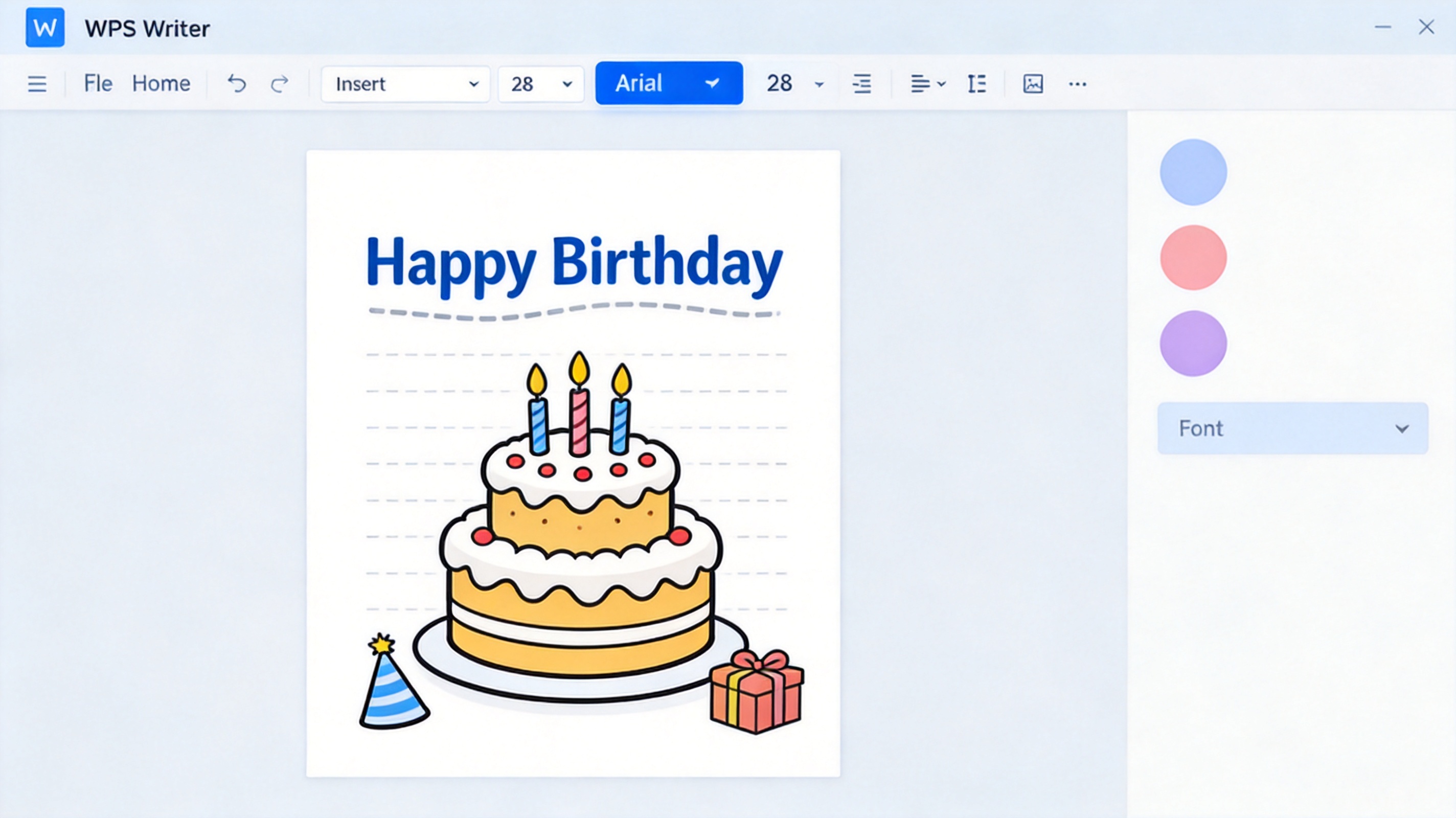
Step 2. Click "Edit" and Enter Your Happy Birthday Wishes
Click on the placeholder greeting text inside the card to select it.
Delete the sample words and type your own happy birthday wishes in their place.
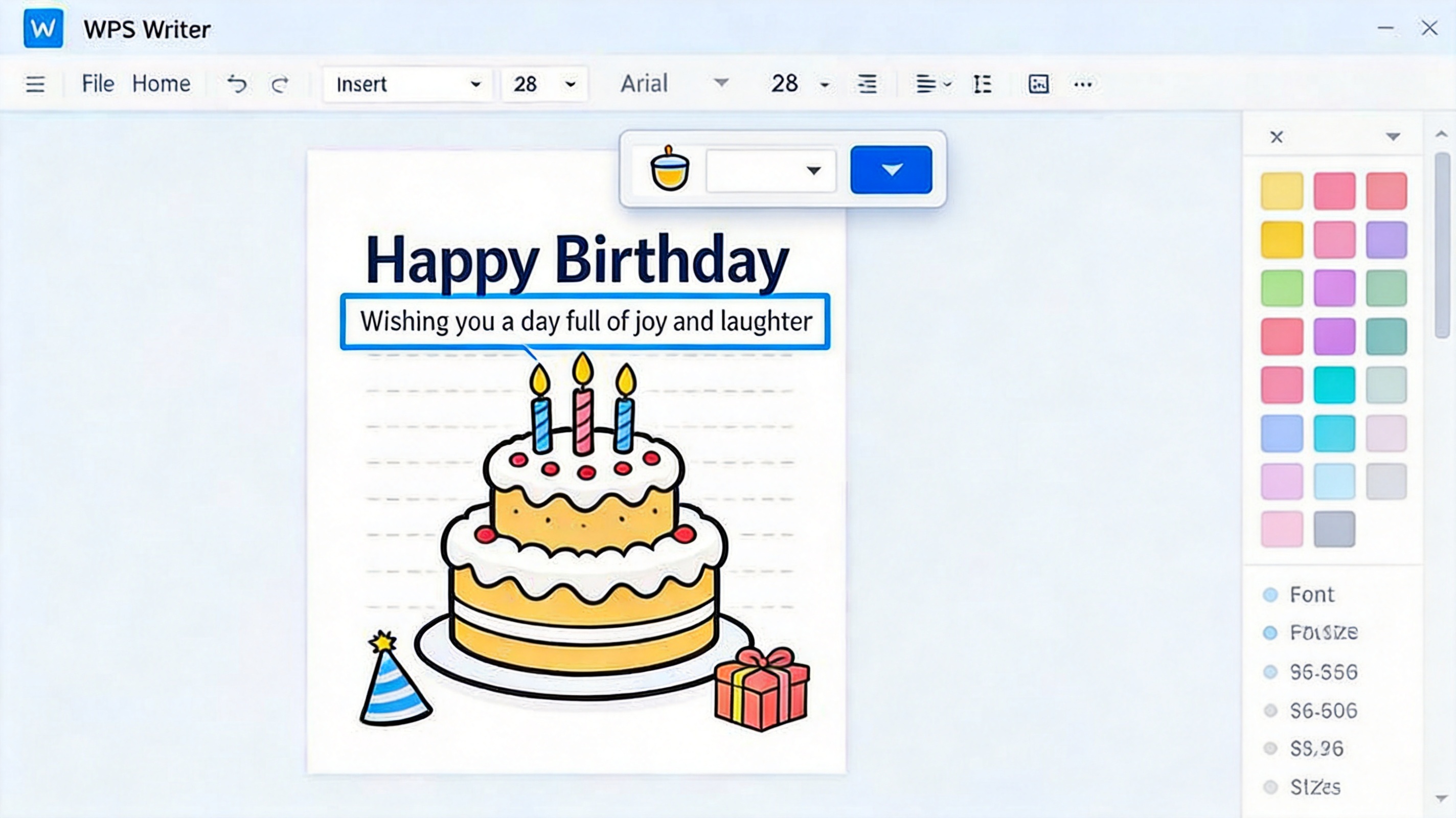
Adjust the font, size, and color so your message matches the card's style.
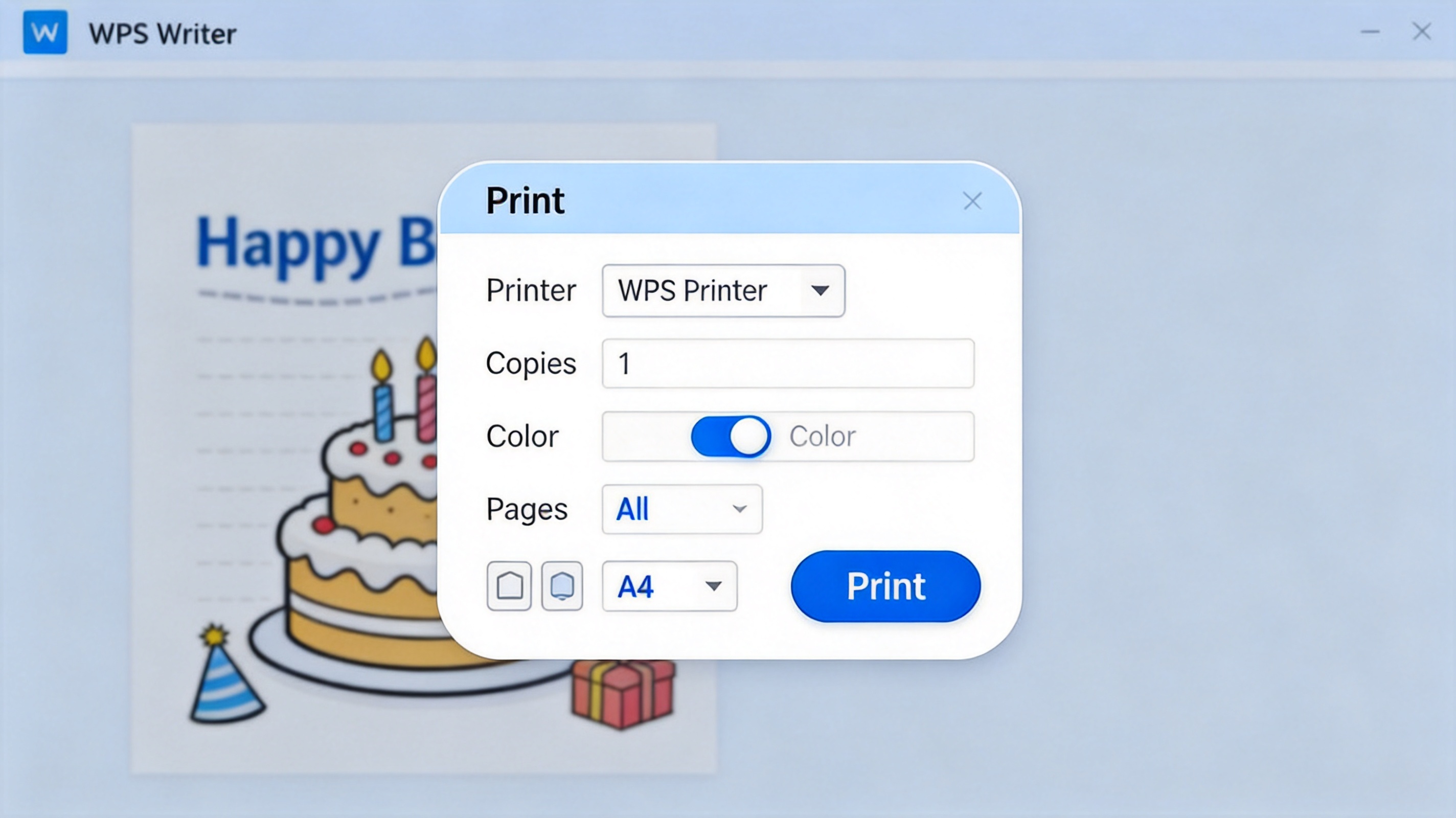
Step 3. Click "File" > "Print" to Print the Card
Open the File menu and click Print (or press Ctrl+P / Cmd+P).
Choose your printer, set the number of copies, and select color or grayscale.
Print the card, or use Save As PDF to share it digitally instead.
FAQs
Can I edit a birthday card in WPS Office for free?
Yes. WPS Writer opens and edits birthday card templates at no cost, and the WPS Office suite is free to download for personal use.
How do I add my own happy birthday wishes to a card template?
Open the template in WPS Writer, click the placeholder greeting text to select it, delete the sample words, and type your own happy birthday wishes. You can then change the font, size, and color.
Can I print a birthday card from WPS Writer?
Yes. Open the File menu, choose Print, pick your printer, and adjust the number of copies, paper size, and orientation before printing.
Can I share a happy birthday e-card instead of printing it?
Absolutely. In WPS Writer, use Save As PDF or export the page as an image, then email it or share it in a message.
What file formats can WPS Office open for birthday cards?
WPS Office opens common formats such as DOCX, DOC, and PDF, so most birthday card templates you download will work without extra software.


'%3e%3cpath%20d='M19.9911%204.11386V6.471H18.5894C18.0775%206.471%2017.7322%206.57814%2017.5536%206.79243C17.3751%207.00671%2017.2858%207.32814%2017.2858%207.75671V9.44421H19.9019L19.5536%2012.0871H17.2858V18.8639H14.5536V12.0871H12.2769V9.44421H14.5536V7.49779C14.5536%206.39064%2014.8632%205.53201%2015.4822%204.92189C16.1013%204.31177%2016.9257%204.00671%2017.9554%204.00671C18.8304%204.00671%2019.509%204.04243%2019.9911%204.11386Z'%20fill='%23333333'/%3e%3c/g%3e%3cdefs%3e%3cclipPath%20id='clip0_2938_8199'%3e%3crect%20width='16'%20height='16'%20fill='white'%20transform='translate(8%204.00671)'/%3e%3c/clipPath%3e%3c/defs%3e%3c/svg%3e)
'%3e%3cpath%20d='M17.5237%2010.7813L23.4811%204H22.0699L16.8949%209.88693L12.7648%204H8L14.2469%2012.9029L8%2020.0133H9.4112L14.8725%2013.7952L19.2352%2020.0133H24M9.92053%205.04213H12.0885L22.0688%2019.0224H19.9003'%20fill='%23333333'/%3e%3c/g%3e%3cdefs%3e%3cclipPath%20id='clip0_2938_8200'%3e%3crect%20width='16'%20height='16.0134'%20fill='white'%20transform='translate(8%204)'/%3e%3c/clipPath%3e%3c/defs%3e%3c/svg%3e)


