

'%3e%3cpath%20d='M8%200C12.4183%200%2016%203.58172%2016%208C16%2012.4183%2012.4183%2016%208%2016C3.58172%2016%200%2012.4183%200%208C0%203.58172%203.58172%200%208%200ZM11.6162%204.38379C11.2257%203.99337%2010.5927%203.99338%2010.2021%204.38379L8%206.58594L5.79785%204.38379C5.40732%203.99334%204.77429%203.99329%204.38379%204.38379C3.99331%204.77429%203.99335%205.40733%204.38379%205.79785L6.58594%208L4.38379%2010.2021C3.99348%2010.5927%203.99341%2011.2257%204.38379%2011.6162C4.77426%2012.0066%205.40734%2012.0065%205.79785%2011.6162L8%209.41406L10.2021%2011.6162C10.5927%2012.0066%2011.2257%2012.0067%2011.6162%2011.6162C12.0067%2011.2257%2012.0066%2010.5927%2011.6162%2010.2021L9.41406%208L11.6162%205.79785C12.0066%205.40735%2012.0066%204.77429%2011.6162%204.38379Z'%20fill='%23080E17'%20fill-opacity='0.46'/%3e%3c/g%3e%3cdefs%3e%3cclipPath%20id='clip0_3761_713'%3e%3crect%20width='16'%20height='16'%20fill='white'/%3e%3c/clipPath%3e%3c/defs%3e%3c/svg%3e)




'%3e%3cpath%20fill-rule='evenodd'%20clip-rule='evenodd'%20d='M21.4999%2010.9993C21.4999%205.20009%2016.7986%200.498901%2010.9993%200.498901C5.19994%200.498901%200.498657%205.20009%200.498657%2010.9993C0.498657%2016.2404%204.33858%2020.5844%209.35855%2021.3722V14.0346H6.69238V10.9993H9.35855V8.68594C9.35855%206.05427%2010.9262%204.60062%2013.3248%204.60062C14.4736%204.60062%2015.6753%204.80571%2015.6753%204.80571V7.38979H14.3512C13.0468%207.38979%2012.64%208.19921%2012.64%209.0296V10.9993H15.5523L15.0867%2014.0346H12.64V21.3722C17.66%2020.5844%2021.4999%2016.2404%2021.4999%2010.9993Z'%20fill='%231568EA'/%3e%3c/g%3e%3c/svg%3e)


'%3e%3cpath%20d='M2.42045%2022.1876H6.31818V12.7217L0.75%208.54553V20.5171C0.75%2021.4414%201.49892%2022.1876%202.42045%2022.1876Z'%20fill='%234285F4'/%3e%3cpath%20d='M19.682%2022.1876H23.5797C24.5041%2022.1876%2025.2502%2021.4387%2025.2502%2020.5171V8.54553L19.682%2012.7217'%20fill='%2334A853'/%3e%3cpath%20d='M19.682%205.48293V12.7216L25.2502%208.54543V6.31816C25.2502%204.25236%2022.8921%203.07469%2021.2411%204.31361'%20fill='%23FBBC04'/%3e%3cpath%20d='M6.31824%2012.7217V5.48303L13.0001%2010.4944L19.6819%205.48303V12.7217L13.0001%2017.733'%20fill='%23EA4335'/%3e%3cpath%20d='M0.75%206.31816V8.54543L6.31818%2012.7216V5.48293L4.75909%204.31361C3.10534%203.07469%200.75%204.25236%200.75%206.31816Z'%20fill='%23C5221F'/%3e%3c/g%3e%3cdefs%3e%3cclipPath%20id='clip0_2954_7305'%3e%3crect%20width='24.5'%20height='18.375'%20fill='white'%20transform='translate(0.75%203.8125)'/%3e%3c/clipPath%3e%3c/defs%3e%3c/svg%3e)


Infographics are a great way to turn complex ideas into easy-to-read visuals, helping you understand and communicate your ideas clearly. However, most people struggle to find free infographic templates for their work. So, are there any free and customizable infographic examples you can use to simplify the process? In this guide, I’ll be sharing 10 of the best options I’ve found and walk you through how to polish them easily with WPS.



What Is an Infographic?
Infographics are a great way to visually represent your data and information in a way that’s clear and easy to understand. It helps me tell a story through visual aids like imagery, symbols, charts, and diagrams. I’ve found that they’ve become an essential part of streamlined communication, simplifying complicated data into neatly presented visual elements.
Why Use Infographics
For starters, infographics are a smarter way to show information.
They turn numbers, processes, or even plain text into visuals that
actually make sense. You could say that the moment you visualize
something, it instantly feels easier to understand. That’s the real
charm of infographics. You can use an infographic template to simplify
research findings, compare different options, or turn a long report into
a clean, engaging visual. If you are visualizing a study, aligning your visuals with a clear
10 Best Infographic Templates for Stunning Visuals
Making infographics is not that easy. Sure, it seems simple at first, but once you sit down to actually design one, you realize there’s a lot that goes into it. The layout, the balance, the color choices, and how to make everything fit without looking messy. That’s where templates come in handy. You get to use visuals created by experts, which lets you focus on the message instead of the design. This section focuses on some of the best infographic templates available online to help you create polished and professional visuals without the extra effort.
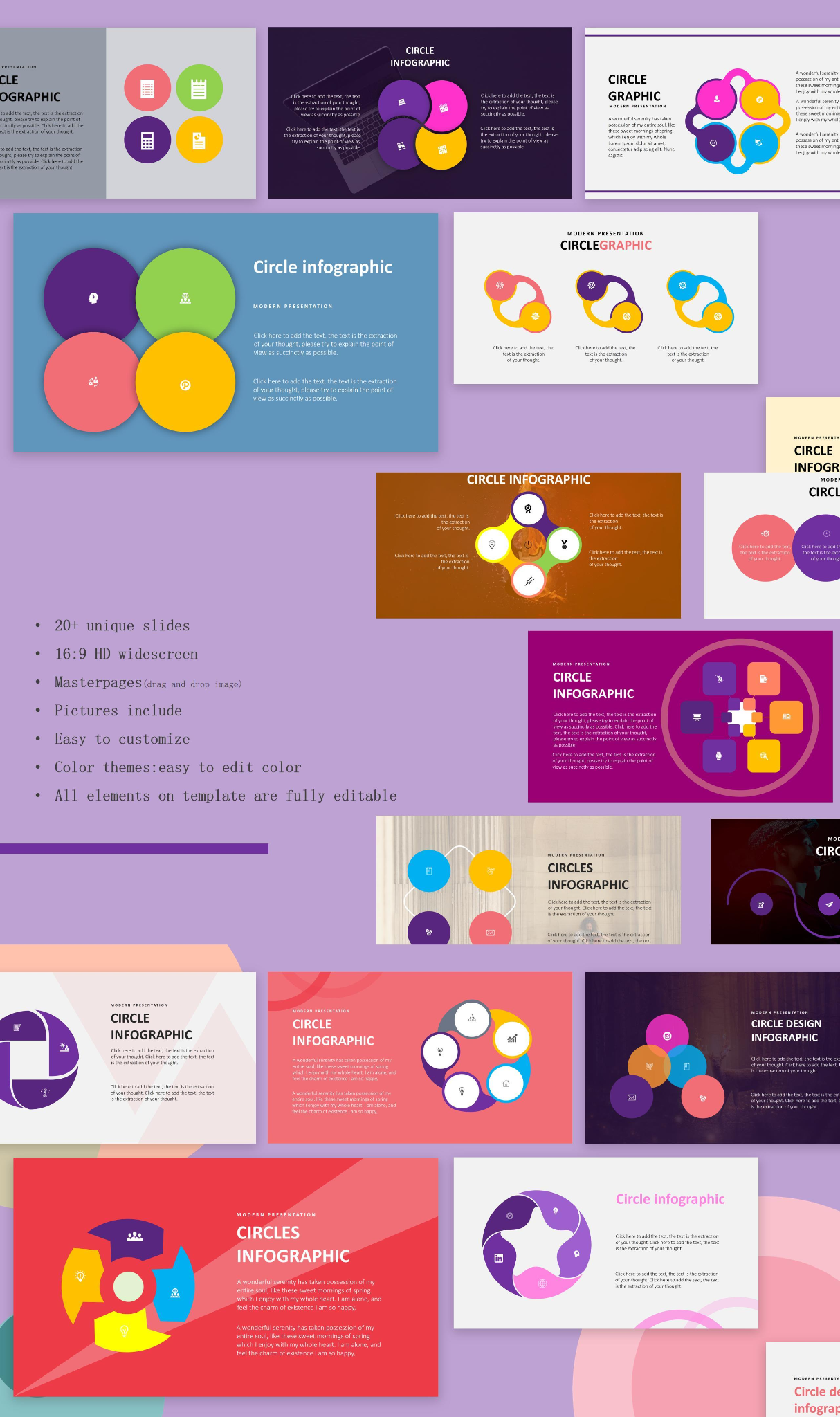
1. Simple Circle Infographic
The Simple Circle Infographic is a simple but incredibly reliable infographic template that I found while searching. I’d recommend it to anyone looking for something that isn’t too complicated or overwhelming to edit and use, especially for beginners who are making infographics for the very first time.
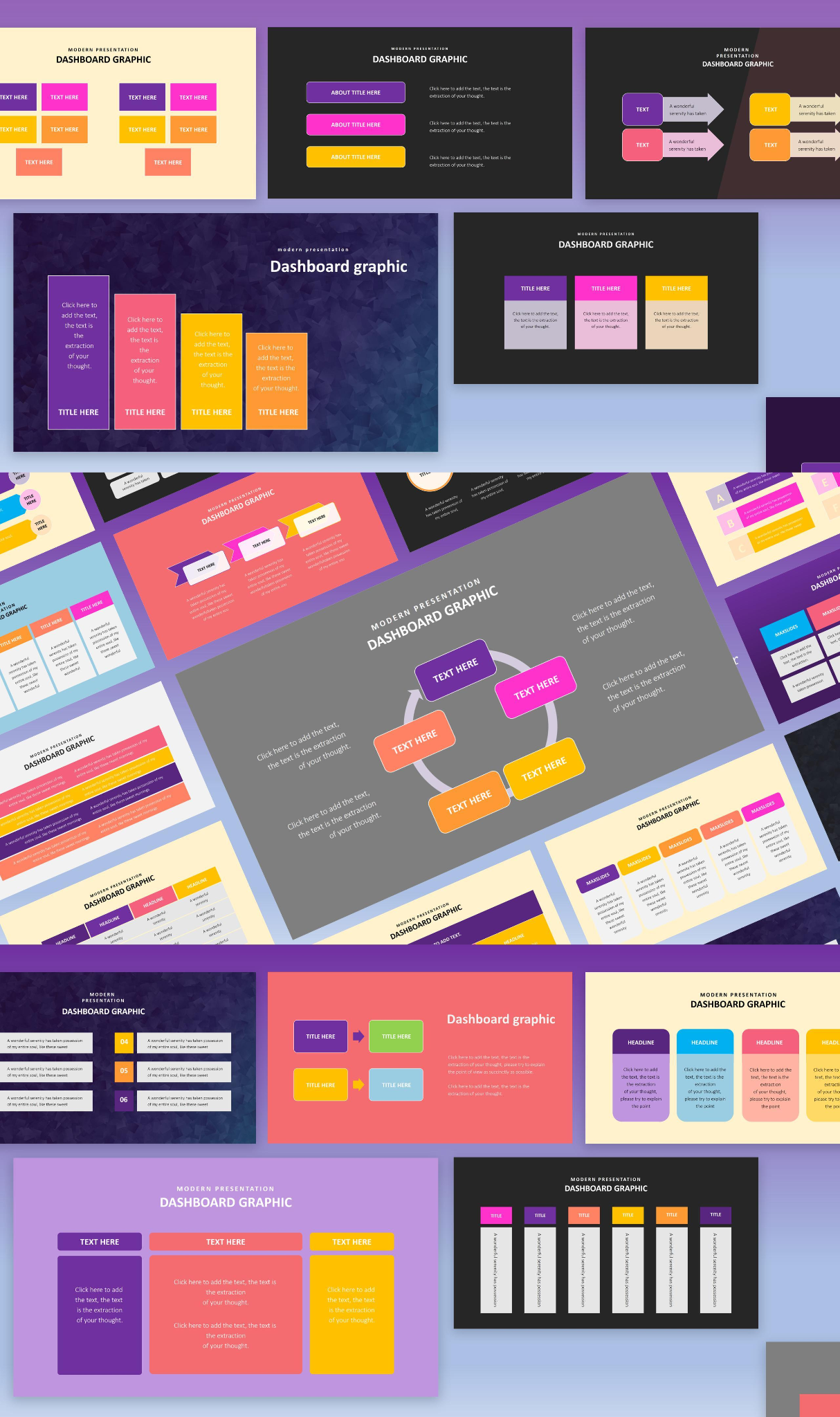
2. Simple Dashboard Infographic
The Simple Dashboard Infographic is a great tool for those looking to polish and elevate their presentations without putting in too much effort in the process. It helps simplify complicated data into clear and easy-to-understand visual aids. It’s free and super easy to customize, making sure you can truly make it your own and not worry about the little details.
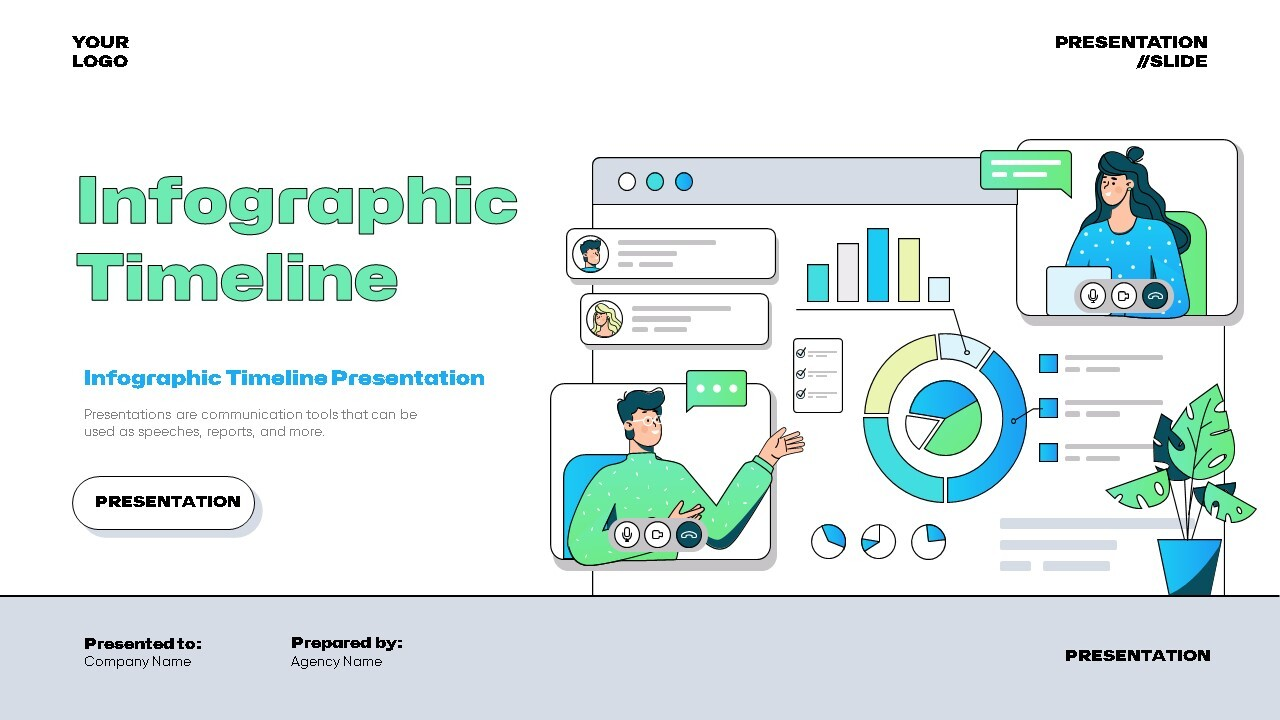
3. Infographic Timeline
If you’re working with timelines in your presentations, the Infographic Timeline is a great tool I found that can be used to make your presentations more exciting and visually engaging. It has a bright and colorful design that grabs the attention of your viewers immediately, making sure they don’t lose interest in what you have to talk about.
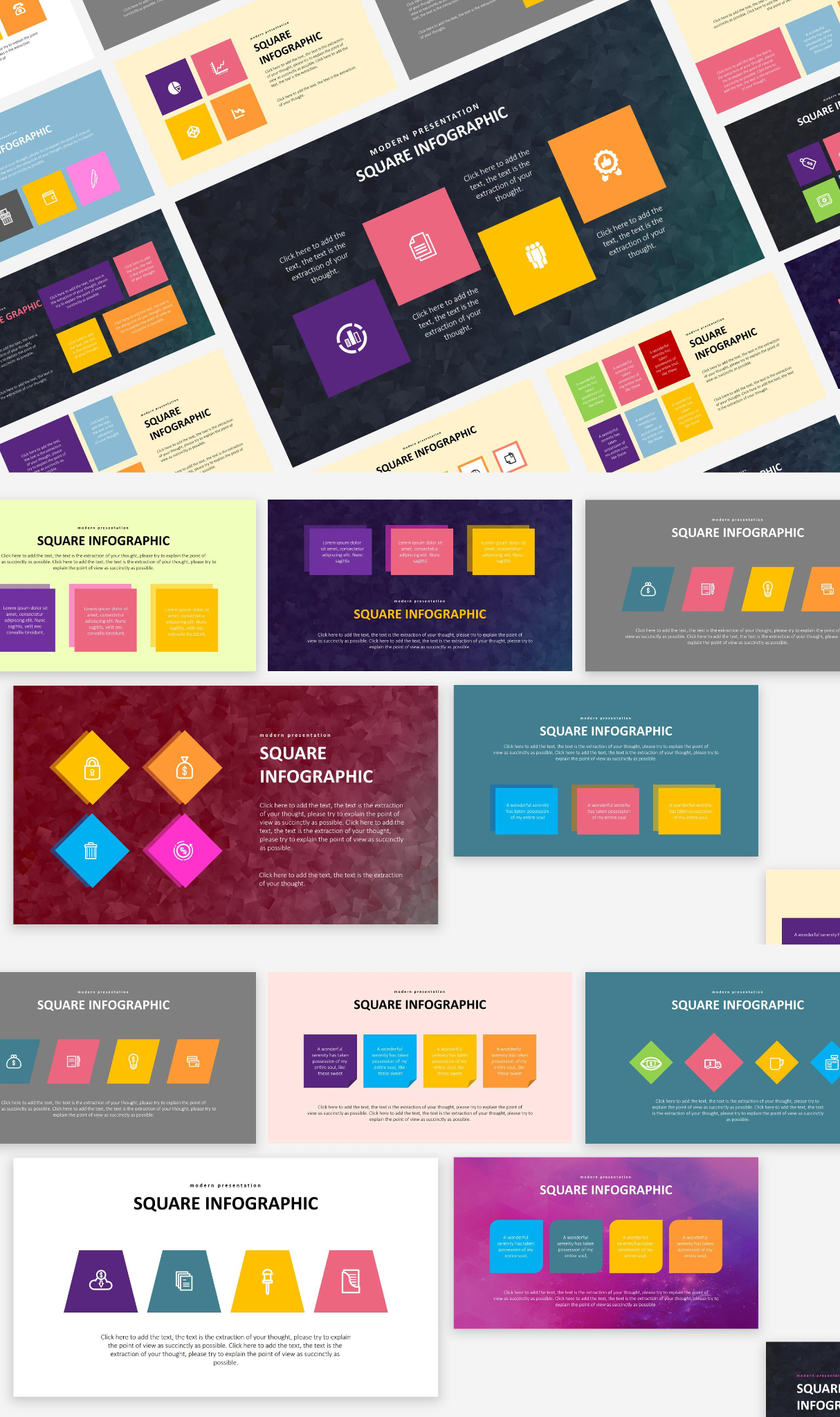
4. Simple Square Infographic
If you’re looking for a straightforward and hassle-free option to make your presentations professional-looking and seamless, the Simple Square Infographic would be my personal recommendation. It’s fully customizable and easily editable, making sure you can add in your own details without dealing with any slowdowns.
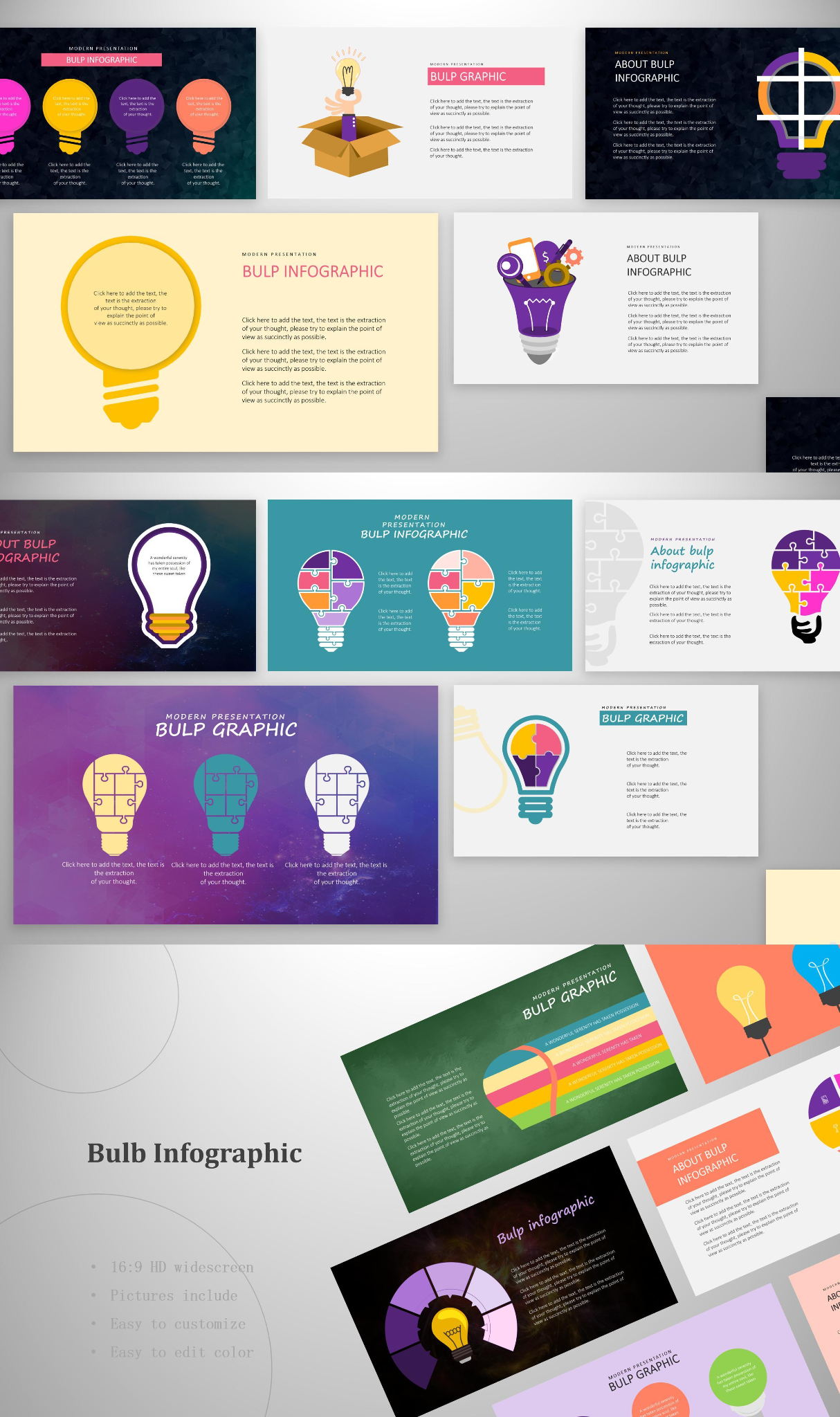
5. Bulb Infographic Report
The Bulb Infographic Report is a unique and artistic template you can use for your infographics and presentations, helping you keep your viewers interested in your topics. It features a customizable bulb design, which goes well with the theme of ideas and creativity, and you can edit it however you like to adjust it for your presentations.
6. Infographic Chart
The Infographic Chart is the best option for you if you’re a beginner looking for a simple and reliable solution to your infographics. It features a simple yet polished design that highlights your key topics in a clean and organized manner, making sure everything looks professional without having you do any manual formatting.
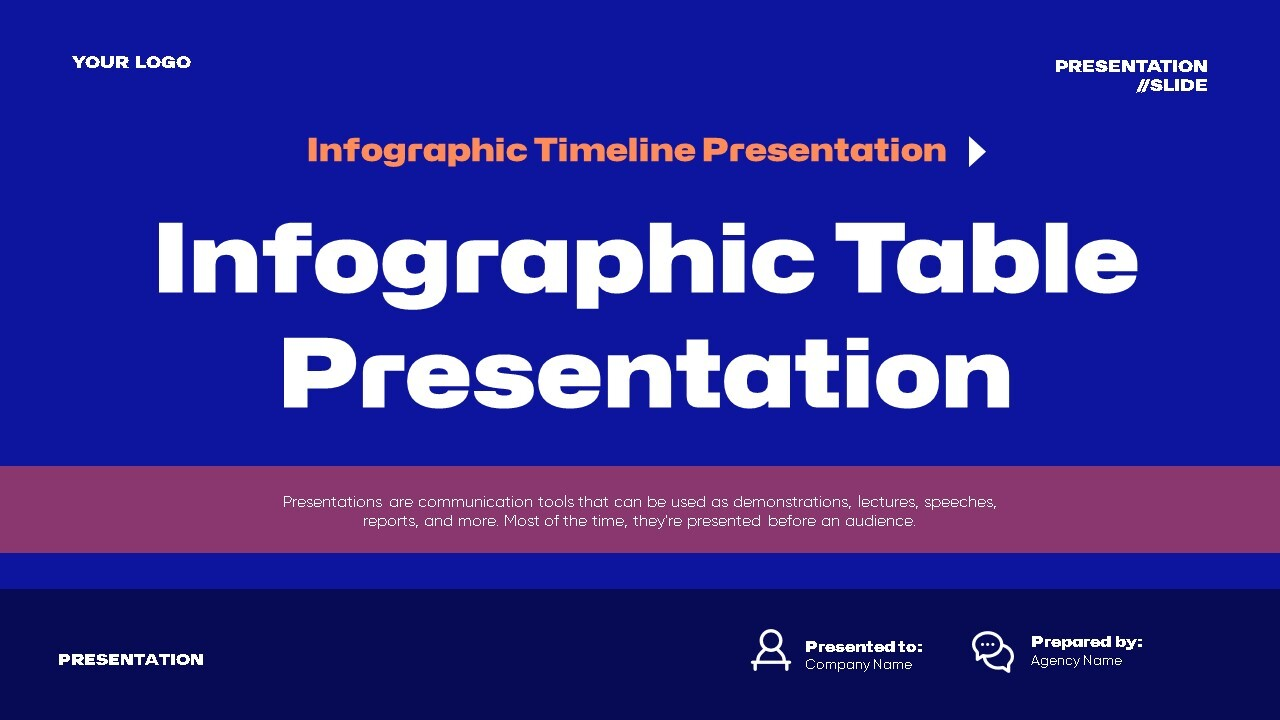
7. Infographic Table
The Infographic Table is an ideal choice for users who are working with tables on a regular basis, helping you streamline your infographics without any extra effort required. The design and layout are visually appealing and polished, and every detail is fully customizable, making sure you can personalize everything according to your own liking.
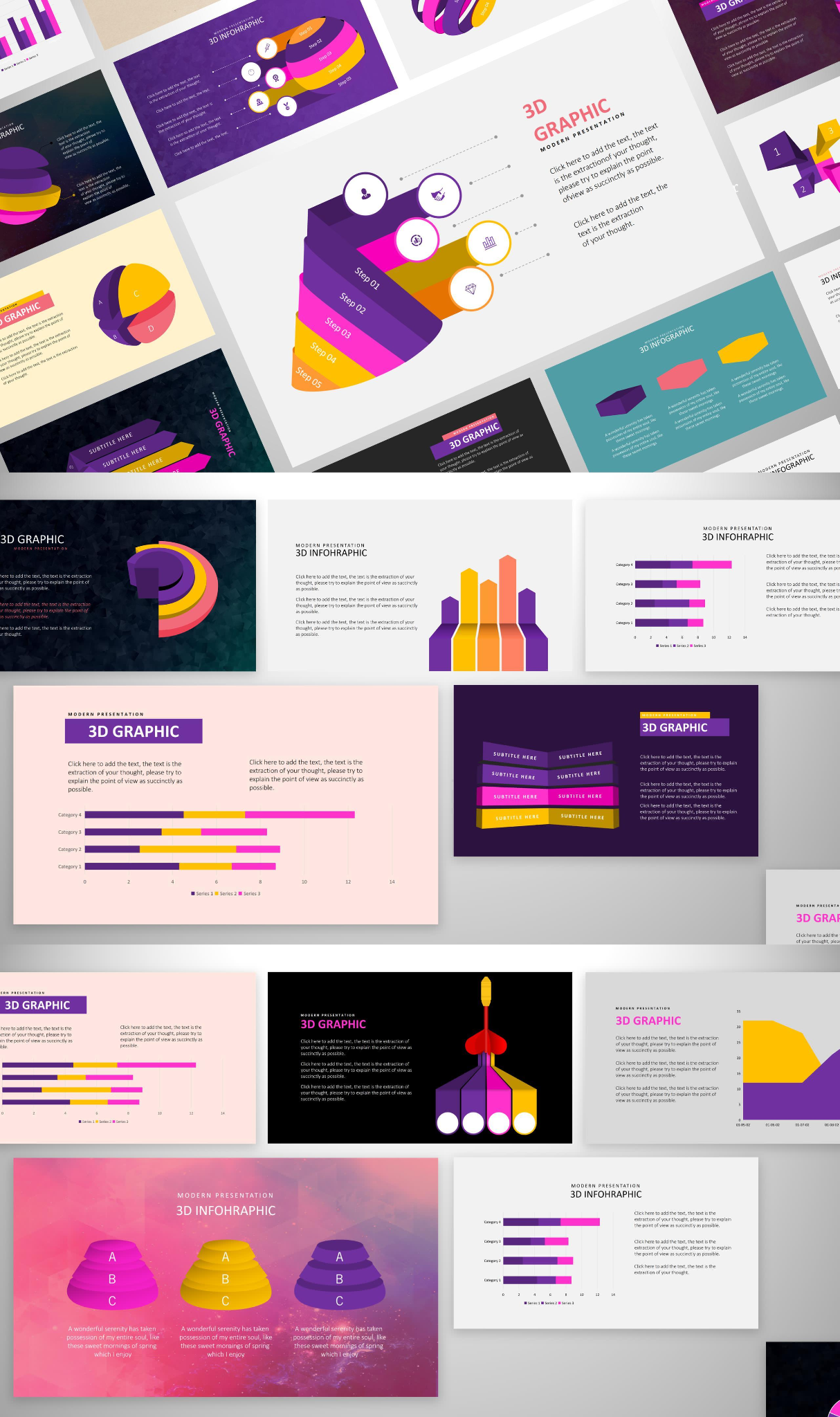
8. Creative 3D Infographic
If you’re a creative professional working on a presentation, you can use the Creative 3D Infographic template to make your slides more exciting and visually engaging. It features bright and colorful designs that keep your viewers hooked to your slides, regardless of the presentation topic being discussed.
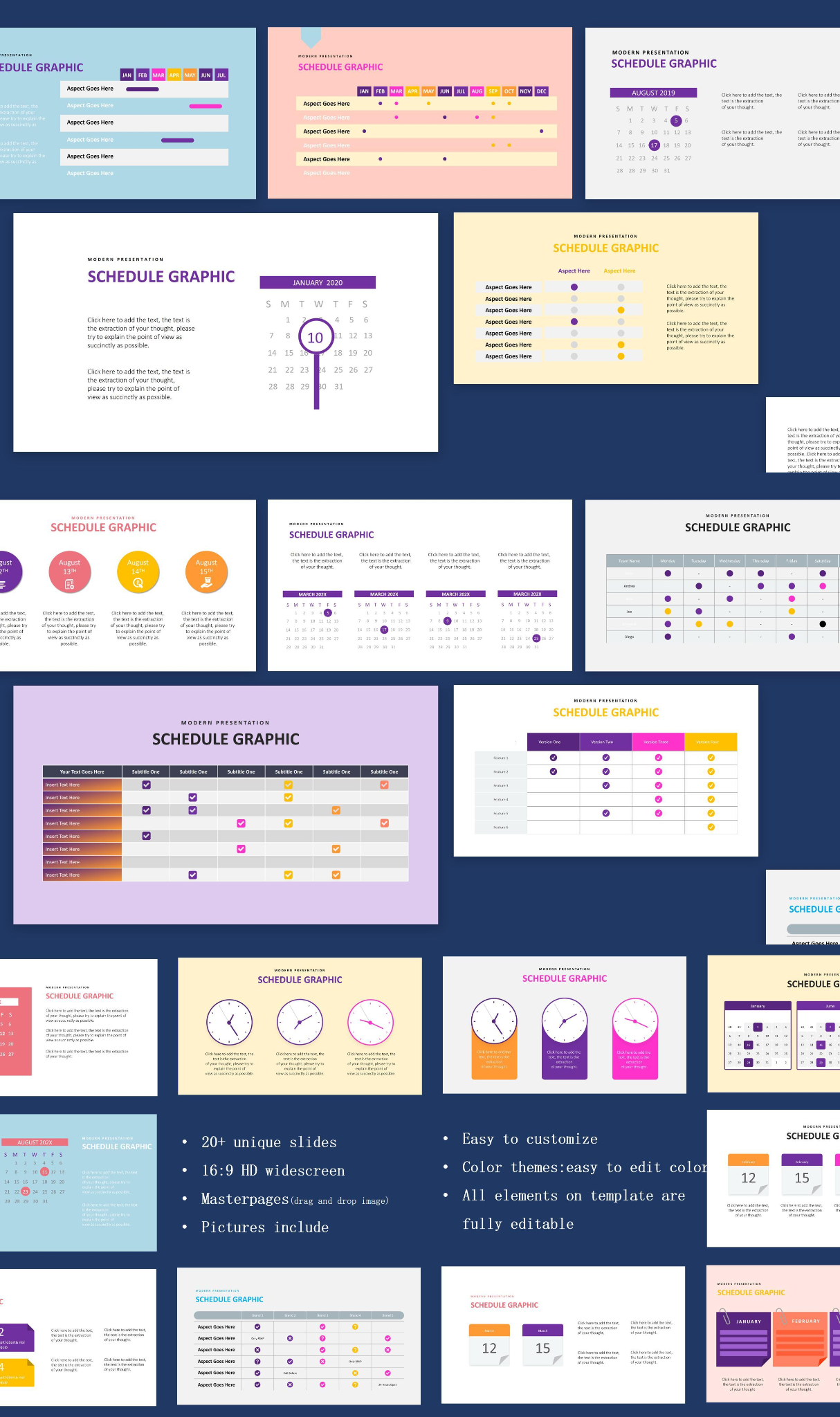
9. Boutique Schedule Infographic
The Boutique Schedule Infographic is one of the most reliable and effective options I found for those looking for something lighthearted yet aesthetically pleasing at the same time. It features the perfect blend of form and function that makes it an ideal option for those looking for something professional yet elegant.
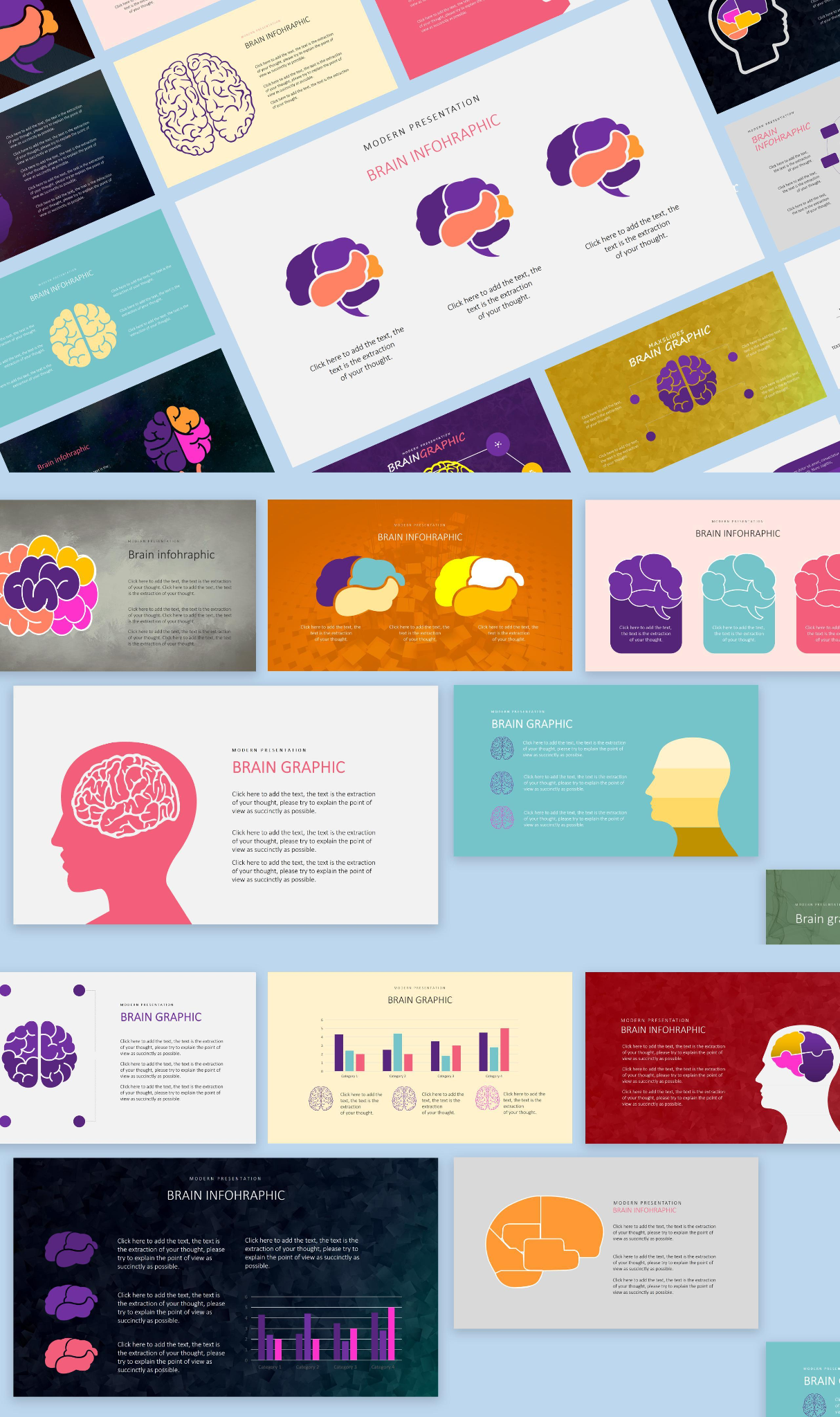
10. Simple Brain Infographic
If you’re working with science-based topics for your presentations, you could reinforce the scientific theme by using something like the Simple Brain Infographic. It has a simple but visually charming design that makes a lasting impression on whoever looks at it, making it the perfect addition to any presentation.
How to Customize Your Infographic Templates in PowerPoint
Once you’ve decided on the infographic template you want to use for your work, the next step is to actually customize it to add it to your own presentations or projects. There are many different tools to do this on, but I personally use WPS Presentation for all my template editing needs. It’s simple to use and helps me polish all my templates with ease, no hassle or payment required. In this section, I’ll be highlighting all the steps you need to take to personalize your infographic templates.
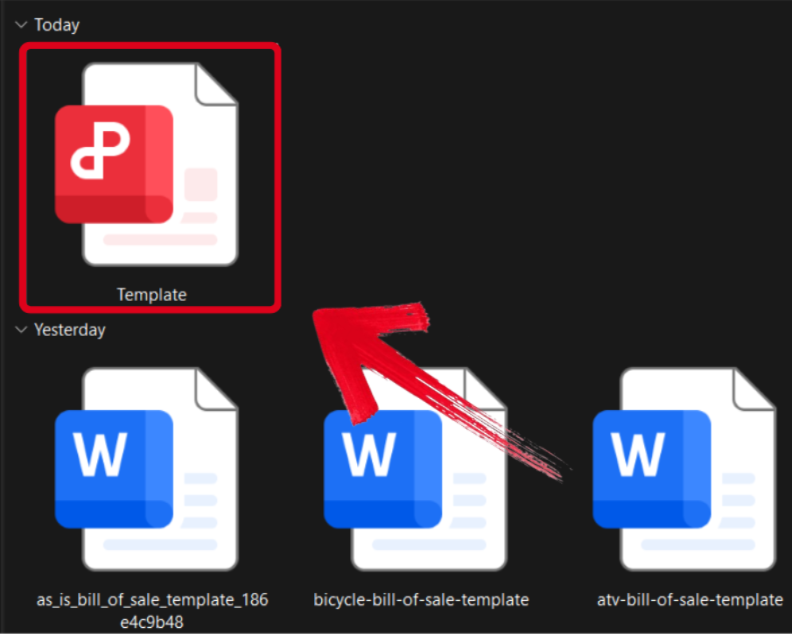
Step 1: Open your PPT-formatted template using WPS Office to get started.
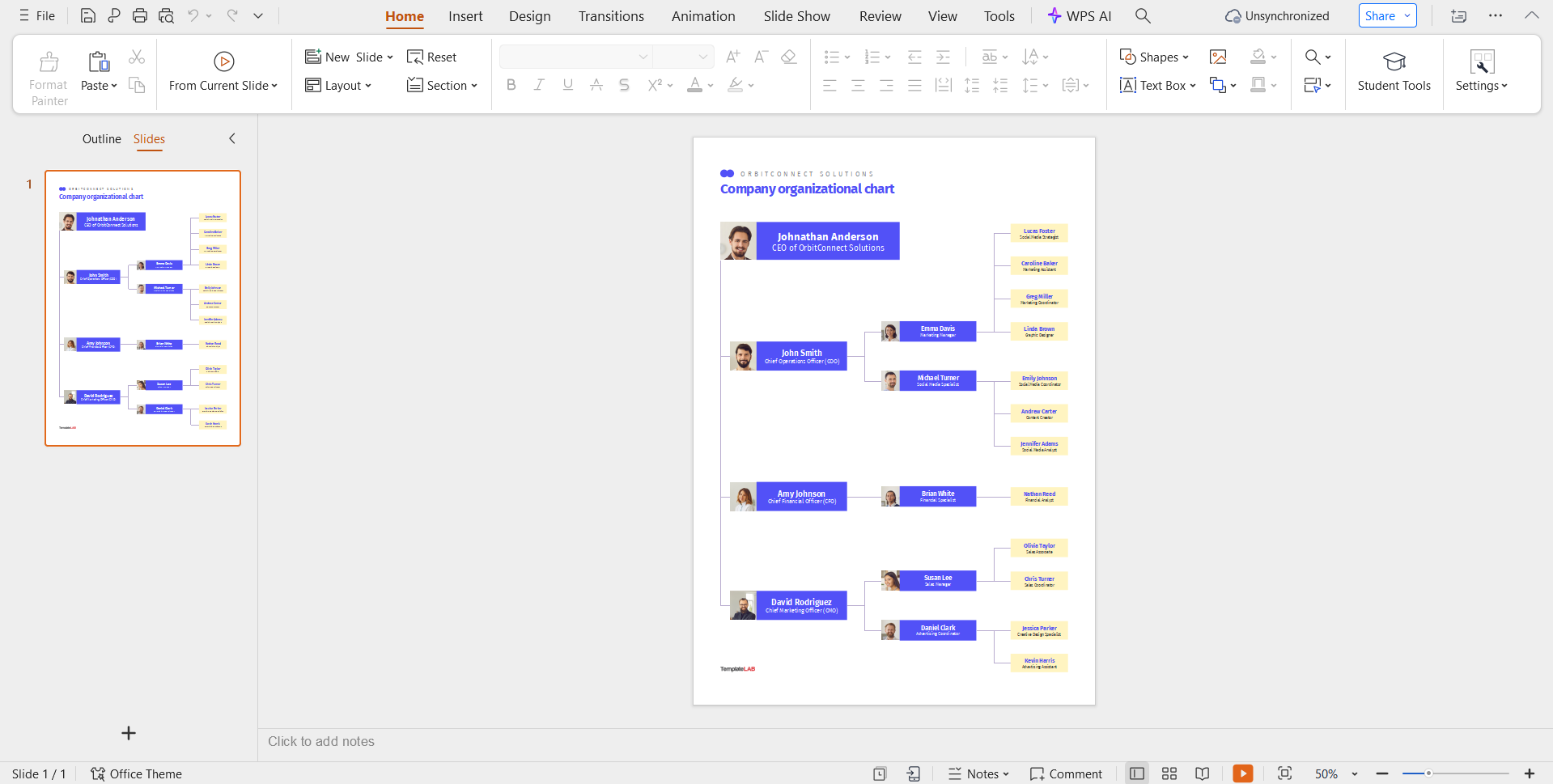
Step 2: Customize the template and add your own text to match the details of your own.
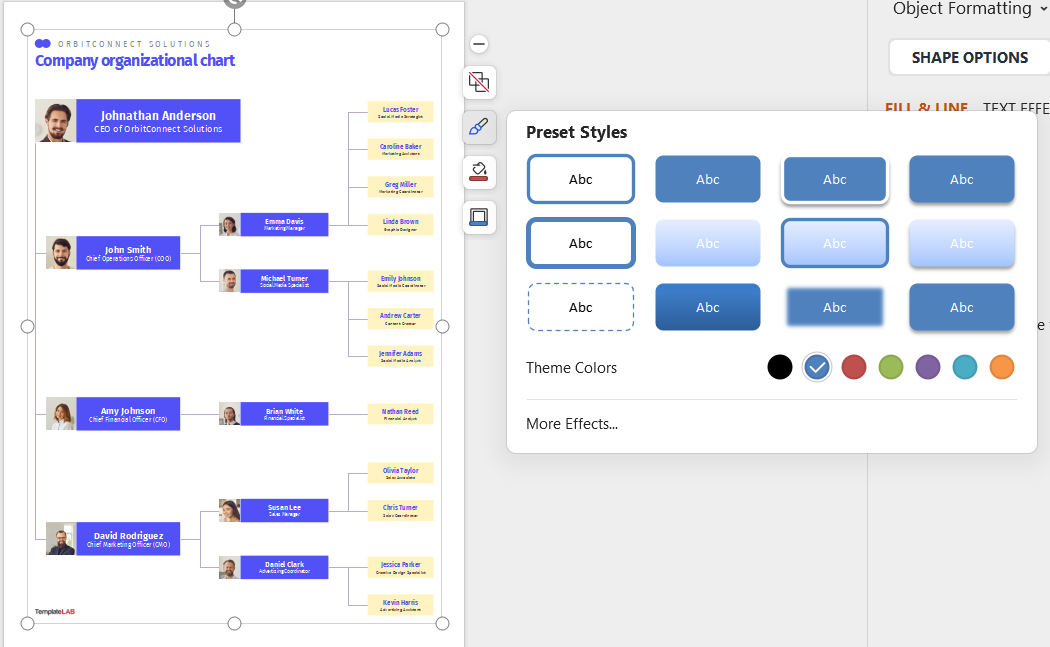
Step 3: You can even change the color and slide design to match your brand style better.
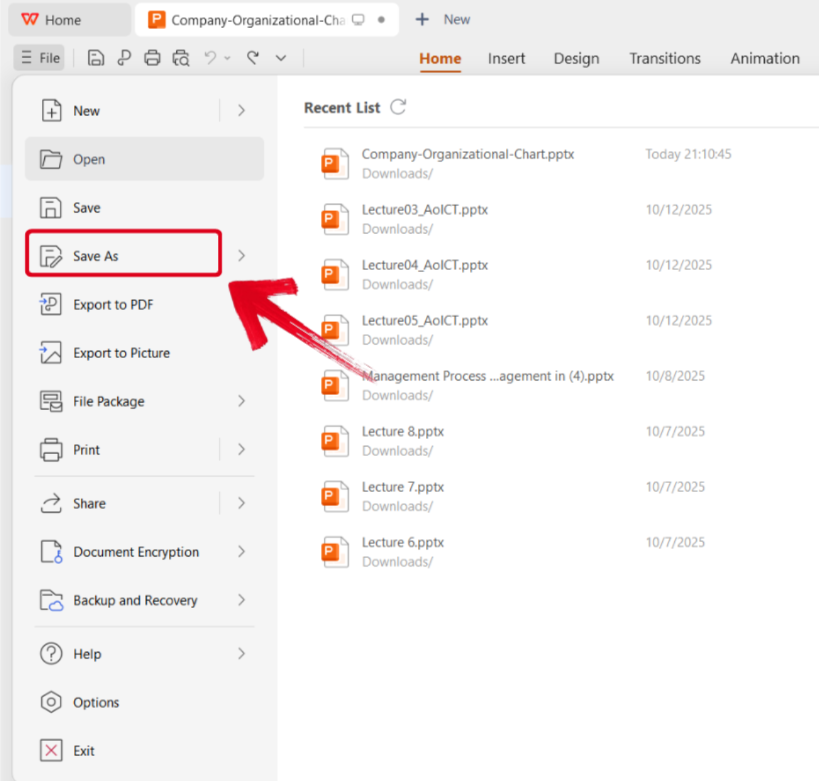
Step 4: To save your edited template, navigate to the File menu and click Save As.
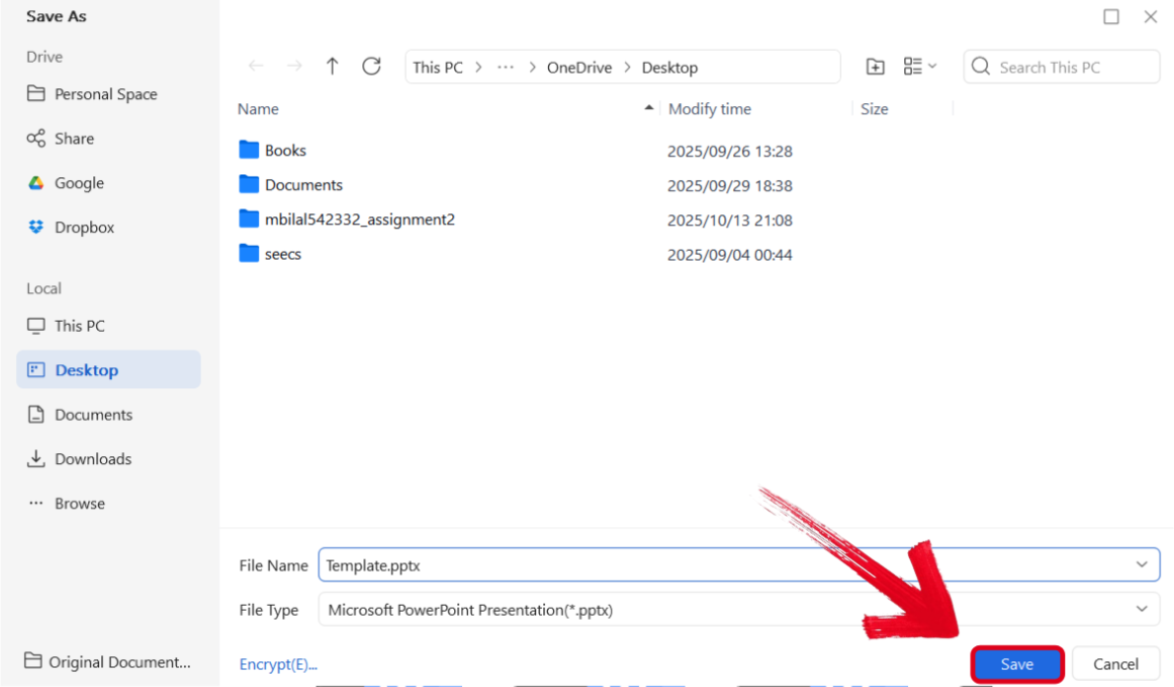
Step 5: Select the folder where you want your edited template saved, and then press Save.
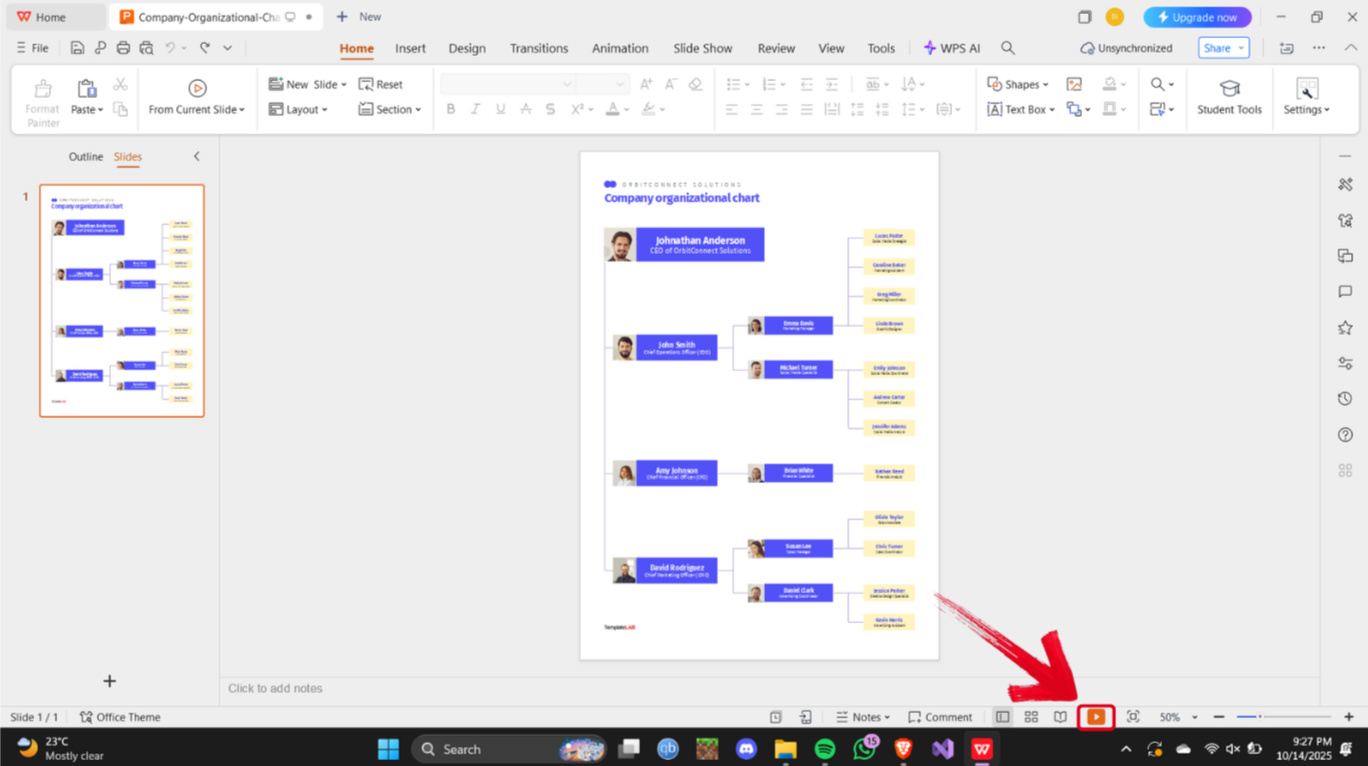
Step 6: If you want to present your PPT file, then simply press the Present Icon at the bottom of your screen.
Boost Your Infographic Design with WPS Office
When I’m dealing with presentations and projects, time is very important to me, and I cannot waste any on unreliable and clunky tools that only slow me down. This is why I only use WPS Office for all my infographic design needs. It lets me start with any template I want, customize it, and then share it, all within the same platform, helping me streamline my workflow and maximize efficiency. Moreover, it’s free, lightweight, and gives me all the features I need to professionally polish and format my templates with ease.
FAQs
Q1: Which types of infographics are available as templates?
Common types include timelines, comparisons, process charts, statistics, mind maps, lists, marketing visuals, educational charts, and business reports.
Q2: How do I make my infographic visually appealing?
Use clear headings, limit text, pick a consistent color scheme, and highlight key data points. WPS templates help maintain a polished design effortlessly.
Q3: Is WPS free for creating infographics?
Yes, WPS offers a range of free infographic templates and editing tools. Premium options are also available for more advanced designs.
Q4: Are WPS infographic templates compatible with other software?
WPS templates can be exported as PowerPoint files, PDFs, or images, making them compatible with most platforms.

'%3e%3cpath%20d='M19.9911%204.11386V6.471H18.5894C18.0775%206.471%2017.7322%206.57814%2017.5536%206.79243C17.3751%207.00671%2017.2858%207.32814%2017.2858%207.75671V9.44421H19.9019L19.5536%2012.0871H17.2858V18.8639H14.5536V12.0871H12.2769V9.44421H14.5536V7.49779C14.5536%206.39064%2014.8632%205.53201%2015.4822%204.92189C16.1013%204.31177%2016.9257%204.00671%2017.9554%204.00671C18.8304%204.00671%2019.509%204.04243%2019.9911%204.11386Z'%20fill='%23333333'/%3e%3c/g%3e%3cdefs%3e%3cclipPath%20id='clip0_2938_8199'%3e%3crect%20width='16'%20height='16'%20fill='white'%20transform='translate(8%204.00671)'/%3e%3c/clipPath%3e%3c/defs%3e%3c/svg%3e)
'%3e%3cpath%20d='M17.5237%2010.7813L23.4811%204H22.0699L16.8949%209.88693L12.7648%204H8L14.2469%2012.9029L8%2020.0133H9.4112L14.8725%2013.7952L19.2352%2020.0133H24M9.92053%205.04213H12.0885L22.0688%2019.0224H19.9003'%20fill='%23333333'/%3e%3c/g%3e%3cdefs%3e%3cclipPath%20id='clip0_2938_8200'%3e%3crect%20width='16'%20height='16.0134'%20fill='white'%20transform='translate(8%204)'/%3e%3c/clipPath%3e%3c/defs%3e%3c/svg%3e)


