

'%3e%3cpath%20d='M8%200C12.4183%200%2016%203.58172%2016%208C16%2012.4183%2012.4183%2016%208%2016C3.58172%2016%200%2012.4183%200%208C0%203.58172%203.58172%200%208%200ZM11.6162%204.38379C11.2257%203.99337%2010.5927%203.99338%2010.2021%204.38379L8%206.58594L5.79785%204.38379C5.40732%203.99334%204.77429%203.99329%204.38379%204.38379C3.99331%204.77429%203.99335%205.40733%204.38379%205.79785L6.58594%208L4.38379%2010.2021C3.99348%2010.5927%203.99341%2011.2257%204.38379%2011.6162C4.77426%2012.0066%205.40734%2012.0065%205.79785%2011.6162L8%209.41406L10.2021%2011.6162C10.5927%2012.0066%2011.2257%2012.0067%2011.6162%2011.6162C12.0067%2011.2257%2012.0066%2010.5927%2011.6162%2010.2021L9.41406%208L11.6162%205.79785C12.0066%205.40735%2012.0066%204.77429%2011.6162%204.38379Z'%20fill='%23080E17'%20fill-opacity='0.46'/%3e%3c/g%3e%3cdefs%3e%3cclipPath%20id='clip0_3761_713'%3e%3crect%20width='16'%20height='16'%20fill='white'/%3e%3c/clipPath%3e%3c/defs%3e%3c/svg%3e)




'%3e%3cpath%20fill-rule='evenodd'%20clip-rule='evenodd'%20d='M21.4999%2010.9993C21.4999%205.20009%2016.7986%200.498901%2010.9993%200.498901C5.19994%200.498901%200.498657%205.20009%200.498657%2010.9993C0.498657%2016.2404%204.33858%2020.5844%209.35855%2021.3722V14.0346H6.69238V10.9993H9.35855V8.68594C9.35855%206.05427%2010.9262%204.60062%2013.3248%204.60062C14.4736%204.60062%2015.6753%204.80571%2015.6753%204.80571V7.38979H14.3512C13.0468%207.38979%2012.64%208.19921%2012.64%209.0296V10.9993H15.5523L15.0867%2014.0346H12.64V21.3722C17.66%2020.5844%2021.4999%2016.2404%2021.4999%2010.9993Z'%20fill='%231568EA'/%3e%3c/g%3e%3c/svg%3e)


'%3e%3cpath%20d='M2.42045%2022.1876H6.31818V12.7217L0.75%208.54553V20.5171C0.75%2021.4414%201.49892%2022.1876%202.42045%2022.1876Z'%20fill='%234285F4'/%3e%3cpath%20d='M19.682%2022.1876H23.5797C24.5041%2022.1876%2025.2502%2021.4387%2025.2502%2020.5171V8.54553L19.682%2012.7217'%20fill='%2334A853'/%3e%3cpath%20d='M19.682%205.48293V12.7216L25.2502%208.54543V6.31816C25.2502%204.25236%2022.8921%203.07469%2021.2411%204.31361'%20fill='%23FBBC04'/%3e%3cpath%20d='M6.31824%2012.7217V5.48303L13.0001%2010.4944L19.6819%205.48303V12.7217L13.0001%2017.733'%20fill='%23EA4335'/%3e%3cpath%20d='M0.75%206.31816V8.54543L6.31818%2012.7216V5.48293L4.75909%204.31361C3.10534%203.07469%200.75%204.25236%200.75%206.31816Z'%20fill='%23C5221F'/%3e%3c/g%3e%3cdefs%3e%3cclipPath%20id='clip0_2954_7305'%3e%3crect%20width='24.5'%20height='18.375'%20fill='white'%20transform='translate(0.75%203.8125)'/%3e%3c/clipPath%3e%3c/defs%3e%3c/svg%3e)


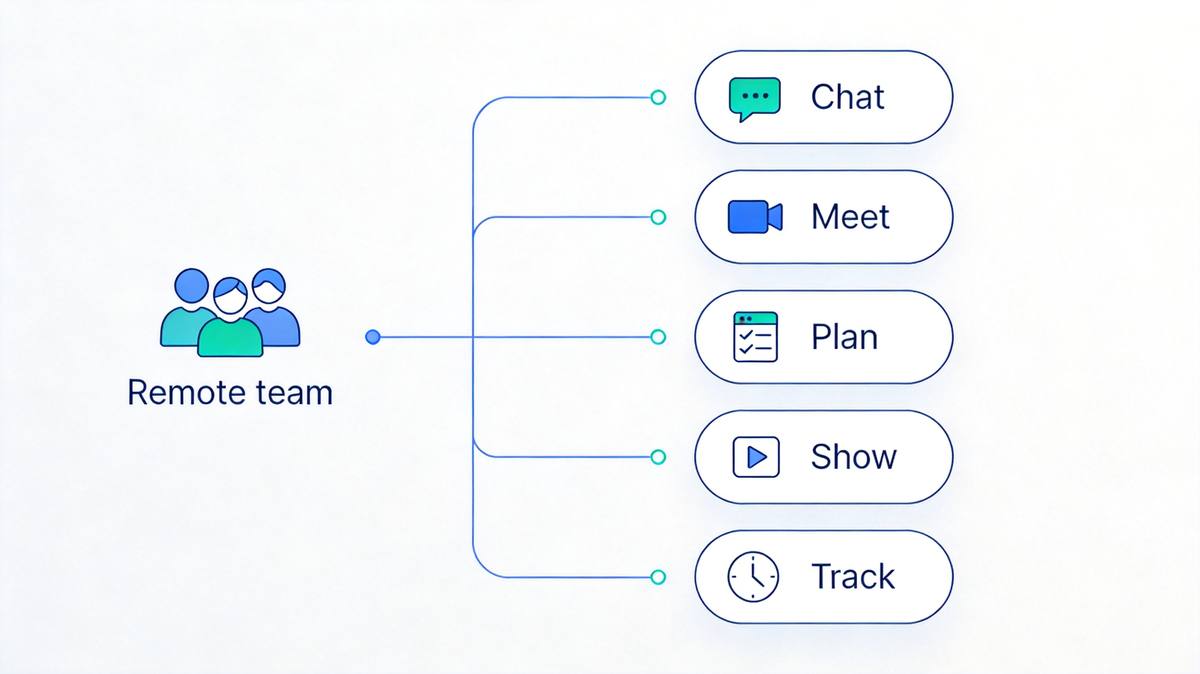
Remote teams live and die by their tool stack. The right productivity tools for remote teams replace the office's default advantages — hallway conversations, whiteboards, quick desk-side questions — with digital equivalents that keep everyone aligned across time zones. We compared the leading options by job-to-be-done: chat, documents, planning, meetings, async video, whiteboarding, and time tracking. Here are the nine that made the cut for 2026.
TL;DR: Quick Answer for the Best Productivity Tools for Remote Teams in 2026
"For most remote teams, the best core stack is Slack for daily communication, WPS Office for documents with both real-time co-editing and offline desktop apps, and Asana for project planning."
Prefer a fully cloud-based workspace? Google Workspace or Notion covers docs and knowledge in the browser. Add Zoom for face-to-face meetings, Loom for async video updates that kill unnecessary meetings, Miro for visual collaboration, and Time Doctor if you bill clients by the hour.
Best team communication: Slack (free plan; Pro $8.75/user/month)
Best collaborative office suite, online + offline: WPS Office (free; Premium from ~$2.99/month)
Best cloud workspace: Google Workspace (Business Starter $7/user/month, annual)
Best all-in-one workspace: Notion (free plan; Plus $10/month)
Best project planning: Asana (free up to 10 users; Starter $10.99/user/month billed annually)
Best video meetings: Zoom (free 40-min meetings; Pro from ~$13.33/month)
Best async video: Loom (free 25 videos; Business $12.50/user/month billed annually)
Best collaborative whiteboard: Miro (free 3 boards; Starter $8/member/month billed annually)
Best time tracking & accountability: Time Doctor (Basic from ~$5.90/user/month)


Quick Comparison
| Tool | Best for | Free plan | Paid plan |
|---|---|---|---|
| Slack | Team communication | Yes (90-day history) | Pro $8.75/user/mo |
| WPS Office | Documents, online + offline co-editing | Yes | Premium from ~$2.99/mo |
| Google Workspace | Cloud-first docs & email | No (14-day trial) | Business Starter $7/user/mo |
| Notion | All-in-one workspace | Yes | Plus $10/user/mo |
| Asana | Project planning | Yes (up to 10 users) | Starter $10.99/user/mo |
| Zoom | Video meetings | Yes (40-min limit) | Pro from ~$13.33/mo |
| Loom | Async video updates | Yes (25 videos) | Business $12.50/user/mo |
| Miro | Visual whiteboarding | Yes (3 boards) | Starter $8/member/mo |
| Time Doctor | Time tracking & accountability | 14-day trial | Basic from ~$5.90/user/mo |
1. Slack: Best Team Communication Tool for Remote Teams
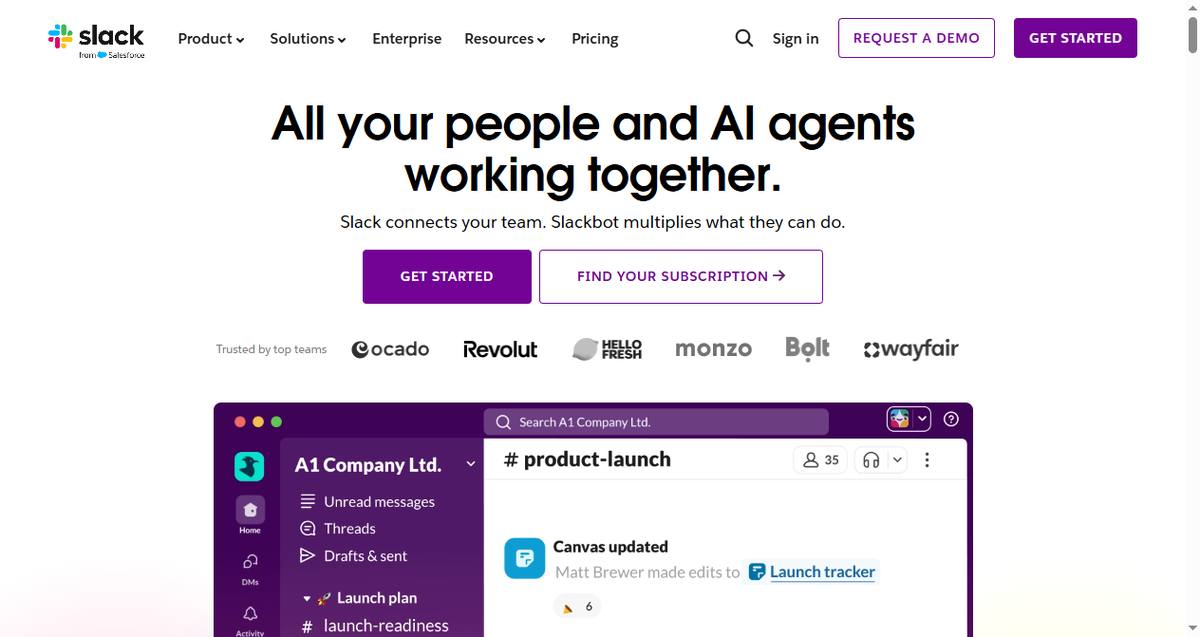
Slack is the digital headquarters for thousands of remote companies. Channels replace email threads, huddles replace quick desk-side chats, and 2,600+ integrations mean your tools come to the conversation instead of the other way around.
Key capabilities:
Organized channels with threads, huddles, and clips
2,600+ app integrations including Salesforce and Jira
Slack AI for conversation summaries and daily recaps
Best for: Any remote team that wants one place for all day-to-day communication.
Pricing: Free (90 days of history); Pro $8.75/user/month.
Trade-offs: Notification overload is real — channels need discipline; costs climb with headcount.
2. WPS Office: Best Collaborative Office Suite, Online and Offline
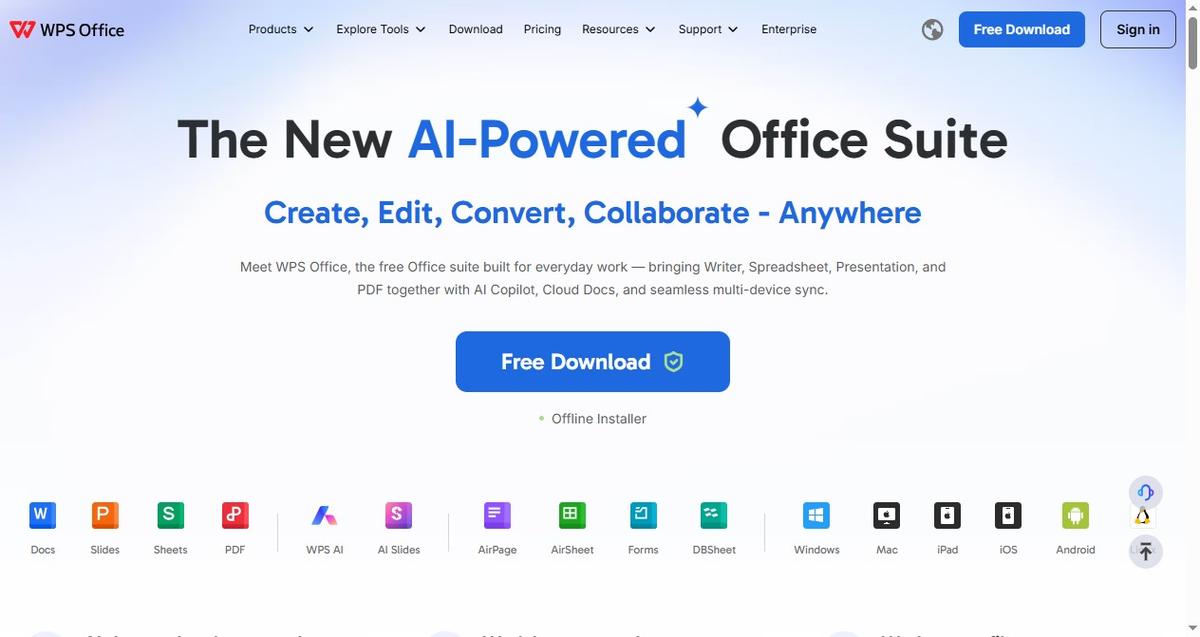
Remote teams run on documents: specs, proposals, reports, budgets. WPS Office now covers the whole loop — beyond the classic Writer, Spreadsheet, and Presentation apps, it includes AirPage for co-built web pages, AirSheet for spreadsheet collaboration, Cloud Docs with share, co-edit, and comments, and AI Copilot built into daily work. The key difference from cloud-only suites: WPS keeps full desktop apps that work offline, so a dropped connection never blocks editing — the file syncs when you're back online.
Key capabilities:
Real-time co-editing, sharing, and comments via Cloud Docs
AirPage and AirSheet for collaborative pages and spreadsheets
Desktop apps for Windows, macOS, and Linux that work offline
AI Copilot for writing, formulas, and PDF tasks
Best for: Distributed teams that want Google-style collaboration plus desktop-class offline editing, at near-zero cost.
Pricing: Free; Premium from ~$2.99/month.
Trade-offs: Not a project manager — pair it with Asana or Slack for task tracking.
3. Google Workspace: Best Cloud-First Collaboration Suite
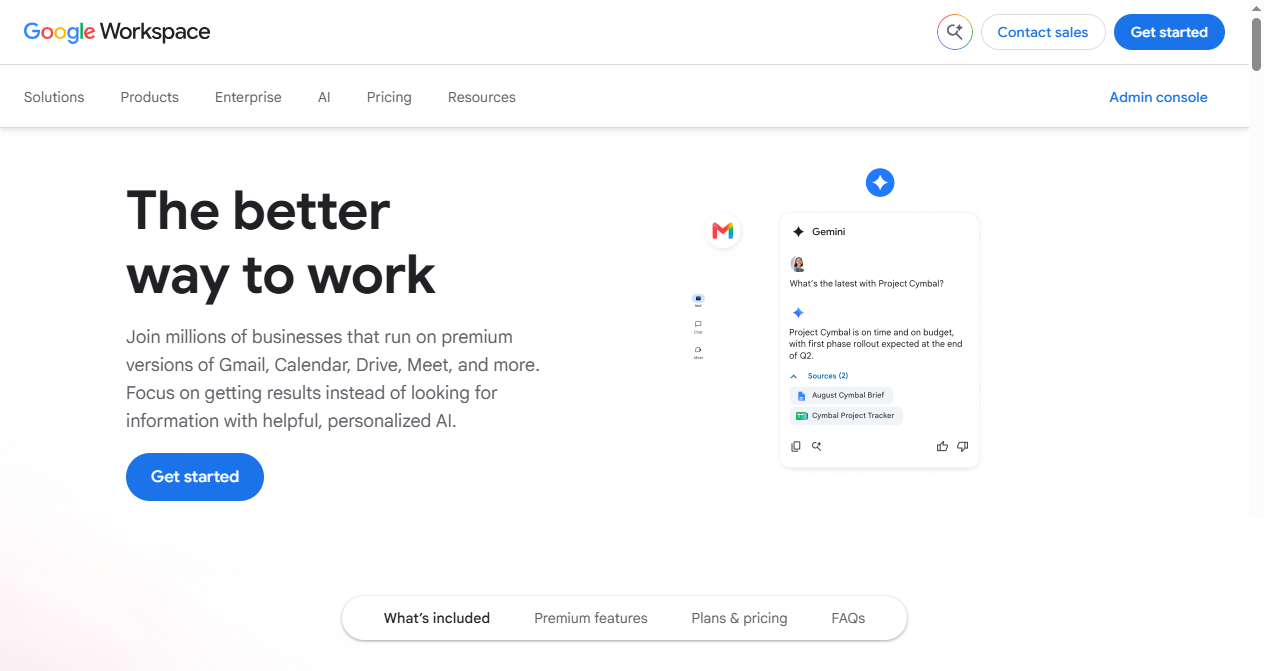
Google Workspace (Gmail, Drive, Docs, Sheets, Meet, Calendar) is the default choice for teams that live in the browser. Real-time co-editing is still the industry benchmark, commenting and suggesting mode make reviews painless, and Gemini AI is now woven through the apps.
Key capabilities:
Best-in-class real-time co-editing and commenting in Docs/Sheets
Gmail, Calendar, Drive, and Meet unified under one admin
Gemini AI for drafting and summarizing across apps
Best for: Cloud-first teams that want email, storage, and docs under one subscription.
Pricing: No permanent free tier (14-day trial); Business Starter $7/user/month billed annually.
Trade-offs: Browser-only editing makes weak Wi-Fi a productivity risk; no native desktop office apps. If offline matters, see our guide to the best office suite for offline use.

4. Notion: Best All-in-One Workspace for Team Knowledge
Notion merges notes, wikis, databases, and task boards into one shared workspace that syncs across desktop, mobile, and web. For remote teams it doubles as the company handbook: onboarding docs, meeting notes, and project hubs all live in one searchable place.

Key capabilities:
Wikis, databases, and project boards in one app
Notion AI for drafting, summarizing, and search
Templates for onboarding, meetings, and roadmaps
Best for: Remote teams that want documentation and light project management in one hub.
Pricing: Free for personal use; Plus $10/user/month.
Trade-offs: No native Linux app; heavy document editing is weaker than a dedicated suite.
5. Asana: Best Project Planning Productivity Tool
Asana gives remote managers the visibility the office hallway never could: who owns what, when it's due, and what's blocked. Lists, boards, and timelines let each team member work the way they think while leadership sees one source of truth.

Key capabilities:
Tasks with owners, due dates, and dependencies
Timeline (Gantt), boards, and workload views
Reporting and goal tracking across teams
Best for: Remote teams of 5-50 people coordinating recurring work.
Pricing: Free up to 10 users; Starter $10.99/user/month billed annually.
Trade-offs: Setup takes effort; power features require the paid tier.
6. Zoom: Best Video Meeting App for Distributed Teams
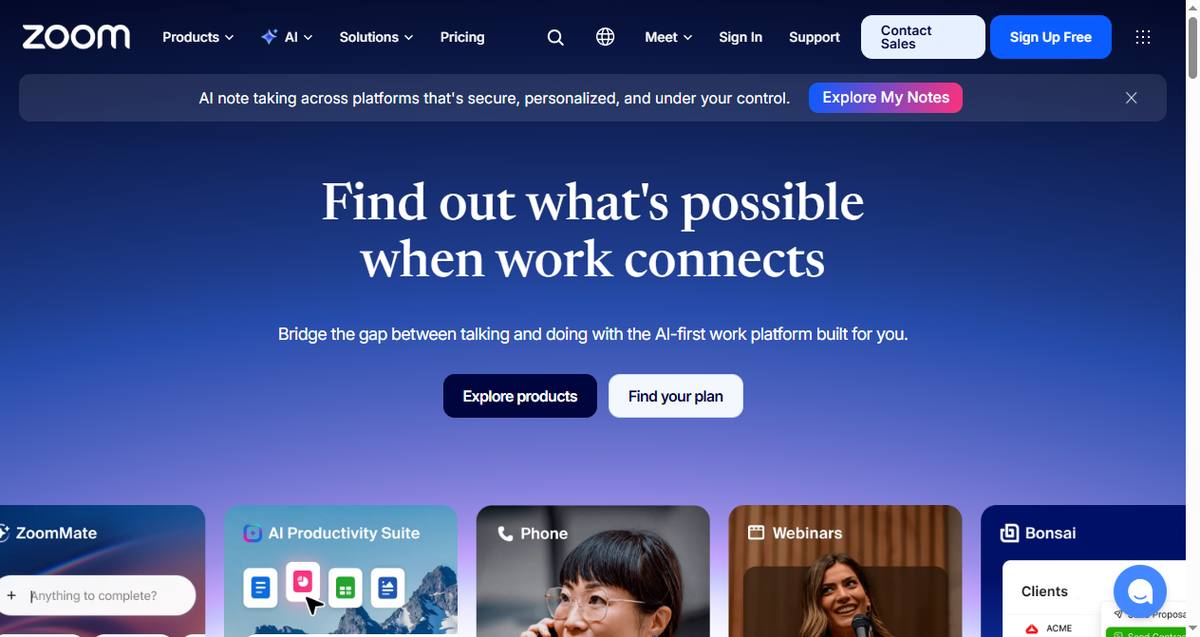
Zoom remains the most reliable video platform for remote teams: it works on poor connections, joins from any device, and features like AI Companion meeting summaries mean people who skip a call don't miss the decisions.
Key capabilities:
HD video with low-bandwidth optimization
Breakout rooms, recording, and live transcription
AI Companion for meeting summaries and action items
Best for: Teams that need dependable face-to-face time across time zones.
Pricing: Free (40-minute group meetings); Pro from ~$13.33/month.
Trade-offs: The 40-minute free limit pushes teams to upgrade; too many meetings kill focus.
7. Loom: Best Async Video Productivity Tool
Loom turns "quick sync meetings" into 3-minute videos you record once and everyone watches on their own schedule. For teams spread across time zones, it's the single biggest meeting-killer available.

Key capabilities:
Instant screen + camera recording with a shareable link
Viewer insights — see who watched and for how long
Loom AI auto-titles, summarizes, and suggests follow-ups
Best for: Demos, walkthroughs, feedback, and status updates that don't need a live call.
Pricing: Free (25 videos, 5-min limit); Business $12.50/user/month billed annually.
Trade-offs: Not for sensitive discussions — video lacks the nuance of live conversation.
8. Miro: Best Collaborative Whiteboard for Remote Teams
Miro recreates the workshop whiteboard for distributed teams: an infinite canvas where everyone adds sticky notes, diagrams, and comments simultaneously — for brainstorming, retros, user journeys, and planning workshops.

Key capabilities:
Infinite canvas with sticky notes, shapes, and templates
Real-time multiplayer with voting and timers for workshops
Miro AI to cluster and summarize brainstorm output
Best for: Product, design, and agile teams running remote workshops.
Pricing: Free (3 editable boards); Starter $8/member/month billed annually.
Trade-offs: Free plan is limited to 3 boards; overkill for text-only collaboration.
9. Time Doctor: Best Time Tracking Tool for Remote Accountability
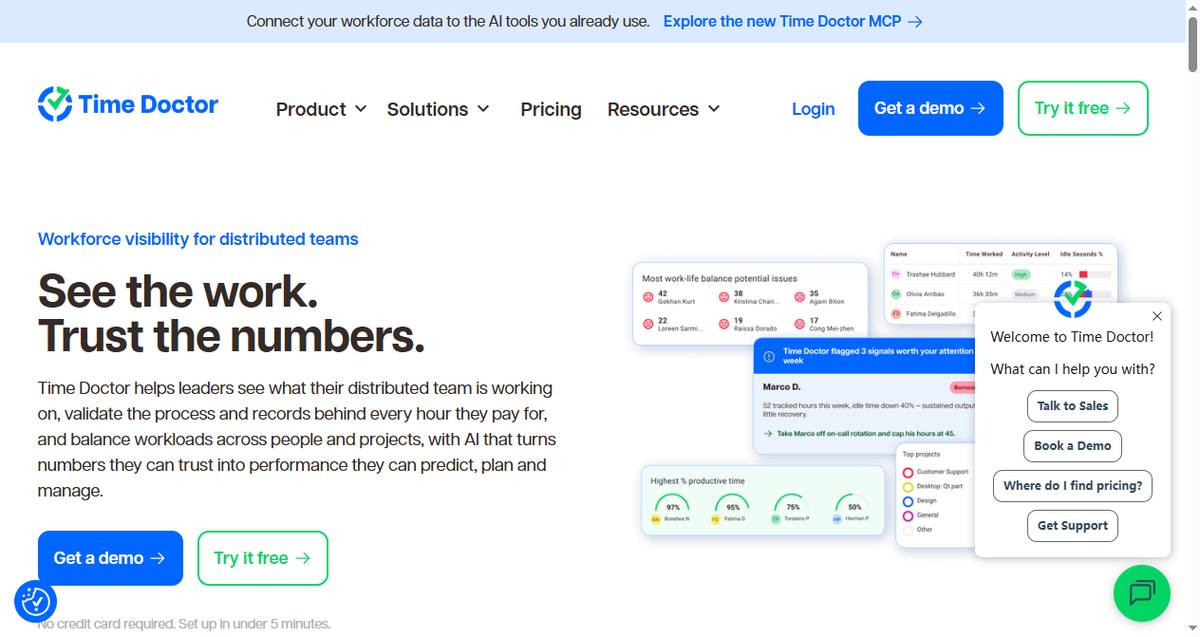
Time Doctor answers the question every remote manager quietly asks: where do the hours actually go? It tracks time per project and client, flags distractions, and turns workday data into payroll-ready reports — without requiring anyone to fill in a timesheet.
Key capabilities:
Automatic time tracking with distraction alerts
Workload balance and productivity analytics
Payroll integration and client-ready timesheet reports
Best for: Agencies and distributed teams that bill hourly or need workforce visibility.
Pricing: 14-day trial; Basic from ~$5.90/user/month.
Trade-offs: Monitoring features can feel intrusive — introduce it transparently or it hurts trust.
How to Choose the Right Productivity Tools for Your Remote Team
Start from the gaps, not the features. If decisions get lost in DMs, you need Slack. If nobody knows who owns what, Asana fixes it. For documents, pick by connectivity: teams on unreliable networks should favor WPS Office's offline desktop apps, while fully-online teams may prefer Google Workspace or Notion. Our roundup of the best cross-platform productivity apps compares document tools in more depth.
The Best Free Productivity Suite for Remote Teams: WPS Office
Budget matters when you're equipping a whole team. WPS Office is the only suite in this list whose core editing is free for everyone — with real-time co-editing included — and setup takes minutes:
Install it everywhere. Download the apps for Windows, macOS, or Linux from the WPS download center, or grab them on iOS and Android — every team member uses the free version.
Share one account structure. Sign in on each device so Cloud Docs, AirSheet, and AirPage files stay consistent across the team.
Co-edit in real time, online or off. Share a link, and teammates can edit, comment, and see changes instantly; desktop apps keep working when the internet doesn't.
Turn on the AI helpers. AI Copilot drafts content, writes formulas, and handles PDFs the same way on every platform.
FAQs
What are the best productivity tools for remote teams?
The core stack for most remote teams is Slack for communication, WPS Office or Google Workspace for documents, and Asana for project planning — with Notion, Zoom, Loom, Miro, and Time Doctor covering knowledge, meetings, async video, whiteboarding, and time tracking respectively.
How much do remote team productivity tools cost?
A fully paid stack runs about $30-45 per user per month. But most teams can start free: Slack, WPS Office, Notion, Asana (up to 10 users), Miro, Loom, and Zoom all have usable free tiers. The main exceptions are Google Workspace and Time Doctor, which are paid or trial-only.
How do remote teams avoid meeting overload?
Replace status meetings with async tools: Loom videos for demos and updates, Slack channels for quick questions, and Asana for status tracking. Keep live meetings for decisions and brainstorming only.
Is time-tracking software necessary for remote teams?
Only if you bill by the hour or need workload visibility. Time Doctor pays for itself quickly for agencies, but for salaried teams it can feel like surveillance — trust-based tools like Asana's workload view may fit better.
What's the cheapest productivity stack for a small remote team?
Free: Slack + WPS Office + Notion + Asana (up to 10 users) + Miro (3 boards) + Loom + Zoom costs $0 and covers communication, documents, knowledge, planning, whiteboarding, async video, and meetings. Upgrade to paid plans only when you hit specific limits.
Summary
The best productivity tools for remote teams in 2026 cover every job an office used to do: Slack for communication, WPS Office for documents with both real-time co-editing and offline desktop apps, Google Workspace and Notion for cloud-first collaboration and knowledge, Asana for planning, Zoom for meetings, Loom for async video, Miro for whiteboarding, and Time Doctor for accountability. Start with the free tiers of three core tools, measure the gaps for a month, and add what your team actually misses.
'%3e%3cpath%20d='M19.9911%204.11386V6.471H18.5894C18.0775%206.471%2017.7322%206.57814%2017.5536%206.79243C17.3751%207.00671%2017.2858%207.32814%2017.2858%207.75671V9.44421H19.9019L19.5536%2012.0871H17.2858V18.8639H14.5536V12.0871H12.2769V9.44421H14.5536V7.49779C14.5536%206.39064%2014.8632%205.53201%2015.4822%204.92189C16.1013%204.31177%2016.9257%204.00671%2017.9554%204.00671C18.8304%204.00671%2019.509%204.04243%2019.9911%204.11386Z'%20fill='%23333333'/%3e%3c/g%3e%3cdefs%3e%3cclipPath%20id='clip0_2938_8199'%3e%3crect%20width='16'%20height='16'%20fill='white'%20transform='translate(8%204.00671)'/%3e%3c/clipPath%3e%3c/defs%3e%3c/svg%3e)
'%3e%3cpath%20d='M17.5237%2010.7813L23.4811%204H22.0699L16.8949%209.88693L12.7648%204H8L14.2469%2012.9029L8%2020.0133H9.4112L14.8725%2013.7952L19.2352%2020.0133H24M9.92053%205.04213H12.0885L22.0688%2019.0224H19.9003'%20fill='%23333333'/%3e%3c/g%3e%3cdefs%3e%3cclipPath%20id='clip0_2938_8200'%3e%3crect%20width='16'%20height='16.0134'%20fill='white'%20transform='translate(8%204)'/%3e%3c/clipPath%3e%3c/defs%3e%3c/svg%3e)


