

'%3e%3cpath%20d='M8%200C12.4183%200%2016%203.58172%2016%208C16%2012.4183%2012.4183%2016%208%2016C3.58172%2016%200%2012.4183%200%208C0%203.58172%203.58172%200%208%200ZM11.6162%204.38379C11.2257%203.99337%2010.5927%203.99338%2010.2021%204.38379L8%206.58594L5.79785%204.38379C5.40732%203.99334%204.77429%203.99329%204.38379%204.38379C3.99331%204.77429%203.99335%205.40733%204.38379%205.79785L6.58594%208L4.38379%2010.2021C3.99348%2010.5927%203.99341%2011.2257%204.38379%2011.6162C4.77426%2012.0066%205.40734%2012.0065%205.79785%2011.6162L8%209.41406L10.2021%2011.6162C10.5927%2012.0066%2011.2257%2012.0067%2011.6162%2011.6162C12.0067%2011.2257%2012.0066%2010.5927%2011.6162%2010.2021L9.41406%208L11.6162%205.79785C12.0066%205.40735%2012.0066%204.77429%2011.6162%204.38379Z'%20fill='%23080E17'%20fill-opacity='0.46'/%3e%3c/g%3e%3cdefs%3e%3cclipPath%20id='clip0_3761_713'%3e%3crect%20width='16'%20height='16'%20fill='white'/%3e%3c/clipPath%3e%3c/defs%3e%3c/svg%3e)




'%3e%3cpath%20fill-rule='evenodd'%20clip-rule='evenodd'%20d='M21.4999%2010.9993C21.4999%205.20009%2016.7986%200.498901%2010.9993%200.498901C5.19994%200.498901%200.498657%205.20009%200.498657%2010.9993C0.498657%2016.2404%204.33858%2020.5844%209.35855%2021.3722V14.0346H6.69238V10.9993H9.35855V8.68594C9.35855%206.05427%2010.9262%204.60062%2013.3248%204.60062C14.4736%204.60062%2015.6753%204.80571%2015.6753%204.80571V7.38979H14.3512C13.0468%207.38979%2012.64%208.19921%2012.64%209.0296V10.9993H15.5523L15.0867%2014.0346H12.64V21.3722C17.66%2020.5844%2021.4999%2016.2404%2021.4999%2010.9993Z'%20fill='%231568EA'/%3e%3c/g%3e%3c/svg%3e)


'%3e%3cpath%20d='M2.42045%2022.1876H6.31818V12.7217L0.75%208.54553V20.5171C0.75%2021.4414%201.49892%2022.1876%202.42045%2022.1876Z'%20fill='%234285F4'/%3e%3cpath%20d='M19.682%2022.1876H23.5797C24.5041%2022.1876%2025.2502%2021.4387%2025.2502%2020.5171V8.54553L19.682%2012.7217'%20fill='%2334A853'/%3e%3cpath%20d='M19.682%205.48293V12.7216L25.2502%208.54543V6.31816C25.2502%204.25236%2022.8921%203.07469%2021.2411%204.31361'%20fill='%23FBBC04'/%3e%3cpath%20d='M6.31824%2012.7217V5.48303L13.0001%2010.4944L19.6819%205.48303V12.7217L13.0001%2017.733'%20fill='%23EA4335'/%3e%3cpath%20d='M0.75%206.31816V8.54543L6.31818%2012.7216V5.48293L4.75909%204.31361C3.10534%203.07469%200.75%204.25236%200.75%206.31816Z'%20fill='%23C5221F'/%3e%3c/g%3e%3cdefs%3e%3cclipPath%20id='clip0_2954_7305'%3e%3crect%20width='24.5'%20height='18.375'%20fill='white'%20transform='translate(0.75%203.8125)'/%3e%3c/clipPath%3e%3c/defs%3e%3c/svg%3e)


You start a task on your office PC, continue it on your phone during the commute, and finish it on your MacBook at home. That only works if your productivity apps follow you everywhere — which is why the best cross-platform productivity apps matter more than any single feature. We compared seven apps that run natively on Windows, macOS, Android, iOS, and the web, and picked the strongest one for each job: files, tasks, notes, boards, and all-in-one hubs.
TL;DR: Quick Answer for the Best Cross-Platform Productivity Apps in 2026
"For most people, the best cross-platform combo is WPS Office for documents and spreadsheets, Todoist for tasks, and Notion for the all-in-one workspace — all three sync seamlessly across Windows, macOS, Android, iOS, and the web."
For serious note capture, Evernote is the veteran choice and Obsidian is the local-first alternative. Prefer visual boards? Pick Trello. For full project management with time tracking, ClickUp covers the most ground in one app.
Best cross-platform office suite: WPS Office (free; Premium from ~$2.99/month)
Best to-do list everywhere: Todoist (free plan; Pro $4/month)
Best note capture: Evernote (free tier; Personal $14.99/month, ~$8.25/month billed annually)
Best local-first notes: Obsidian (free app; Sync $4/month billed annually)
Best visual boards: Trello (free plan; Standard $5/user/month)
Best all-in-one workspace: Notion (free plan; Plus $10/month)
Best all-in-one project management: ClickUp (free plan; Unlimited $7/user/month)


Quick Comparison: Platform Coverage
| App | Windows | macOS | Linux | iOS | Android | Web | Paid plan |
|---|---|---|---|---|---|---|---|
| WPS Office | ✓ | ✓ | ✓ | ✓ | ✓ | ✓ | Premium ~$2.99/mo |
| Todoist | ✓ | ✓ | ✓ | ✓ | ✓ | ✓ | Pro $4/mo |
| Evernote | ✓ | ✓ | — | ✓ | ✓ | ✓ | Personal $14.99/mo |
| Obsidian | ✓ | ✓ | ✓ | ✓ | ✓ | — | Sync $4/mo (annual) |
| Trello | ✓ | ✓ | — | ✓ | ✓ | ✓ | Standard $5/user/mo |
| Notion | ✓ | ✓ | — | ✓ | ✓ | ✓ | Plus $10/mo |
| ClickUp | ✓ | ✓ | — | ✓ | ✓ | ✓ | Unlimited $7/user/mo |
1. WPS Office: Best Cross-Platform Productivity Suite
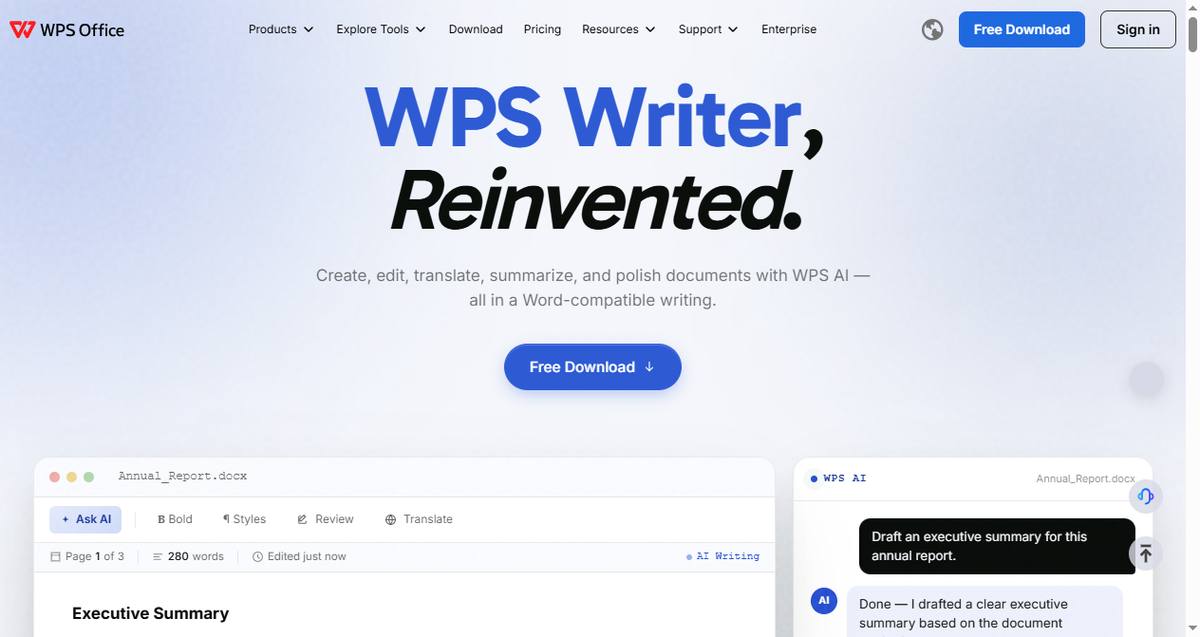
Documents are where cross-platform breaks most often — a .docx that opens fine on Windows can fall apart on a phone. WPS Office runs natively on Windows, macOS, Linux, Android, iOS, and the web, with full Word/Excel/PowerPoint compatibility, so files look the same everywhere. It's the only suite in this list with a native Linux desktop app. If you work with data files across devices, our guide to the best spreadsheet software for data analysis covers the heavy-lifting options.
Key capabilities:
Native apps for all six platforms, including Linux
AI features for formulas, writing, PDF editing, and OCR
Free cloud sync via WPS Cloud across devices
Best for: People whose work revolves around Word, Excel, and PowerPoint files on multiple devices.
Pricing: Free; Premium from ~$2.99/month.
Trade-offs: Not a project manager or note app — pair it with Todoist or Notion. If you often work without internet, see our picks for the best office suite for offline use.
2. Todoist: Best Cross-Platform Productivity App for Tasks
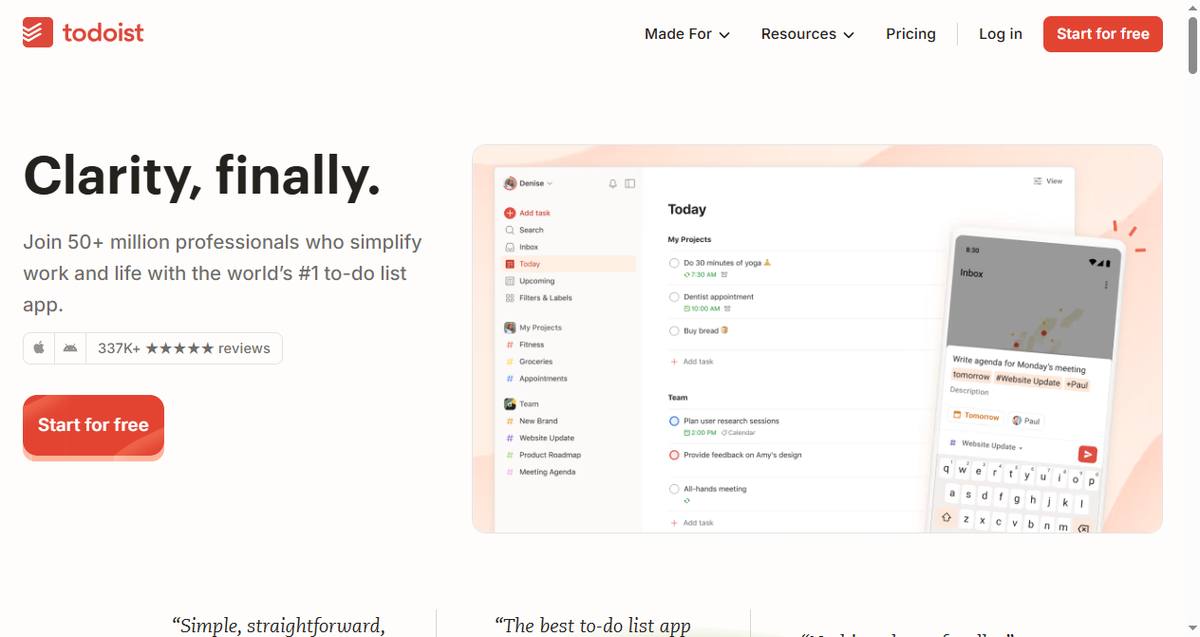
Todoist is on more platforms than almost any competitor — Windows, macOS, Linux, iOS, Android, web, even wearables and email clients. Tasks added on your phone appear on your desktop seconds later, and the natural-language input makes capture effortless.
Key capabilities:
Natural-language quick add with priorities and labels
Offline-first apps that sync conflict-free
Integrations with 90+ tools including calendar two-way sync
Best for: People who live in a task list and switch devices constantly.
Pricing: Free; Pro $4/month.
Trade-offs: Tasks only — no documents, notes, or boards.
3. Evernote: Best Cross-Platform Productivity App for Notes
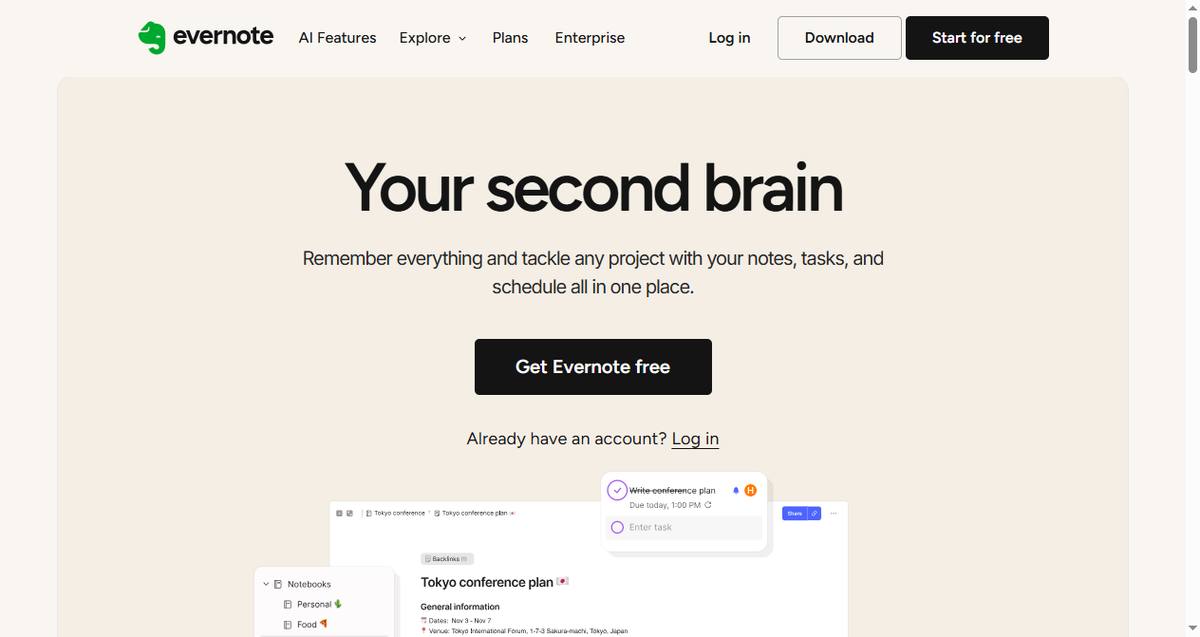
Evernote remains the reference for clipping web pages, scanning documents, and searching inside PDFs and images. Sync across devices works reliably, and the search — including handwriting recognition — is still best-in-class.
Key capabilities:
Web Clipper for saving pages into organized notebooks
Built-in OCR and document scanning on mobile
Tasks and calendar integration added in recent years
Best for: Heavy note-takers and researchers who capture from everywhere.
Pricing: Free tier (1 device, limited notes); Personal $14.99/month or ~$8.25/month billed annually.
Trade-offs: Free plan is now very restricted; no Linux app.
4. Obsidian: Best Local-First Productivity Tool for Notes
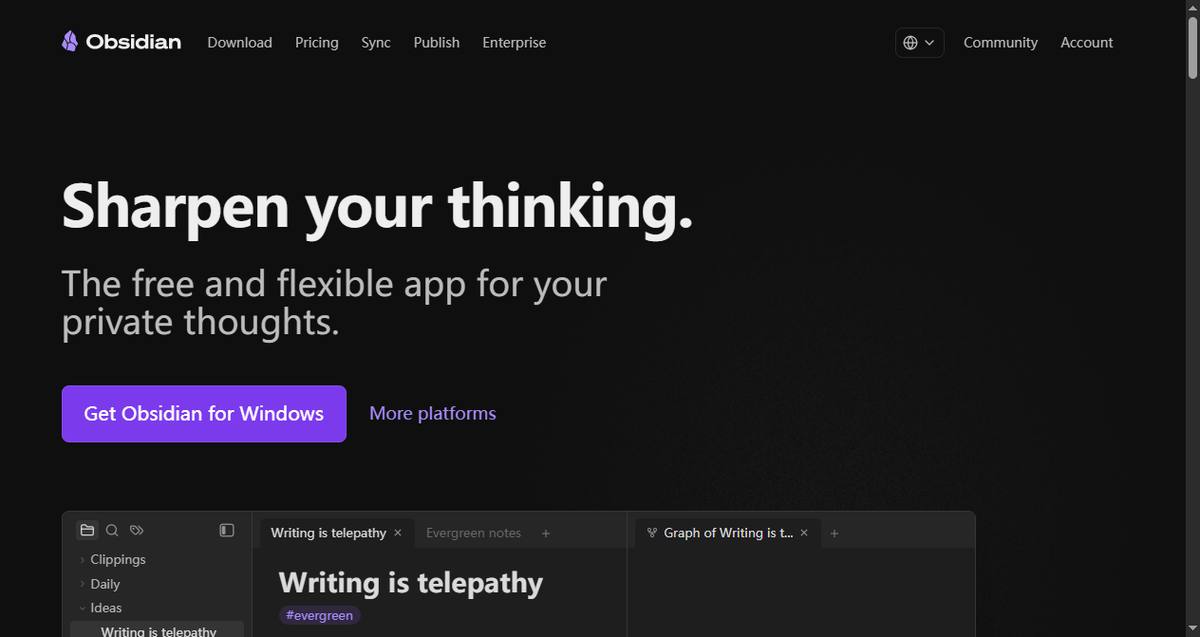
Obsidian stores your notes as plain Markdown files on your own device — no vendor lock-in — and links them into a personal knowledge graph. The apps are free on every major platform, including Linux, and the official Sync add-on is end-to-end encrypted. Since early 2026, even commercial use is free.
Key capabilities:
Markdown files you fully own and control
End-to-end encrypted Sync with version history ($4/month)
Thousands of community plugins
Best for: Privacy-conscious users building a permanent personal knowledge base.
Pricing: Free app (personal and commercial use); Sync $4/month billed annually.
Trade-offs: Setup takes effort; collaboration is minimal compared to Notion.
5. Trello: Best Visual Productivity Tool for Boards
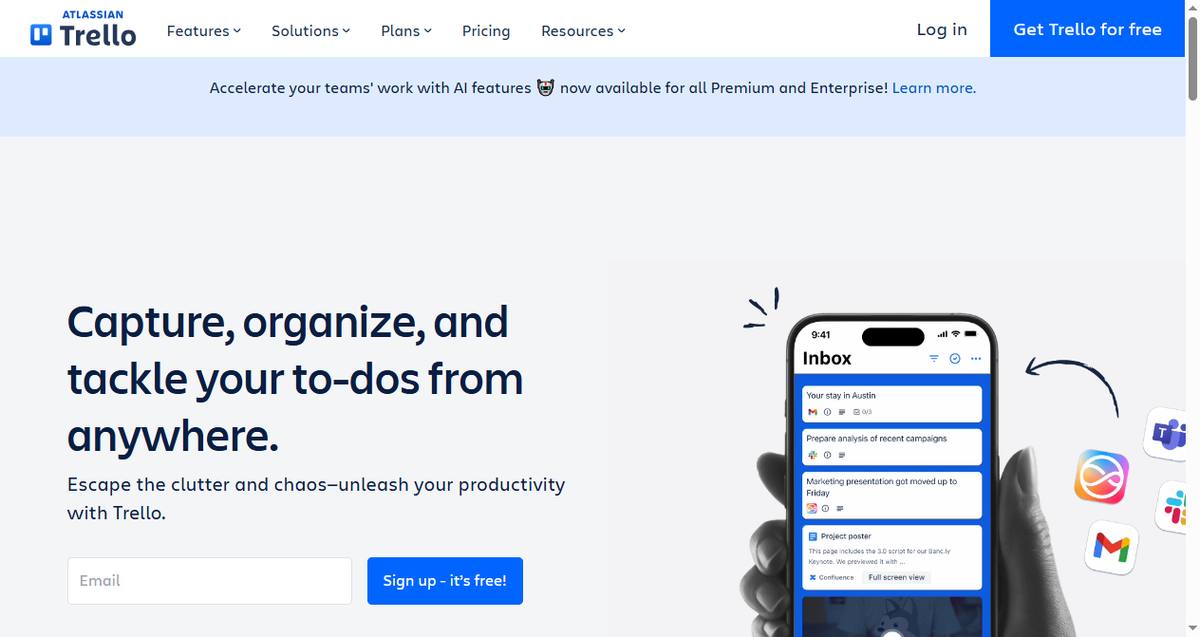
Trello translates well to every screen size: the mobile apps compress boards into swipeable card lists, while desktop and web show the full kanban view. It's the easiest way to track shared work visually with family, clients, or a small team.
Key capabilities:
Kanban boards with checklists, due dates, and automation
Excellent touch-optimized mobile apps
Butler automation included on paid tiers
Best for: Visual planners managing shared pipelines.
Pricing: Free; Standard $5/user/month.
Trade-offs: Gets unwieldy for complex projects with many dependencies.
6. Notion: Best All-in-One Productivity App
Notion merges notes, wikis, databases, and task boards into one workspace that syncs almost instantly across desktop, mobile, and web. Its free plan is one of the most generous in the category, which is why it's the default starting point for most personal knowledge systems.

Key capabilities:
Databases, wikis, kanban boards, and calendars in one app
Offline mode on mobile and desktop (improved in 2025–2026)
Notion AI for drafting, summarizing, and search
Best for: Anyone who wants one hub for notes, projects, and docs on every device.
Pricing: Free; Plus $10/month.
Trade-offs: No native Linux app (web only); requires internet for best performance.
7. ClickUp: Best All-in-One Productivity Tool for Project Management
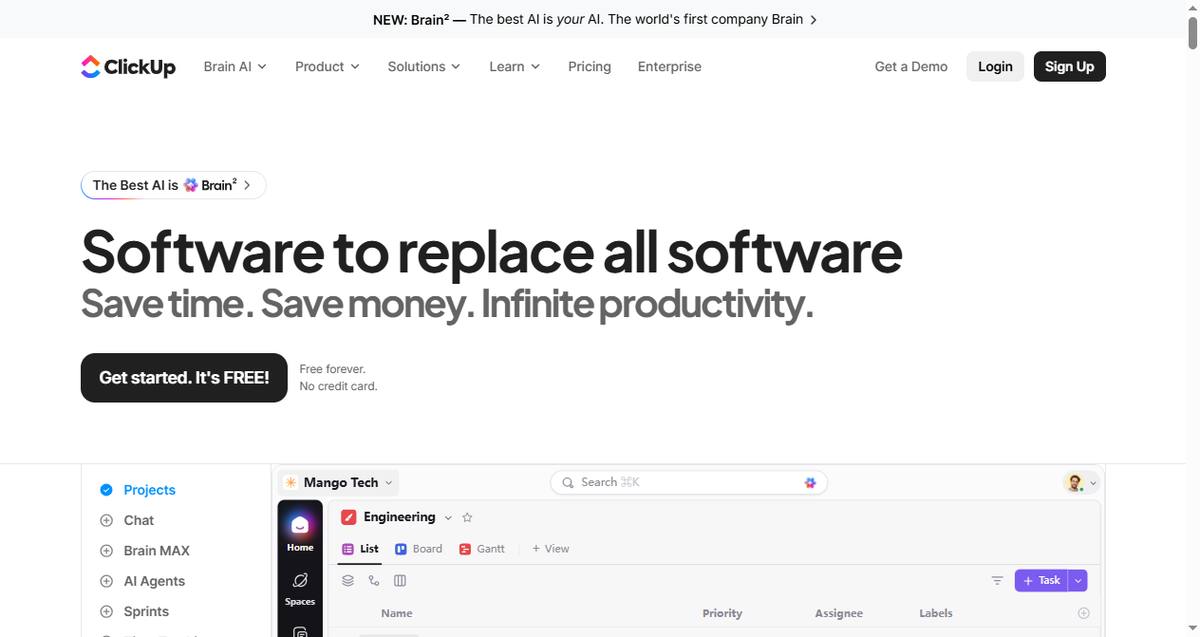
ClickUp packs tasks, docs, goals, chat, and time tracking into one workspace with solid desktop and mobile apps. It replaces the most tools of anything on this list — at the cost of a steeper learning curve. For a deeper dive into how AI features in tools like this play out in practice, see our analysis of AI productivity tools based on user reviews.
Key capabilities:
Tasks with lists, boards, Gantt, and calendars
Built-in time tracking, docs, and whiteboards
ClickUp Brain AI assistant across the workspace
Best for: Teams and power users who want everything under one roof.
Pricing: Free Forever plan; Unlimited $7/user/month billed annually.
Trade-offs: Feature-dense UI; needs 2–4 weeks of setup to stay organized.
How to Choose the Right Cross-Platform Productivity App
If you work solo, our roundup of the best productivity software for freelancers matches tools to solo workflows. Beyond that, match the app to what you actually move between devices: office documents belong in WPS Office, tasks in Todoist, notes in Evernote or Obsidian, and shared pipelines in Trello or ClickUp. If you need an all-in-one hub instead, Notion covers the widest range of content types.
The Best Free Cross-Platform Productivity Suite: WPS Office
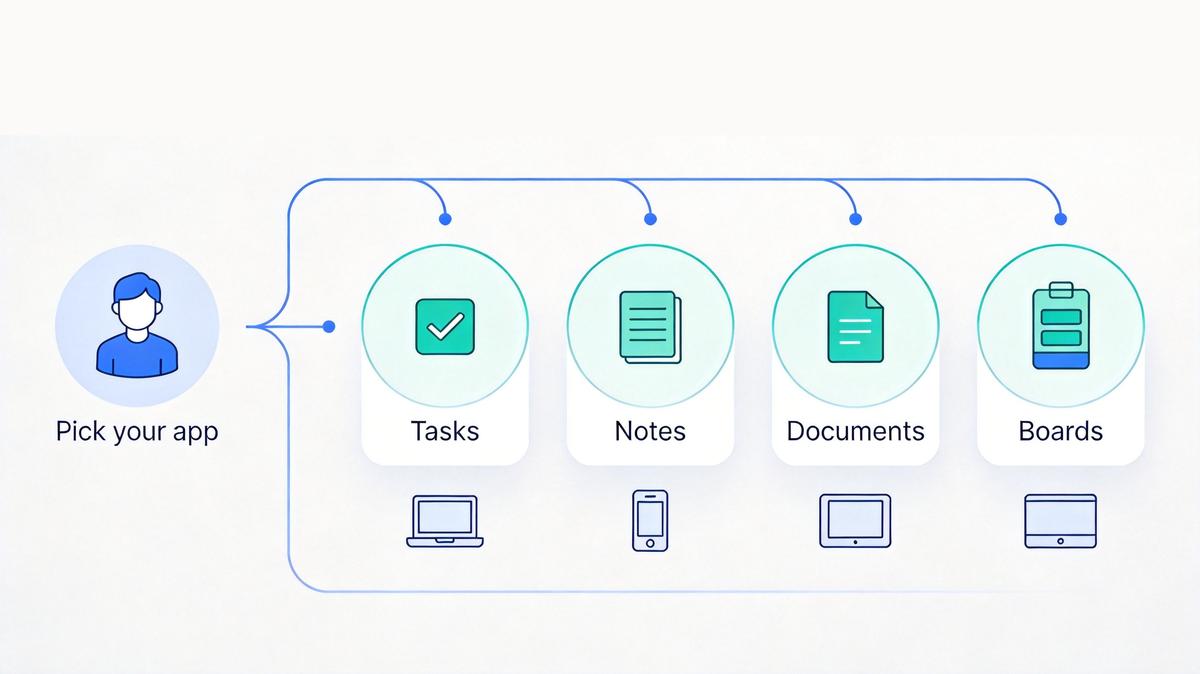
As covered above, WPS Office is the only productivity suite in this list with native apps on all six platforms — and the core editing features are free. Here is how to set it up as your cross-platform workflow:
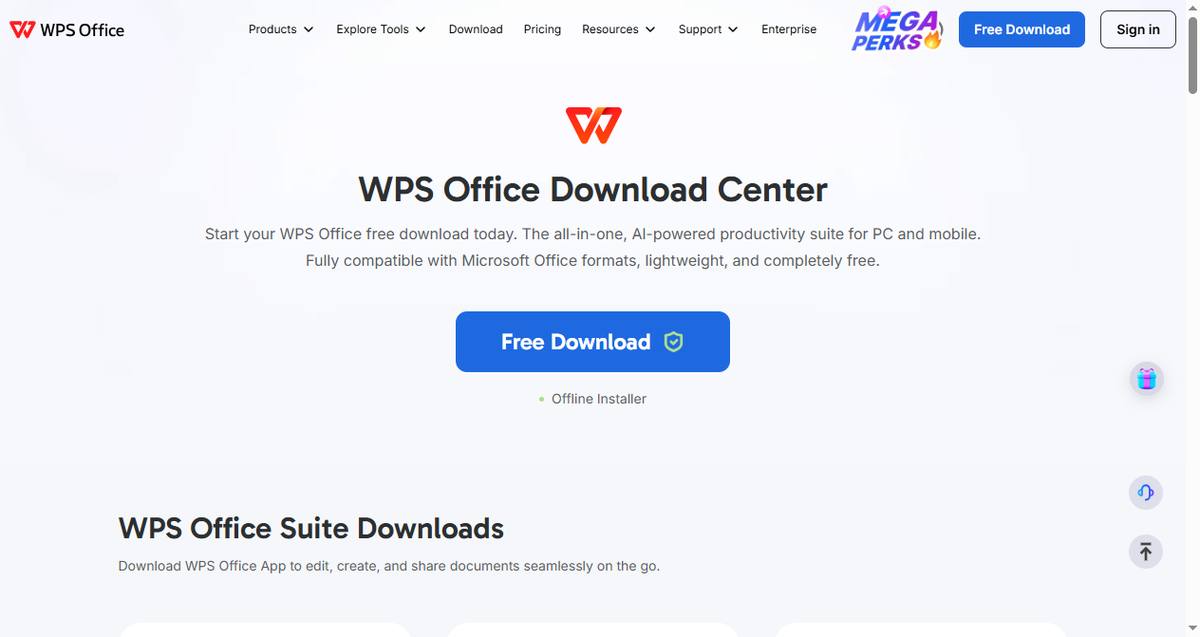
Download it on every device. Grab the installer for Windows, macOS, or Linux from the WPS download center, or get the app on iOS and Android — the free version covers everyday editing.
Sign in to sync. Log in with the same account on all devices and WPS Cloud keeps your recent files, templates, and settings consistent everywhere.
Edit with full compatibility. Open Word, Excel, and PowerPoint files with formatting intact — what you fix on your laptop stays fixed on your phone.
Use the AI tools when you need speed. The built-in AI writes spreadsheet formulas, drafts documents, and handles PDF tasks across platforms.
FAQs
What is the best cross-platform productivity app?
There is no single winner. WPS Office is the best suite for Word/Excel/PowerPoint files, Todoist the best task manager, and Notion the best all-in-one workspace — each syncs across Windows, macOS, Android, iOS, and the web. Most people combine two or three.
Which productivity apps work on both Windows and Mac?
All seven apps in this guide run natively on Windows and macOS: WPS Office, Todoist, Evernote, Obsidian, Trello, Notion, and ClickUp. WPS Office and Obsidian additionally offer native Linux apps.
Do cross-platform productivity apps work offline?
Most do, with caveats. Obsidian and Todoist are fully offline-first; WPS Office edits documents offline and syncs when reconnected; Notion and Trello have improved offline modes but still favor online use. Always check the offline behavior of your specific plan.
Is Notion better than Evernote for notes?
Evernote is stronger for capture — web clipping, scanning, and searching inside PDFs and images. Notion is stronger for organizing notes into databases and wikis. Heavy clippers often keep Evernote; system builders prefer Notion.
Are free plans enough for cross-platform productivity apps?
For personal use, yes: Todoist, Trello, Notion, Obsidian, and ClickUp all have genuinely usable free tiers. Evernote's free plan is the notable exception — it syncs to only one device, so multi-device use requires a paid plan.
Summary
The best cross-platform productivity apps in 2026 are the ones that make device-switching invisible: WPS Office for documents and spreadsheets on all six platforms including Linux, Todoist for tasks, Evernote or Obsidian for notes, Trello for visual boards, and Notion or ClickUp for the all-in-one hub. Start with the free plans, keep your stack to two or three apps, and let sync — not storage — do the heavy lifting.

'%3e%3cpath%20d='M19.9911%204.11386V6.471H18.5894C18.0775%206.471%2017.7322%206.57814%2017.5536%206.79243C17.3751%207.00671%2017.2858%207.32814%2017.2858%207.75671V9.44421H19.9019L19.5536%2012.0871H17.2858V18.8639H14.5536V12.0871H12.2769V9.44421H14.5536V7.49779C14.5536%206.39064%2014.8632%205.53201%2015.4822%204.92189C16.1013%204.31177%2016.9257%204.00671%2017.9554%204.00671C18.8304%204.00671%2019.509%204.04243%2019.9911%204.11386Z'%20fill='%23333333'/%3e%3c/g%3e%3cdefs%3e%3cclipPath%20id='clip0_2938_8199'%3e%3crect%20width='16'%20height='16'%20fill='white'%20transform='translate(8%204.00671)'/%3e%3c/clipPath%3e%3c/defs%3e%3c/svg%3e)
'%3e%3cpath%20d='M17.5237%2010.7813L23.4811%204H22.0699L16.8949%209.88693L12.7648%204H8L14.2469%2012.9029L8%2020.0133H9.4112L14.8725%2013.7952L19.2352%2020.0133H24M9.92053%205.04213H12.0885L22.0688%2019.0224H19.9003'%20fill='%23333333'/%3e%3c/g%3e%3cdefs%3e%3cclipPath%20id='clip0_2938_8200'%3e%3crect%20width='16'%20height='16.0134'%20fill='white'%20transform='translate(8%204)'/%3e%3c/clipPath%3e%3c/defs%3e%3c/svg%3e)


