

'%3e%3cpath%20d='M8%200C12.4183%200%2016%203.58172%2016%208C16%2012.4183%2012.4183%2016%208%2016C3.58172%2016%200%2012.4183%200%208C0%203.58172%203.58172%200%208%200ZM11.6162%204.38379C11.2257%203.99337%2010.5927%203.99338%2010.2021%204.38379L8%206.58594L5.79785%204.38379C5.40732%203.99334%204.77429%203.99329%204.38379%204.38379C3.99331%204.77429%203.99335%205.40733%204.38379%205.79785L6.58594%208L4.38379%2010.2021C3.99348%2010.5927%203.99341%2011.2257%204.38379%2011.6162C4.77426%2012.0066%205.40734%2012.0065%205.79785%2011.6162L8%209.41406L10.2021%2011.6162C10.5927%2012.0066%2011.2257%2012.0067%2011.6162%2011.6162C12.0067%2011.2257%2012.0066%2010.5927%2011.6162%2010.2021L9.41406%208L11.6162%205.79785C12.0066%205.40735%2012.0066%204.77429%2011.6162%204.38379Z'%20fill='%23080E17'%20fill-opacity='0.46'/%3e%3c/g%3e%3cdefs%3e%3cclipPath%20id='clip0_3761_713'%3e%3crect%20width='16'%20height='16'%20fill='white'/%3e%3c/clipPath%3e%3c/defs%3e%3c/svg%3e)




'%3e%3cpath%20fill-rule='evenodd'%20clip-rule='evenodd'%20d='M21.4999%2010.9993C21.4999%205.20009%2016.7986%200.498901%2010.9993%200.498901C5.19994%200.498901%200.498657%205.20009%200.498657%2010.9993C0.498657%2016.2404%204.33858%2020.5844%209.35855%2021.3722V14.0346H6.69238V10.9993H9.35855V8.68594C9.35855%206.05427%2010.9262%204.60062%2013.3248%204.60062C14.4736%204.60062%2015.6753%204.80571%2015.6753%204.80571V7.38979H14.3512C13.0468%207.38979%2012.64%208.19921%2012.64%209.0296V10.9993H15.5523L15.0867%2014.0346H12.64V21.3722C17.66%2020.5844%2021.4999%2016.2404%2021.4999%2010.9993Z'%20fill='%231568EA'/%3e%3c/g%3e%3c/svg%3e)


'%3e%3cpath%20d='M2.42045%2022.1876H6.31818V12.7217L0.75%208.54553V20.5171C0.75%2021.4414%201.49892%2022.1876%202.42045%2022.1876Z'%20fill='%234285F4'/%3e%3cpath%20d='M19.682%2022.1876H23.5797C24.5041%2022.1876%2025.2502%2021.4387%2025.2502%2020.5171V8.54553L19.682%2012.7217'%20fill='%2334A853'/%3e%3cpath%20d='M19.682%205.48293V12.7216L25.2502%208.54543V6.31816C25.2502%204.25236%2022.8921%203.07469%2021.2411%204.31361'%20fill='%23FBBC04'/%3e%3cpath%20d='M6.31824%2012.7217V5.48303L13.0001%2010.4944L19.6819%205.48303V12.7217L13.0001%2017.733'%20fill='%23EA4335'/%3e%3cpath%20d='M0.75%206.31816V8.54543L6.31818%2012.7216V5.48293L4.75909%204.31361C3.10534%203.07469%200.75%204.25236%200.75%206.31816Z'%20fill='%23C5221F'/%3e%3c/g%3e%3cdefs%3e%3cclipPath%20id='clip0_2954_7305'%3e%3crect%20width='24.5'%20height='18.375'%20fill='white'%20transform='translate(0.75%203.8125)'/%3e%3c/clipPath%3e%3c/defs%3e%3c/svg%3e)


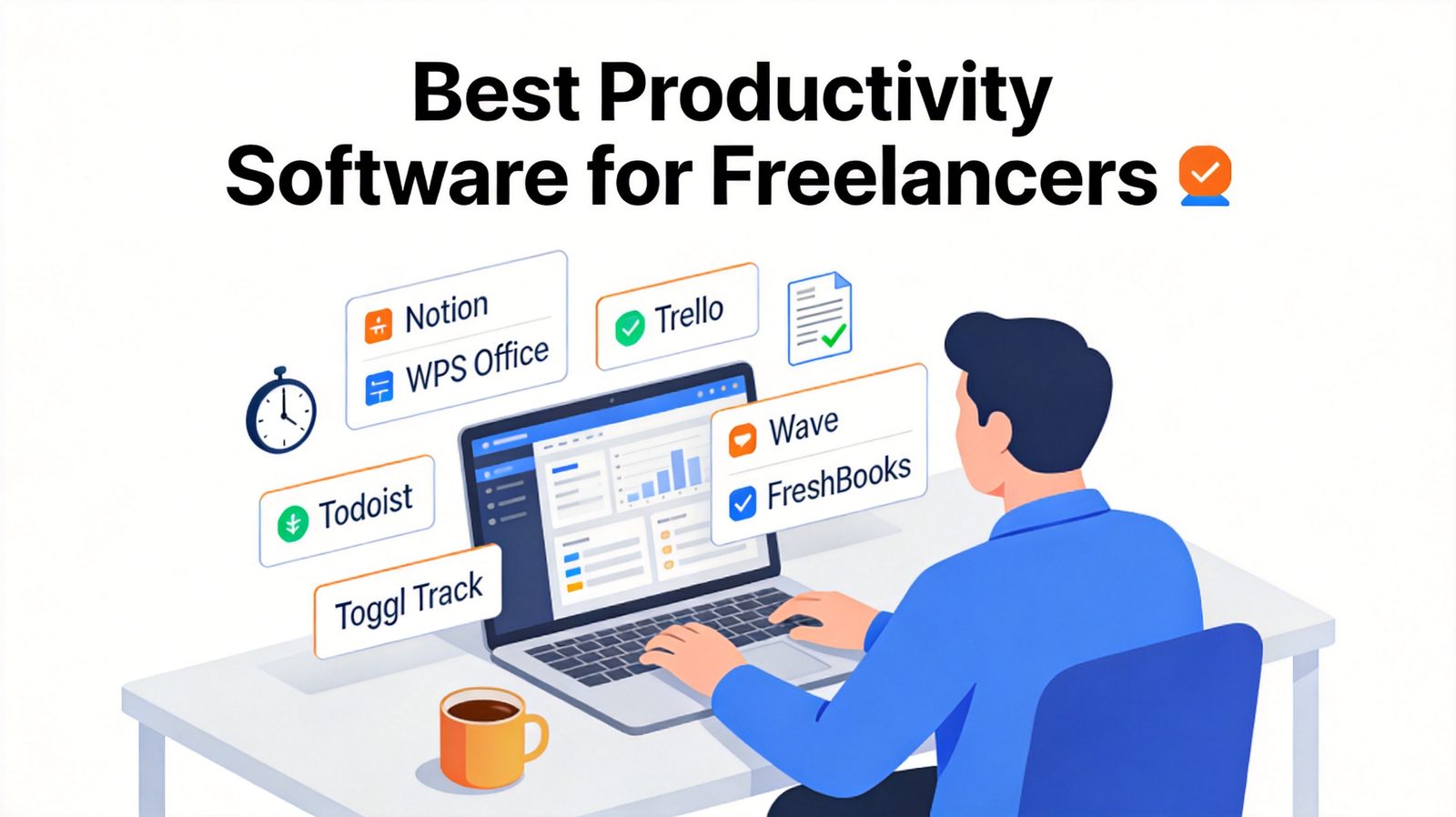
Freelancing means wearing every hat at once: you're the project manager, the accountant, the writer, and the admin assistant. The problem is that most productivity tools are built for teams with budgets and IT departments — not solo professionals. We tested and compared the leading options to find the best productivity software for freelancers in 2026: tools with generous free plans, no per-seat bloat, and workflows that fit one-person businesses. Here are the seven that earned a spot.
TL;DR: Quick Answer for the Best Productivity Software for Freelancers in 2026
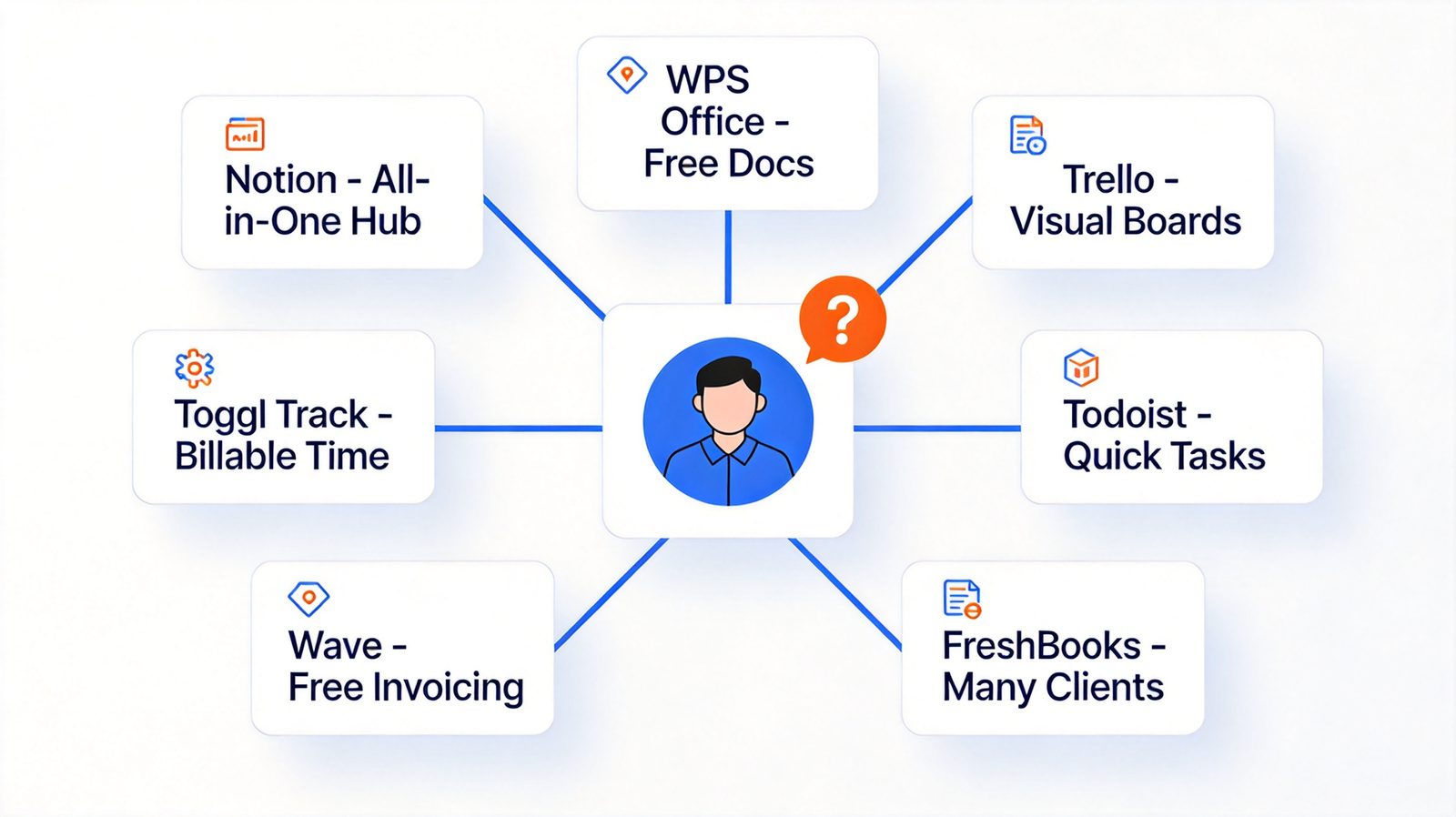
"For most freelancers, the best stack is Notion for organizing clients and projects, WPS Office for free documents and spreadsheets, Toggl Track for billable hours, and Wave for free invoicing — a complete one-person business system that costs little or nothing."
If you want a visual project board, choose Trello. For a pure to-do list across all devices, Todoist is the pick. Growing freelancers who want invoicing with built-in time tracking should upgrade to FreshBooks, and freelance developers can multiply their output with Cursor.
Best all-in-one workspace: Notion (free plan; Plus $10/month)
Best free document and spreadsheet suite: WPS Office (free; Premium from ~$2.99/month)
Best visual project board: Trello (free plan; Standard $5/user/month)
Best cross-platform to-do list: Todoist (free plan; Pro $4/month)
Best time tracking for billable hours: Toggl Track (free up to 5 users; Starter $9/user/month)
Best free invoicing and accounting: Wave (free; Pro $19/month)
Best full-featured invoicing: FreshBooks (Lite $23/month, $1 first-year promos)
Best AI coding tool: Cursor (free tier; Pro $20/month)
Freelancers juggle everything alone: projects, clients, invoices, taxes, and time. The right productivity software for freelancers replaces five disconnected apps with a lean stack that costs little (or nothing). After comparing pricing, free plans, and freelancer workflows, here are the eight tools worth your money in 2026.


Quick Comparison
| Tool | Best for | Free plan | Paid plan |
|---|---|---|---|
| Notion | All-in-one workspace | Yes | Plus $10/user/mo |
| WPS Office | Documents & spreadsheets | Yes | Premium from ~$2.99/mo |
| Trello | Visual project boards | Yes | Standard $5/user/mo |
| Todoist | To-do lists | Yes | Pro $4/mo |
| Toggl Track | Time tracking | Yes (up to 5 users) | Starter $9/user/mo |
| Wave | Free invoicing & accounting | Yes | Pro $19/mo |
| FreshBooks | Invoicing for growing businesses | Trial | Lite $23/mo ($1 first year promo) |
| Cursor | AI-assisted coding | Yes (limited) | Pro $20/mo |
1. Notion: Best All-in-One Workspace
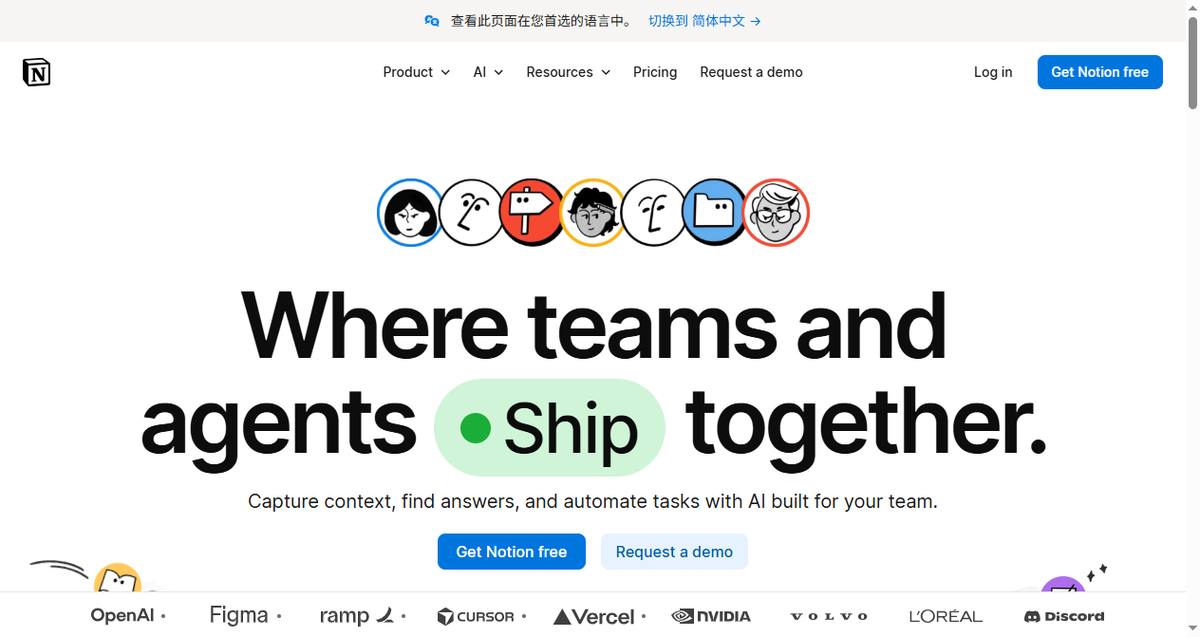
Notion combines notes, databases, task boards, and client wikis in one flexible workspace. Freelancers use it to track pitches, manage client deliverables, and store reusable templates — often replacing three or four separate apps.
Key capabilities:
Databases and kanban boards for client and project tracking
Templates for proposals, content calendars, and CRMs
Notion AI for drafting and summarizing
Best for: Freelancers who want one hub for everything.
Pricing: Generous free plan; Plus is $10/user/month.
Trade-offs: Setup takes time; it does invoicing poorly, so pair it with a finance tool.
2. WPS Office: Best Free Document and Spreadsheet Suite
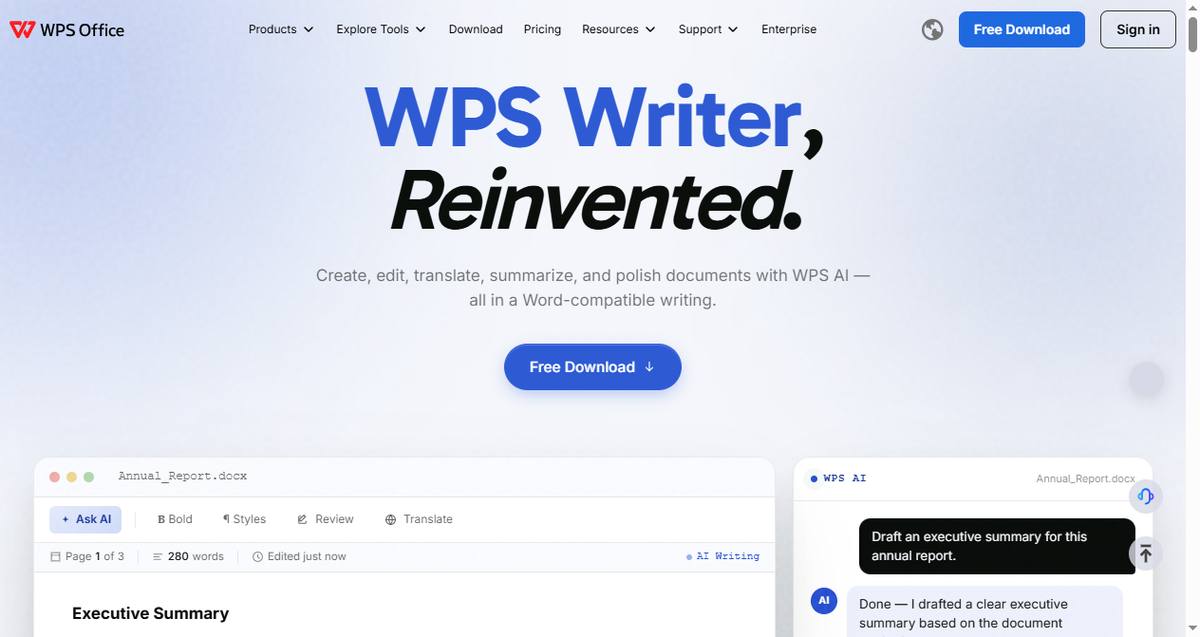
Every freelancer writes proposals, contracts, and invoices. WPS Office gives you a full Word-Excel-PowerPoint-compatible suite for free, with a clean interface and no subscription required for everyday work. If you deal with data-heavy client reports, the built-in AI formula generator turns plain-language questions into spreadsheet formulas — a real time-saver for quoting and budget tracking.
Key capabilities:
Full compatibility with Word, Excel, and PowerPoint files
Handles large client datasets with ease — see our picks for the best spreadsheet software for data analysis
AI features for formulas, writing, and PDF tasks (more ideas in our guide to ChatGPT for Excel)
Works on Windows, Mac, Linux, iOS, and Android — great for working offline on client sites or while traveling
Best for: Freelancers who want desktop-class office software without paying monthly.
Pricing: Free; Premium starts around $2.99/month.
Trade-offs: No built-in project or time tracking, so use it alongside a task manager.
3. Trello: Best Visual Project Board
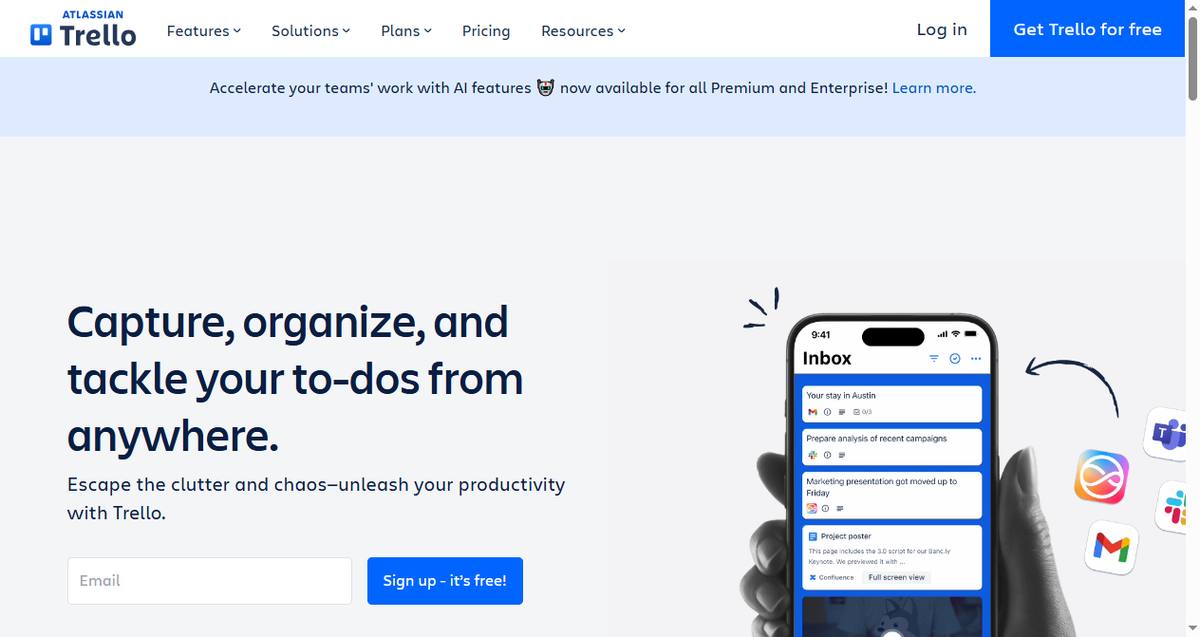
Trello is the simplest way to show clients what's in progress. Its card-and-board system maps perfectly to freelance pipelines: Pitched → In Progress → Awaiting Feedback → Paid.
Key capabilities:
Kanban boards with checklists, due dates, and attachments
Power-ups for calendars and automation
Guest access so clients can view boards free
Best for: Visual thinkers managing a handful of active projects.
Pricing: Free plan is solid; Standard is $5/user/month.
Trade-offs: Gets cluttered on complex projects with many dependencies.
4. Todoist: Best Cross-Platform To-Do List
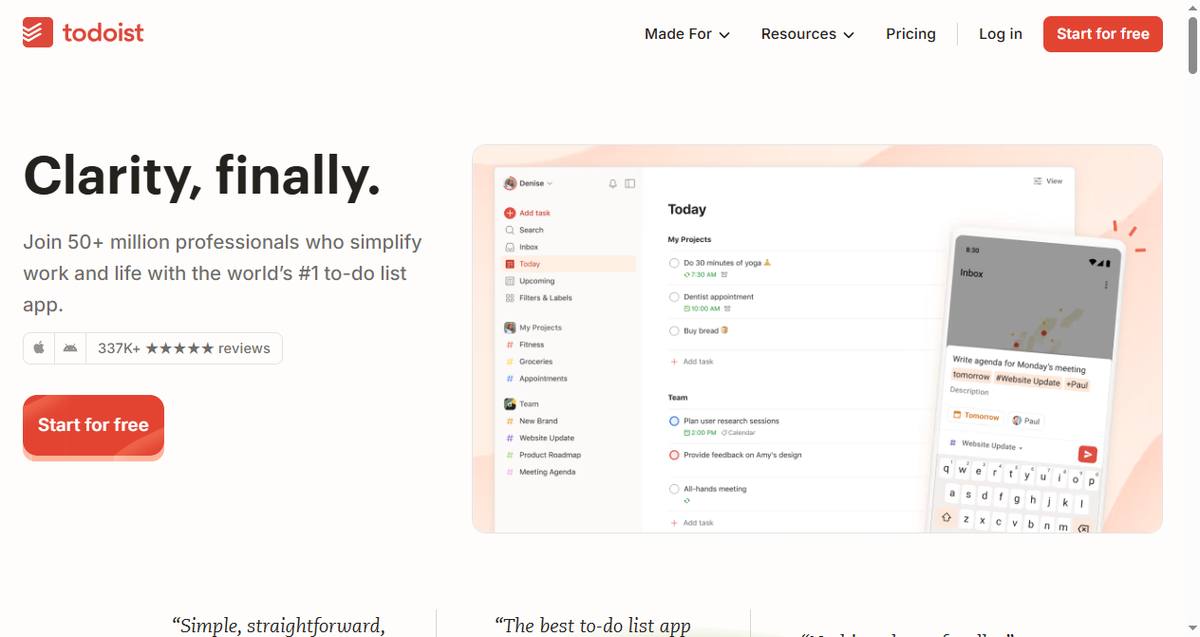
Todoist captures every task the moment it appears — from a client email, a Slack ping, or your own head — and organizes it by project and priority across all your devices.
Key capabilities:
Natural-language quick add ("Draft article Friday 9am p1")
Recurring tasks and priority levels
Works offline everywhere, including wearables
Best for: Freelancers who live by daily task lists rather than big boards.
Pricing: Free; Pro is $4/month.
Trade-offs: No time tracking or invoicing — it's purely tasks. If your client work involves lots of raw data files, our roundup of the best CSV editors covers the cleanup side.
5. Toggl Track: Best One-Click Time Tracking
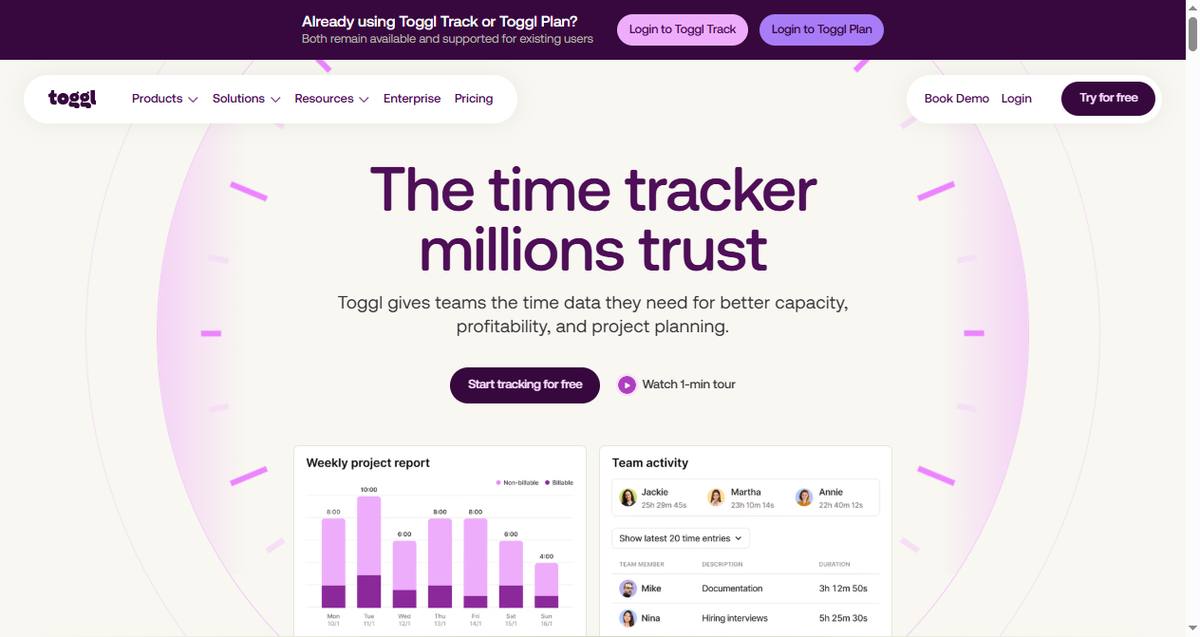
Toggl Track makes billable-hour tracking effortless: one click starts a timer, and reports break down exactly where your week went — per client, per project, per task.
Key capabilities:
One-click timers with idle detection and reminders
Billable rates and client-ready reports
Browser extension that attaches timers to Trello/Asana cards
Best for: Hourly freelancers who need accurate, defensible timesheets.
Pricing: Free for up to 5 users; Starter is $9/user/month.
Trade-offs: Tracking only — you'll still need a separate invoicing tool.
6. Wave: Best Free Invoicing and Accounting
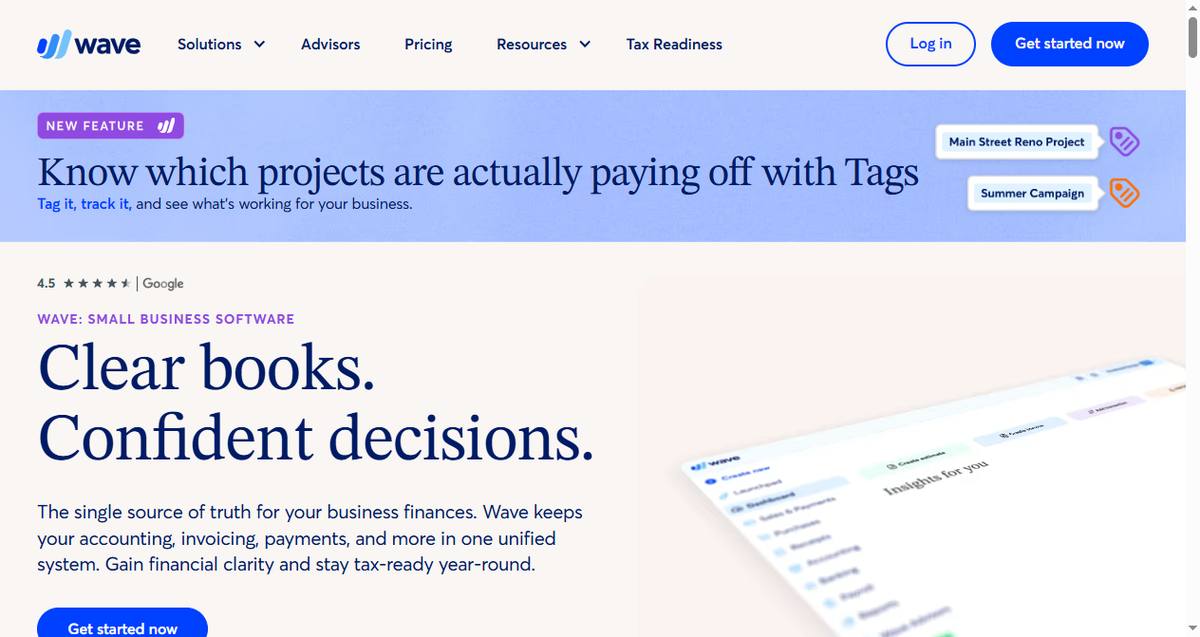
Wave offers genuinely free invoicing and accounting — no trials that expire. It's built for solo operators who want professional invoices, expense tracking, and basic double-entry accounting without a monthly fee.
Key capabilities:
Unlimited invoices and estimates on the free plan
Connected banking for automatic expense categorization
Built-in reports for tax season
Best for: Budget-conscious freelancers, especially in North America.
Pricing: Free (payment processing fees apply); Pro is $19/month.
Trade-offs: Support is limited on the free tier; no time tracking.
7. FreshBooks: Best Full-Featured Invoicing
FreshBooks is a step up from Wave: branded invoices, automatic late-payment reminders, time tracking built in, and accountants love its reports. It suits freelancers billing $3k+/month who want the money side fully automated.

Key capabilities:
Professional invoices with auto-reminders and late fees
Built-in time tracking and project profitability
Double-entry accounting and accountant access
Best for: Growing freelancers who want invoicing, expenses, and time in one place.
Pricing: Lite is $23/month (frequent $1-first-year promos); paid plans only.
Trade-offs: No permanent free plan; extra users cost more.
8. Cursor: Best AI Coding Tool
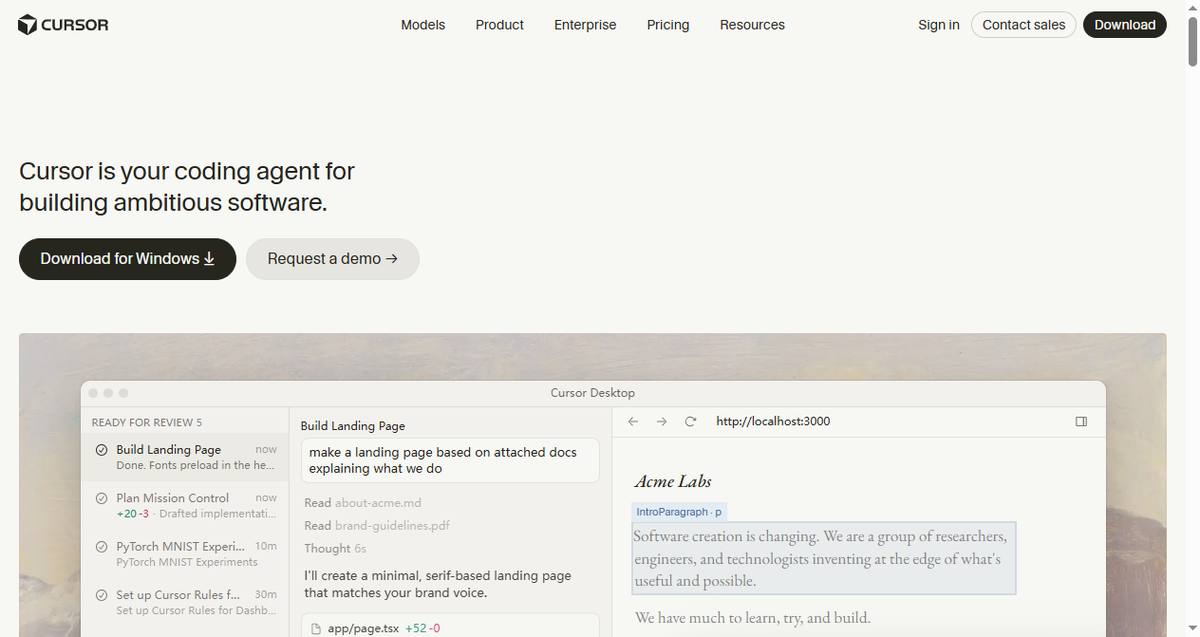
For freelance developers and technical consultants, Cursor is an AI-first code editor that can plan, write, and refactor entire features from a plain-English prompt. It turns solo devs into a one-person engineering team — many freelancers report shipping client projects 2-3x faster.
Key capabilities:
AI agent that plans and executes multi-file code changes
Codebase-aware chat — it understands your whole project
Works with your existing VS Code extensions and settings
Best for: Freelance developers, technical consultants, and no-code-to-code builders.
Pricing: Free tier with limited requests; Pro is $20/month.
Trade-offs: Only useful if you code; the AI limits on the free plan run out quickly.
How to Choose: Decision Matrix
"I just want everything in one place" → Notion (tasks/docs) + Wave (money)
"I bill by the hour" → Toggl Track + FreshBooks
"I need to write documents and crunch spreadsheets" → WPS Office
"I'm a freelance developer" → Cursor + Toggl Track + Wave
"I'm on a $0 budget" → Trello + Todoist + Wave + WPS Office (all free)

FAQs
What is the best productivity software for freelancers?
There's no single answer: most freelancers combine a task tool (Notion, Trello, or Todoist), a document suite (WPS Office), a time tracker (Toggl Track), and an invoicing app (Wave or FreshBooks). The stack above covers all four needs for under $25/month combined.
What free productivity tools should freelancers use?
Notion, Trello, Todoist, Toggl Track, Wave, and WPS Office all have genuinely usable free plans. A freelancer can run an entire business on these without paying anything.
Do freelancers need time-tracking software?
If you bill hourly — yes. Toggl Track's free plan alone is enough to log billable hours and generate client-ready timesheets that protect you in payment disputes.
What's the difference between Wave and FreshBooks?
Wave is free forever with basic invoicing and accounting; FreshBooks costs from $23/month but adds built-in time tracking, automated late-payment reminders, and deeper reporting. Start with Wave, upgrade to FreshBooks when billing volume grows.
Can one app replace my whole freelancer stack?
Notion comes closest, but it can't do invoicing or compliant accounting. The practical minimum is two apps: one for work (Notion or Trello) and one for money (Wave or FreshBooks).
Summary
The best productivity software for freelancers in 2026 isn't one app — it's a lean stack: Notion for the workspace, WPS Office for free document and spreadsheet work, Trello or Todoist for tasks, Toggl Track for billable hours, and Wave or FreshBooks for invoicing — plus Cursor if you write code for a living. Together they cost less than a single coffee per week — or nothing at all on free plans. Start with the free tiers, and only pay when a tool has already saved you real hours.
'%3e%3cpath%20d='M19.9911%204.11386V6.471H18.5894C18.0775%206.471%2017.7322%206.57814%2017.5536%206.79243C17.3751%207.00671%2017.2858%207.32814%2017.2858%207.75671V9.44421H19.9019L19.5536%2012.0871H17.2858V18.8639H14.5536V12.0871H12.2769V9.44421H14.5536V7.49779C14.5536%206.39064%2014.8632%205.53201%2015.4822%204.92189C16.1013%204.31177%2016.9257%204.00671%2017.9554%204.00671C18.8304%204.00671%2019.509%204.04243%2019.9911%204.11386Z'%20fill='%23333333'/%3e%3c/g%3e%3cdefs%3e%3cclipPath%20id='clip0_2938_8199'%3e%3crect%20width='16'%20height='16'%20fill='white'%20transform='translate(8%204.00671)'/%3e%3c/clipPath%3e%3c/defs%3e%3c/svg%3e)
'%3e%3cpath%20d='M17.5237%2010.7813L23.4811%204H22.0699L16.8949%209.88693L12.7648%204H8L14.2469%2012.9029L8%2020.0133H9.4112L14.8725%2013.7952L19.2352%2020.0133H24M9.92053%205.04213H12.0885L22.0688%2019.0224H19.9003'%20fill='%23333333'/%3e%3c/g%3e%3cdefs%3e%3cclipPath%20id='clip0_2938_8200'%3e%3crect%20width='16'%20height='16.0134'%20fill='white'%20transform='translate(8%204)'/%3e%3c/clipPath%3e%3c/defs%3e%3c/svg%3e)


