

'%3e%3cpath%20d='M8%200C12.4183%200%2016%203.58172%2016%208C16%2012.4183%2012.4183%2016%208%2016C3.58172%2016%200%2012.4183%200%208C0%203.58172%203.58172%200%208%200ZM11.6162%204.38379C11.2257%203.99337%2010.5927%203.99338%2010.2021%204.38379L8%206.58594L5.79785%204.38379C5.40732%203.99334%204.77429%203.99329%204.38379%204.38379C3.99331%204.77429%203.99335%205.40733%204.38379%205.79785L6.58594%208L4.38379%2010.2021C3.99348%2010.5927%203.99341%2011.2257%204.38379%2011.6162C4.77426%2012.0066%205.40734%2012.0065%205.79785%2011.6162L8%209.41406L10.2021%2011.6162C10.5927%2012.0066%2011.2257%2012.0067%2011.6162%2011.6162C12.0067%2011.2257%2012.0066%2010.5927%2011.6162%2010.2021L9.41406%208L11.6162%205.79785C12.0066%205.40735%2012.0066%204.77429%2011.6162%204.38379Z'%20fill='%23080E17'%20fill-opacity='0.46'/%3e%3c/g%3e%3cdefs%3e%3cclipPath%20id='clip0_3761_713'%3e%3crect%20width='16'%20height='16'%20fill='white'/%3e%3c/clipPath%3e%3c/defs%3e%3c/svg%3e)




'%3e%3cpath%20fill-rule='evenodd'%20clip-rule='evenodd'%20d='M21.4999%2010.9993C21.4999%205.20009%2016.7986%200.498901%2010.9993%200.498901C5.19994%200.498901%200.498657%205.20009%200.498657%2010.9993C0.498657%2016.2404%204.33858%2020.5844%209.35855%2021.3722V14.0346H6.69238V10.9993H9.35855V8.68594C9.35855%206.05427%2010.9262%204.60062%2013.3248%204.60062C14.4736%204.60062%2015.6753%204.80571%2015.6753%204.80571V7.38979H14.3512C13.0468%207.38979%2012.64%208.19921%2012.64%209.0296V10.9993H15.5523L15.0867%2014.0346H12.64V21.3722C17.66%2020.5844%2021.4999%2016.2404%2021.4999%2010.9993Z'%20fill='%231568EA'/%3e%3c/g%3e%3c/svg%3e)


'%3e%3cpath%20d='M2.42045%2022.1876H6.31818V12.7217L0.75%208.54553V20.5171C0.75%2021.4414%201.49892%2022.1876%202.42045%2022.1876Z'%20fill='%234285F4'/%3e%3cpath%20d='M19.682%2022.1876H23.5797C24.5041%2022.1876%2025.2502%2021.4387%2025.2502%2020.5171V8.54553L19.682%2012.7217'%20fill='%2334A853'/%3e%3cpath%20d='M19.682%205.48293V12.7216L25.2502%208.54543V6.31816C25.2502%204.25236%2022.8921%203.07469%2021.2411%204.31361'%20fill='%23FBBC04'/%3e%3cpath%20d='M6.31824%2012.7217V5.48303L13.0001%2010.4944L19.6819%205.48303V12.7217L13.0001%2017.733'%20fill='%23EA4335'/%3e%3cpath%20d='M0.75%206.31816V8.54543L6.31818%2012.7216V5.48293L4.75909%204.31361C3.10534%203.07469%200.75%204.25236%200.75%206.31816Z'%20fill='%23C5221F'/%3e%3c/g%3e%3cdefs%3e%3cclipPath%20id='clip0_2954_7305'%3e%3crect%20width='24.5'%20height='18.375'%20fill='white'%20transform='translate(0.75%203.8125)'/%3e%3c/clipPath%3e%3c/defs%3e%3c/svg%3e)


Opening a customer export only to watch Excel silently strip the leading zeros from every phone number is a special kind of frustration. Or maybe you have double-clicked a 500 MB CSV file and waited minutes for Excel to freeze, crash, or politely offer to truncate your data. Generic spreadsheet apps treat CSV files as a side dish, but the right CSV editor treats them as the main course — fast, safe, and predictable.
We tested and compared the best easy-to-use CSV editors in 2026, focusing on the things that actually matter for day-to-day CSV work: how quickly each tool opens large files, whether it preserves your data types exactly as typed, and how short the learning curve is. Here are our top picks.
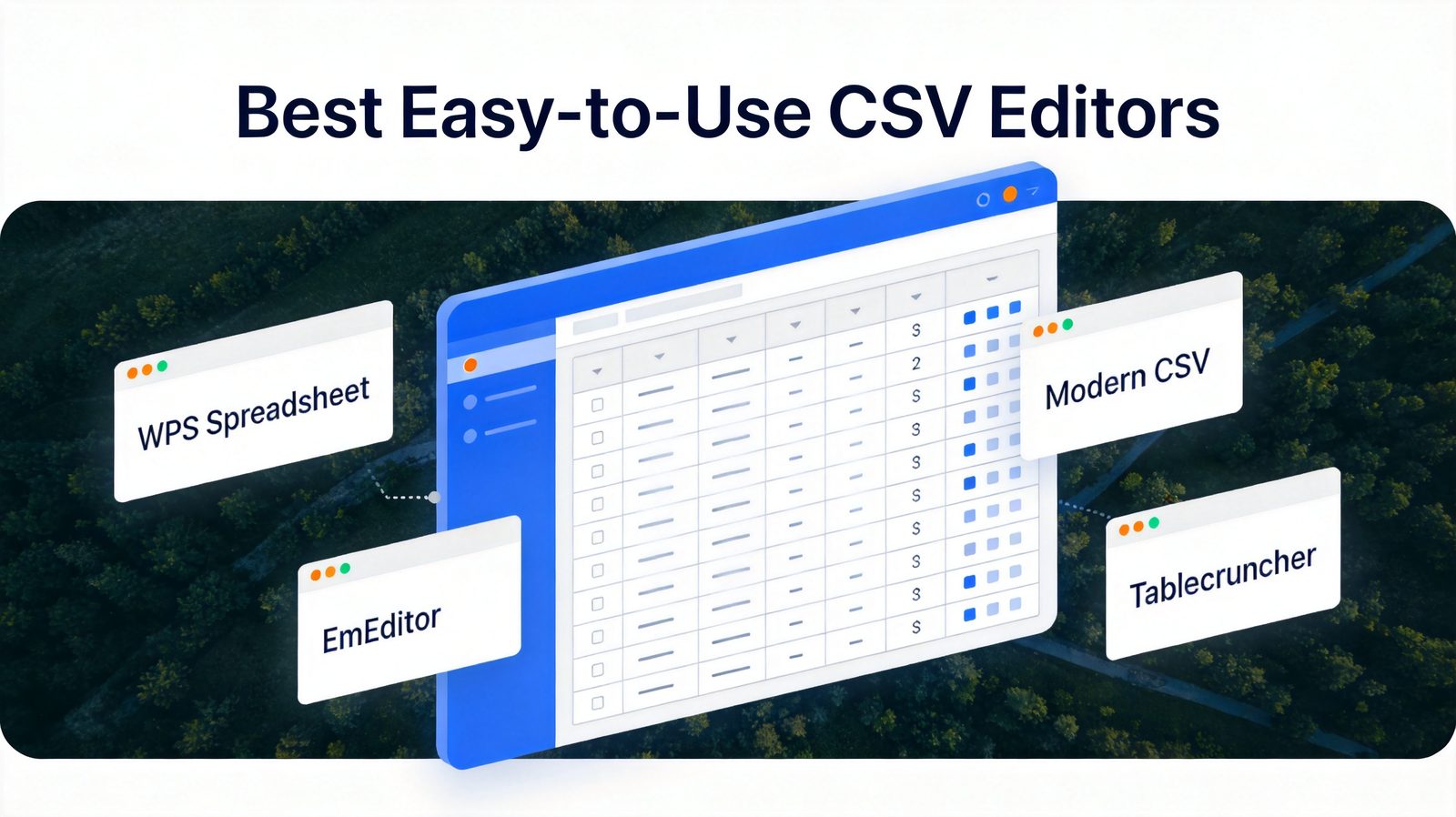
TL;DR: Quick Answer for the Best Easy-to-Use CSV Editors in 2026
"For most people, WPS Spreadsheet is the best easy-to-use CSV editor — it opens CSV files correctly, preserves your data, and adds full spreadsheet power for free."
If you edit CSV files all day by keyboard, choose Modern CSV. For data cleaning on Windows, pick Rons Data Edit. For gigabyte-scale files, EmEditor is unbeatable. For a free open-source option, use Tablecruncher, and for a cheap Mac-native tool, Easy CSV Editor at $9.99.
Best overall (free): WPS Spreadsheet (free, Excel-like, built-in AI)
Best for keyboard-driven editing: Modern CSV ($39/year)
Best for data cleaning: Rons Data Edit (Lite free; Pro $37.50 one-time)
Best for huge files: EmEditor (free version; Pro from $6/month)
Best open source: Tablecruncher (free, GPL)
Best for Mac on a budget: Easy CSV Editor ($9.99 one-time)
What Makes a Good Easy-to-Use CSV Editor
Before diving into the tools, it helps to know why editing CSV files is trickier than it looks. A CSV file is plain text with commas as separators, and general-purpose spreadsheets make three classic mistakes when opening them:
Leading zeros disappear. Zip codes like
02134and phone numbers like0138-0011get converted to numbers, silently corrupting your data.Dates get rewritten.
03-04-2026may become March 4th or April 3rd depending on your locale — and the file never tells you which.Large files choke. Excel caps out around 1,048,576 rows, and many spreadsheet apps slow to a crawl long before that.
A good easy-to-use CSV editor avoids all three: it opens files fast, shows raw values exactly as stored, and lets you edit cells without second-guessing what the app will do to your data behind your back.


Quick Comparison: Easy-to-Use CSV Editors in 2026
| Tool | Best For | Platform | Price | Large File Support |
|---|---|---|---|---|
| WPS Spreadsheet | Free all-in-one editing + full spreadsheet power | Windows, Mac, Linux, iOS, Android | Free | Very good |
| Modern CSV | Keyboard-driven fast editing | Windows, Mac, Linux | Free trial; $39 personal / $59 business | Excellent |
| Rons Data Edit | Data cleaning and restructuring | Windows | Lite free (2,500 rows); Pro $37.50 | Good |
| EmEditor | Huge CSV files (GB-scale) | Windows | Free version; Pro from $6/month or $60/year | Outstanding (up to 16 TB) |
| Tablecruncher | Lightweight open-source editing | Windows, Mac, Linux | Free (GPL, open source) | Good (2 GB / ~15M rows) |
| Easy CSV Editor | Simple, affordable Mac editing | Mac | $9.99 one-time | Basic |
1. WPS Spreadsheet: Best Free Easy-to-Use CSV Editor
WPS Spreadsheet is part of the free WPS Office suite, and it handles CSV files the way a modern CSV editor should: open them cleanly, keep your values intact, and give you full spreadsheet tools — formulas, pivot tables, charts, and AI assistance — on top. If you want one app that edits CSV files today and real spreadsheets tomorrow, this is the most cost-effective pick. Its clean ribbon interface also makes it easy for anyone who has ever used Excel to feel at home within seconds.
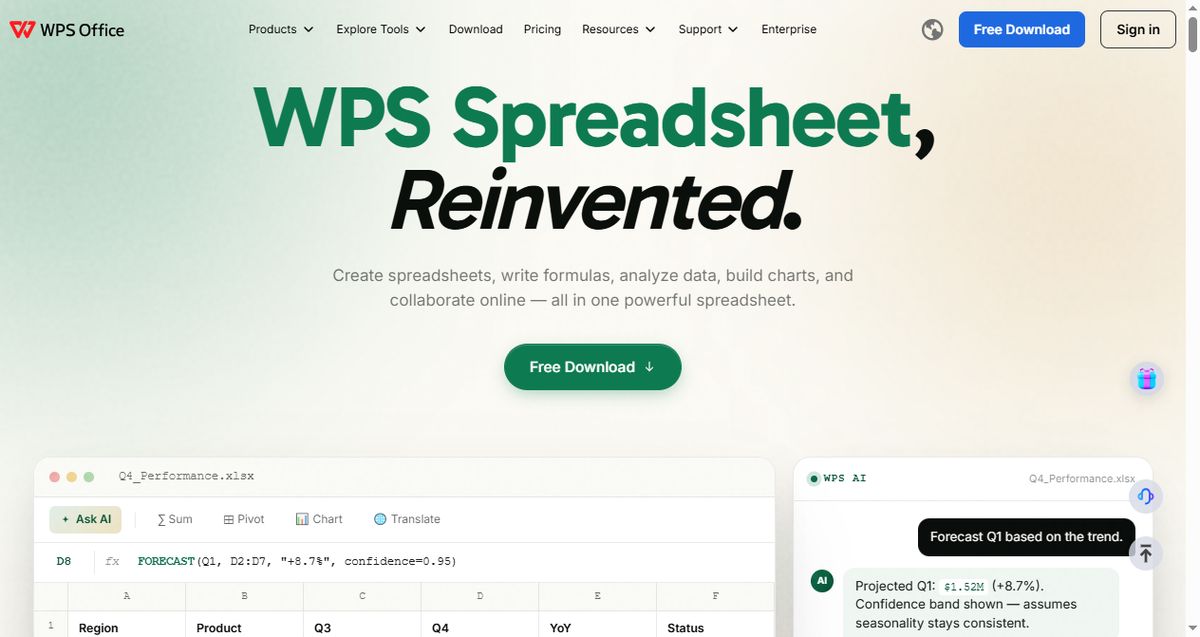
Key capabilities:
Opens CSV files with a proper import preview, so delimiters and encodings are handled correctly
Full formula engine, pivot tables, and charts on top of plain CSV data
Built-in AI features for cleaning and analyzing data
Works across Windows, Mac, Linux, iOS, and Android with consistent formatting
Best for: Anyone who wants a free, familiar, all-in-one CSV file editor with real spreadsheet power.
Pricing: Free. WPS Pro is available from $29/year if you want premium AI and extra cloud features.
Trade-offs: It is a full spreadsheet suite rather than a dedicated CSV tool, so ultra-specialized jobs — like editing a 10 GB log dump — are better left to EmEditor below.
2. Modern CSV: Best Keyboard-Driven CSV File Editor
Modern CSV is built around one idea: editing CSV files should be as fast as typing. Nearly every operation — moving rows, filling down, sorting, multi-cell editing — has a keyboard shortcut, and the editing model feels closer to a code editor than a spreadsheet. If you live in CSV files all day, the muscle memory pays off quickly.
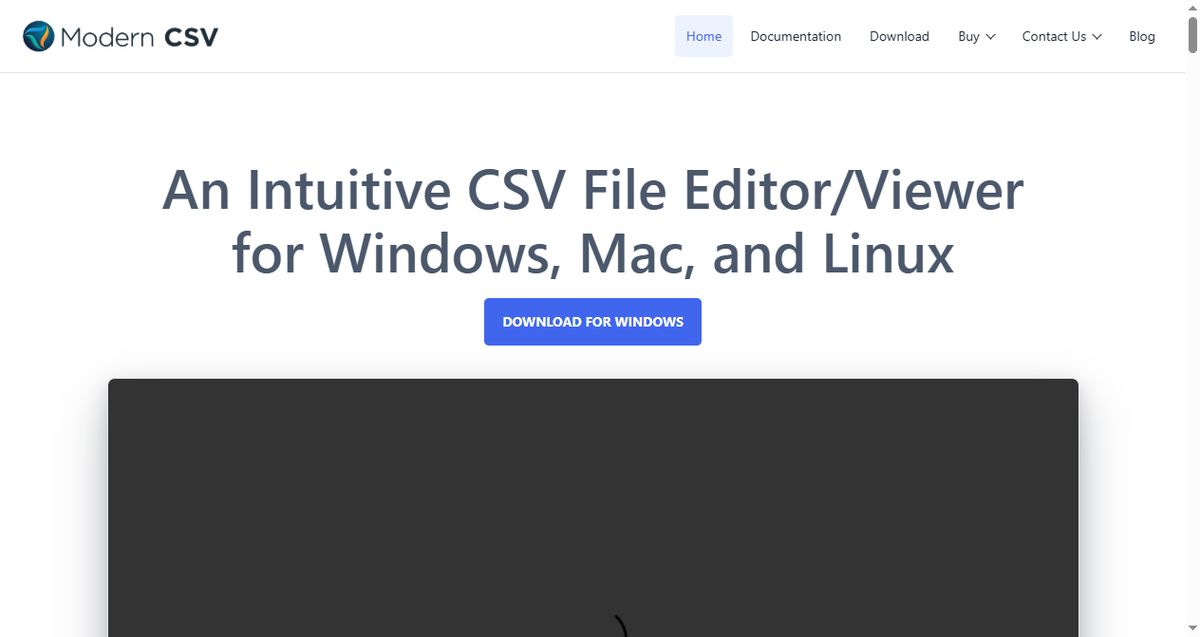
Key capabilities:
Extensive keyboard shortcuts for nearly every editing action
Multi-cell editing, unlimited undo/redo, and powerful sort/filter
Opens files of 1M+ rows smoothly
Available on Windows, Mac, and Linux with a consistent UI
Best for: Data-savvy users who prefer keyboard-driven workflows over mouse clicking.
Pricing: Free trial with full features; $39/year personal or $59/year business license.
Trade-offs: The Vim-like editing philosophy has a learning curve, and the free trial eventually requires a license for continued use.
3. Rons Data Edit: Best CSV Editor for Data Cleaning
Rons Data Edit is a Windows-only CSV editor aimed squarely at data cleaning and restructuring. Beyond basic cell editing, it offers column manipulation, duplicate removal, and a clean grid view designed for tidying messy exports. The free Lite version handles files up to 2,500 rows, which is enough to evaluate whether the workflow suits you.
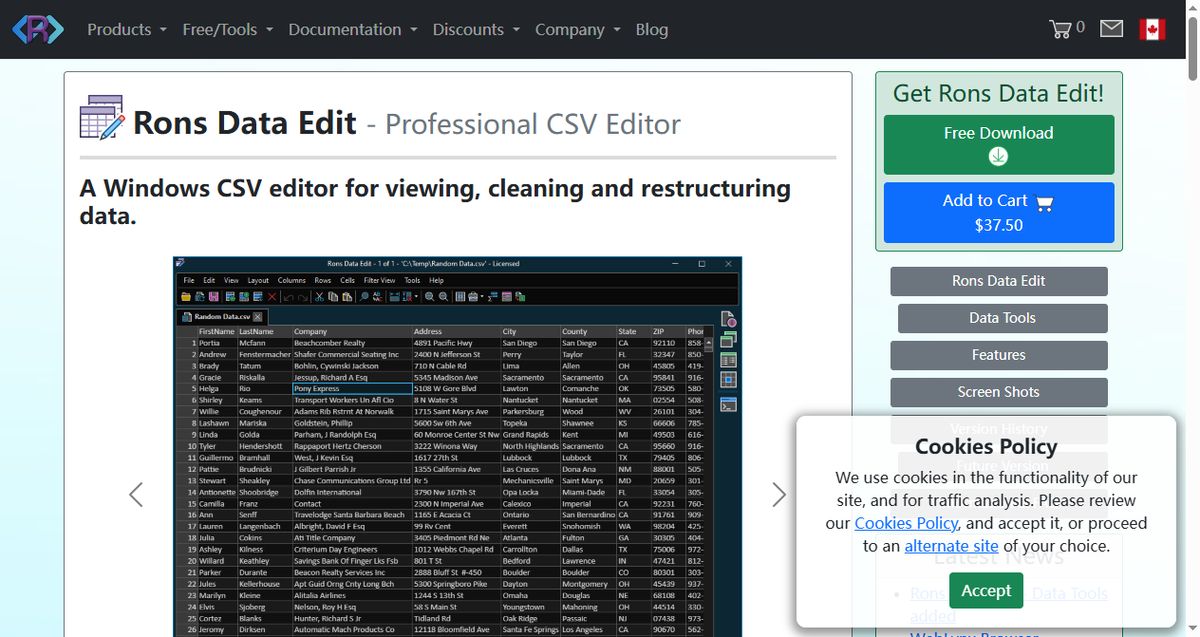
Key capabilities:
Dedicated cleaning tools: dedupe, split/merge columns, reorder fields
Fast grid rendering with data-type-aware display
CsvEditor engine that preserves values exactly as stored
Free Lite tier for small files
Best for: Windows users who spend real time cleaning and restructuring messy CSV exports.
Pricing: Lite is free (files up to 2,500 rows); Pro is a one-time $37.50.
Trade-offs: Windows only, and the row limit on the free tier makes it a non-starter for large datasets.
4. EmEditor: Best for Huge CSV Files
EmEditor is the tool you reach for when nothing else will open the file. It handles CSV files up to 16 TB and displays them in a proper grid with filtering, sorting, and column-level operations — all while staying responsive. If your "small" export is 2 GB and Excel refuses to even try, EmEditor will chew through it. For more on taming oversized data, see our guide to the best spreadsheet software for data analysis.
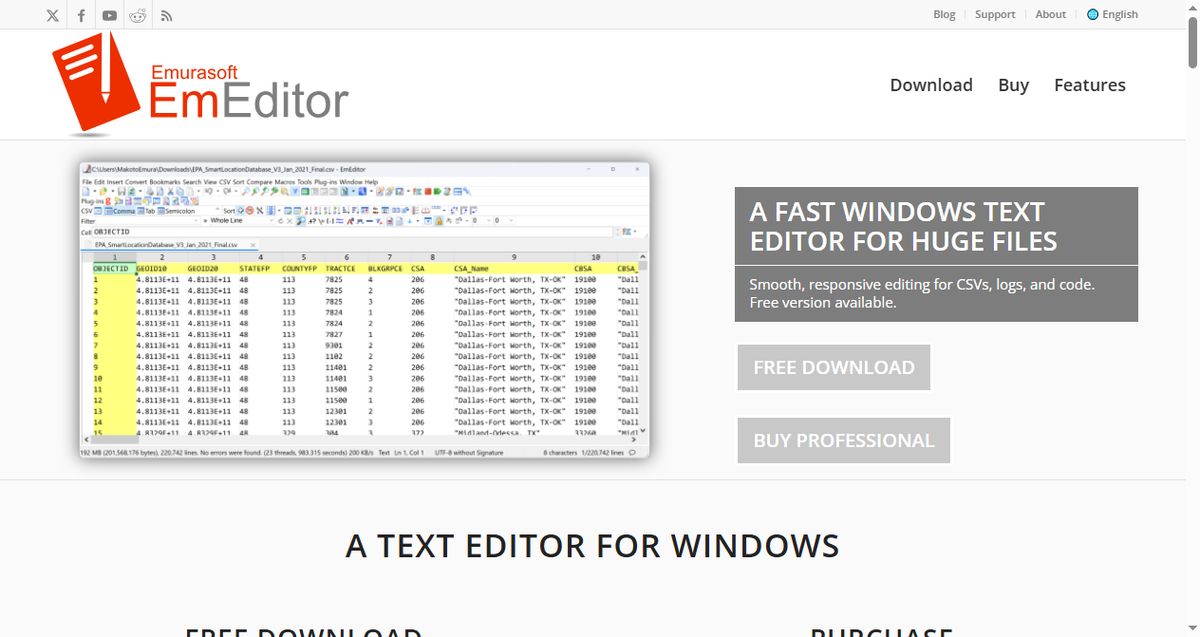
Key capabilities:
Handles files up to 16 TB with optimized large-file engine
CSV-specific mode with column filtering, sort, and split/combine columns
Unicode support for virtually any encoding
Free version available for individual use
Best for: Engineers and analysts working with gigabyte-scale CSV logs and datasets on Windows.
Pricing: Free version for individuals; EmEditor Professional from $6/month or $60/year.
Trade-offs: Windows only, and its interface is closer to a text editor than a spreadsheet, which can feel sparse for casual users.
5. Tablecruncher: Best Lightweight Open-Source CSV Editor
Tablecruncher is a free, open-source (GPL) CSV editor that boots in seconds and handles files up to around 2 GB — roughly 15 million rows. It deliberately skips heavy features and focuses on being a fast, no-nonsense CSV file editor for all three desktop platforms. If you want something that just opens and edits CSV files without ceremony, this is it.
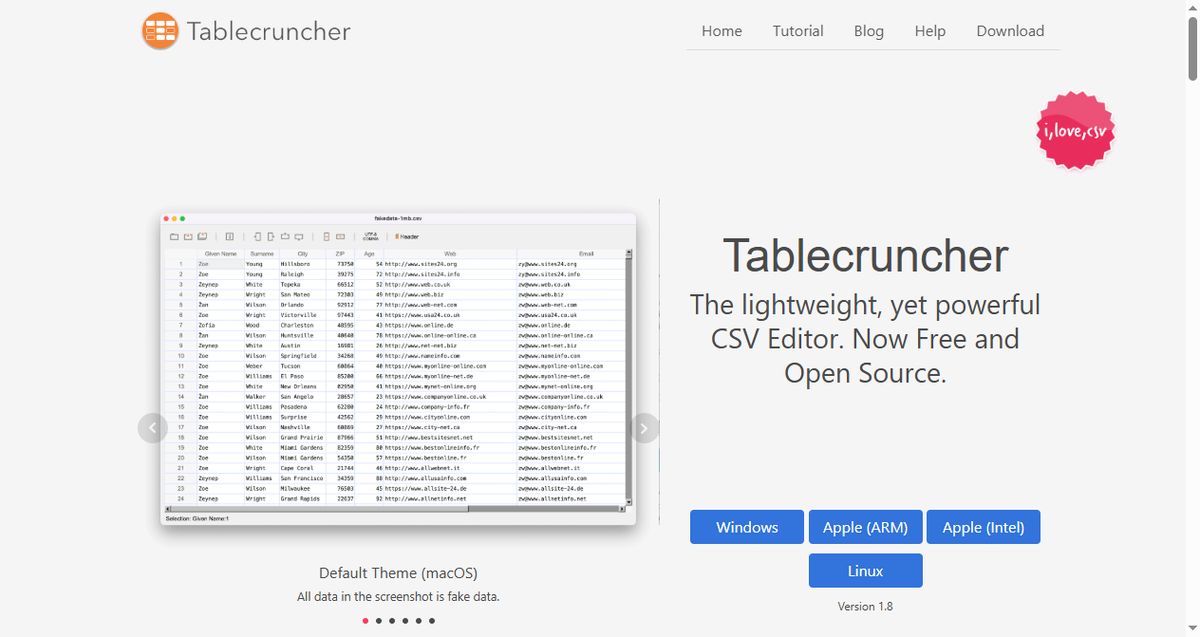
Key capabilities:
Open source under GPL — free for any use
Opens ~2 GB files (about 15 million rows) on modest hardware
JavaScript-based macros for repetitive edits
Cross-platform: Windows, Mac, and Linux
Best for: Users who want a free, minimal, open-source CSV editor that starts instantly.
Pricing: Free.
Trade-offs: The feature set is intentionally minimal — no pivot tables, charts, or formula engine — and the project is maintained by a small team.
6. Easy CSV Editor: Best Simple CSV Editor for Mac
Easy CSV Editor is a Mac-native CSV editor that nails the basics: a clean grid, quick sorting and filtering, and reliable handling of quoted fields and multiline cells. At $9.99 as a one-time purchase, it is the cheapest paid option in this list and a pleasant upgrade over opening CSV files in TextEdit or Numbers.
Key capabilities:
Native Mac app with a clean, fast grid interface
Correct handling of quoted fields, escaped commas, and multiline cells
Search, sort, filter, and quick row/column operations
Best for: Mac users who edit small-to-medium CSV files and want a cheap, polished native tool.
Pricing: $9.99 one-time purchase.
Trade-offs: Mac only, and it is not built for very large files — anything beyond a few hundred thousand rows will strain it.
How to Choose the Right Easy-to-Use CSV Editor
Pick based on your dominant use case rather than the longest feature list:
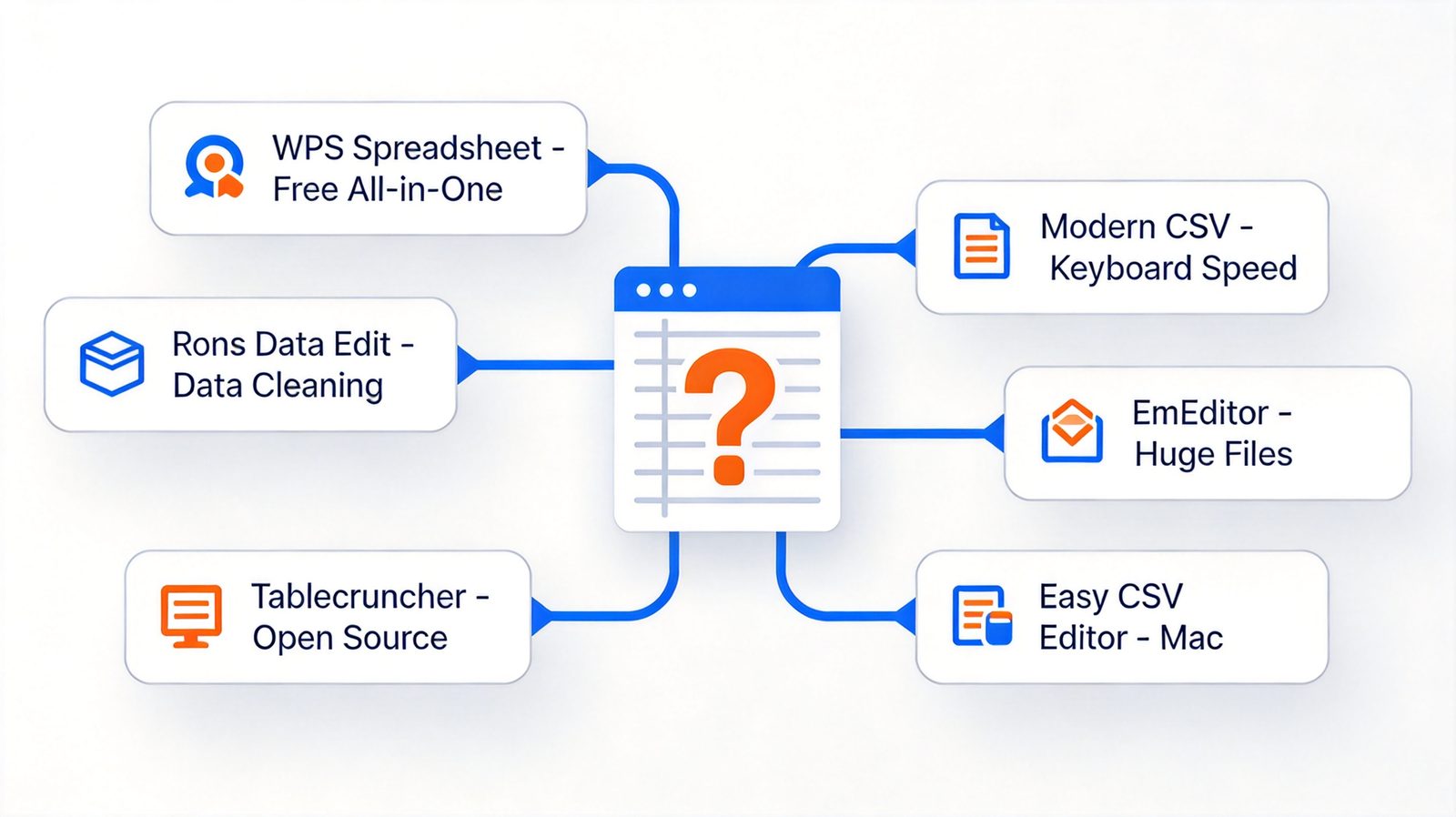
Want one free app for CSV and real spreadsheets? WPS Spreadsheet is the obvious default — free, familiar, and full-featured.
Edit CSV files all day with a keyboard? Modern CSV will pay for itself in saved clicks.
Cleaning messy exports on Windows? Rons Data Edit Pro at $37.50 is a solid one-time investment.
Files too big for everything else? EmEditor is the escape hatch for gigabyte-scale data.
Want free and open source? Tablecruncher, no contest.
On a Mac and want something simple and cheap? Easy CSV Editor for $9.99.
And if your work mixes CSV editing with document and presentation tasks, an integrated suite keeps everything in one place — our comparison of the best office suites for offline use covers that angle in depth.
The Best Free CSV Editor: WPS Office
For most people, WPS Office hits the sweet spot: it is genuinely free, opens CSV files correctly with a proper import preview, and gives you the full spreadsheet toolkit — formulas, pivot tables, charts, and AI — without asking for a credit card. Here is how to edit a CSV file with it in under a minute:
Download and install WPS Office from the official website. The free version includes WPS Spreadsheet with no feature limits for CSV work.
Open your CSV file. Drag the file into WPS Spreadsheet or use File → Open. An import preview lets you confirm the delimiter, encoding, and text qualifier before anything is parsed.
Edit safely. Fix values, remove duplicates, sort, filter, or apply formulas — leading zeros and date strings stay exactly as stored when you keep columns as text.
Save in any format. Export back to CSV, or convert to .xlsx to keep formulas and formatting for later analysis.
Once your data is clean, you can go further with pivot tables and charts — see how to polish them in our guide to changing axis labels in a chart.

FAQs
What is the easiest CSV editor for beginners?
WPS Spreadsheet is the easiest for most beginners because it looks and behaves like Excel, opens CSV files with a helpful import preview, and is completely free. If you only need quick edits on a Mac, Easy CSV Editor at $9.99 is also very approachable.
Is there a truly free CSV editor?
Yes. Tablecruncher is free and open source, WPS Spreadsheet is free for full CSV editing, and both Rons Data Edit Lite and EmEditor offer free tiers with some limits.
How do I open a very large CSV file without Excel crashing?
Use a tool built for large files. EmEditor handles files up to 16 TB, Modern CSV and Tablecruncher comfortably open files with millions of rows, and all three stay responsive where Excel would freeze or hit its 1,048,576-row limit.
How do I stop Excel from removing leading zeros in CSV files?
Import the file instead of double-clicking it: choose the column type as Text during import, or prefix values with an apostrophe. Better yet, use a CSV editor like WPS Spreadsheet or Modern CSV that preserves raw values by default.
Can I edit CSV files on Mac for free?
Yes. Tablecruncher runs on Mac and is completely free and open source, and WPS Office also offers a free Mac version with full CSV support. Easy CSV Editor is a cheap paid alternative at $9.99.
Summary
The best easy-to-use CSV editor depends on what you edit and how often. WPS Spreadsheet is the best free all-rounder, Modern CSV rewards keyboard power users, Rons Data Edit excels at data cleaning on Windows, EmEditor conquers gigantic files, Tablecruncher is the best open-source option, and Easy CSV Editor is the simple Mac pick. All six preserve your data faithfully — pick the one that matches your workflow, and stop letting spreadsheets mangle your CSV files.
'%3e%3cpath%20d='M19.9911%204.11386V6.471H18.5894C18.0775%206.471%2017.7322%206.57814%2017.5536%206.79243C17.3751%207.00671%2017.2858%207.32814%2017.2858%207.75671V9.44421H19.9019L19.5536%2012.0871H17.2858V18.8639H14.5536V12.0871H12.2769V9.44421H14.5536V7.49779C14.5536%206.39064%2014.8632%205.53201%2015.4822%204.92189C16.1013%204.31177%2016.9257%204.00671%2017.9554%204.00671C18.8304%204.00671%2019.509%204.04243%2019.9911%204.11386Z'%20fill='%23333333'/%3e%3c/g%3e%3cdefs%3e%3cclipPath%20id='clip0_2938_8199'%3e%3crect%20width='16'%20height='16'%20fill='white'%20transform='translate(8%204.00671)'/%3e%3c/clipPath%3e%3c/defs%3e%3c/svg%3e)
'%3e%3cpath%20d='M17.5237%2010.7813L23.4811%204H22.0699L16.8949%209.88693L12.7648%204H8L14.2469%2012.9029L8%2020.0133H9.4112L14.8725%2013.7952L19.2352%2020.0133H24M9.92053%205.04213H12.0885L22.0688%2019.0224H19.9003'%20fill='%23333333'/%3e%3c/g%3e%3cdefs%3e%3cclipPath%20id='clip0_2938_8200'%3e%3crect%20width='16'%20height='16.0134'%20fill='white'%20transform='translate(8%204)'/%3e%3c/clipPath%3e%3c/defs%3e%3c/svg%3e)


