


In short
The best way to use Excel on Mac is to choose the tool that fits macOS, not the one with the longest feature list. Keep Excel and change four Mac-specific settings if your workbooks depend on Power Pivot, company add-ins or Windows-written macros. Use a Mac-native suite such as WPS Office if your work is formulas, pivot tables, charts and .xlsx files that travel between colleagues.
Every Mac user hits the same wall: the keyboard does not respond the way it did on Windows, a few features are missing, and the advice online assumes you already switched platforms. The fix is not a longer features list. It is picking the path that costs you the least in habits, capability and money, then configuring that path once.
Excel on Mac: The Best Way to Use It
Should you keep Excel on Mac or switch to a Mac-native suite?
Keep Excel if your workbooks depend on Power Pivot, company add-ins or macros written for Windows. Switch to a Mac-native suite such as WPS Spreadsheet if your work is formulas, pivot tables, charts and .xlsx files that move between colleagues. That one distinction decides everything else, because the cost of a spreadsheet tool on a Mac shows up in three places and only one of them is the licence fee.
- Habit cost: how much Windows muscle memory you have to unlearn, every hour of every day.
- Capability cost: the features you actually use that do not exist on macOS, rather than the ones reviewers list.
- Money cost: a subscription, a one-time purchase, or nothing.
Most advice optimizes the third and ignores the first two, which is why “switch to a free alternative” and “just buy Microsoft 365” both leave people unsatisfied. Habit and capability gaps repeat daily; a licence is paid once.
How do you set up Excel on Mac properly?
Four changes close most of the gap, and none of them requires learning a new program: relearn the shortcut exceptions, switch large models to manual calculation, replace full-column references with tables, and confirm you are on a native Apple Silicon build. Each takes under ten minutes.
Which Excel shortcuts change on a Mac?
Nine in ten Windows shortcuts convert by swapping Ctrl for Cmd. These are the exceptions worth memorizing, including the one that catches everybody: AutoSum is Cmd+Shift+T on a Mac, not Alt+=.
| Action | Windows | Excel for Mac |
|---|---|---|
| Format Cells | Ctrl+1 | Cmd+1 |
| Jump to edge of data | Ctrl+Arrow | Cmd+Arrow |
| Extend selection to edge | Ctrl+Shift+Arrow | Cmd+Shift+Arrow |
| AutoSum | Alt+= | Cmd+Shift+T |
| Paste Special | Ctrl+Alt+V | Ctrl+Cmd+V |
| Toggle absolute reference | F4 | Cmd+T or Fn+F4 |
| Select an entire column | Ctrl+Space | Ctrl+Space |
If the function row still triggers brightness instead of F2, F4 and F9, enable standard function keys once and the Windows muscle memory transfers.
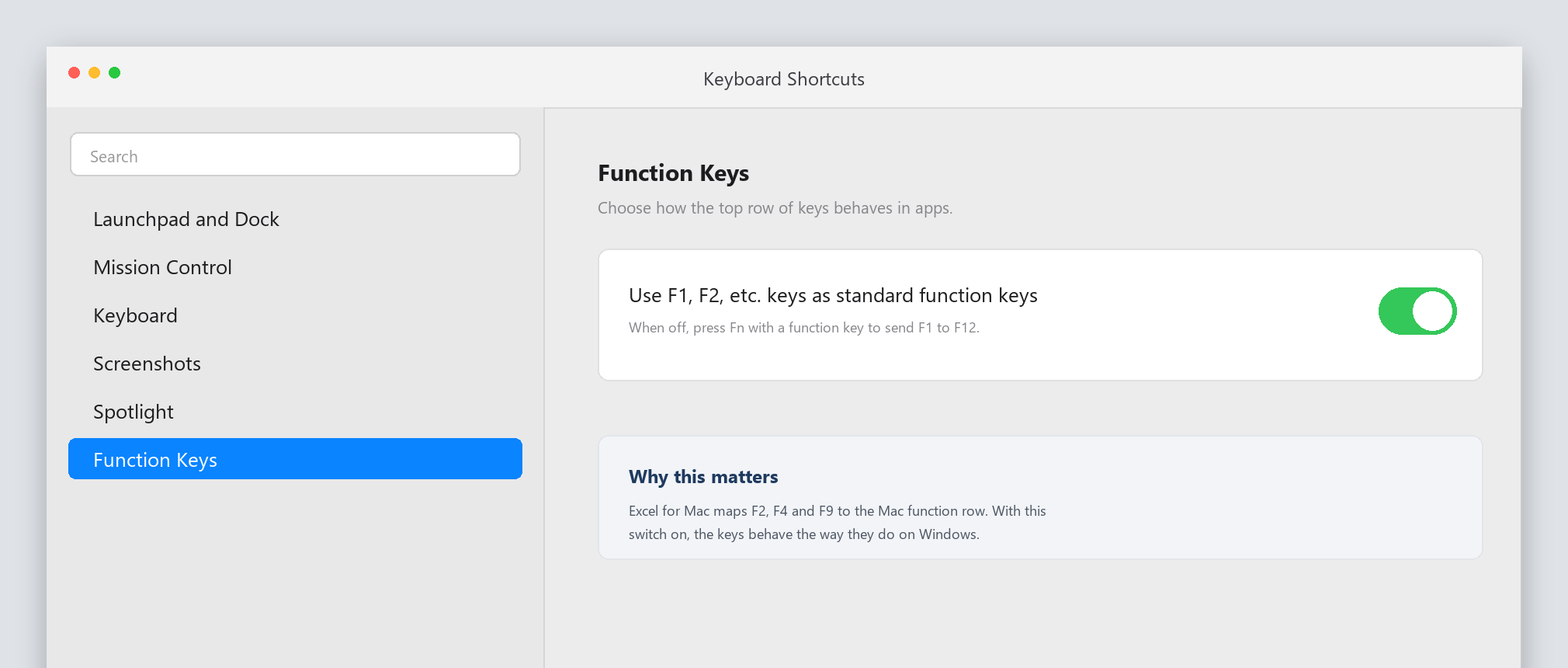
macOS function keys keyboard shortcut setting
Which settings should you change?
Four settings account for most “Excel is slow on my Mac” complaints, and all four are the same ones experienced Windows users apply to large files.
- Manual calculation under Excel, Settings, Calculation: typing stays responsive in large models, and F9 refreshes on demand.
- Tables instead of whole columns with Ctrl+T: this removes the million-row references that make dragging feel slow.
- .xlsb for heavy workbooks: faster to open and save than .xlsx on formula-dense files.
- Unused add-ins off under Tools, Excel Add-ins: each one costs launch time and memory.
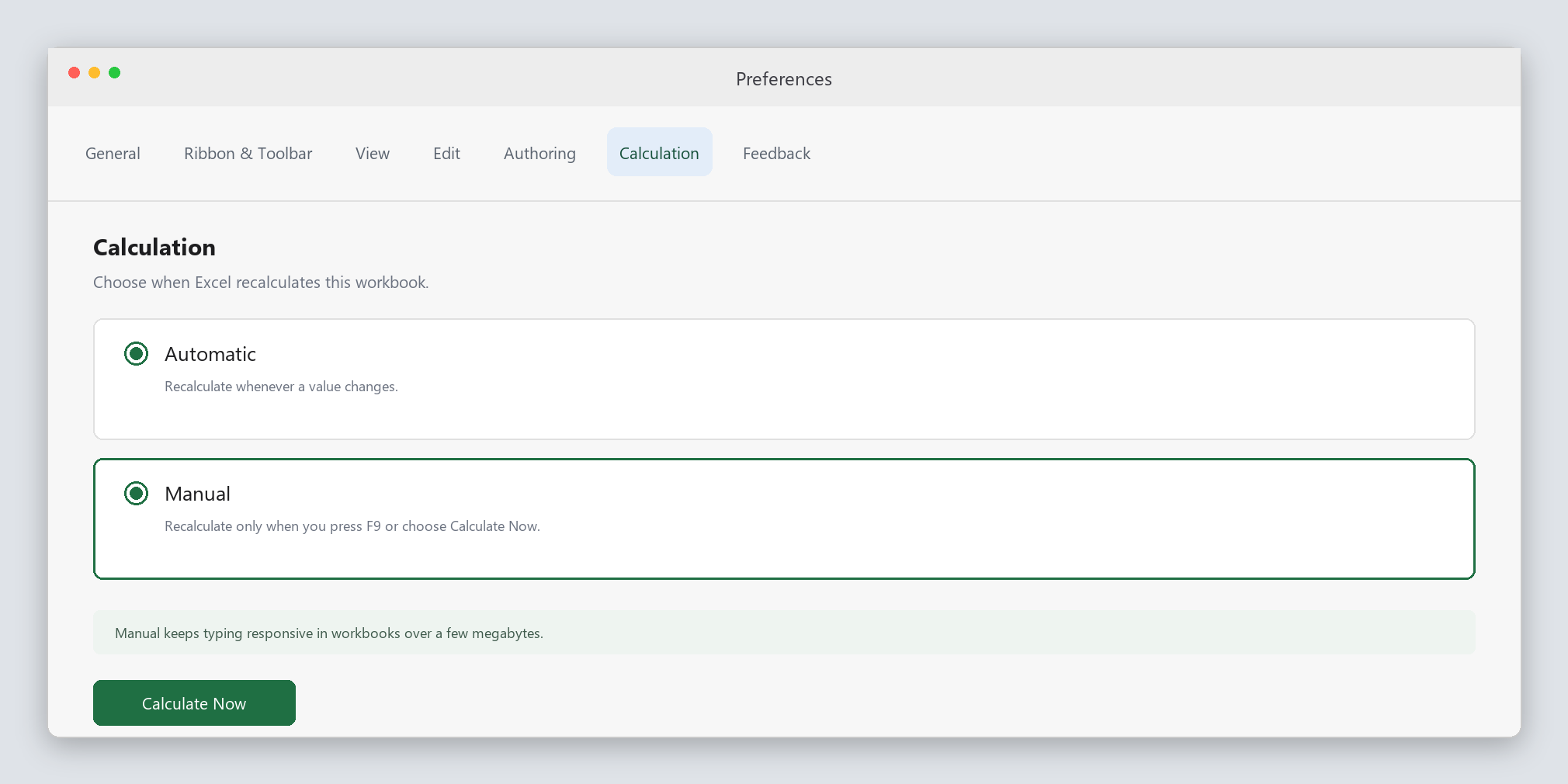
Excel for Mac calculation preferences pane
The Best Free Excel Alternative on Mac: WPS Office
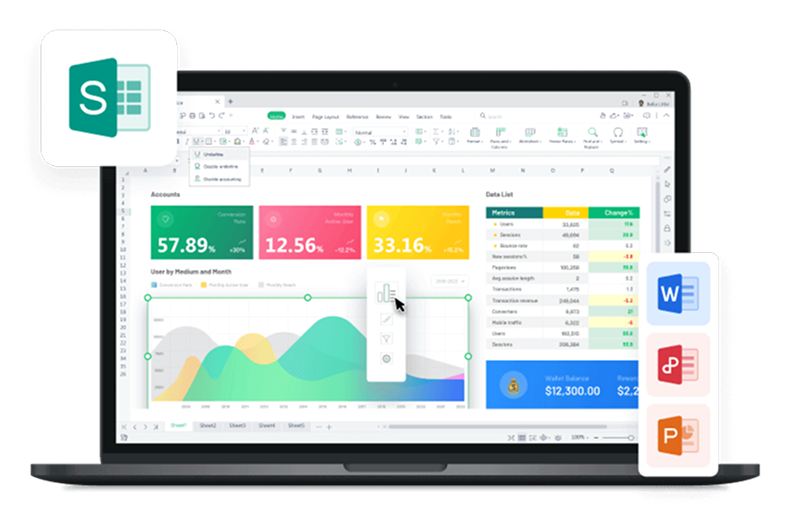
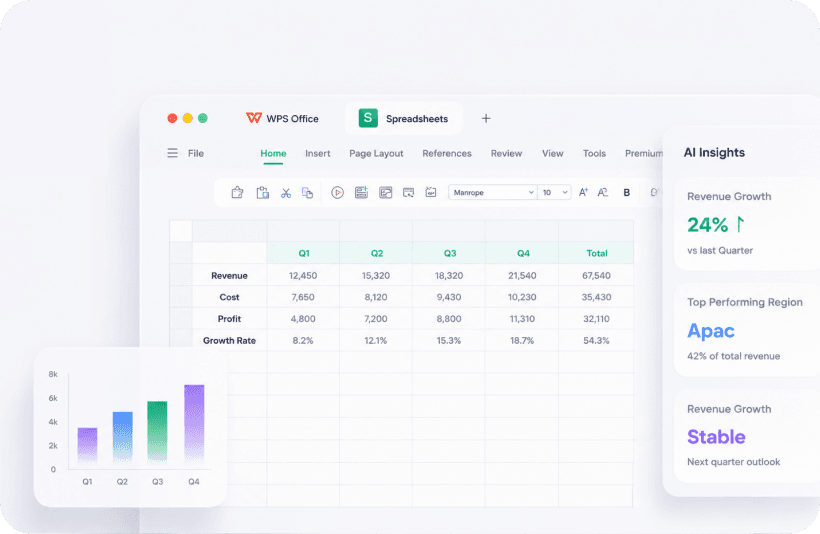
WPS Office for Mac is a full office suite with a native macOS build and a free personal edition. For Mac users whose week is formulas, pivot tables, charts and .xlsx files from Windows colleagues, it removes the two costs Excel keeps charging: the subscription and the habit mismatch.
| Dimension | Excel for Mac | WPS Office for Mac |
|---|---|---|
| Price | Microsoft 365 subscription or one-time purchase | Free personal edition, no subscription |
| Apple Silicon | Native since version 16.55 | Native builds for M-series and Intel Macs |
| File formats | .xlsx, .xlsm, .csv | .xlsx, .xls, .xlsm, .csv alongside .docx and .pptx |
| PDF work | Separate app or paid add-on | Reading, editing and conversion in the suite |
| Windows-only features | No Power Pivot, no COM add-ins | Same limit, since these are Microsoft technologies |
| Sync | OneDrive | WPS cloud account, plus local and iCloud files |
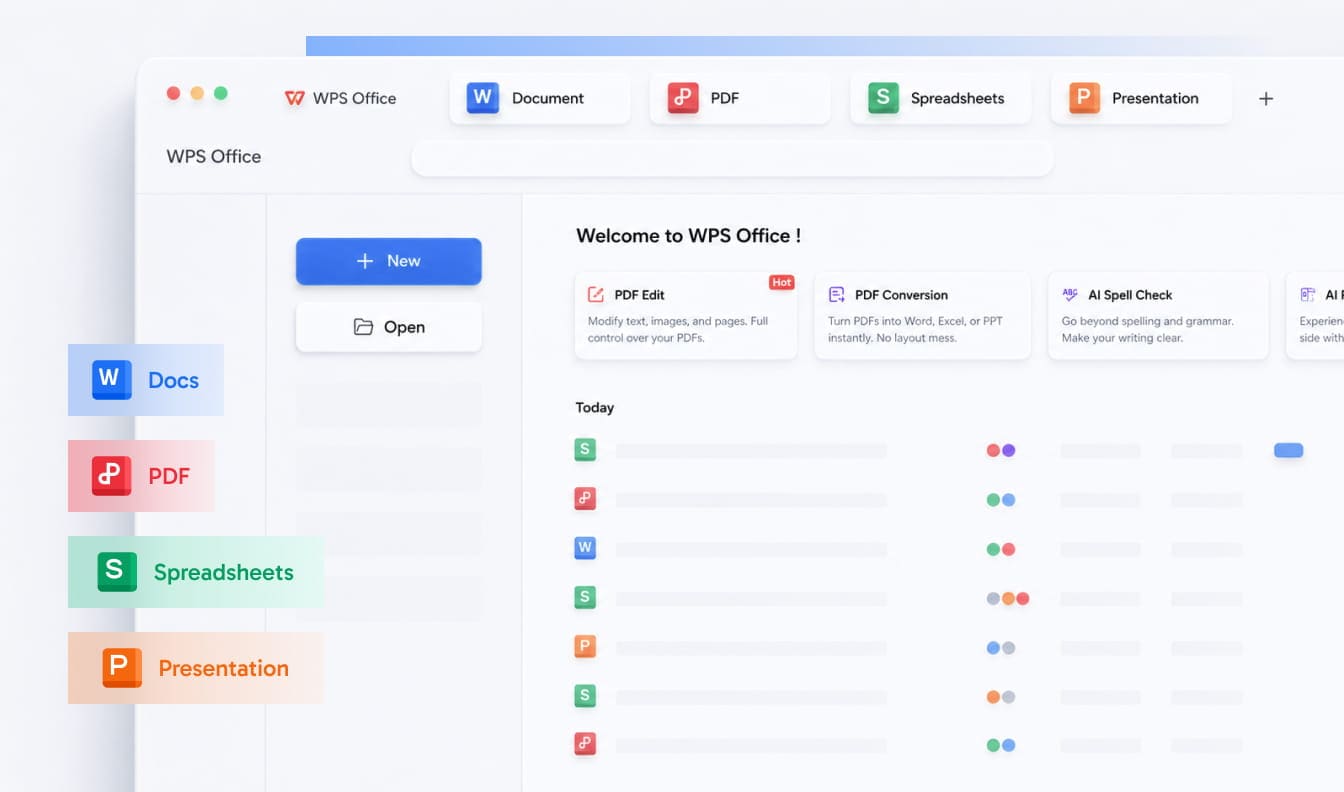
WPS Office for Mac home screen
Does it break formulas? No. WPS keeps .xlsx as the native format instead of converting to a proprietary one, so formulas, formatting, pivot tables and macros survive the round trip: open a workbook from a Windows colleague, edit it, save it, and it still opens correctly on their side. That round trip is exactly why people avoid Numbers.
When should you stay on Excel instead? Stay when any of the Windows-only gaps applies, because a free alternative will cost more in rework than the subscription saves.
- Your models run on Power Pivot, the Data Model or DAX measures built on top of them.
- Your reporting depends on a COM add-in from a finance, ERP or BI vendor.
- Your macros were written for Windows and fail silently on macOS.
- Your team standardizes on Microsoft 365 for sharing, permissions and audit.
Which Excel-on-Mac setup fits your work?
Match the tool to your week, not your brand preference. Five situations cover most Mac users, and the right column is the whole decision.
| If this is your week | Take this path |
|---|---|
| Financial models on Power Pivot, or a vendor add-in you cannot replace | Excel for Mac with Microsoft 365, plus one Windows machine for model refreshes |
| Formula, pivot table and chart work on files from Windows colleagues | WPS Office for Mac, free personal edition, keeping .xlsx native |
| Occasional viewing, light edits and sharing a link | Excel for the web, if you already have a Microsoft account |
| A mixed Mac and Windows team exchanging documents weekly | WPS Office for Mac on the Mac side, so the format never gets converted |
| Excel’s brand and one predictable purchase, no subscription | Excel 2024 for Mac, accepting that the feature set is frozen |
The combination to avoid is paying for Microsoft 365 and then working around Mac limitations every week. Either use the features you pay for, or stop paying for them.
FAQs
Is Excel on Mac the same as Excel on Windows?
Almost. Files, formulas and most of the interface are identical. The differences are keyboard modifiers, Power Pivot and COM add-ins, which are Windows-only, and a few VBA calls that assume Windows file dialogs or drive letters.
Can you use Excel on Mac without a subscription?
Excel for the web is free with a Microsoft account, but it runs in a browser and cannot run macros. The desktop app needs a subscription or a one-time purchase, which is why free suites that open .xlsx files are a common substitute.
Does WPS Office open Excel files without losing formatting?
Yes. WPS Spreadsheet opens and saves .xlsx, .xls and .xlsm directly, keeping formulas, formatting, pivot tables and macros, so files move between Mac and Windows without a conversion step.
Why is Excel slow on my Mac?
Usually formula design rather than the machine: full-column references, volatile functions, heavy conditional formatting and cloud sync on large files. Manual calculation plus tables fixes most cases in an afternoon.
Is WPS Office free on Apple Silicon Macs?
The personal edition is free and ships as a native build for M-series and Intel Macs, so it does not depend on Rosetta translation. Paid plans add cloud storage and collaboration rather than unlocking basic editing.



