

'%3e%3cpath%20d='M8%200C12.4183%200%2016%203.58172%2016%208C16%2012.4183%2012.4183%2016%208%2016C3.58172%2016%200%2012.4183%200%208C0%203.58172%203.58172%200%208%200ZM11.6162%204.38379C11.2257%203.99337%2010.5927%203.99338%2010.2021%204.38379L8%206.58594L5.79785%204.38379C5.40732%203.99334%204.77429%203.99329%204.38379%204.38379C3.99331%204.77429%203.99335%205.40733%204.38379%205.79785L6.58594%208L4.38379%2010.2021C3.99348%2010.5927%203.99341%2011.2257%204.38379%2011.6162C4.77426%2012.0066%205.40734%2012.0065%205.79785%2011.6162L8%209.41406L10.2021%2011.6162C10.5927%2012.0066%2011.2257%2012.0067%2011.6162%2011.6162C12.0067%2011.2257%2012.0066%2010.5927%2011.6162%2010.2021L9.41406%208L11.6162%205.79785C12.0066%205.40735%2012.0066%204.77429%2011.6162%204.38379Z'%20fill='%23080E17'%20fill-opacity='0.46'/%3e%3c/g%3e%3cdefs%3e%3cclipPath%20id='clip0_3761_713'%3e%3crect%20width='16'%20height='16'%20fill='white'/%3e%3c/clipPath%3e%3c/defs%3e%3c/svg%3e)




'%3e%3cpath%20fill-rule='evenodd'%20clip-rule='evenodd'%20d='M21.4999%2010.9993C21.4999%205.20009%2016.7986%200.498901%2010.9993%200.498901C5.19994%200.498901%200.498657%205.20009%200.498657%2010.9993C0.498657%2016.2404%204.33858%2020.5844%209.35855%2021.3722V14.0346H6.69238V10.9993H9.35855V8.68594C9.35855%206.05427%2010.9262%204.60062%2013.3248%204.60062C14.4736%204.60062%2015.6753%204.80571%2015.6753%204.80571V7.38979H14.3512C13.0468%207.38979%2012.64%208.19921%2012.64%209.0296V10.9993H15.5523L15.0867%2014.0346H12.64V21.3722C17.66%2020.5844%2021.4999%2016.2404%2021.4999%2010.9993Z'%20fill='%231568EA'/%3e%3c/g%3e%3c/svg%3e)


'%3e%3cpath%20d='M2.42045%2022.1876H6.31818V12.7217L0.75%208.54553V20.5171C0.75%2021.4414%201.49892%2022.1876%202.42045%2022.1876Z'%20fill='%234285F4'/%3e%3cpath%20d='M19.682%2022.1876H23.5797C24.5041%2022.1876%2025.2502%2021.4387%2025.2502%2020.5171V8.54553L19.682%2012.7217'%20fill='%2334A853'/%3e%3cpath%20d='M19.682%205.48293V12.7216L25.2502%208.54543V6.31816C25.2502%204.25236%2022.8921%203.07469%2021.2411%204.31361'%20fill='%23FBBC04'/%3e%3cpath%20d='M6.31824%2012.7217V5.48303L13.0001%2010.4944L19.6819%205.48303V12.7217L13.0001%2017.733'%20fill='%23EA4335'/%3e%3cpath%20d='M0.75%206.31816V8.54543L6.31818%2012.7216V5.48293L4.75909%204.31361C3.10534%203.07469%200.75%204.25236%200.75%206.31816Z'%20fill='%23C5221F'/%3e%3c/g%3e%3cdefs%3e%3cclipPath%20id='clip0_2954_7305'%3e%3crect%20width='24.5'%20height='18.375'%20fill='white'%20transform='translate(0.75%203.8125)'/%3e%3c/clipPath%3e%3c/defs%3e%3c/svg%3e)


Every research paper lives or dies by its formatting: the footnote that won't stay on the right page, the citation style that must match the journal exactly, the 80-page thesis that makes a word processor beg for mercy. Yet most writers just open whatever app is already installed and fight it for months. Choosing the right office suite for research papers before you start writing saves weeks of reformatting pain later.
We compared the five best office suites for research paper writing in 2026, focusing on what academics actually need: robust citation and reference management, long-document handling (chapters, cross-references, tables of contents), equation support, and journal-ready DOCX or PDF export. Here are our top picks.
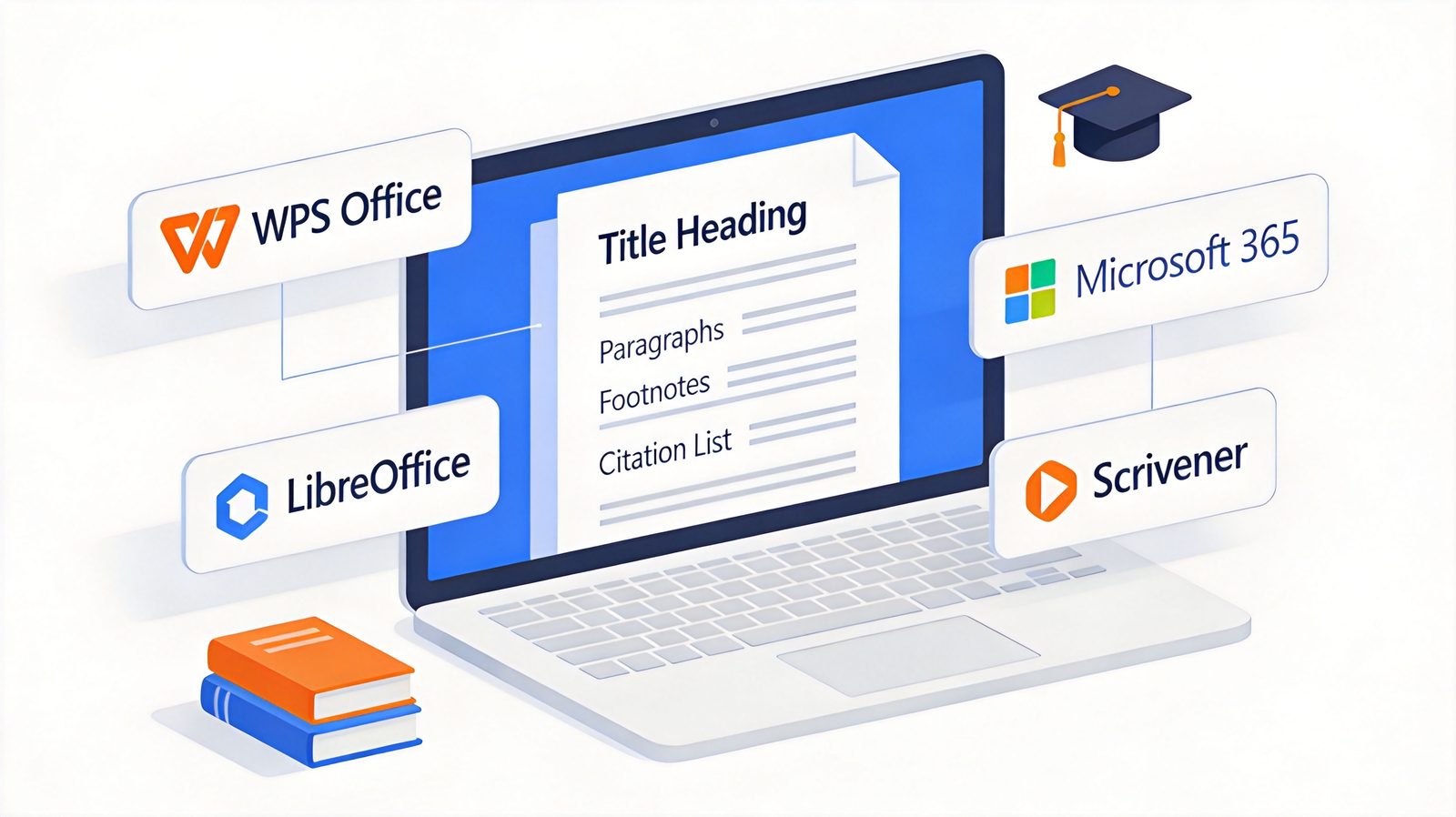
The 5 Best Office Suites for Research Papers in 2026: Free & Paid Tools Compared
TL;DR: Quick Answer for the Best Office Suite for Research Papers in 2026
"For most students and researchers, WPS Office is the best office suite for research papers — it's free, Word-compatible, and handles citations, footnotes, and long documents without a subscription."
If your journal demands pixel-perfect Word formatting, use Microsoft 365. For a zero-cost open-source alternative, choose LibreOffice. For STEM papers with heavy equations, Overleaf and LaTeX are unmatched. For organizing a book-length thesis, Scrivener keeps chapters under control.
Best overall (free): WPS Office (free, Word-compatible, built-in PDF tools)
Best for journal formatting: Microsoft 365 Word ($99.99/year)
Best open source: LibreOffice Writer (free, Zotero integration)
Best for STEM and equations: Overleaf (free plan; Standard $199/year)
Best for thesis organization: Scrivener ($59.99 one-time; $50.99 educational)
What Makes a Good Office Suite for Research Papers
Research writing breaks ordinary word processors in ways that only become obvious mid-dissertation. Before comparing tools, here is what actually matters for academic work:
Citation and reference management. Whether through built-in tools or integration with Zotero and Mendeley, inserting citations and auto-generating bibliographies in APA, MLA, or Chicago style is non-negotiable.
Long-document handling. Theses and dissertations need reliable chapter management, cross-references, automatic tables of contents, and stable numbering across hundreds of pages.
Equations and figures. STEM papers need native equation editors or LaTeX rendering, plus precise figure and caption placement.
Journal-ready export. The final file must survive submission portals: clean DOCX, print-quality PDF, and styles that match the target journal's template.


Quick Comparison: Office Suites for Research Papers in 2026
| Suite | Best For | Citation Support | Price | Platforms |
|---|---|---|---|---|
| WPS Office | Free all-in-one academic writing | Zotero/Mendeley workflows, footnotes, bibliography tools | Free; Pro from ~$29/year | Windows, Mac, Linux, iOS, Android |
| Microsoft 365 Word | Journal-ready formatting | Native citation manager + Zotero/Mendeley/EndNote plugins | $99.99/year (Personal) | Windows, Mac, Web, Mobile |
| LibreOffice Writer | Open-source, zero cost | Zotero integration, bibliography database | Free | Windows, Mac, Linux |
| Overleaf | STEM papers with LaTeX | BibTeX/BibLaTeX, 10,000+ journal styles | Free (1 collaborator); Standard $199/year | Web |
| Scrivener | Organizing long theses | Pairs with Zotero/EndNote via compile | $59.99 one-time; $50.99 educational | Windows, Mac, iOS |
1. WPS Office: Best Free Office Suite for Research Papers
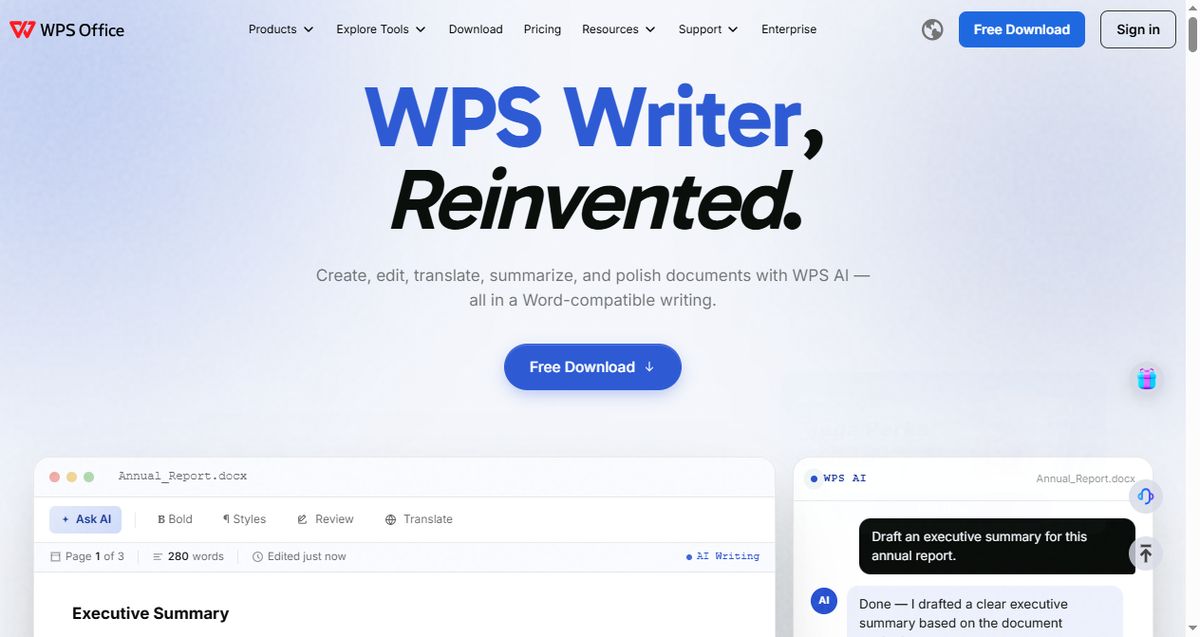
WPS Office is the strongest free option for research paper writing in 2026. WPS Writer handles everything a thesis throws at it — footnotes, cross-references, automatic tables of contents, and track changes for supervisor feedback — while staying fully compatible with DOCX files your department or journal requires. Its tabbed interface lets you keep the paper, your notes, and the journal's guidelines open side by side, and the built-in PDF toolkit means you never need a separate converter before submission.
Key capabilities:
Full footnote, endnote, cross-reference, and automatic table-of-contents support
Works with Zotero and Mendeley citation workflows on DOCX files
Tabbed interface for keeping papers, notes, and guidelines open together
Built-in PDF reader, converter, and editor for submission-ready export
Free on Windows, Mac, Linux, iOS, and Android
Best for: Students and researchers who want a free, familiar, Word-compatible suite for the entire paper lifecycle.
Pricing: Free. WPS Pro from ~$29/year adds premium AI features and extra cloud storage.
Trade-offs: No native LaTeX rendering, and the free version shows occasional ads.
2. Microsoft 365 Word: Best for Journal-Ready Formatting
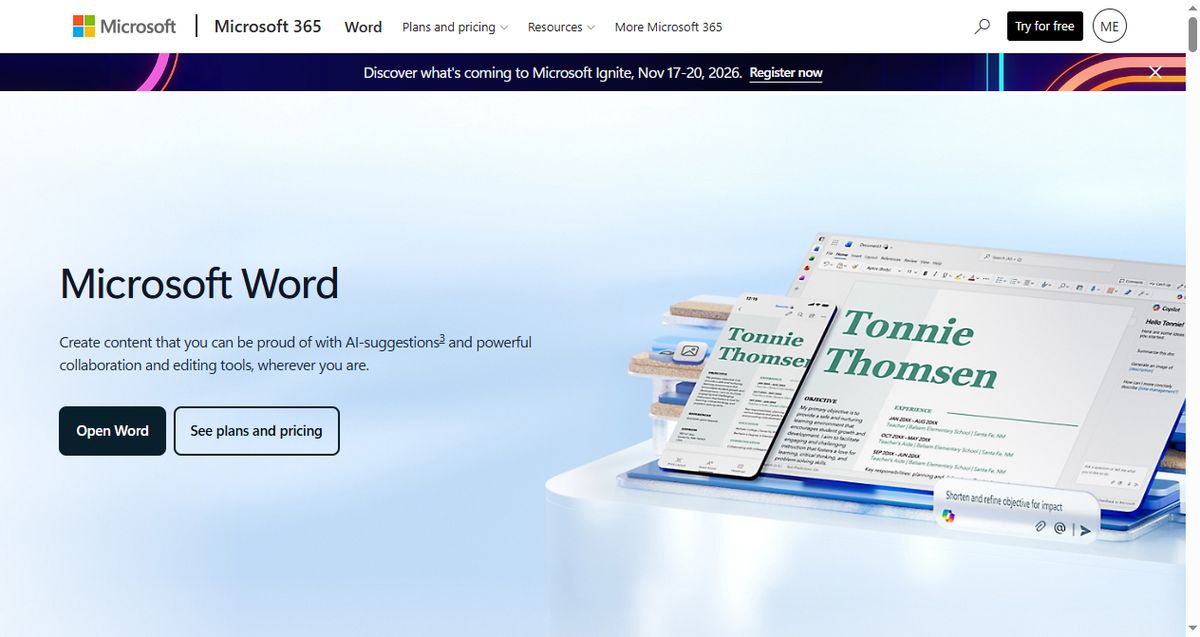
Microsoft Word remains the de facto standard in academic publishing. Most journal templates are built in Word, reviewers expect DOCX files, and Word's built-in citation manager plus first-party Zotero, Mendeley, and EndNote plugins make reference management as smooth as it gets. If your target journal's guidelines say "use our Word template," this is the path of least resistance.
Key capabilities:
Native citation manager with APA, MLA, Chicago, and hundreds of journal styles
First-party Zotero, Mendeley, and EndNote add-ins
Advanced styles, multilevel numbering, and master documents for theses
Equation editor with LaTeX-style input syntax
Best for: Researchers submitting to journals that require exact Word template compliance.
Pricing: Microsoft 365 Personal at $99.99/year (includes Word, Excel, PowerPoint, and 1 TB OneDrive).
Trade-offs: Subscription-only for full features, and the price keeps creeping upward for tools you may rarely use outside Word.
3. LibreOffice Writer: Best Open-Source Suite for Academic Writing
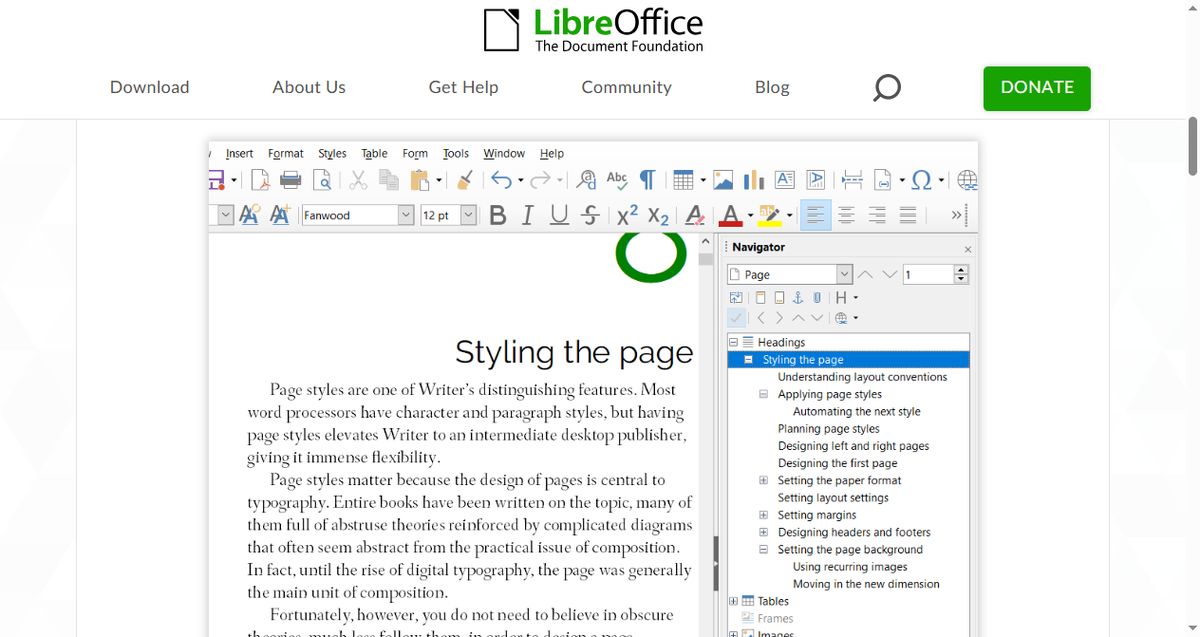
LibreOffice Writer is the reference point for free, privacy-first academic writing. It runs entirely offline with no account, integrates with Zotero for citation management, and its master-document feature handles book-length projects well. For researchers on a budget — or on Linux, where it is the default choice — Writer covers the full paper workflow at zero cost.
Key capabilities:
Zotero integration for one-click citations and bibliographies
Master documents for multi-chapter theses
Full styles system with reliable automatic numbering and TOC
Completely free and open source, no account or telemetry
Best for: Budget-conscious researchers, Linux users, and anyone who prefers local files over the cloud.
Pricing: Free.
Trade-offs: Complex Word files can lose formatting in round-trips, and the interface feels dated compared with modern suites.
4. Overleaf: Best for STEM Papers with LaTeX
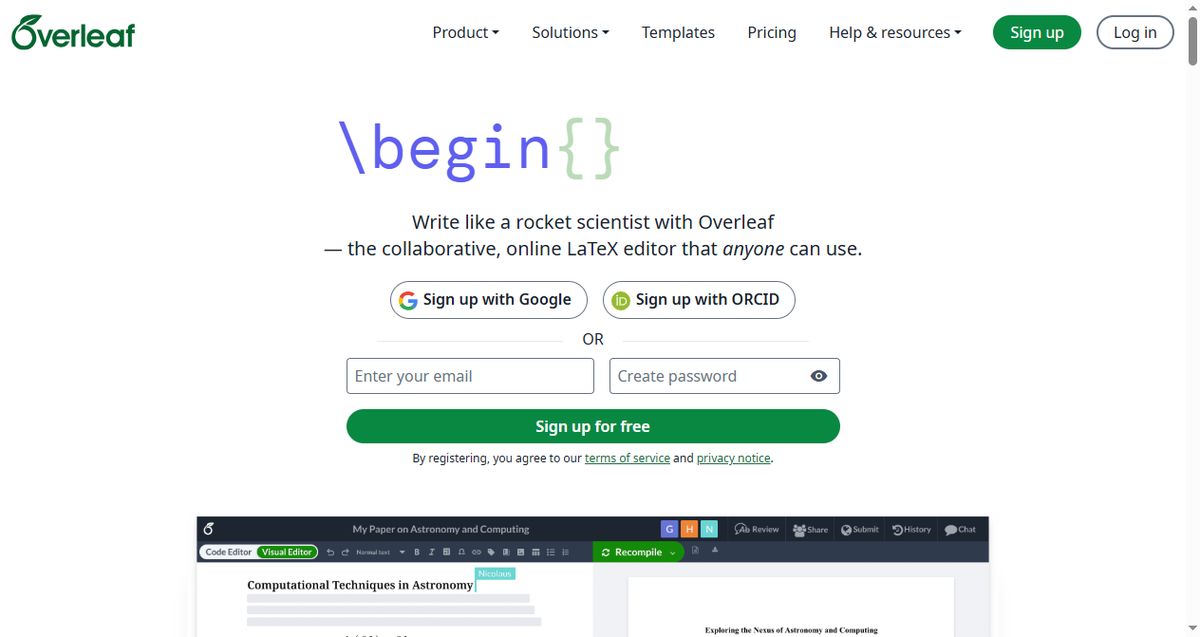
Overleaf is the collaborative LaTeX editor that most STEM journals and conferences quietly assume you are using. Equations, figures, algorithm blocks, and bibliographies render exactly as they will appear in print, and thousands of publisher templates mean the formatting battle is already won before you type a word. Real-time collaboration makes co-authoring with advisors across time zones painless.
Key capabilities:
Native LaTeX rendering for equations, algorithms, and scientific figures
BibTeX/BibLaTeX bibliographies with thousands of publisher templates
Real-time collaboration with tracked changes and comments
Direct submission links to many journals (arXiv, IEEE, Elsevier workflows)
Best for: STEM, economics, and linguistics researchers writing equation-heavy or template-driven papers.
Pricing: Free plan (1 collaborator per project); Standard from $199/year with 10 collaborators and faster compiles.
Trade-offs: LaTeX has a real learning curve, it is browser-based (no true offline mode), and it is a poor fit for DOCX-requiring humanities journals.
5. Scrivener: Best for Organizing Long Theses and Dissertations
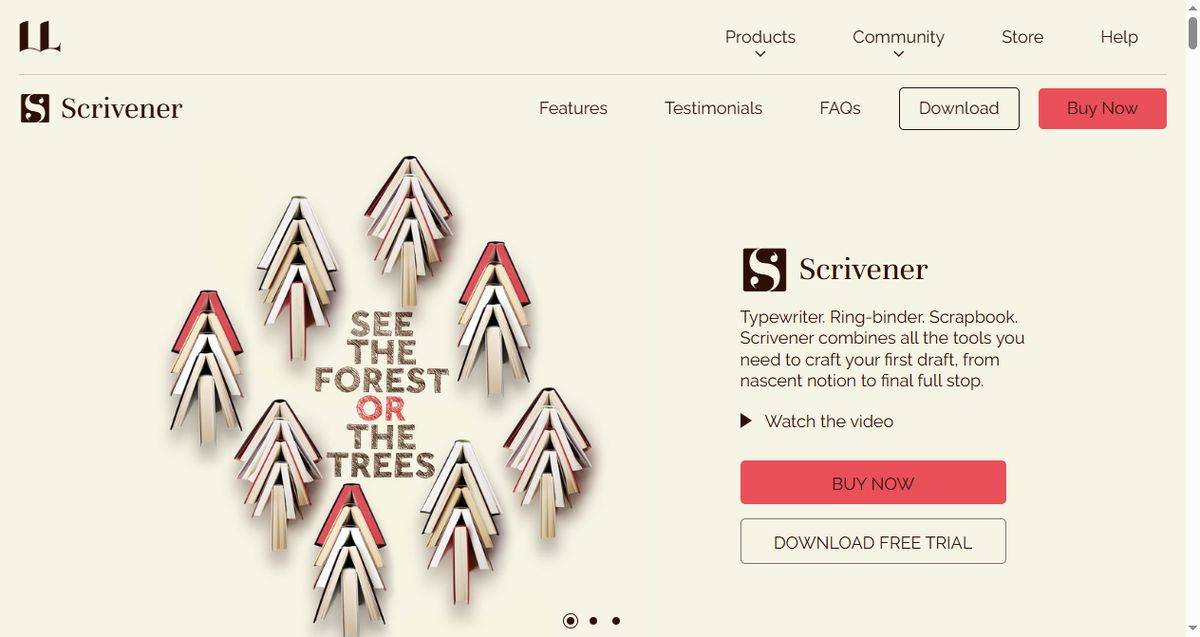
Scrivener is not a traditional office suite, but for a book-length thesis it solves the problem Word never did: keeping 200 pages of chapters, notes, PDF excerpts, and drafts organized. You write in fragments, rearrange them on a corkboard, and compile to DOCX or PDF with consistent formatting at the end. Pair it with Zotero for citations and it becomes a formidable dissertation workshop.
Key capabilities:
Corkboard and outliner views for restructuring chapters instantly
Research folder keeps PDFs and notes beside your draft
Compile engine exports to DOCX, PDF, and EPUB with academic formatting
One-time license — no subscription
Best for: PhD candidates and authors wrestling with long, multi-chapter projects.
Pricing: $59.99 one-time (Standard); $50.99 educational license for students and academics.
Trade-offs: No built-in citation manager, no real-time collaboration, and the final formatting pass still happens in Word or WPS.
How to Choose the Right Office Suite for Your Research Paper
Match the tool to the paper, not the other way around:
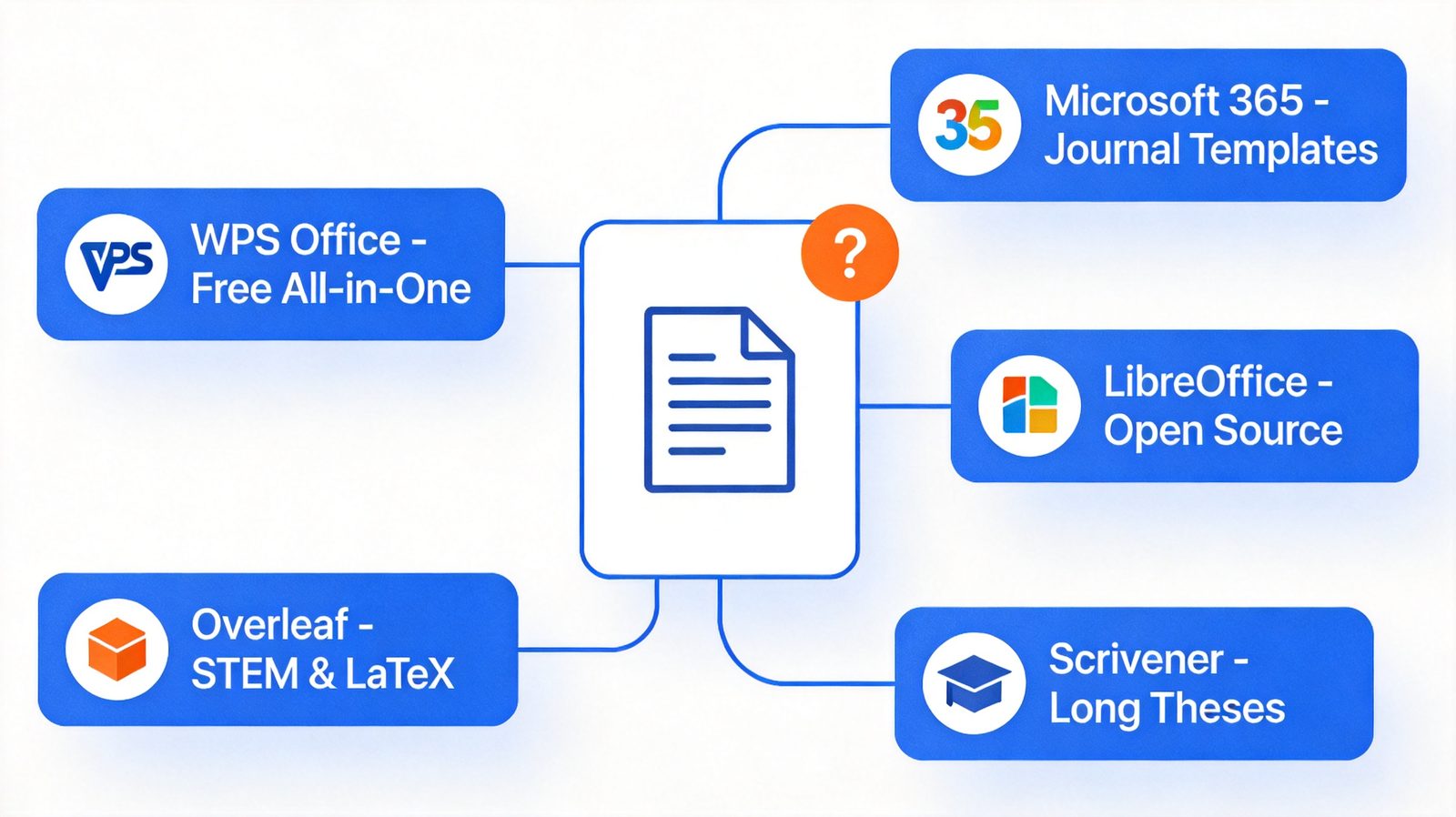
Writing a thesis or dissertation? Scrivener for structure, then WPS Office or Word for the final formatting pass.
Submitting to a journal with a Word template? Microsoft 365 Word is the safest bet.
STEM paper full of equations? Overleaf, without hesitation.
On a budget or on Linux? LibreOffice Writer or WPS Office — both free, both capable.
Want one free suite for the whole workflow? WPS Office balances compatibility, features, and cost best.
Whichever suite you pick, your citations will make or break the final draft — our guide to the best alternatives to Microsoft Word for long documents covers the long-form writing angle in more depth.
The Best Free Research Paper Writing Suite: WPS Office
For most researchers, WPS Office hits the sweet spot: free, Word-compatible, and equipped with the citation, footnote, and PDF tools a research paper actually needs. Here is how to get a paper submission-ready with it:
Download and install WPS Office from the official website. The free version includes WPS Writer with no feature limits for academic work.
Start from a journal or university template. Open the required DOCX template directly in WPS Writer — styles, margins, and numbering carry over intact.
Manage citations. Insert footnotes and cross-references as you write, and pair WPS with Zotero or Mendeley to generate your bibliography in APA, MLA, or Chicago style.
Export for submission. Use the built-in PDF tools to produce a print-quality PDF, or save as DOCX for portals that require it.
Once the draft is done, polish your citations with our guides to APA format and using et al. correctly in academic writing — and if you often work without internet, see our comparison of the best office suites for offline use.

FAQs
What is the best free office suite for research papers?
WPS Office is the best free option for most researchers: it is fully Word-compatible, supports footnotes, cross-references, and Zotero/Mendeley citation workflows, and includes built-in PDF tools. LibreOffice Writer is the best fully open-source alternative.
Is Microsoft Word still the standard for academic papers?
Yes for most humanities and social science journals — their templates are Word-based and reviewers expect DOCX files. In STEM fields, LaTeX via Overleaf is equally standard, and many conferences accept only LaTeX submissions.
Can I write my entire thesis in Google Docs?
You can draft collaboratively in Google Docs, but for a document of thesis length most researchers hit limits: weaker long-document handling, clunky citation add-ons, and formatting that drifts over hundreds of pages. A desktop suite like WPS, Word, or LibreOffice is more reliable for the final version.
Do I need LaTeX for research papers?
Only if your field or target venue requires it. LaTeX (via Overleaf) is standard in mathematics, physics, computer science, and economics, but humanities and many social science journals prefer Word files.
How do I manage citations in WPS Office?
WPS Writer supports footnotes, endnotes, and manual bibliography styles natively, and works with Zotero and Mendeley citation workflows on DOCX documents. Insert citations as you write, then generate the formatted reference list in your required style before export.
Summary
The best office suite for research papers depends on your field and submission target. WPS Office is the best free all-rounder, Microsoft 365 Word is the safest choice for journal templates, LibreOffice Writer serves open-source users well, Overleaf dominates STEM and LaTeX workflows, and Scrivener tames book-length theses. Pick the one that matches your citation style and submission format — and start writing sooner.
'%3e%3cpath%20d='M19.9911%204.11386V6.471H18.5894C18.0775%206.471%2017.7322%206.57814%2017.5536%206.79243C17.3751%207.00671%2017.2858%207.32814%2017.2858%207.75671V9.44421H19.9019L19.5536%2012.0871H17.2858V18.8639H14.5536V12.0871H12.2769V9.44421H14.5536V7.49779C14.5536%206.39064%2014.8632%205.53201%2015.4822%204.92189C16.1013%204.31177%2016.9257%204.00671%2017.9554%204.00671C18.8304%204.00671%2019.509%204.04243%2019.9911%204.11386Z'%20fill='%23333333'/%3e%3c/g%3e%3cdefs%3e%3cclipPath%20id='clip0_2938_8199'%3e%3crect%20width='16'%20height='16'%20fill='white'%20transform='translate(8%204.00671)'/%3e%3c/clipPath%3e%3c/defs%3e%3c/svg%3e)
'%3e%3cpath%20d='M17.5237%2010.7813L23.4811%204H22.0699L16.8949%209.88693L12.7648%204H8L14.2469%2012.9029L8%2020.0133H9.4112L14.8725%2013.7952L19.2352%2020.0133H24M9.92053%205.04213H12.0885L22.0688%2019.0224H19.9003'%20fill='%23333333'/%3e%3c/g%3e%3cdefs%3e%3cclipPath%20id='clip0_2938_8200'%3e%3crect%20width='16'%20height='16.0134'%20fill='white'%20transform='translate(8%204)'/%3e%3c/clipPath%3e%3c/defs%3e%3c/svg%3e)


