

'%3e%3cpath%20d='M8%200C12.4183%200%2016%203.58172%2016%208C16%2012.4183%2012.4183%2016%208%2016C3.58172%2016%200%2012.4183%200%208C0%203.58172%203.58172%200%208%200ZM11.6162%204.38379C11.2257%203.99337%2010.5927%203.99338%2010.2021%204.38379L8%206.58594L5.79785%204.38379C5.40732%203.99334%204.77429%203.99329%204.38379%204.38379C3.99331%204.77429%203.99335%205.40733%204.38379%205.79785L6.58594%208L4.38379%2010.2021C3.99348%2010.5927%203.99341%2011.2257%204.38379%2011.6162C4.77426%2012.0066%205.40734%2012.0065%205.79785%2011.6162L8%209.41406L10.2021%2011.6162C10.5927%2012.0066%2011.2257%2012.0067%2011.6162%2011.6162C12.0067%2011.2257%2012.0066%2010.5927%2011.6162%2010.2021L9.41406%208L11.6162%205.79785C12.0066%205.40735%2012.0066%204.77429%2011.6162%204.38379Z'%20fill='%23080E17'%20fill-opacity='0.46'/%3e%3c/g%3e%3cdefs%3e%3cclipPath%20id='clip0_3761_713'%3e%3crect%20width='16'%20height='16'%20fill='white'/%3e%3c/clipPath%3e%3c/defs%3e%3c/svg%3e)




'%3e%3cpath%20fill-rule='evenodd'%20clip-rule='evenodd'%20d='M21.4999%2010.9993C21.4999%205.20009%2016.7986%200.498901%2010.9993%200.498901C5.19994%200.498901%200.498657%205.20009%200.498657%2010.9993C0.498657%2016.2404%204.33858%2020.5844%209.35855%2021.3722V14.0346H6.69238V10.9993H9.35855V8.68594C9.35855%206.05427%2010.9262%204.60062%2013.3248%204.60062C14.4736%204.60062%2015.6753%204.80571%2015.6753%204.80571V7.38979H14.3512C13.0468%207.38979%2012.64%208.19921%2012.64%209.0296V10.9993H15.5523L15.0867%2014.0346H12.64V21.3722C17.66%2020.5844%2021.4999%2016.2404%2021.4999%2010.9993Z'%20fill='%231568EA'/%3e%3c/g%3e%3c/svg%3e)


'%3e%3cpath%20d='M2.42045%2022.1876H6.31818V12.7217L0.75%208.54553V20.5171C0.75%2021.4414%201.49892%2022.1876%202.42045%2022.1876Z'%20fill='%234285F4'/%3e%3cpath%20d='M19.682%2022.1876H23.5797C24.5041%2022.1876%2025.2502%2021.4387%2025.2502%2020.5171V8.54553L19.682%2012.7217'%20fill='%2334A853'/%3e%3cpath%20d='M19.682%205.48293V12.7216L25.2502%208.54543V6.31816C25.2502%204.25236%2022.8921%203.07469%2021.2411%204.31361'%20fill='%23FBBC04'/%3e%3cpath%20d='M6.31824%2012.7217V5.48303L13.0001%2010.4944L19.6819%205.48303V12.7217L13.0001%2017.733'%20fill='%23EA4335'/%3e%3cpath%20d='M0.75%206.31816V8.54543L6.31818%2012.7216V5.48293L4.75909%204.31361C3.10534%203.07469%200.75%204.25236%200.75%206.31816Z'%20fill='%23C5221F'/%3e%3c/g%3e%3cdefs%3e%3cclipPath%20id='clip0_2954_7305'%3e%3crect%20width='24.5'%20height='18.375'%20fill='white'%20transform='translate(0.75%203.8125)'/%3e%3c/clipPath%3e%3c/defs%3e%3c/svg%3e)


Microsoft Office 2000 is the office suite Microsoft released in 1999, and searches for a Microsoft Office 2000 download are still common today. Some people need it to open very old files, some want a lightweight suite for an aging PC, and some simply prefer its classic menus.
This guide explains what Office 2000 contains, why the download demand has never fully disappeared, the risks you take when you install software this old, and the free modern alternative we recommend instead.
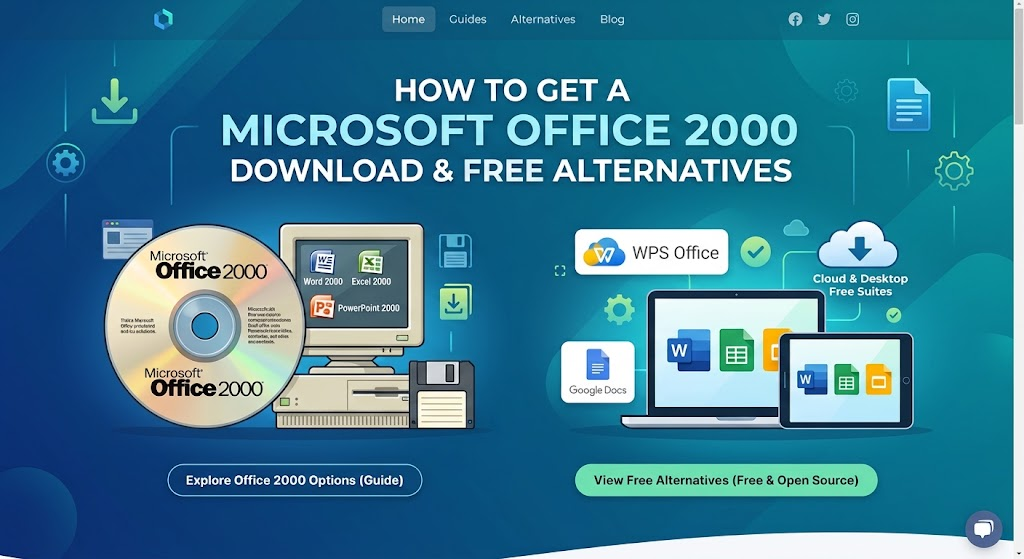
How to Get a Microsoft Office 2000 Download Safely (and a Free WPS Alternative)
What Does Microsoft Office 2000 Include?
The exact app list depends on the edition you install, but the core Microsoft Office 2000 download packages were built around these programs:
Word 2000 for letters, reports, and other documents in the .doc format.
Excel 2000 for spreadsheets, formulas, and charts in the .xls format.
PowerPoint 2000 for slide presentations in the .ppt format.
Outlook 2000 for email, contacts, and calendars.
Access 2000 for desktop databases (Professional and Premium editions).
Publisher 2000 for simple desktop publishing (Small Business, Professional, and Premium).
FrontPage 2000 and PhotoDraw 2000 for web pages and graphics (Premium edition).
Across all editions, files were saved in the classic binary formats—.doc, .xls, and .ppt—that the modern .docx, .xlsx, and .pptx formats later replaced with Office 2007.
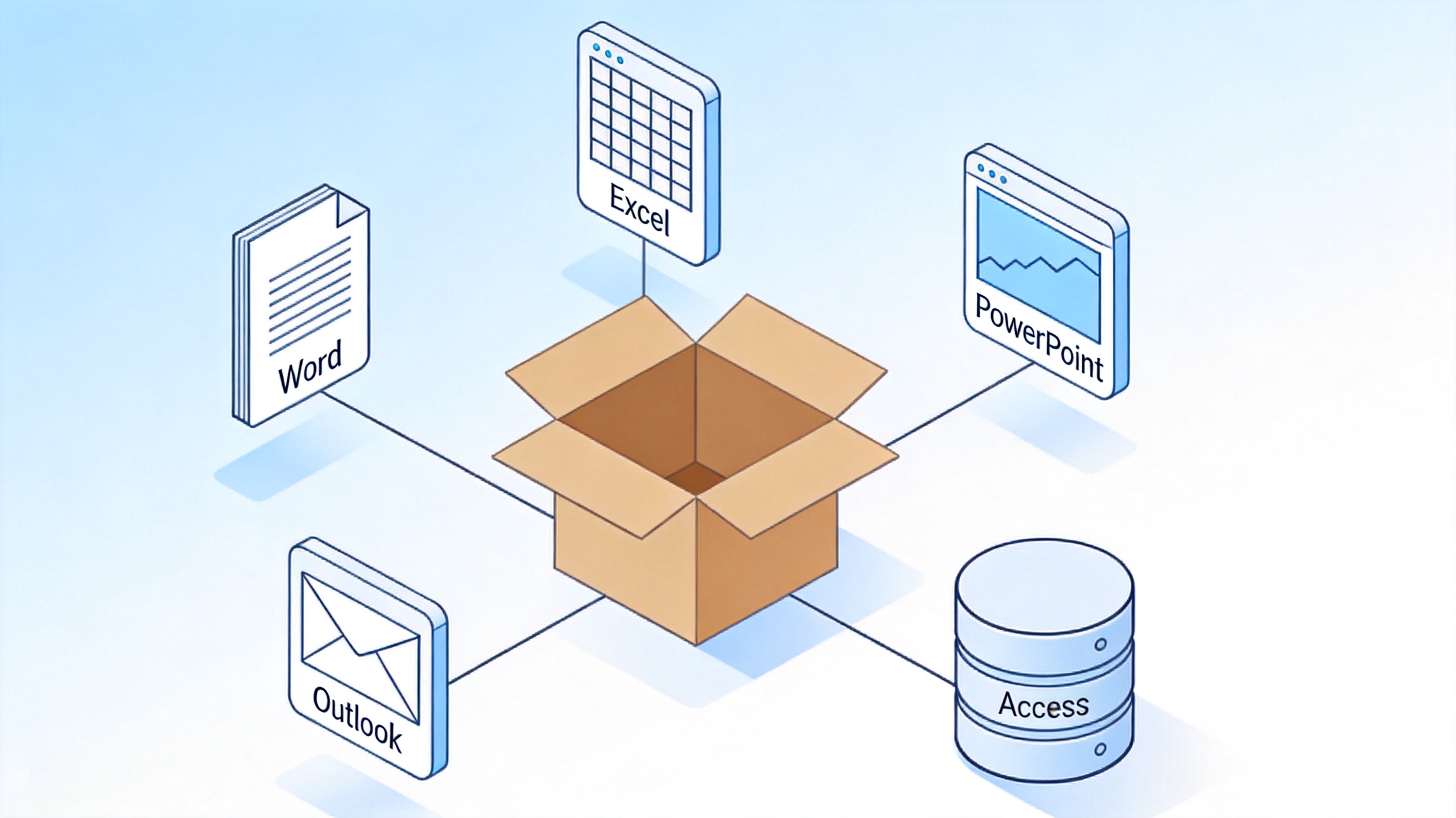
Microsoft Office 2000 included applications
Why Do People Still Download Microsoft Office 2000?
It may look strange to hunt for a 26-year-old office suite, but the demand for a Microsoft Office 2000 download keeps coming from a few predictable situations:
Legacy files. Old archives of .doc, .xls, and .ppt files sometimes open more faithfully in the version that created them, especially files with legacy macros or unusual layouts.
Old or low-spec PCs. Office 2000 runs comfortably on hardware that a current office suite cannot handle, which makes it popular for vintage and offline machines.
Familiarity. Some long-time users prefer the classic menus and simplicity over the ribbon interface introduced in Office 2007.
Archiving and testing. IT teams and retro-computing fans reinstall it to verify how historical documents behave in their original environment.
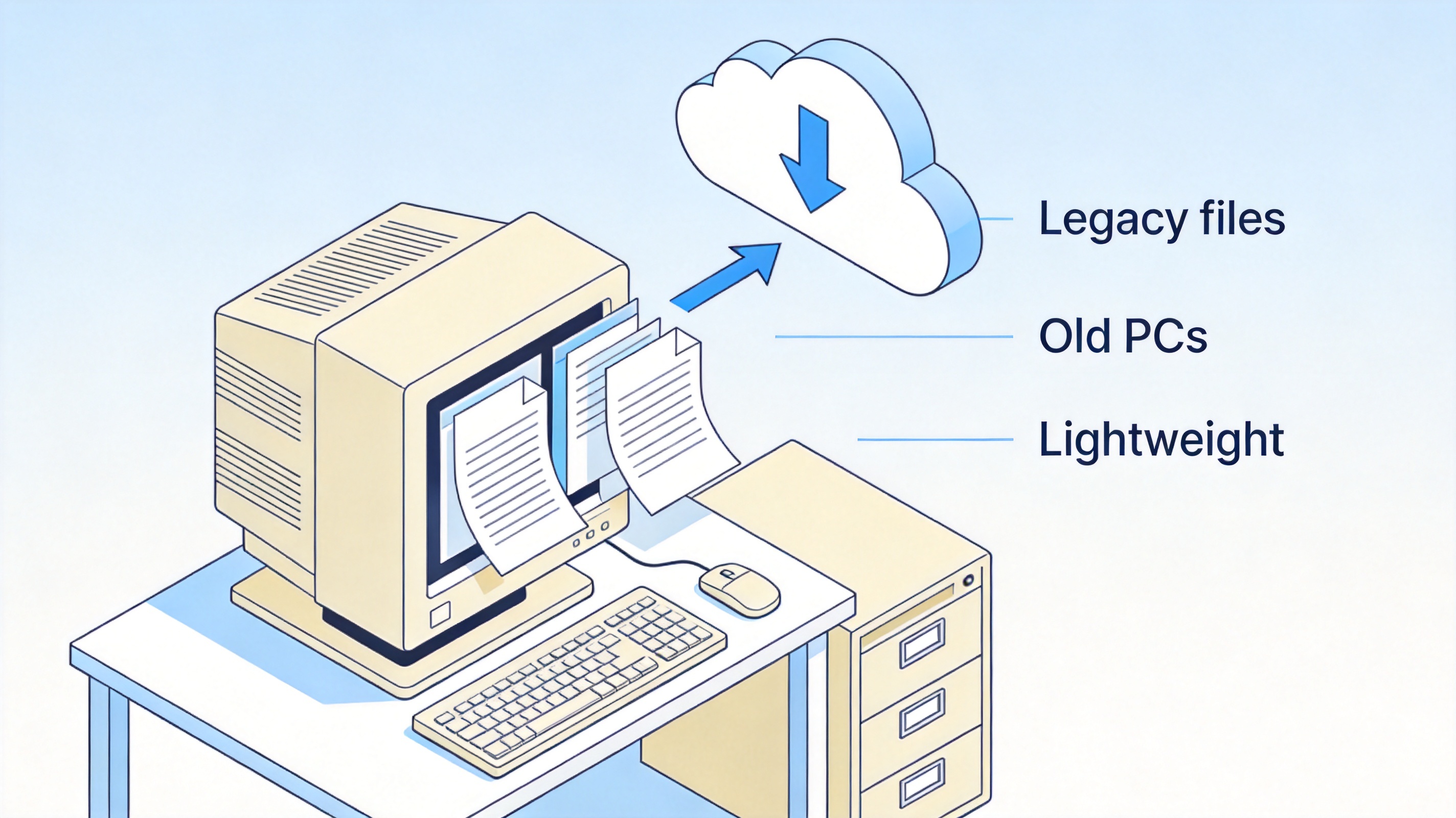
reasons people still download Office 2000


How to Get a Microsoft Office 2000 Download
If you have read the risks above and still need Office 2000, follow these steps to get it as safely as possible:
Check whether you truly need it. If your goal is only to open old .doc, .xls, or .ppt files, a modern free suite such as WPS Office opens them without any installation risk. Only continue if you specifically need the original environment.
Look for your original CD and product key first. The safest source of an Office 2000 download is the disc you or your organization originally bought. Check old software boxes, IT storage rooms, or the certificate of authenticity that lists the CD key.
Use a reputable digital archive. If no original disc exists, the Internet Archive (archive.org) hosts images of the original retail CDs. Search for the exact edition you need, for example "Microsoft Office 2000 Professional ISO," and prefer uploads that list the original CD contents.
Verify the file before running it. Scan the downloaded ISO with current antivirus software and, when the page provides one, compare the checksum.
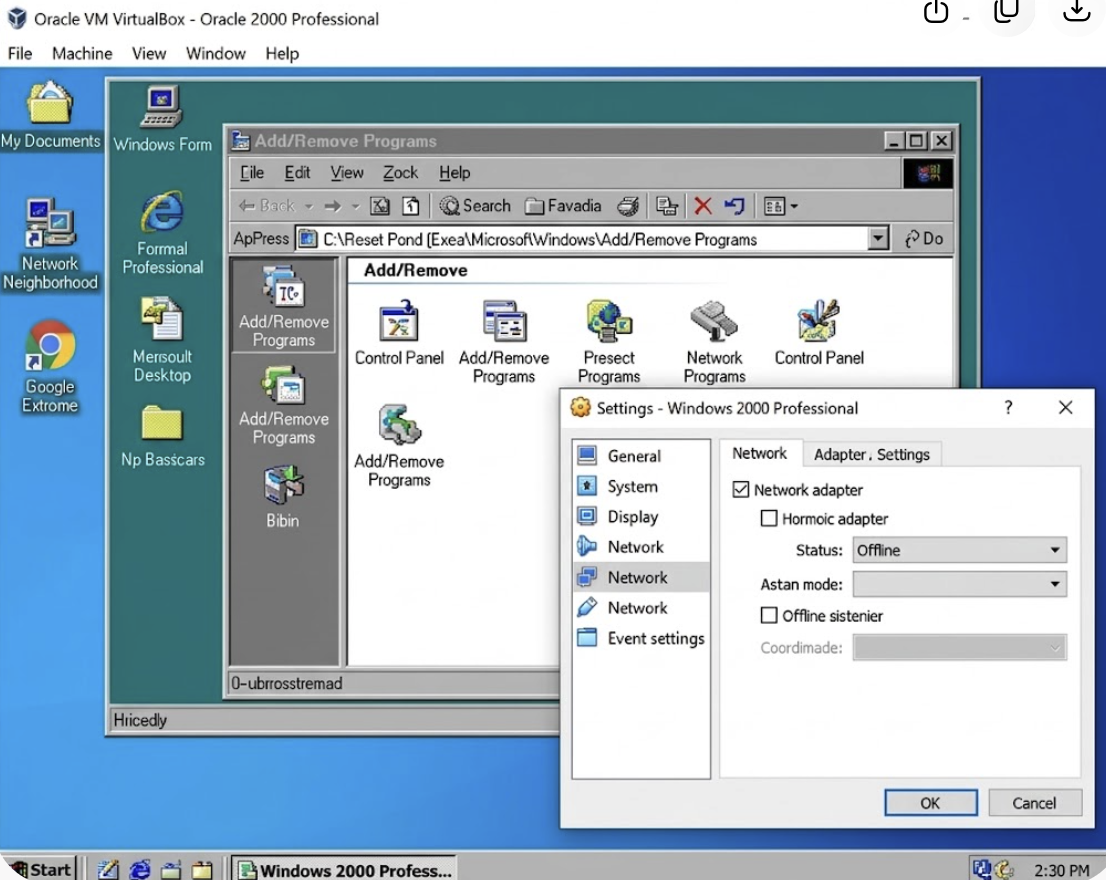
Install it in an isolated environment. Run setup on a machine (or a virtual machine such as VirtualBox) with an older but supported Windows version. Keep it offline, because Office 2000 receives no security updates.
Enter your CD key during installation. Activation servers from 2000 are long gone, so skip or ignore online activation and use the suite purely offline for opening legacy files.
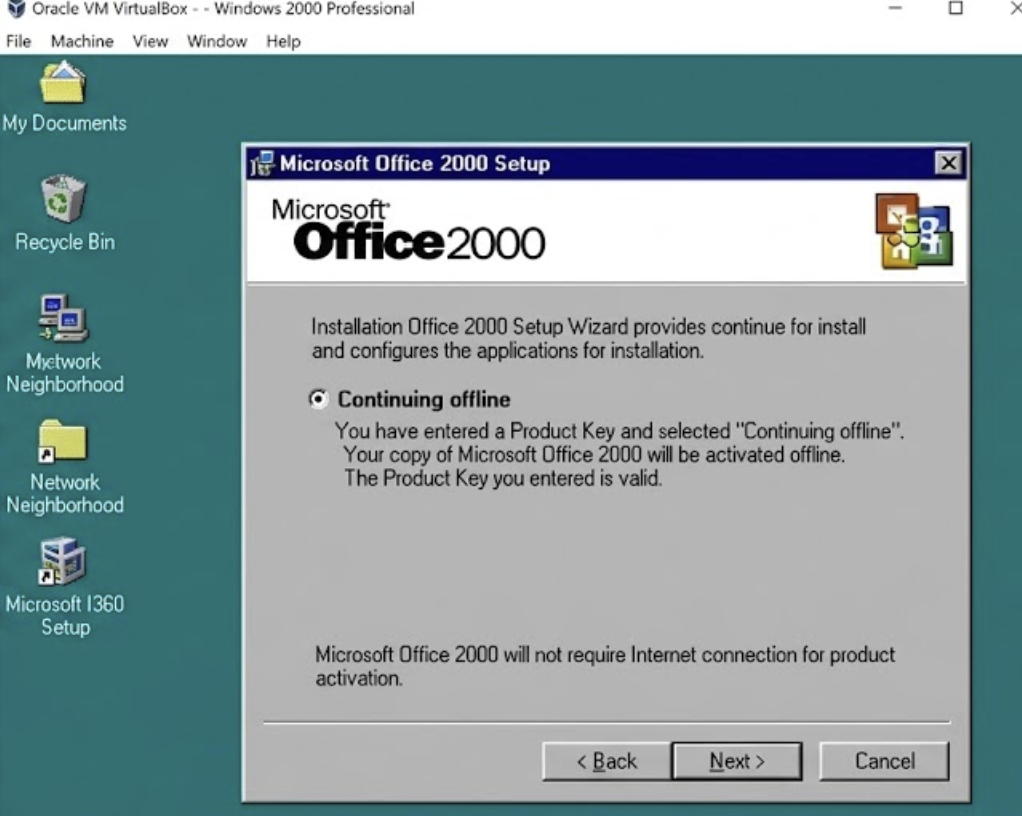
steps to get a Microsoft Office 2000 download
The Hidden Risks of Downloading and Using Microsoft Office 2000
Before you install anything from an Office 2000 download page, weigh these problems seriously:
No security updates since 2009. Every vulnerability discovered since extended support ended stays unpatched. Opening an untrusted document in Office 2000 can expose the computer to exploits that modern versions have long closed.
Untrusted sources. Microsoft no longer sells or distributes Office 2000, so almost every download site offering the installer is unofficial. Repacked ISO files and "free full version" bundles are a common carrier for malware, adware, and license-key scams.
Activation problems. Product activation for Office 2000 relied on old Microsoft servers that are no longer guaranteed to answer, so even a genuine CD key may fail to activate today.
Compatibility gaps. Office 2000 cannot read .docx, .xlsx, or .pptx files without a compatibility pack, and modern Windows 10 and 11 installs can hit driver and installer errors that were never fixed.
Compliance risk. Using unsupported software with business data conflicts with most security policies and can create liability in an audit.
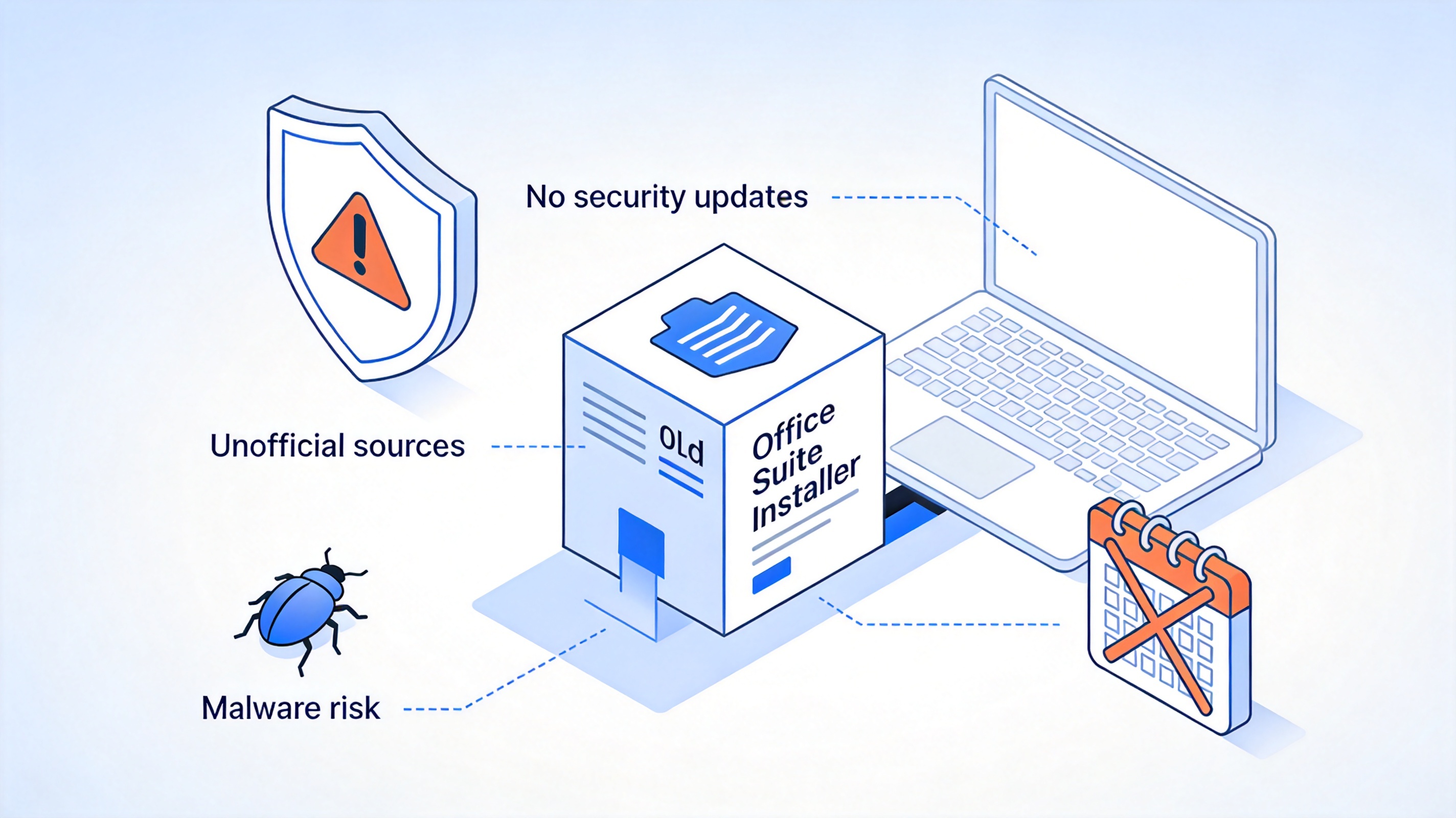
risks of using old Office 2000 software
The Best Free Alternative: WPS Office
Instead of hunting for an Office 2000 installer and hoping it still works, you can get everything most users actually need from WPS Office—a modern, actively maintained office suite that costs nothing to download and use. Here is what makes it a strong replacement.
1. A complete office suite at zero cost. WPS Office includes Writer for documents, Spreadsheets for calculations and charts, and Presentation for slides. You can create, edit, and share all three file types for free, without product keys, activation servers, or gray-market installers.
2. Opens both classic and modern file formats. WPS Office reads and saves .doc, .xls, and .ppt—the formats your Office 2000 files use—as well as the current .docx, .xlsx, and .pptx standards. Old archives open with formatting, formulas, and macros intact, and you can resave them in modern formats in one click.
3. Safe, legal, and regularly updated. Unlike an Office 2000 download from an unofficial archive, WPS Office comes straight from the official site, installs cleanly on Windows 7, 10, and 11, macOS, and Linux, and receives ongoing security patches. You avoid the unpatched vulnerabilities and malware risks that come with 2000-era software.
4. Familiar, Microsoft-style interface. Menus, keyboard shortcuts, and toolbars follow the classic Office layout, so former Office 2000 users feel at home within minutes—no retraining required.
5. Runs well on modest hardware. One of the main reasons people keep Office 2000 is that it works on old machines. WPS Office is similarly lightweight; it runs comfortably on aging PCs that modern Office suites struggle with, so you do not have to choose between speed and safety.
6. Extras that Office 2000 never had. You also get a built-in PDF toolkit for viewing, converting, and annotating PDFs, cloud sync across desktop and mobile devices, and thousands of free Word, Excel, and PowerPoint templates.
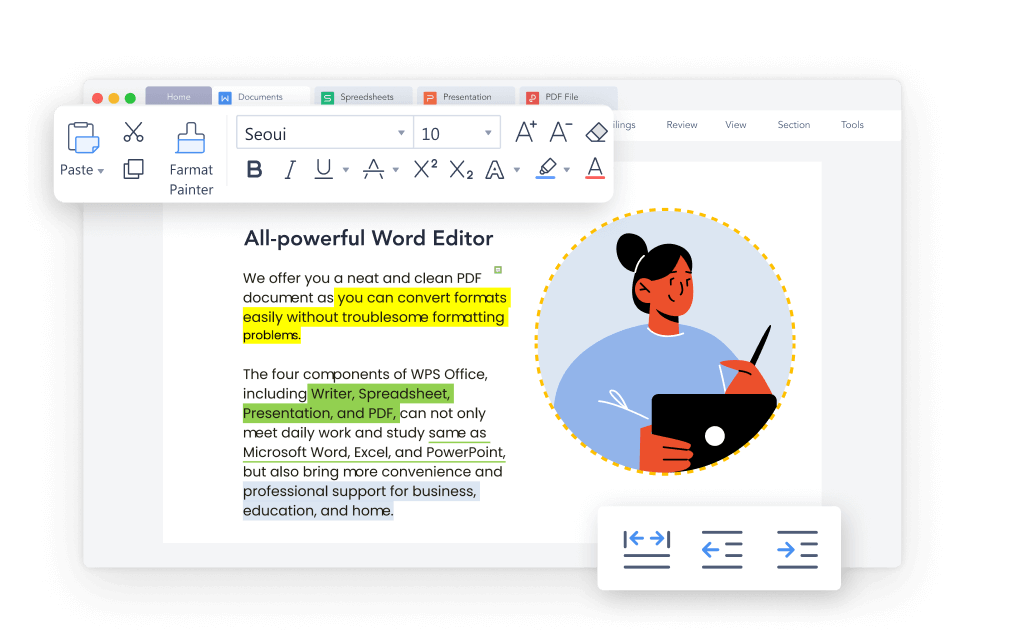
WPS Office free document editor
Here is a quick side-by-side comparison:
| Microsoft Office 2000 | WPS Office | |
| Price | Discontinued (needs an old license) | Free to download and use |
| Security updates | None since July 2009 | Regular, ongoing updates |
| File formats | .doc, .xls, .ppt only | .doc/.xls/.ppt + .docx/.xlsx/.pptx |
| Compatibility | Installer issues on Windows 10/11 | Windows, macOS, Linux, Android, iOS |
| Download source | Unofficial archives only | Official wps.com |
| PDF tools & cloud | Not available | Built in |
Bottom line: for most people searching for a Microsoft Office 2000 download, the real goal is simply opening old files on modest hardware. WPS Office does that job on modern systems—with security updates, official downloads, and modern format support—making it the safer long-term choice.
FAQs
Is Microsoft Office 2000 still available to download from Microsoft?
No. Microsoft stopped selling and distributing Office 2000 years ago, and it has not received security updates since extended support ended on July 14, 2009. Any installer you find online comes from unofficial archives.
Can Microsoft Office 2000 open .docx and .xlsx files?
Not by default. Office 2000 predates the OOXML formats, so you need the separate Microsoft Office Compatibility Pack to read .docx, .xlsx, and .pptx files, and even then some features will not display correctly.
Does Office 2000 work on Windows 10 or Windows 11?
Unofficially, sometimes. It was never designed for these systems, so installation may fail or apps may crash. If it installs, treat it as unsupported and avoid opening untrusted files with it.
Is it safe to download Office 2000 from third-party sites?
It carries real risk. Repacked installers can bundle malware or keyloggers, and there is no official checksum from Microsoft to verify what you downloaded. A modern, supported suite is always the safer option.
What is the best free replacement for Microsoft Office 2000?
WPS Office is a strong free replacement. It opens legacy .doc, .xls, and .ppt files plus modern formats, has a familiar Microsoft-like interface, is lightweight enough for older hardware, and stays updated and secure.


'%3e%3cpath%20d='M19.9911%204.11386V6.471H18.5894C18.0775%206.471%2017.7322%206.57814%2017.5536%206.79243C17.3751%207.00671%2017.2858%207.32814%2017.2858%207.75671V9.44421H19.9019L19.5536%2012.0871H17.2858V18.8639H14.5536V12.0871H12.2769V9.44421H14.5536V7.49779C14.5536%206.39064%2014.8632%205.53201%2015.4822%204.92189C16.1013%204.31177%2016.9257%204.00671%2017.9554%204.00671C18.8304%204.00671%2019.509%204.04243%2019.9911%204.11386Z'%20fill='%23333333'/%3e%3c/g%3e%3cdefs%3e%3cclipPath%20id='clip0_2938_8199'%3e%3crect%20width='16'%20height='16'%20fill='white'%20transform='translate(8%204.00671)'/%3e%3c/clipPath%3e%3c/defs%3e%3c/svg%3e)
'%3e%3cpath%20d='M17.5237%2010.7813L23.4811%204H22.0699L16.8949%209.88693L12.7648%204H8L14.2469%2012.9029L8%2020.0133H9.4112L14.8725%2013.7952L19.2352%2020.0133H24M9.92053%205.04213H12.0885L22.0688%2019.0224H19.9003'%20fill='%23333333'/%3e%3c/g%3e%3cdefs%3e%3cclipPath%20id='clip0_2938_8200'%3e%3crect%20width='16'%20height='16.0134'%20fill='white'%20transform='translate(8%204)'/%3e%3c/clipPath%3e%3c/defs%3e%3c/svg%3e)


