

'%3e%3cpath%20d='M8%200C12.4183%200%2016%203.58172%2016%208C16%2012.4183%2012.4183%2016%208%2016C3.58172%2016%200%2012.4183%200%208C0%203.58172%203.58172%200%208%200ZM11.6162%204.38379C11.2257%203.99337%2010.5927%203.99338%2010.2021%204.38379L8%206.58594L5.79785%204.38379C5.40732%203.99334%204.77429%203.99329%204.38379%204.38379C3.99331%204.77429%203.99335%205.40733%204.38379%205.79785L6.58594%208L4.38379%2010.2021C3.99348%2010.5927%203.99341%2011.2257%204.38379%2011.6162C4.77426%2012.0066%205.40734%2012.0065%205.79785%2011.6162L8%209.41406L10.2021%2011.6162C10.5927%2012.0066%2011.2257%2012.0067%2011.6162%2011.6162C12.0067%2011.2257%2012.0066%2010.5927%2011.6162%2010.2021L9.41406%208L11.6162%205.79785C12.0066%205.40735%2012.0066%204.77429%2011.6162%204.38379Z'%20fill='%23080E17'%20fill-opacity='0.46'/%3e%3c/g%3e%3cdefs%3e%3cclipPath%20id='clip0_3761_713'%3e%3crect%20width='16'%20height='16'%20fill='white'/%3e%3c/clipPath%3e%3c/defs%3e%3c/svg%3e)




'%3e%3cpath%20fill-rule='evenodd'%20clip-rule='evenodd'%20d='M21.4999%2010.9993C21.4999%205.20009%2016.7986%200.498901%2010.9993%200.498901C5.19994%200.498901%200.498657%205.20009%200.498657%2010.9993C0.498657%2016.2404%204.33858%2020.5844%209.35855%2021.3722V14.0346H6.69238V10.9993H9.35855V8.68594C9.35855%206.05427%2010.9262%204.60062%2013.3248%204.60062C14.4736%204.60062%2015.6753%204.80571%2015.6753%204.80571V7.38979H14.3512C13.0468%207.38979%2012.64%208.19921%2012.64%209.0296V10.9993H15.5523L15.0867%2014.0346H12.64V21.3722C17.66%2020.5844%2021.4999%2016.2404%2021.4999%2010.9993Z'%20fill='%231568EA'/%3e%3c/g%3e%3c/svg%3e)


'%3e%3cpath%20d='M2.42045%2022.1876H6.31818V12.7217L0.75%208.54553V20.5171C0.75%2021.4414%201.49892%2022.1876%202.42045%2022.1876Z'%20fill='%234285F4'/%3e%3cpath%20d='M19.682%2022.1876H23.5797C24.5041%2022.1876%2025.2502%2021.4387%2025.2502%2020.5171V8.54553L19.682%2012.7217'%20fill='%2334A853'/%3e%3cpath%20d='M19.682%205.48293V12.7216L25.2502%208.54543V6.31816C25.2502%204.25236%2022.8921%203.07469%2021.2411%204.31361'%20fill='%23FBBC04'/%3e%3cpath%20d='M6.31824%2012.7217V5.48303L13.0001%2010.4944L19.6819%205.48303V12.7217L13.0001%2017.733'%20fill='%23EA4335'/%3e%3cpath%20d='M0.75%206.31816V8.54543L6.31818%2012.7216V5.48293L4.75909%204.31361C3.10534%203.07469%200.75%204.25236%200.75%206.31816Z'%20fill='%23C5221F'/%3e%3c/g%3e%3cdefs%3e%3cclipPath%20id='clip0_2954_7305'%3e%3crect%20width='24.5'%20height='18.375'%20fill='white'%20transform='translate(0.75%203.8125)'/%3e%3c/clipPath%3e%3c/defs%3e%3c/svg%3e)


A memorandum of understanding template gives you a ready-made structure for recording an agreement between two parties before a full contract is written. Instead of starting from a blank page, you fill in the parties, the purpose, and the agreed obligations, then save a clean PDF you can share and sign. This guide shows you what a solid memorandum of understanding template includes, how to build a reusable one in WPS Writer, and how to export and sign the finished document.
Memorandum of Understanding Template with WPS Office
What a memorandum of understanding template should contain
A useful memorandum of understanding template keeps the same core sections in every copy, so you only change the details each time. A good template balances completeness with brevity: it captures the key terms without turning into a full legal contract. Build your template around these fields:
Title — "Memorandum of Understanding" plus a short name for the agreement.
Parties — the full legal names of both organizations or individuals and their contact details.
Effective date — when the understanding takes effect.
Purpose — one or two sentences stating the goal both parties share.
Obligations — a list of what each side agrees to do.
Duration and termination — how long it lasts and how either side can end it.
Signatures — dated signature lines for each party.
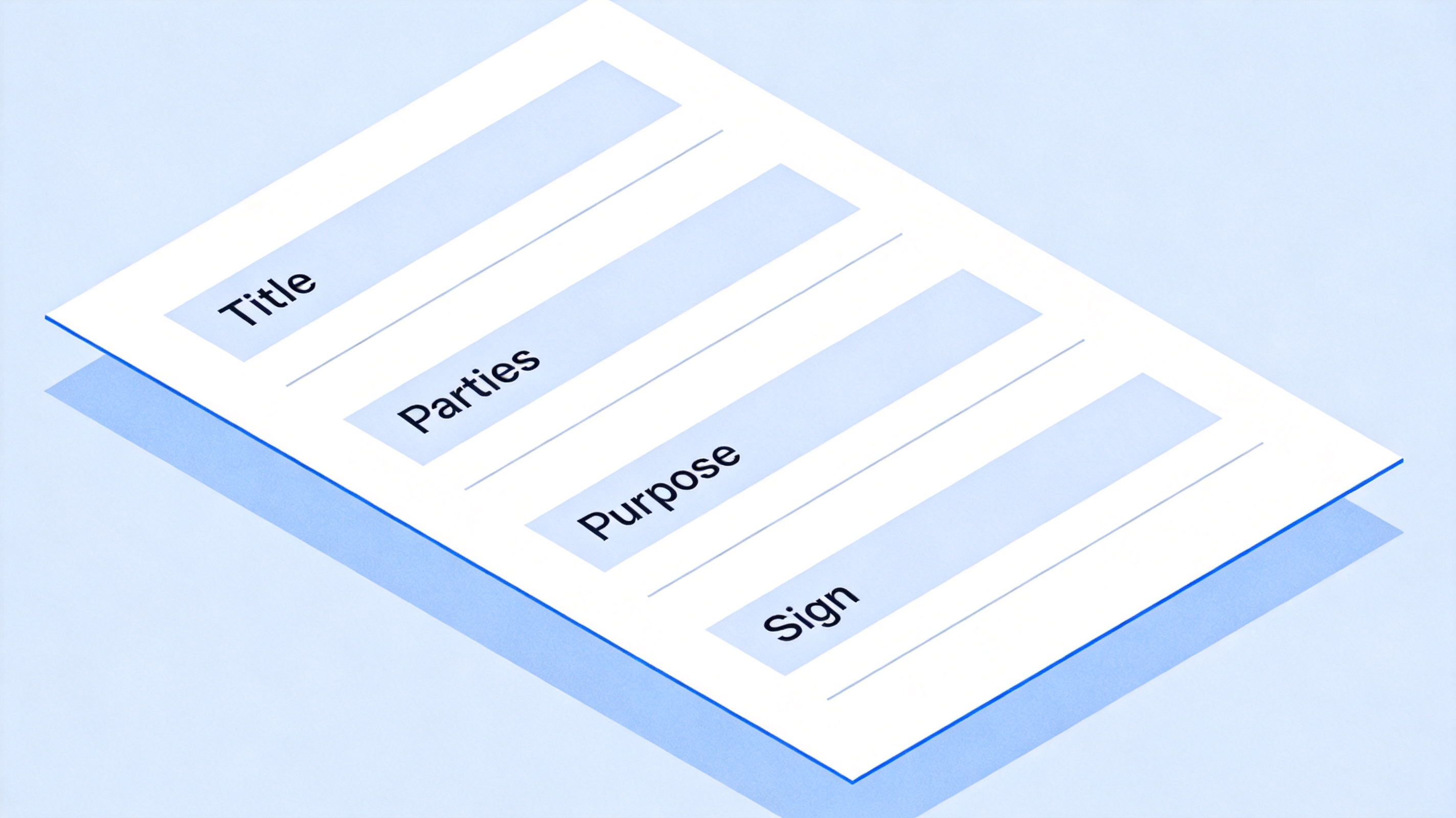
Core fields in a memorandum of understanding template


How to create a memorandum of understanding template in WPS Writer
You can build your own memorandum of understanding template in WPS Writer in a few minutes. A clean structure with clear headings makes it easy to fill in and reuse for every agreement. Building your own template also lets you match the exact wording and sections your organization needs, rather than adapting a generic file that may include clauses you do not want.
Create a new document in WPS Writer and title it "Memorandum of Understanding Template."
Add a parties block with blank lines for both organization names and contact details.
Insert section headings for Purpose, Obligations, Duration, and Signatures, with placeholder lines under each.
Add a dated signature block at the end with blank lines for each party's name and signature.
Save the file as a template so you never overwrite the master copy when you fill one in.
Use WPS Writer's heading styles so the document stays consistent, and keep the language neutral so the same template fits different types of collaboration. Add placeholder brackets such as [Party A name] and [Purpose] so anyone filling the template knows exactly what to replace, and add a short note at the top reminding users to save a copy rather than overwrite the master. For guidance on writing the content itself, see the step-by-step MOU writing guide.
How to fill in and use a memorandum of understanding template
Once the template is ready, use a copy for each new agreement so the master stays intact. Fill in the fields clearly and review the obligations with both parties before you export the final version.
Duplicate the template in WPS Writer and rename the copy with the agreement or project name so the original stays unchanged.
Enter the parties, effective date, and purpose in plain, specific language.
Complete the obligations as a list so each side's responsibilities are easy to check.
Set the duration and how the understanding can be ended by either side.
Export to PDF, then have each party sign the dated signature lines.
Keeping a clean template saves time on repeat collaborations, because you only replace the details that change. Storing the blank template separately from filled copies prevents accidental edits to the master.
A clear obligations section is the most valuable part to get right. List each commitment as a short, concrete item — for example, who provides the data, who covers the cost, and who delivers the report — so both parties can see at a glance what is expected. If a responsibility is shared, write who leads and who supports to avoid confusion later.
It is also worth deciding up front whether the understanding should state any financial terms. Some partnerships prefer to keep money details out of an MOU and handle them in a separate contract, while others include a simple budget line. Your template can leave this section optional, so you add it only when both sides agree.
Reviewing the filled template once before export is worth the extra minute. Read the purpose and obligations out loud, confirm every bracket was replaced, and check the date and party names are spelled exactly as in the official records, since a small typo in a name or date can cause confusion when the understanding is referenced later.
The Best Free Way to Edit and Sign an MOU: WPS Office
WPS Office keeps the whole memorandum of understanding workflow in one free suite. Write and reuse your template in WPS Writer, export a fixed-layout PDF, and add signatures in the built-in PDF editor without switching apps.
The familiar office interface means you can fill a template, share it, and keep a signed copy in minutes. Because WPS opens Word files natively, an MOU shared by a partner as a .docx opens and edits cleanly, and you can still export a fixed PDF when it is time to sign. Whether you draft a new understanding or reuse an existing one, WPS keeps the process simple and your files on your device.
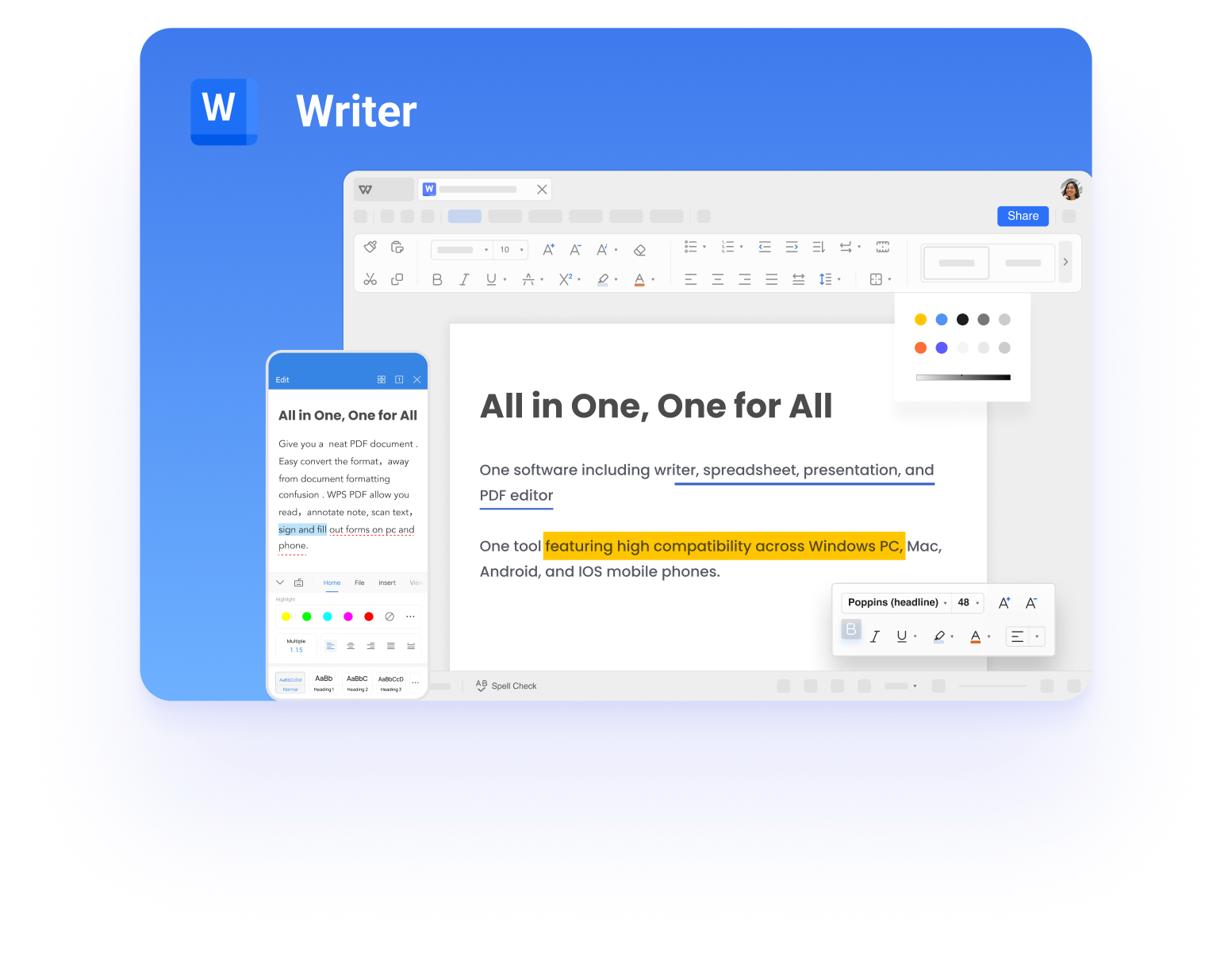
WPS Writer for editing an MOU template
FAQs
What is the difference between an MOU template and an MOA?
An MOU (memorandum of understanding) records shared intentions and cooperation, while an MOA (memorandum of agreement) outlines specific actions and obligations each party will take.
Is a memorandum of understanding legally binding?
Usually not by itself, since it records intentions rather than enforceable commitments. A full contract provides the legally binding terms. Check with local advice for important agreements.
Where can I get a memorandum of understanding template?
You can build one in WPS Writer in a few minutes using the sections in this guide, or copy the field structure into a new document and save it as your own template.
Can I edit an MOU template in WPS Office?
Yes. Open the template in WPS Writer, fill in the parties, purpose, and obligations, then export the finished copy to PDF for signing.
Do both parties sign a memorandum of understanding?
Yes. Both parties sign the dated signature lines, usually in the order they appear on the document, and each keeps a copy of the signed PDF.


'%3e%3cpath%20d='M19.9911%204.11386V6.471H18.5894C18.0775%206.471%2017.7322%206.57814%2017.5536%206.79243C17.3751%207.00671%2017.2858%207.32814%2017.2858%207.75671V9.44421H19.9019L19.5536%2012.0871H17.2858V18.8639H14.5536V12.0871H12.2769V9.44421H14.5536V7.49779C14.5536%206.39064%2014.8632%205.53201%2015.4822%204.92189C16.1013%204.31177%2016.9257%204.00671%2017.9554%204.00671C18.8304%204.00671%2019.509%204.04243%2019.9911%204.11386Z'%20fill='%23333333'/%3e%3c/g%3e%3cdefs%3e%3cclipPath%20id='clip0_2938_8199'%3e%3crect%20width='16'%20height='16'%20fill='white'%20transform='translate(8%204.00671)'/%3e%3c/clipPath%3e%3c/defs%3e%3c/svg%3e)
'%3e%3cpath%20d='M17.5237%2010.7813L23.4811%204H22.0699L16.8949%209.88693L12.7648%204H8L14.2469%2012.9029L8%2020.0133H9.4112L14.8725%2013.7952L19.2352%2020.0133H24M9.92053%205.04213H12.0885L22.0688%2019.0224H19.9003'%20fill='%23333333'/%3e%3c/g%3e%3cdefs%3e%3cclipPath%20id='clip0_2938_8200'%3e%3crect%20width='16'%20height='16.0134'%20fill='white'%20transform='translate(8%204)'/%3e%3c/clipPath%3e%3c/defs%3e%3c/svg%3e)


