

5 min read
Nov 10, 2025
Free Download Microsoft Office 2021 Professional Plus 64-bitA step-by-step guide to downloading and activating your license key without errors.
Read more
Microsoft Office 2021 free download version is the classic, one-time purchase version of the essential productivity suite. It provides Word, Excel, and PowerPoint for a single PC or Mac, designed for users who prefer owning software over a subscription. WPS Office is an incredible alternative to Microsoft Office, offering most of the features for free. It provides essential productivity tools and introduces a new AI function to enhance user experience and efficiency. With its user-friendly interface and robust functionality, WPS Office is a strong contender in productivity software.
Free Office Suite. Compatible with Word, Excel & PPT.
Microsoft Office 2021 free download version is the standalone, perpetual license version of the Microsoft Office suite. Unlike Microsoft 365, which requires a subscription, Office 2021 is a one-time purchase. It is designed for users who prefer to pay once and avoid monthly fees.
This version includes updated versions of essential tools like Word, Excel, PowerPoint, and Outlook. It introduces new features such as dynamic arrays in Excel, XLOOKUP, dark mode support in Word, and improved performance across all apps. To compare all Office download options, visit Microsoft Office Free Download for a complete guide across all versions and platforms.

A modern, clean interface with monoline iconography, a neutral color palette, and rounded window corners that align with the Windows 11 design language.

Work with several users on the same document by inviting them. See what they are working on through colored-coded cursors.

Mention people about a particular item on the document you are working on, with threaded comments visible to collaborators.

Find items by row or column on a table regardless of column location — unlike VLOOKUP, which must be on the right side.

Search for a specific item and return the same item to its relative position in Excel with greater flexibility than legacy lookup functions.

Switch to dark mode under File → Account → Office theme → Black to reduce eye strain during long writing sessions.
Version 2021 • 64-bit / 32-bit
Microsoft Office 2021 free download version is the latest perpetual release from Microsoft, offering a classic, one-time purchase model for its suite of essential productivity applications. Unlike the subscription-based Microsoft 365, Office 2021 is designed for users who prefer to own their software outright, providing a stable and unchanging toolset for creating documents, analyzing data, and delivering presentations.
This version is ideal for small businesses, students, and home users who need the core Office apps—Word, Excel, and PowerPoint—without the requirement of an ongoing internet connection for full functionality or the continuous feature updates that come with a subscription service. It's a "buy once, use forever" solution that receives security updates for five years.
Below are example product keys from the Microsoft Office 2021 Crack + Latest Product Keys list. Use them only if you have a legitimate license from Microsoft or an authorized reseller.Security Minefield: When you opt for cracked versions, you unwittingly expose your system to security vulnerabilities. However, the introduction of the WPS Office revolutionized this landscape. Users can confidently relinquish the notion of investing in costly office suites, recognizing them as burdensome liabilities.
| # | Product Key |
|---|---|
| 1 | ZAWEX-SRCDV-FTGYB-NHUWQ |
| 2 | ASZRD-FCTYG-HBWWK-MTYHT |
| 3 | GRFED-WQASE-DDCZA-DCGHT |
| 4 | ASXZW-CVBHG-QWERT-VFGBH |
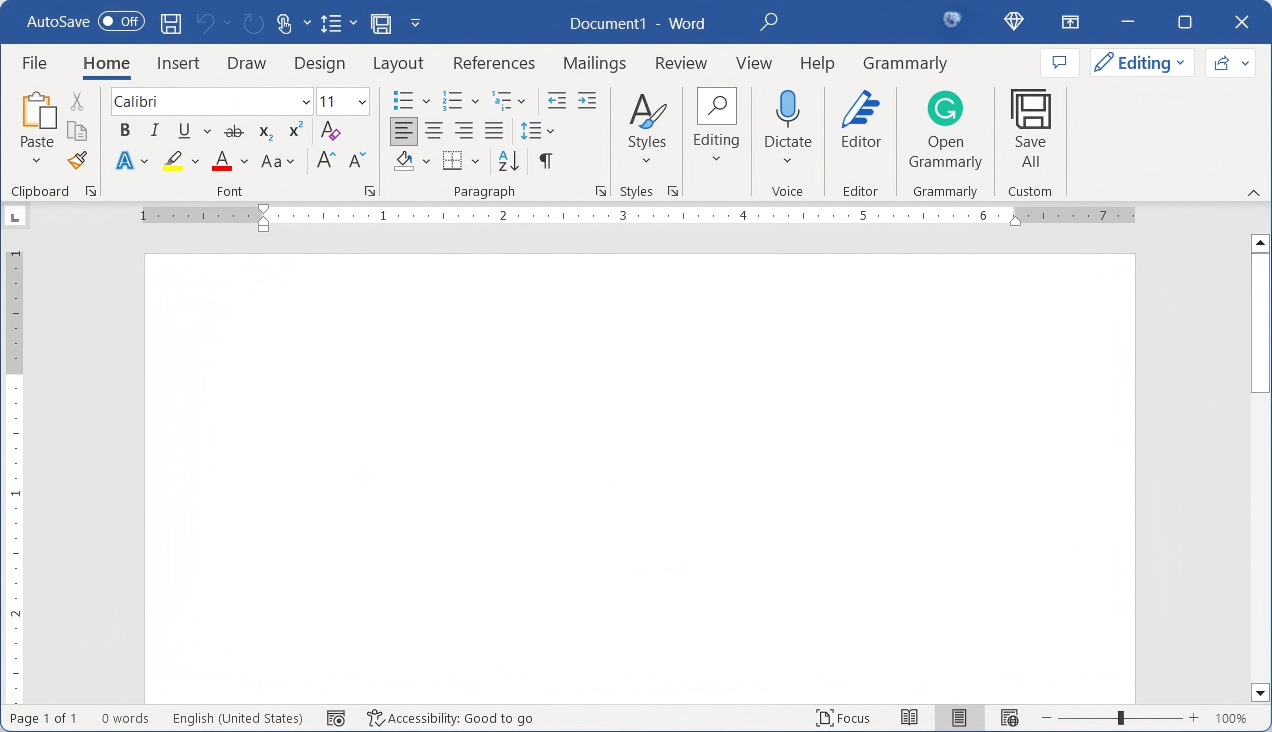
The industry-standard word processor with advanced editing and formatting tools.
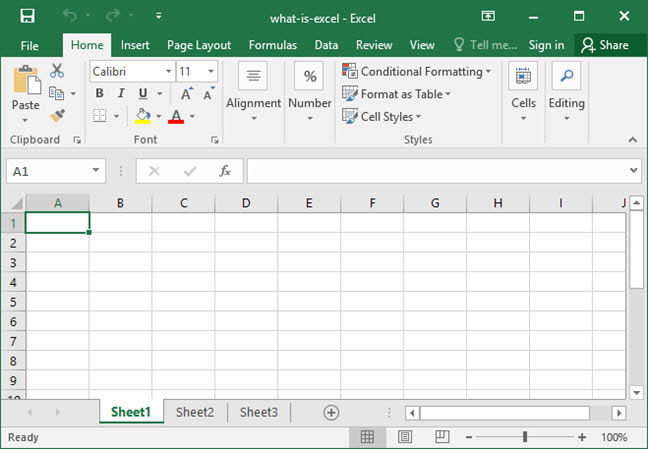
Analyze data with powerful spreadsheets, dynamic arrays, and visualization.
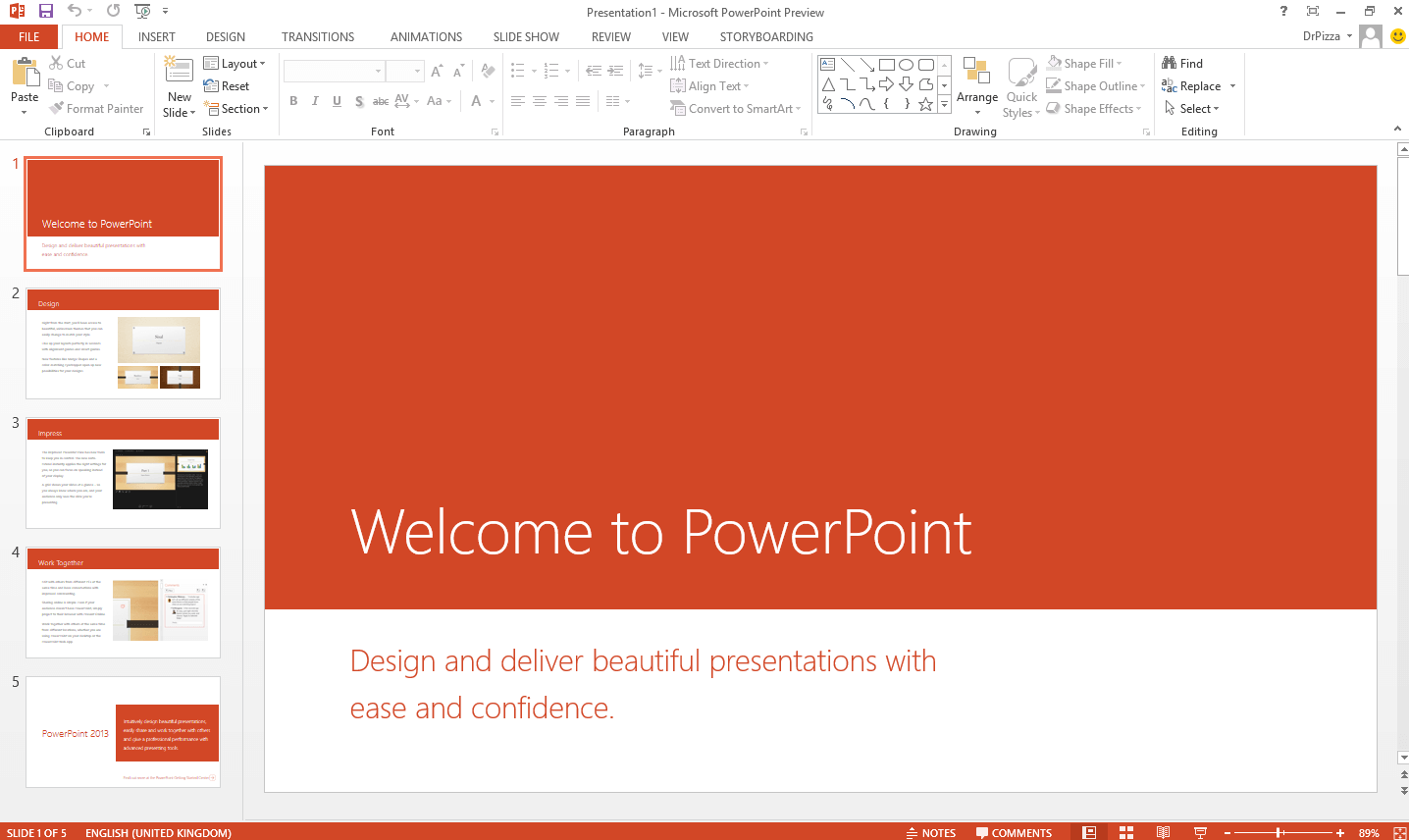
Create impactful presentations with new cinematic motion and recording features.
Manage your email, calendar, tasks, and contacts in one secure place.
| Feature | Office 2021 | WPS Office |
|---|---|---|
| Payment | One-time purchase | 100% Free |
| Updates | Security updates only | Continuous feature & security updates |
| Cloud Storage | None included | Free Cloud |
| Device Access | 1 PC or Mac | Unlimited |
Verdict: Why pay for the rigid limits of Office 2021? WPS Office is a 100% free, secure alternative with no subscription required.
Download the Image file from Microsoft's CDN Server.

Click on the download link to download the image file. After a successful download, double-click the file and a new drive will appear. Access the new drive to start the installation.
After accessing the new drive, an installation wizard will pop up. Users have to download some additional components. Microsoft Office 2021 Professional Plus has now been successfully installed on your computer after this process.

It hasn't been activated yet though, which is necessary if you want to use the programme. Continue to the following step to complete the installation.
When installing Microsoft Office 2021 Professional Plus, users will be prompted to enter a product key. In the pop-up window, select the language and version of Office which needs to be installed.
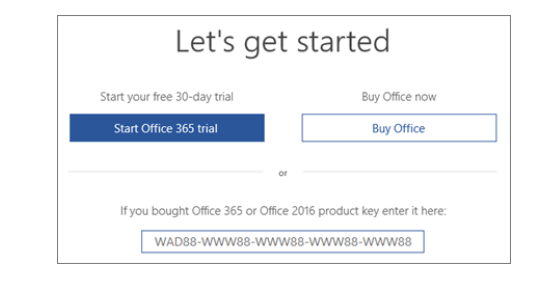
Once the user has entered the product key, Office will automatically detect the associated edition. Click "Install this product" to begin the installation process.
No, Office 2021 is a paid product that requires a one-time purchase. The download offered here is for the official installer, which requires a valid license key for full, long-term activation. A short trial period may be available.
Yes, Office 2021 is fully supported on both Windows 10 and Windows 11. It is not compatible with older versions like Windows 7 or 8.1.
Yes, you can move to Office 2021 Pro Plus, but it may require a new license or subscription. Back up your data before upgrading to protect documents, emails, and settings.
Office 2021 is a one-time purchase with a fixed set of features. Microsoft 365 is a subscription that includes the same apps but also provides ongoing feature updates, 1TB of cloud storage, and advanced collaboration tools.
The 64-bit version enhances performance and resource use by handling larger datasets and optimizing CPU speed and RAM utilization — ideal for data-intensive activities.
Yes, most Office 2021 Pro Plus applications work offline for creating, editing, and viewing documents. Cloud storage and real-time collaboration require an internet connection.
The Office Deployment Tool (ODT) is ideal for large-scale deployments. Pair it with the Office Customization Tool to tailor settings like default file formats or UI preferences.
While Office 2010 can open basic documents, advanced formatting from 2021 may not render correctly. Consider upgrading or using WPS Office for better backward compatibility.
Office for Android provides mobile functionality, but the full desktop experience is only available on Windows and macOS systems.
Office 2003, 2010, and 2013 are no longer supported and pose security risks. Office 2016 security updates end in 2025. We strongly recommend upgrading to Office 2021 or WPS Office.

15 years of office industry experience, tech lover and copywriter. Follow me for product reviews, comparisons, and recommendations for new apps and software.
The best free alternative to Microsoft Office. 100% compatible with Word, Excel & PPT files.
Create and edit professional documents effortlessly.
Analyze data with spreadsheets and advanced formulas.
Design compelling presentations with cinematic motion.
Premium Office apps, extra cloud storage, and security.
Best free alternative. 100% compatible with Microsoft Office.
A powerful and free tool to read, edit, and convert PDFs.
A step-by-step guide to downloading and activating your license key without errors.
Read more
Detailed comparison of features, pricing, and cloud capabilities to help you decide.
Read more
Common troubleshooting steps to resolve activation issues in Office applications.
Read moreWhy pay more? Get the complete office suite that's fully compatible with Microsoft formats. Experience a lightweight, powerful, and free solution for your daily workflow.
* Basic components (Writer, Spreadsheet, Presentation) are permanently free.
Open, edit, and save Word, Excel, and PowerPoint files seamlessly.