In fast-moving deals, a Letter of Intent (LOI) sets expectations and
shows you’re serious, without locking you into the final contract. But
writing one from scratch is stressful: the tone, the legal bits, what to
include (and what not!). So, how do you create a professional,
impactful, and legally sensible LOI quickly?Below you’ll find 10 free
templates you can download and edit in minutes, plus a quick tutorial to
tailor and print them confidently. Let’s get you from “blank page” to
“ready to send.”
Use Word, Excel, and PPT for FREE
Part 1. What is a
Letter of Intent?
A Letter of Intent (LOI) outlines preliminary terms between parties
before a definitive agreement. It signals commitment, frames key terms,
and kicks off negotiation or due diligence. LOIs are common in business
purchases, real estate, employment, and services. While usually
non-binding, certain clauses (e.g, confidentiality, exclusivity,
governing law) may be binding, always read and edited carefully.
esign.com
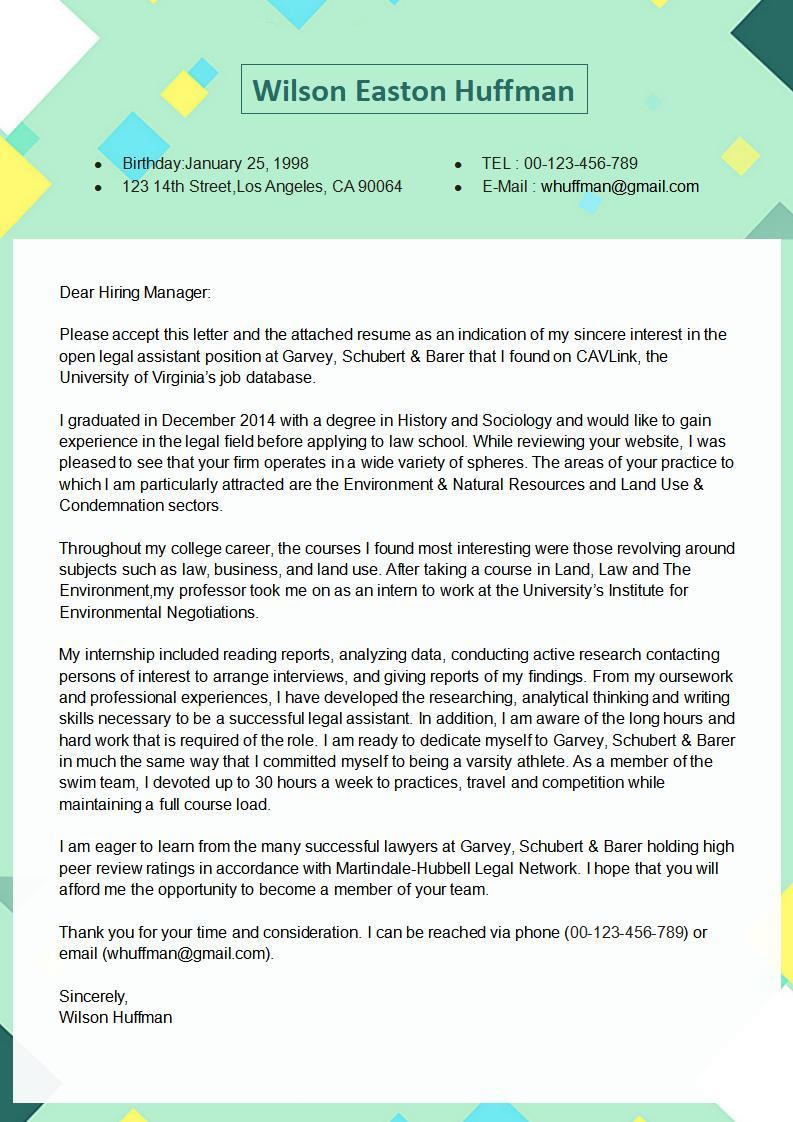
In the job-seeking context, a letter of intent can also be used to
express interest in a company even without an open role, similar to, but
broader than, a cover letter. Indeed
When do you use a letter of intent?
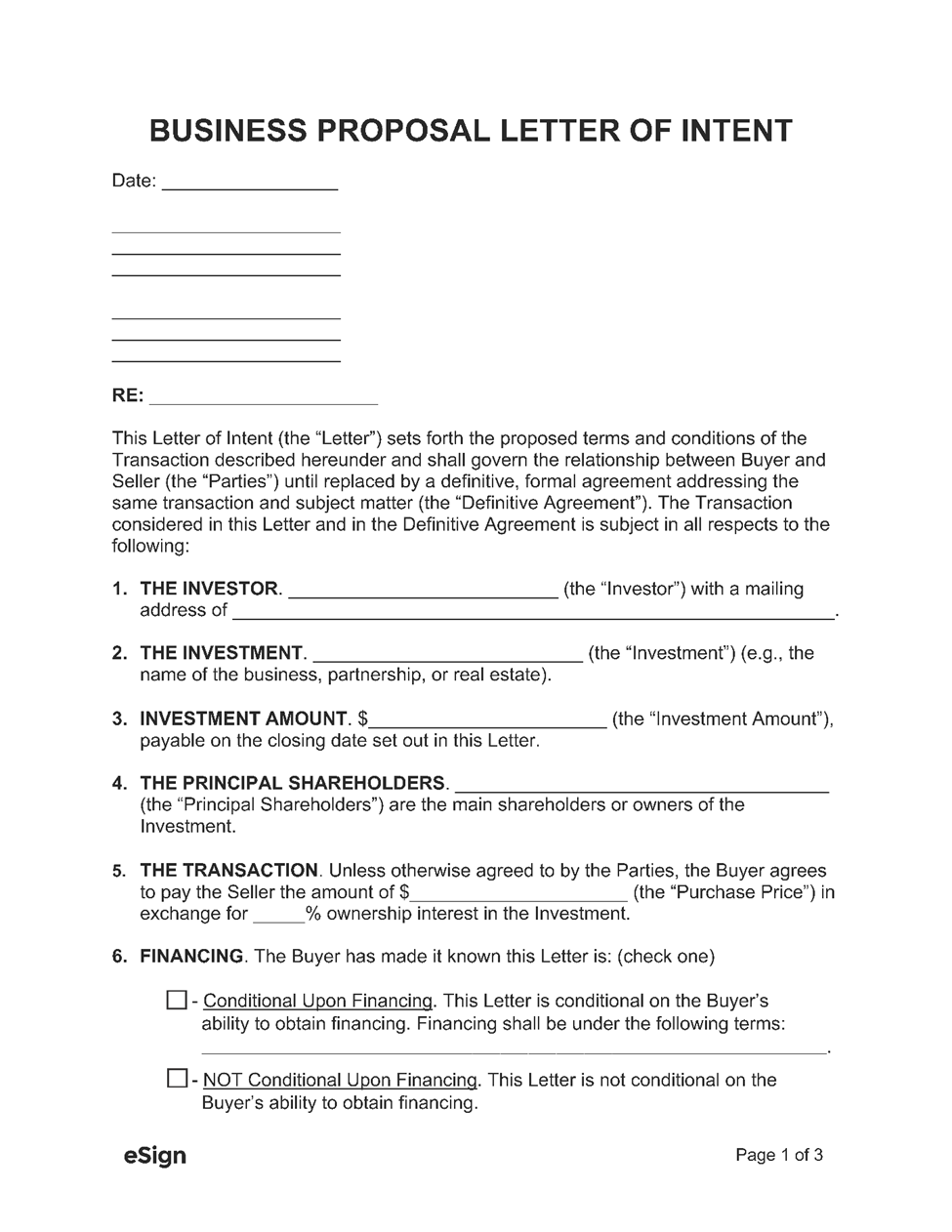
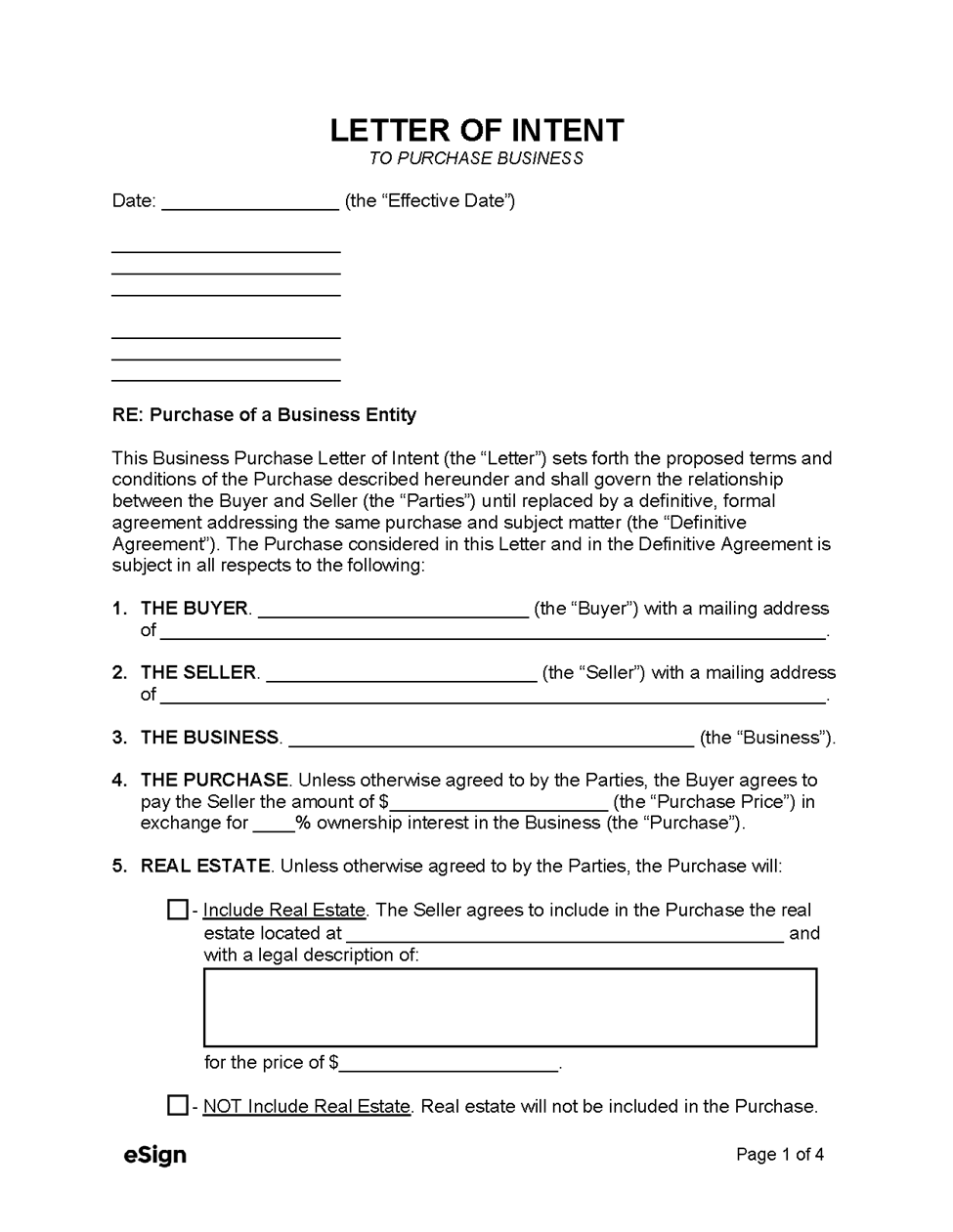
To record deal terms (price, scope, timelines) before drafting a full contract
To show serious interest (e.g., buying a business, leasing space, hiring)
To outline next steps while parties complete due diligence or approvals esign.com
What to include in an LOI?
Parties (names, addresses, contacts)
Subject/property/services (what the deal covers)
Price/fees/compensation (and payment due date/frequency)
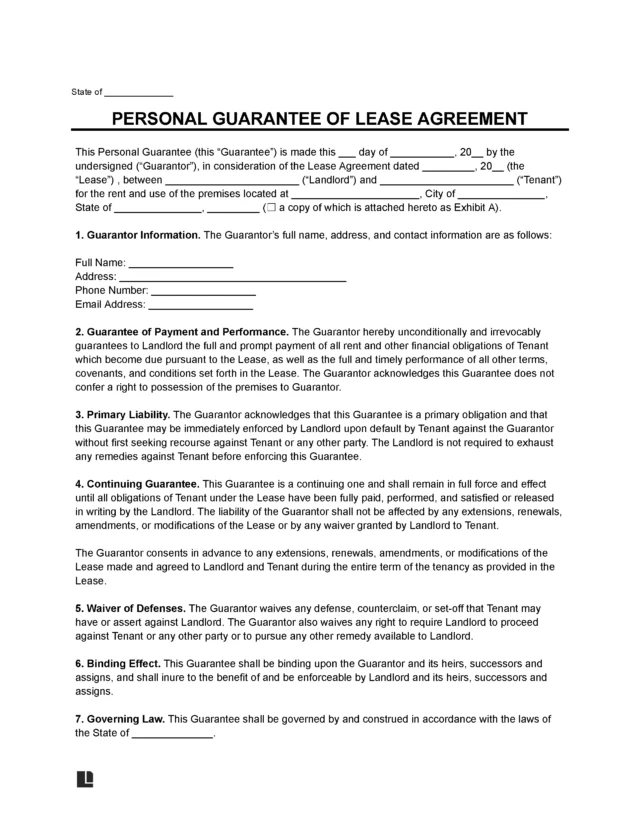
Perfect for renting office/retail/industrial space, captures rent,
term, expenses, deposit, and responsibilities to streamline the lease
draft.
Employee Termination Letter
Pro Tip:
Choose Word (.docx) if you’ll heavily customize wording or collaborate.
Choose PDF if you need a clean, fixed-layout doc that you’ll fill, sign, and send right away. Most pages above offer both formats. esign.com
Part
3. How to Edit & Print an LOI Template in Word &
PDF?
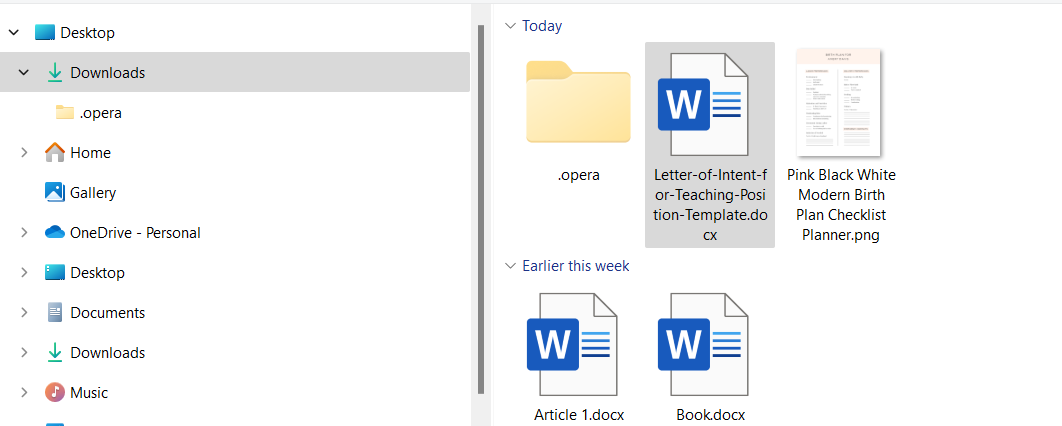
You now have targeted templates for common scenarios. Download the
one that fits, then refine and beautify it. Below is a fast, visual
walkthrough using WPS Writer (for Word files) and WPS PDF (for
PDFs)—both are free to download and easy to use.
A) Edit the LOI in WPS Writer (Word format)
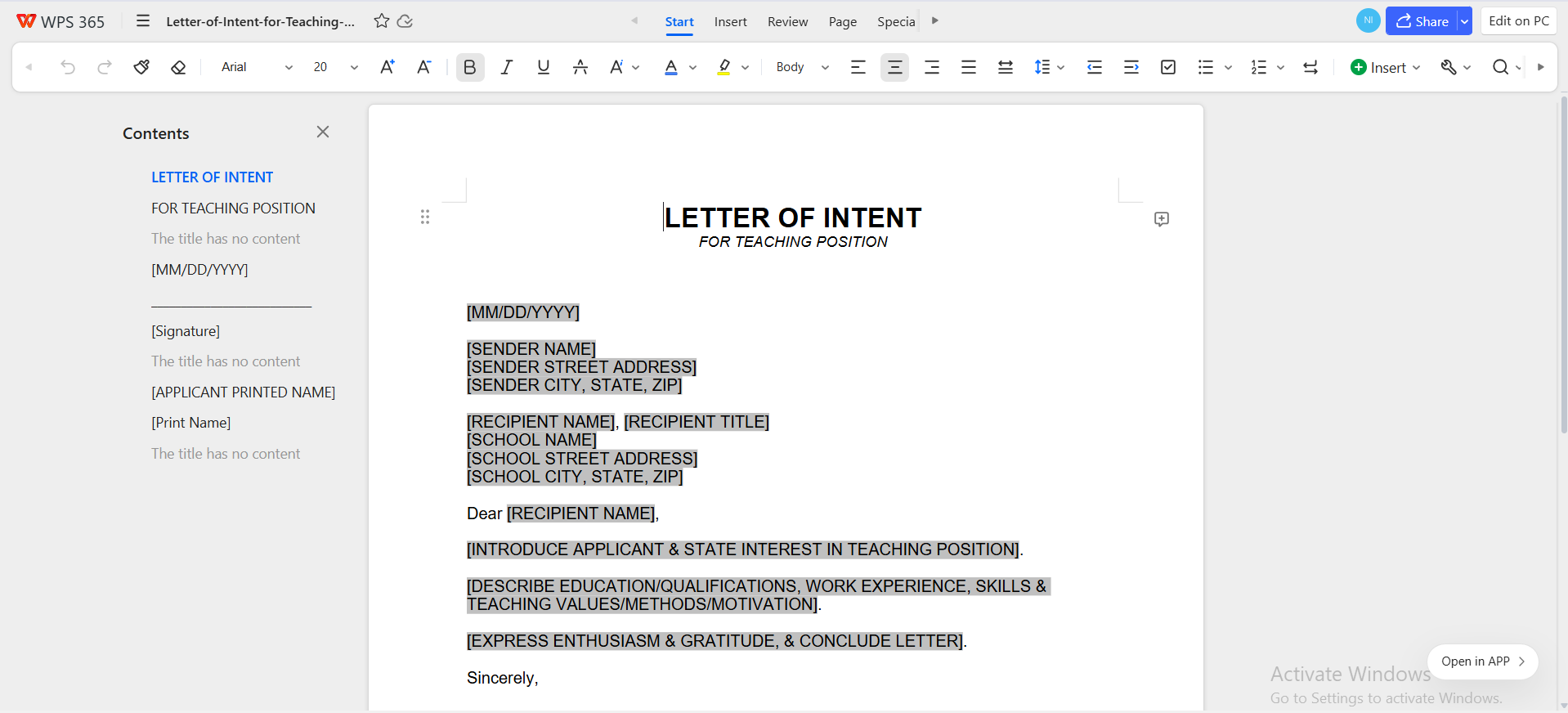
Open WPS Writer → File ▸ Open → select your .docx LOI.
Open WPS Writer → File ▸ Open → select your .docx LOI
Insert clauses: Add or edit
confidentiality/exclusivity and binding/non-binding language as
needed.
Formatting polish: Headings, spacing, alignment;
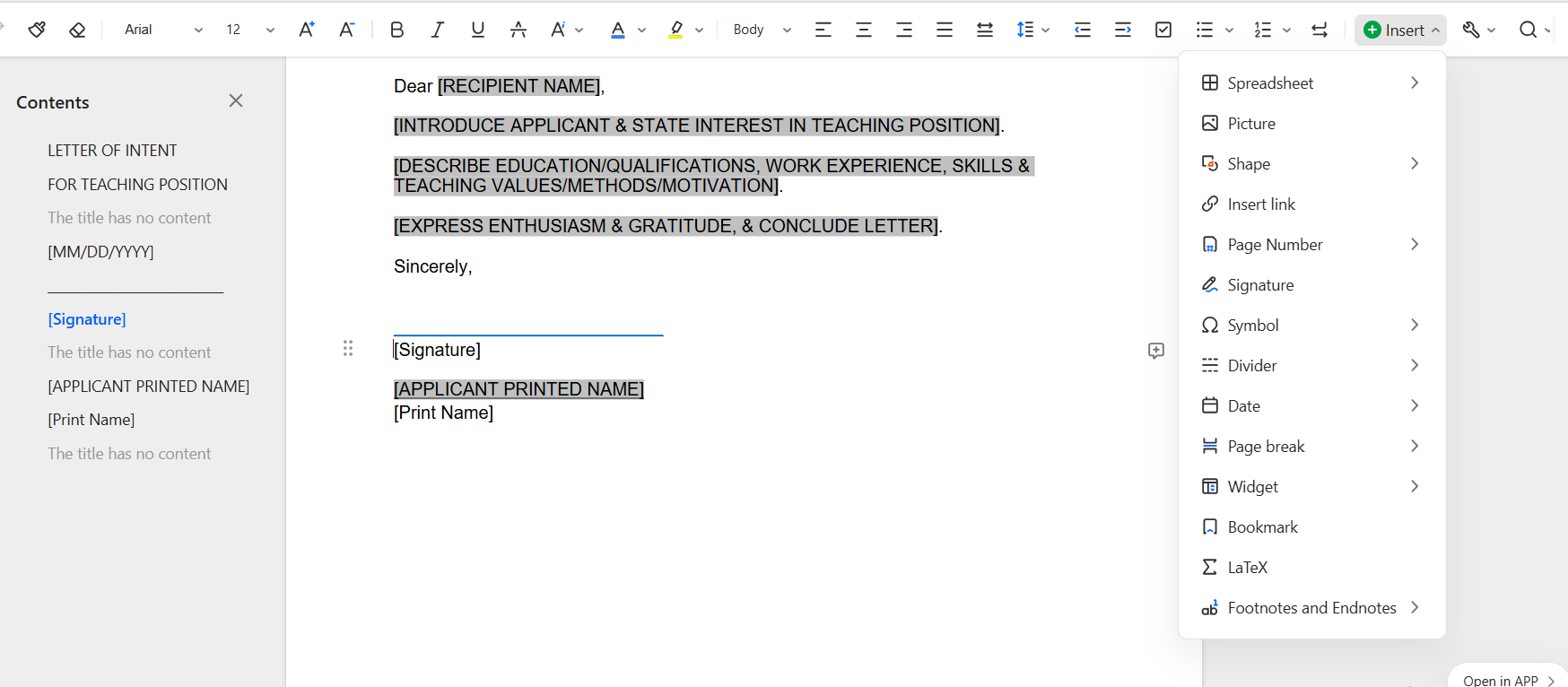
use Insert ▸ Signature line or add a signature image.
Insert ▸ Signature line
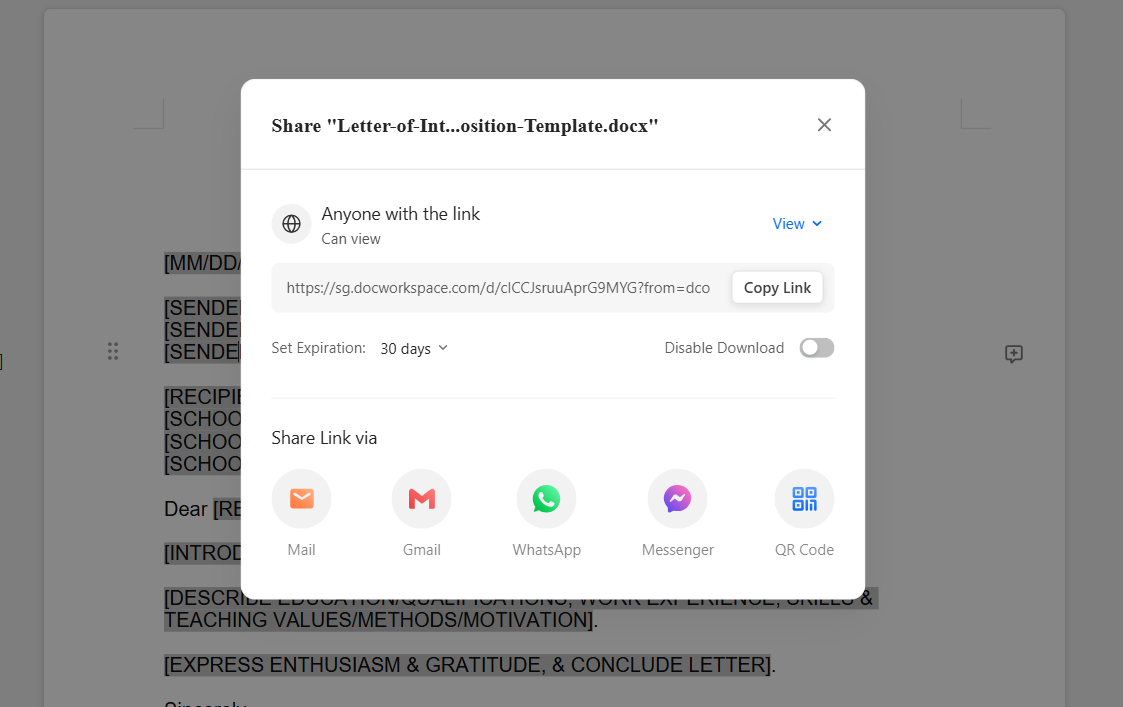
Save/Export: You can Share it as a link , or as
a document too.
You can Share it as a link
B) Edit the LOI in WPS PDF (PDF format)
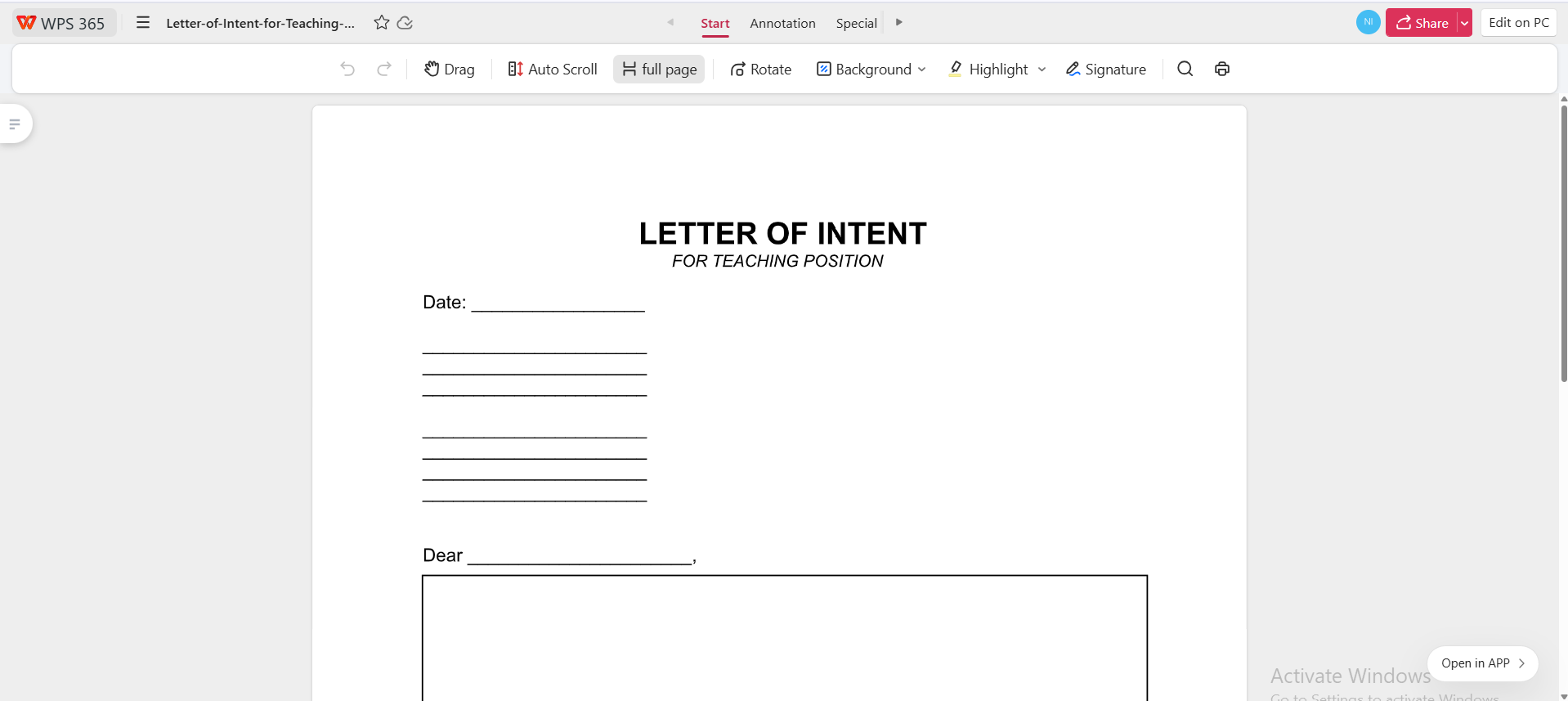
Open WPS PDF → Open File → select your .pdf LOI.
Open WPS PDF → Open File → select your .pdf LOI
Edit text like Word: Choose Edit to change text,
add images/logo, or fix layout.
Choose Edit to change text, add images/logo, or fix layout
Fill & sign: use Fill Form for fields,
Signature to insert e-signature; use OCR if the PDF is scanned.
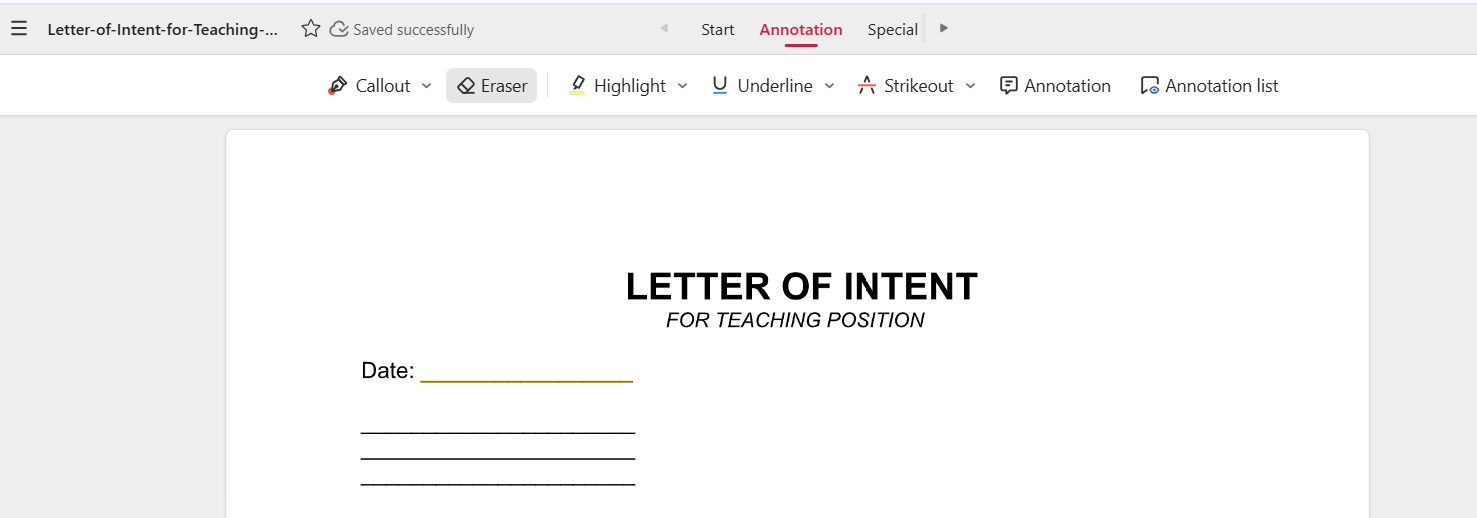
Annotate: highlight, comment, and stamp if
collaborating.
highlight, comment, and stamp if collaborating
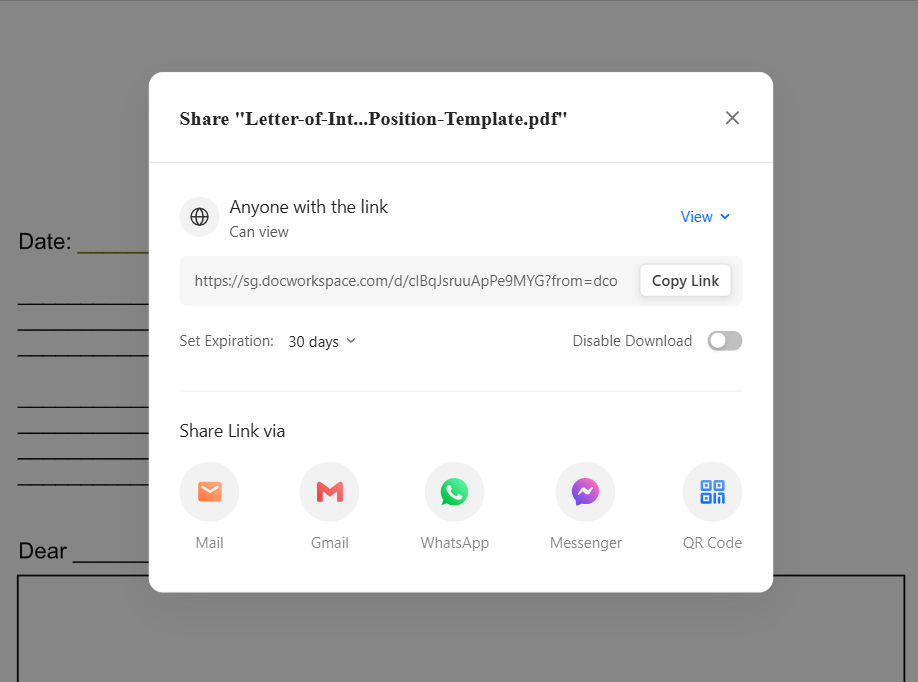
Export/Print: You can Share it as a link , or as
a document too.
You can Share it as a link , or as a document too
Part
4. Your Free Office Suite for Professional LOIs, WPS
Office
WPS Office
WPS Office is a free, all-in-one suite, Writer, Spreadsheet, Presentation,
and PDF, that handles both Word(.docx) and PDF LOIs smoothly. It’s lightweight, cross-platform
(desktop & mobile), and ideal for drafting, editing, collaborating,
and printing LOIs without expensive subscriptions.
WPS Office is a free, all-in-one suite (Writer, Spreadsheet,
Presentation, PDF) with rich templates and cross-platform support. You
can edit Word and PDF LOIs seamlessly, collaborate in the cloud, and
print, without heavy subscriptions.
Why do people pick WPS for LOIs?
Free download & powerful PDF toolkit
Rich template store (jump-start layouts)
AI helpers (summarize, translate, draft)
Online docs & collaboration
Stable & lightweight across devices
Easy sharing & printing
Why do people pick WPS for LOIs?
Free download & powerful PDF toolkit
Rich template store to jump-start layout and structure
AI helpers to summarize, translate, and draft faster
Online docs & collaboration for shared editing and comments
Direct text editing in PDFs (fix names, amounts, dates).
Fill & sign: complete fields, insert e-signatures, date, and initials.
OCR for scans: convert images to editable text.
Page tools: merge/split, reorder, rotate, and compress for emailing.
100% secure
FAQs
1) Is a Letter of Intent legally binding?
Generally no, an LOI is mostly non-binding, but specific clauses
(confidentiality, exclusivity, deposits, governing law) can be binding.
Always clarify what is binding in your document.
2) Do I need legal help to use a template?
For simple, non-binding scenarios, you may not need a lawyer. If your
LOI covers complex money, assets, or binding clauses, get a legal
review.
3) LOI vs MOU, what’s the difference?
Both outline preliminary terms. An LOI is often deal or
transaction-specific; an MOU can be broader. In either, flag binding
sections explicitly.
4) Can I e-sign an LOI?
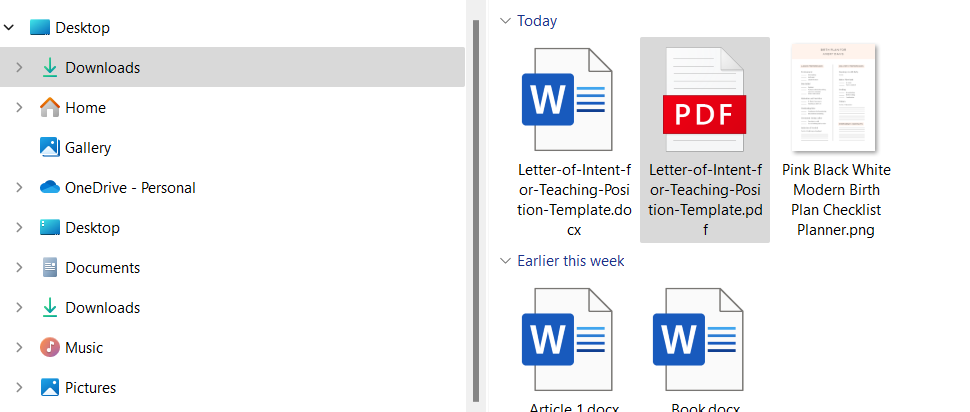
Yes. After editing, export to PDF and add an electronic signature
before sending. WPS PDF supports e-sign workflows.
Summary
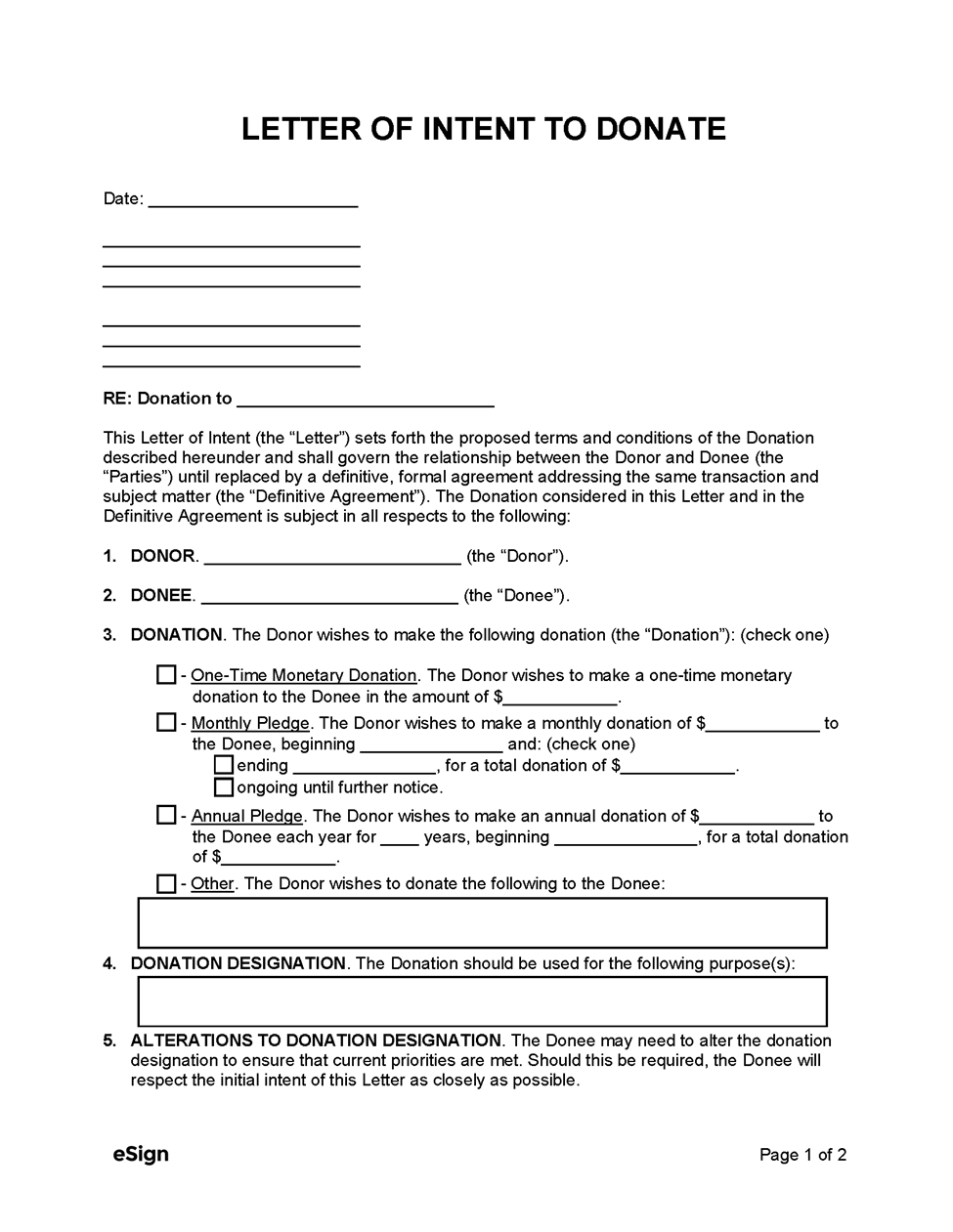
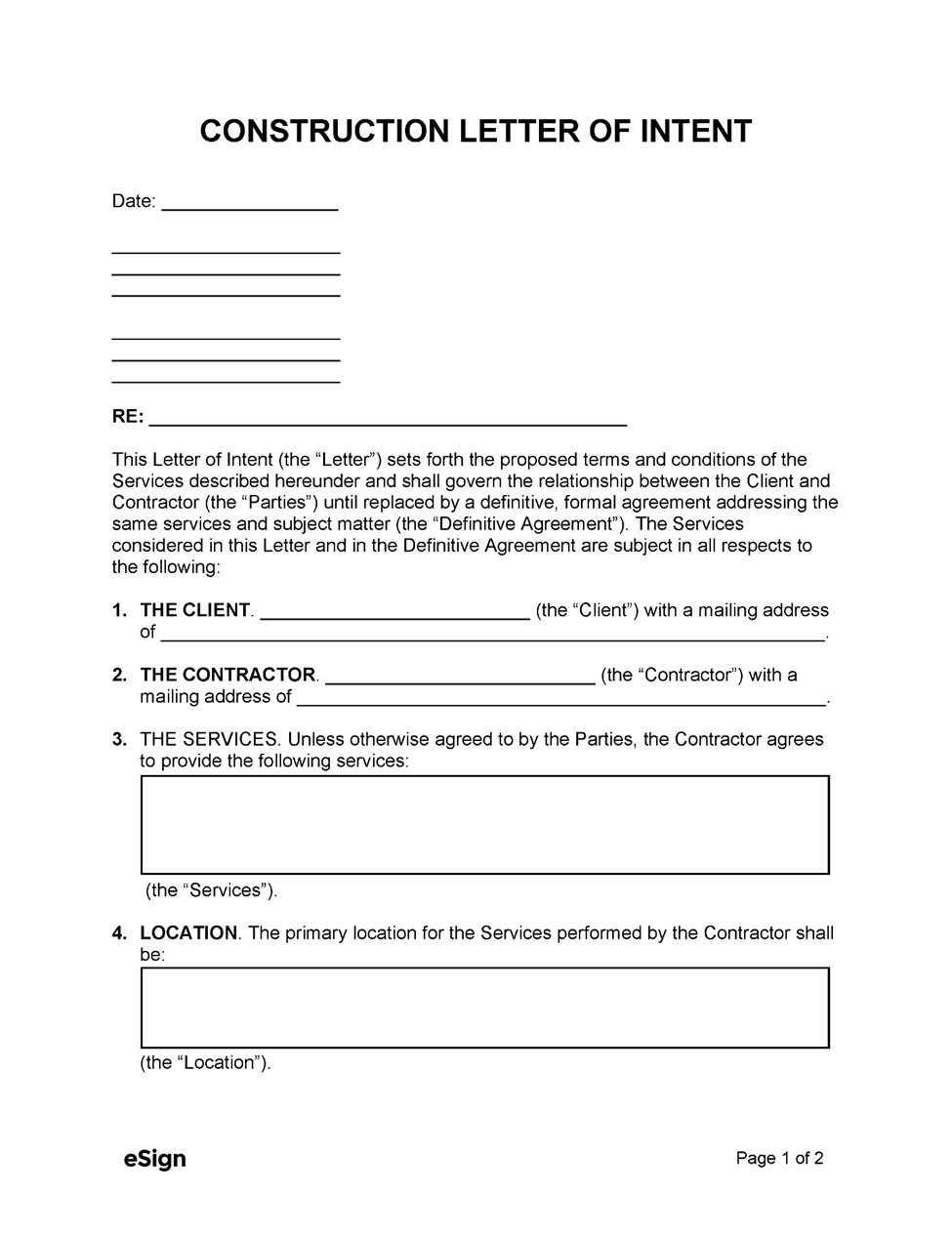
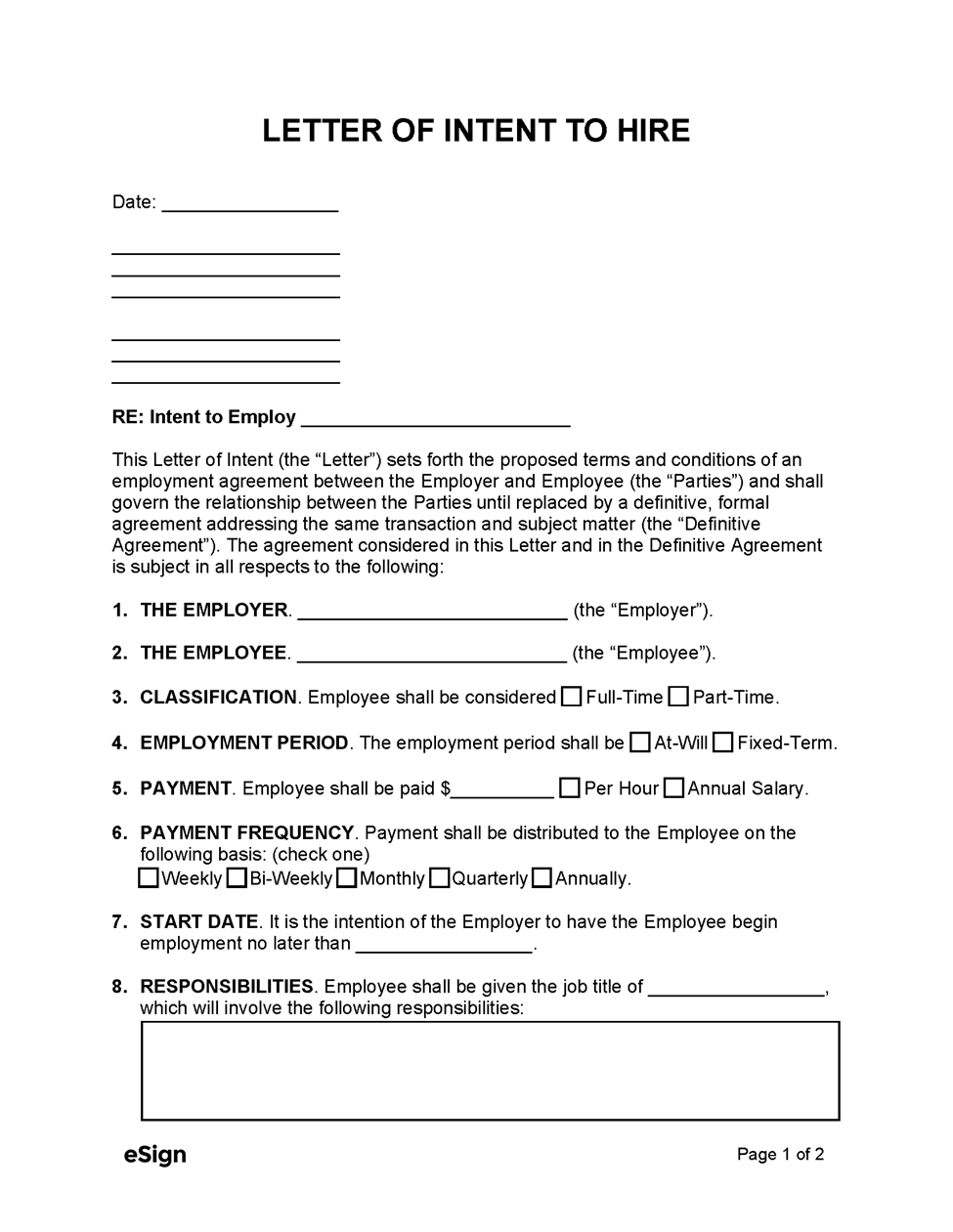
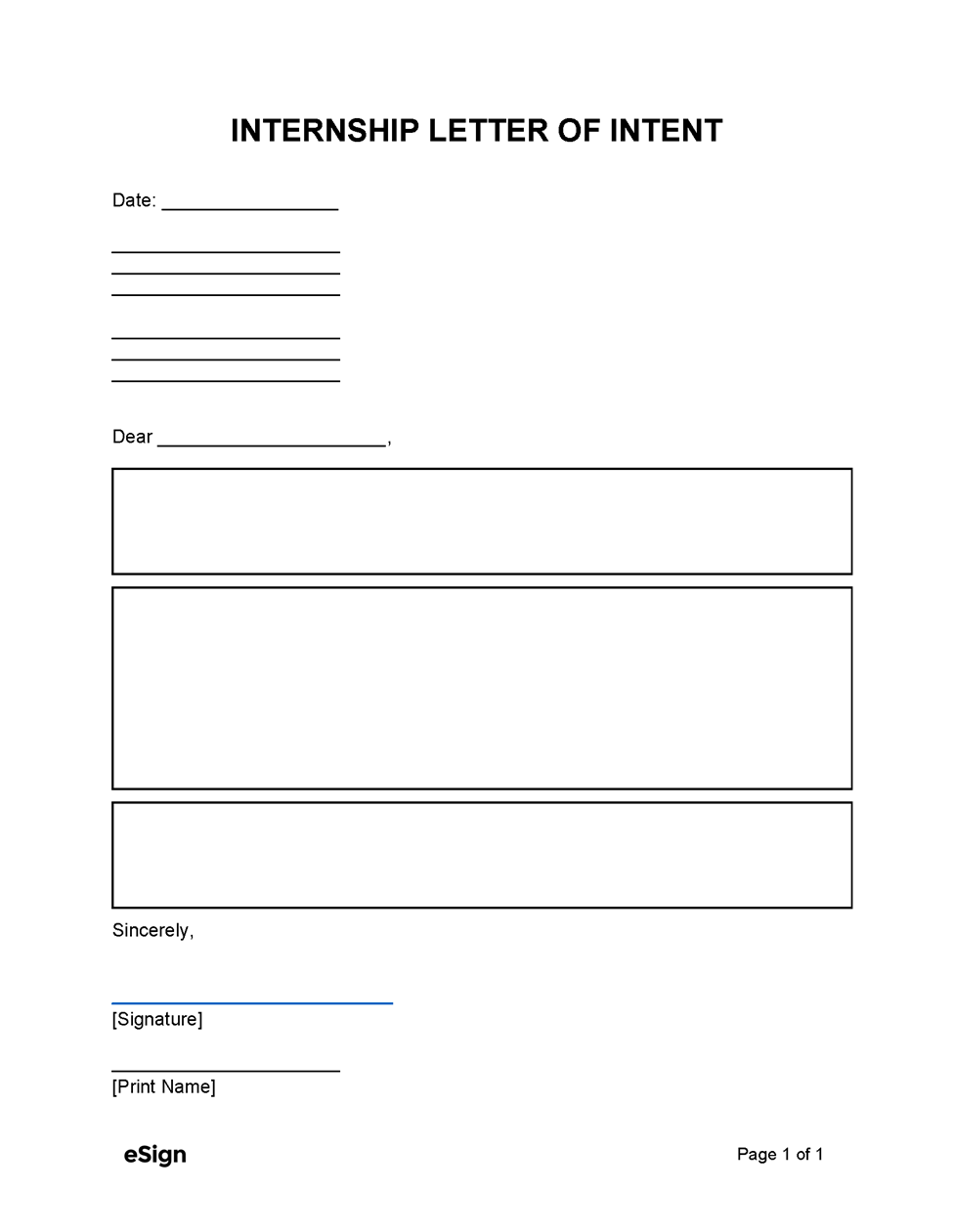
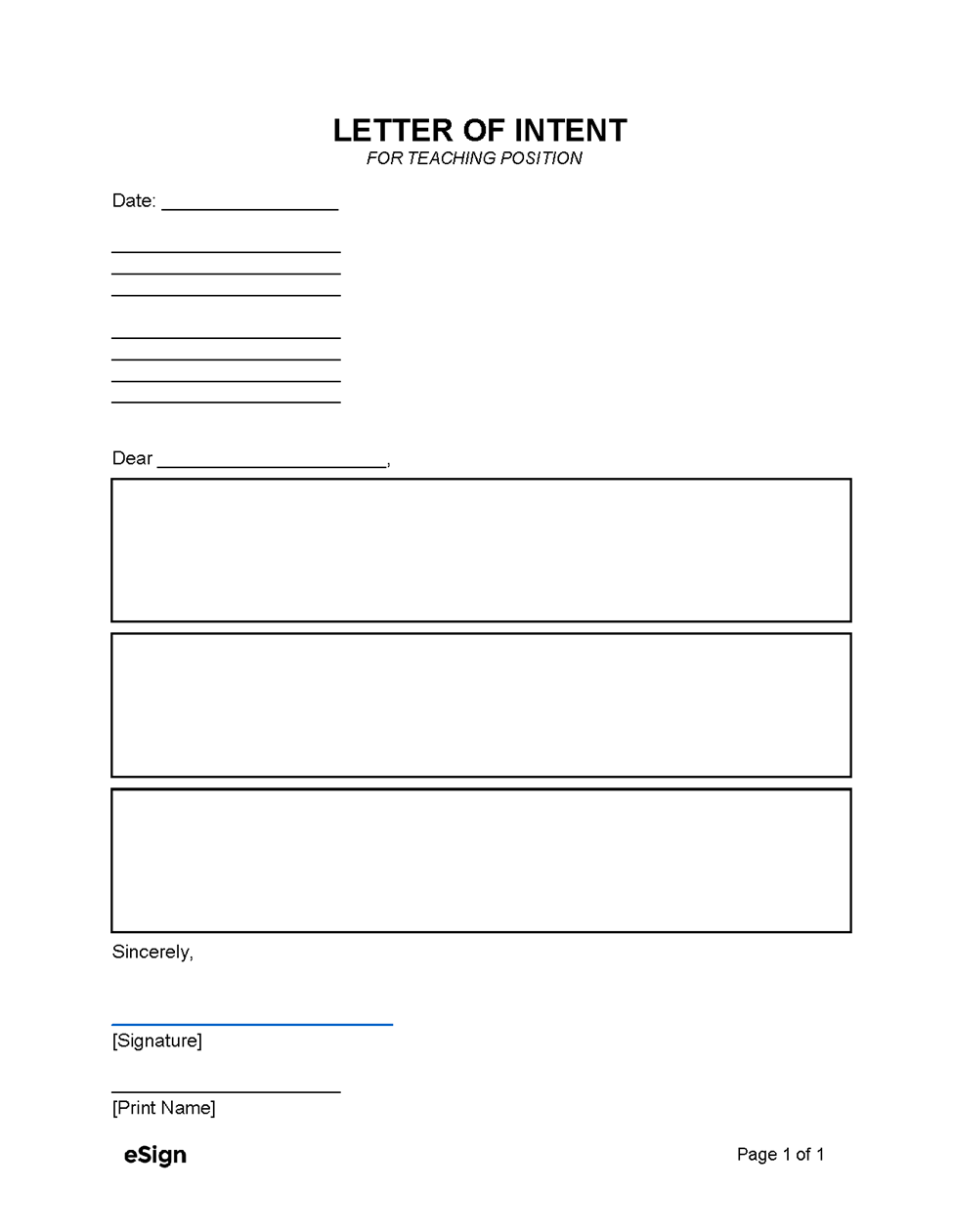
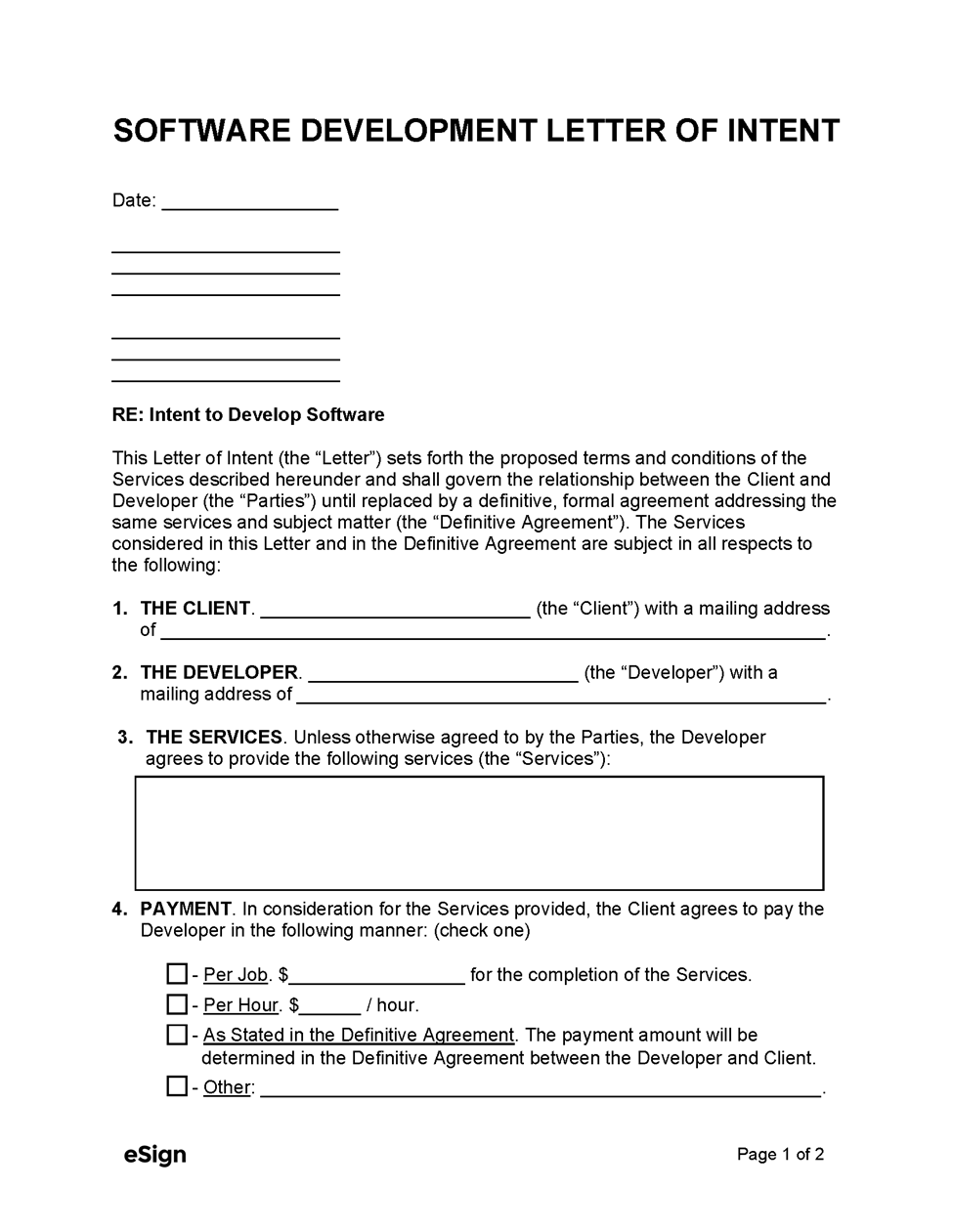
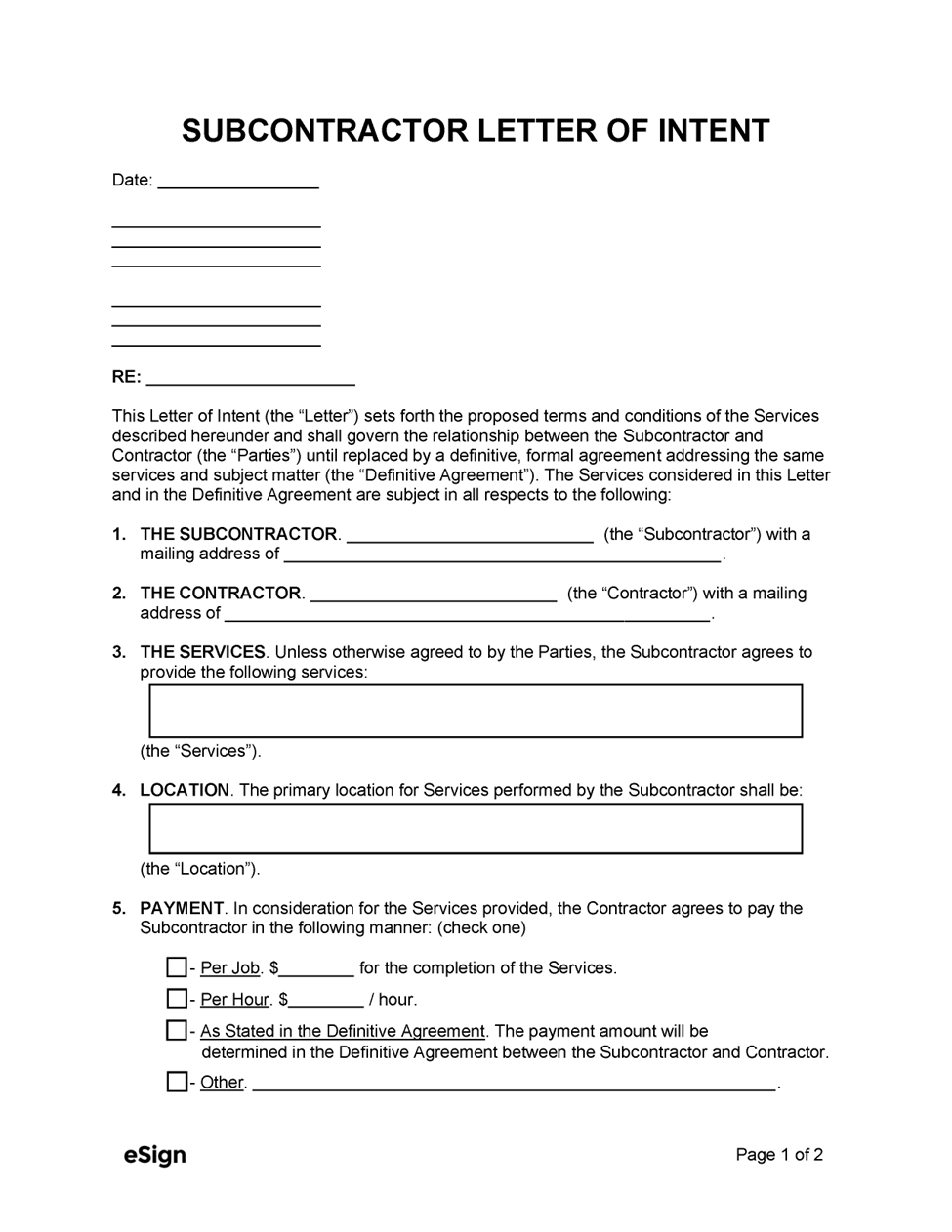
You learned what a Letter of Intent (LOI) is, when it’s appropriate to use, and the essential elements that make it clear and credible, parties, scope, price or compensation, timelines, and which clauses are binding. We also rounded up 10 free LOI templates spanning business purchases, leasing, employment, internships, education, construction, software development, donations, and subcontracting. Each template is available in PDF and Word, so you can choose a fixed layout for quick fill-and-sign or a fully editable file for deeper customization, no legalese guesswork or blank-page anxiety.
For fast, polished editing and printing, WPS Office (Writer + PDF) is my top pick. It’s free and cross-platform, lets you edit Word docs and PDFs side by side, add e-signatures, export to clean PDFs, and print with professional formatting. You also get helpful AI features for drafting and polishing, plus a rich template store and cloud collaboration to share and finalize your LOI quickly. If you want an all-in-one tool that takes you from download to done, WPS Office makes it painless.
With 4 years of hands-on experience, I specialize in finding smart tools that boost productivity and make work-life smoother. If it streamlines the office, I’ve probably tested it—follow for practical tech tips and trusted recommendations.


'%3e%3cpath%20d='M8%200C12.4183%200%2016%203.58172%2016%208C16%2012.4183%2012.4183%2016%208%2016C3.58172%2016%200%2012.4183%200%208C0%203.58172%203.58172%200%208%200ZM11.6162%204.38379C11.2257%203.99337%2010.5927%203.99338%2010.2021%204.38379L8%206.58594L5.79785%204.38379C5.40732%203.99334%204.77429%203.99329%204.38379%204.38379C3.99331%204.77429%203.99335%205.40733%204.38379%205.79785L6.58594%208L4.38379%2010.2021C3.99348%2010.5927%203.99341%2011.2257%204.38379%2011.6162C4.77426%2012.0066%205.40734%2012.0065%205.79785%2011.6162L8%209.41406L10.2021%2011.6162C10.5927%2012.0066%2011.2257%2012.0067%2011.6162%2011.6162C12.0067%2011.2257%2012.0066%2010.5927%2011.6162%2010.2021L9.41406%208L11.6162%205.79785C12.0066%205.40735%2012.0066%204.77429%2011.6162%204.38379Z'%20fill='%23080E17'%20fill-opacity='0.46'/%3e%3c/g%3e%3cdefs%3e%3cclipPath%20id='clip0_3761_713'%3e%3crect%20width='16'%20height='16'%20fill='white'/%3e%3c/clipPath%3e%3c/defs%3e%3c/svg%3e)




'%3e%3cpath%20fill-rule='evenodd'%20clip-rule='evenodd'%20d='M21.4999%2010.9993C21.4999%205.20009%2016.7986%200.498901%2010.9993%200.498901C5.19994%200.498901%200.498657%205.20009%200.498657%2010.9993C0.498657%2016.2404%204.33858%2020.5844%209.35855%2021.3722V14.0346H6.69238V10.9993H9.35855V8.68594C9.35855%206.05427%2010.9262%204.60062%2013.3248%204.60062C14.4736%204.60062%2015.6753%204.80571%2015.6753%204.80571V7.38979H14.3512C13.0468%207.38979%2012.64%208.19921%2012.64%209.0296V10.9993H15.5523L15.0867%2014.0346H12.64V21.3722C17.66%2020.5844%2021.4999%2016.2404%2021.4999%2010.9993Z'%20fill='%231568EA'/%3e%3c/g%3e%3c/svg%3e)


'%3e%3cpath%20d='M2.42045%2022.1876H6.31818V12.7217L0.75%208.54553V20.5171C0.75%2021.4414%201.49892%2022.1876%202.42045%2022.1876Z'%20fill='%234285F4'/%3e%3cpath%20d='M19.682%2022.1876H23.5797C24.5041%2022.1876%2025.2502%2021.4387%2025.2502%2020.5171V8.54553L19.682%2012.7217'%20fill='%2334A853'/%3e%3cpath%20d='M19.682%205.48293V12.7216L25.2502%208.54543V6.31816C25.2502%204.25236%2022.8921%203.07469%2021.2411%204.31361'%20fill='%23FBBC04'/%3e%3cpath%20d='M6.31824%2012.7217V5.48303L13.0001%2010.4944L19.6819%205.48303V12.7217L13.0001%2017.733'%20fill='%23EA4335'/%3e%3cpath%20d='M0.75%206.31816V8.54543L6.31818%2012.7216V5.48293L4.75909%204.31361C3.10534%203.07469%200.75%204.25236%200.75%206.31816Z'%20fill='%23C5221F'/%3e%3c/g%3e%3cdefs%3e%3cclipPath%20id='clip0_2954_7305'%3e%3crect%20width='24.5'%20height='18.375'%20fill='white'%20transform='translate(0.75%203.8125)'/%3e%3c/clipPath%3e%3c/defs%3e%3c/svg%3e)





'%3e%3cpath%20d='M19.9911%204.11386V6.471H18.5894C18.0775%206.471%2017.7322%206.57814%2017.5536%206.79243C17.3751%207.00671%2017.2858%207.32814%2017.2858%207.75671V9.44421H19.9019L19.5536%2012.0871H17.2858V18.8639H14.5536V12.0871H12.2769V9.44421H14.5536V7.49779C14.5536%206.39064%2014.8632%205.53201%2015.4822%204.92189C16.1013%204.31177%2016.9257%204.00671%2017.9554%204.00671C18.8304%204.00671%2019.509%204.04243%2019.9911%204.11386Z'%20fill='%23333333'/%3e%3c/g%3e%3cdefs%3e%3cclipPath%20id='clip0_2938_8199'%3e%3crect%20width='16'%20height='16'%20fill='white'%20transform='translate(8%204.00671)'/%3e%3c/clipPath%3e%3c/defs%3e%3c/svg%3e)
'%3e%3cpath%20d='M17.5237%2010.7813L23.4811%204H22.0699L16.8949%209.88693L12.7648%204H8L14.2469%2012.9029L8%2020.0133H9.4112L14.8725%2013.7952L19.2352%2020.0133H24M9.92053%205.04213H12.0885L22.0688%2019.0224H19.9003'%20fill='%23333333'/%3e%3c/g%3e%3cdefs%3e%3cclipPath%20id='clip0_2938_8200'%3e%3crect%20width='16'%20height='16.0134'%20fill='white'%20transform='translate(8%204)'/%3e%3c/clipPath%3e%3c/defs%3e%3c/svg%3e)


