

'%3e%3cpath%20d='M8%200C12.4183%200%2016%203.58172%2016%208C16%2012.4183%2012.4183%2016%208%2016C3.58172%2016%200%2012.4183%200%208C0%203.58172%203.58172%200%208%200ZM11.6162%204.38379C11.2257%203.99337%2010.5927%203.99338%2010.2021%204.38379L8%206.58594L5.79785%204.38379C5.40732%203.99334%204.77429%203.99329%204.38379%204.38379C3.99331%204.77429%203.99335%205.40733%204.38379%205.79785L6.58594%208L4.38379%2010.2021C3.99348%2010.5927%203.99341%2011.2257%204.38379%2011.6162C4.77426%2012.0066%205.40734%2012.0065%205.79785%2011.6162L8%209.41406L10.2021%2011.6162C10.5927%2012.0066%2011.2257%2012.0067%2011.6162%2011.6162C12.0067%2011.2257%2012.0066%2010.5927%2011.6162%2010.2021L9.41406%208L11.6162%205.79785C12.0066%205.40735%2012.0066%204.77429%2011.6162%204.38379Z'%20fill='%23080E17'%20fill-opacity='0.46'/%3e%3c/g%3e%3cdefs%3e%3cclipPath%20id='clip0_3761_713'%3e%3crect%20width='16'%20height='16'%20fill='white'/%3e%3c/clipPath%3e%3c/defs%3e%3c/svg%3e)




'%3e%3cpath%20fill-rule='evenodd'%20clip-rule='evenodd'%20d='M21.4999%2010.9993C21.4999%205.20009%2016.7986%200.498901%2010.9993%200.498901C5.19994%200.498901%200.498657%205.20009%200.498657%2010.9993C0.498657%2016.2404%204.33858%2020.5844%209.35855%2021.3722V14.0346H6.69238V10.9993H9.35855V8.68594C9.35855%206.05427%2010.9262%204.60062%2013.3248%204.60062C14.4736%204.60062%2015.6753%204.80571%2015.6753%204.80571V7.38979H14.3512C13.0468%207.38979%2012.64%208.19921%2012.64%209.0296V10.9993H15.5523L15.0867%2014.0346H12.64V21.3722C17.66%2020.5844%2021.4999%2016.2404%2021.4999%2010.9993Z'%20fill='%231568EA'/%3e%3c/g%3e%3c/svg%3e)


'%3e%3cpath%20d='M2.42045%2022.1876H6.31818V12.7217L0.75%208.54553V20.5171C0.75%2021.4414%201.49892%2022.1876%202.42045%2022.1876Z'%20fill='%234285F4'/%3e%3cpath%20d='M19.682%2022.1876H23.5797C24.5041%2022.1876%2025.2502%2021.4387%2025.2502%2020.5171V8.54553L19.682%2012.7217'%20fill='%2334A853'/%3e%3cpath%20d='M19.682%205.48293V12.7216L25.2502%208.54543V6.31816C25.2502%204.25236%2022.8921%203.07469%2021.2411%204.31361'%20fill='%23FBBC04'/%3e%3cpath%20d='M6.31824%2012.7217V5.48303L13.0001%2010.4944L19.6819%205.48303V12.7217L13.0001%2017.733'%20fill='%23EA4335'/%3e%3cpath%20d='M0.75%206.31816V8.54543L6.31818%2012.7216V5.48293L4.75909%204.31361C3.10534%203.07469%200.75%204.25236%200.75%206.31816Z'%20fill='%23C5221F'/%3e%3c/g%3e%3cdefs%3e%3cclipPath%20id='clip0_2954_7305'%3e%3crect%20width='24.5'%20height='18.375'%20fill='white'%20transform='translate(0.75%203.8125)'/%3e%3c/clipPath%3e%3c/defs%3e%3c/svg%3e)


Search for a PowerShell activator for Microsoft Office and you will find two very different things: official Microsoft scripts that manage real licenses, and third-party 'activator' tools that bypass licensing entirely. The first group is safe and works; the second can infect your PC and violates Microsoft's license terms. This guide shows how to check and activate Microsoft Office with PowerShell using only official tools, and what to avoid along the way.
PowerShell Activator for Microsoft Office: How to Use One Safely
What Is a PowerShell Activator for Microsoft Office?
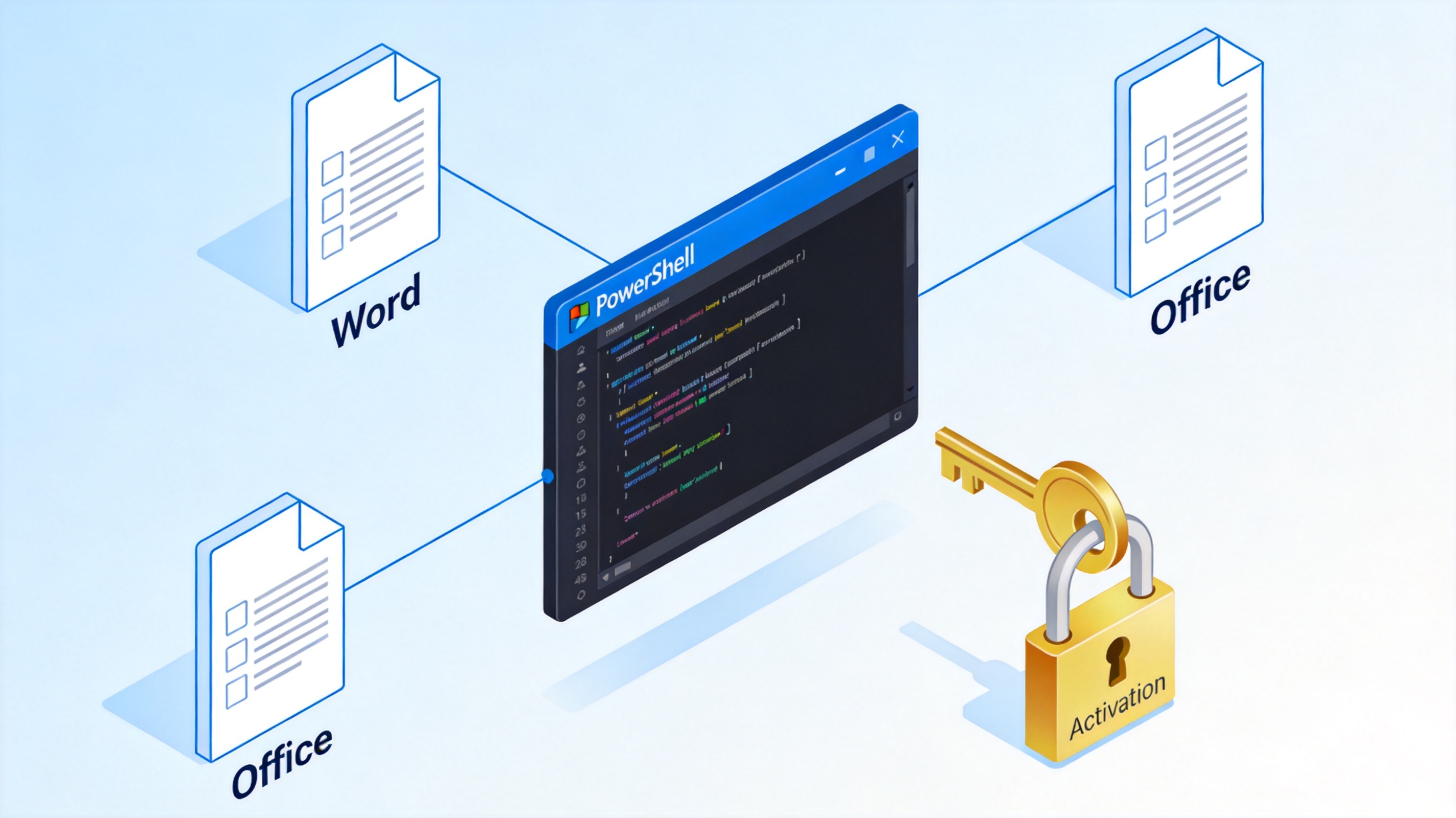
A PowerShell activator for Microsoft Office is any script that automates Office licensing tasks from the command line. In its legitimate form, it wraps the official Office Software Protection Platform script (ospp.vbs) that ships with every volume-licensed copy of Office 2016 through Office LTSC 2024. IT administrators use these commands every day to install product keys, point computers at a company KMS server, and trigger activation remotely.
On GitHub and forums, the same phrase also refers to open-source tools such as Microsoft Activation Scripts (MAS), which abuse licensing mechanisms to activate copies of Office without a valid license. These tools are not official and are not covered in this guide. The PowerShell console and the ospp.vbs script are the only components you need for legal activation:
PowerShell activator for Microsoft Office


Is It Safe to Use a PowerShell Activator for Microsoft Office?
Scripts like MAS ask you to paste a single command such as irm https://
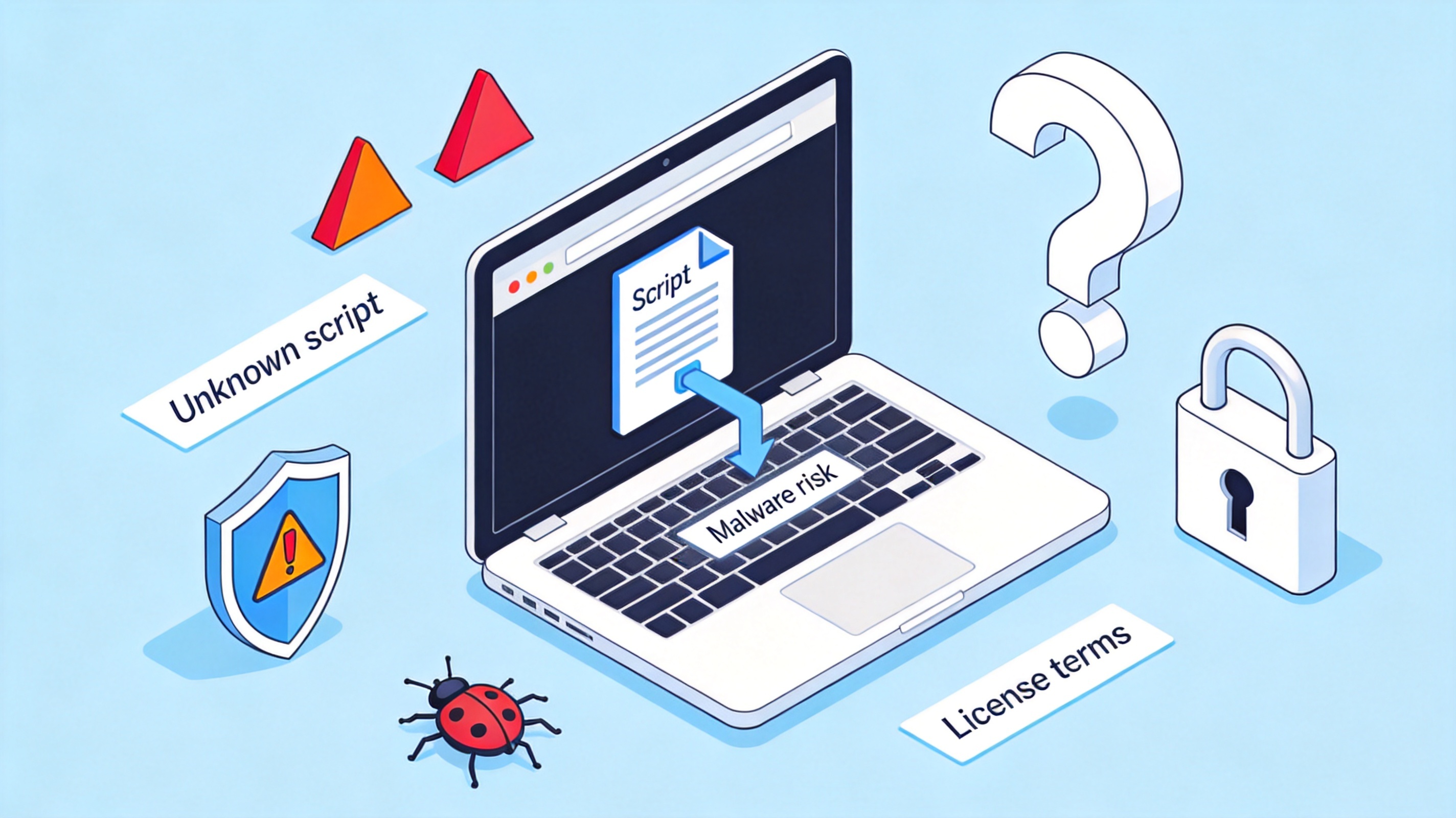
Malware delivery: copycat sites clone the original project and swap in trojans, info stealers, or miners.
No license: the 'activated' state depends on counterfeit keys or forged activation data, and Windows Defender now flags several of these methods.
License violation: bypassing activation breaks the Microsoft license terms, which matters for any work or school computer.
Broken updates: some methods patch Office files, so security updates can fail or undo the activation.
If your goal is simply a free office suite, skipping the gray area entirely is easier and safer. We show a full free option near the end of this guide. For background on how cracked Office builds circulate, see this overview of the Microsoft Office cracked version and its risks.
Risks of third-party activator scripts
How to Check Microsoft Office Activation Status with PowerShell
Before changing anything, find out whether Office is licensed and which key is installed. The official ospp.vbs script does this on volume-licensed editions (Office 2016, 2019, 2021, and Office LTSC 2024, including Project and Visio):
Open PowerShell as administrator: press Win + X and choose Windows PowerShell (Admin) or Terminal (Admin).
Go to the Office folder. On 64-bit Windows with 64-bit Office, run:
cd 'C:\Program Files\Microsoft Office\root\Office16'
For 32-bit Office on 64-bit Windows, use Program Files (x86) instead.Run the status check:
cscript ospp.vbs /dstatus
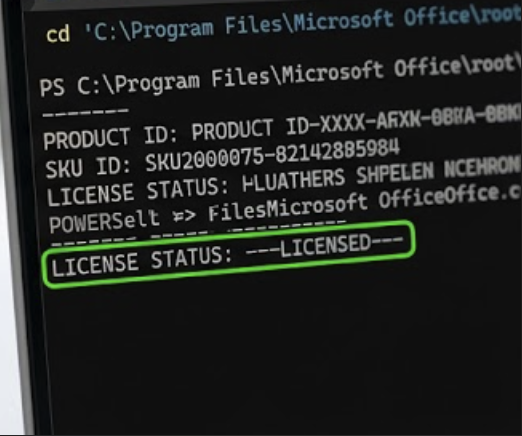
You will see the license name, the last five characters of the key, and the license status.
A healthy installation shows a line like LICENSE STATUS: ---LICENSED---:
Check Office activation status ospp.vbs
How to Activate Volume-Licensed Office with a PowerShell Activator
If the status shows ---NOT ISSUED--- or a missing key, activate with your organization's real license. Microsoft supports two volume activation methods, MAK (one-time keys) and KMS (a local server that renews activation every 180 days). Get the key or KMS host name from your IT department, then run from the same Office16 folder in an elevated PowerShell:
Install a MAK key (if your organization uses MAK):
cscript ospp.vbs /inpkey:XXXXX-XXXXX-XXXXX-XXXXX-XXXXXPoint to the KMS host (if your organization uses KMS):
cscript ospp.vbs /sethst:kms.yourcompany.comTrigger activation:
cscript ospp.vbs /act
A successful run ends with Product activation successful.Verify: run
cscript ospp.vbs /dstatusagain and confirm the status is licensed.
Never paste a product key or KMS host found on random 'free key' websites: in most regions, using a stolen volume key is not a workaround, it is software piracy. The diagram below shows how the legitimate PowerShell path reaches a license:
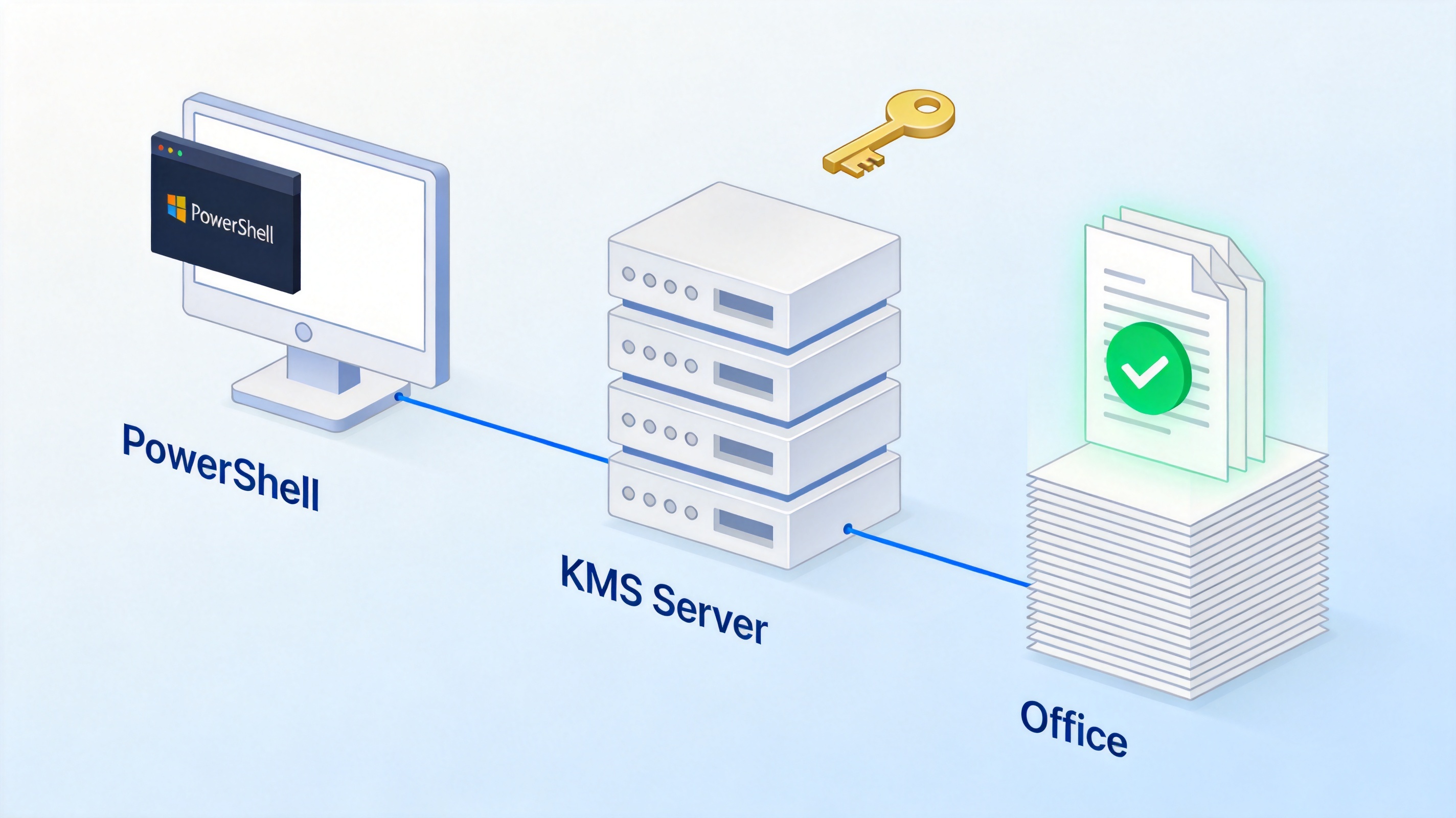
Activate Office with KMS server PowerShell
How to Activate Microsoft 365 Apps with PowerShell
Subscription editions (Microsoft 365 Apps) do not use product keys or ospp.vbs at all, so no activator script is needed. Activation is tied to the account that owns the subscription:
Open any Office app, such as Word, and click Sign in in the top-right corner.
Use the account with your Microsoft 365 subscription, or the account your company assigned you.
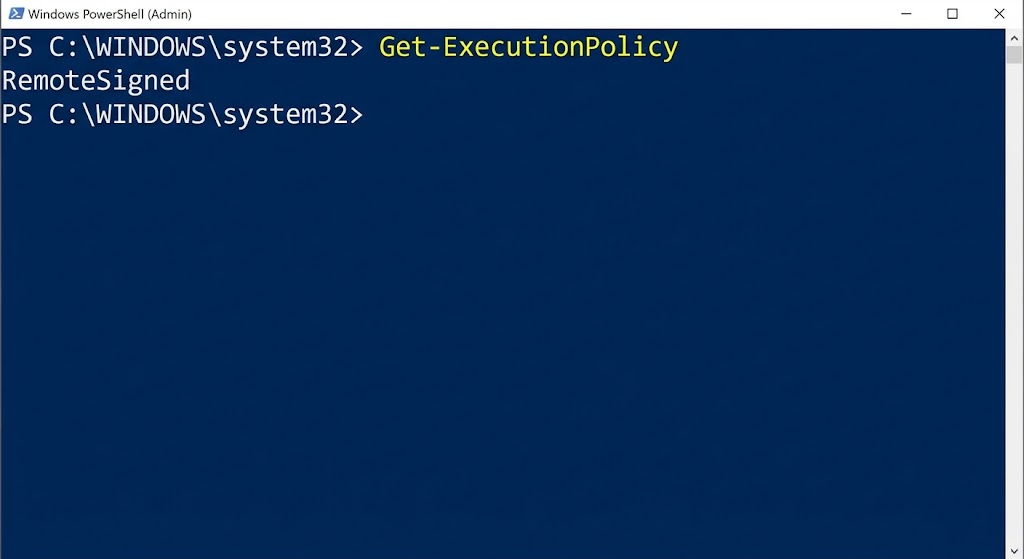
Check status: go to File > Account and confirm the product shows Product Activated. For command-line diagnostics, Microsoft provides the official vnextdiag.ps1 PowerShell script to inspect license state on Microsoft 365 Apps.
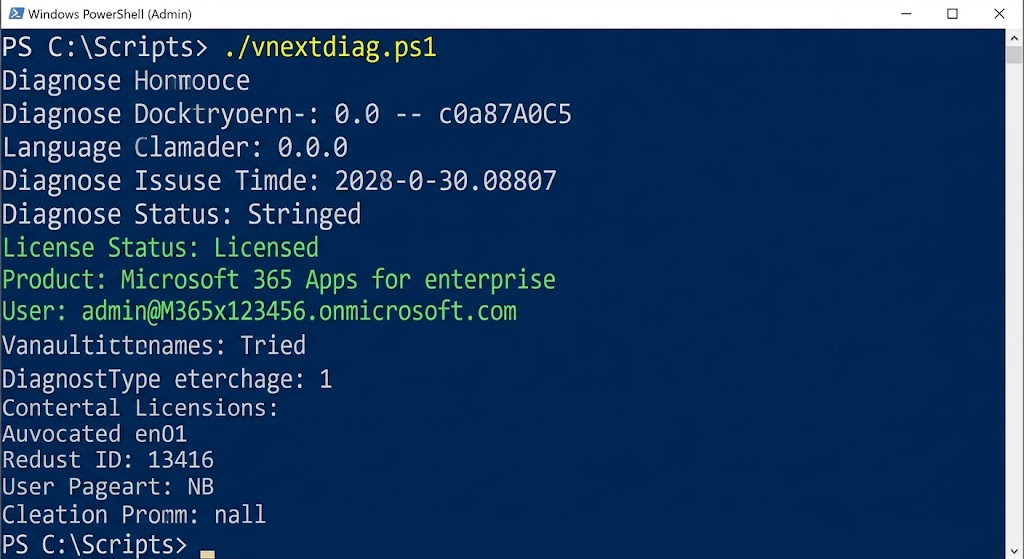
If activation fails, an expired subscription or sign-in with the wrong account is the usual cause, not a broken script. For a similar walkthrough of volume licensing during installation, see this guide to installing Office LTSC Preview.
The Best Free Alternative: WPS Office
If you are chasing a PowerShell activator because you need Word, Excel, and PowerPoint without paying for Microsoft 365, try WPS Office instead. It is free to download and use for everyday work, installs in minutes, and needs no activation script, product key, or license server. Here is what the free version gives you:
Three full apps in one suite: WPS Writer for documents, WPS Spreadsheet for formulas and data, and WPS Presentation for slides. All three use the Microsoft-like ribbon interface, so there is almost no learning curve.
Complete Microsoft format support: WPS Office opens and saves .docx, .xlsx, and .pptx natively, and keeps layout, formulas, charts, and styles intact when the file moves between WPS and Microsoft Office.
Built-in PDF toolkit: convert documents to PDF, export spreadsheets and slides to PDF, edit PDF text, merge pages, and add e-signatures without installing a separate PDF editor.
Free templates library: thousands of ready-made templates for reports, resumes, invoices, schedules, and presentations, so you can start from a professional layout instead of a blank page.
Cross-platform and cloud sync: one account covers Windows, macOS, Linux, Android, and iOS, and WPS Cloud keeps recent files and edits in sync across your phone and computer.
Lightweight installer: the suite is much smaller than a full Microsoft Office installation, which makes it practical for older laptops and low-storage machines.
Switching costs are low: open an existing DOCX or XLSX in WPS Office and continue working where you left off, then keep saving in Microsoft formats so classmates, colleagues, and clients never notice the difference. For teams that still need to exchange files with Microsoft 365 users, this round-trip compatibility is the main reason WPS Office is a safe replacement rather than a compromise.
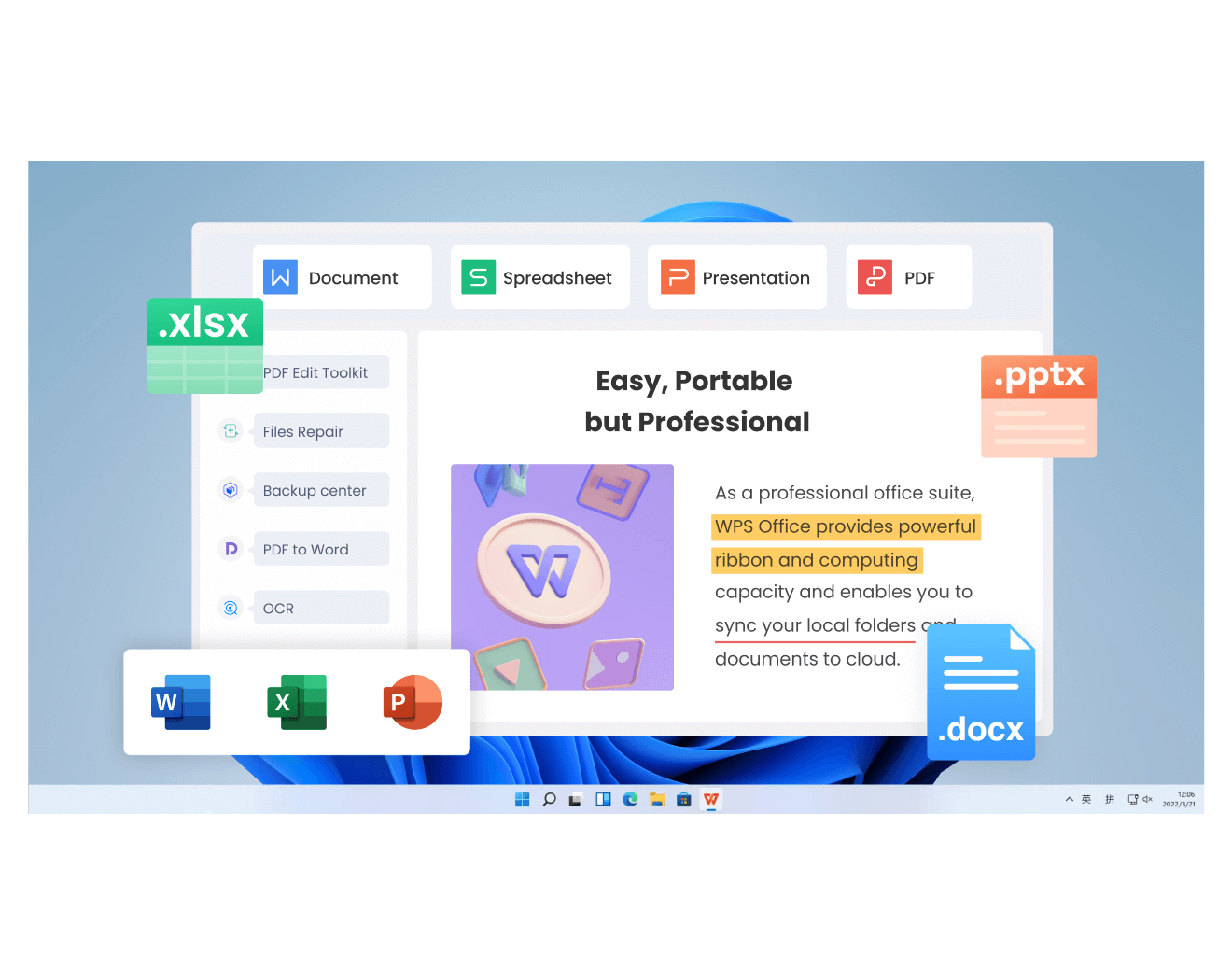
WPS Office suite
FAQs
Is there an official PowerShell activator for Microsoft Office?
Not by that name. Microsoft ships the ospp.vbs script for volume-licensed Office and vnextdiag.ps1 for Microsoft 365 Apps. Anything that 'activates' Office without a valid key is an unofficial bypass, not an official tool.
Is Microsoft Activation Scripts (MAS) safe to use?
No. MAS executes remote code with admin rights, and clone sites have distributed malware through similar one-line commands. It also violates Microsoft's license terms, even when the script itself is clean.
Why does ospp.vbs say 'Product activation failed'?
Common causes are an unreachable KMS host, a wrong or blocked product key, or a changed system clock. Run cscript ospp.vbs /dstatus to see the installed key, then confirm the KMS host name and network access with your IT department.
Can I activate Microsoft 365 with a product key in PowerShell?
No. Microsoft 365 Apps are activated by signing in with the account that owns the subscription. ospp.vbs does not apply to subscription editions; use vnextdiag.ps1 for command-line diagnostics.
What is a free legal alternative to activating Office?
WPS Office is free for writing documents, spreadsheets, and presentations, opens and saves Microsoft formats directly, and requires no activation script or product key at all.


'%3e%3cpath%20d='M19.9911%204.11386V6.471H18.5894C18.0775%206.471%2017.7322%206.57814%2017.5536%206.79243C17.3751%207.00671%2017.2858%207.32814%2017.2858%207.75671V9.44421H19.9019L19.5536%2012.0871H17.2858V18.8639H14.5536V12.0871H12.2769V9.44421H14.5536V7.49779C14.5536%206.39064%2014.8632%205.53201%2015.4822%204.92189C16.1013%204.31177%2016.9257%204.00671%2017.9554%204.00671C18.8304%204.00671%2019.509%204.04243%2019.9911%204.11386Z'%20fill='%23333333'/%3e%3c/g%3e%3cdefs%3e%3cclipPath%20id='clip0_2938_8199'%3e%3crect%20width='16'%20height='16'%20fill='white'%20transform='translate(8%204.00671)'/%3e%3c/clipPath%3e%3c/defs%3e%3c/svg%3e)
'%3e%3cpath%20d='M17.5237%2010.7813L23.4811%204H22.0699L16.8949%209.88693L12.7648%204H8L14.2469%2012.9029L8%2020.0133H9.4112L14.8725%2013.7952L19.2352%2020.0133H24M9.92053%205.04213H12.0885L22.0688%2019.0224H19.9003'%20fill='%23333333'/%3e%3c/g%3e%3cdefs%3e%3cclipPath%20id='clip0_2938_8200'%3e%3crect%20width='16'%20height='16.0134'%20fill='white'%20transform='translate(8%204)'/%3e%3c/clipPath%3e%3c/defs%3e%3c/svg%3e)


