

'%3e%3cpath%20d='M8%200C12.4183%200%2016%203.58172%2016%208C16%2012.4183%2012.4183%2016%208%2016C3.58172%2016%200%2012.4183%200%208C0%203.58172%203.58172%200%208%200ZM11.6162%204.38379C11.2257%203.99337%2010.5927%203.99338%2010.2021%204.38379L8%206.58594L5.79785%204.38379C5.40732%203.99334%204.77429%203.99329%204.38379%204.38379C3.99331%204.77429%203.99335%205.40733%204.38379%205.79785L6.58594%208L4.38379%2010.2021C3.99348%2010.5927%203.99341%2011.2257%204.38379%2011.6162C4.77426%2012.0066%205.40734%2012.0065%205.79785%2011.6162L8%209.41406L10.2021%2011.6162C10.5927%2012.0066%2011.2257%2012.0067%2011.6162%2011.6162C12.0067%2011.2257%2012.0066%2010.5927%2011.6162%2010.2021L9.41406%208L11.6162%205.79785C12.0066%205.40735%2012.0066%204.77429%2011.6162%204.38379Z'%20fill='%23080E17'%20fill-opacity='0.46'/%3e%3c/g%3e%3cdefs%3e%3cclipPath%20id='clip0_3761_713'%3e%3crect%20width='16'%20height='16'%20fill='white'/%3e%3c/clipPath%3e%3c/defs%3e%3c/svg%3e)




'%3e%3cpath%20fill-rule='evenodd'%20clip-rule='evenodd'%20d='M21.4999%2010.9993C21.4999%205.20009%2016.7986%200.498901%2010.9993%200.498901C5.19994%200.498901%200.498657%205.20009%200.498657%2010.9993C0.498657%2016.2404%204.33858%2020.5844%209.35855%2021.3722V14.0346H6.69238V10.9993H9.35855V8.68594C9.35855%206.05427%2010.9262%204.60062%2013.3248%204.60062C14.4736%204.60062%2015.6753%204.80571%2015.6753%204.80571V7.38979H14.3512C13.0468%207.38979%2012.64%208.19921%2012.64%209.0296V10.9993H15.5523L15.0867%2014.0346H12.64V21.3722C17.66%2020.5844%2021.4999%2016.2404%2021.4999%2010.9993Z'%20fill='%231568EA'/%3e%3c/g%3e%3c/svg%3e)


'%3e%3cpath%20d='M2.42045%2022.1876H6.31818V12.7217L0.75%208.54553V20.5171C0.75%2021.4414%201.49892%2022.1876%202.42045%2022.1876Z'%20fill='%234285F4'/%3e%3cpath%20d='M19.682%2022.1876H23.5797C24.5041%2022.1876%2025.2502%2021.4387%2025.2502%2020.5171V8.54553L19.682%2012.7217'%20fill='%2334A853'/%3e%3cpath%20d='M19.682%205.48293V12.7216L25.2502%208.54543V6.31816C25.2502%204.25236%2022.8921%203.07469%2021.2411%204.31361'%20fill='%23FBBC04'/%3e%3cpath%20d='M6.31824%2012.7217V5.48303L13.0001%2010.4944L19.6819%205.48303V12.7217L13.0001%2017.733'%20fill='%23EA4335'/%3e%3cpath%20d='M0.75%206.31816V8.54543L6.31818%2012.7216V5.48293L4.75909%204.31361C3.10534%203.07469%200.75%204.25236%200.75%206.31816Z'%20fill='%23C5221F'/%3e%3c/g%3e%3cdefs%3e%3cclipPath%20id='clip0_2954_7305'%3e%3crect%20width='24.5'%20height='18.375'%20fill='white'%20transform='translate(0.75%203.8125)'/%3e%3c/clipPath%3e%3c/defs%3e%3c/svg%3e)


A popup claims your Mac is infected, a browser extension hijacks search results, or a download from an unfamiliar site leaves login items you never added. The question is not whether Macs need care—they do—but whether the best antivirus for Mac is another always-on scanner or the protections Apple already ships plus a few disciplined habits. This guide walks through built-in macOS security, when a third-party tool helps, and which Mac-focused options are worth comparing in 2026 without stacking redundant engines.
Best Antivirus for Mac: Built-In Protection and Top Picks (2026 Guide)
Best antivirus for Mac starts with built-in macOS security
Apple layers several defenses that run without a separate subscription. Gatekeeper checks that apps from the internet are signed and Apple-notarized (a developer malware scan by Apple, not a legal notary) before they open the first time. XProtect and Malware Removal Tool (MRT) compare known threats against Apple’s blocklist and remove some strains automatically after updates. System Integrity Protection (SIP) limits what even admin accounts can change in protected system folders.
Those tools are not a license to open every attachment. They focus on known malware and tampering—not every phishing page, fake “Mac cleaner,” or adware bundle. Still, for many home users who install apps from the App Store or signed vendors and keep macOS current, built-in protection is the baseline the best antivirus for Mac should complement, not replace.
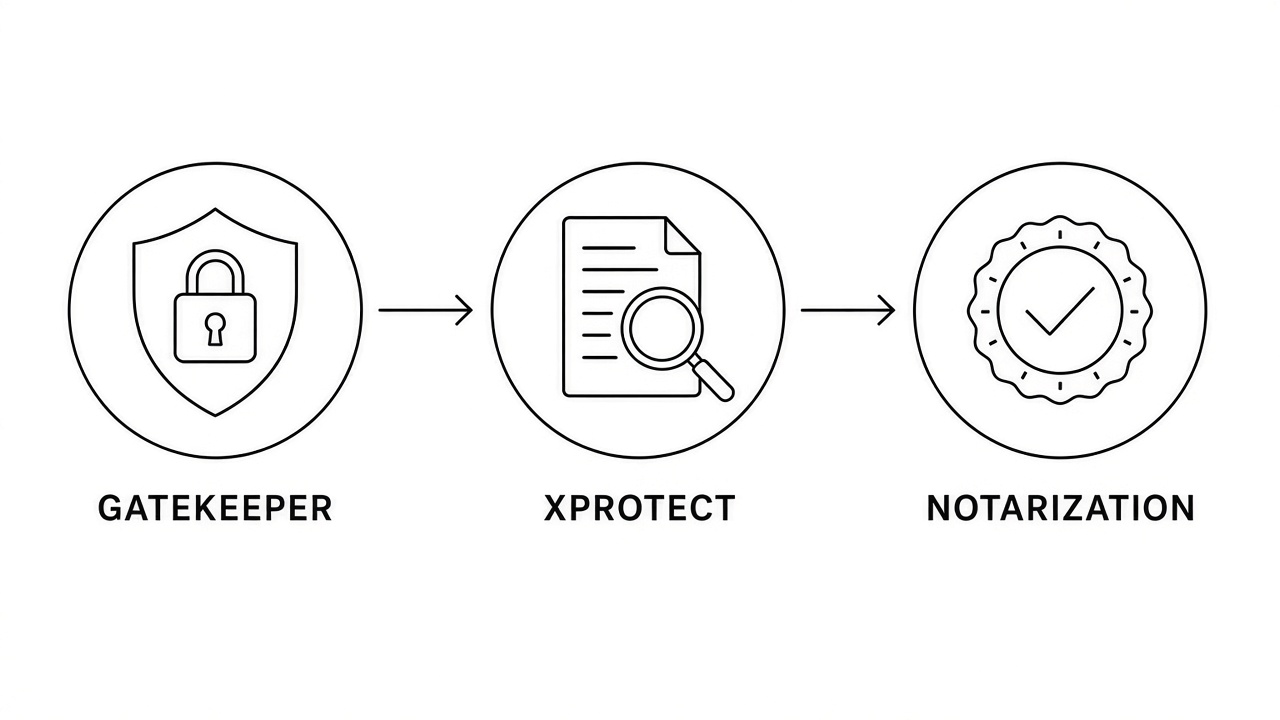
Apple Gatekeeper XProtect and app notarization


When you need third-party antivirus on a Mac
A separate Mac antivirus suite makes sense when your risk profile goes beyond casual browsing: sideloaded software, torrents, enterprise compliance rules, or shared machines with unknown login items. It also helps when you want scheduled scans that catch adware and potentially unwanted programs (PUPs) Apple’s blocklist has not labeled yet.
Skip installing two full real-time scanners. Competing engines can slow the Mac, trigger false positives, and fight over the same files. Pick one primary tool—or use a lightweight on-demand scanner alongside Apple’s built-in layers. Our free antivirus roundup covers cross-platform options; this section stays Mac-specific.
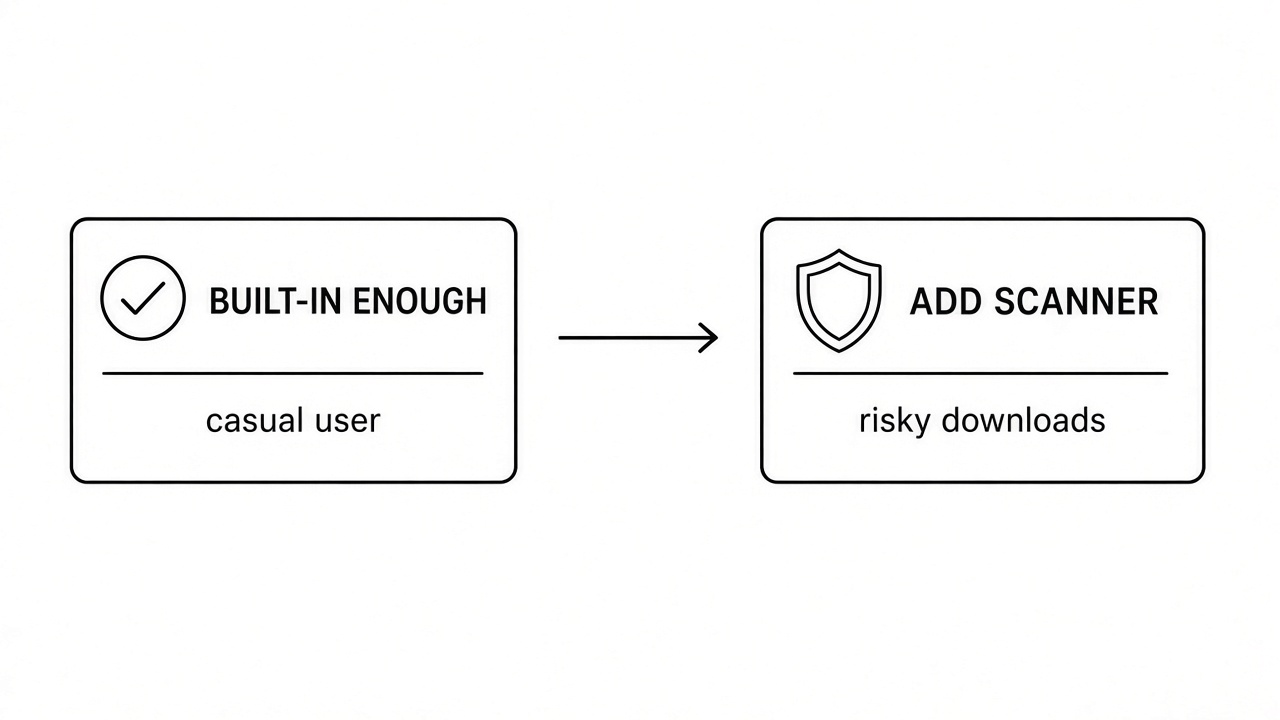
Built-in Mac security versus third-party scanner
Best antivirus for Mac picks worth comparing now
Independent lab scores change every year; treat pricing and feature lists as snapshots and verify on each vendor’s site before you buy. These names consistently appear in Mac-focused reviews and IT checklists:
Apple built-in stack: Keep Software Update on automatic. XProtect and MRT refresh with macOS and security-response updates—your zero-cost floor.
Malwarebytes for Mac: Strong on-demand scans for adware and browser hijackers. Many teams use it as a second opinion rather than a second always-on engine.
Bitdefender Virus Scanner for Mac: Lightweight scanning with a solid reputation on macOS. See our Bitdefender review for feature and pricing context.
Intego Mac Internet Security: Mac-native suite with firewall and backup hooks—common in small-business Mac fleets.
Sophos Home (free tier): Centralized web dashboard for a few Macs; useful when you manage family machines remotely.
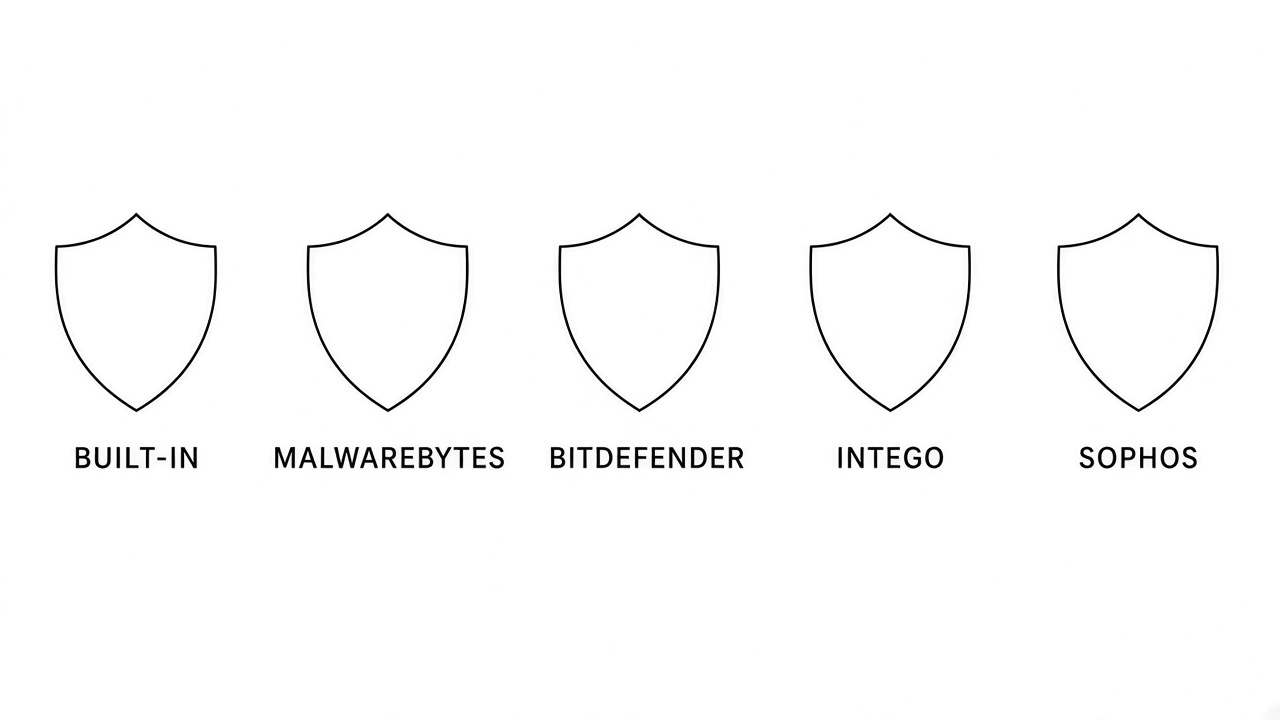
Mac antivirus options built-in and third-party
Download only from each vendor’s official site or the Mac App Store listing they publish. Fake “Flash Player” or “Mac optimizer” installers remain a top malware source on macOS.
Harden your Mac before installing another scanner
The best antivirus for Mac cannot fix an unpatched system or mystery login items. Run these checks first; they remove the problems scanners only report.
Open System Settings > General > Software Update and install macOS and security updates. Apple ships XProtect and MRT refreshes through these builds.
Review General > Login Items. Remove helpers you do not recognize; adware often reinstalls from here.
Turn on FileVault under Privacy & Security if the Mac holds sensitive documents—encryption limits damage if the machine is lost.
Enable the Firewall when you work on untrusted networks, and audit Privacy & Security > Extensions for browser tools you did not install on purpose.
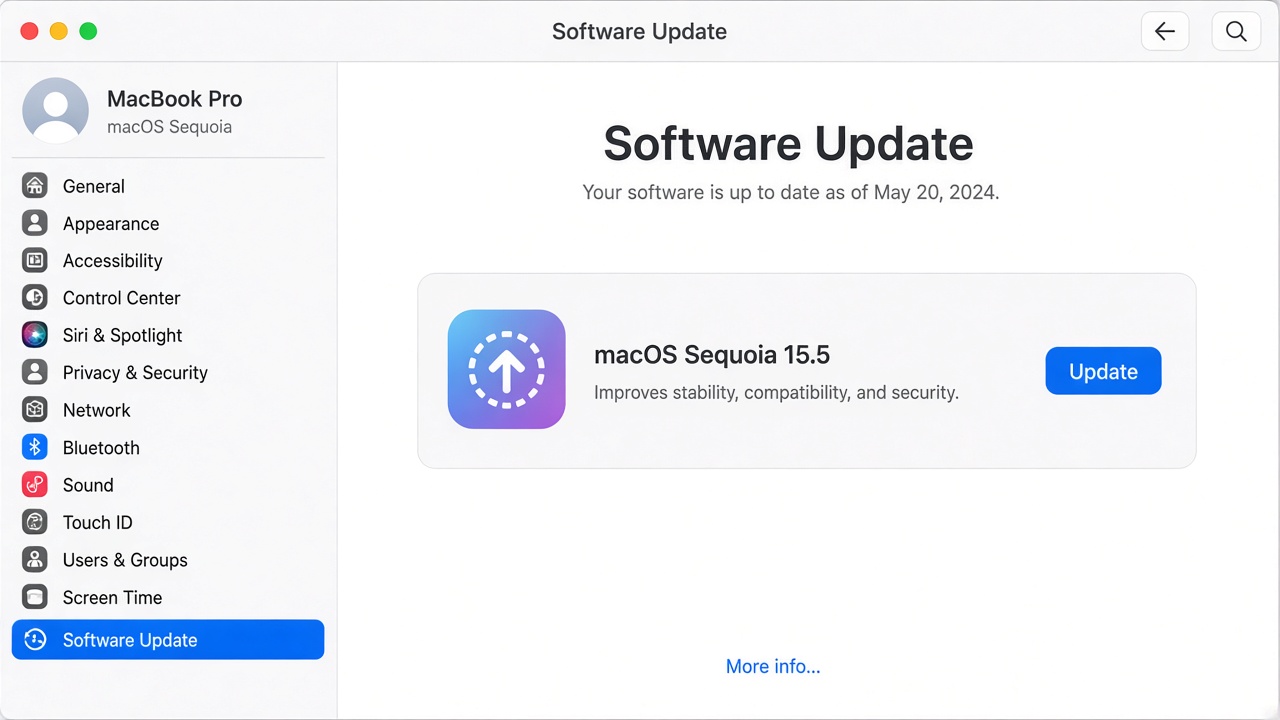
macOS Software Update in System Settings
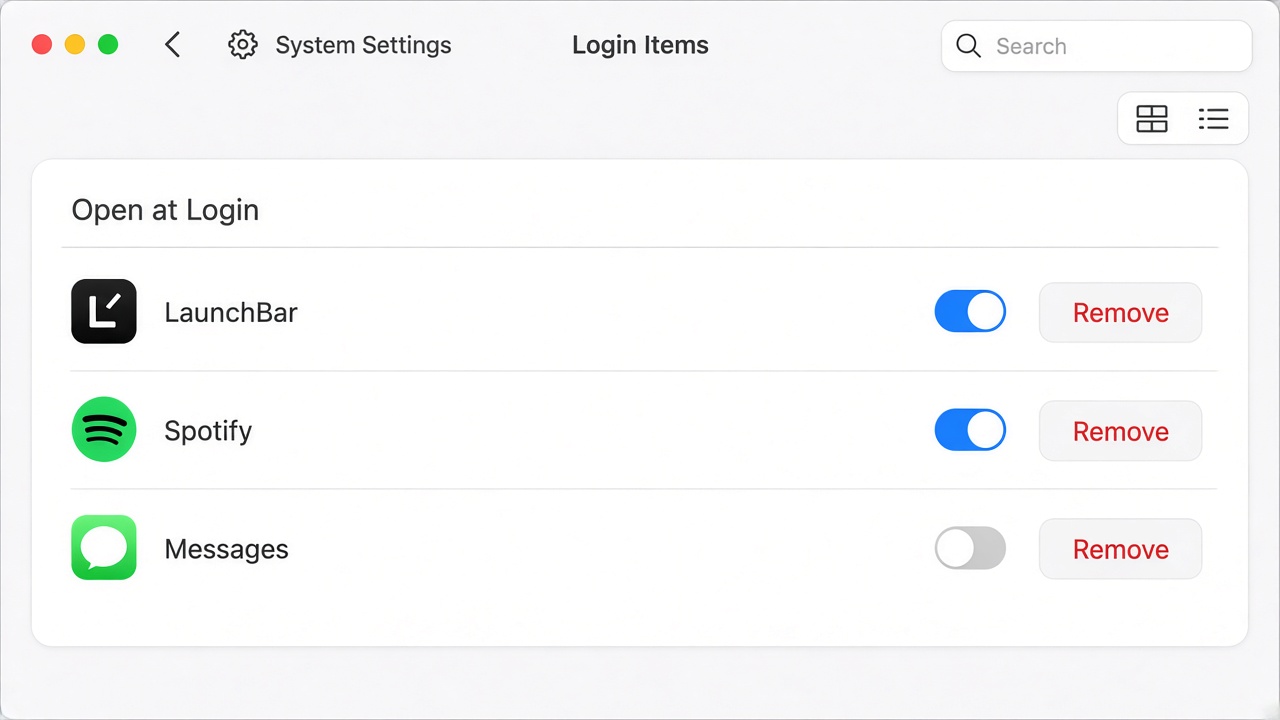
Mac System Settings Login Items list
When best antivirus for Mac means malware cleanup
Pop-up warnings that demand a credit card, search engines that redirect through unknown domains, or a Mac that suddenly runs hot after one bad download are cleanup jobs—not shopping moments. Quit the suspicious app, disconnect from the network if data is actively exfiltrating, and run an on-demand scan with a trusted tool such as Malwarebytes before you reinstall macOS.
Follow the device-specific steps in our malware removal guide. If performance collapses after cleanup, pair security work with storage and memory checks in our slow Mac troubleshooting guide—heavy scanners and adware both show up in Activity Monitor.

Activity Monitor Memory tab on Mac
The Best Free Office Alternative: WPS Office on Mac
Antivirus choices do not cover every task on the Mac. When you still need Word files, spreadsheets, or PDFs, it helps to use one familiar office install instead of grabbing random one-off tools from search results—those are a common adware path.
WPS Office is not malware protection; it is Writer, Spreadsheet, Presentation, and PDF in a single download for everyday work. Install it after you harden the Mac and pick a scanner if you need one—not as a replacement for Software Update, login-item checks, or on-demand cleanup when something already looks infected.
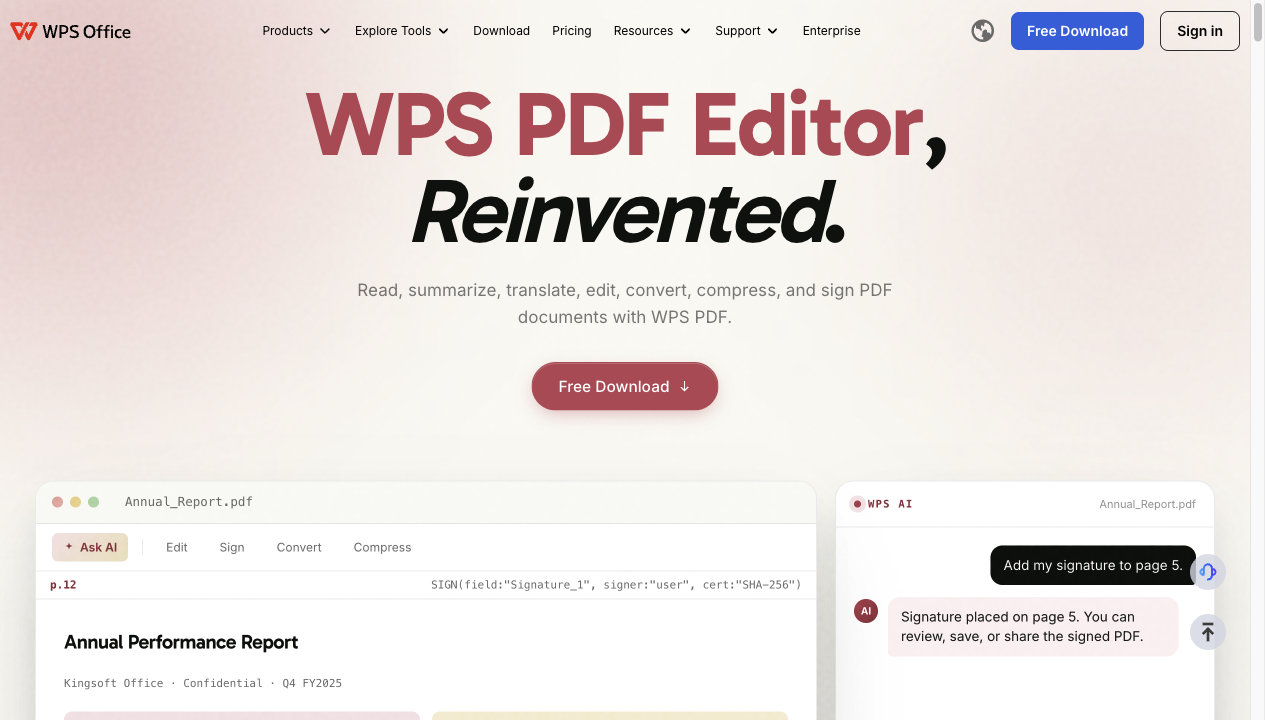
WPS Office suite on Mac
FAQs
Does Mac have built-in antivirus?
Yes. Gatekeeper, XProtect, and Malware Removal Tool provide baseline malware defenses updated through macOS and security-response releases. They do not replace cautious downloading or enterprise policies.
Is the best antivirus for Mac free?
Apple’s layer is free. Several vendors offer free on-demand scanners or limited free tiers; full real-time protection usually requires a subscription. Avoid unknown “100% free” suites that ask for excessive system permissions.
Can I run two antivirus programs on a Mac?
Not two full real-time engines—expect conflicts and slowdowns. Use one primary scanner plus Apple’s built-in tools, or pair a real-time suite with an on-demand scanner you run manually.
Do Macs need antivirus in 2026?
Casual users who stay updated and download from trusted sources may rely on Apple’s stack plus safe habits. Higher-risk users, shared machines, and compliance-driven teams should add a reputable Mac-focused product.
Is WPS Office antivirus for Mac?
No. WPS Office is an office and PDF suite. Install it from the official site for document work; use macOS updates and a trusted security tool for malware protection.


'%3e%3cpath%20d='M19.9911%204.11386V6.471H18.5894C18.0775%206.471%2017.7322%206.57814%2017.5536%206.79243C17.3751%207.00671%2017.2858%207.32814%2017.2858%207.75671V9.44421H19.9019L19.5536%2012.0871H17.2858V18.8639H14.5536V12.0871H12.2769V9.44421H14.5536V7.49779C14.5536%206.39064%2014.8632%205.53201%2015.4822%204.92189C16.1013%204.31177%2016.9257%204.00671%2017.9554%204.00671C18.8304%204.00671%2019.509%204.04243%2019.9911%204.11386Z'%20fill='%23333333'/%3e%3c/g%3e%3cdefs%3e%3cclipPath%20id='clip0_2938_8199'%3e%3crect%20width='16'%20height='16'%20fill='white'%20transform='translate(8%204.00671)'/%3e%3c/clipPath%3e%3c/defs%3e%3c/svg%3e)
'%3e%3cpath%20d='M17.5237%2010.7813L23.4811%204H22.0699L16.8949%209.88693L12.7648%204H8L14.2469%2012.9029L8%2020.0133H9.4112L14.8725%2013.7952L19.2352%2020.0133H24M9.92053%205.04213H12.0885L22.0688%2019.0224H19.9003'%20fill='%23333333'/%3e%3c/g%3e%3cdefs%3e%3cclipPath%20id='clip0_2938_8200'%3e%3crect%20width='16'%20height='16.0134'%20fill='white'%20transform='translate(8%204)'/%3e%3c/clipPath%3e%3c/defs%3e%3c/svg%3e)


