

'%3e%3cpath%20d='M8%200C12.4183%200%2016%203.58172%2016%208C16%2012.4183%2012.4183%2016%208%2016C3.58172%2016%200%2012.4183%200%208C0%203.58172%203.58172%200%208%200ZM11.6162%204.38379C11.2257%203.99337%2010.5927%203.99338%2010.2021%204.38379L8%206.58594L5.79785%204.38379C5.40732%203.99334%204.77429%203.99329%204.38379%204.38379C3.99331%204.77429%203.99335%205.40733%204.38379%205.79785L6.58594%208L4.38379%2010.2021C3.99348%2010.5927%203.99341%2011.2257%204.38379%2011.6162C4.77426%2012.0066%205.40734%2012.0065%205.79785%2011.6162L8%209.41406L10.2021%2011.6162C10.5927%2012.0066%2011.2257%2012.0067%2011.6162%2011.6162C12.0067%2011.2257%2012.0066%2010.5927%2011.6162%2010.2021L9.41406%208L11.6162%205.79785C12.0066%205.40735%2012.0066%204.77429%2011.6162%204.38379Z'%20fill='%23080E17'%20fill-opacity='0.46'/%3e%3c/g%3e%3cdefs%3e%3cclipPath%20id='clip0_3761_713'%3e%3crect%20width='16'%20height='16'%20fill='white'/%3e%3c/clipPath%3e%3c/defs%3e%3c/svg%3e)




'%3e%3cpath%20fill-rule='evenodd'%20clip-rule='evenodd'%20d='M21.4999%2010.9993C21.4999%205.20009%2016.7986%200.498901%2010.9993%200.498901C5.19994%200.498901%200.498657%205.20009%200.498657%2010.9993C0.498657%2016.2404%204.33858%2020.5844%209.35855%2021.3722V14.0346H6.69238V10.9993H9.35855V8.68594C9.35855%206.05427%2010.9262%204.60062%2013.3248%204.60062C14.4736%204.60062%2015.6753%204.80571%2015.6753%204.80571V7.38979H14.3512C13.0468%207.38979%2012.64%208.19921%2012.64%209.0296V10.9993H15.5523L15.0867%2014.0346H12.64V21.3722C17.66%2020.5844%2021.4999%2016.2404%2021.4999%2010.9993Z'%20fill='%231568EA'/%3e%3c/g%3e%3c/svg%3e)


'%3e%3cpath%20d='M2.42045%2022.1876H6.31818V12.7217L0.75%208.54553V20.5171C0.75%2021.4414%201.49892%2022.1876%202.42045%2022.1876Z'%20fill='%234285F4'/%3e%3cpath%20d='M19.682%2022.1876H23.5797C24.5041%2022.1876%2025.2502%2021.4387%2025.2502%2020.5171V8.54553L19.682%2012.7217'%20fill='%2334A853'/%3e%3cpath%20d='M19.682%205.48293V12.7216L25.2502%208.54543V6.31816C25.2502%204.25236%2022.8921%203.07469%2021.2411%204.31361'%20fill='%23FBBC04'/%3e%3cpath%20d='M6.31824%2012.7217V5.48303L13.0001%2010.4944L19.6819%205.48303V12.7217L13.0001%2017.733'%20fill='%23EA4335'/%3e%3cpath%20d='M0.75%206.31816V8.54543L6.31818%2012.7216V5.48293L4.75909%204.31361C3.10534%203.07469%200.75%204.25236%200.75%206.31816Z'%20fill='%23C5221F'/%3e%3c/g%3e%3cdefs%3e%3cclipPath%20id='clip0_2954_7305'%3e%3crect%20width='24.5'%20height='18.375'%20fill='white'%20transform='translate(0.75%203.8125)'/%3e%3c/clipPath%3e%3c/defs%3e%3c/svg%3e)


A 34-word sentence rarely reads better than a 14-word one — it just makes the reader work harder. Run the five checks below on any paragraph, then apply one of the seven rewrite patterns to every sentence that fails.
The three fastest fixes, before anything else:
Split at and, but, or which when the second half has its own subject and verb.
Put the verb next to the subject: “the team decided” beats “a decision was made by the team”.
Cut the warm-up phrases: “in order to”, “it is important that”, “there are”.
How to Simplify Sentences: 7 Rewrite Patterns That Cut Clutter
A Simplify-Sentences Checklist You Can Run on Any Paragraph
Read the paragraph once for meaning, then once with these five checks. Most drafts fail two of them in the same sentence, which is why one edit fixes so much.
One idea per sentence. If you need a comma and a conjunction to hold two claims together, they are two sentences.
Subject and verb close together. Eight words apart is the limit; twenty words of description between them is what makes readers restart.
Active voice by default. Keep the passive only when the actor is unknown or irrelevant (“the file was deleted”).
Verbs, not noun stacks. “Make a decision” becomes “decide”; “conduct an analysis” becomes “analyse”.
15 to 20 words on average, with 25 as a ceiling for a first draft. One 30-word sentence is fine if the next two are short.
The last test costs nothing: read the paragraph out loud. Every place you run out of breath is a place to put a full stop.
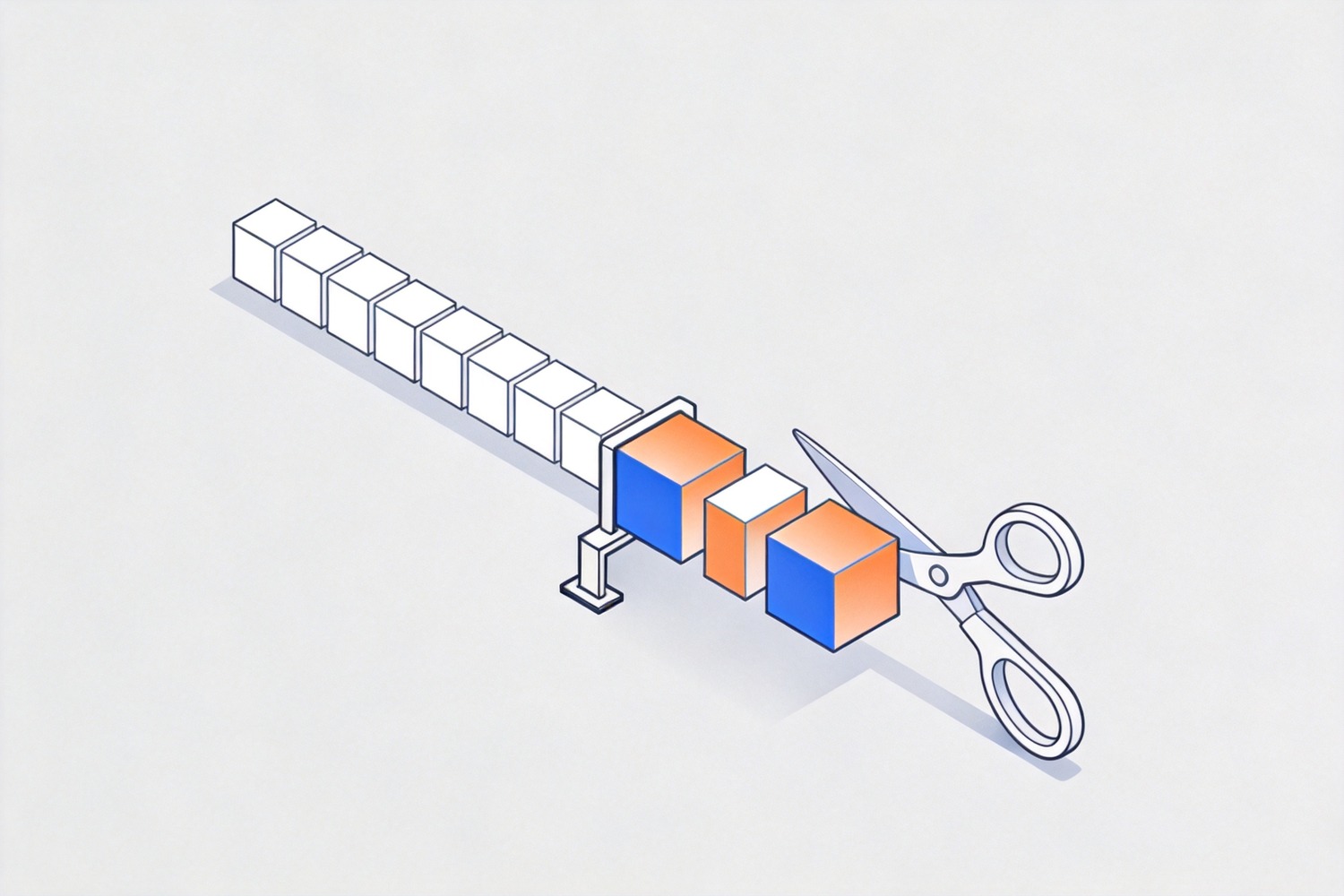
Sentence structure checks before editing
Seven Rewrite Patterns That Simplify Sentences
Each pattern targets one habit. Fix the habit, and the sentence shortens itself.
| Pattern | Before | After |
|---|---|---|
| Split the compound | The report was submitted late because the data was incomplete and the reviewer was on leave. | The report was late. The data was incomplete, and the reviewer was on leave. |
| Drop the dummy opener | There are three reasons why the launch slipped. | Three reasons explain the delay. |
| Go active | A decision was made by the board to delay the launch. | The board delayed the launch. |
| Verb the noun | We conducted an evaluation of the vendor’s proposal. | We evaluated the vendor’s proposal. |
| Delete the padding | Due to the fact that the budget was cut, in order to save costs we paused hiring. | Because the budget was cut, we paused hiring. |
| Unstack the clauses | The policy, which was approved last year, which covers travel, applies to staff. | The travel policy approved last year applies to staff. |
| State it positively | Do not submit the form without a signature. | Sign the form before you submit it. |
Run all seven and you usually cut a fifth of the words without losing a single fact. If a rewrite drops a number, a deadline, or a name, keep the longer sentence — accuracy outranks brevity every time.
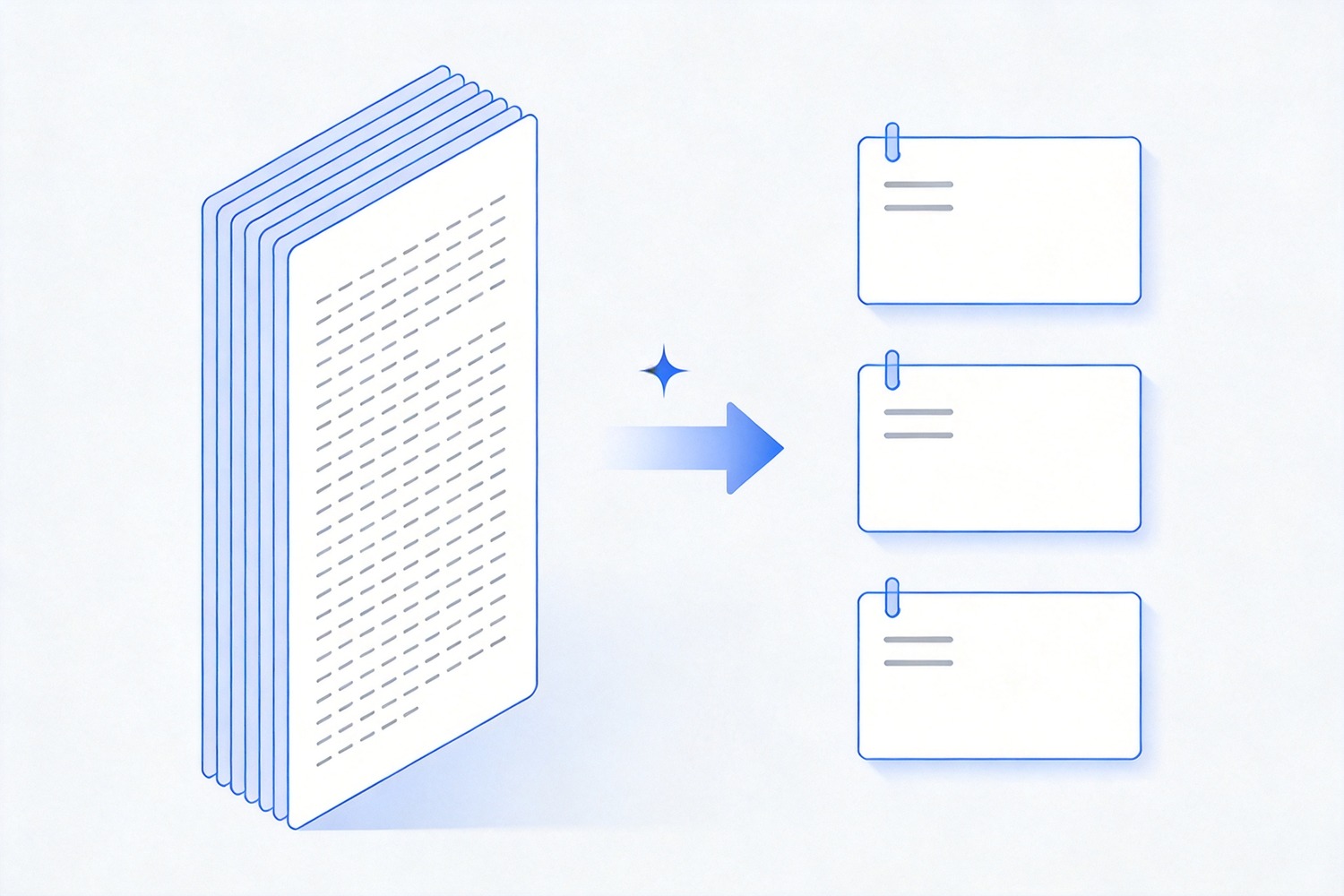
Long sentence split into short ones
How to Simplify Sentences in WPS Writer Step by Step
Editing inside the document beats pasting text into a checker tab, because your headings, tables, and citations stay where they are.
Save a copy first. Use File > Save As so the original stays intact while you cut.
Find the usual suspects. Open Home > Find and Replace and search for which, that, and in order to. Each hit is a candidate, not an error.
Rewrite one sentence at a time. Select the sentence, open WPS AI, choose Rewrite, and ask for a simpler or shorter version.
Compare before you accept. The suggestion appears beside your text. Check names, figures, and dates against the original before applying.
Keep the rhythm. Two short sentences in a row can sound choppy, so merge when the second one is only a clause long.
For a longer draft, work paragraph by paragraph and stop when the meaning is clear. Rewriting past that point trades clarity for churn.
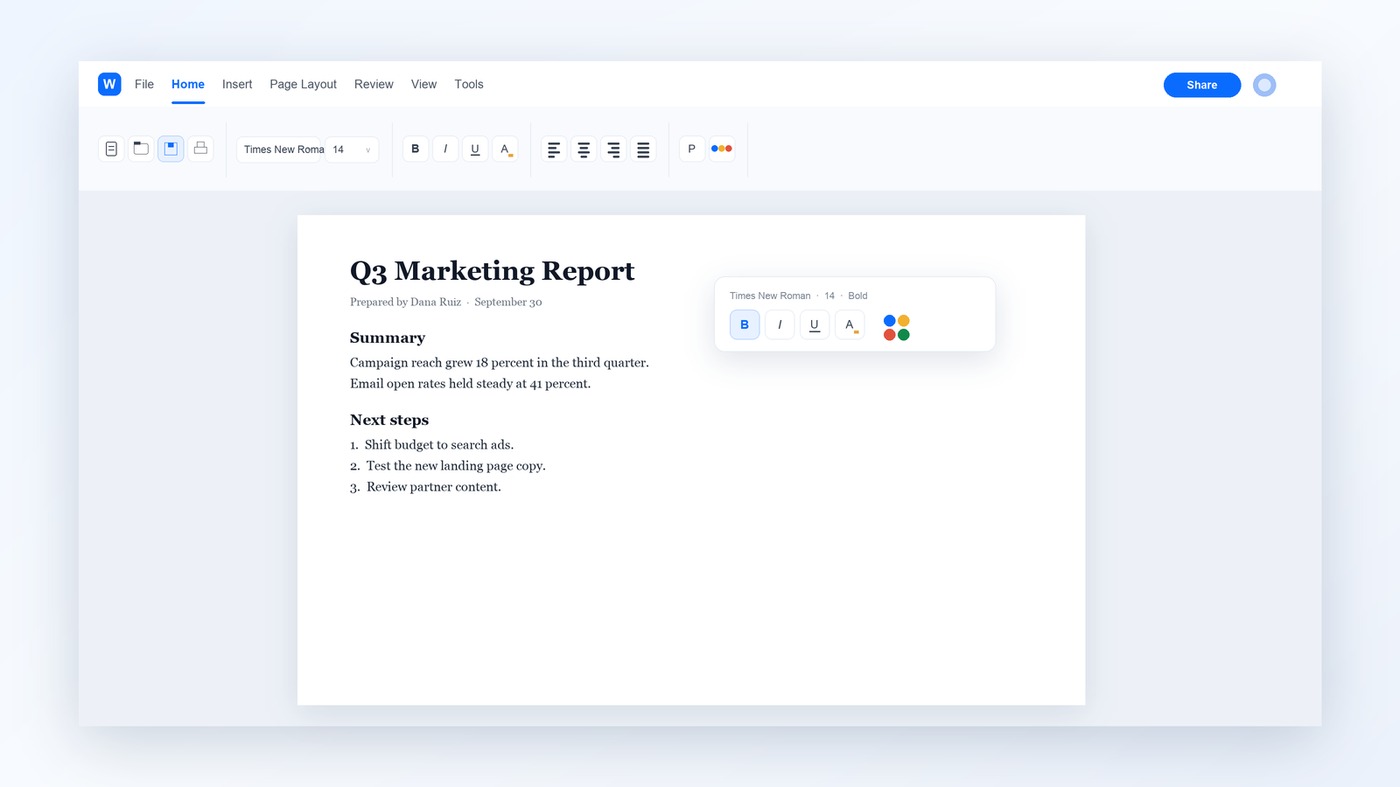
Short sentences edited in WPS Writer
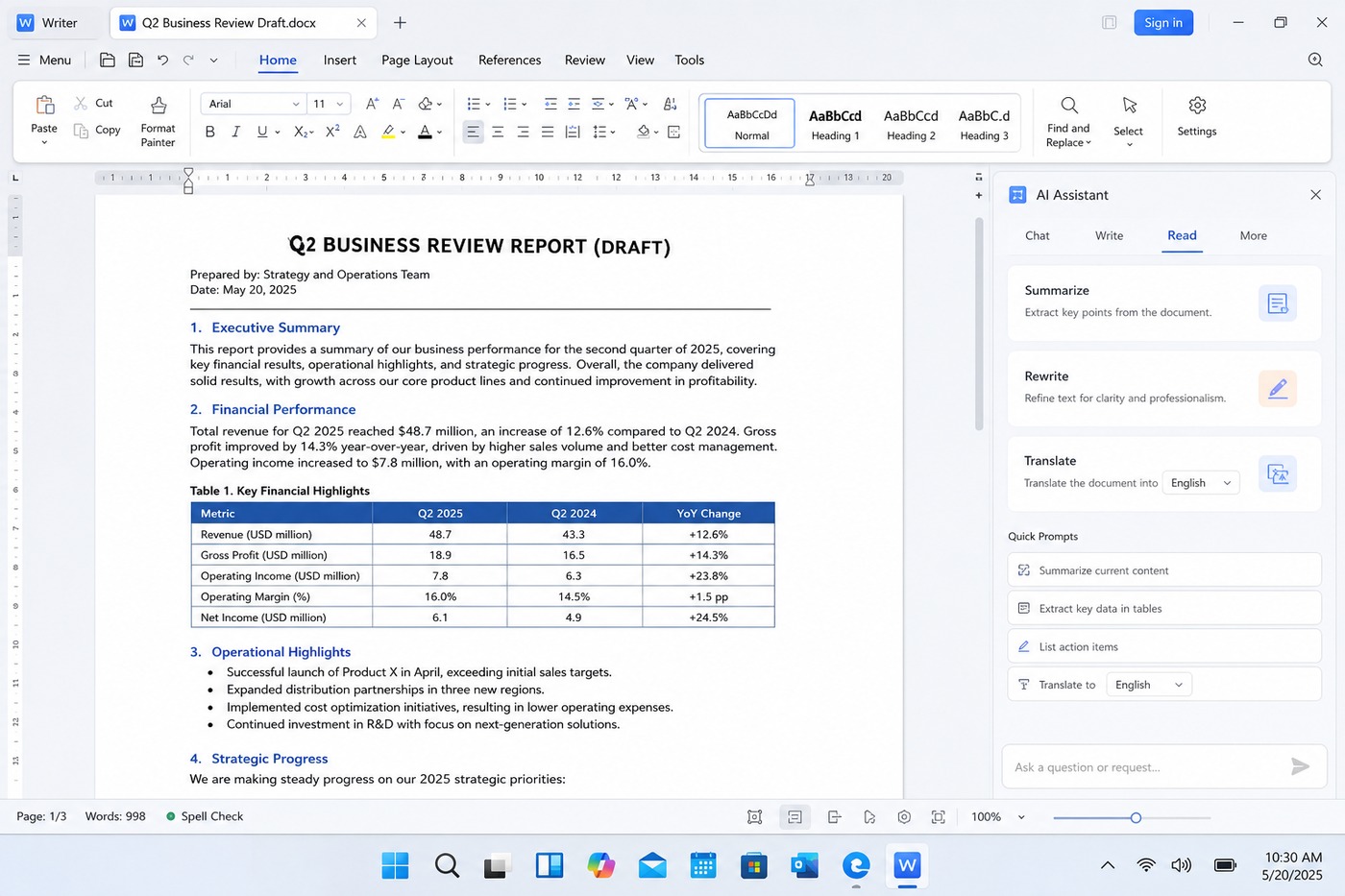
WPS AI Rewrite panel in Writer


Readability Scores: What to Fix and What to Ignore
A readability score is a smoke alarm, not a grade. Flesch Reading Ease counts words per sentence and syllables per word, so it rewards you for short sentences and short words in equal measure.
For business writing, aim for 60 to 70 on Flesch Reading Ease, which lands around a grade 8 to 10 reading level. If your score falls below 50, look at the three longest sentences first — that is almost always where the problem is. Do not shorten every word to hit a number: “utilise” is worth replacing with “use”, but “indemnity” is the correct term and shortening it loses precision.

Readability score review for plain writing
What's Changing: Plain Language Rules and Shorter Attention
Two pressures are pushing sentences shorter. Plain-language rules now apply to public documents in the US, UK, and EU, where agencies must write so the intended reader can act on the first read. At the same time, most documents are opened on a phone, where a five-line sentence fills the whole screen.
AI drafting raises the stakes rather than lowering them: a generated paragraph can hide three claims in one sentence, and a reader skimming on mobile will miss two of them. The skill that matters now is review — shorten the machine’s output, keep every number, and delete the sentences that only restate the heading. Sentence length benchmarks help you judge a draft before you send it.

Plain language and mobile reading trends
The Best Free Office Alternative: WPS Office
Shortening sentences is a document job, not a checker job: you need the paragraph, the surrounding headings, and the figure you must not break. That is the argument for an editor that also handles the rewrite.
Rewrite in place. Select a sentence, open WPS AI, and compare the suggestion with your original without leaving the page.
Keep the layout. Styles, tables, and comments stay put while you edit, so a shortened paragraph does not break the page.
Free to start. Writer, PDF tools, and the AI assistant run on Windows, macOS, Android, and iOS without a licence check.
Open the draft you already have, shorten one paragraph, and see whether the page still reads the way you meant it to.
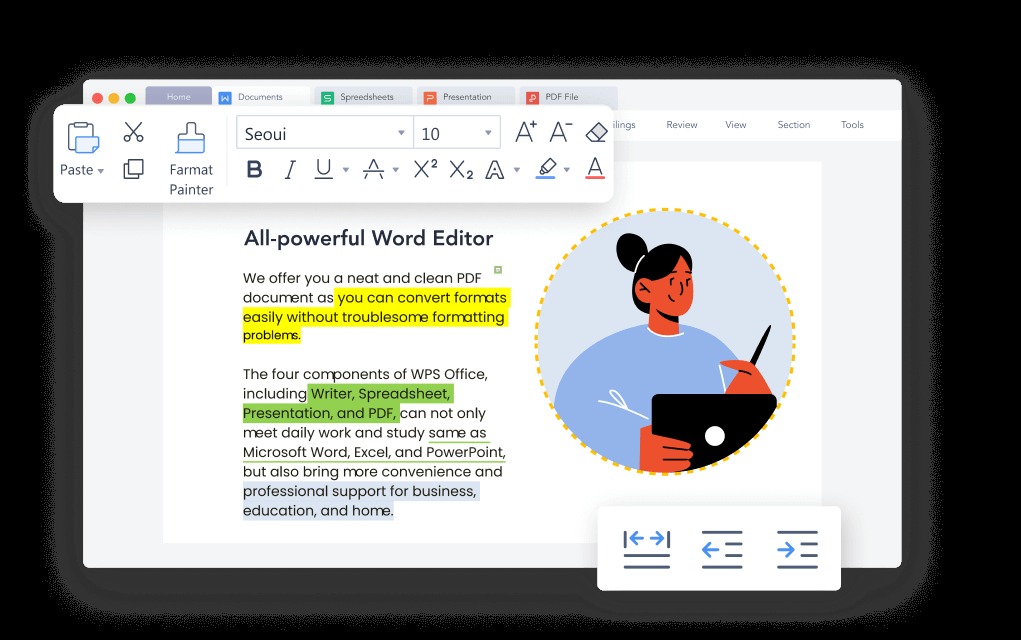
WPS Writer editing a short document
FAQs
How long should a sentence be?
Fifteen to twenty words on average suits most business writing, with 25 as a working ceiling. Variety matters more than the average: a short sentence after a long one is what makes a paragraph readable.
Does simplifying sentences change the meaning?
It should not. Splitting and unstacking preserve meaning; deleting qualifiers can change it. Any rewrite that drops a number, a deadline, a name, or a condition is a new claim, not an edit.
Can I simplify sentences without an AI tool?
Yes. Read the paragraph aloud, split it at every conjunction that carries a second idea, and move each verb next to its subject. That manual pass fixes most long sentences in a few minutes.
Is passive voice always wrong?
No. Passive voice is correct when the actor is unknown, obvious, or irrelevant, as in “the file was deleted”. It becomes a problem when it hides who is responsible for a decision.
Will AI rewriting keep my formatting?
In WPS Writer the rewrite happens on your selection inside the document, so headings, tables, and bold text stay in place. Paste-based online checkers are the ones that strip formatting.



'%3e%3cpath%20d='M19.9911%204.11386V6.471H18.5894C18.0775%206.471%2017.7322%206.57814%2017.5536%206.79243C17.3751%207.00671%2017.2858%207.32814%2017.2858%207.75671V9.44421H19.9019L19.5536%2012.0871H17.2858V18.8639H14.5536V12.0871H12.2769V9.44421H14.5536V7.49779C14.5536%206.39064%2014.8632%205.53201%2015.4822%204.92189C16.1013%204.31177%2016.9257%204.00671%2017.9554%204.00671C18.8304%204.00671%2019.509%204.04243%2019.9911%204.11386Z'%20fill='%23333333'/%3e%3c/g%3e%3cdefs%3e%3cclipPath%20id='clip0_2938_8199'%3e%3crect%20width='16'%20height='16'%20fill='white'%20transform='translate(8%204.00671)'/%3e%3c/clipPath%3e%3c/defs%3e%3c/svg%3e)
'%3e%3cpath%20d='M17.5237%2010.7813L23.4811%204H22.0699L16.8949%209.88693L12.7648%204H8L14.2469%2012.9029L8%2020.0133H9.4112L14.8725%2013.7952L19.2352%2020.0133H24M9.92053%205.04213H12.0885L22.0688%2019.0224H19.9003'%20fill='%23333333'/%3e%3c/g%3e%3cdefs%3e%3cclipPath%20id='clip0_2938_8200'%3e%3crect%20width='16'%20height='16.0134'%20fill='white'%20transform='translate(8%204)'/%3e%3c/clipPath%3e%3c/defs%3e%3c/svg%3e)


