Putting together an end-of-season slideshow can be surprisingly
stressful for any coach or parent. You have all the great photos, but
you're not a pro designer and don't want the final video to look
amateurish. Generic tools with bad fonts and poor design can make the
slideshow look flat and uninspiring. This is where starting with
professional baseball themed slideshows makes all the
difference. We'll walk through 10 great options and how to customize
them for a big win.
Use Word, Excel, and PPT for FREE
Baseball Themed Slideshows Template
Top 10 Baseball
Themed Slideshows Template
Starting with a good template is the secret to a great presentation. It handles all the heavy lifting,
the design, the fonts, the layouts, so you can just focus on telling
your team's story. Here are 10 fantastic baseball themed slideshows
examples you can download.
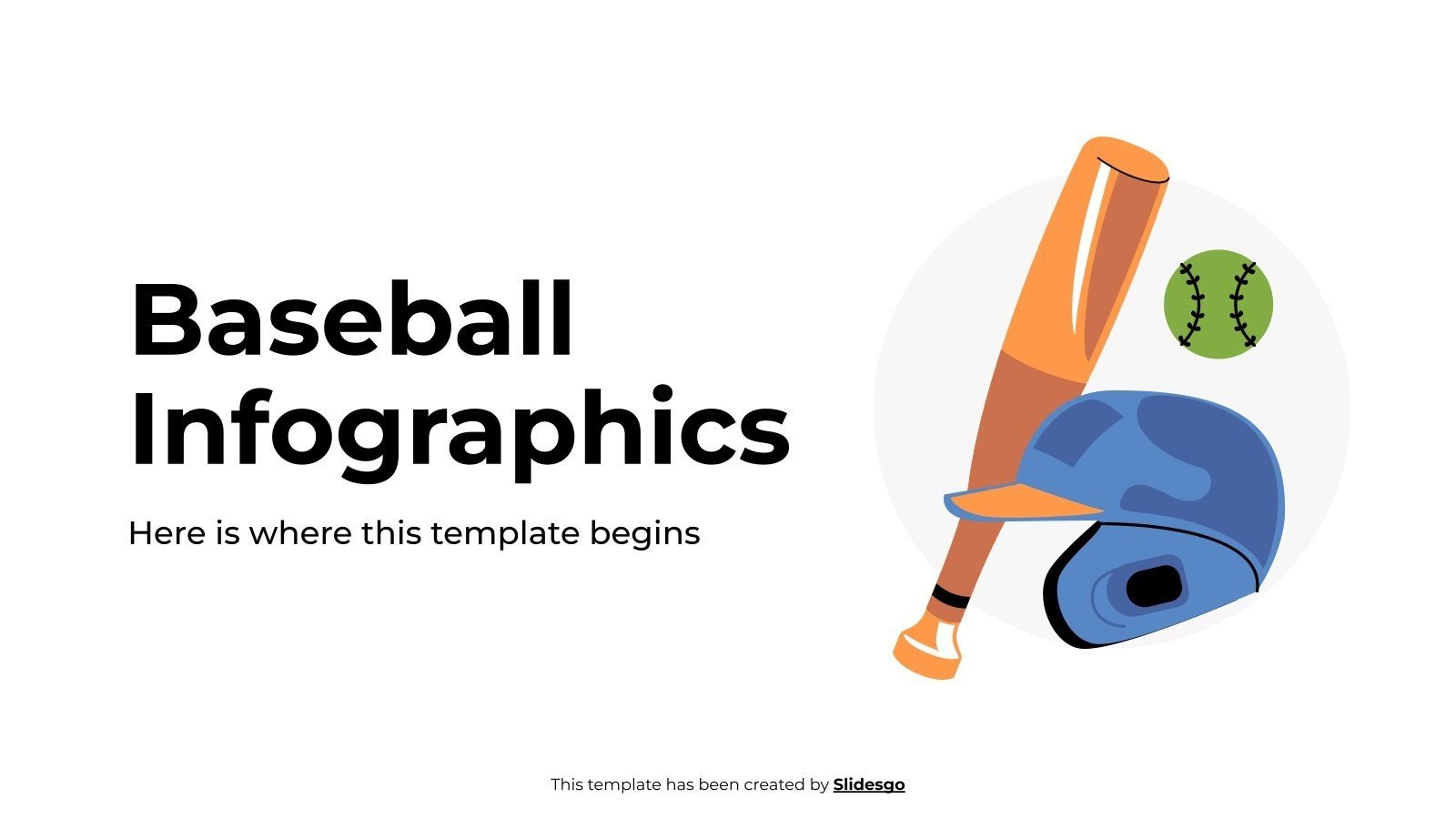
1. Baseball Infographics 1
This Baseball
Infographics 1 template is a creative, modern presentation
designed for users who need to present data in a visually engaging way.
Built for showcasing team stats or baseball history, this structure is
ideal for a marketing presentation, a school project, or a season recap
that needs to be both professional and fun.
Baseball Infographics 1 template
2. Baseball Infographics 2
This Baseball
Infographics 2 template is a dynamic, illustrated document
designed for users who want to tell a story with their data, not just
list numbers. The layout is defined by its clean, minimalist aesthetic
and a central illustration of a baseball batter in mid-swing, giving it
a strong sense of action. Built to be engaging, this structure is
perfect for a team's marketing materials or an end-of-season recap that
needs to feel energetic and visually appealing.
Baseball Infographics 2 template
3. Korean Baseball Team
Company Profile
This Korean
Baseball Team Company Profile is a highly professional,
corporate-style presentation designed for a team's official business or
marketing department. Unlike the previous infographic templates, this
layout is built for business, defined by its strong blue and red color
scheme and clean, professional data slides. Built for serious
presentations, this structure is perfect for presenting a team's history
or marketing plan to sponsors and investors.
Korean Baseball Team Company Profile template
4. Latin Baseball Team
Project Proposal
This Latin
Baseball Team Project Proposal is a vibrant, energetic
presentation designed for pitching a new team or community project. The
layout is defined by its warm, cream-colored background, dynamic photo
masks, and bold, retro-style fonts, all giving it a passionate,
scrapbook-like feel. Unlike the corporate and data-focused templates,
this one is built for making a strong, emotional impression. This
structure is perfect for seeking funding or community buy-in for a new
team.
Latin Baseball Team Project Proposal template
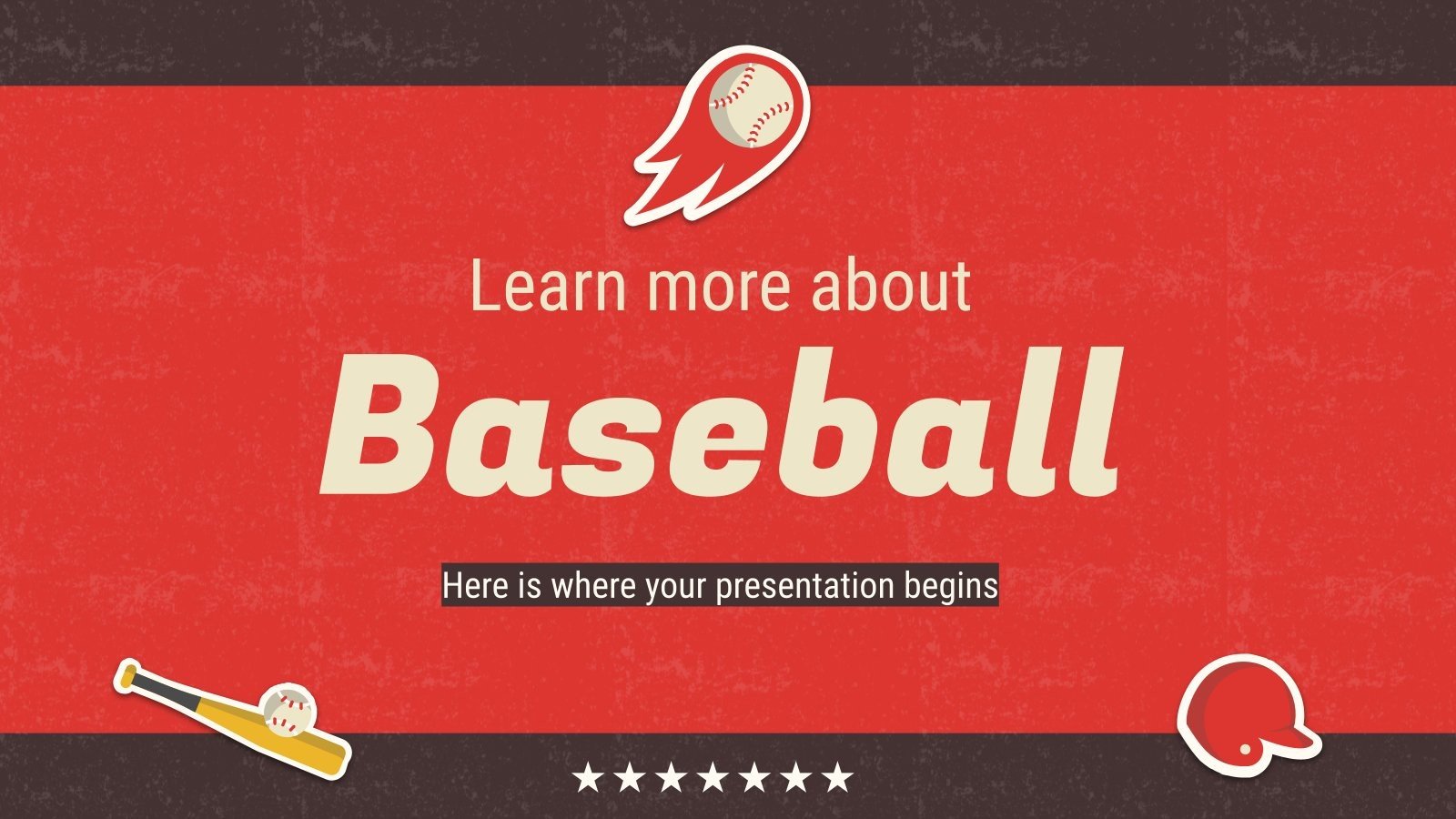
5. Learn more about Baseball
This Learn
more about Baseball template is an educational, retro-style
presentation designed for teachers, fans, or anyone giving an
informational talk. The layout is defined by its bold red, textured
background and classic, cream-colored font, giving it a nostalgic,
sporty feel. Unlike the corporate or data-driven templates, this one is
built for learning, with clean, easy-to-read slides perfect for a school
project, a trivia night, or a fan convention presentation.
Learn more about Baseball template
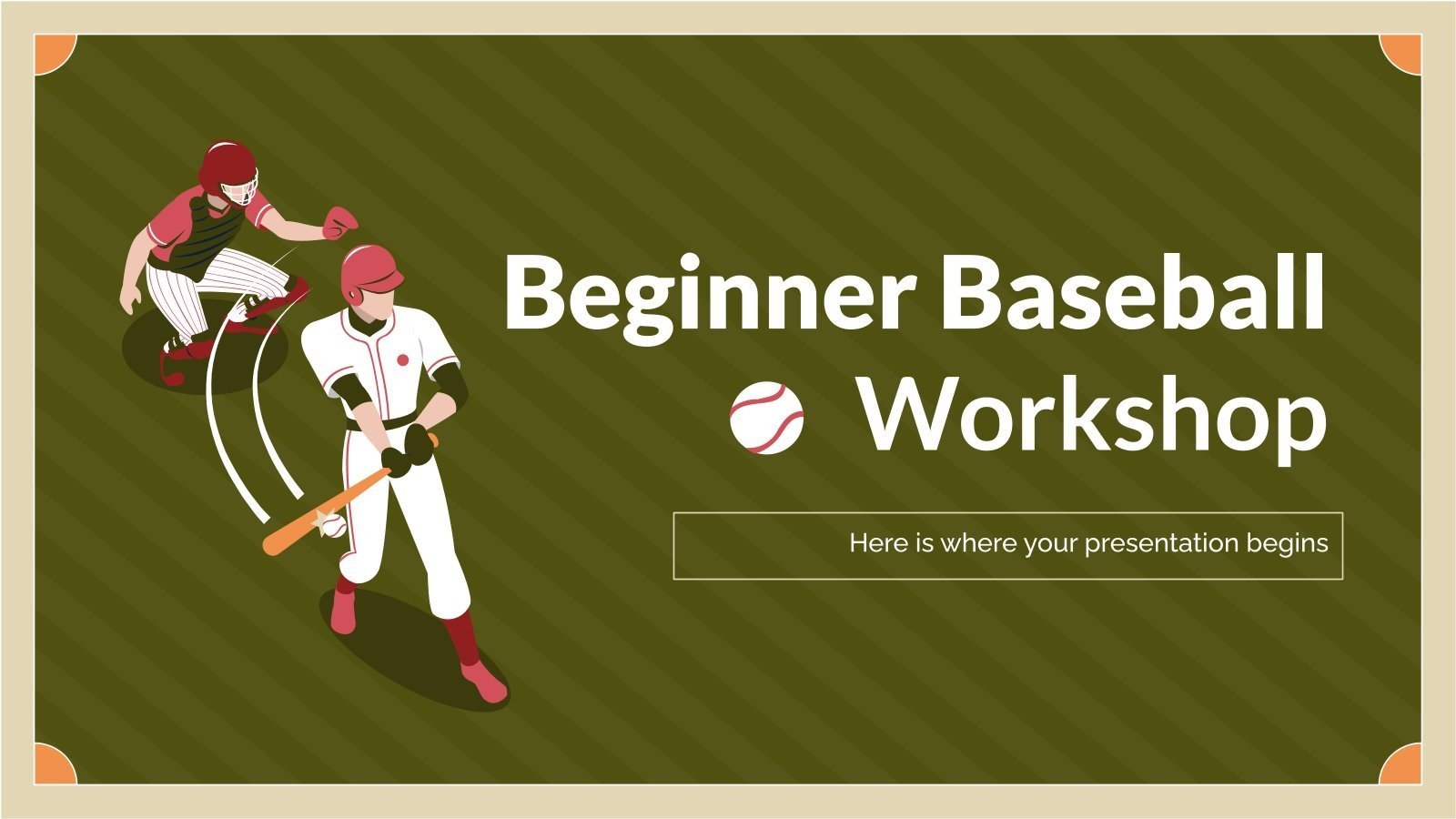
6. Beginner Baseball Workshop
This Beginner
Baseball Workshop is a friendly, approachable presentation
designed for teaching new players, parents, or coaches. The layout is
defined by its clean, olive-green striped background and charming
illustrations of a batter and catcher, giving it a classic, educational
feel. Unlike the retro red "Learn More" template, this one is built for
hands-on instruction. This structure is perfect for a community league,
a school gym class, or a coaching clinic that needs to present
information in a simple and engaging way.
Beginner Baseball Workshop template
7. Baseball Team MK Plan
This Baseball
Team MK Plan is a focused, professional template designed
specifically for a team's marketing department or a business strategist.
The layout is defined by its bold, patriotic color scheme (red, white,
and blue) and a clean, data-driven design, featuring slides for SWOT
analysis, market share, and social media. Built for strategic planning,
this structure is the perfect tool for presenting an annual marketing
plan, analyzing competitors, or pitching a new campaign to
stakeholders.
Baseball Team MK Plan template
8. Baseball Equipment:
Bats, Gloves and Balls
This Baseball
Equipment template is a sleek, minimalist presentation designed
for a sales pitch or a retail catalog. The layout is defined by its
clean, light-gray textured background, modern sans-serif font, and bold,
stylish illustration of a batter. Unlike the other templates, this one
is built specifically to showcase products. Its structure is perfect for
highlighting high-quality photos of bats, gloves, and balls, making it
ideal for a sporting goods company or a team supplier.
Baseball Equipment template
9. Baseball Training Center
This Baseball
Training Center is a powerful, high-energy presentation designed
to promote a training facility, a team, or a sports camp. The layout is
defined by its bold, dark design, grunge textures, and dynamic,
high-contrast photos to create an intense and athletic feel. Unlike the
other, more corporate or minimalist templates, this one is built for
motivation and recruitment. This structure is perfect for getting
players, parents, or investors excited about a training program.
Baseball Training Center template
10. Baseball Game Plan Layouts
This Baseball
Game Plan Layouts is a strategic, minimalist template designed
specifically for coaches and players. The layout is defined by its
retro, light-blue textured background, bold sporty fonts, and slides
featuring clean, abstract outlines of a baseball diamond. Unlike the
other templates that focus on data or photos, this one is built purely
for on-field strategy. This structure is the ideal tool for a coach to
map out plays, present a game plan, or build a team playbook
Baseball Game Plan Layouts template
While these 10 templates are some of my favorites for their clean
designs, you might have something in mind that might not be in this
collection. For those situations, the WPS Template website is the
natural next place to look. It’s an incredibly large library with
thousands of options. You're very likely to find a design that suits
your needs, and you can download it to use right away.
How to Edit
Baseball Themed Slideshows Template
Starting with a great baseball themed slideshow template is the first
step. But as a coach or team parent, you know that manually customizing slides,
adding player photos, and getting the transitions right for every single
highlight is a real time-waste. I find WPS
Presentation is the perfect tool for editing these
downloaded templates, as it lets you easily add your team logo, change
colors, and customize fields to look professional. For a truly
streamlined workflow that saves you time after the season, using a
powerful, free suite is the most efficient choice.
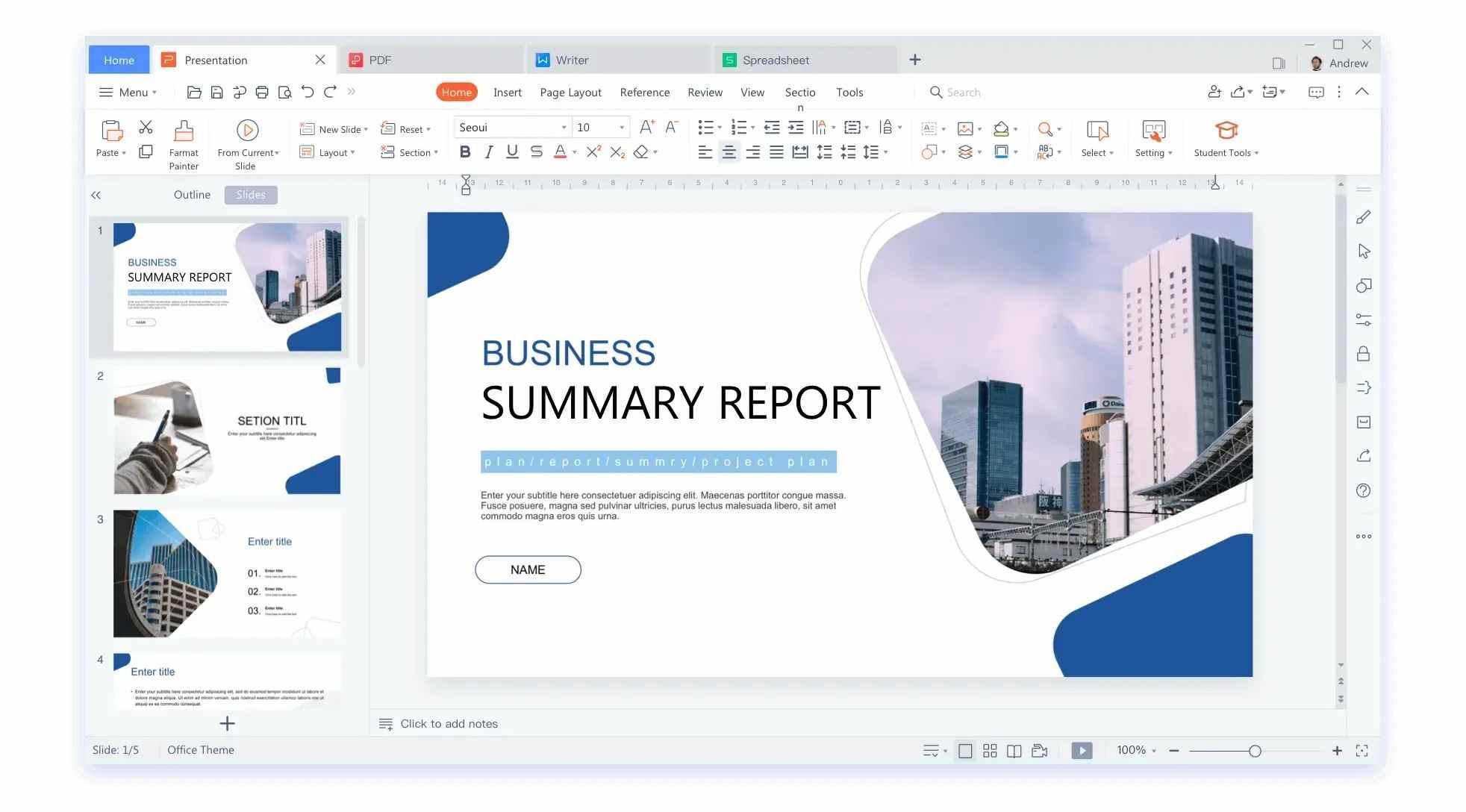
WPS Slides
Here’s a simple step-by-step guide on how to create a baseball themed
slideshows on WPS presentation and make this template truly yours.
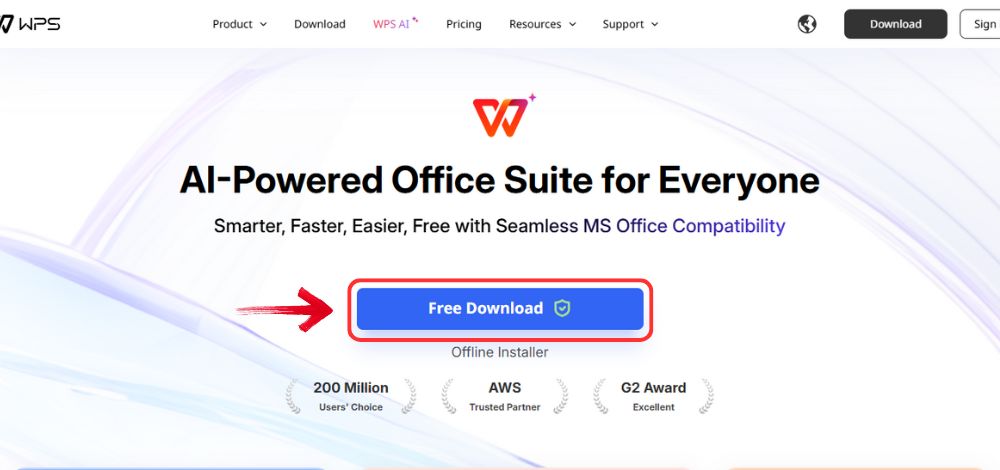
Step 1: Open your browser to visit WPS Office and click the "Free Download" button to start the download.
Download WPS Office
Step 2: The download will finish in a few seconds.
Once done, run the installation file like you would for any other app or
software.
Step 3: WPS Office will show you a few simple terms
and conditions. Accept them, then click the "Install
Now" button to begin the installation.
Install WPS Office
Step 4: After installation, in WPS Office, click “Slides” from the left sidebar and hit “Open” to select your downloaded template or select
from the template library in WPS Office.
WPS Slides Dashboard
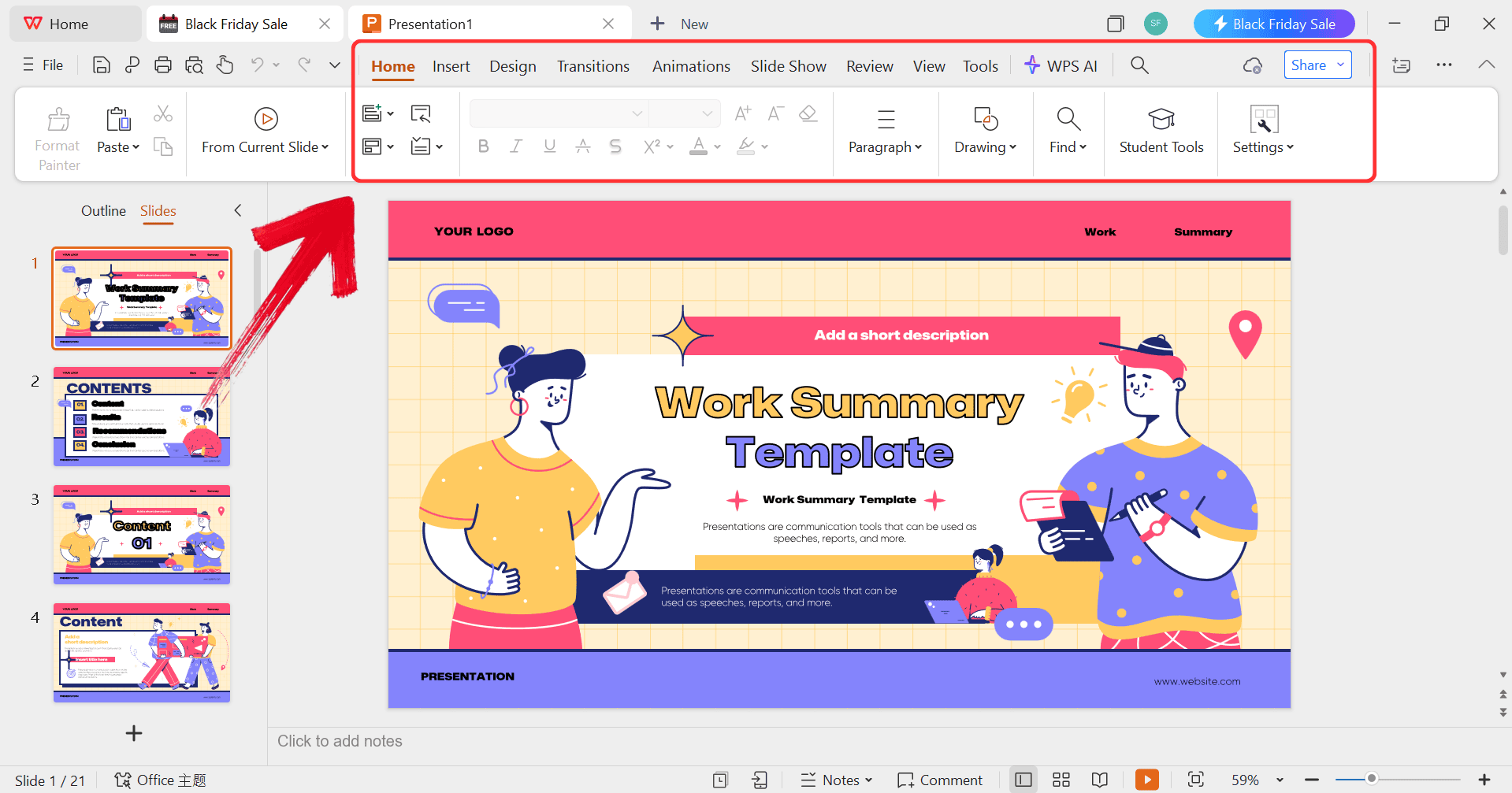
Step 5: Then click on the text you want to modify
and just enter your details within it by using the Ribbon above.
Customize your template
Step 6: After you’re done modifying the template,
head to “File” and choose “Export to
PDF” to save the invoice in your desired format.
Export as PDF
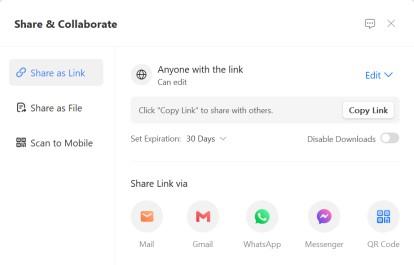
Step 7: You can also share the link to your document
with others to enable collaborative work in case they want to make their
own changes as well.
Share link
Free Office Suite
with Editable Templates
Having the right software makes a huge difference. While many tools
just handle one thing, WPS
Office is a complete, free office suite. It's designed to be an
all-in-one solution for documents, spreadsheets, and presentations,
making it the perfect tool for editing your templates.
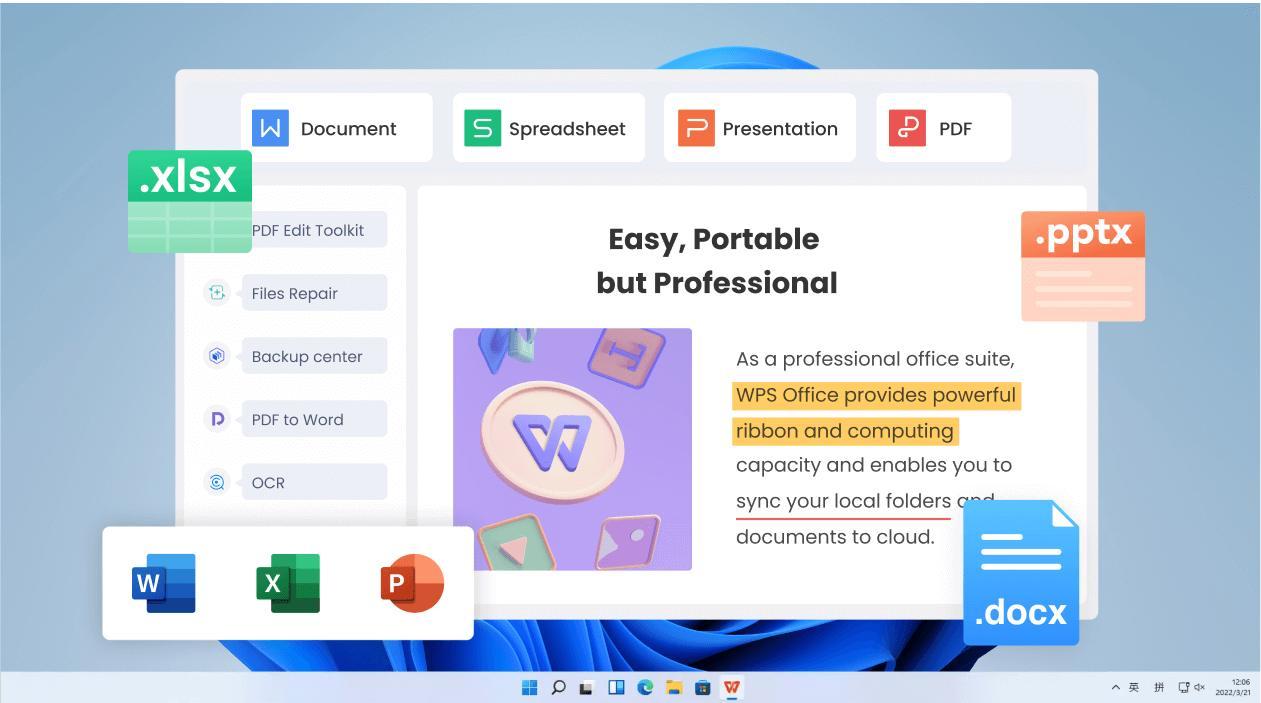
WPS Office
WPS Office is a free, all-in-one productivity suite, designed as a lightweight and powerful alternative to other
office software. It's a single application that includes Writer (for
Word documents), Spreadsheets (Excel), and Presentation (PowerPoint).
Its key advantage is compatibility, allowing you to open, edit, and save
files from other platforms, while also offering a robust cloud service
for collaboration and a huge library of built-in templates free
download.
Features:
AI-Powered Writing: Helps you write and refine the text for your slides, saving you time.
Free to Use: Get full access to Word, Excel, and PPT-compatible tools without any subscription.
Powerful PDF Toolkit: Edit, merge, and convert PDF files directly within the suite, not just save them.
Rich Template Store: Access thousands of built-in free templates directly from the app's dashboard.
Online & Offline Use: Work on your documents online or download the full app for powerful offline editing.
Shareable Editing: Share a single link to collaborate with other coaches or team parents in real-time.
100% secure
FAQs
Q1: How can I
add a personal touch to a template?
To make the slideshow truly yours, I recommend customizing it by
adding your team's logo and colors, including player names and stats,
and adding short captions or stories to specific photos.
Q2: How long should my
slideshow be?
This depends on your audience, but a good rule is to keep it short
and engaging. I aim for about 3-5 minutes for a team tribute and no more
than 10 minutes for a full season recap.
Q3:
Can I collaborate on a presentation with others in WPS Presentation?
Yes. With WPS Office's cloud features, you can easily save your
presentation and 'share it as a link'. This allows
multiple people to view and edit the same document in real-time.
Q4: What's the
best music for a baseball slideshow?
I find that upbeat, energetic rock or pop music works great for
highlight reels. For a season-in-review, a more nostalgic or orchestral
piece can be very effective.
Q5:
How do I add transitions between slides in WPS Presentation?
It's simple. 'Click on the slide' you want to add a
transition to. Then, 'click the Transitions tab' in the
main toolbar and select an effect like "Fade" or "Wipe."
My Final Thoughts
Creating powerful baseball themed slideshows is all about telling your team's story, not about being a design expert. By starting with a professional template, you can focus on what matters that is, the photos, the key moments, and the memories. The right template handles the layout for you. A great, all-in-one tool like WPS Office makes the entire process of editing and sharing that story simple and accessible for everyone.
Khadija Khan is a tech writer who explores office suites and creates content to simplify everyday tools. She teaches and inspires through clear, engaging writing.


'%3e%3cpath%20d='M8%200C12.4183%200%2016%203.58172%2016%208C16%2012.4183%2012.4183%2016%208%2016C3.58172%2016%200%2012.4183%200%208C0%203.58172%203.58172%200%208%200ZM11.6162%204.38379C11.2257%203.99337%2010.5927%203.99338%2010.2021%204.38379L8%206.58594L5.79785%204.38379C5.40732%203.99334%204.77429%203.99329%204.38379%204.38379C3.99331%204.77429%203.99335%205.40733%204.38379%205.79785L6.58594%208L4.38379%2010.2021C3.99348%2010.5927%203.99341%2011.2257%204.38379%2011.6162C4.77426%2012.0066%205.40734%2012.0065%205.79785%2011.6162L8%209.41406L10.2021%2011.6162C10.5927%2012.0066%2011.2257%2012.0067%2011.6162%2011.6162C12.0067%2011.2257%2012.0066%2010.5927%2011.6162%2010.2021L9.41406%208L11.6162%205.79785C12.0066%205.40735%2012.0066%204.77429%2011.6162%204.38379Z'%20fill='%23080E17'%20fill-opacity='0.46'/%3e%3c/g%3e%3cdefs%3e%3cclipPath%20id='clip0_3761_713'%3e%3crect%20width='16'%20height='16'%20fill='white'/%3e%3c/clipPath%3e%3c/defs%3e%3c/svg%3e)




'%3e%3cpath%20fill-rule='evenodd'%20clip-rule='evenodd'%20d='M21.4999%2010.9993C21.4999%205.20009%2016.7986%200.498901%2010.9993%200.498901C5.19994%200.498901%200.498657%205.20009%200.498657%2010.9993C0.498657%2016.2404%204.33858%2020.5844%209.35855%2021.3722V14.0346H6.69238V10.9993H9.35855V8.68594C9.35855%206.05427%2010.9262%204.60062%2013.3248%204.60062C14.4736%204.60062%2015.6753%204.80571%2015.6753%204.80571V7.38979H14.3512C13.0468%207.38979%2012.64%208.19921%2012.64%209.0296V10.9993H15.5523L15.0867%2014.0346H12.64V21.3722C17.66%2020.5844%2021.4999%2016.2404%2021.4999%2010.9993Z'%20fill='%231568EA'/%3e%3c/g%3e%3c/svg%3e)


'%3e%3cpath%20d='M2.42045%2022.1876H6.31818V12.7217L0.75%208.54553V20.5171C0.75%2021.4414%201.49892%2022.1876%202.42045%2022.1876Z'%20fill='%234285F4'/%3e%3cpath%20d='M19.682%2022.1876H23.5797C24.5041%2022.1876%2025.2502%2021.4387%2025.2502%2020.5171V8.54553L19.682%2012.7217'%20fill='%2334A853'/%3e%3cpath%20d='M19.682%205.48293V12.7216L25.2502%208.54543V6.31816C25.2502%204.25236%2022.8921%203.07469%2021.2411%204.31361'%20fill='%23FBBC04'/%3e%3cpath%20d='M6.31824%2012.7217V5.48303L13.0001%2010.4944L19.6819%205.48303V12.7217L13.0001%2017.733'%20fill='%23EA4335'/%3e%3cpath%20d='M0.75%206.31816V8.54543L6.31818%2012.7216V5.48293L4.75909%204.31361C3.10534%203.07469%200.75%204.25236%200.75%206.31816Z'%20fill='%23C5221F'/%3e%3c/g%3e%3cdefs%3e%3cclipPath%20id='clip0_2954_7305'%3e%3crect%20width='24.5'%20height='18.375'%20fill='white'%20transform='translate(0.75%203.8125)'/%3e%3c/clipPath%3e%3c/defs%3e%3c/svg%3e)













'%3e%3cpath%20d='M19.9911%204.11386V6.471H18.5894C18.0775%206.471%2017.7322%206.57814%2017.5536%206.79243C17.3751%207.00671%2017.2858%207.32814%2017.2858%207.75671V9.44421H19.9019L19.5536%2012.0871H17.2858V18.8639H14.5536V12.0871H12.2769V9.44421H14.5536V7.49779C14.5536%206.39064%2014.8632%205.53201%2015.4822%204.92189C16.1013%204.31177%2016.9257%204.00671%2017.9554%204.00671C18.8304%204.00671%2019.509%204.04243%2019.9911%204.11386Z'%20fill='%23333333'/%3e%3c/g%3e%3cdefs%3e%3cclipPath%20id='clip0_2938_8199'%3e%3crect%20width='16'%20height='16'%20fill='white'%20transform='translate(8%204.00671)'/%3e%3c/clipPath%3e%3c/defs%3e%3c/svg%3e)
'%3e%3cpath%20d='M17.5237%2010.7813L23.4811%204H22.0699L16.8949%209.88693L12.7648%204H8L14.2469%2012.9029L8%2020.0133H9.4112L14.8725%2013.7952L19.2352%2020.0133H24M9.92053%205.04213H12.0885L22.0688%2019.0224H19.9003'%20fill='%23333333'/%3e%3c/g%3e%3cdefs%3e%3cclipPath%20id='clip0_2938_8200'%3e%3crect%20width='16'%20height='16.0134'%20fill='white'%20transform='translate(8%204)'/%3e%3c/clipPath%3e%3c/defs%3e%3c/svg%3e)


