Mac
Intel & Apple Silicon · Open PDF instantly
WPS PDF · Free PDF Open App Download
Get WPS Office — the trusted pdf open app download for crystal-clear viewing, fast search, and smart annotation on every platform. No Adobe required.
Intel & Apple Silicon · Open PDF instantly
Lightweight desktop · Free PDF opener
Open PDF on the go · WPS Cloud sync
iPhone & iPad · Default PDF reader
Deb & RPM · Open PDF offline free
Browsers and built-in viewers often fail on large files, password-protected PDFs, or offline reading. A proper pdf open app download solves all of that — and WPS goes further.
Large PDFs, scanned files and password-protected documents need a real pdf opener app — not a browser tab.
Email attachments and cloud files need a reliable pdf reader app download — stop guessing which app opens your file.
Flights, commutes and low-connectivity zones require a pdf open app that works without internet after download.
Most readers stop at viewing. WPS lets you annotate, edit, convert and sign — all in one free pdf open app download.
Three simple steps to download WPS and open any PDF — scroll through each step below. Your free pdf open app download takes less than a minute.
Click Free Download on this page to get WPS Office. One installer includes the built-in PDF reader — no separate pdf open app download required. Available for Windows, Mac, Linux, Android and iOS.
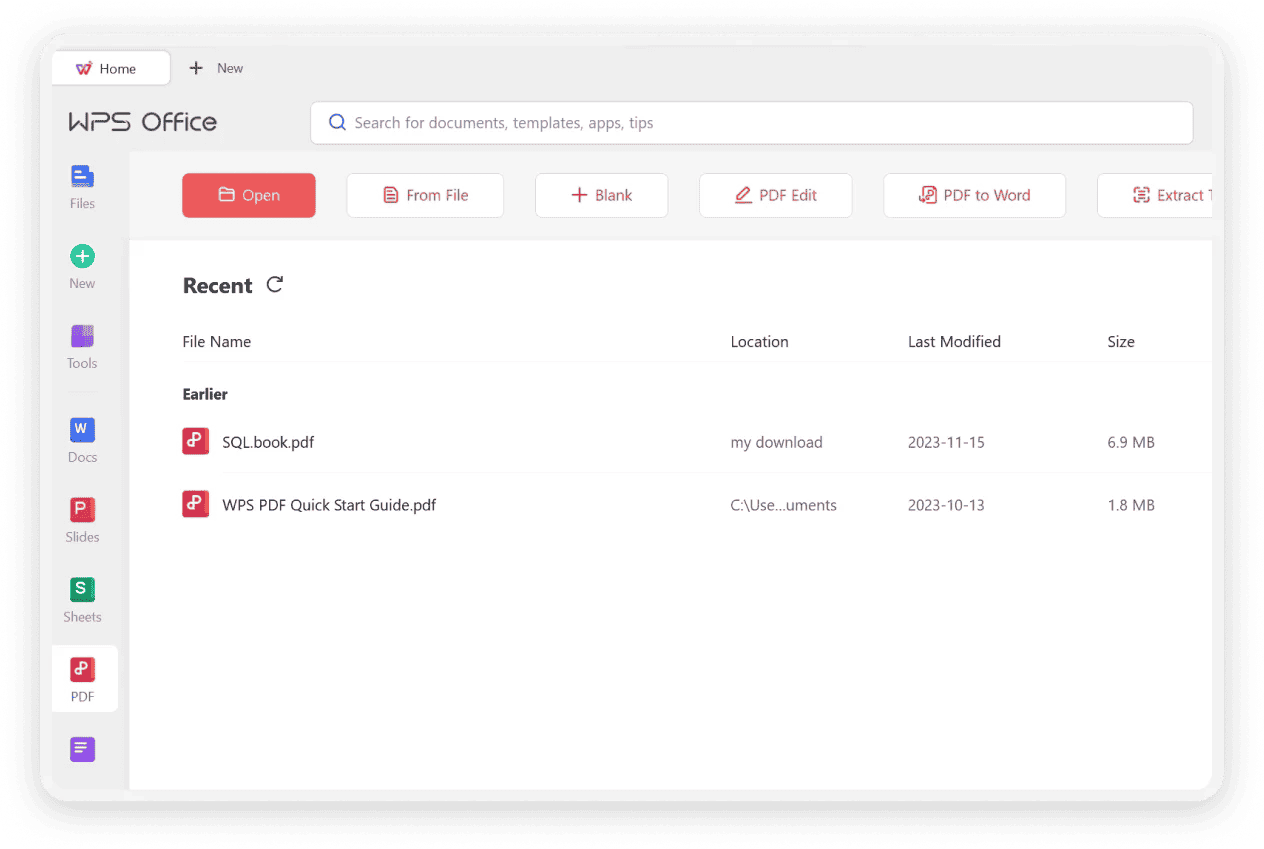
Double-click any PDF, drag it into WPS, or right-click and choose Open with WPS. On mobile, tap a PDF attachment in email or Files and select WPS as your pdf opener app.
Choose single-page or continuous scroll mode, use full-text search to find keywords instantly, add bookmarks, then highlight, comment or draw on your document. Your pdf open app becomes a complete reading workspace.
Crystal-clear viewing, powerful annotation, and lightning-fast search — then edit, convert and sign without switching apps. Click any image to zoom.
Written by the WPS PDF product team. WPS PDF Reader opens files locally for privacy, supports password-protected PDFs, and is trusted by 200M+ users as a free Adobe alternative. Explore the official Read PDF page.
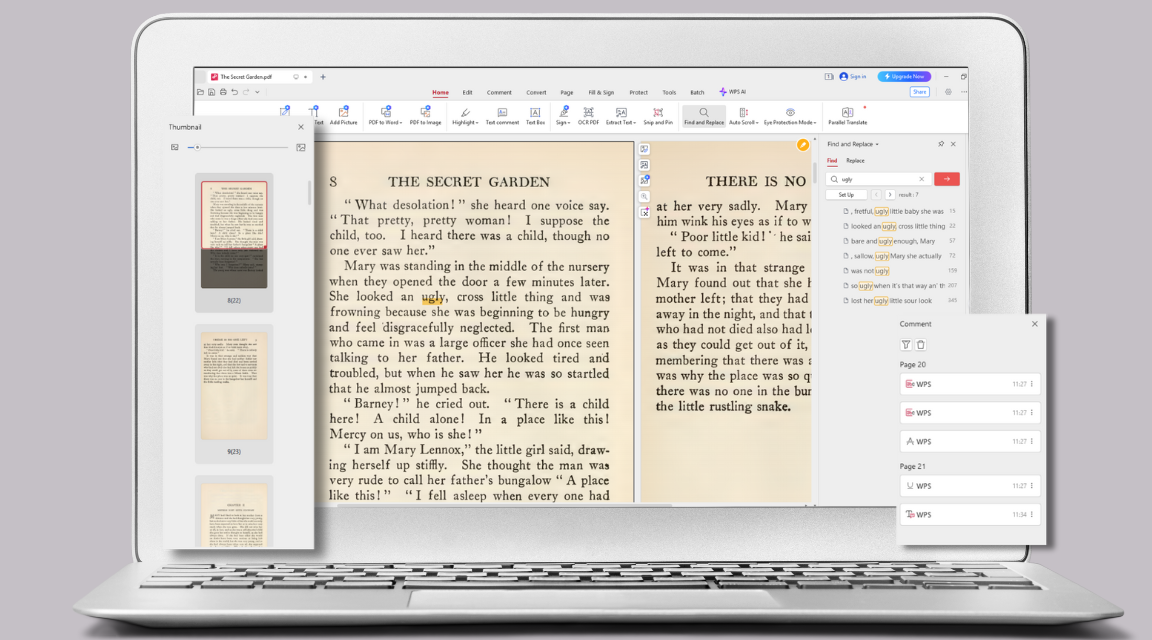
Render any PDF with high fidelity — preserving original layouts, fonts and images. Choose single-page, continuous scroll, or reader mode for comfortable reading. Zoom in on details without losing clarity, whether it's a contract, textbook or portfolio.
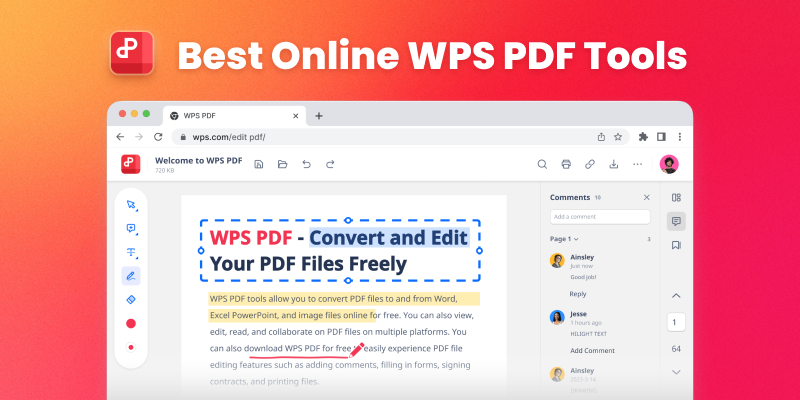
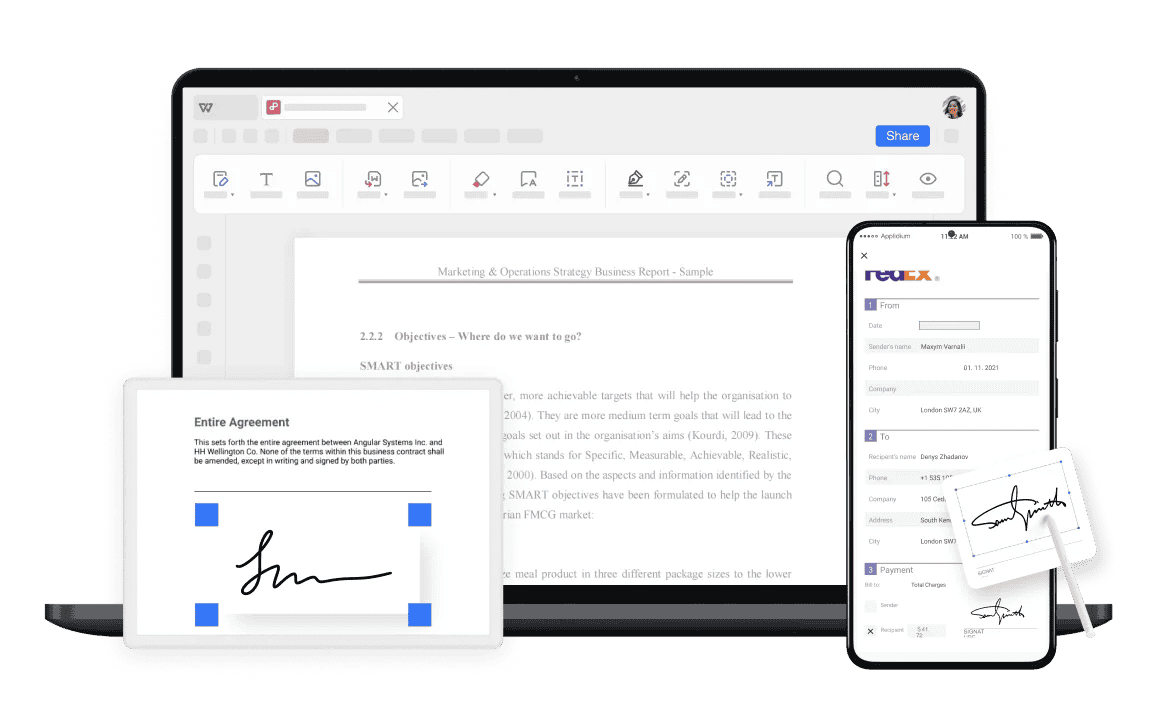
After you open a PDF, mark it up like a pro. Highlight, underline and strikethrough key text. Add sticky notes, text comments, shapes and freehand sketches. Track all annotations in one panel — perfect for students, legal teams and designers reviewing documents.
Instantly find words or phrases with a powerful search tool. Create and manage bookmarks to jump to important sections. View page thumbnails in a side panel. Open password-protected PDFs securely — your pdf reader app download handles documents from 10 to 1,000+ pages without lag.
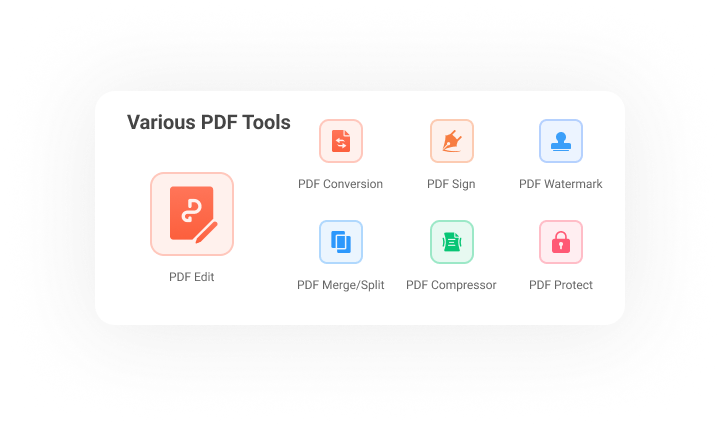
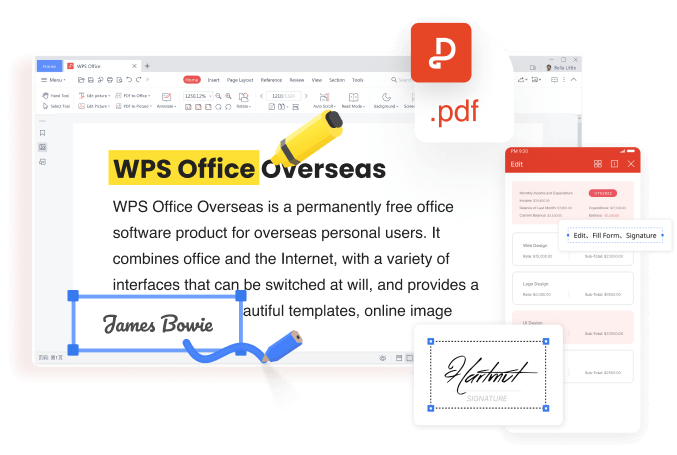
Most pdf open app download options stop at viewing. WPS opens the file — then lets you edit text with AI font matching, convert PDF ↔ Word/Excel/PPT, run OCR on scanned files, merge & split pages, sign contracts, and chat with PDF via AI. One app replaces Adobe, iLovePDF and Smallpdf.
Your pdf open app download includes a complete PDF toolkit. No switching to other apps after you open a file.
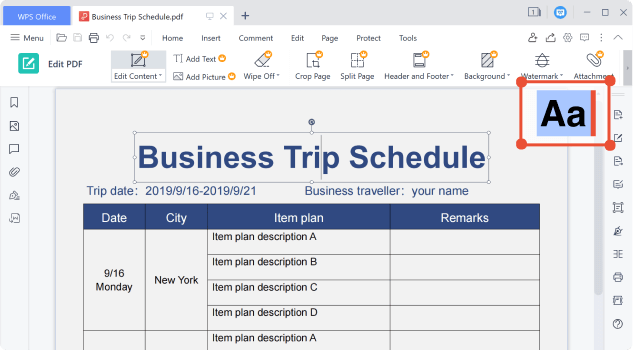
AI matches fonts — modify text & images like a Word file after opening.
PDF ↔ Word, Excel, PowerPoint & JPG — free online & in-app.
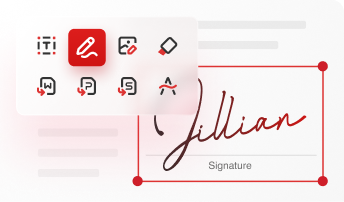
Draw, type or upload e-signatures — fill forms & sign contracts.
Turn scanned PDFs into searchable, editable text with built-in OCR.
Merge, split, reorder & delete pages — manage multi-page documents.
Chat with PDF, summarize & translate — smart assistant built in.
PDF Open App Download
One installer includes WPS PDF Reader — open, view, search and annotate PDF files instantly. The trusted pdf open app download for 200M+ users worldwide.
WPS PDF Open App for
Lightweight, low memory — open any PDF instantly with built-in reader, search & annotation tools.
WPS PDF Open App for
Support Intel and Apple Silicon — open PDF files natively on macOS with crystal-clear rendering.
WPS PDF Open App for
One of the best office suites for Linux — Deb & RPM packages to open PDF offline.
WPS PDF Open App for
Open PDF attachments on the go — email, cloud & Files app with WPS Cloud sync.
WPS PDF Open App for
iPhone & iPad — your default pdf opener app for contracts, ebooks & reports.
Real users · PDF open app
Real feedback from students, legal analysts and designers who chose WPS as their pdf open app download — fast, free, and far better than a browser tab.
Reviews reflect common themes from G2 Crowd, CNET, Google Play & Trustpilot.
This is the best free PDF reader for research. I open PDF textbooks and papers daily, and the annotation tools are a lifesaver for my notes. The pdf open app download was quick and it handles 500-page files without lag.
I need to view and mark up contracts quickly. WPS PDF Reader is incredibly fast and reliable. The highlight and comment features are essential — best pdf open app I've used for legal work.
I often need to open large PDF portfolios. This pdf reader app handles them without any lag, and the rendering is perfect. It's my default pdf open app now — replaced Adobe Reader entirely.
Adobe Acrobat is expensive and bloated. WPS opens PDF files instantly, lets me search and annotate for free, and the pdf open app download is completely free. No brainer for everyday PDF reading.
The OCR feature is amazing for my research papers. I can open scanned PDFs, turn them into searchable text, then highlight and annotate. This pdf open app download completely changed how I study.
Our team needed a secure pdf opener app that works offline on flights. WPS processes files locally, opens password-protected PDFs, and the free pdf open app download works on every device we use.
WPS Office is the best free pdf open app download for most users. It opens PDF files instantly on Windows, Mac, Linux, Android and iOS, with viewing, search, annotation and editing built in — no Adobe subscription required. Trusted by 200M+ users worldwide.
Download WPS Office from Google Play or the App Store. Tap any PDF in your email, Files app or cloud storage, then choose Open with WPS. Your pdf open app handles attachments in seconds — no extra setup needed.
Yes. WPS Office offers a completely free pdf open app download for Windows and Mac. Core features — open, view, search and annotate PDFs — are free with no trial or hidden fees. Click Free Download on this page to get started.
Yes. WPS PDF Reader opens password-protected PDF files. Enter the correct password when prompted to view the document securely — a must-have for any professional pdf reader app download.
No. WPS Office is a powerful, cost-effective Adobe Acrobat alternative. Your pdf open app download includes professional viewing, editing, converting and signing — all free. WPS is lighter, faster and trusted by millions of businesses worldwide.
Yes. After your pdf open app download, WPS opens PDF files offline on desktop and mobile — perfect for travel, commutes and areas without internet. Download once, read anywhere.
Basic PDF readers only let you view files. WPS is a full office suite — open PDFs, then edit text with AI, convert to Word/Excel/PPT, run OCR, sign documents and chat with PDF via AI. One pdf open app download replaces multiple tools.
Yes. WPS built-in OCR converts scanned PDFs and images into searchable, editable text. Open the scanned file, run OCR, then modify text, search content and annotate — just like a native PDF document.
Yes. WPS processes files locally on your device — sensitive documents are never uploaded unless you choose cloud sync. With 35 years of brand history and 200M+ users, WPS is a trusted, secure pdf opener app download.
WPS is completely free with full viewing, annotation and editing on all platforms. Adobe Acrobat Reader is limited without a paid subscription and takes significant disk space. For most users seeking a pdf open app download, WPS offers better value and more features.
Looking for one tool that opens PDF, Word, Excel, PowerPoint, and more? Try the free WPS online file opener—browse files online or download the desktop app for offline access.
Get the best free pdf open app download — open PDF files instantly, search & annotate with ease, plus edit, convert & sign on every device.
One installer · PDF Reader + Writer + Spreadsheet & Presentation